
Minimal Gallery Page - Simple Custom Post Type Gallery
| 开发者 | veidenbaums |
|---|---|
| 更新时间 | 2026年4月16日 19:07 |
| PHP版本: | 7.4 及以上 |
| WordPress版本: | 6.9 |
| 版权: | GPLv2 or later |
| 版权网址: | 版权信息 |
详情介绍:
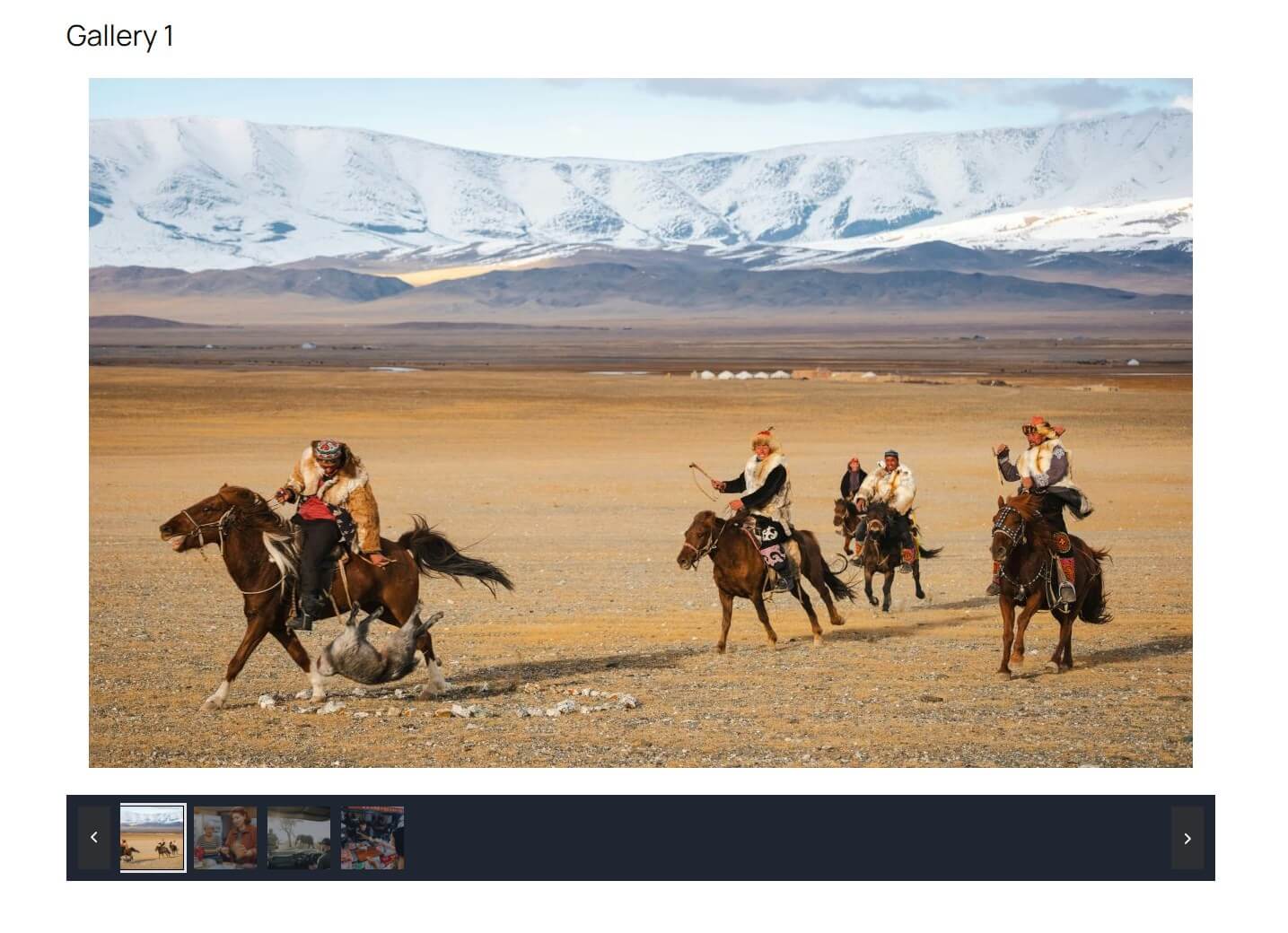
- Simple and minimal image gallery plugin
- Custom post type gallery for structured image management
- Automatic gallery archive page
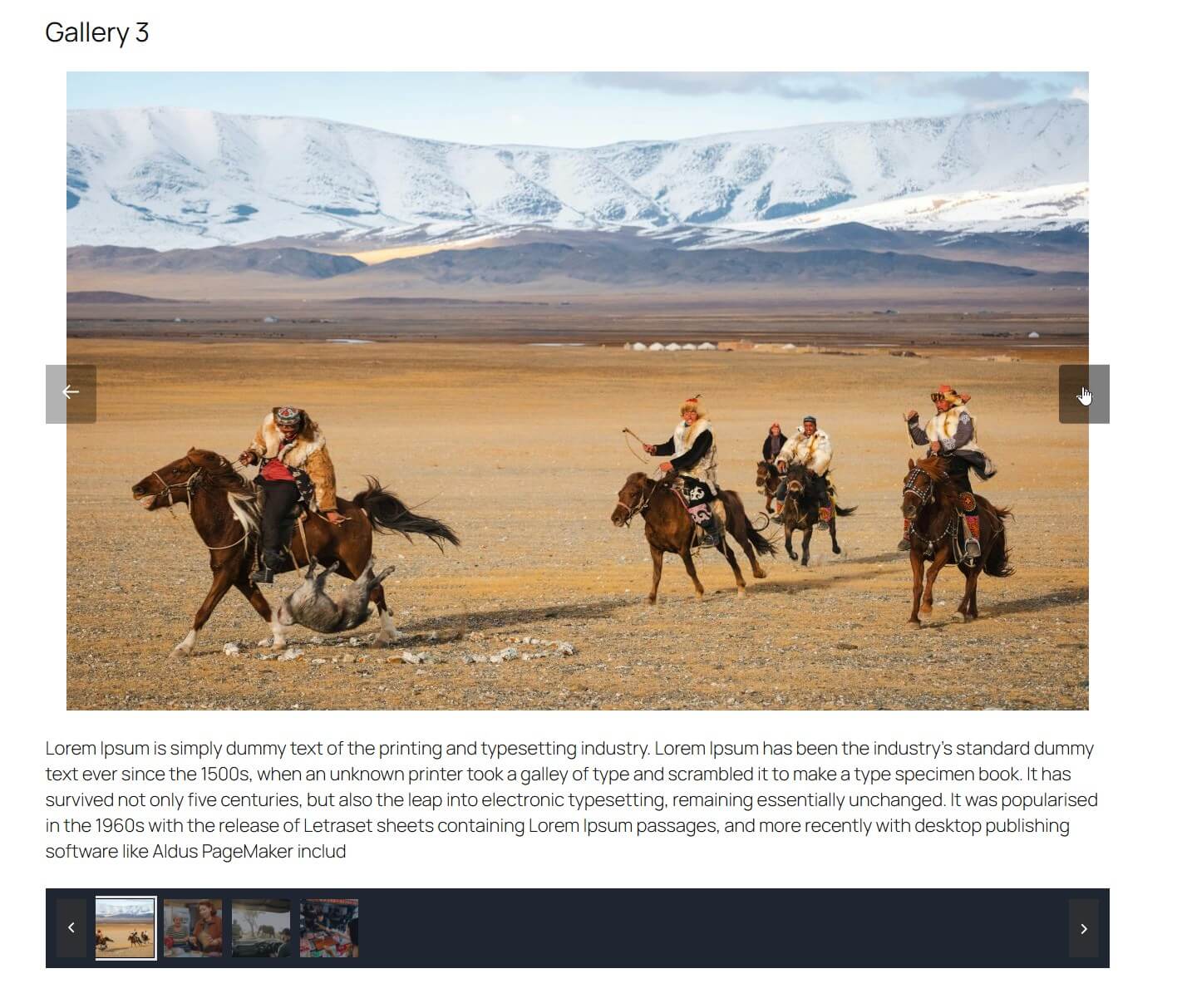
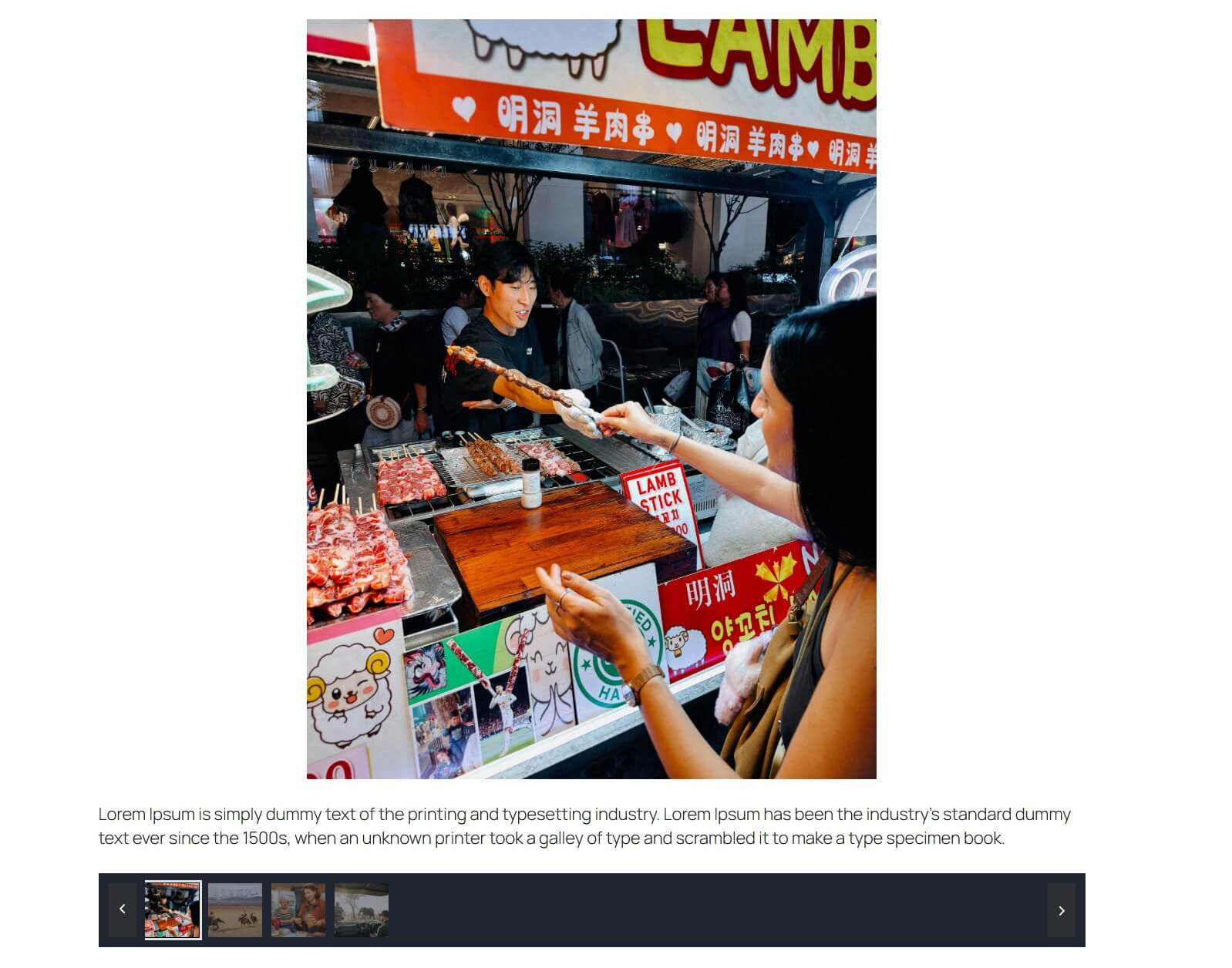
- Single page gallery view for each gallery
- Drag-and-drop image management
- Optimized image sizes for performance
- Responsive and mobile-friendly gallery layout
- Customizable gallery URL slug
- Clean frontend templates with no bloat
- Theme-friendly and easy to override
- Automatic permalink flushing when slug changes
- Translation ready
- Go to Gallery > Add New in your WordPress admin
- Enter a title and optional description for your gallery
- Click "Add images" in the Gallery Images meta box
- Select multiple images from your media library
- Click "Add to gallery"
- Publish to create a single page gallery
- minigp_single_gallery - 1230px wide (single gallery view)
- minigp_list_gallery - 500x500px (gallery archive/listing)
- gallery-single-style-1.php- Single gallery template
- template-gallery-1.php - Gallery archive template
- your-theme/resources/views/templates/minimal-gallery-page/gallery-single-style-1.blade.php
安装:
- Log in to your WordPress admin panel
- Navigate to Plugins > Add New
- Search for "Minimal Gallery Page"
- Click "Install Now" and then "Activate"
- Download the plugin ZIP file
- Go to Plugins > Add New > Upload Plugin
- Upload the ZIP file and click "Install Now"
- Activate the plugin
- Go to Gallery > Settings
- Customize the gallery URL slug if needed
- Start creating galleries via Gallery > Add New
屏幕截图:
常见问题:
How do I add images to a gallery?
Go to Gallery > Add New, enter a title, then click "Add images" in the Gallery Images meta box. Select multiple images and click "Add to gallery".
Can I change the gallery URL structure?
Yes. Go to Gallery > Settings and change the Gallery Slug. This controls both the gallery archive and single page gallery URLs.
Do I need to flush permalinks manually?
No. The plugin automatically flushes permalinks when the slug is changed. If needed, you can manually visit Settings > Permalinks and click "Save Changes".
How do I view all galleries?
You can view all galleries on the frontend via the gallery archive page, or manage them in the admin under Gallery > All Items.
Can I customize the gallery templates?
Yes. The plugin supports template overrides in your theme. See the Theme Integration section above for file paths.
Is the plugin translation ready?
Yes. The plugin is fully translation ready using the text domain "minimal-gallery-page".
更新日志:
- Added Gutenberg block to display a gallery anywhere on a page or post
- Bug fixes and improvements
- Initial release
- Custom post type gallery
- Drag-and-drop image management
- Gallery archive and single page gallery templates
- Admin settings page
- Customizable URL slug
- Automatic permalink flushing
- Theme integration support
- Translation ready