Limit Login Attempts
| 开发者 |
cyberlord92
miniOrange limitloginattempts miniorangesecurity limit login attempts mini-orange-security |
|---|---|
| 更新时间 | 2022年12月1日 12:56 |
| 捐献地址: | 去捐款 |
| PHP版本: | 5.3 及以上 |
| WordPress版本: | 6.1.1 |
| 版权: | GPLv2 or later |
| 版权网址: | 版权信息 |
详情介绍:
Limit Login Attempts provides a comprehensive security package to secure your site. We provide Limit login attempts, Brute force Protection, Google reCAPTCHA, Spam Protection, Rename Login URL, IP blocking, DOS protection, Login Security, Rate Limiting, and traffic blocking to secure your site against bots.
Limit Login Attempts will protect from the advanced brute force by Limit login, Ip blocking, rename login URL, and protection from spam/bot by Google Recaptcha.
Features :-
LIMIT LOGIN ATTEMPTS
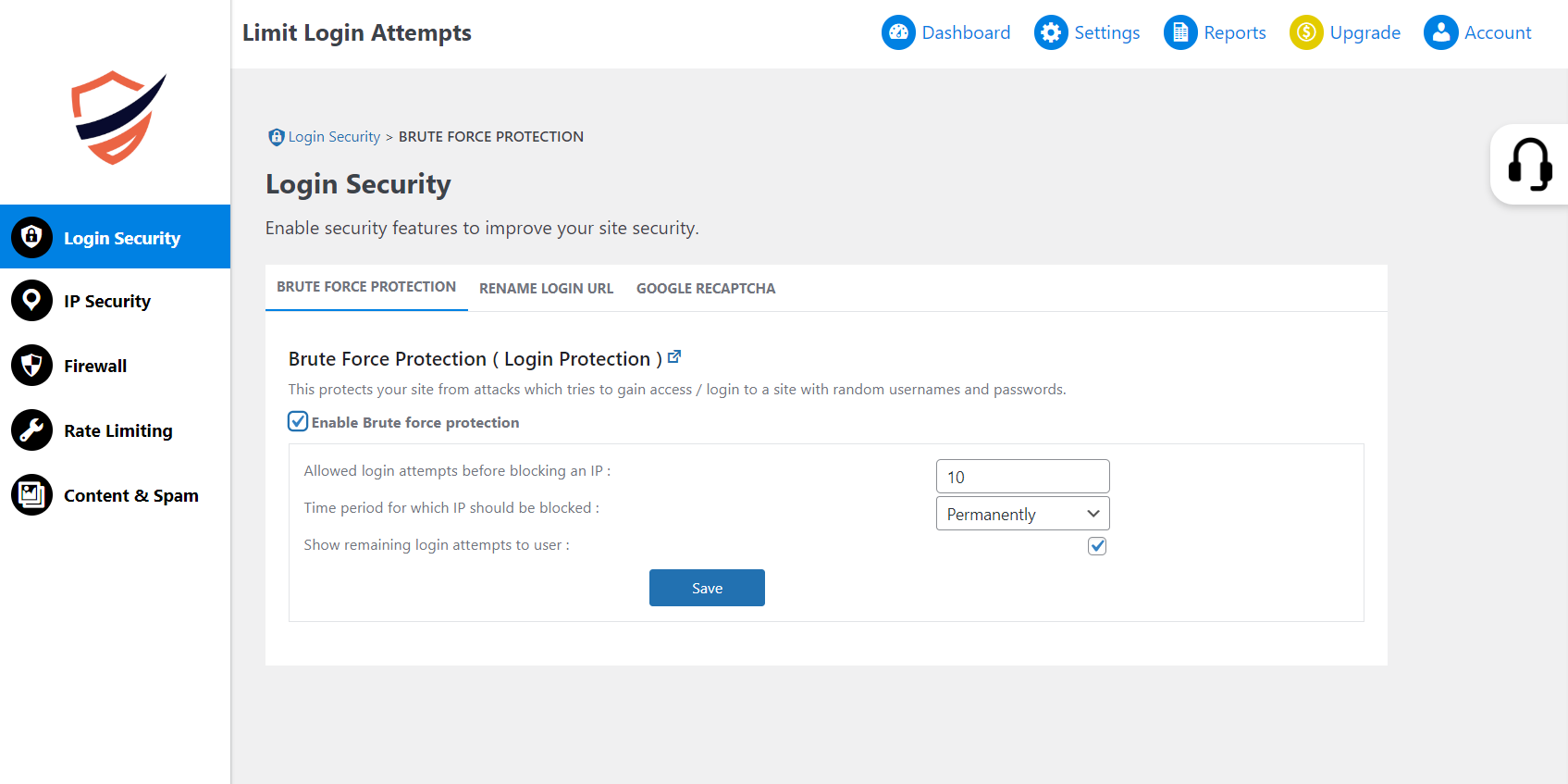
Limit Login Attempts to protect your site from attacks that try to gain access/login to a site with random usernames and passwords. A Brute Force Attack is the simplest kind of method to gain access to a website. You can limit the login attempts made by an IP and block it as well. Limit Login Attempts
LOGIN SECURITY
We help you protect your website against brute force login attacks by blocking an IP address of the hacker after a specified limit of failed login attempts.
When using Limit Login Attempts, you can block the user after certainly failed login attempts thus providing extra login security.
SPAM PROTECTION
Spam protection protects your site using Google reCAPTCHA.
Rename Login URL
Every website has default login URLs, which all hackers, bots, and malicious attackers are aware of. Once they reach your login page, they only need to guess your password to gain access, which is why protecting your site's login page by Rename login URL is critical for its security.
Google Recaptcha
Google Recaptcha secures you from Brute force attacks on the login and registration page.
BRUTE FORCE ATTACKS PROTECTION
By default, WordPress allows users to try different passwords as many times as they want, this is also known as a brute force attack. However, you can change this and add an extra layer of login security to protect your site.
Brute Force Limit Login Protection with IP Blocking security help you monitor login attempts from your users and hackers. We keep track of user's login attempts and we send alerts to administrators for unusual activities if someone exceeds allowed failed login attempts.
BLOCK REGISTRATIONS FROM FAKE USERS
Spam protection of Limit Login Attempts helps you detect suspicious email addresses instantly and provides a means for effective spam protection.
- Realtime Global IP blocking – It protects your website from malicious IPs and lets the genuine traffic on your WordPress.
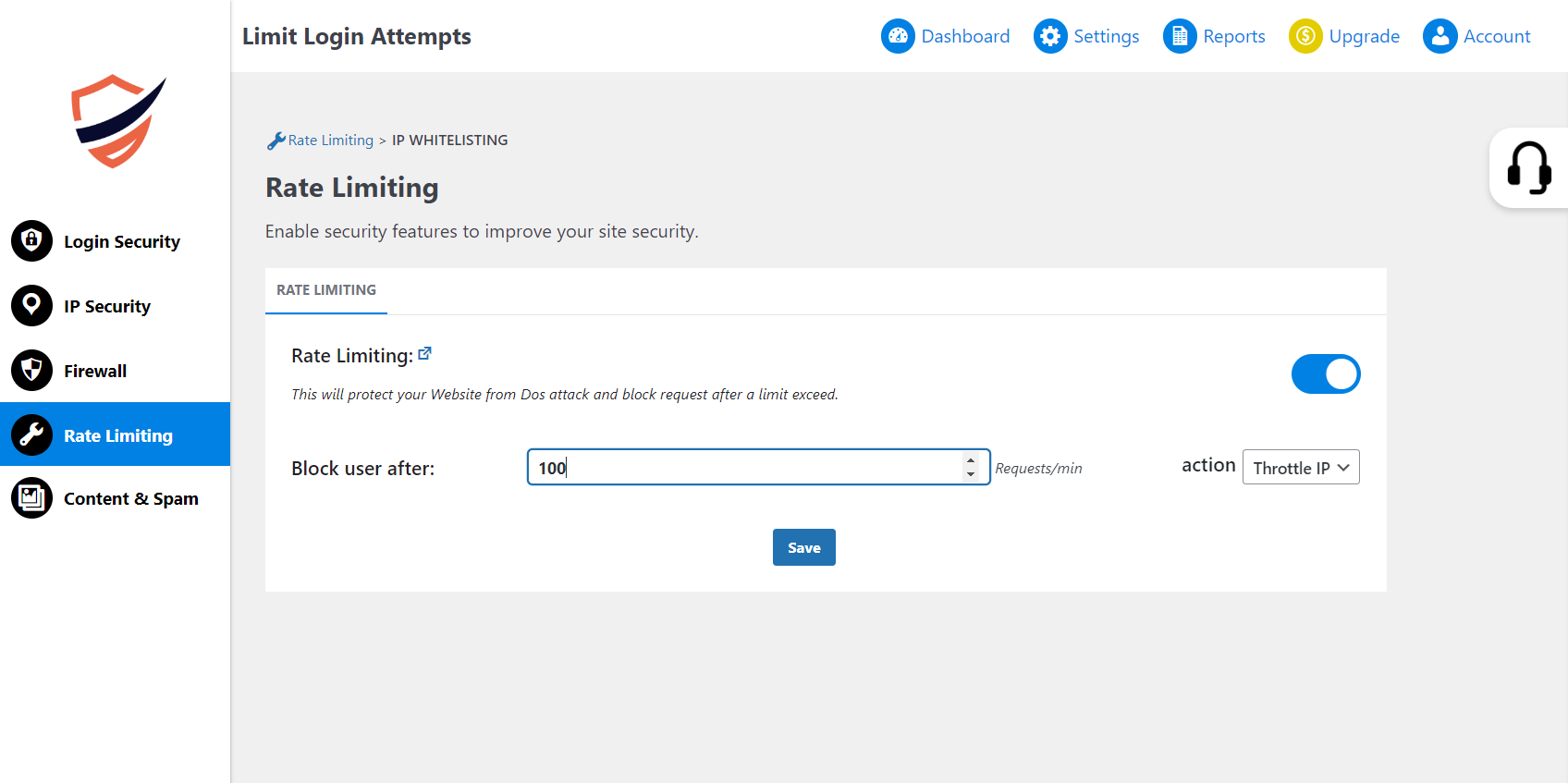
- Rate Limiting – It controls the number of incoming requests from a specific IP to your website
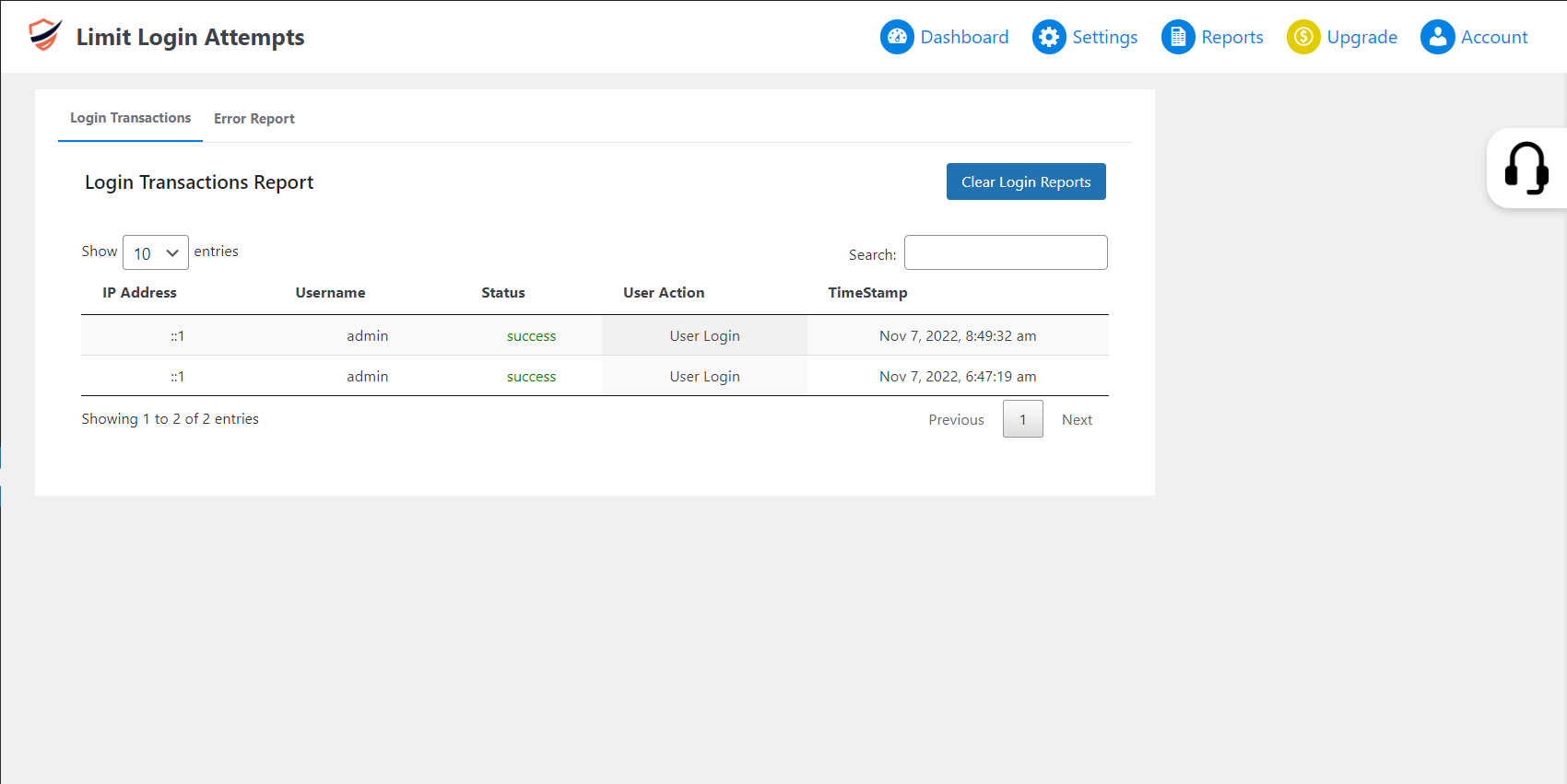
- Login Security – Limit Login Attempts and track user login attempts
- Anti Spam Protection: Spam protection protects your website from spammers by using google Recaptcha for comments
- User Registration Security – Disallow Disposable / Fake email addresses
- Brute Force Login / Attacks Protection (Login Security) - We keep track of users’ login attempts and we send alerts to administrators for unusual activities if someone exceeds allowed failed login attempts.
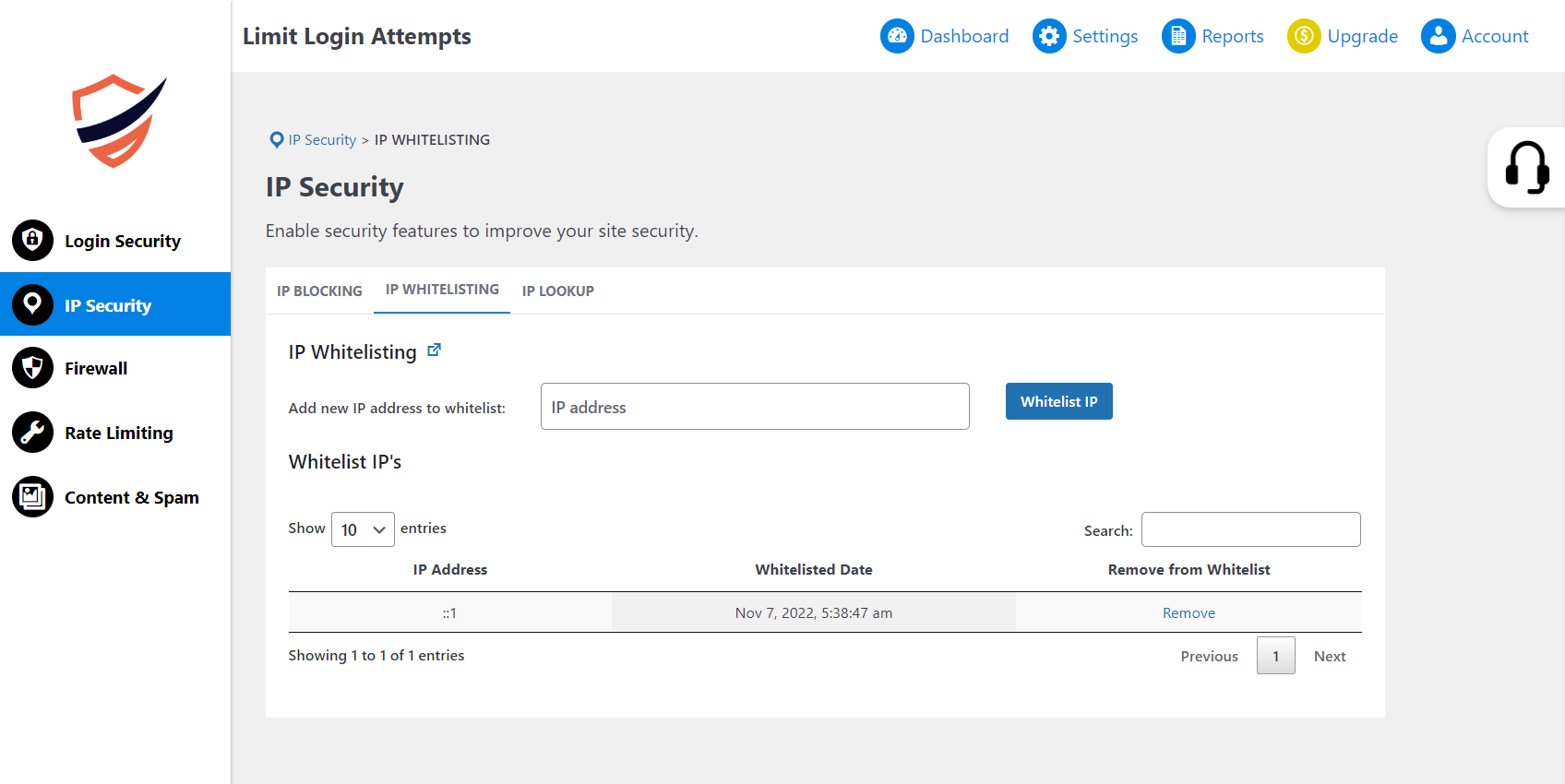
- IP Blocking - Manual and automatic blocking of IPs ( Blacklisting and whitelisting included ).
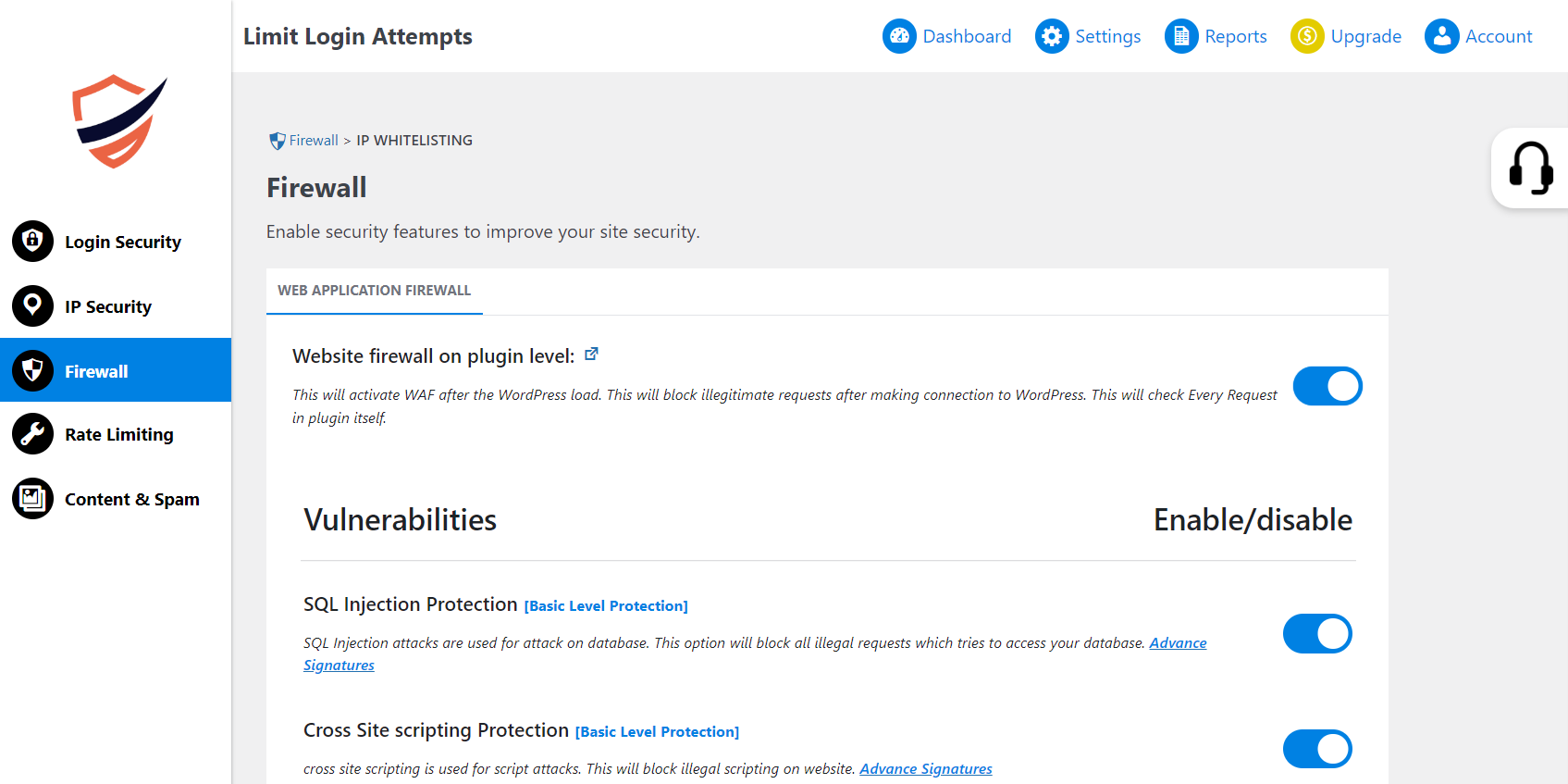
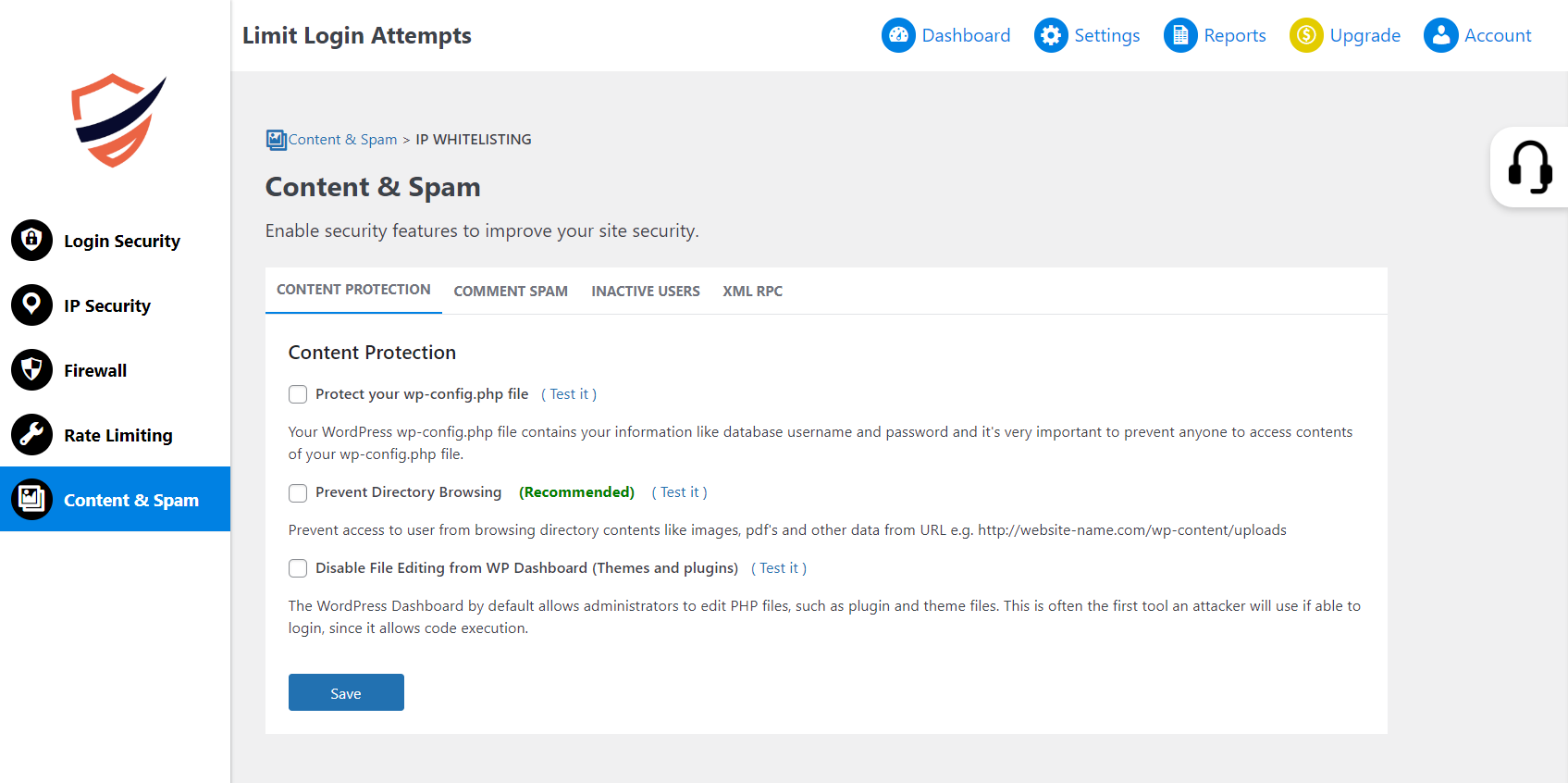
- Protection for WordPress files - We provide you the option to prevent access to users from browsing directory content and editing files from WP Dashboard (Themes and plugins).
- Google reCAPTCHA protection for login, and registration.
- Advanced Blocking – Block users based on: IP range, Country, Browser / User-Agent, Referer, and HostName (DNS)
- Htaccess Website Security Protection- Secure your website from unintended users with access website security protection which blocks user requests on the server(apache) level. htaccess vs firewall
- Comment SPAM Filter and Site SPAM Check/Spam Protection - We check if your website is generating SPAM to protect your website from getting blocked by search engines.
- SPAM Protection and google reCAPTCHA for comments - Google reCAPTCHA protects your website from spam and abuse. Google reCAPTCHA uses an advanced risk analysis engine and adaptive google reCAPTCHAs to keep automated software from engaging in abusive activities on your site.
- Notification to admin and end users – Send Email Alerts for IP blocking and unusual activities with a user account
- DOS (Denial of service) attacks protection – Protect your resources from DOS attacks by slowing down attackers by delaying response and increasing delay in each of his requests and eventually blocking them entirely.
- Country Blocking - If you have a website that gets inundated with SPAM or hacking attempts from visitors or bots originating from certain countries we can help you block those attempts.
安装:
From your WordPress dashboard
- Visit
Plugins > Add New - Search for `Limit Login Attempts. Find and install the plugin.
- Activate the plugin from your Plugins page
- Download `The Limit Login Attempts plugin.
- Unzip and upload the
wp-security-prodirectory to your/wp-content/plugins/directory. - Activate the plugin from your WordPress dashboard.
- Go to
Settings-> Limit Login Attempts, and follow the instructions. - Click on
Save
屏幕截图:
常见问题:
What Login Security Features do I get in the Limit Login Attempts plugin?
We help you protect your website against brute force login () attacks by blocking an IP address of the hacker after a specified limit of failed login attempts within a specified time. We provide Login Security by Limit login attempts, Brute force Protection, Spam Protection, IP blocking, IP range blocking, Google reCAPTCHA, Rename Login URL, DOS protection, Secure login, Ban, and Security.
How is the miniOrange Limit Login Attempts plugin Different?
- Limit Login Attempts is designed in such a way so that it can provide brute force, and DOS protection for all the users.
- Limit Login Attempt will help you from spam protection by the Google ReCaptcha v3, v2.
- Limit Login Attempt will help you to prevent hackers, bots, and malicious attackers by Rename Login URL because They can easily penetrate WordPress sites so that they know where to find a WordPress site’s login page.
Do you want to support?
Please email us at info@xecurify.com or Contact us
更新日志:
5.0.2
- Feedback form and issue fix.
- Renamed Login URL issue fix.
- Updated UI of the plugin.
- Made changes on the UI of Limit Login and some vulnerability fixes.
- Added some small changes: Brute force protection, Google Recaptcha, rename login page URL
- Bug Fixes: Brute force protection, Google Recaptcha, rename login page URL
- Bug Fixes: Brute force protection, Google Recaptcha, rename login page URL
- Bug Fixes: Brute force protection, Google Recaptcha, rename login page URL
- Bug Fixes: Brute force protection, Google Recaptcha, rename login page URL
- Bug Fixes: Brute force protection, Google ReCaptcha, rename login page URL
- Some small changes: Brute force protection, Google Recaptcha, rename login page URL
- Some small changes: Brute force protection, Google Recaptcha, rename login page URL
- Vulnerability Fixes: Brute force protection, Google Recaptcha, rename login page URL
- Vulnerability Fixes: Brute force protection, Google Recaptcha, rename login page URL
- Bug Fixes: Brute force protection, Google Recaptcha, rename login page URL
- Bug Fixes: Brute force protection and rename login page URL
- WP 5.8 Compatability and Bug Fixes
- WP 5.8 Compatability and Bug Fixes
- WP 5.7 Compatability and Bug Fixes
- Fixed IP Blocking Issue
- Fixed Report
- Added Rename Login URL
- Minor Bug Fixes
- Web Application Firewall: New Features Information Update.