miniOrange WP SEO – Advanced SEO, Schema & AI Optimization Suite
| 开发者 | cyberlord92 |
|---|---|
| 更新时间 | 2026年3月16日 12:27 |
| PHP版本: | 7.0 及以上 |
| WordPress版本: | 6.9 |
| 版权: | Expat |
| 版权网址: | 版权信息 |
详情介绍:
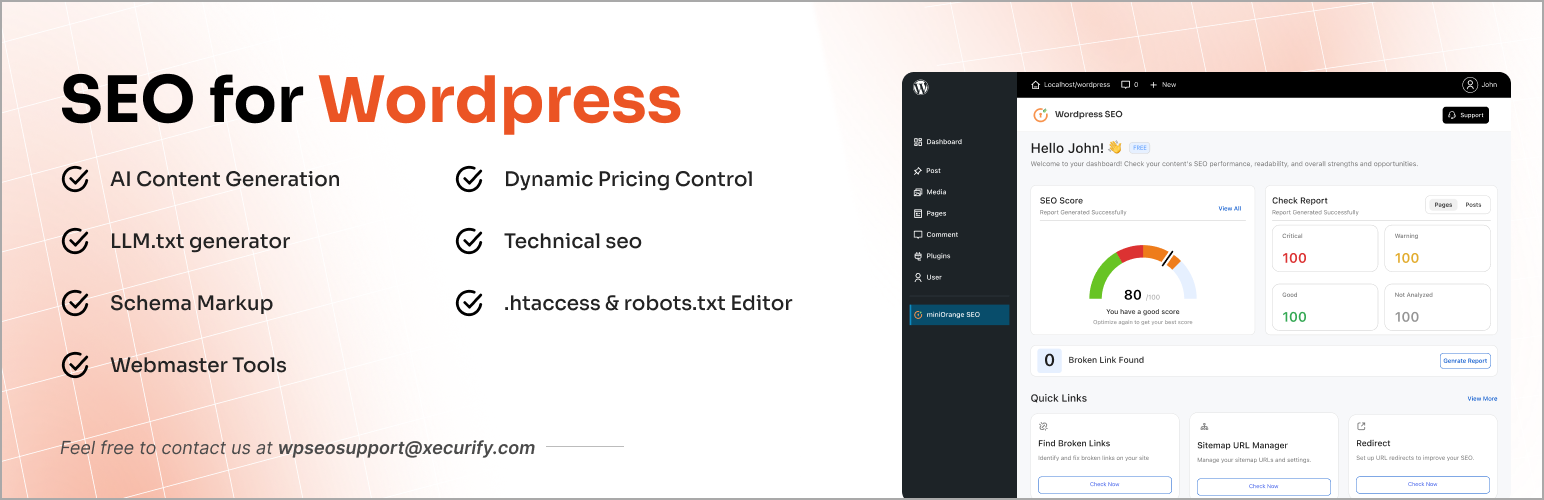
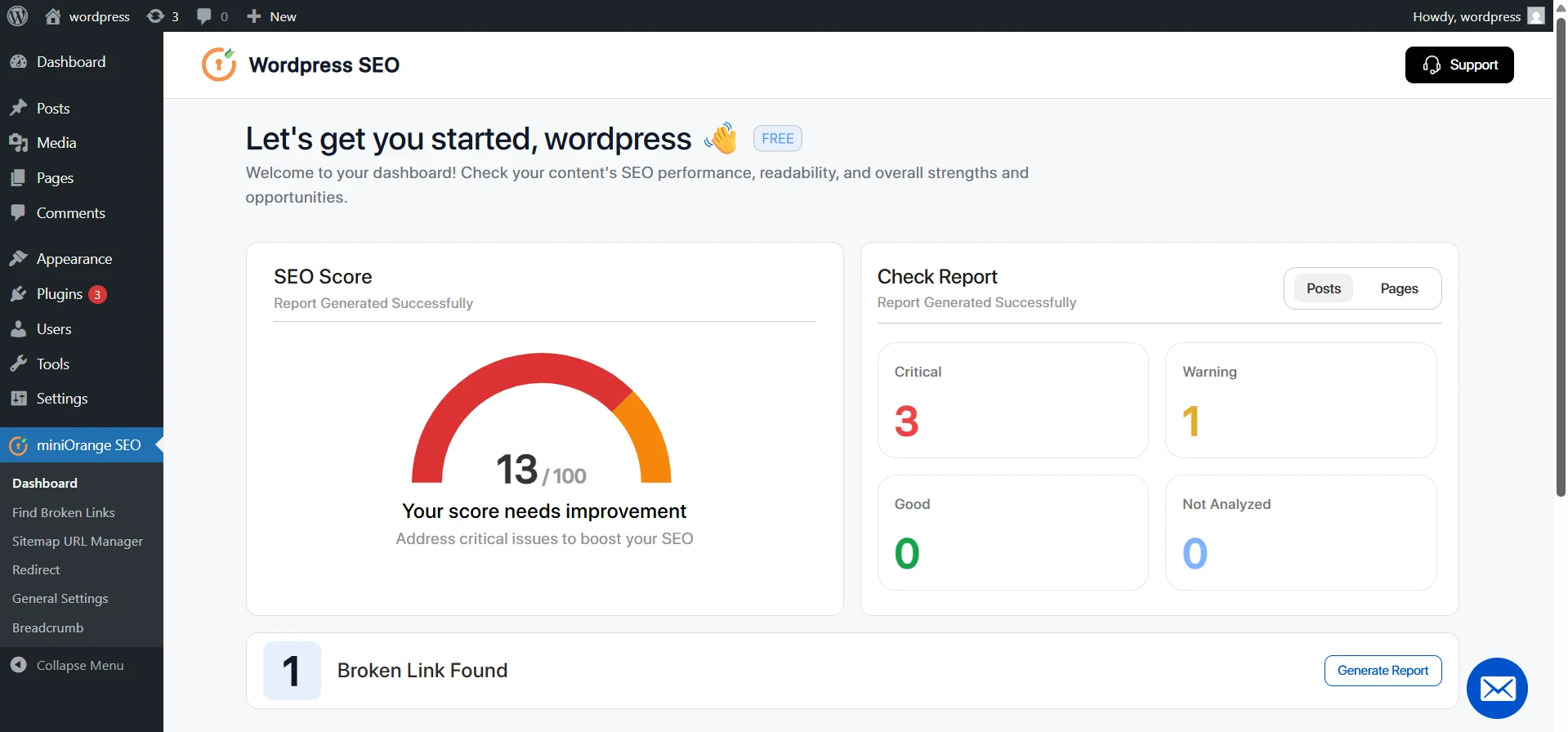
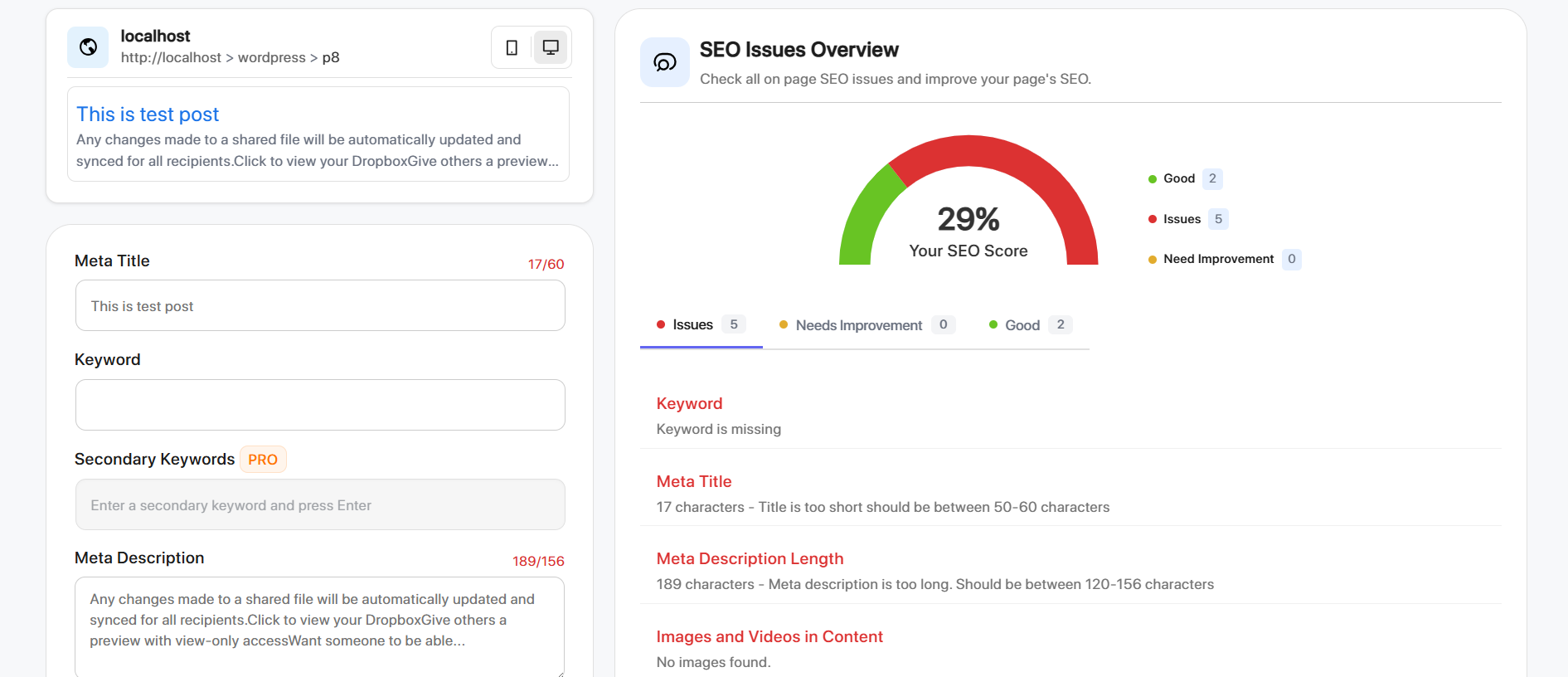
- On-page SEO optimization with real-time page analysis
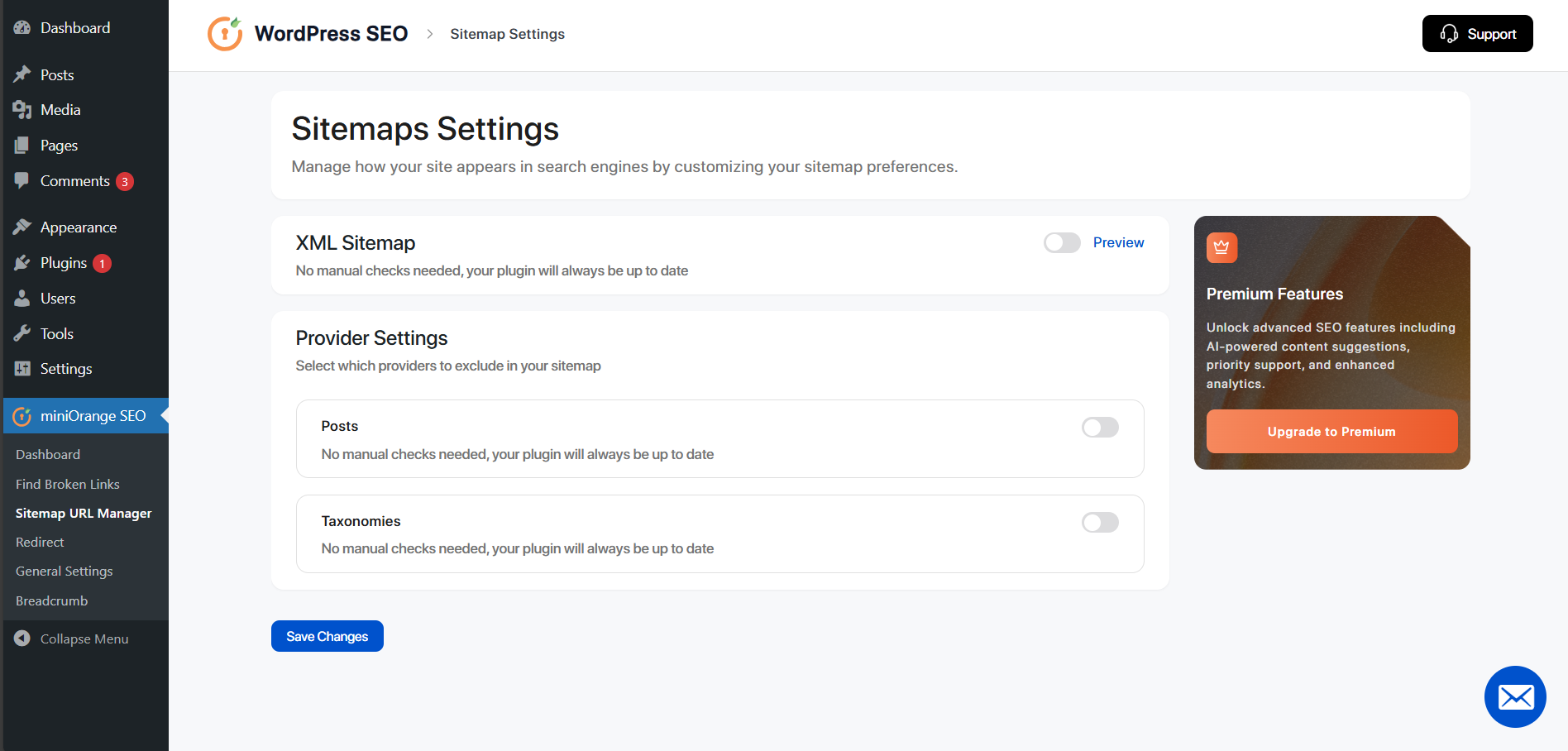
- XML sitemap generation for improved indexing
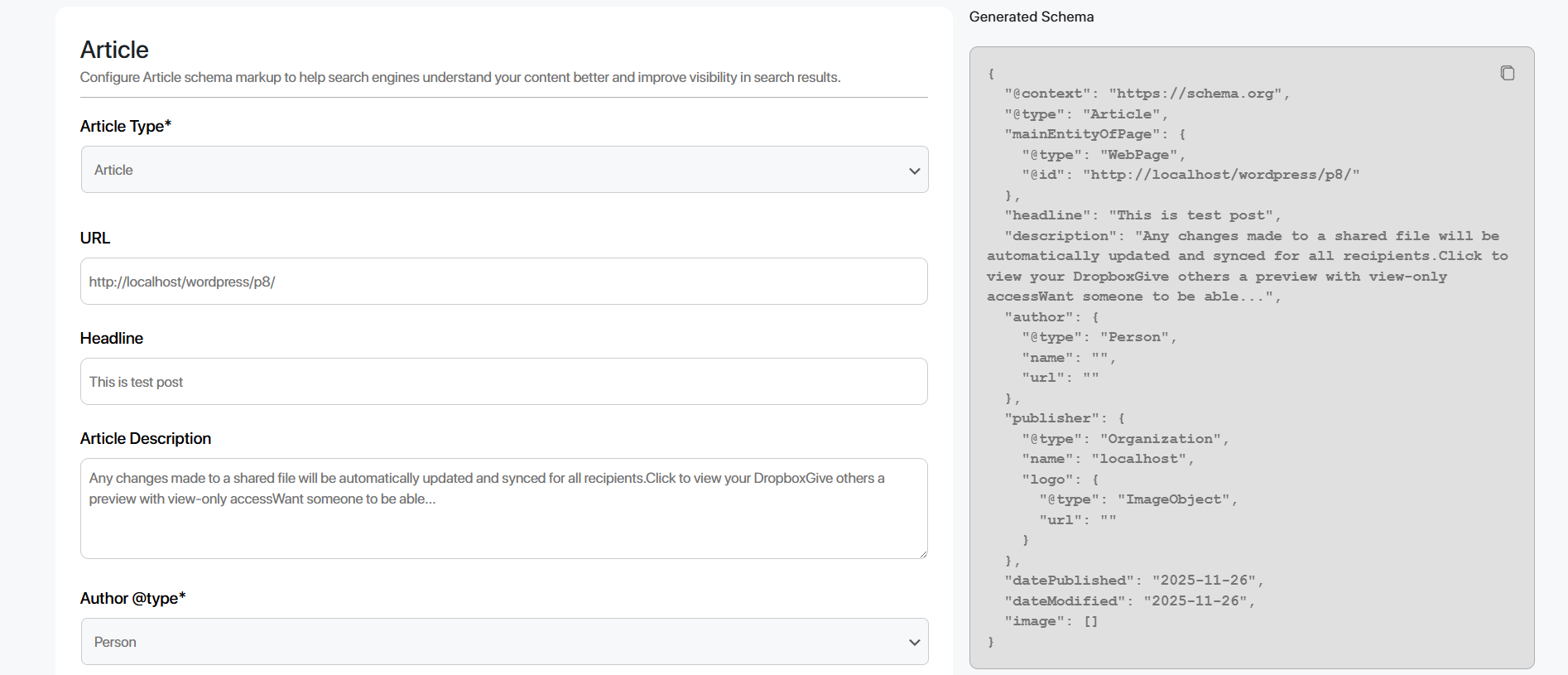
- Schema markup support for articles, products, and FAQs
- 301 redirect management to resolve broken URLs and 404 errors
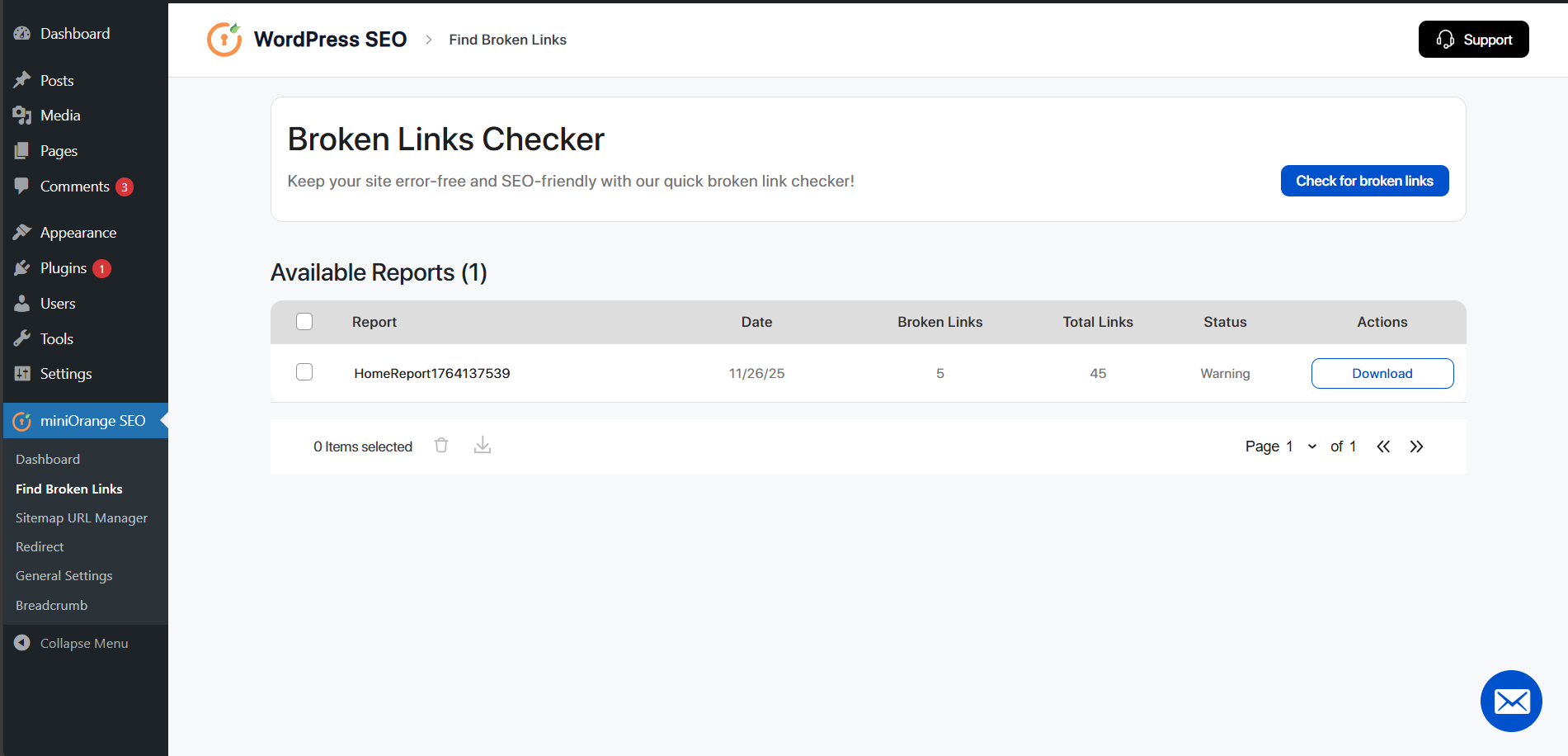
- Broken link detection to maintain clean site structure
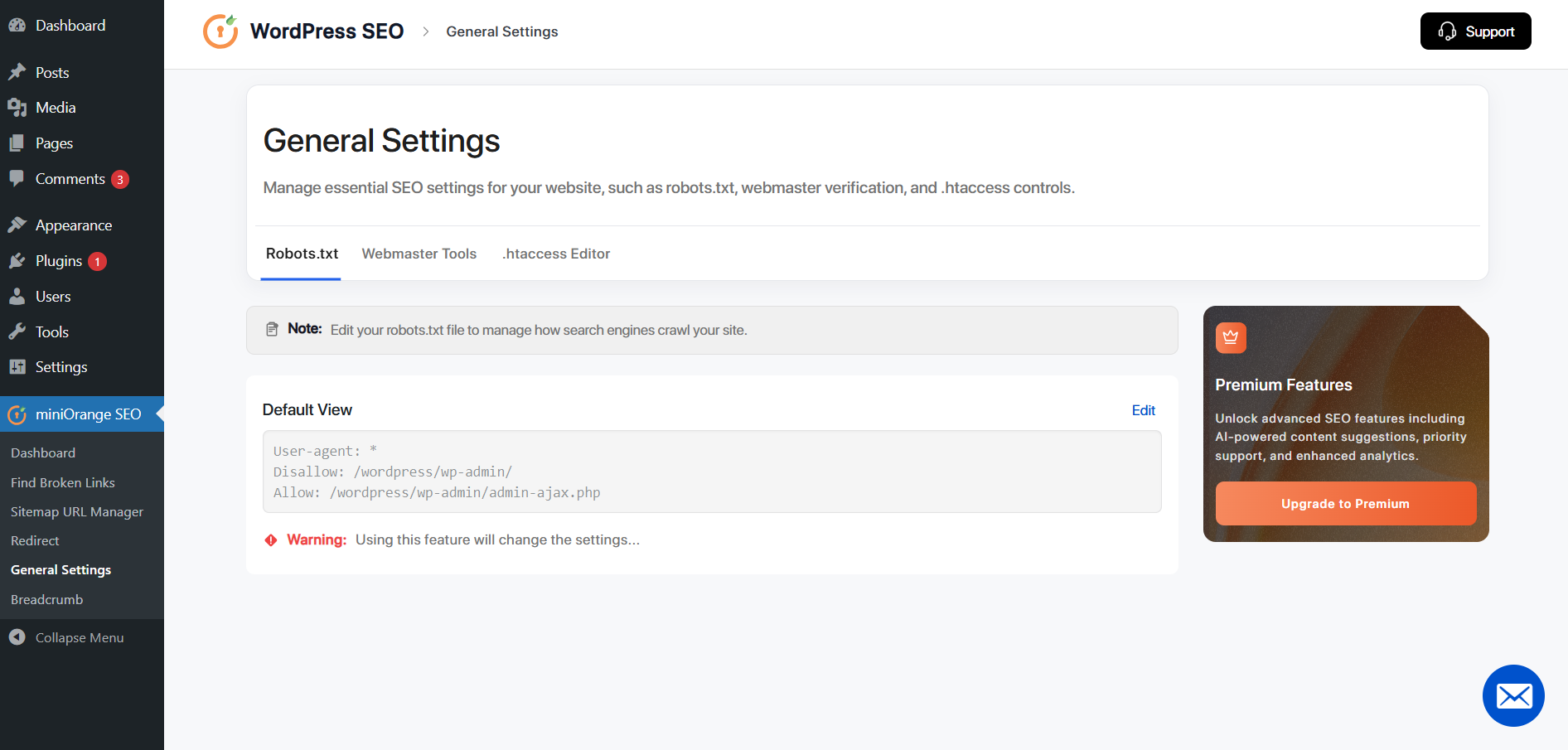
- Robots.txt editor for crawl and indexing control
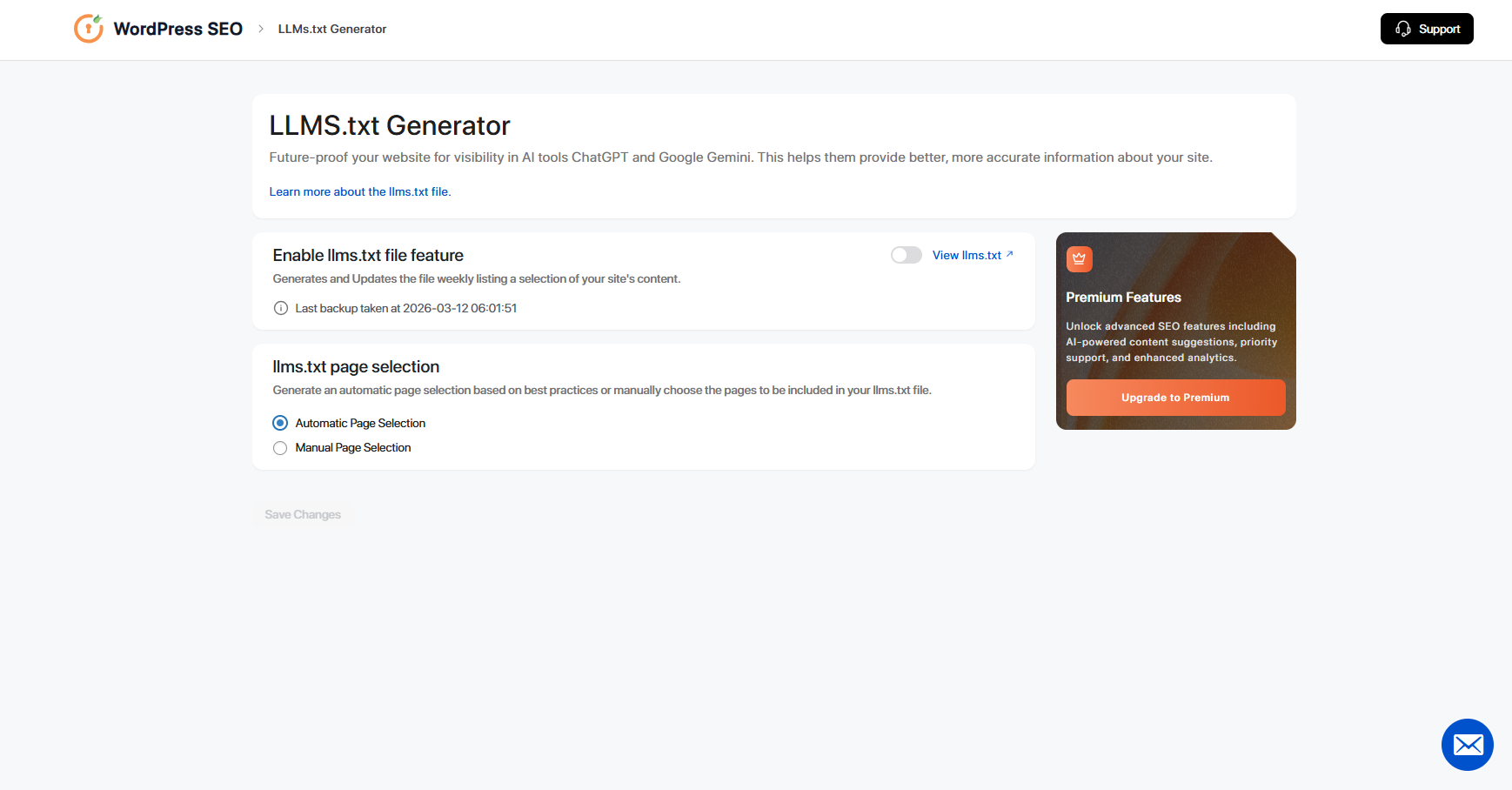
- LLMs.txt generator for AI-driven search readiness
- Lightweight architecture designed for performance
安装:
- Go to Plugins → Add New in your WordPress admin dashboard.
- Search for miniOrange WP SEO.
- Click Install Now.
- Click Activate after installation completes.\ Option 2 — Manual Plugin Upload:
- Download the plugin ZIP file.
- Go to Plugins → Add New → Upload Plugin.
- Upload the downloaded ZIP file.
- Click Install Now, then Activate.
- Alternatively, upload the plugin folder manually to
/wp-content/plugins/via FTP and activate it from the Plugins menu.\ 2. Configure SEO Settings After activating the plugin: - Navigate to SEO → miniOrange SEO in your WordPress dashboard.
- Launch the Setup Wizard.
- Configure the following SEO settings:
- On-page SEO optimization
- XML sitemap generation
- Schema markup settings
- Redirect management
- AI-ready LLMs.txt configuration\ Once setup is completed, your website will be fully configured for search engine indexing and ongoing SEO optimization. Need Help or Have Doubts? If you have any questions, configuration issues, or customization requests, contact our support team at wpseosupport@xecurify.com
屏幕截图:
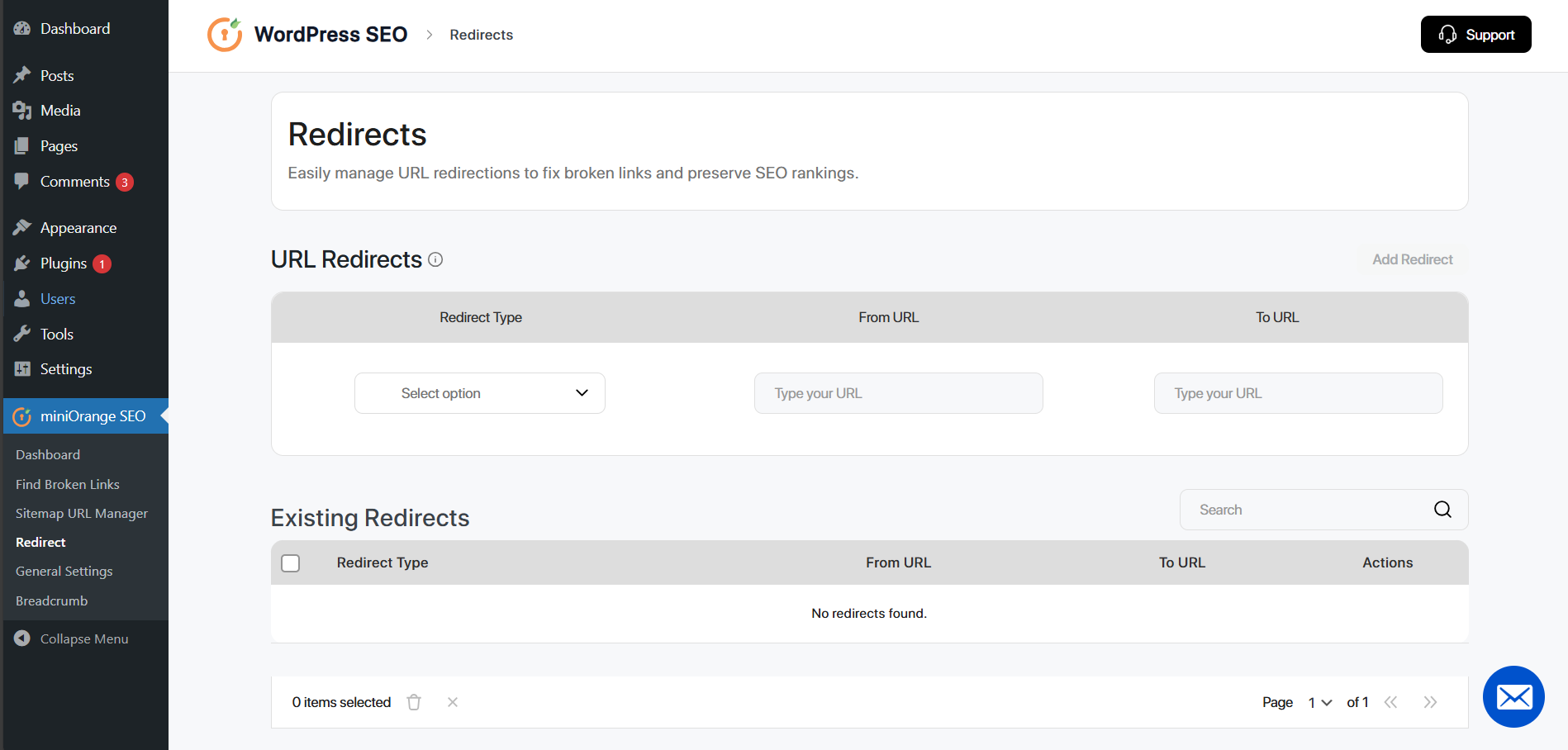
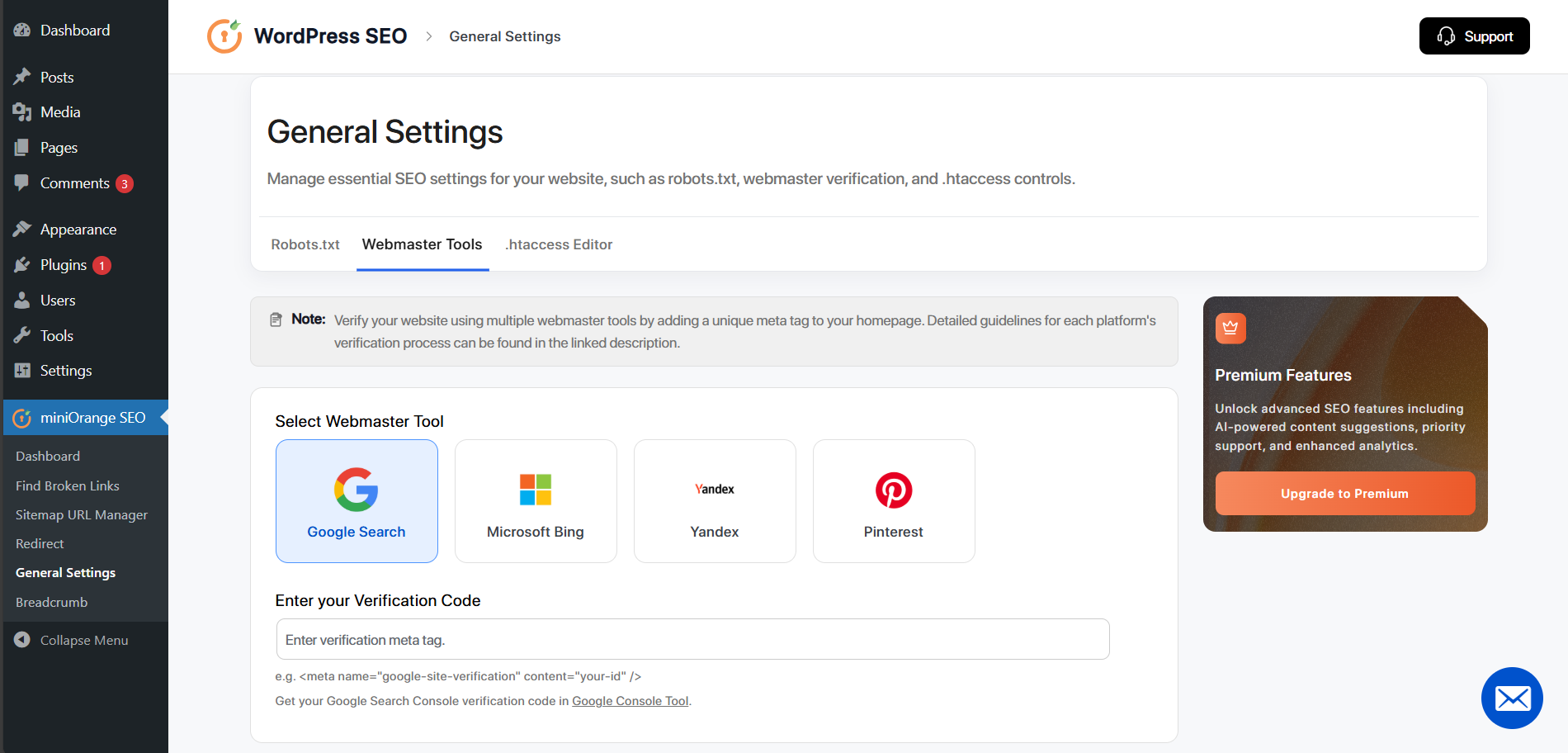
常见问题:
Can I switch from another WordPress SEO plugin without losing my settings?
Yes, this WordPress SEO plugin is designed to work smoothly when replacing another SEO plugin. Before switching, we recommend backing up your website and exporting existing metadata.
Will this SEO plugin slow down my website?
No. The plugin is built with performance in mind and includes essential features without unnecessary modules.
What is LLMs.txt and why does it matter?
LLMs.txt is a configuration file that helps AI systems and modern search assistants understand your website content more clearly.
Is this a free SEO plugin for WordPress?
Yes. A free version is available with core on-page optimization tools and technical SEO controls.
Is it compatible with most WordPress themes?
Yes. The plugin follows standard WordPress development practices and works with modern themes.
Will I lose search rankings if I switch SEO plugins?
No. Rankings are not tied to a specific plugin as long as metadata and sitemap settings remain properly configured.
How can I get support if I have questions?
You can contact the support team at wpseosupport@xecurify.com.
更新日志:
- Password Protection for editing .htaccess file.
- Dynamic Image Alt adder
- Image Sitemap
- Social media tags & preview.
- Implemented Action Scheduler
- Backup and Restore current plugin data.
- Import data from other plugin.
- Fixed Sorting on Edit post page
- Validate schema button copy pastes schema on rich result
- Fixed some minor bugs
- Introduced .htaccess editor for managing redirects and rules.
- Added background scanning to improve SEO Audit.
- Removed the outdated SEO Analysis Page.
- Rebuilt backend architecture to support large websites and faster processing.
- Completely redesigned the UI for a modern and cleaner experience.
- Readme and screenshot modification.
- Updated Readme
- Changed menu icon
- Changed contact email
- Initial release of the WordPress SEO Plugin.
- Added support for meta title and description updates.
- Implemented broken link detection and CSV export functionality.
- Added sitemap exclusion feature.
- URL redirect functionality included.