Mirror App - Social Page
| 开发者 |
mirrorapp
mirrorapps |
|---|---|
| 更新时间 | 2026年5月28日 20:14 |
| PHP版本: | 7.4 及以上 |
| WordPress版本: | 6.9 |
| 版权: | GPLv2 or later |
| 版权网址: | 版权信息 |
详情介绍:
- Simple setup – Configure everything inside Mirror App. No API keys, tokens, or coding.
- Auto-refresh – Your feed updates automatically without manual actions.
- Lightweight – The plugin only embeds the widget. No heavy scripts or data sync.
- Secure – All data processing occurs in Mirror App, not your site.
- GDPR-friendly – No personal data stored in WordPress.
- Free plan available – Premium features unlock analytics, custom layouts, and more.
- Visual customization – Adjust layout, colors, typography, and spacing.
- Fast performance – The script loads once per page, even with multiple feeds.
- Shortcode:
[mirror-app-social-page uuid] - Responsive iframe that fits any layout
- Optimized script (loads once per page)
- Compatible with Gutenberg, Elementor, Divi, and Classic Editor
- Supports multiple feeds on one or several pages
安装:
- Upload the plugin files to
/wp-content/plugins/mirror-app-social-page/, or install it directly from the WordPress Plugin Directory. - Activate the plugin through the Plugins menu in WordPress.
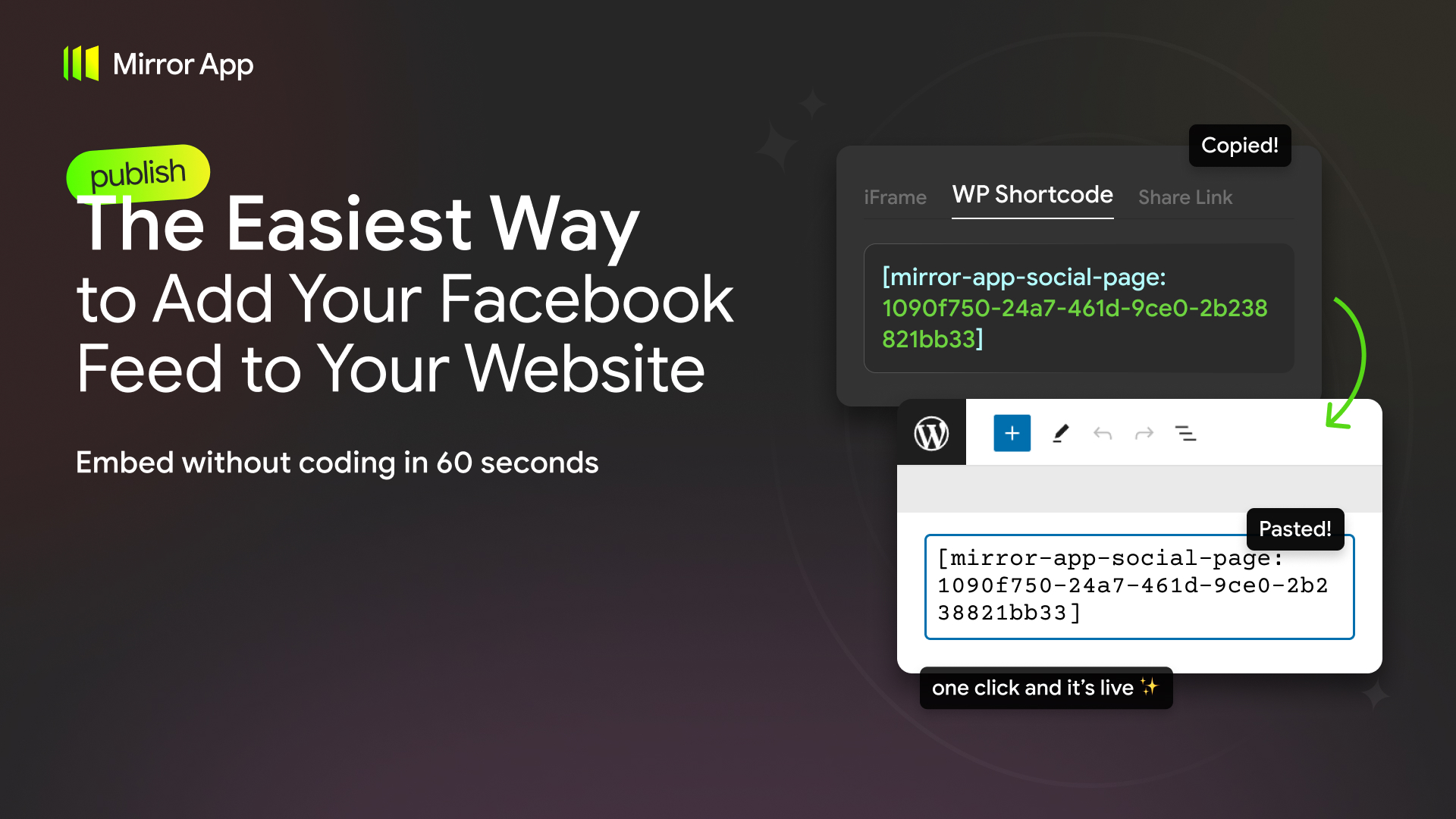
- Go to your Mirror App dashboard, connect your Facebook Page, customize your feed, and copy the shortcode.
- Paste the shortcode into any post, page, or widget area.
[mirror-app-social-page 4baf3a81-ec92-4d57-a9c5-7e0bdf4c34e9]屏幕截图:

常见问题:
Do I need coding skills?
No. Just copy and paste the shortcode from Mirror App.
Can I display multiple Facebook feeds?
Yes. Each feed has its own shortcode, and you can use several on one or multiple pages.
Is the plugin free?
Yes. The plugin is free. Mirror App also provides free and paid plans with additional layouts, analytics, and auto-refresh options. See Pricing.
Is it responsive?
Yes. Your Facebook feed will automatically adapt to any screen size.
Where do I customize my feed?
All customization — layout, colors, connected pages — is done in your Mirror App dashboard.
Does it connect directly to Facebook?
No. All authentication and API requests happen securely in Mirror App.
Can I use it without a Mirror App account?
No. You need a free or paid account to generate your feed shortcode.
Will it slow down my site?
No. The plugin is lightweight and optimized to load asynchronously.
Is my data safe?
Yes. Mirror App handles all data externally in compliance with GDPR.
Does it support videos and albums?
Yes. The widget can display posts with videos, photos, albums, and text. All supported post types are automatically formatted to fit your selected layout.
Can I hide specific post types?
Yes. You can hide certain post types or individual posts directly in your widget settings inside Mirror App, without editing anything in WordPress.
Will my visitors need to log in to Facebook?
No. Your visitors don’t need a Facebook account or login. The widget displays publicly available content from your Facebook Page.
What happens if I rename my Facebook Page?
Your feed will keep working. As long as your page remains connected in Mirror App, any changes to its name or basic details are handled automatically in the background.
How do I get support?
- Visit our Help Center
- Post a topic in the WordPress Support Forum
- Or email us: support@mirror-app.com
更新日志:
- Fix: resolved fatal error when multiple Mirror App plugins are active simultaneously.
- Initial release: shortcode support for Mirror App Facebook Feed