
MM Login Customization
| 开发者 |
samarpitabhattacharya
wpmatrixnmedia |
|---|---|
| 更新时间 | 2020年7月9日 21:05 |
| 捐献地址: | 去捐款 |
| PHP版本: | 7.0 及以上 |
| WordPress版本: | 5.4 |
| 版权: | GPLv2 (or later) |
| 版权网址: | 版权信息 |
详情介绍:
✤ Websites get hacked every day. Being secure in the online world becomes more and more important every day and it is vital to protect your website and the data it holds now. This plugin helps web-admins to protect their WordPress website in a specific way.
✤ Before taking a look at the detailed description of the plugin, let’s check the URL of the demo page. Click Here, let's see what this plugin can do.
✤ The default admin login URL of any website developed in WordPress is with ../wp-admin or ../wp-login.php. The problem is, this type of admin log-in makes the WordPress admin section predictable and hence vulnerable. Using this vulnerability, an unauthenticated person can breach the admin section of the website. These unauthenticated breaches not only damages the reputation of the website but also offers the miscreants a chance to misuse sensitive and important information.
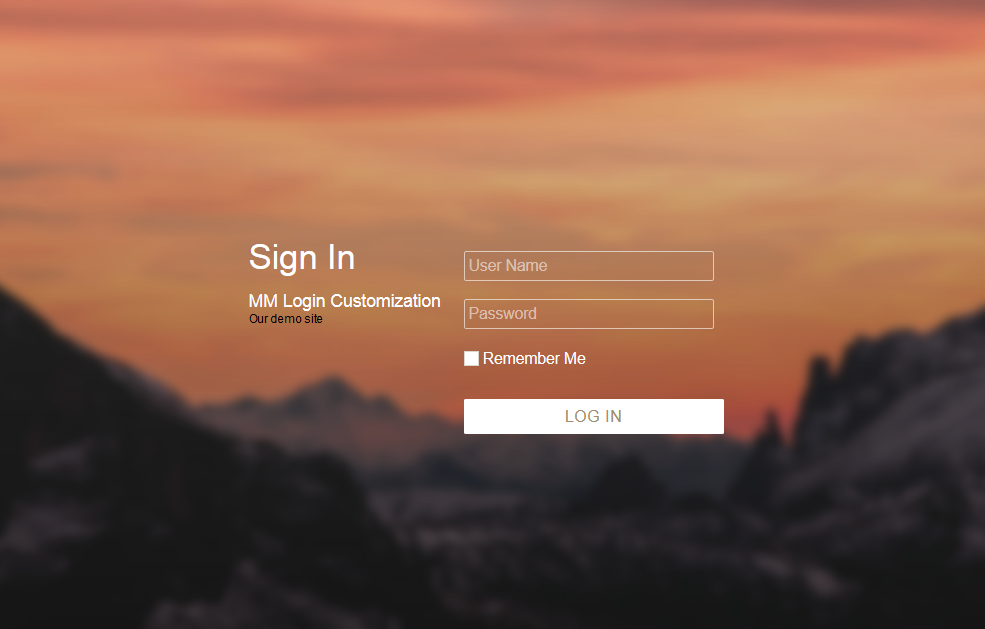
✤ This plug-in ensures that such breaches never happen to your website. It ensures the security of your website admin login section as well as the website data. Using this plugin, you can generate dynamic admin URLs for login and choose a template for the custom login page as well. This login masks wp-login.php and wp-admin during the login process.
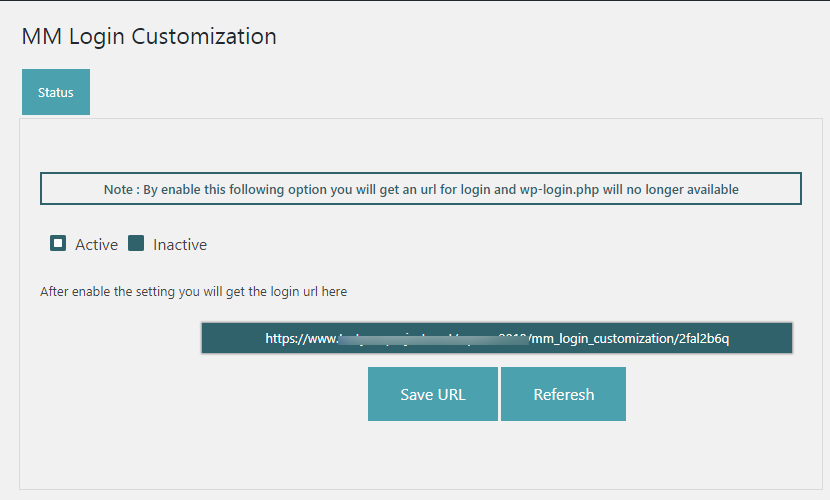
✤ The admin of the website can change the login URL frequently by deactivating the old URL with subsequent activation of the plugin status. Once that is done, save the newly activated plugin status. This plug-in generates different admin log-in URLs for every website. This feature ensures that the miscreants cannot predict the admin log-in URL of your website.
✤ Procedure ✤
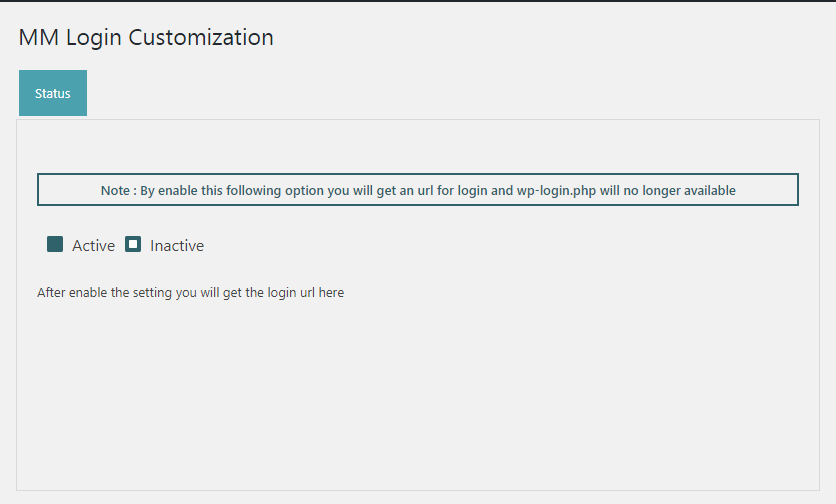
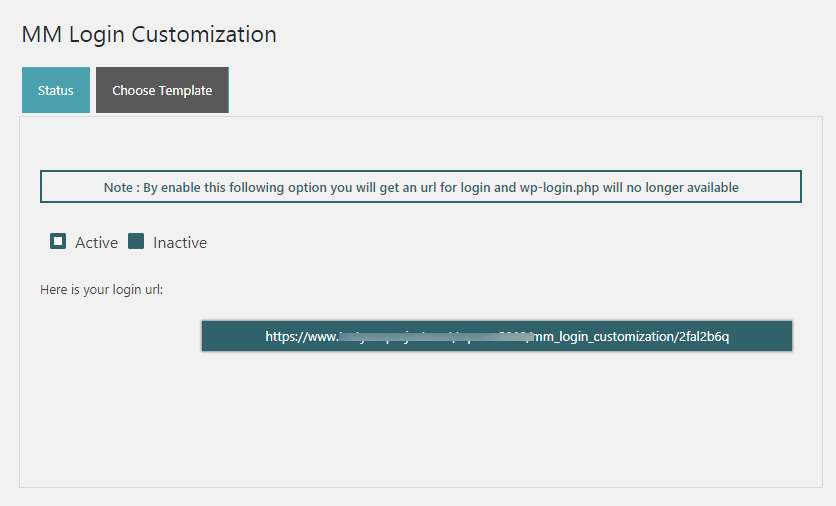
Active plugin MM Login Customization -> Go to menu option named MM Login Customization -> Choose settings -> Active option from Status tab -> Save URL -> Copy auto generated admin link for future login
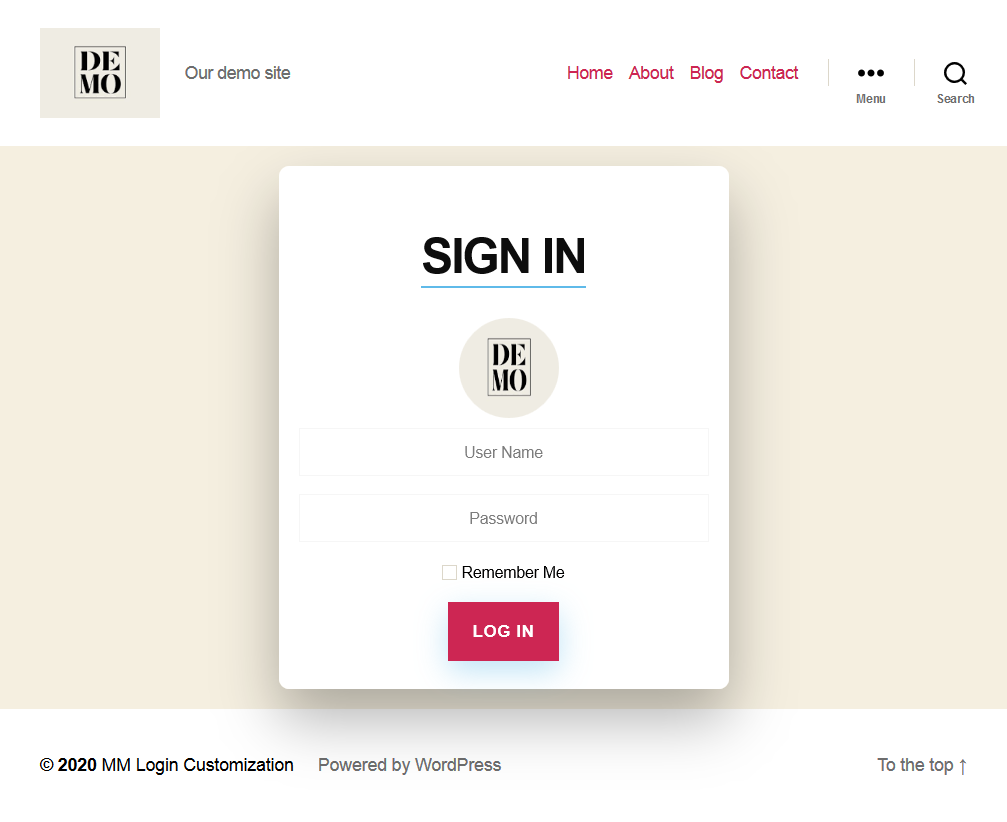
You may choose template from Choose Template tab for admin login page look and feel.
For any query please email us at - wordpress@matrixnmedia.com
安装:
Minimum Requirements
- PHP 7.2 or greater is recommended
- MySQL 5.6 or greater is recommended
屏幕截图:

常见问题:
Is it hide wp-login.php?
Yes
Is it hide wp-admin?
Yes
Is admin enter admin slug manually?
No
What is your support email?
Email us at wordpress@matrixnmedia.com
更新日志:
1.4 - 2020-06-16
- Unwanted file removal.
- Elementor incomaptibility issue solve.
- Fixed Header Already Send error.
- Fixed corrupted Images and JS file.
- First Upload.