
ModelVista – 3D Model Viewer for WordPress
| 开发者 | secilkars |
|---|---|
| 更新时间 | 2026年4月8日 05:19 |
| PHP版本: | 5.0 及以上 |
| WordPress版本: | 6.9 |
| 版权: | GPLv2 or later |
| 版权网址: | 版权信息 |
详情介绍:
ModelVista – 3D Model Viewer for WordPress is a 3D model viewer for WordPress: it lets you display GLB and GLTF 3D models in posts and pages using a simple shortcode. It is an interactive 3D viewer plugin—visitors can rotate, zoom, and explore models on desktop and mobile with the bundled
<model-viewer> web component (no external JS CDNs).
3D product viewer for WooCommerce: WooCommerce is not required, but you can paste the same shortcode into product descriptions, tabs, or block content to showcase products in 3D—ideal as a product viewer alongside your catalog.
Search-friendly phrases: 3D model viewer for WordPress · display GLB and GLTF 3D models · 3D product viewer for WooCommerce · interactive 3D viewer plugin · GLB viewer · GLTF viewer · 3D viewer shortcode.
How it works
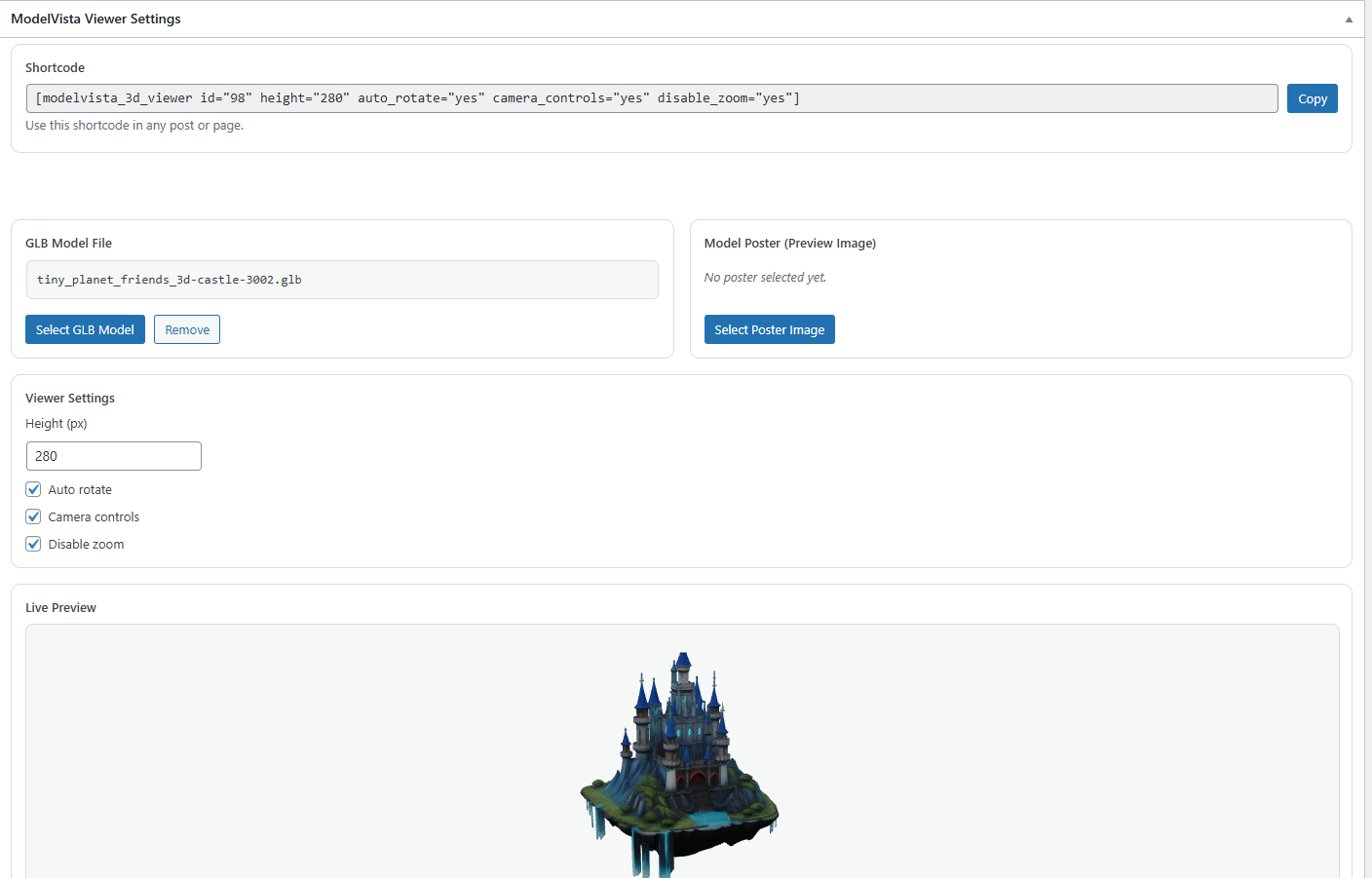
ModelVista – 3D Model Viewer for WordPress registers a dedicated content type for your models. Upload a GLB from the Media Library, set an optional poster image, tune height and controls, then copy the generated shortcode.
Highlights
- 3D model workflow: one viewer per post type entry, Media Library integration
- GLB / GLTF (binary glTF) focus with bundled
model-viewer - WooCommerce-friendly: shortcode anywhere—classic editor, blocks, or product fields
- Per-viewer settings: height, auto-rotate, camera controls, disable zoom
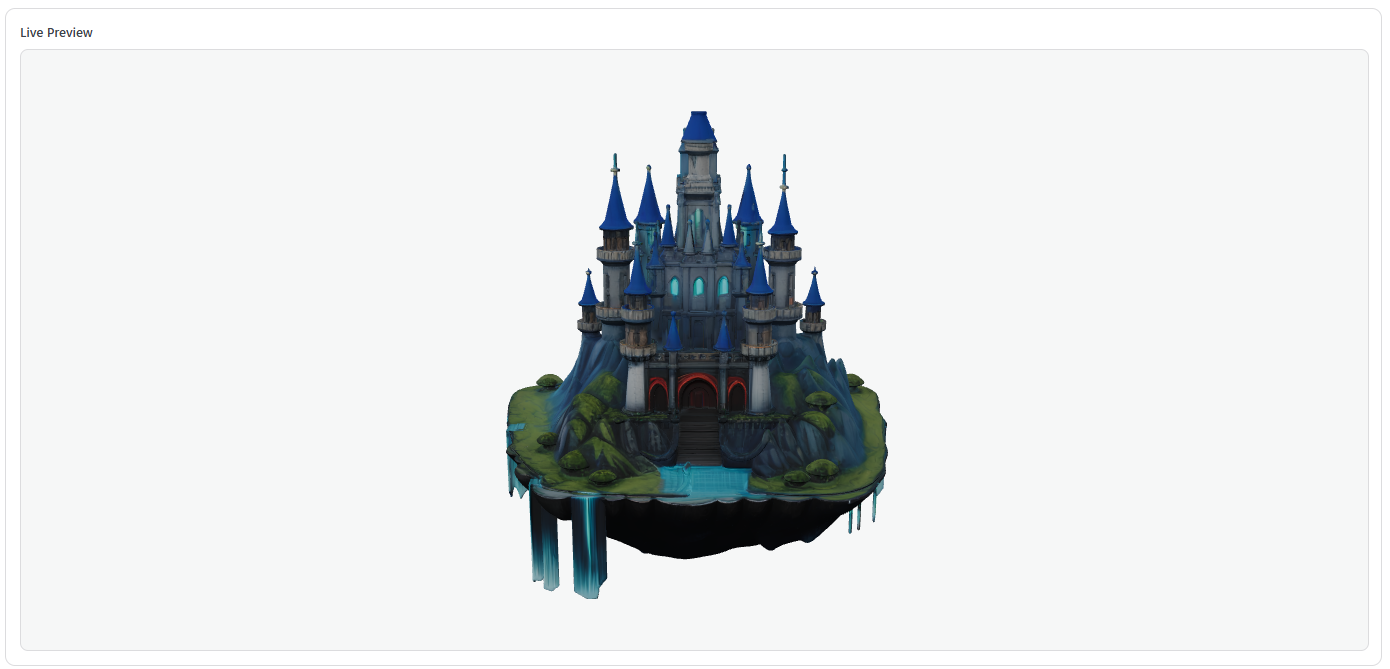
- Live preview in admin; shortcode column in the list table
- Lightweight CSS; script loaded when needed
[mode3dvi_3d_viewer id="123"]
Replace 123 with your viewer post ID. Optional attributes: height, auto_rotate, camera_controls, disable_zoom.
安装:
- Upload the plugin folder to
/wp-content/plugins/. - Activate the plugin through the "Plugins" screen in WordPress.
- Go to ModelVista – 3D Model Viewers in the admin menu and add a new viewer.
- Upload a GLB file and optionally a poster image.
- Copy the shortcode from the editor and paste it into any post, page, or WooCommerce product content.
屏幕截图:
常见问题:
Which file formats are supported?
The viewer targets GLB uploads. GLTF content is supported when provided as compatible glTF/GLB for model-viewer.
Can I use this as a 3D product viewer for WooCommerce?
Yes. Paste the shortcode into the product short description, a custom tab, or a block. WooCommerce does not need to be installed for the plugin to work elsewhere.
Does the plugin load scripts from third-party CDNs?
No. The model-viewer script is included in the plugin package.
Is the viewer mobile-friendly?
Yes. Controls are touch-friendly and the container is responsive.
更新日志:
1.0.6
- Version bump to align
Stable tagwith a new SVN release tag (tags/1.0.6). No functional code changes from 1.0.5.
- Plugin display name: ModelVista – 3D Model Viewer for WordPress aligned across
readme.txt(title, short description, Description, Installation, Screenshots) and admin labels (post type, meta box). - Readme: short description limited to 150 characters (WordPress.org plugin directory rule).
- Readme: SEO-oriented description keywords; tags updated (3d viewer, 3d model, glb, gltf, woocommerce). Note: WordPress.org allows at most five tags — "product viewer" is emphasized in the description text.
- Readme: expanded description and FAQ; screenshot captions updated for the plugin directory.
- Main plugin file renamed to
modelvista-3d-viewer.phpto match the plugin slug (WordPress.org convention). - Remove directory banner/icon PNGs from the plugin package; add those via SVN
/assets/after the plugin is approved.
- Unique
mode3dviprefix for functions, classes, options, script handles, and stored keys (WordPress.org guidelines). - Bundle
model-viewerweb component locally instead of loading from a CDN. - Remove manual
load_plugin_textdomaincall; WordPress.org loads translations for this plugin slug automatically. - If you used version 1.0.0, the plugin migrates existing viewer posts and meta keys to the new prefix on upgrade.
- Initial release
- GLB upload support
- Poster image support
- Shortcode rendering with model-viewer