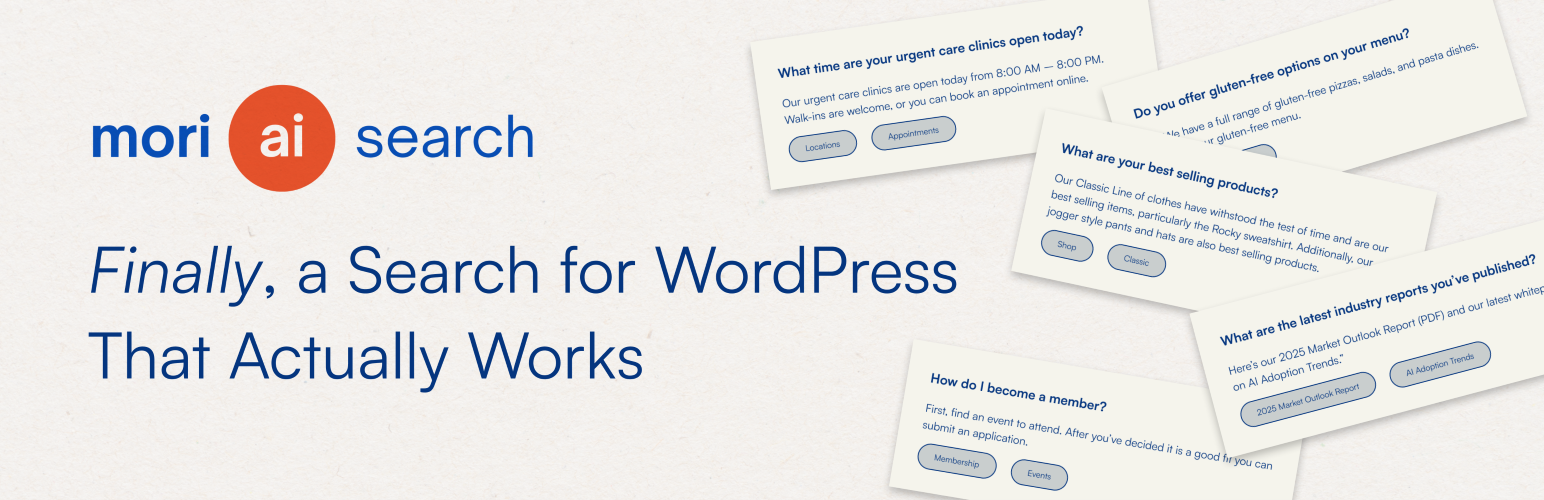
Mori AI Search
| 开发者 | redclaytroy |
|---|---|
| 更新时间 | 2025年12月22日 13:21 |
| 捐献地址: | 去捐款 |
| PHP版本: | 6.0 及以上 |
| WordPress版本: | 6.9 |
| 版权: | GPLv3 or later |
| 版权网址: | 版权信息 |
详情介绍:
- Creates a rich index of posts, pages, custom post types, and attachments
- Generates AI-assisted metadata during indexing: keywords, auto-tags, and summaries you can refine with manual tags
- Ranks results by semantic similarity, then applies weights by post type to surface what matters first
- Exposes a simple REST API for search, prompts, and admin actions so you can build your own UI or integrate with other tools
- Lets you exclude items from the index and override tags for precise control
- Supports PDFs uploaded via the settings screen. Text is extracted and indexed alongside your content
- Pages, posts, custom post types, and attachments
- AI-generated keywords and auto-tags, plus manual tags you define
- Priority flags and per-post type weights for ranking control
- Single settings screen for API key, prompts, extra context, and PDF uploads
- One-click reindex that runs in batches via WP-Cron to avoid timeouts
- Exclusion and tagging interface with incremental loading for large sites
/ai-search/v1/searchwith support forquery,context,tag, andpost_typefilters- Returns normalized data with merged tags, keywords, and scoring details
- Built-in heuristics to recognize “main pages” or “site map” queries and return primary navigation
- Optional debug mode that includes similarity scores and SQL filters in the response
- Embedding inputs are trimmed to roughly 8k tokens (about 32k characters) per item
- Batched reindexing with a default of 20 items per run, adjustable via constant
- Data stored in a dedicated MySQL table for fast lookups
- Add your OpenAI API key on the Mori settings page.
- Start a reindex. Mori queues all eligible content and processes it in batches via WP-Cron.
- For each item, Mori generates an embedding, proposes tags, extracts 3–5 keywords, and saves everything to the index table.
- When a visitor searches, Mori computes similarity between the query and the stored embeddings, applies your weights, filters by tag or post type if requested, and returns the top results.
- Nothing is sent to OpenAI until you add an API key.
- During indexing, only the content needed to build embeddings and metadata is transmitted. That typically includes title, excerpt, main content, and for attachments the extracted text of PDFs you choose to upload through Mori.
- During a search, the query and optional context are sent to calculate similarity or generate an answer when your configuration calls for it.
- Review your own privacy policy to disclose how search data is handled on your site. See OpenAI’s Terms of Use and Privacy Policy for provider details.
- Marketing sites that need “what is pricing” and “services” to land on the right pages
- Documentation portals that benefit from keywords and tag filters
- Media libraries where PDFs and attachments must be discoverable
- Headless or decoupled setups that want a clean REST search layer
安装:
- Upload the plugin files to
/wp-content/plugins/mori-ai-searchor install directly from the WordPress plugins screen. - Activate the plugin.
- Go to Settings → Mori AI Search and enter your OpenAI API key.
- Optionally add a system prompt and additional context to guide metadata generation and answers.
- Start a full reindex. Large sites will process in background batches.
- Use the REST API in your front end or connect your theme’s search UI.
常见问题:
Does Mori replace the front-end search UI?
No. Mori provides the engine and the API. You can wire it into your current search template or build a custom experience.
Can I control what is indexed?
Yes. You can exclude specific posts or pages, control post type weights, and add manual tags.
Will it index PDFs?
Yes, PDFs uploaded through the Mori settings screen are sent for text extraction and indexed as attachments.
How many results are returned?
The API fetches up to 20 candidates, ranks them, and returns the top 5 by default. You can adjust this in your integration.
What happens if I remove the API key?
Indexing and AI features stop. Your existing index table remains until you clear it.
Is this GDPR compliant?
Compliance depends on your configuration and disclosures. Mori only sends data after you provide a key. You remain the controller of your site’s data. Review OpenAI’s policies and update your privacy policy accordingly.
Is there a shortcode for the search UI?
Yes. Use [aiws_search] to render the search icon and overlay trigger anywhere on your site.
更新日志:
- CSS Fixes for the light theme
- Addition of shortcode language in the FAQ
- Fixed a loading error in the Setup Wizard when generating the initial prompt.
- Initial release: AI-powered indexing, tagging, keyword extraction, PDF support, and REST API.