Mosne Hero
| 开发者 | mosne |
|---|---|
| 更新时间 | 2026年6月16日 22:58 |
| PHP版本: | 6.7 及以上 |
| WordPress版本: | 6.9 |
| 版权: | GPL-2.0-or-later |
| 版权网址: | 版权信息 |
详情介绍:
安装:
This section describes how to install the plugin and get it working.
- Upload the plugin files to the
/wp-content/plugins/mosne-herodirectory, or install the plugin through the WordPress plugins screen directly. - Activate the plugin through the 'Plugins' screen in WordPress.
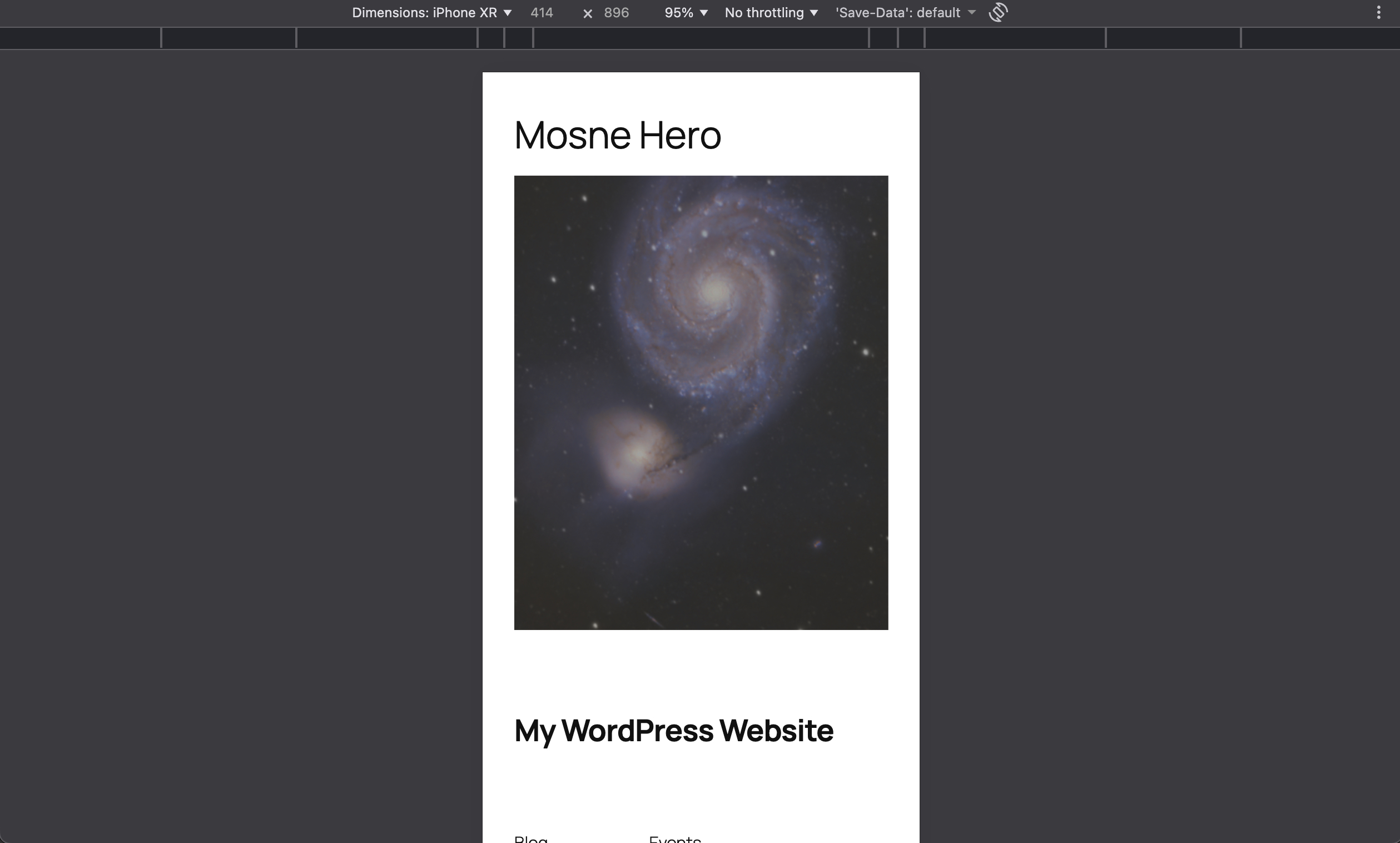
屏幕截图:
常见问题:
Can I use hooks to configure the plugin?
Yes, you can use hooks to configure the plugin.
add_filter( 'mosne_hero_enable_image_size', '__return_false' ); add_filter( 'mosne_hero_mobile_width', 'your_function' ); add_filter( 'mosne_hero_mobile_retina_width', 'your_function' ); add_filter( 'mosne_hero_mobile_height', 'your_function' ); add_filter( 'mosne_hero_mobile_retina_height', 'your_function' ); add_filter( 'mosne_hero_crop', 'your_function' ); add_filter( 'mosne_hero_breakpoint', 'your_function' ); add_filter( 'mosne_hero_settings', 'your_function' );
- This will disable the image size registration.
- This will return the mobile width and the mobile retina width.
- This will return the mobile height and the mobile retina height.
- This will return the crop option.
- This will return the breakpoint.
- This will return the settings.
更新日志:
0.3.0
- Fix size slug support
- Add video background support
- Fix assets performance
- Fix assets enqueueing
- Public Release
- First Release