
MQTT-Plug
| 开发者 | potar |
|---|---|
| 更新时间 | 2026年2月5日 08:40 |
| 捐献地址: | 去捐款 |
| PHP版本: | 7.4 及以上 |
| WordPress版本: | 6.9 |
| 版权: | GPLv2 or later |
| 版权网址: | 版权信息 |
详情介绍:
MQTT-Plug brings live MQTT data directly into WordPress using secure WebSocket connections.\
It is designed for developers, IoT experimenters, and small production deployments that want real-time visibility without building a custom frontend.
Unlike traditional MQTT tools, MQTT-Plug focuses on embedding live data into WordPress pages, posts, and dashboards, while keeping credentials safe and configuration simple.
Key Features
- Connect to MQTT brokers over WS/WSS
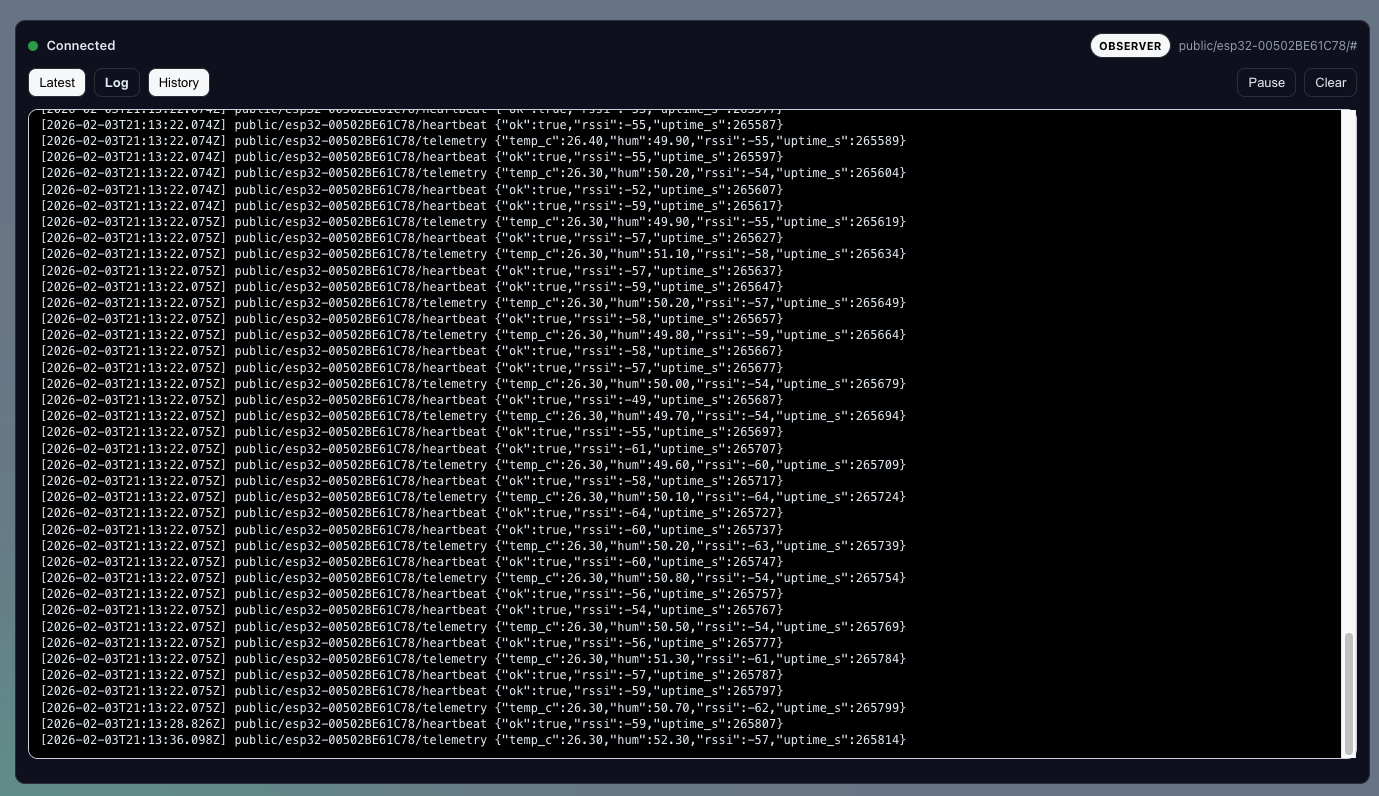
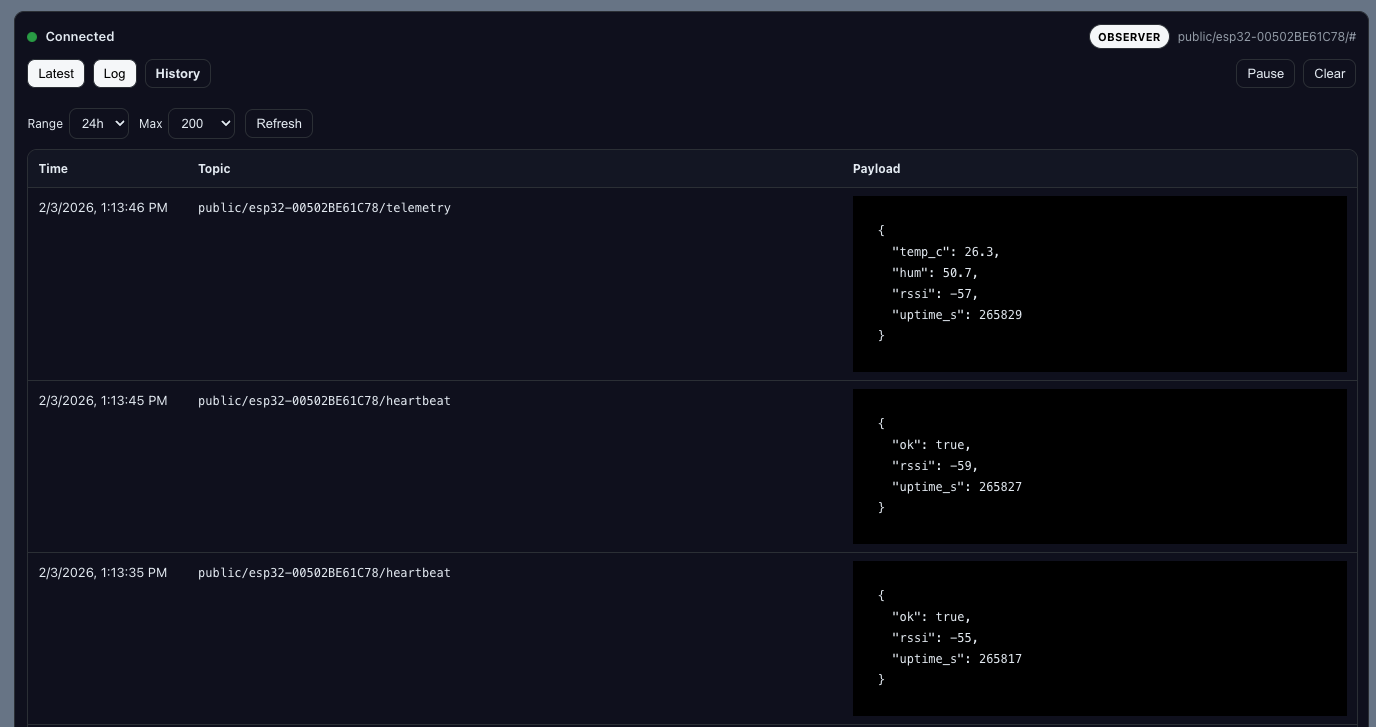
- Live message stream and event log
- Topic-based subscriptions
- Shortcode-driven embeds
- Works with public or authenticated dashboards
- Designed for modern MQTT backends (Mosquitto, EMQX, HiveMQ, The-Link-Builders, managed brokers)
- No external Node services required
- Lightweight; no tracking, no telemetry, no lock-in
安装:
- Upload the
mqtt-plugfolder to/wp-content/plugins/, or install via the WordPress plugin installer. - Activate the plugin through the Plugins menu.
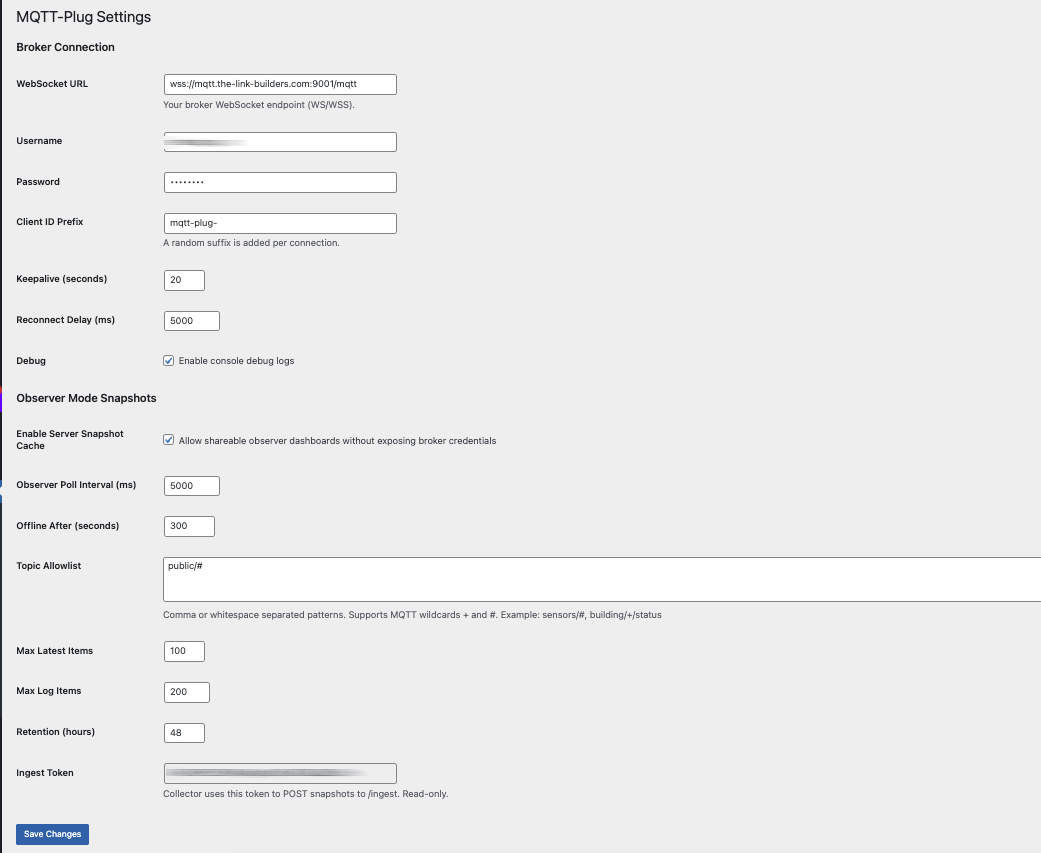
- Go to Settings → MQTT-Plug to configure your broker connection.
- Add the shortcode to any page or post.
屏幕截图:
常见问题:
Does this replace my MQTT broker?
No. MQTT-Plug is a viewer and frontend. You still need an MQTT broker.
Which brokers are supported?
Any MQTT broker that supports WebSockets, including Mosquitto, EMQX, HiveMQ, and managed services.
Can I use this for production systems?
Yes, provided you follow standard MQTT security practices. For large-scale or multi-tenant systems, a managed broker is recommended.
Is JavaScript required?
Yes. MQTT-Plug uses browser-based WebSocket connections for live data.
更新日志:
1.0
- Initial stable release
- Hardened settings validation
- Improved connection lifecycle handling
- Observer-safe rendering
- Clean shortcode API
- Production-ready defaults