
Multimage – Image Uploads for WPForms
| 开发者 | developerakshat |
|---|---|
| 更新时间 | 2026年10月15日 20:35 |
| PHP版本: | 7.4 及以上 |
| WordPress版本: | 7.0 |
| 版权: | GPLv2 or later |
| 版权网址: | 版权信息 |
详情介绍:
This is an independent, third-party add-on. It is not affiliated with, endorsed by, or sponsored by WPForms or Awesome Motive, Inc. "WPForms" is a trademark of its respective owner and is used here only to describe compatibility.Features
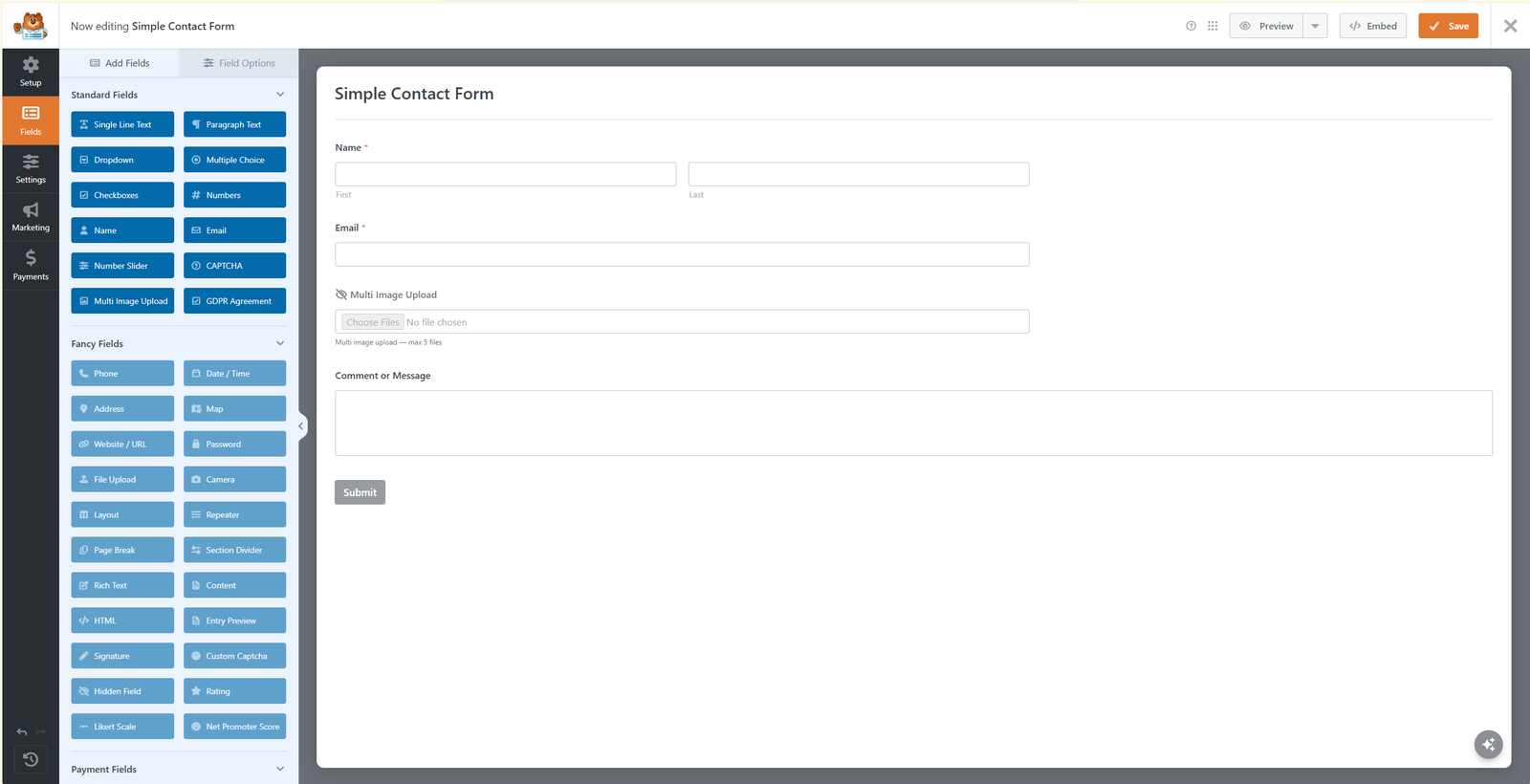
- New "Multi Image Upload" field in the builder — drag into any form
- Works with WPForms Lite (no Pro required)
- Works with WPForms AJAX submission on or off — images pre-upload instantly on selection, so nothing is lost to form serialization
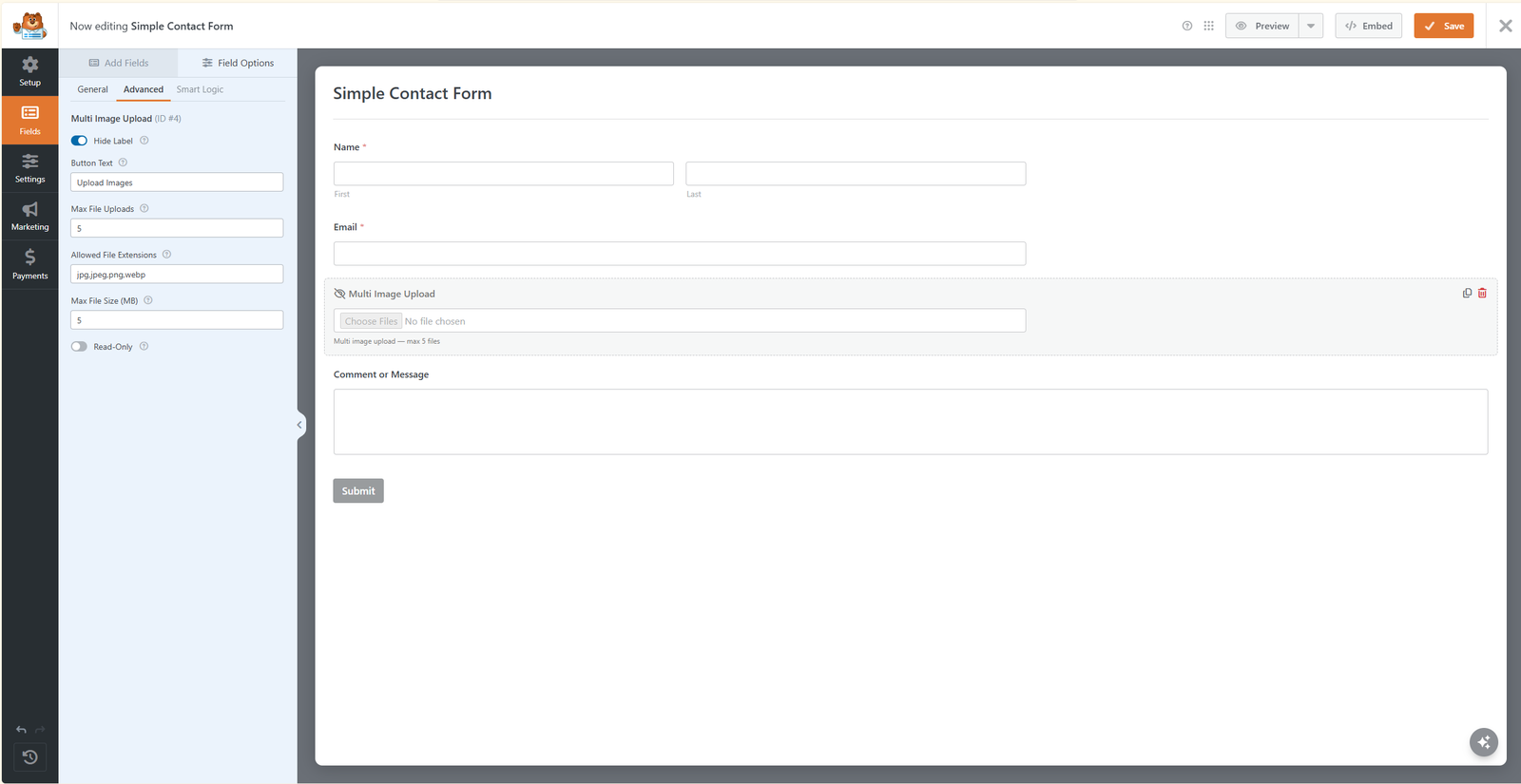
- Per-field settings: Max File Uploads, Allowed File Extensions, Max File Size (MB)
- Selected images listed with individual remove buttons before submit
- Image URLs included in the
{all_fields}email template - Uploaded images attached to notification emails
- Server-side validation: content-based MIME detection, extension whitelist, size limits
- Automatic cleanup of abandoned temporary uploads after 24 hours
- Compatible with themes using JCF-style form styling libraries
- WPForms Lite or WPForms Pro
- Flash Sale Stock Guard for WooCommerce — Prevent overselling during limited drops and flash sales by reserving stock at add-to-cart.
- Quovex Blocks — Modern Gutenberg blocks: filterable Query Grid, Post Carousel, Magazine Content Showcase & Notification Banner.
- Story Video Block — Fast video player, YouTube/Vimeo embed & video testimonials for Gutenberg with click-to-play lazy loading.
安装:
- Upload the
multimage-image-uploads-for-wpformsfolder to the/wp-content/plugins/directory, or install the plugin through the WordPress "Add New Plugin" screen. - Activate the plugin through the 'Plugins' screen in WordPress.
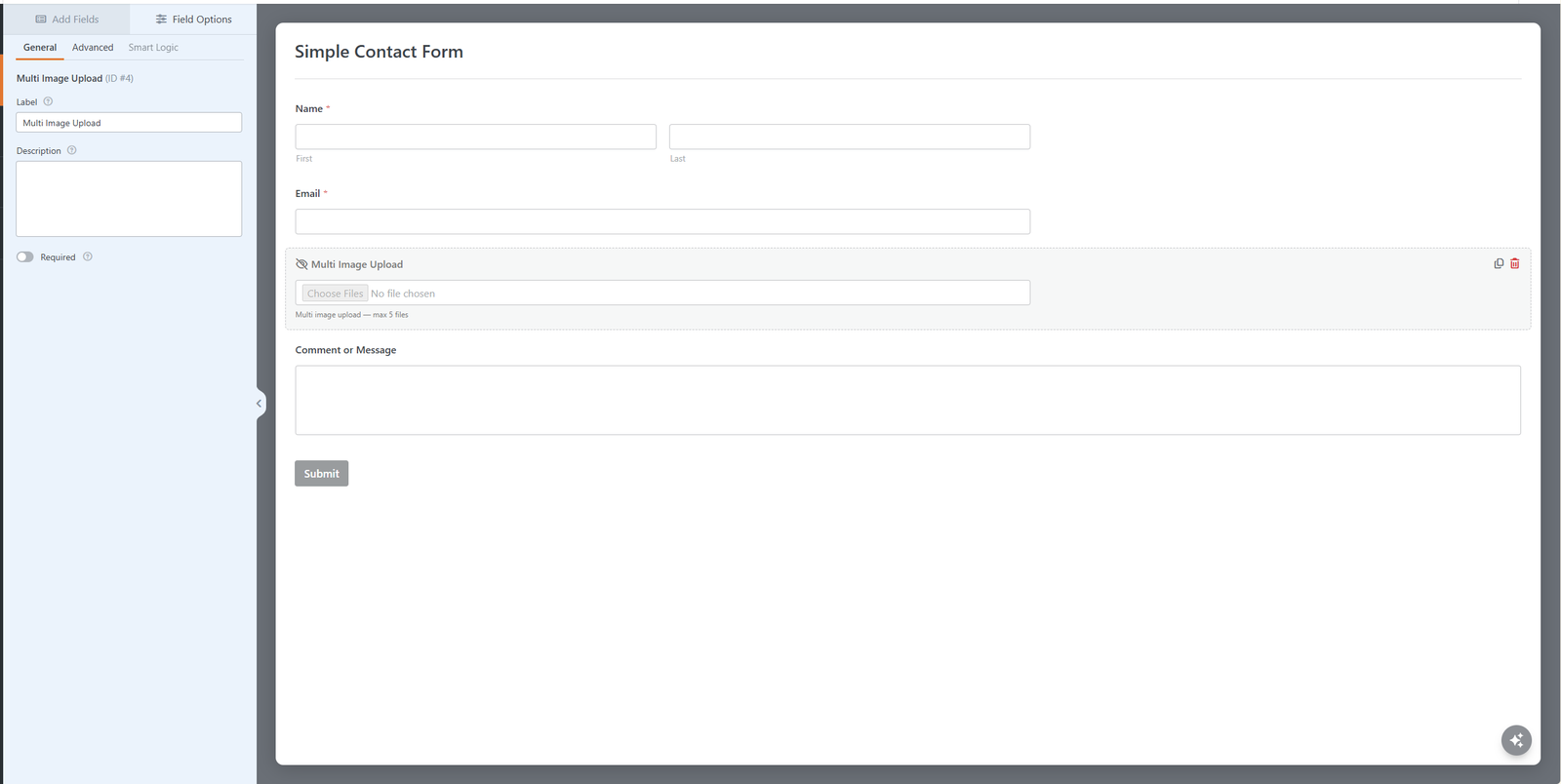
- Edit or create a WPForms form and drag the Multi Image Upload field into the form from the Fields panel.
- Configure the field's Max File Uploads, Allowed File Extensions, and Max File Size options in the field settings panel.
- Save and publish the form.
屏幕截图:
常见问题:
Does this work with WPForms Lite?
Yes. That is the primary use case — Lite has no file upload field, and this plugin adds a multi-image one.
Where are the uploaded images stored?
In your standard WordPress uploads directory (wp-content/uploads/year/month), after a successful form submission. Before submission they are held in a temporary folder that is cleaned automatically.
Can users upload non-image files?
No. The upload endpoint enforces an image-only whitelist (jpg, jpeg, png, gif, webp) with content-based MIME detection, regardless of field settings.
Does it work with AJAX form submission enabled?
Yes. Images are pre-uploaded on selection, so the setting does not matter.
How many images can a visitor upload?
Whatever you set for Max File Uploads on that field, per form. Use separate Multi Image Upload fields with different limits if you need a photo field and a gallery field on the same form.
Do the uploaded images appear in the WordPress Media Library?
No. Images are saved to your uploads directory but are not added as Media Library attachments, so visitor submissions never clutter your library.
Can I use this for a photo gallery or portfolio submission form?
Yes. Any form that needs visitors to submit multiple photos — galleries, portfolios, applications, support requests — can use the Multi Image Upload field.
更新日志:
- Initial release.