
Multixor – Multisite Sync & Manager
| 开发者 | yuss246 |
|---|---|
| 更新时间 | 2026年9月10日 15:14 |
| PHP版本: | 7.4 及以上 |
| WordPress版本: | 7.1 |
| 版权: | GPLv2 or later |
| 版权网址: | 版权信息 |
详情介绍:
Multixor – Multisite Sync & Manager provides network administrators with tools for controlled one-way synchronization and site copying inside WordPress Multisite.
Core features include:
- Manual background synchronization for posts, pages, WooCommerce products, public post types and taxonomies.
- Full Site Copy with resumable background processing.
- WooCommerce simple and variable product support.
- Product variation, pricing, stock, gallery and taxonomy synchronization.
- Elementor-aware copying with dynamic relationship remapping.
- Three media strategies: duplicate media, shared source media, or original URLs.
- Automatic source-to-destination synchronization.
- Optional deletion propagation with Trash or permanent deletion modes.
- Jobs Manager with resume, cancellation, failure details and retries.
- Post-sync verification for content, products, variations, taxonomy assignments, media and selected metadata.
- Repair jobs for verification issues.
- Pre-flight validation before Full Site Copy.
- Scalable custom-table job and manifest storage for large networks.
- Operation logs.
- Stopped Full Site Copy jobs can continue from their saved checkpoint.
- Network Customers dashboard with customer, order-count and total-spent visibility.
- Network Orders dashboard for recent WooCommerce orders across all stores.
- No external telemetry.
安装:
- Upload the
multixor-multisite-syncfolder to/wp-content/plugins/, or install the ZIP from Network Admin. - Network activate Multixor – Multisite Sync & Manager.
- Open Network Admin > Multixor – Multisite Sync & Manager.
- Configure the master source site, destinations and synchronization options.
- Test with a small batch before starting a large copy or enabling automatic deletion propagation.
屏幕截图:
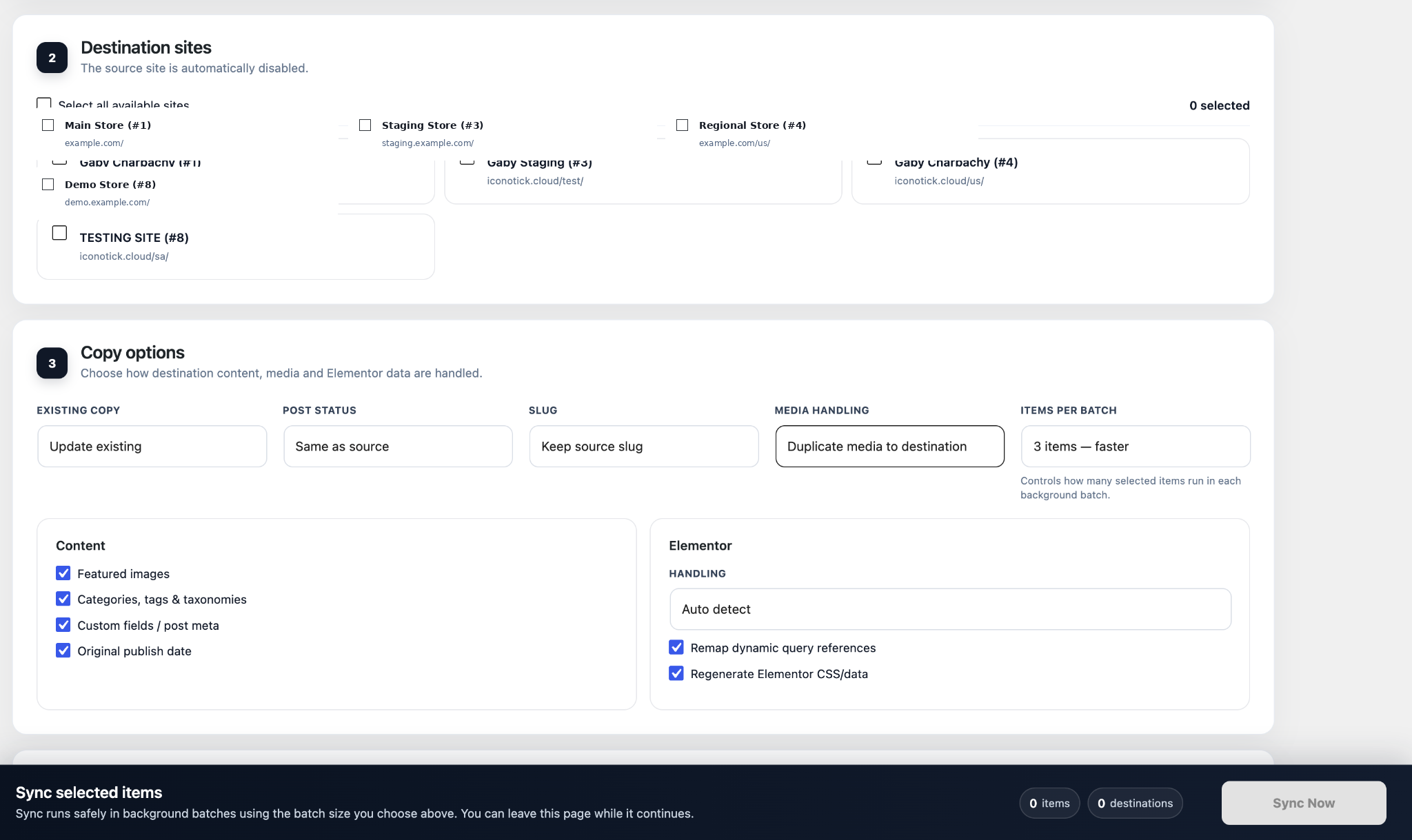
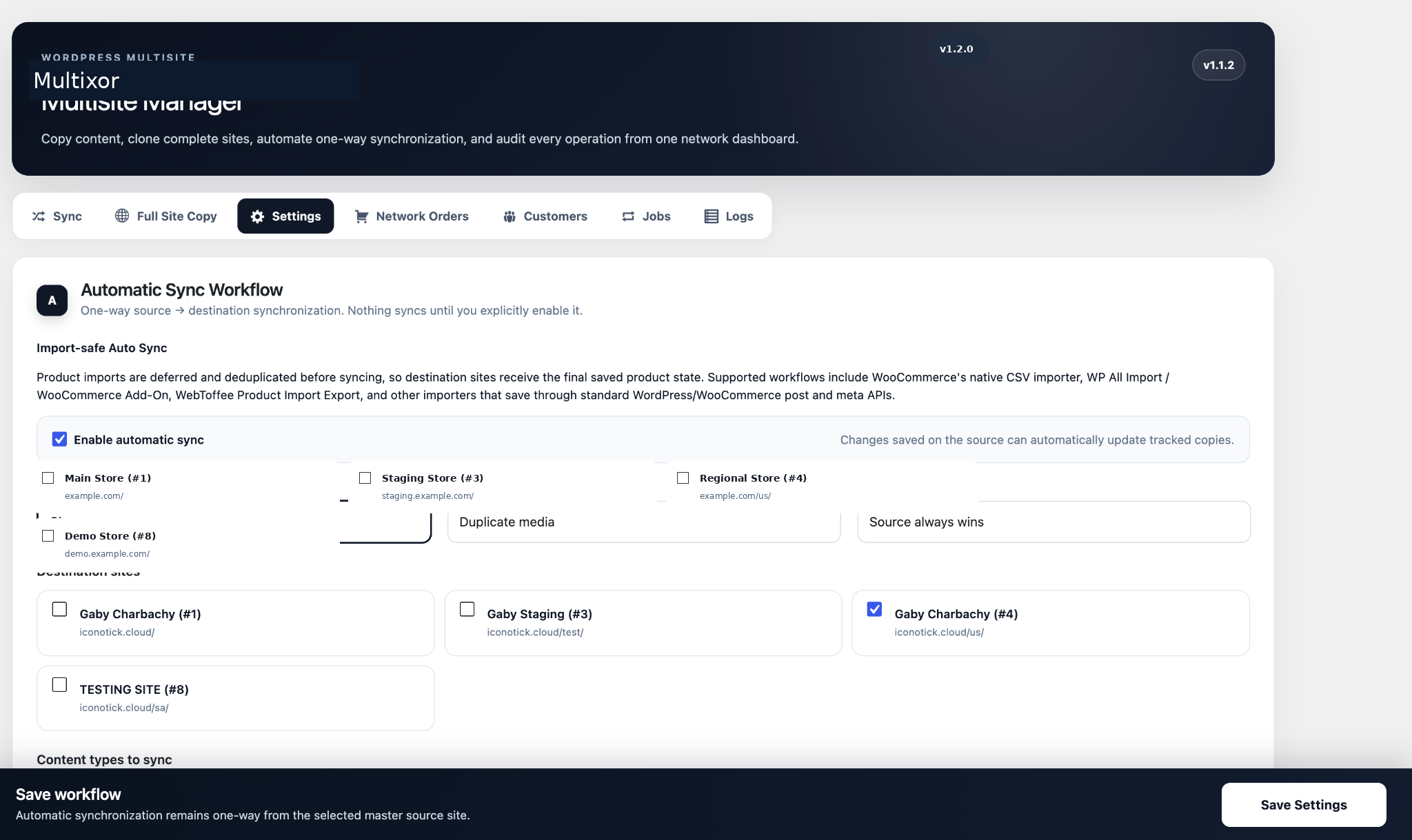
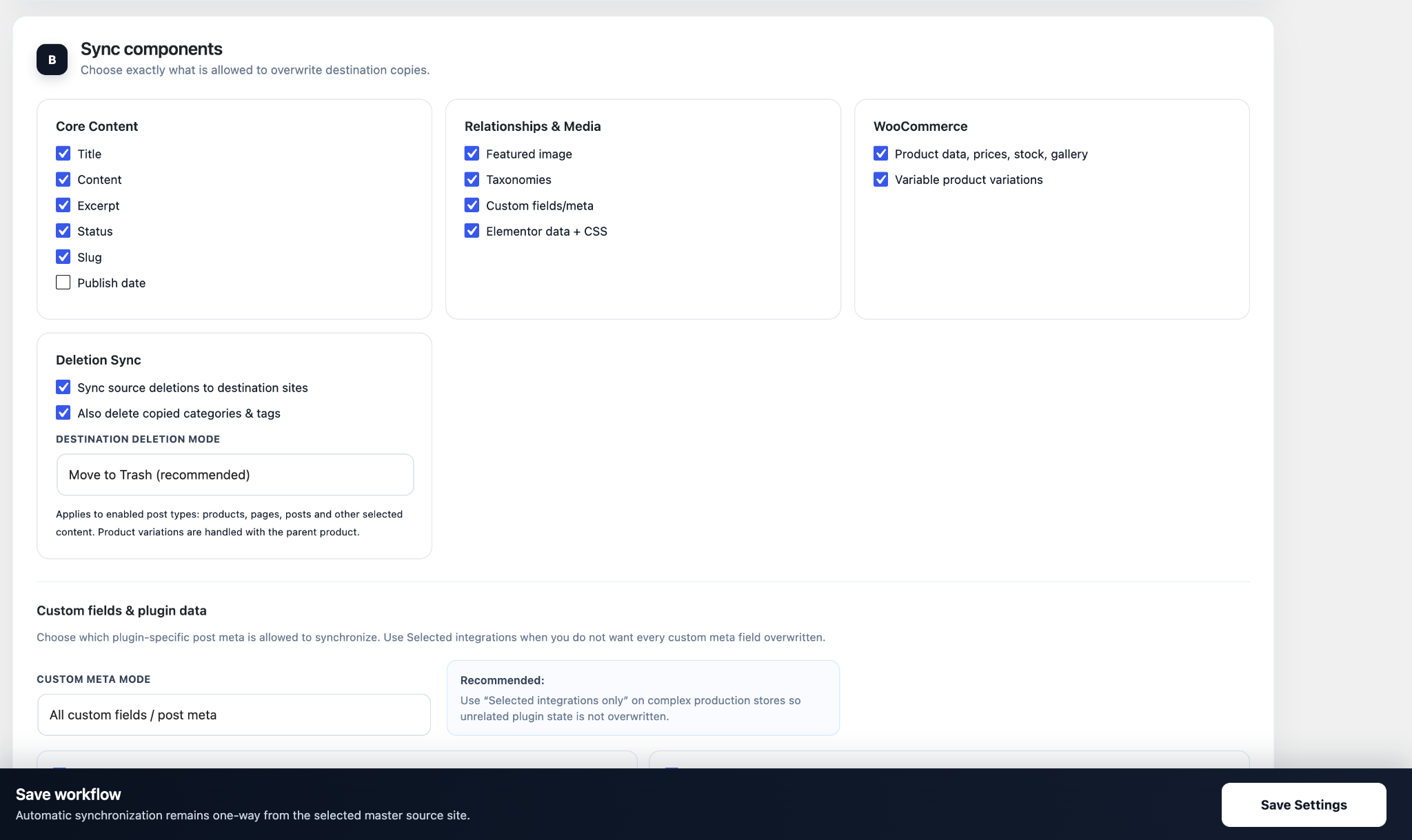
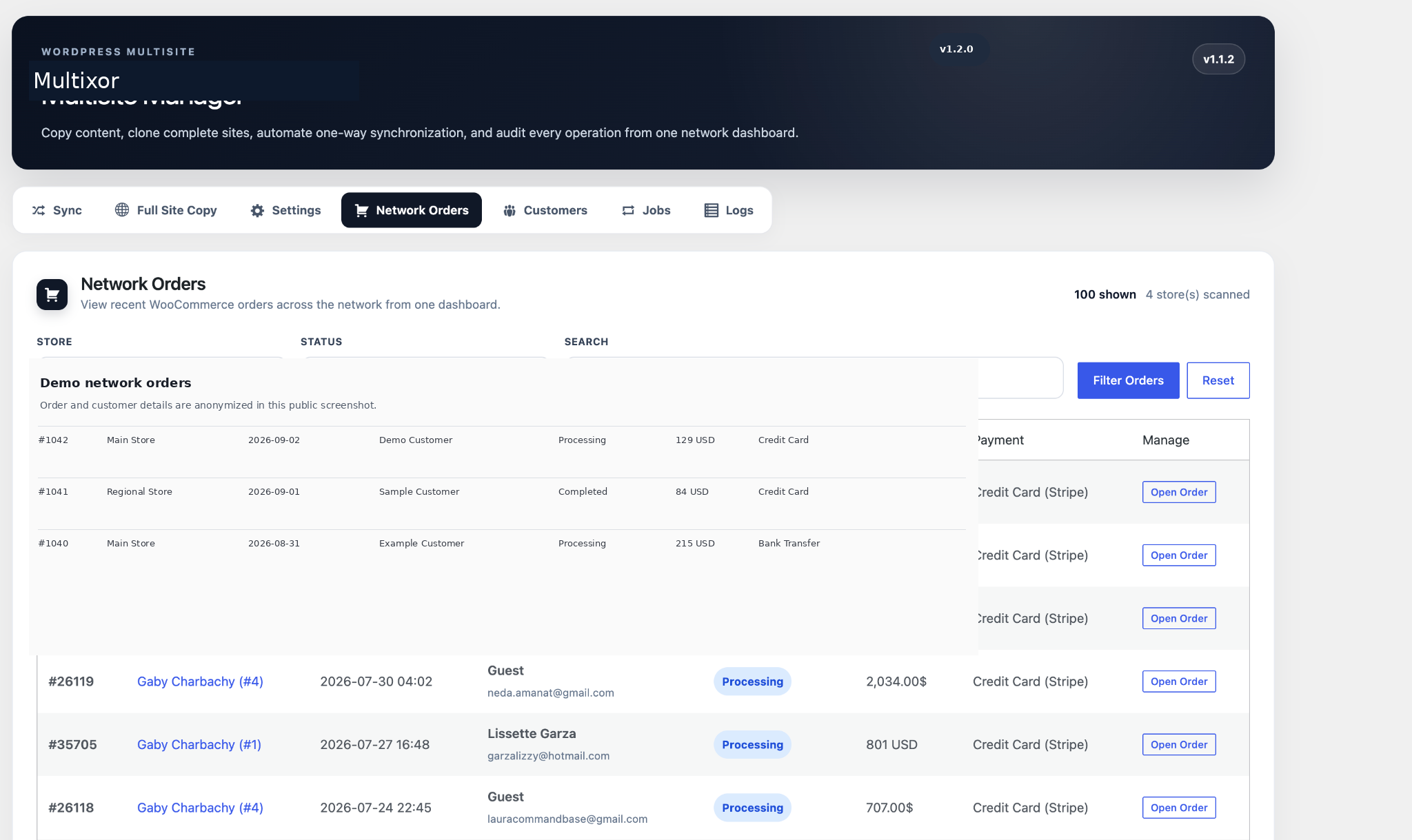
常见问题:
Does it work with WooCommerce variable products?
Yes. Multixor – Multisite Sync & Manager copies products, variations, pricing, stock, attributes, featured images and galleries.
Can a stopped job continue without starting over?
Yes. Manual Sync and Full Site Copy jobs use saved checkpoints and can resume from their existing progress.
Does deleting a source product delete destination copies?
Deletion synchronization is optional and disabled by default. When enabled, destination copies can be moved to Trash or permanently deleted.
Does the plugin send data to an external service?
No. The plugin does not include external telemetry.
What happens when I uninstall the plugin?
Plugin data is preserved by default. Network administrators can opt in to deleting settings, logs, job data, custom tables and Multixor – Multisite Sync & Manager mapping metadata during uninstall.
更新日志:
1.2.1
- Fixed the Network Admin asset loader so Multixor CSS and JavaScript load on Sync, Full Site Copy, Settings, Network Orders, Customers, Jobs and Logs screens.
- Fixed the unstyled/broken interface shown on submenu pages after the WordPress.org release.
- Updated plugin author branding to TheLeoPress and added TheLeoPress branding inside the Multixor dashboard.
- No synchronization, cloning, order, customer or background-job logic was changed.
- Renamed the plugin to Multixor – Multisite Sync & Manager and requested the permanent slug multixor-multisite-sync.
- Migrated declarations, AJAX actions, hooks, handles, DOM identifiers and stored-data keys to the unique multixor prefix.
- Activation now completes cleanly on non-Multisite WordPress and displays an explanatory Multisite requirement notice instead of terminating.
- Admin JavaScript is included in human-readable source form.
- Preserved Network Admin submenus, toolbar shortcuts, horizontal tabs, import-safe Auto Sync, background jobs, locking and recovery.
- Added direct Network Admin submenu links under Multixor – Multisite Sync & Manager for Sync, Full Site Copy, Settings & Auto Sync, Network Orders, Customers, Jobs and Logs.
- Added Multixor – Multisite Sync & Manager to the WordPress admin toolbar with the same quick-access section links.
- Kept the existing horizontal section tabs inside Multixor – Multisite Sync & Manager.
- Admin-toolbar links are shown only to users with network-management capability on Multisite installations.
- Preserved the import-safe deferred and deduplicated Auto Sync workflow from 1.1.1.
- Kept Multixor – Multisite Sync & Manager as a standalone Network Admin plugin with its own menu.
- Full Site Copy, Auto Sync, Orders, Customers, Jobs and Logs remain horizontal in-plugin tabs.
- Replaced the old MultixorData global class/constant prefix with the plugin-specific Multisite_Manager / MULTISITE_MANAGER prefix for WordPress.org naming compliance.
- Preserved existing option names, stored mappings and internal data for upgrade compatibility.
- Includes deferred, deduplicated Auto Sync for WooCommerce native CSV imports, WP All Import, WebToffee Product Import Export and standard WordPress/WooCommerce save APIs.
- Supports both new-product imports and updates to existing products.
- Variable-product saves resolve to the parent product, and per-item locking prevents overlapping Auto Sync work.
- Reworked Auto Sync into a deferred, deduplicated background workflow instead of copying immediately during save_post.
- Auto Sync now waits for final product saves and metadata writes before creating a background job.
- Added explicit WooCommerce native CSV importer integration through woocommerce_product_import_inserted_product_object.
- Added WP All Import integration through pmxi_saved_post and product-variation hooks.
- Added importer-agnostic product/meta debounce support, covering WebToffee Product Import Export and other importers that use standard WordPress/WooCommerce save APIs.
- New products and updates to existing products are both supported.
- Variable-product variation saves are normalized to the parent product so the final product state is synchronized once.
- Repeated saves for the same source item are deduplicated by rescheduling one pending Auto Sync action.
- Added per-item locking to avoid overlapping Auto Sync workers.
- Auto Sync items now run through the existing Background Jobs engine, so they inherit job recovery, logging, retries and Jobs Manager visibility.
- Added scalable custom-table storage for jobs and Full Site Copy manifests.
- Added chunked manifest generation for large networks.
- Expanded verification to WooCommerce pricing, stock, variations, taxonomies, media, Elementor presence and selected metadata.
- Added Repair Verification Issues workflow.
- Added Full Site Copy pre-flight validation.
- Added Jobs Manager filtering and old-job cleanup.
- Added duplicate product prevention using source tracking and exact SKU fallback.
- Added optional complete uninstall cleanup.
- Hardened loopback SSL verification and input handling.
- Added WordPress.org readme, licensing and release metadata.