Muri Link Tracker
| 开发者 | muri3 |
|---|---|
| 更新时间 | 2026年6月16日 23:56 |
| PHP版本: | 8.2 及以上 |
| WordPress版本: | 7.0 |
| 版权: | GPLv2 or later |
| 版权网址: | 版权信息 |
详情介绍:
- Background Processing — Scans run silently via Action Scheduler, so your admin stays responsive and your front-end stays fast.
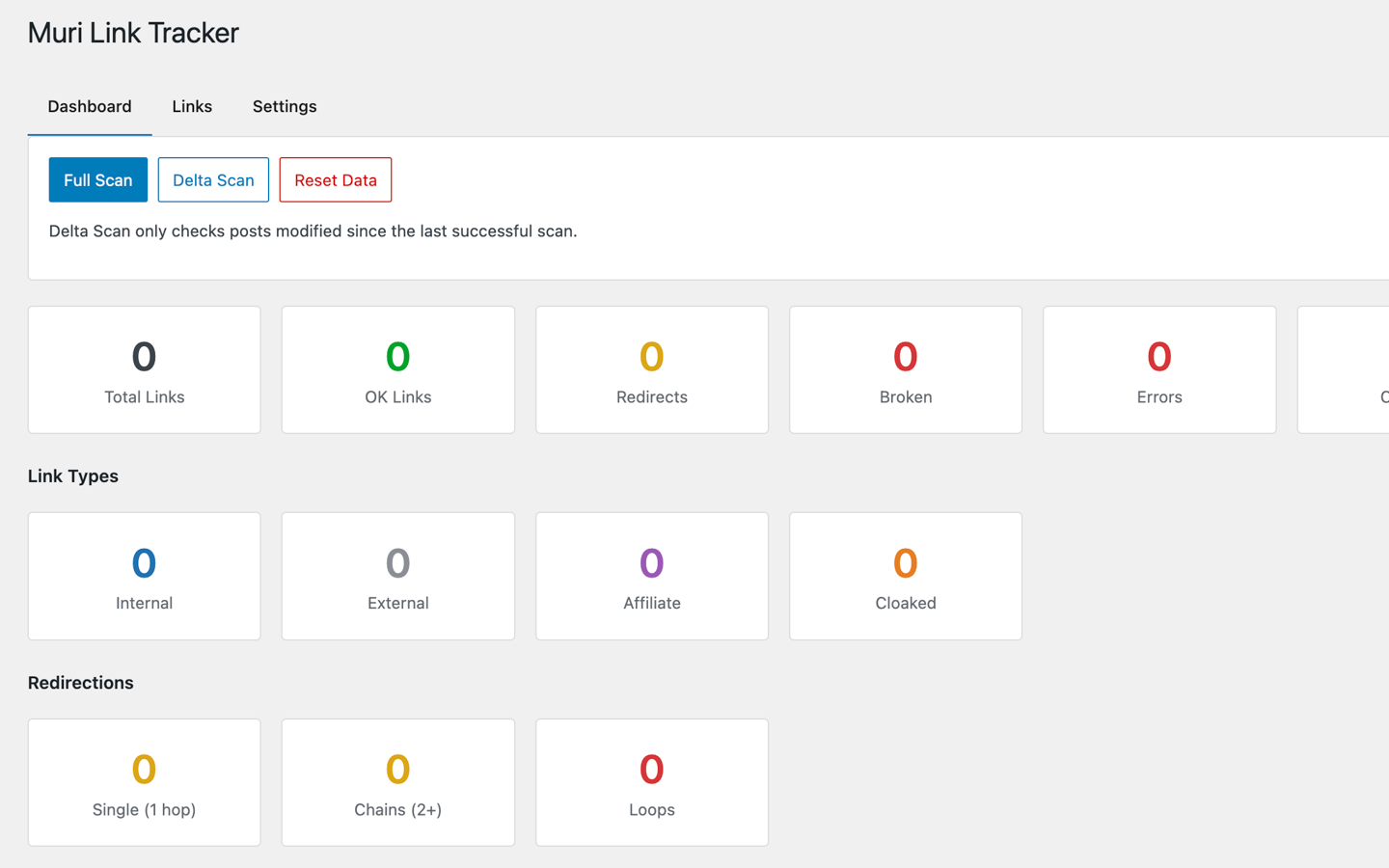
- Three Scan Modes — Launch a Full Scan of all content, a Delta Scan (only posts modified since the last scan) to save resources, or a Reset Data to wipe and start fresh.
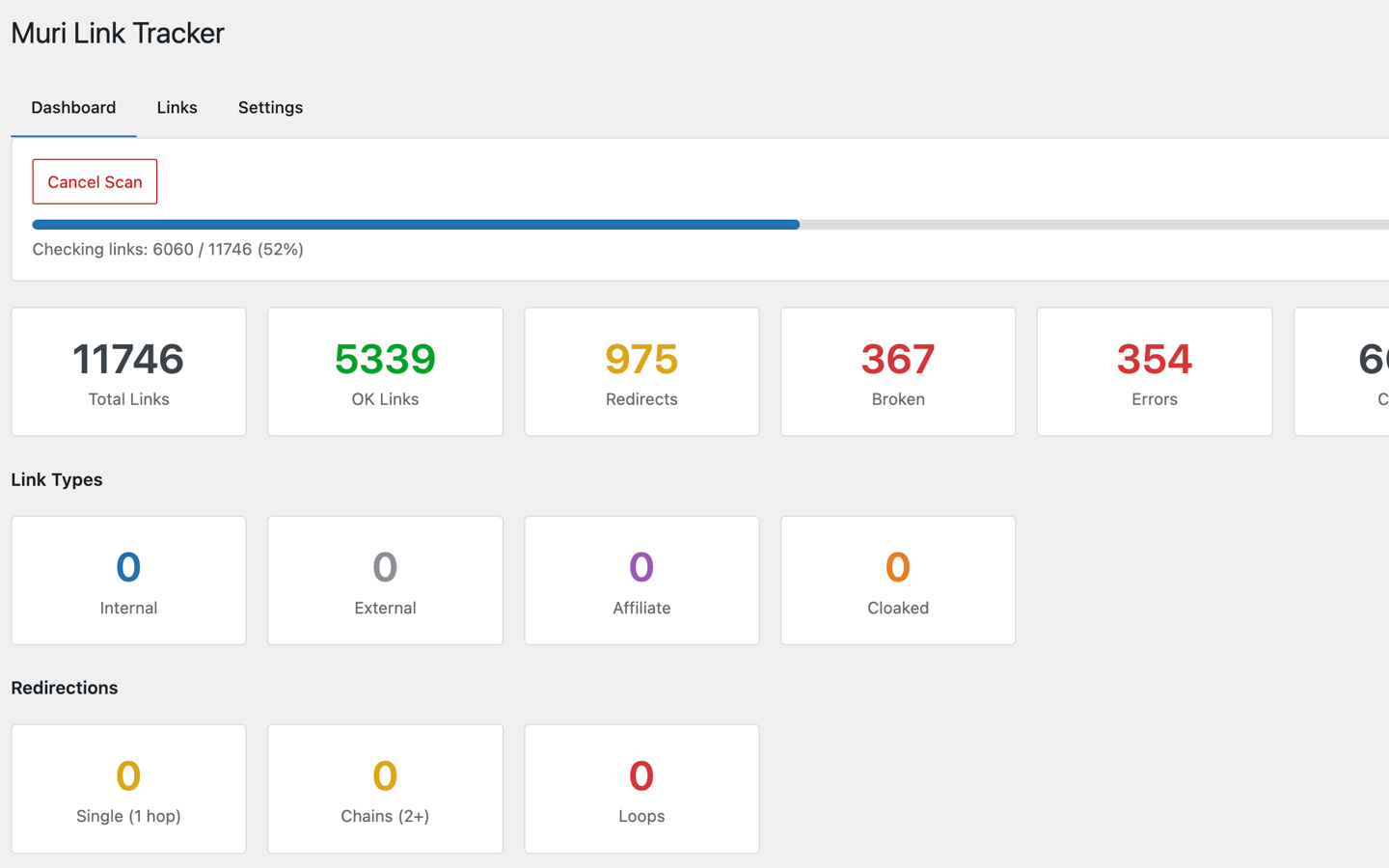
- Live Progress Tracking — Watch the scan progress in real time with a progress bar, counters, and the ability to cancel mid-scan.
- Affiliate Link Detection — Automatically identifies affiliate links across 14+ networks (Amazon, Awin, CJ, ShareASale, Impact, Rakuten, ClickBank, PartnerStack, and more), including cloaked internal redirects (internal URLs that redirect to external affiliates).
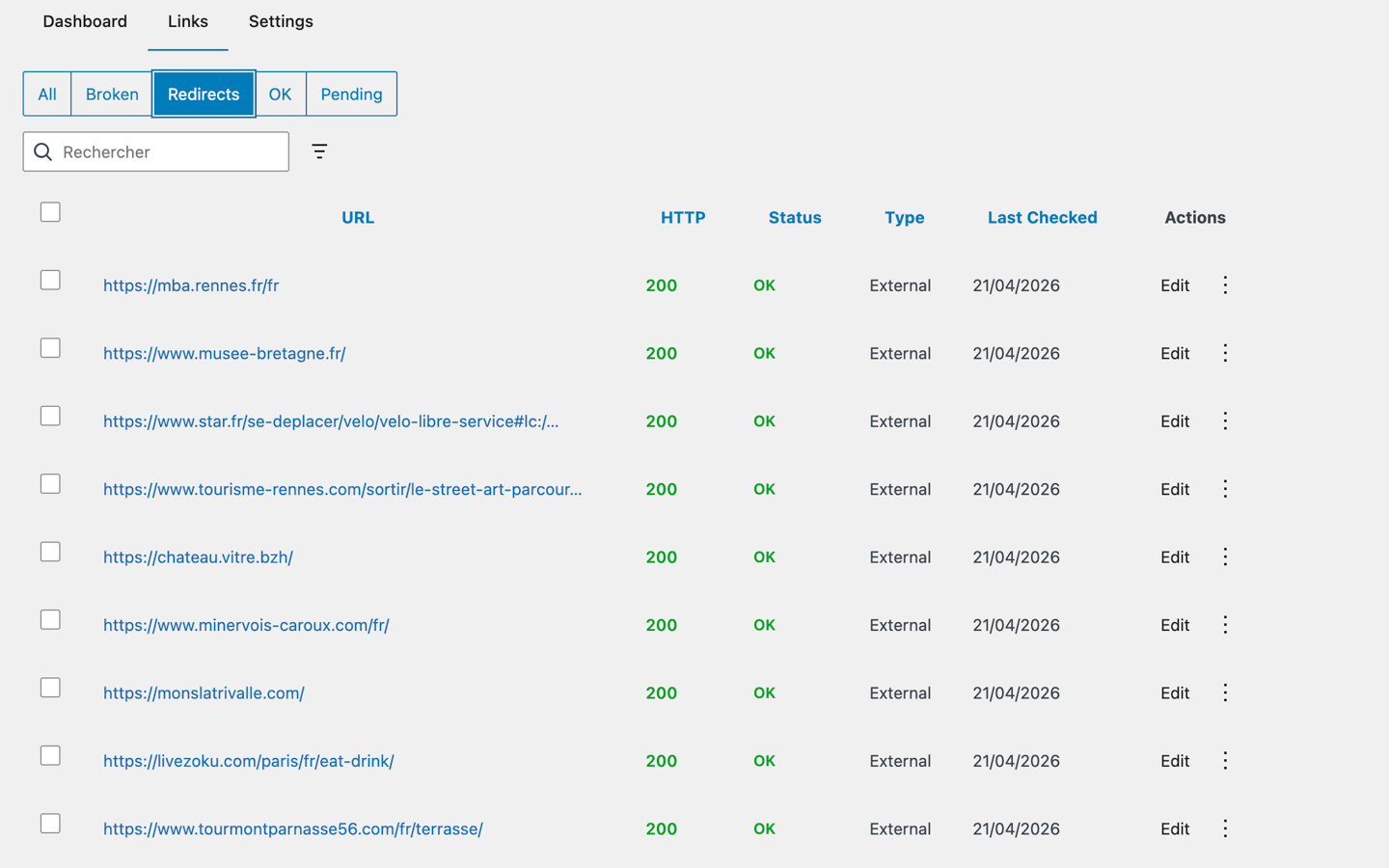
- Redirect Chain Analysis — Classifies every redirect as a single hop, a chain of 2+ hops, or a loop, so you know exactly what to fix first.
- Affiliate Networks Breakdown — See at a glance how many links belong to each affiliate program (Amazon, CJ, Awin…).
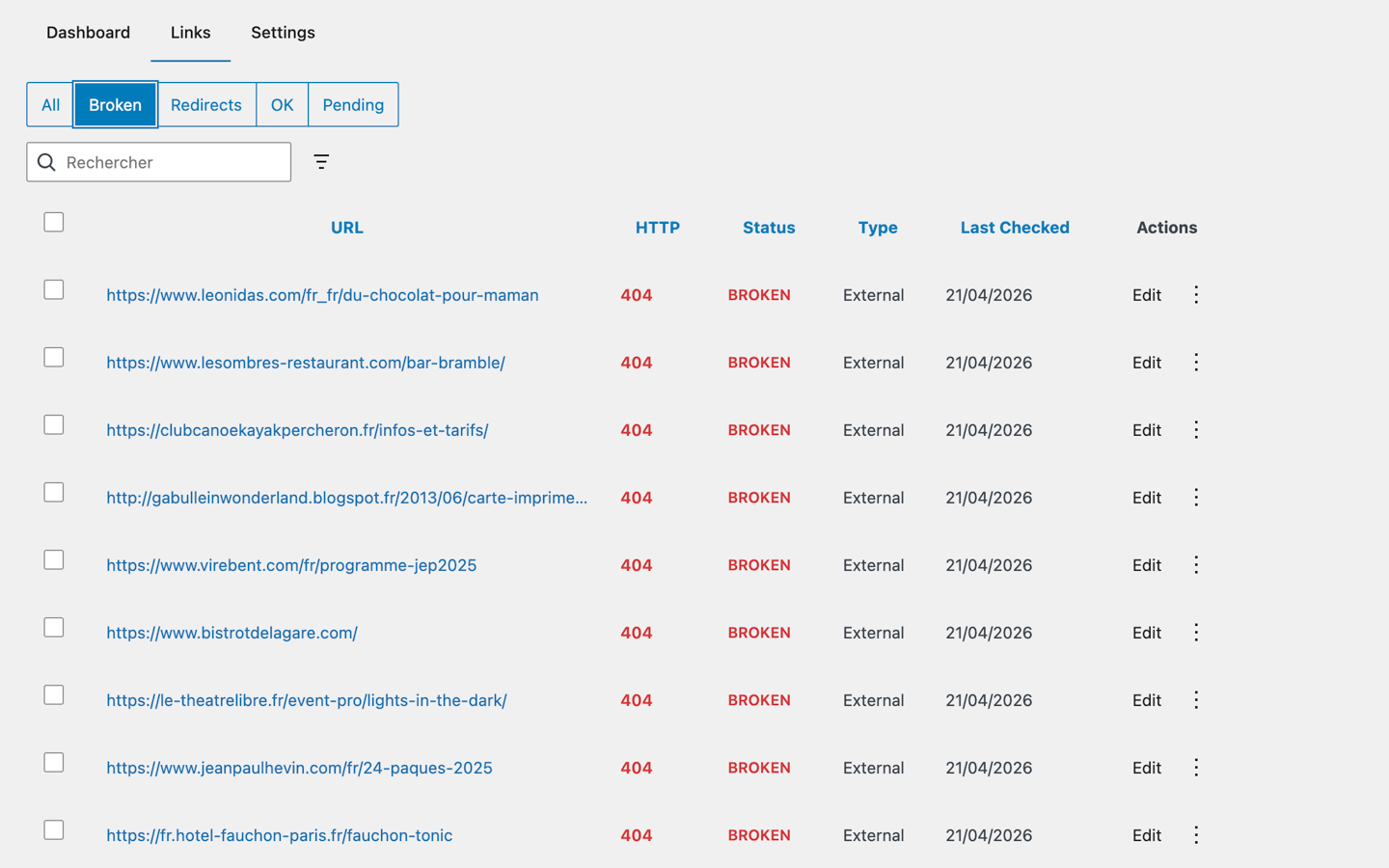
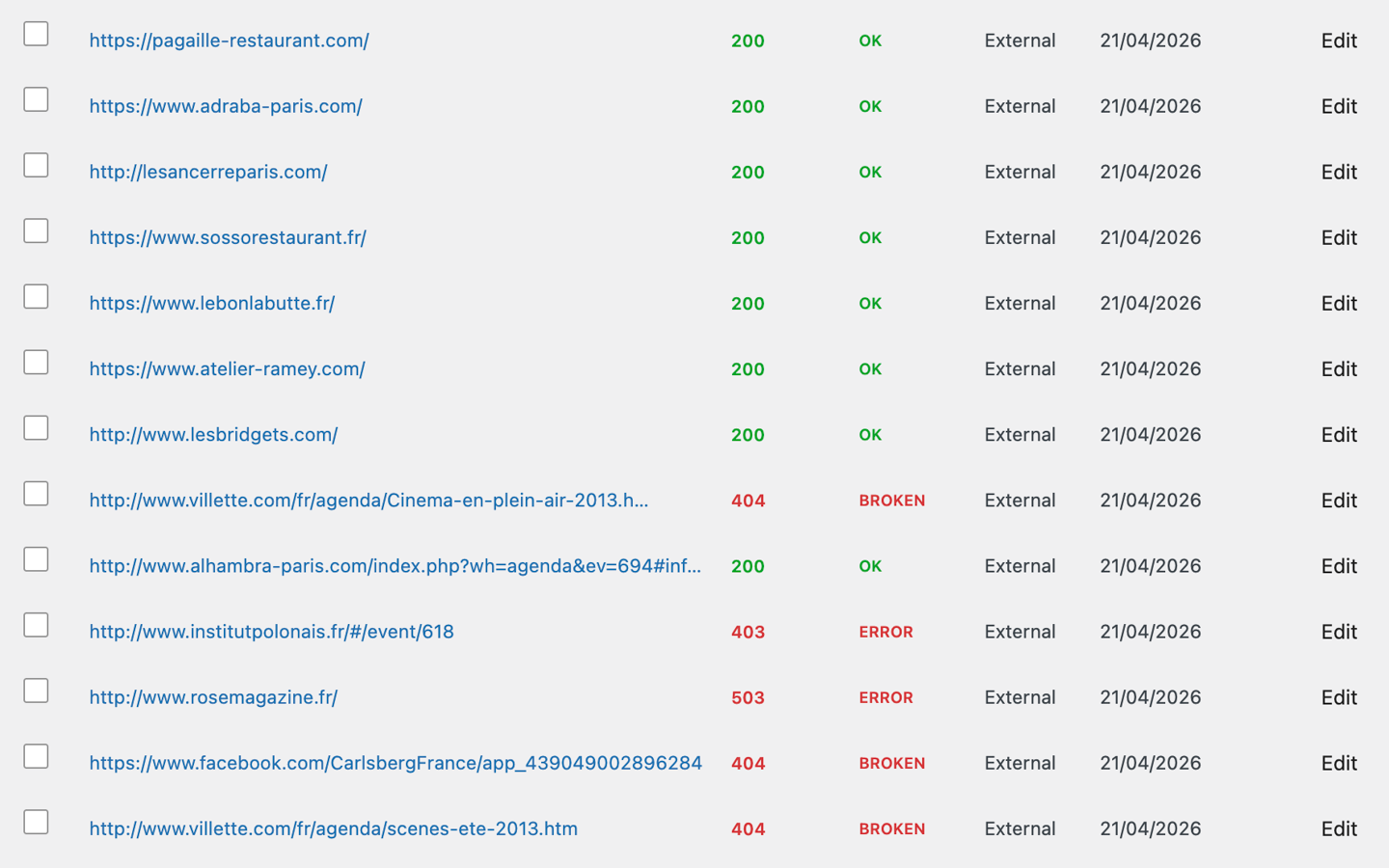
- Modern React Dashboard — Real-time statistics, quick filter tabs (All / Broken / Redirects / OK / Pending), inline editing, and bulk actions in a polished admin interface built with the WordPress design system.
- Smart Filtering & Search — Filter by status, link type, or affiliate network, and search across URLs and anchor text instantly.
- CSV Export — Export your full link inventory with active filters applied, perfect for reporting and auditing.
- Silent Link Editing — Fix or remove a link directly from the dashboard without bumping the post's modified date or creating revision clutter.
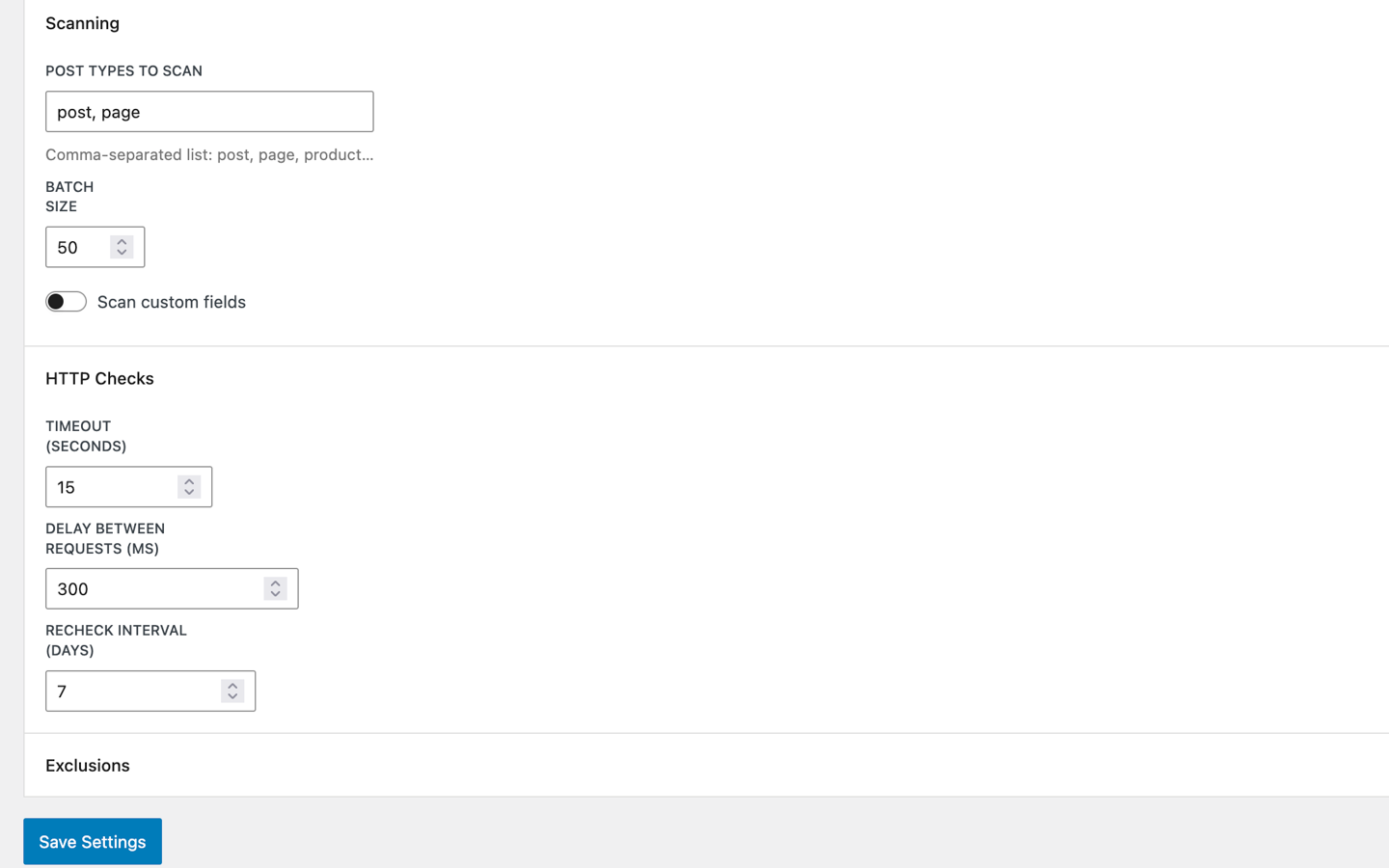
- Configurable to Any Host — Adjustable batch sizes, timeouts, request delays, and recheck intervals to fit shared hosting or dedicated servers.
- Scan Resume — Interrupted scans pick up exactly where they left off.
- Gutenberg-Aware — Extracts links from Gutenberg blocks with block-level metadata, including button blocks and navigation links.
- Broken links (4xx and 5xx HTTP status codes)
- Redirect chains and loops (single hop, multi-hop, infinite loops)
- Affiliate links via domain patterns, URL paths, query parameters, and
rel="sponsored" - Cloaked affiliate links (internal URLs that redirect to external affiliates)
- Missing rel attributes (nofollow, sponsored, ugc)
- Timeout and SSL/connection errors
- Both internal and external links, categorized automatically
Mozilla/5.0 (compatible; MuriLinkTracker/2.0.0; +https://your-site-url), which includes your own site's address so the remote servers being checked can identify the source of the request. No personal user data is collected, stored, or transmitted to third parties.
Development
The full source code, including React/JavaScript source files and build configuration, is available on GitHub:
https://github.com/nicolasdiolez/muri-link-tracker
安装:
- Upload the
muri-link-trackerfolder to the/wp-content/plugins/directory. - Activate the plugin through the 'Plugins' menu in WordPress.
- Access the dashboard via Muri Link Tracker in the admin sidebar.
- Open the Settings tab to choose which post types to scan and tune timeouts to your hosting.
- Click Full Scan from the Dashboard to analyze all your published content.
- WordPress 6.9 or higher
- PHP 8.2 or higher
屏幕截图:
常见问题:
How does the scanning work?
Muri Link Tracker uses WordPress Action Scheduler to process scans in the background. Posts are scanned in configurable batches, and each link is verified via HTTP HEAD request with GET fallback. This ensures your site remains responsive during scans, even on shared hosting.
What's the difference between Full Scan and Delta Scan?
Full Scan re-indexes every link on your site and re-checks each URL's HTTP status. Delta Scan only processes posts modified since the last successful scan — ideal for recurring maintenance on large sites. Use Full Scan after major content migrations, Delta Scan for weekly check-ups.
Does it slow down my site?
No. All scanning and link checking happens in background processes via Action Scheduler. The plugin also includes configurable request delays and batch sizes to prevent overloading your server, and it automatically adapts batch size to available memory.
What affiliate networks does it detect?
Amazon, ShareASale, Commission Junction (CJ), Impact, Rakuten, ClickBank, Awin, Tradedoubler, Webgains, Commission Factory, FlexOffers, Skimlinks, Sovrn/VigLink, and PartnerStack. You can extend detection patterns via the mltr/classifier/affiliate_patterns filter.
Can I detect cloaked affiliate links?
Yes. When an internal URL (e.g., /go/product-name) redirects to an external affiliate, Muri Link Tracker flags it as Cloaked so you can audit your entire affiliate footprint, even when it's hidden behind pretty URLs.
Can I scan only specific post types?
Yes. In Settings, enter a comma-separated list of post types (e.g., post, page, product) to include in scans. Any custom post type is supported.
What happens when I delete or edit a link?
When you edit or delete a link through the plugin, it updates the <a> tag directly in the post content. The post's modified_date is not updated and no revision is created, so your SEO timestamps and revision history stay clean. Remember to purge your page cache after bulk edits if you use a caching plugin.
Can I cancel a scan that's already running?
Yes. A Cancel Scan button appears next to the progress bar during any active scan. Partial results are preserved.
Can I resume an interrupted scan?
Yes. If a scan is cancelled, crashes, or is interrupted by a server restart, you can resume it from the dashboard. The plugin tracks scan progress and picks up right where it left off.
How often are links re-checked?
You can configure a Recheck Interval (in days) from the Settings panel. Default is 7 days. Links past that threshold are automatically re-verified on the next Delta or Full Scan.
Is the plugin translation-ready?
Yes. All user-facing strings are internationalized and the text domain is muri-link-tracker. A POT file ships in /languages/ for community translations.
更新日志:
- New (Affiliates): dedicated Affiliates tab with at-a-glance stats, prioritized action list (broken / missing rel="sponsored" / missing FTC disclosure), and per-network breakdown. Each card pre-filters the Links tab on click.
- New (Affiliates): bulk add
rel="sponsored"with dry-run preview — see exactly which URLs will be patched before confirming. Edits the livepost_contentsilently (no revision, nopost_modifiedchange). - New (External links): bulk add
rel="nofollow"for external links, symmetric to the sponsored flow. Dry-run preview + silent post update + sample list of patched URLs. - New (Links table): dedicated Rel column with NF / SP / UGC / DF badges aggregated per link, plus DataViews filter with positive (
Has rel="nofollow") and negative (Missing rel="nofollow",Missing rel="sponsored") options — easily spot links you forgot to annotate. - New (Bulk rel): "Add rel=sponsored" / "Add rel=nofollow" now apply to every link you explicitly select, even ones auto-detection did not flag as affiliate or external — so you can override a missed classification. The automated "Fix all missing rel" flows still target only detected affiliate/external links.
- Fix (Edit Link): manually editing a link's Rel attribute now updates the plugin's Rel column and filters immediately, instead of staying stale until the next scan (the post content was always updated correctly; only the in-plugin index lagged).
- New (REST):
rel_missingquery param on/linksand/links/export(nofollow|sponsored|ugc). New endpointGET /links/externals/missing-nofollowreturns IDs of external links lackingrel="nofollow".GET /links/statsexposes a newexternalsMissingNofollowcounter. - New (Affiliates): FTC disclosure alert — flags posts with N or more affiliate links missing any of the configured disclosure phrases (e.g. "As an Amazon Associate I earn from qualifying purchases"). Cache invalidated on scan complete.
- New (Edit Link): SelectControl to open links in a new tab (
target="_blank"). Automatically addsnoopener noreferrerto the rel for security and Google compliance. - New (Multilingual): Polylang and WPML adapter pattern.
/linksand/links/exportaccept alanguagefilter. NewGET /languagesendpoint. Filter chip in the Links table appears only when a multilingual plugin is active. - New (Filters): Errors (401, 403, 5xx, network/SSL) and Timeout quick-filter buttons in the Links toolbar — these statuses were previously buried in "All".
- New (Export): rebuilt export modal — choose CSV or JSON, pick exact columns, apply date range, and select between Full / AI Analysis / Minimal presets.
- New (Export): JSON export endpoint suitable for LLM ingestion — camelCase keys, decoded
redirectChain, ISO 8601 datetimes, envelope with version and exported count. - New (Export): 17 available export columns including
created_at,languagesand a decodedredirect_chain. - New (REST):
/linksand/links/exportnow acceptcreated_at_from/to,last_checked_from/toISO 8601 ranges,languageandaffiliate_networkfilters. NewGET /links/statsaddsaffiliateMissingSponsoredcounter andaffiliate_broken_countin byCategory. - New (Admin notice): SchemaNotice detects when a v1.x → v2.0 upgrade left the
mltr_instancestable without the newpost_languagecolumn and offers a one-click "Retry migration" button. Prevents silent data loss on rescan. - UX: in Settings, list-like fields (post types, excluded URLs, FTC disclosure phrases) now preserve spaces and trailing newlines while typing — parsing happens only on Save.
- UX: clearable banner above the Links table when navigation from the Affiliates tab applied a filter ("Show all links" resets to full inventory).
- Security: requested export columns are whitelisted against the schema — unknown column names are silently dropped. Bulk endpoint max-items raised to 500 to support the "Fix all rel=sponsored" flow.
- Security (SSRF): the link checker now re-validates every redirect hop and blocks redirects to private, loopback, link-local, or IPv6 unique-local addresses — including AAAA-only hosts and the cloud metadata endpoint — closing a gap where a public URL could redirect inward.
- Reliability: the recurring stale-link recheck and weekly orphan cleanup are now actually scheduled on activation (previously wired up but never registered, so both ran as no-ops).
- Internationalization: PHP and React admin translations now load from the bundled
/languagescatalogs (the text domain and script translations were not being registered). - Performance: link checking scales to very large inventories without exhausting memory — pending and stale work is now queued by ID instead of materializing every link object — and a new composite
(status_category, last_checked)index speeds up the pending lookup. - Robustness: a single post that fatally crashes the scan worker (e.g. an out-of-memory parse) is now skipped after a few attempts instead of making Action Scheduler retry the same batch forever.
- UX: "Fix all" bulk actions are chunked under the 500-id REST cap so they complete on large sites; failed link loads now surface an error notice instead of an indistinguishable empty table; dates in the Links table are localized to the site locale.
- Backwards compatible: integrations calling
/links/exportwithoutformatorcolumnscontinue to receive the same CSV as v1.1.0.PUT /links/{id}withouttargetkeeps the attribute as-is.
- Tested with WordPress 7.0 (new "Modern" admin theme palette supported).
- Security: stricter URL scheme allowlist and DNS resolution cache to reduce DNS rebinding TOCTOU window during HTTP checks.
- Security: hardened REST validation on
PUT /links/{id}(URL validated viawp_http_validate_url(),relfiltered against the allowed token list). - Security: rate-limit added on CSV export endpoint (HTTP 429 if triggered more than once per 30 seconds).
- Performance: link and instance bulk inserts now use multi-VALUES batched statements (~90% I/O reduction on large scans).
- Performance: new composite index
(post_id, link_id)on the instances table; existing installs get it automatically on next admin page load (no re-activation needed). - Performance: cross-request lock on the in-poll Action Scheduler queue runner to avoid duplicate work when the dashboard is open in multiple tabs.
- UX: empty-state messaging on the Dashboard and Links table before the first scan.
- UX: bulk delete now asks for confirmation showing the count of links to remove.
- UX: scan-status polling backs off exponentially when the backend is unreachable instead of hammering the API.
- UX: completion message uses proper pluralization.
- UX: per-network affiliate labels (Amazon, ShareASale, CJ, etc.) are now internationalized.
- Accessibility: improved heading structure in the Dashboard, ARIA group on the quick filter bar, focus management in the Edit Link modal, and live-region announcements for snackbar notifications.
- Theming: admin styles now use CSS custom properties that pick up the active WordPress admin palette tokens.
- Initial release.
- Background link scanning via Action Scheduler with resume capability.
- Three scan modes: Full Scan, Delta Scan (modified posts only), and Reset Data.
- Parallel HTTP checking with HEAD/GET fallback.
- Affiliate link detection for 14+ networks, including cloaked internal redirects.
- Redirect chain and loop detection (single, chains of 2+, loops).
- Per-affiliate-network breakdown in the Dashboard.
- Modern React admin dashboard with real-time scan progress and cancel control.
- Link table with quick filter tabs (All / Broken / Redirects / OK / Pending), search, advanced filters, pagination, and bulk actions.
- Inline link editing with URL and rel attribute updates — silent (no post_modified bump, no revision).
- CSV export with active filters.
- Scan resume after interruption.
- Configurable post types, batch sizes, timeouts, request delays, and recheck intervals.
- Full internationalization support (i18n ready).