
My Agile Pixel® - Self-Hosted Server-Side Tracking for WordPress
| 开发者 | FormulaAgile |
|---|---|
| 更新时间 | 2026年10月8日 06:08 |
| 捐献地址: | 去捐款 |
| PHP版本: | 5.6.20 及以上 |
| WordPress版本: | 7.1 |
| 版权: | GPLv3 |
| 版权网址: | 版权信息 |
标签
下载
详情介绍:
Client-side tracking can no longer be trusted. Safari, Brave and ad blockers wipe cookies, scrub click IDs and stop your events: industry estimates put the loss at up to 30-40% of your conversions. You are paying for advertising that returns less than it should.
My Agile Pixel® moves your tracking server-side, on your own WordPress server. Your events leave from your domain, pass through your server and arrive wherever you decide: Google Analytics 4, Meta (Conversions API), TikTok (Events API) and Google Ads conversion tracking. The proxy level is adjustable from the dashboard, whether you want maximum performance or stronger privacy compliance.
Nothing is sent before consent. My Agile Pixel® integrates with the leading consent management platforms - My Agile Privacy®, Iubenda, Cookiebot, CookieYes and Complianz - and data can be filtered or anonymized before leaving your server.
While the browser erodes your data, your server does the opposite: it protects attribution, preserves user identity and enriches every event before sending. These are the four superpowers of My Agile Pixel®: Cookie Vault, Attribution Anchor, Adblock Bypass and Enhanced Conversions. And you do not have to take our word for it: the statistics panel shows how many conversions you recovered and what they are worth.
It does more than forward your tags: WooCommerce purchase events and form submissions for lead generation travel server-side too. If you already use the ga4() or fbq() syntax on your pages, it keeps working: the events simply travel through your server.
Count the actions that matter to you, without writing code. Your best customers do not always fill in a form: they tap your phone number, open a WhatsApp chat, download your price list. With the custom events builder you decide which of these actions count as a result. Start from a template, or point at the button on your page and click it, and My Agile Pixel® sends the event to Meta, Google Analytics 4 and TikTok with the name each platform knows, only after the visitor has accepted the cookies.
My Agile Pixel® comes from the makers of My Agile Privacy®, from people who build privacy compliance every day.
Requirements: WooCommerce 3.0 or later for WooCommerce tracking.
安装:
Installation is easy and fast. Just go to your WordPress dashboard, then Plugins > Add New.
From the search filter, search for the My Agile Pixel® plugin. Press the install button and then activate the plugin.
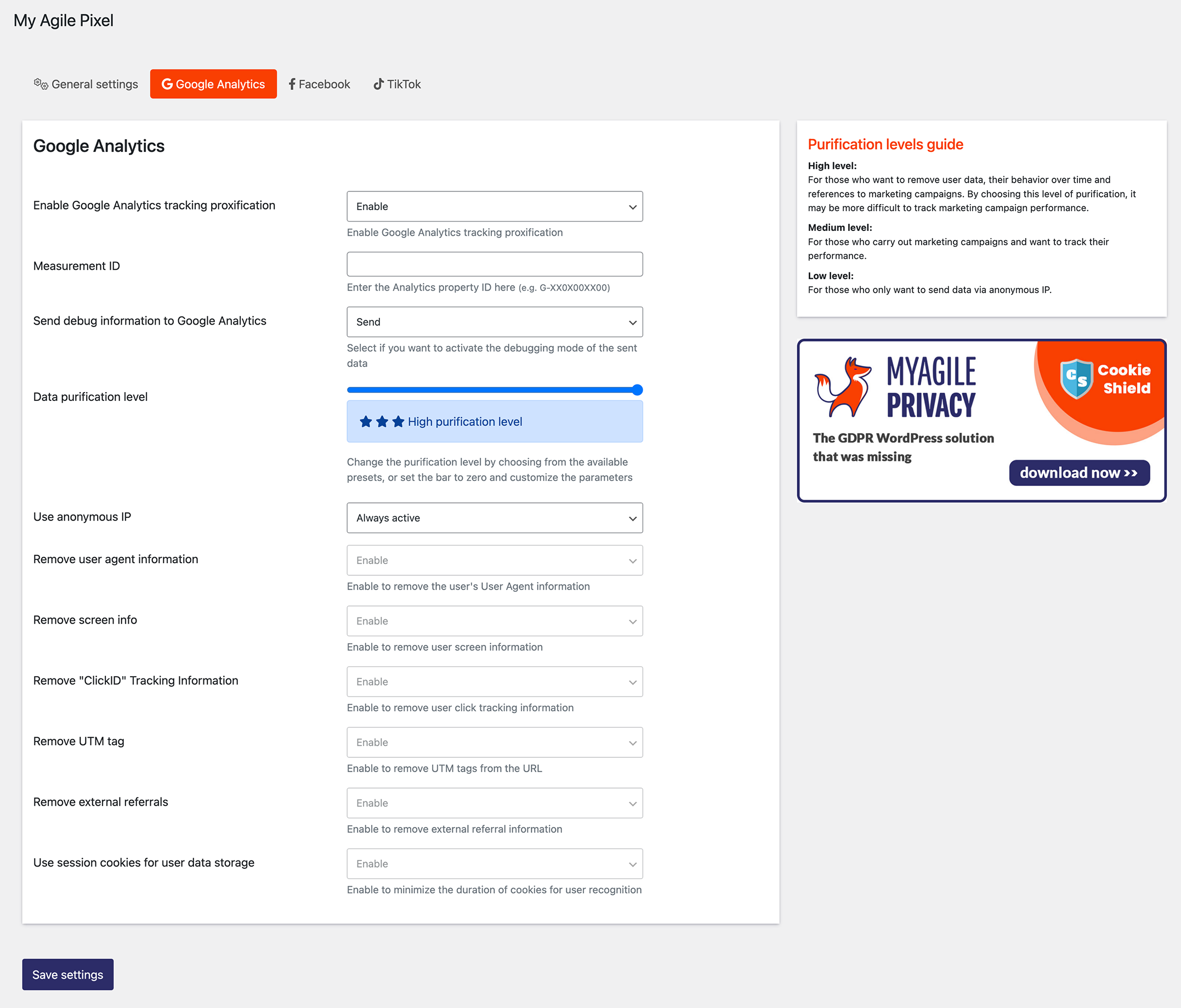
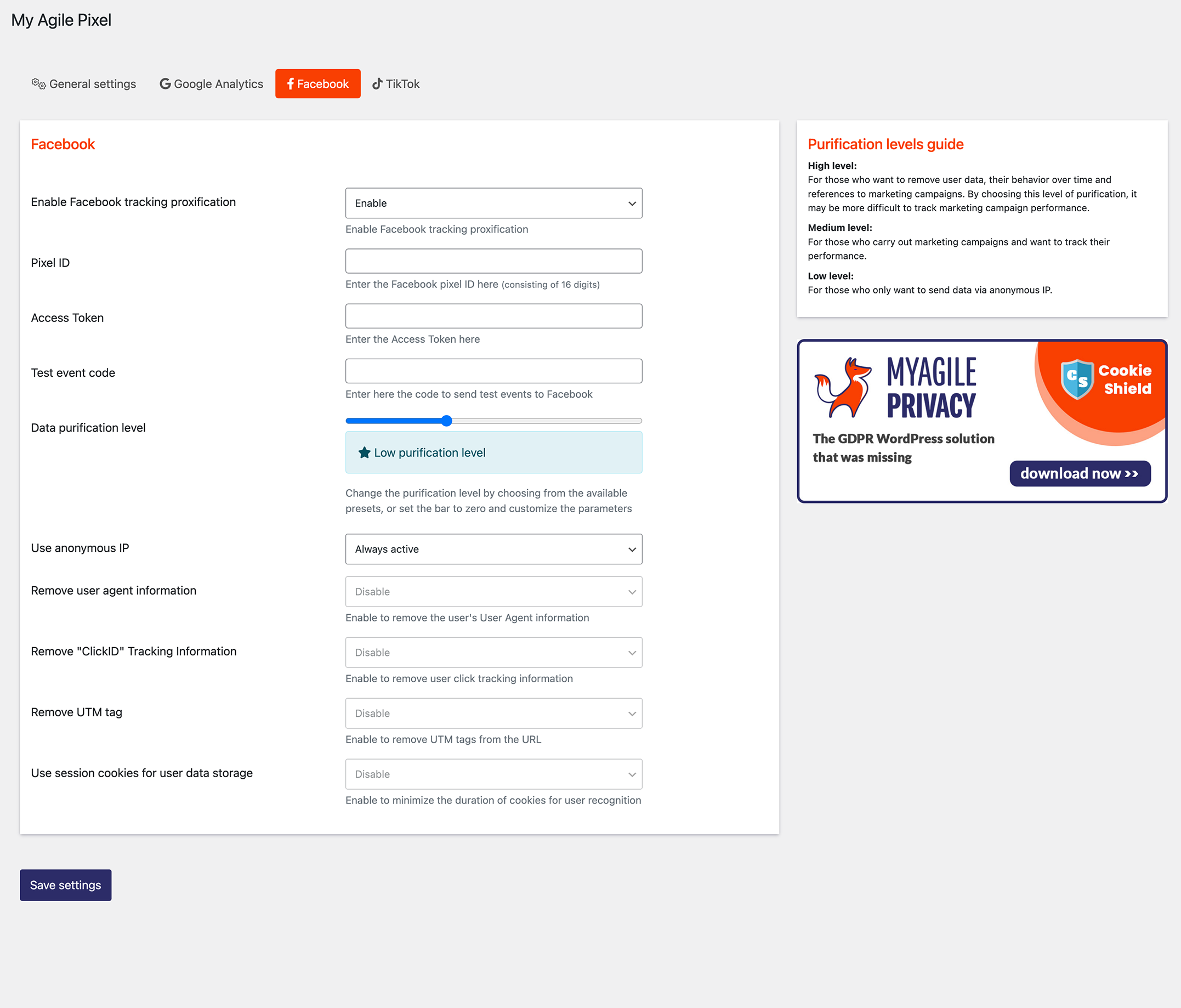
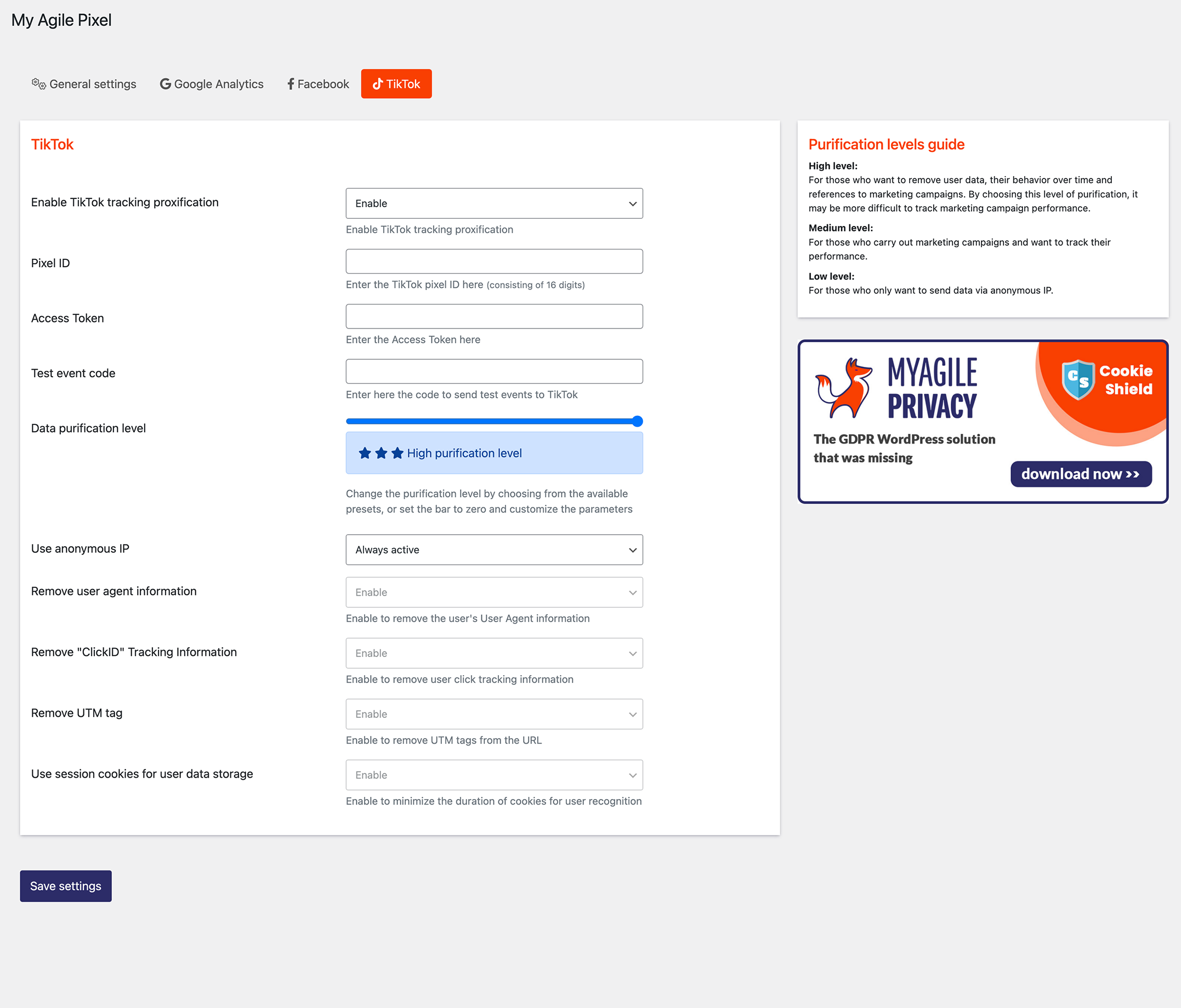
屏幕截图:




常见问题:
What does this plugin do?
This plugin will:
- Move your Google Analytics 4, Meta, TikTok and Google Ads tracking server-side, on your own WordPress server
- Recover the conversions that Safari, ITP and ad blockers take away, and measure them
- Keep you compliant with GDPR: anonymous IP, and no personal data sent without consent
Do I need Google Tag Manager?
No. My Agile Pixel® works with Google Tag Manager, but it does not require it. If you already use the ga4() or fbq() syntax on your pages, it keeps working: the events simply travel through your server.
Can I track clicks on my phone number or WhatsApp button?
Yes. Open Custom events, start from the “Click on the phone number” or “Click on WhatsApp” template and save: every tap is sent to Meta, Google Analytics 4 and TikTok as a contact, once the visitor has accepted the cookies. If your WhatsApp button is a floating bubble added by another plugin, choose “Clicks an element” and click the bubble on your page.
Does tracking respect the visitor's consent?
Yes. My Agile Pixel® integrates with My Agile Privacy®, Iubenda, Cookiebot, CookieYes and Complianz. No event leaves your server before the visitor has given consent.
更新日志:
3.4.0
- Superpowers section in General settings: Cookie Vault, Attribution Anchor and Adblock Bypass status at a glance, with Adblock Bypass always active
- Cookie Vault: server-side cookies (MYPX_s_*) restore the tracking IDs after Safari ITP clears the JavaScript cookies
- Attribution Anchor: click ID backup parameters (mapxgclid, mapxfbclid, mapxttclid) keep the campaign attribution when Safari and Brave strip the click IDs from the URL
- Enhanced Conversions for GA4, Advanced Matching for Meta, and TikTok Events API 2.0 with advanced matching
- Statistics panel: processed events vs events recovered by Cookie Vault, Attribution Anchor and ad-block recovery, with the estimated value of recovered WooCommerce purchases and leads
- New admin dashboard with a five-step setup wizard: license, consent platform, superpowers, channels, statistics
- Integrations: form submissions sent server-side, with support for Contact Form 7, WPForms, Fluent Forms, Elementor and manual forms
- WooCommerce tracking revised: more accurate cart, checkout and purchase events, new product search and registration events, store events delivered also on cached pages (new first-party cookie mapx_pending, no identifier, 30 minutes: list it in your cookie policy)
- Import / export of plugin settings, a dedicated "myagilepixel_edit_options" capability and a new License tab with expired-license notice
- Event blacklist per channel: separate lists for GA4, Meta and TikTok
- Better page performance: the scripts load with the defer attribute
- Better compatibility with caching and optimization plugins: WP Rocket exclusion and deferred execution, data-no-minify support
- Full code review for PHP 8 warnings and errors
- Polylang compatibility fix
- Tested for compatibility with WordPress 7.1
- Meta Conversions API version upgrade = 3.0.8
- Minor php fix
- Added consent-skip-blocker attribute for JavaScript = 3.0.7
- Better WordPress compatibility
- Better cdn sync via manifest file
- Security hardening
- Proxy functionality also for fetch calls
- Added compatibility option for JavaScript and GA
- Better Meta Pixel server side compatibility and error tracking = 3.0.6
- dns-prefetch / preconnect optimizations
- minor fixes
- Better Meta event quality and API version number
- Minor php fix
- WordPress 6.5 compatibility
- Better internal sync method
- GA4 event tracking fix
- Fix for advanced debugging
- Fix for broken WooCommerce is_order_received_page() function
- Better internal files caching
- Added support for Facebook Custom event
- Added fbc parameter for Facebook Server Side
- CloudFlare minor fix
- WooCommerce minor fix
- Minor Js optimizations
- Added support for Google Ads Conversion and Consent Mode
- Js refactoring
- Other minor fix
- Better compatibility for servers with SSL stale certificates
- WordPress 6.4 compatibility
- Bugfix
- Consent mode fix
- Remote options deploy logic from customer private area
- Bugfix and better admin bar error display
- Improved compatibility for older Wordpress version (4.2)
- Added support for GA4 custom user property
- Better support and proxification for Google Tag Manager
- Support for originating sending IP (client or server)
- Warning if trying to use Facebook Event Configuration Tool
- Cloudflare Rocket Loader optimization
- Bugfix
- Ga4 ad fbq function hardening against overwrite
- Added autoupdate setting
- Added settings to distinguish between desktop and mobile users
- Added support for remove from cart GA event
- Code optimizazion and refactoring
- Admin better status messages
- Consent mode bugfix
- Bugfix for PHP version 8 and greater
- Complianz support
- Internal optimization and speed up
- Bugfix
- Ga4 consent mode support
- WooCommerce tracking event fix
- Removed jQuery dependency
- Facebook Conversion API source fix due to Meta update
- Bugfix
- Bugfix for .xml / xsl file
- Better file caching handling
- Added events blacklist functionality
- Fix for PHP version < 7
- Minor fixings
- Added internal file caching
- Ga4 conversion fix
- Bug fix
- Bug fix
- Added compatibility for older WordPress version (< 4.7)
- Added compatibility for Rank Math
- WooCommerce Fix
- Minor bug fix
- Added compatibility for older WordPress version (< 4.7)
- Added compatibility for Rank Math
- Debug bar for admin
- Better performances
- Code refactoring for backend part
- Added option to block non-compliant scripts
- Template preview block (Elementor, Divi)
- Added compatibility mode / head inject mode
- DNS prefetch / preconnect attributes
- Support for IP blacklist for testing purpose
- UI review
- Support for GA "user_id" parameter
- Support for “no consent manager” mode
- Elementor / WooCommerce bug fix
- Bug fix
- Debug bar for site administrators
- Compatibility fix for WooCommerce
- Cookiebot fix
- WooCommerce fix
- Added support for GDPR Cookie Consent
- Better compatibility for older WP version (<5.0)
- Added WooCommerce support
- Minor fixings and GA optimizations
- Minor fixings (warning suppressed)
- First public release