
myEasy-Preloader
| 开发者 | stojaict |
|---|---|
| 更新时间 | 2026年11月16日 16:58 |
| PHP版本: | 7.2 及以上 |
| WordPress版本: | 7.1 |
| 版权: | GPLv2 or later |
| 版权网址: | 版权信息 |
详情介绍:
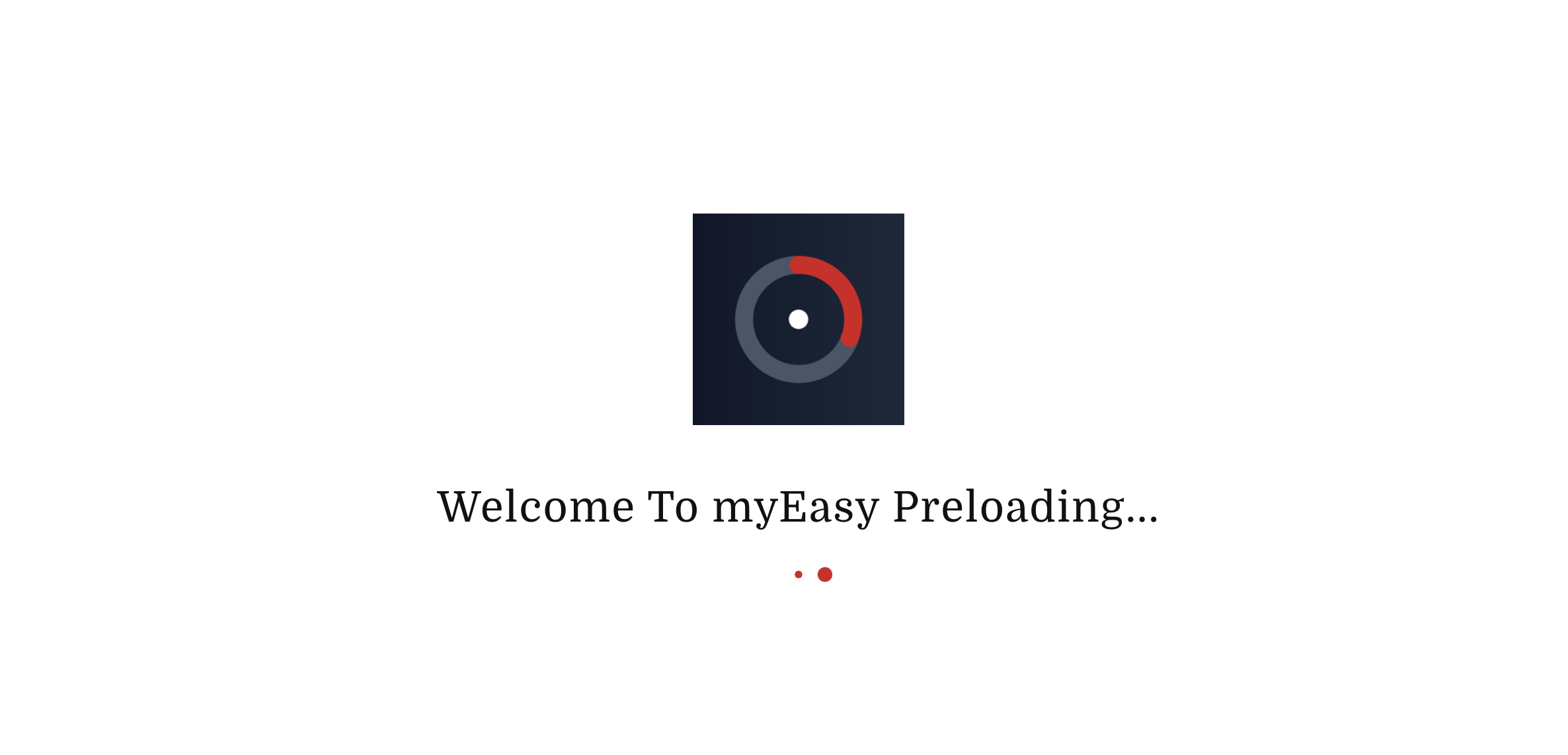
- Upload your own logo from the Media Library
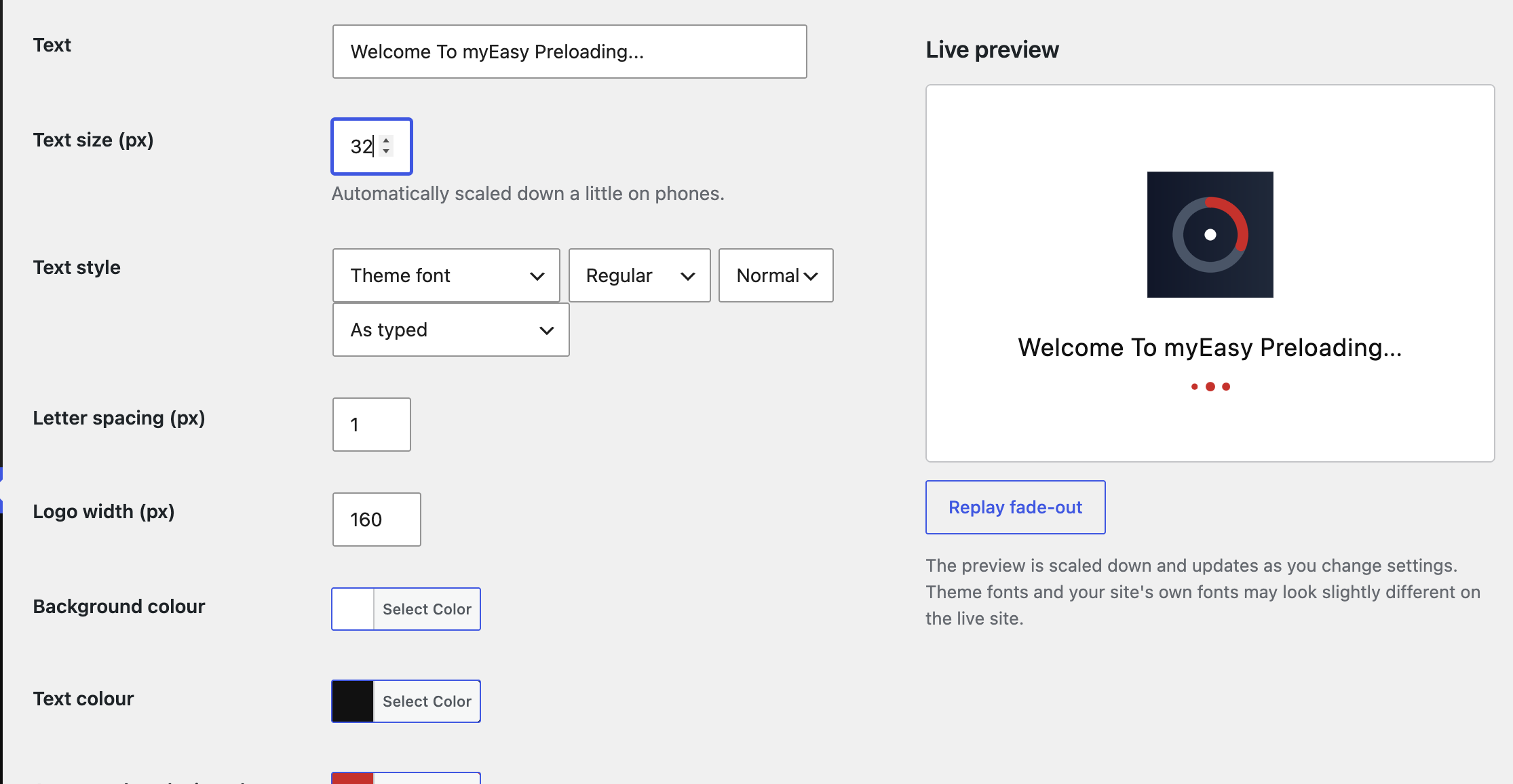
- Custom loading text with size, font, weight, italic, capitalisation and letter-spacing controls
- Live preview on the settings page that updates as you change options
- Background, text and accent colours
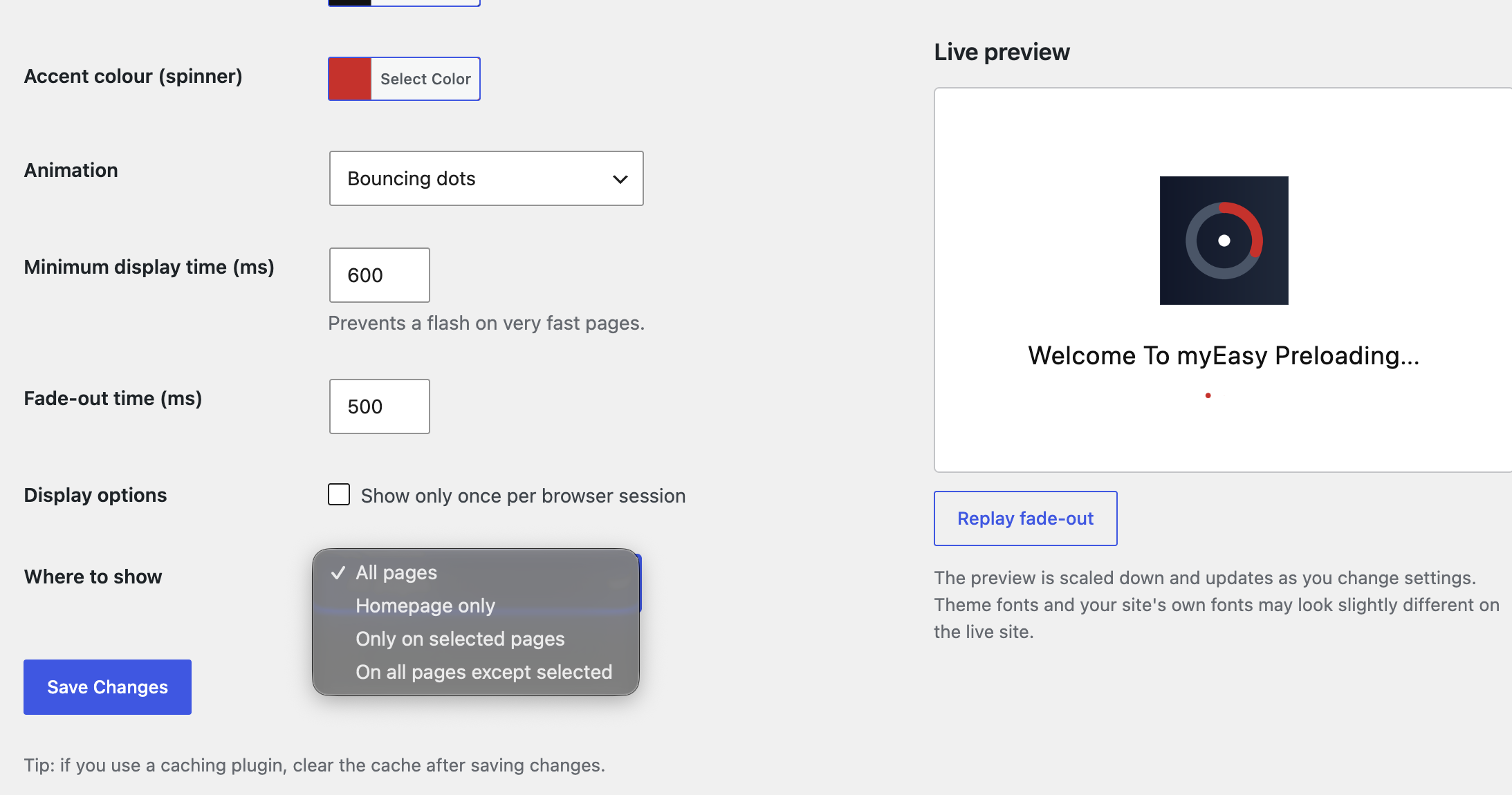
- Nine animations: spinning ring, pulse, bouncing dots, equaliser bars, progress bar, ripple, bouncing logo, flipping logo, or none
- Use any font already loaded on your site by typing its name
- Minimum display time and fade-out time
- Show on all pages, the homepage only, only on selected pages, or everywhere except selected pages
- Option to show only once per browser session
- Skips the admin area, feeds and page-builder editors/previews
- Respects reduced-motion accessibility settings
- No external services, no tracking, no front-end credits
安装:
- Upload the
myeasy-preloaderfolder to/wp-content/plugins/, or install the zip via Plugins > Add New > Upload Plugin. - Activate the plugin.
- Go to Settings > myEasy-Preloader to choose your logo, text and options.
- If you use a caching plugin, clear the cache after saving.
屏幕截图:
常见问题:
Does it send any data anywhere?
No. The plugin does not contact external servers and does not track visitors. The only thing stored in the browser is a small session flag, and only if you enable "Show only once per browser session".
Will it slow my site down?
The plugin adds a small amount of inline CSS and JavaScript and no extra network requests.
The preloader does not appear.
Check that it is enabled, that the "Where to show" setting includes the page, and clear any caching plugin.
Can I use Google Fonts or my own fonts?
Choose "Custom font name" and type the name of a font your site already loads, for example one installed through the WordPress Font Library, your theme, or a self-hosted font plugin. The plugin does not download fonts or contact Google or any other server. If the font has not finished loading when the preloader appears, a sans-serif fallback is used until it does.
更新日志:
- Fixed the settings page scripts and styles so the live preview, logo picker, colour pickers, custom font field and page selector work.
- Added five animations: bouncing dots, equaliser bars, progress bar, ripple, and bouncing/flipping logo.
- Added a live preview to the settings page.
- Added a custom font name option for fonts already loaded on the site.
- Renamed to myEasy-Preloader and switched to a unique code prefix.
- Admin text is now translatable and saved values are validated again on output.
- Styles and scripts now added using the WordPress enqueue API.
- Added uninstall cleanup, readme and license URI.
- Added text size, font, weight, italic, capitalisation and letter-spacing settings.
- Added "Where to show" page targeting.
- Initial release.