MyQuizGPT - Quiz Maker
| 开发者 | myquizgpt |
|---|---|
| 更新时间 | 2026年8月4日 00:15 |
| PHP版本: | 5.0 及以上 |
| WordPress版本: | 6.9 |
| 版权: | GPLv2 or later |
| 版权网址: | 版权信息 |
详情介绍:
Official website https://myquizgpt.com/
X https://x.com/myquizgpt/
LinkedIn https://www.linkedin.com/company/myquizgpt/
YouTube guide - https://www.youtube.com/watch?v=1x3J9nCV38A
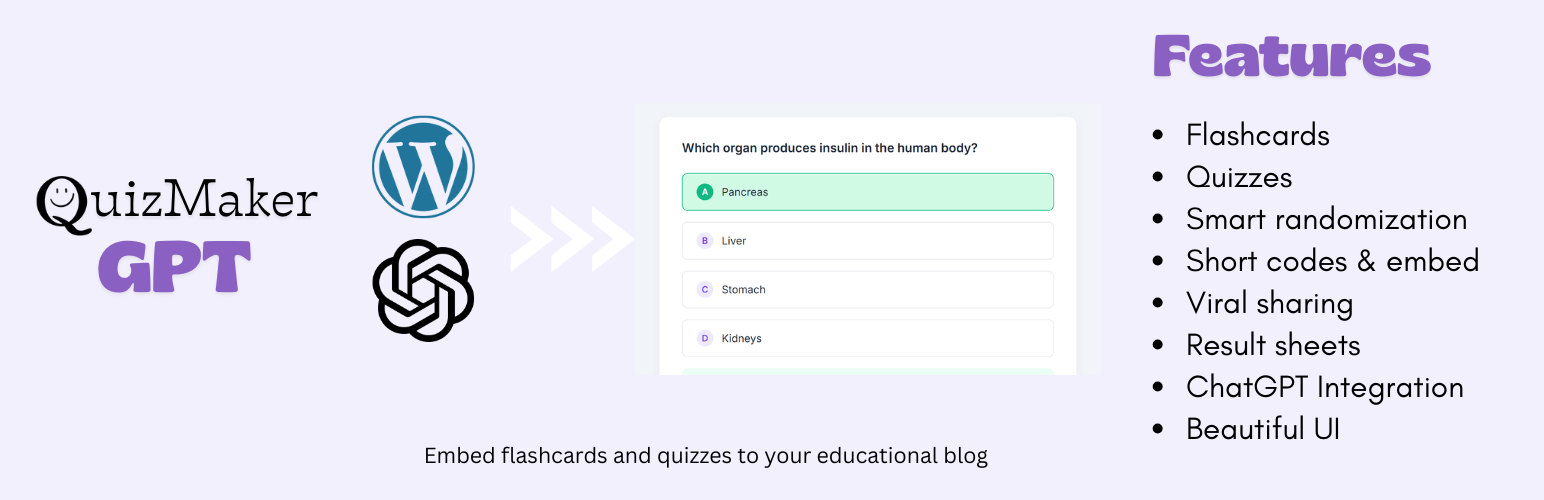
MyQuizGPT WordPress Quiz Maker is the ultimate WordPress quiz plugin designed specifically for teachers, educators, schools, training organizations, and educational content creators who want to embed quizzes and flashcards to their WordPress blogs and websites. Built for ease of use and powered by AI (ChatGPT), this plugin turns ordinary content into engaging study tools — perfect for educational blogs, online courses, knowledge assessments, and exam quizzes.
Whether you're building quizzes with automatic results, embedding study materials, or creating exam-style tests, MyQuizGPT Quiz Maker gives you the complete toolkit you need — with clean design, responsive displays, and seamless WordPress integration.
Why Educators & Bloggers Choose MyQuizGPT WordPress Quiz Maker
WordPress quiz plugins come in many shapes and sizes. Some focus on marketing or lead generation, others on personality quizzes or simple trivia. What sets MyQuizGPT WordPress Quiz Maker apart is that it's specifically tailored for education and learning, with a workflow optimized for high-quality quizzes and flashcards created using ChatGPT — without requiring developers or complex setups.
Below are the core reasons educators love this plugin:
- ✔ AI-Driven Quiz & Flashcard Creation — Use ChatGPT’s power to generate structured quiz and flashcard content in seconds.
- ✔ Designed for WordPress — Works with posts, pages, and custom layouts via shortcodes and standalone quiz pages.
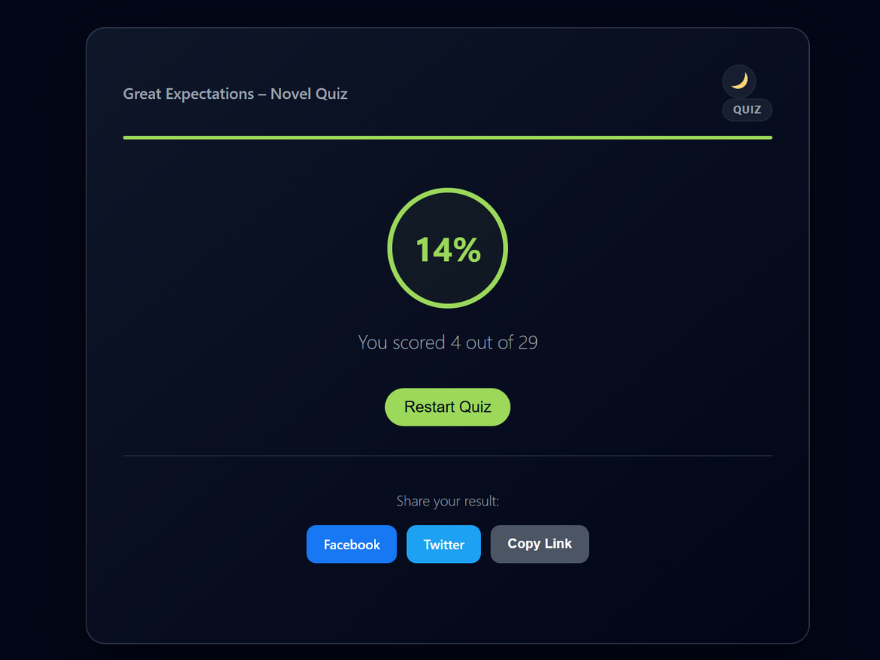
- ✔ Automatic Results & Scoring Logic — Built-in logic to calculate scores and show results immediately after quiz completion.
- ✔ Responsive & Mobile-Friendly — Quizzes adapt to all devices automatically — no extra mobile plugin needed.
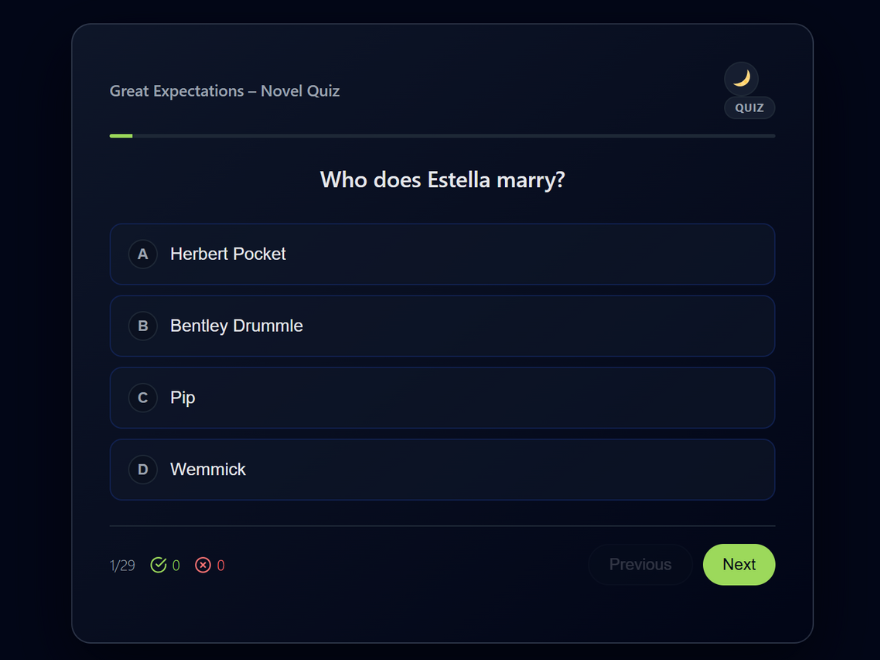
- ✔ Smart Randomization — Automatically shuffles questions and answers for each quiz attempt, preventing memorization and ensuring fair assessments.
- ✔ Dark & Bright Theme Customization — Users can switch between light and dark themes, with preferences saved automatically for a personalized viewing experience.
- ✔ Educational Focus — Created for teachers, schools, trainers, and educators rather than general marketing or personality quizzes.
- Generate With ChatGPT: Use the built-in "Open ChatGPT Instructions" button to send a prompt that creates a JSON quiz or flashcard set in ChatGPT.
- Paste Into the Plugin Dashboard: Copy the JSON response and paste it directly into the MyQuizGPT Quiz Maker admin panel.
- Publish Anywhere: Embed the quiz with a simple shortcode:
[myquizgpt id="123"]or use a standalone "App-style" URL (e.g.,/q/quiz/123) to share or link to the quiz.
- AI-Powered Quiz & Flashcard Creation Automatically structure quiz/flashcard content using ChatGPT. Supports multiple-choice, true/false, open-ended, and exam-style content. Eliminates manual question entry.
- Quiz Results with Instant Scoring Automatically calculates and displays results when the quiz is completed. Shows correct/incorrect answers and performance summaries.
- Multiple Embed Options Shortcodes — Place quizzes anywhere in posts, pages, or widgets. Standalone URLs — Create dedicated quiz pages that feel like mini-apps (/q/quiz/).
- Responsive & Modern UI with Theme Customization Clean, readable interface with full responsiveness. Users can customize their viewing experience by switching between bright (light) and dark themes. Theme preferences are automatically saved and remembered for future visits, ensuring a personalized and comfortable learning environment.
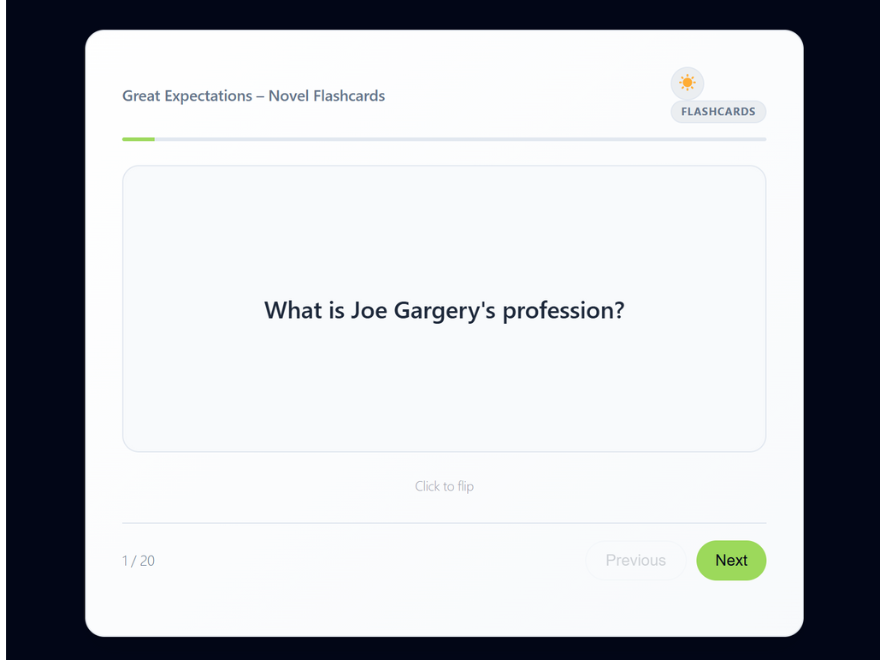
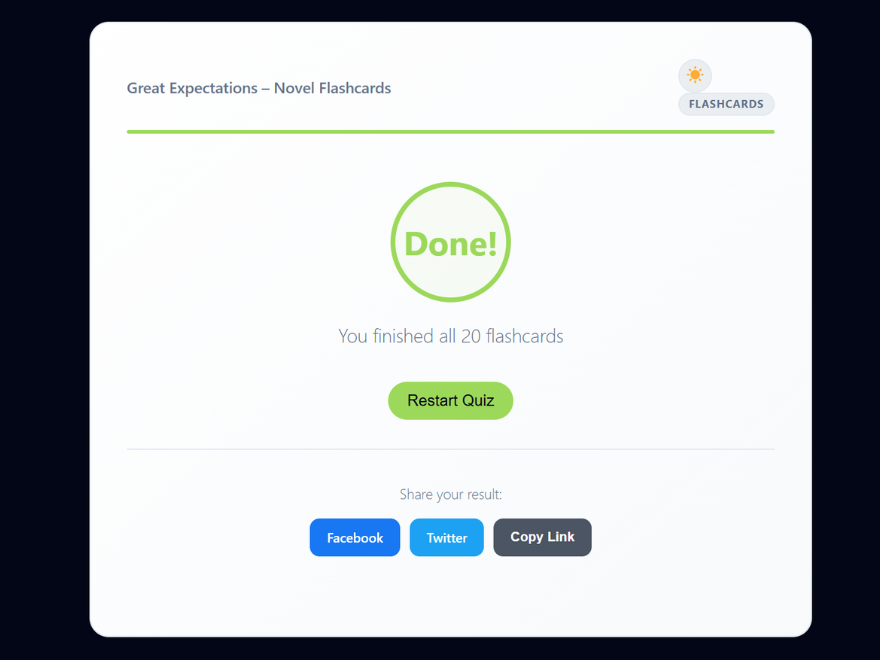
- Flashcards Support Create interactive flashcards with 3D flip animations. Ideal for vocabulary and concept checks.
- Built-In Educational Logic with Smart Randomization Auto-Advance moves to the next question automatically. Smart Randomization shuffles both questions and answer options for each quiz attempt, ensuring that students can't memorize answer positions and creating a fair, varied assessment experience every time.
- Viral Sharing Tools Integrated social sharing buttons (Facebook, X, WhatsApp, Copy Link). Drives traffic back to your WordPress site.
- Optional Branding Display Control whether to show the "Powered by MyQuizGPT" link. The branding is optional and defaults to hidden, allowing you to help readers discover the tool if you choose.
- Fast & Optimized Asset versioning and built-in cache purging ensures quizzes load quickly.
- Teachers & Professors — Embed tests, assessments, and review quizzes on school websites.
- Educational Bloggers — Add engaging interactive content that boosts time on page.
- Training & Workshop Leaders — Embed knowledge checks after lessons.
- Online Course Creators — Add graded quizzes to course modules.
- Tutors & Coaches — Deliver personalized learning experiences right on WordPress.
- Open the "ChatGPT Instructions" inside the plugin.
- Let ChatGPT output a properly structured JSON quiz or flashcard set.
- Paste the JSON into the MyQuizGPT WordPress Quiz Maker dashboard.
- Embed the resulting quiz using a shortcode or standalone URL.
安装:
- Upload the
myquizgpt-quiz-makerfolder to the/wp-content/plugins/directory, or install the ZIP via Plugins > Add New > Upload. - Activate the plugin from the WordPress Plugins menu.
- Navigate to MyQuizGPT in the dashboard to begin.
- (Optional) Save your permalink settings for proper standalone pages.
屏幕截图:
更新日志:
1.3.0
- Updated the Twitter share button to the current X branding.
- Updated sharing to use the official x.com Web Intent URL.
- Added a customizable share message template.
- Added dynamic placeholders for the set type, title, and URL.
- Added WhatsApp sharing for quiz and flashcard result pages.
- Added settings to choose three of four share buttons.
- Added settings to control the left-to-right share button order.
- Initial release.
- Support for Quiz and Flashcard sets.
- Standalone URL and Shortcode support.
- Optional branding display toggle.
- Social sharing buttons.