NanoReel - Video Widgets for Conversions
| 开发者 |
nanoreel
luagr |
|---|---|
| 更新时间 | 2026年1月5日 02:37 |
| PHP版本: | 7.4 及以上 |
| WordPress版本: | 6.9 |
| 版权: | GPLv2 or later |
| 版权网址: | 版权信息 |
详情介绍:
- Zero coding required - Install, paste your link, and go live in under 2 minutes.
- Mobile-first design - Optimized for modern shoppers who love vertical video.
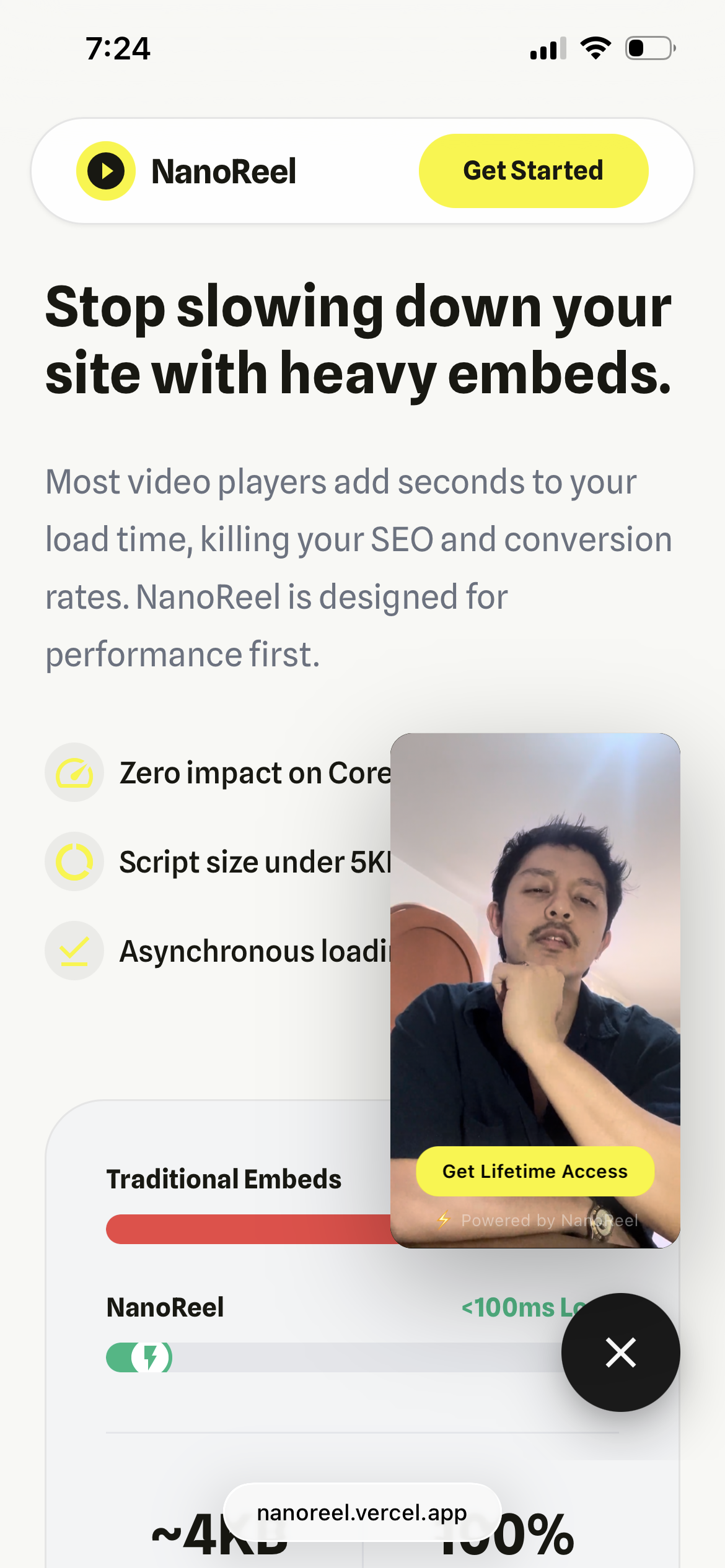
- Lightning fast - <50ms impact. Uses Smart Pre-loading (video loads on hover) for instant playback without slowing down the initial page load.
- Two modes:
- Managed Mode: We handle the technical setup via our cloud (Recommended for ease of use).
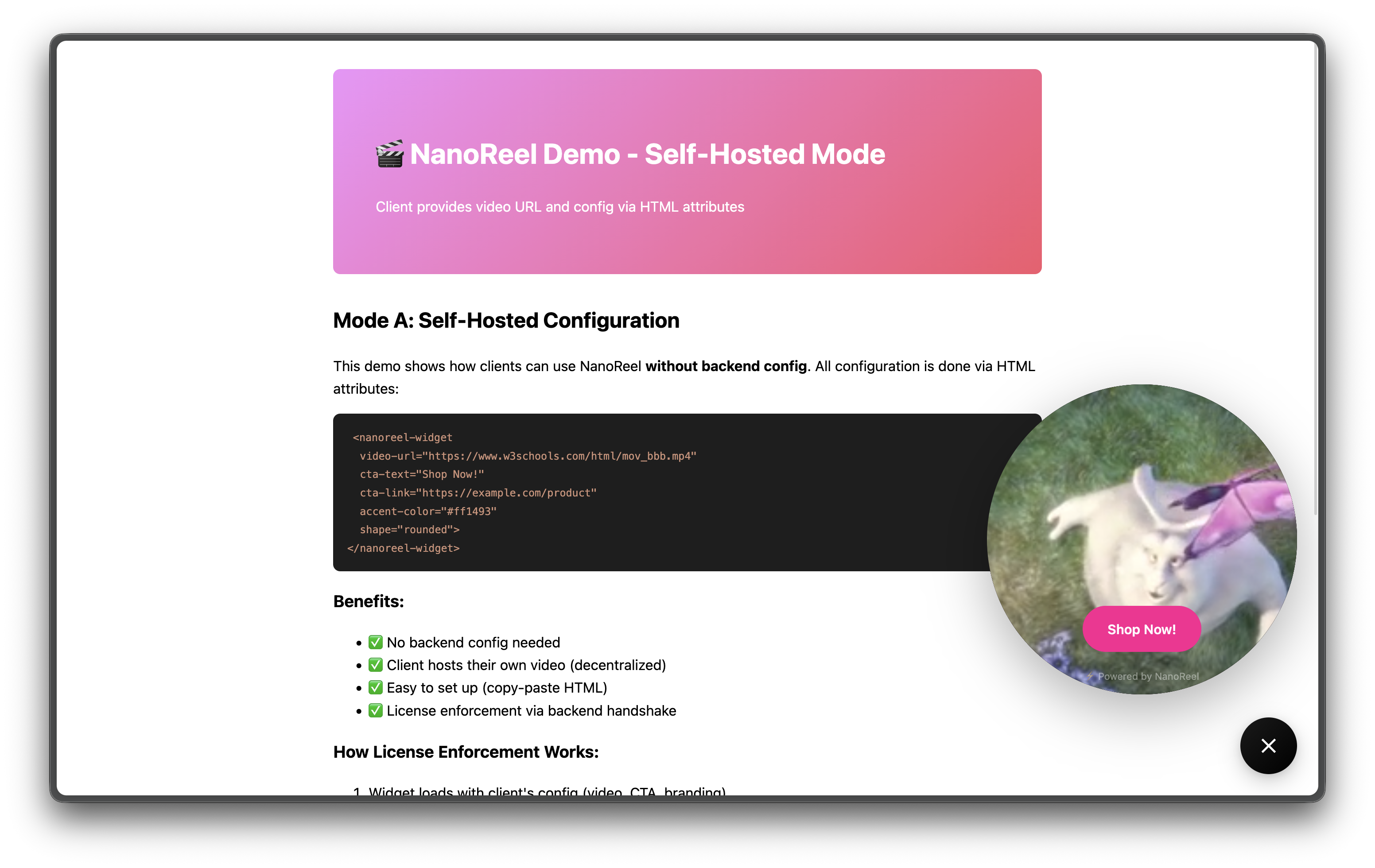
- Self-Hosted Mode: You have full control inside WordPress (Paste your own MP4 link).
- Flexible placement:
- Global widget (appears on all pages to maximize views).
- Manual placement via
[nanoreel]shortcode. - Sidebar/footer via WordPress Widgets.
- Customizable:
- Accent colors (match your brand perfectly).
- Button shapes (rounded or circle).
- CTA text and links (e.g., "Buy Now", "Sign Up").
- WooCommerce compatible - Designed to boost product page checkouts.
- E-commerce stores (WooCommerce, Easy Digital Downloads)
- SaaS landing pages (Show your software in action)
- Course creators
- Real estate listings
- Restaurant menus
- Portfolio showcases
- Install the plugin.
- Configure your video URL and Button text in Settings → NanoReel.
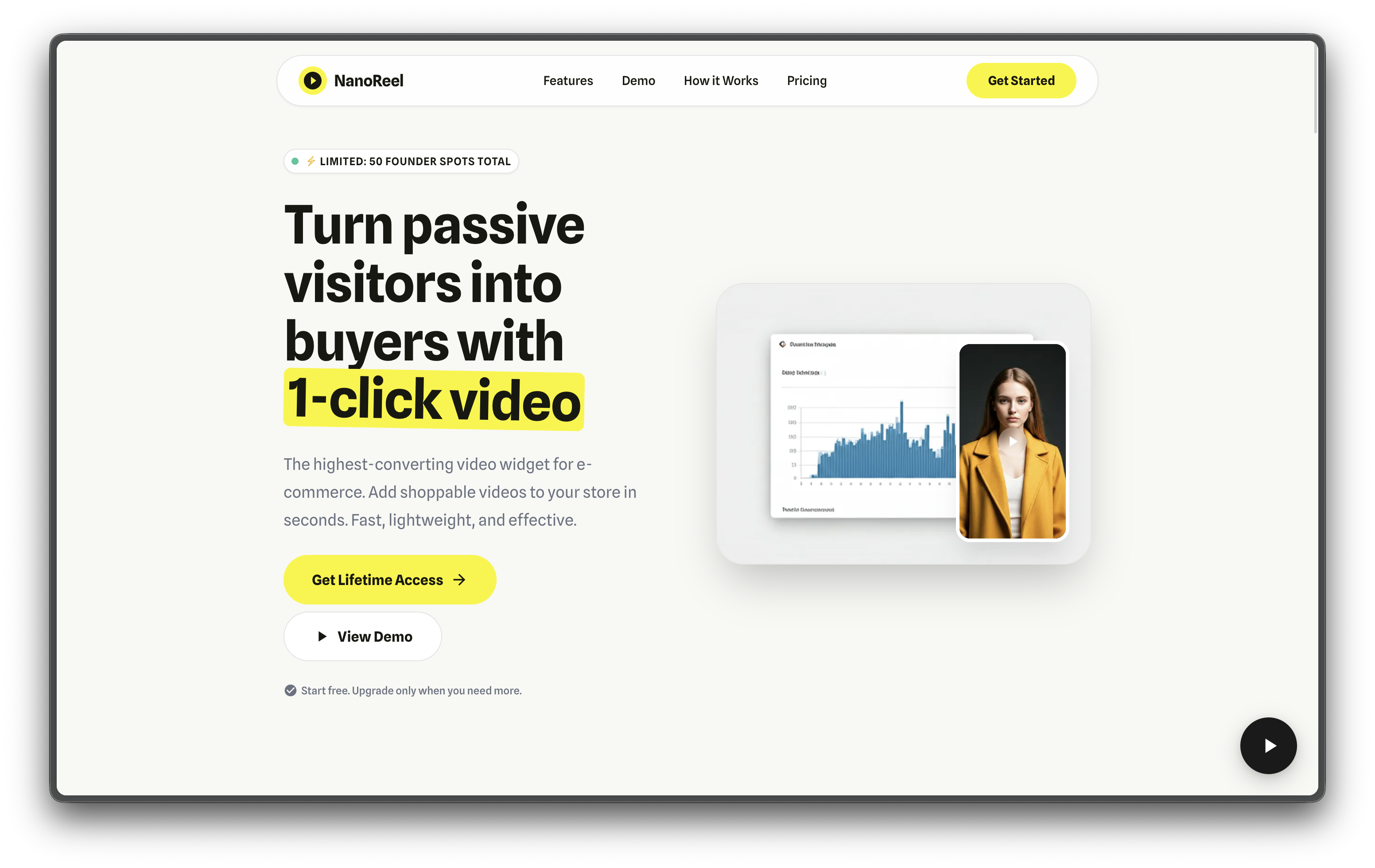
- The Widget appears as a floating bubble in the corner.
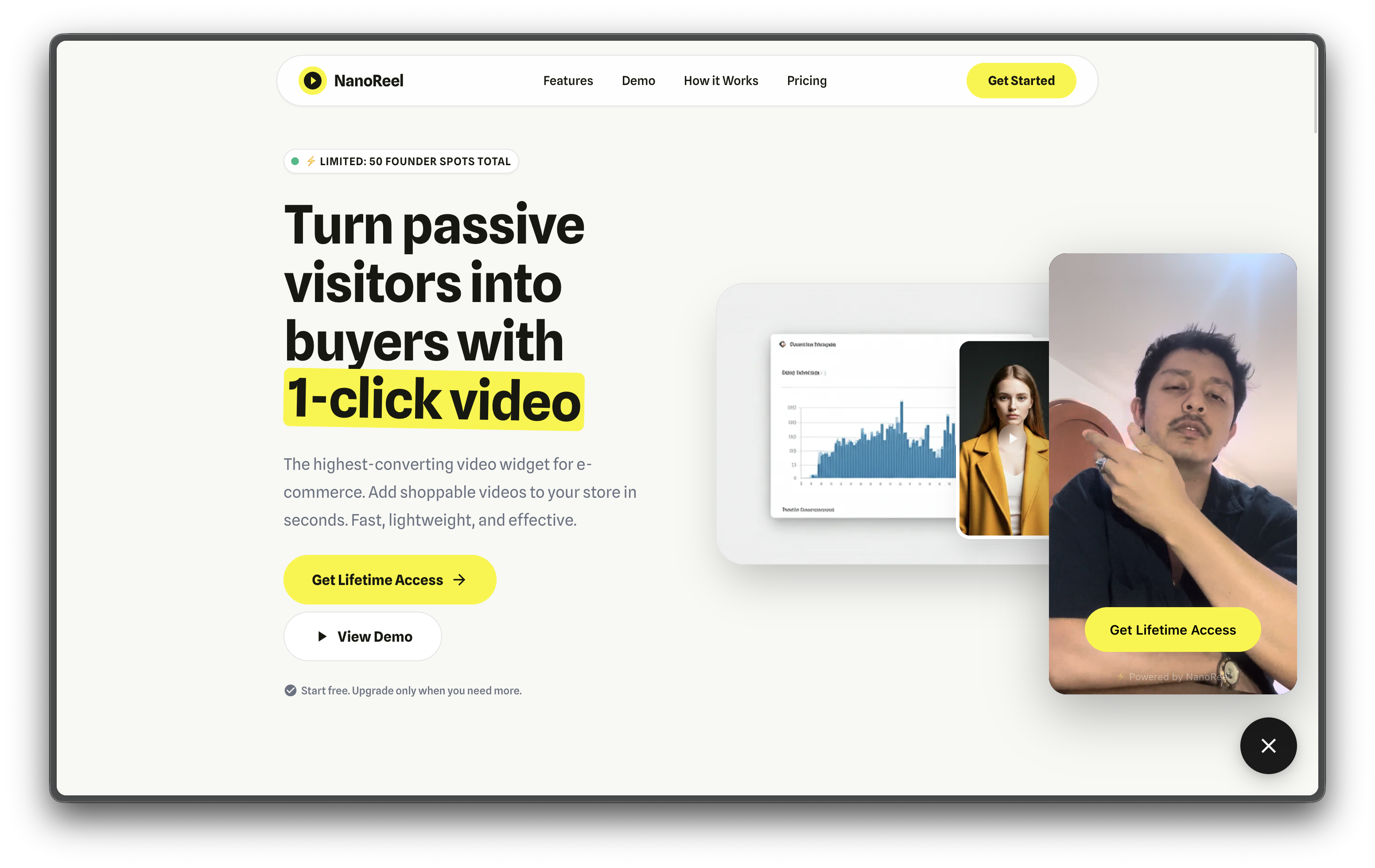
- Visitors hover (video pre-loads) and click → Video expands right above the widget.
- They click the button → You get a sale or lead.
- Self-Hosted Mode (configure your own video)
- Demo widget included (nanoreel-demo)
- Visible "Powered by NanoReel" branding Founder Deal ($49 one-time, limited to first 50 users):
- Remove branding
- Managed Mode (we handle video/CTA updates via backend)
- Self-Hosted Mode (configure locally)
- Priority support
- Upgrade here
安装:
- Go to WordPress Admin → Plugins → Add New
- Search for "NanoReel"
- Click "Install Now" → "Activate"
- Go to Settings → NanoReel
- Configure your video settings
- Download the plugin ZIP file
- Go to WordPress Admin → Plugins → Add New → Upload Plugin
- Choose the ZIP file and click "Install Now"
- Activate the plugin
- Go to Settings → NanoReel
- Plugin comes pre-configured with demo widget (nanoreel-demo)
- Test immediately after activation
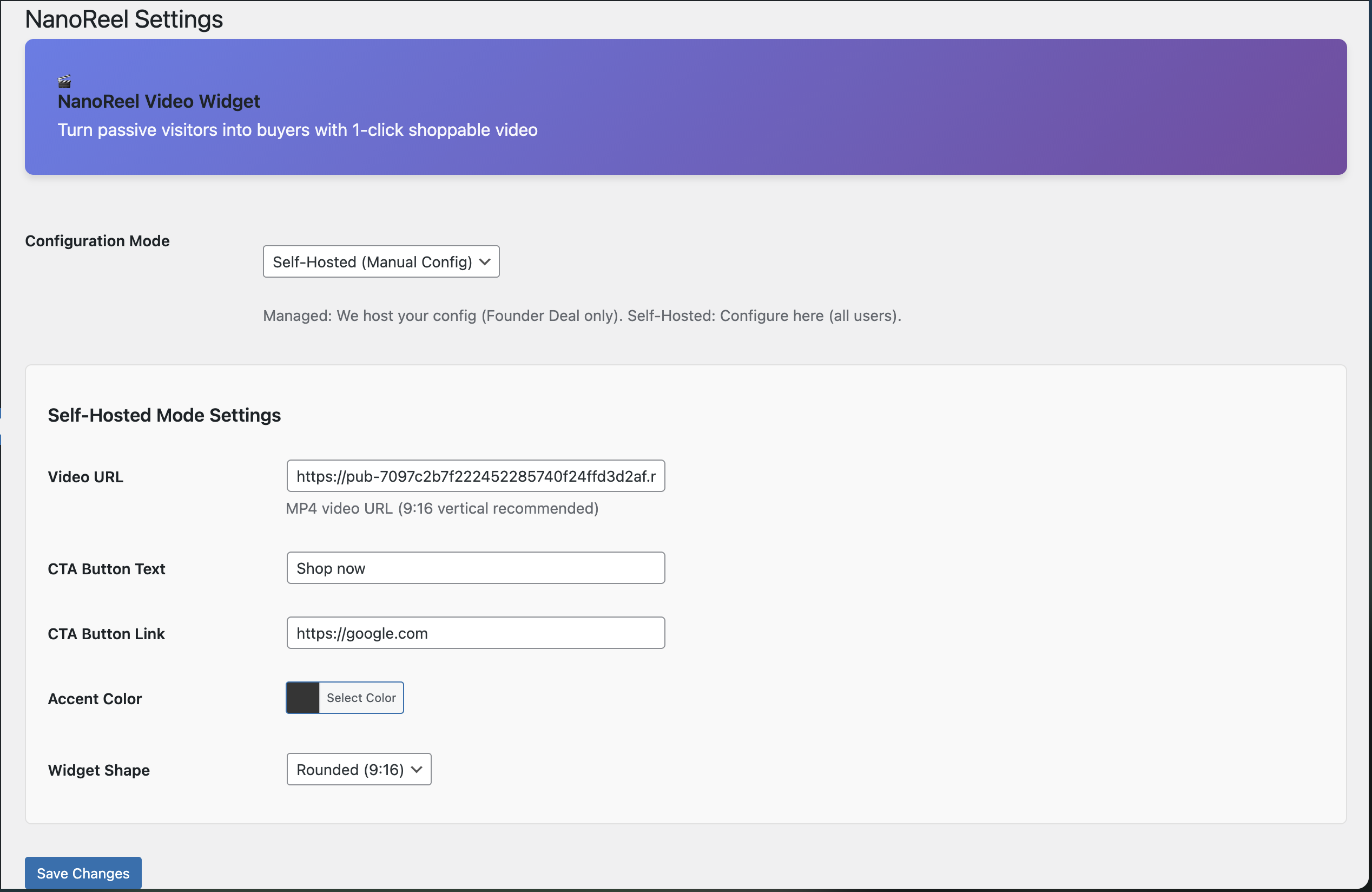
- To use your own video:
- Go to Settings → NanoReel
- Select "Self-Hosted Mode"
- Enter your video URL, CTA text/link, and colors
- Save settings Founder Deal Users (Managed Mode):
- Purchase Founder Deal ($49)
- Reply to Lemon Squeezy confirmation email with:
- Your website domain
- Video URL
- CTA text/link
- We configure your widget-id on backend (~1 hour)
- We email you your widget-id (e.g., "yourstore-main")
- Go to Settings → NanoReel → Select "Managed Mode"
- Enter your widget-id and save
- Update video/CTA anytime by emailing us (no code changes needed) Self-Hosted Mode (All Users):
- Go to Settings → NanoReel
- Select "Self-Hosted Mode"
- Enter:
- Video URL (MP4, WebM, or MOV)
- CTA text (e.g., "Shop Now")
- CTA link (your checkout/landing page)
- Accent color (hex code)
- Save settings Using Shortcode:
[nanoreel] anywhere in posts/pages to manually position widget.
Using Widget (Sidebar):
- Go to Appearance → Widgets
- Drag "NanoReel Video Widget" to desired sidebar
- Configure Widget ID (optional)
屏幕截图:
常见问题:
What video formats are supported?
MP4, WebM, MOV, and OGG. We recommend MP4 (H.264) for best compatibility.
Where should I host my videos?
Any reliable CDN or cloud storage:
- Cloudflare R2 (recommended)
- AWS S3
- Bunny CDN
- Your own server (if bandwidth allows)
Does this work with WooCommerce?
Yes! NanoReel is fully compatible with WooCommerce. Add video widgets to product pages, shop pages, or checkout.
Will this slow down my site?
No. NanoReel uses Smart Pre-loading: the video starts loading only when the user hovers over the widget. This ensures instant playback when clicked, with zero impact on your initial page load time.
Can I use multiple videos on one page?
Currently, NanoReel supports one widget per page. Multi-widget support is planned for v2.0.
How do I remove the branding?
Purchase Founder Deal ($49 one-time, limited to first 50 users):
- Go to nanoreel.lemonsqueezy.com
- Complete checkout
- Reply to confirmation email with your website domain
- We activate your license on backend (~1 hour)
- Branding automatically disappears via backend license check
Is this GDPR compliant?
Yes. NanoReel doesn't collect personal data. Videos are hosted by you, analytics are anonymous (no cookies).
Can I customize the widget position?
Currently fixed to bottom-right corner. Custom positioning coming in v2.0.
What browsers are supported?
All modern browsers:
- Chrome, Firefox, Safari, Edge (last 2 versions)
- Mobile: iOS Safari 12+, Chrome Android 70+
Do I need a NanoReel account?
No account needed for any tier. Free: Plugin works immediately with demo widget (nanoreel-demo). Switch to Self-Hosted Mode to use your own video. Founder Deal: After purchase, reply to confirmation email with your domain. We configure your custom widget-id on our backend and email it to you.
更新日志:
- Initial release
- Managed Mode (widget-id based configuration)
- Self-Hosted Mode (manual configuration)
- Shortcode support:
[nanoreel] - WordPress Widget (sidebar/footer placement)
- Color customization
- Shape options (rounded/circle)
- Mobile responsive design
- WooCommerce compatibility
- GPL v2+ license