Native SEO Sitemap Customizer
| 开发者 |
fernandot
ayudawp |
|---|---|
| 更新时间 | 2026年6月9日 13:49 |
| PHP版本: | 7.4 及以上 |
| WordPress版本: | 7.0 |
| 版权: | GPLv2 or later |
| 版权网址: | 版权信息 |
详情介绍:
- Lastmod Dates: Adds last modification dates to every URL in the sitemap and to every entry in the sitemap index (Google's most used optional field)
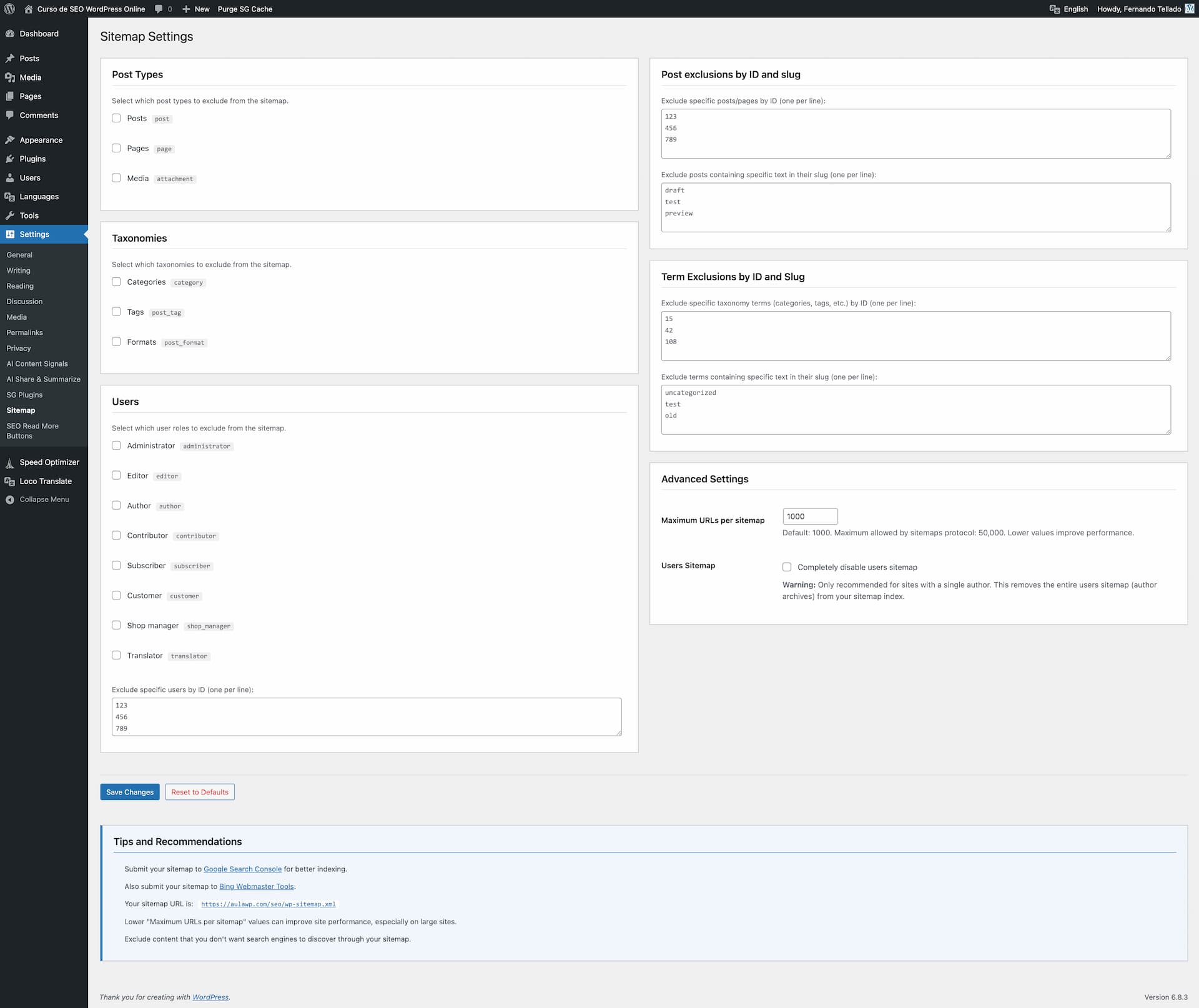
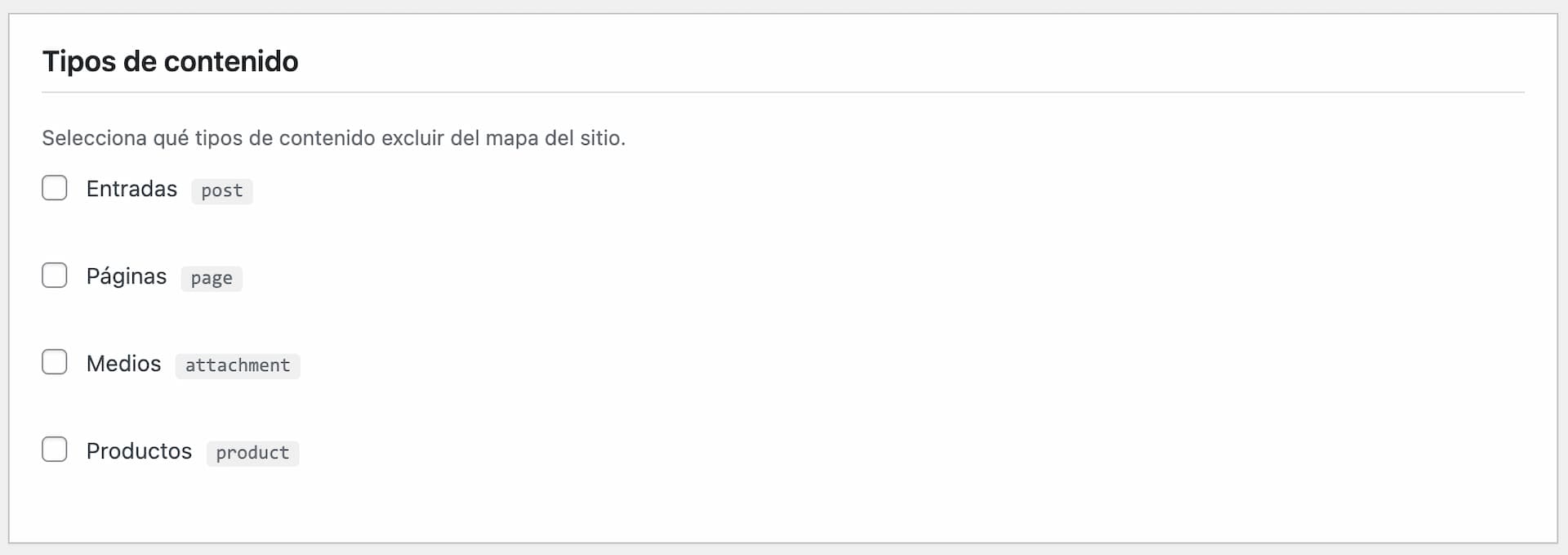
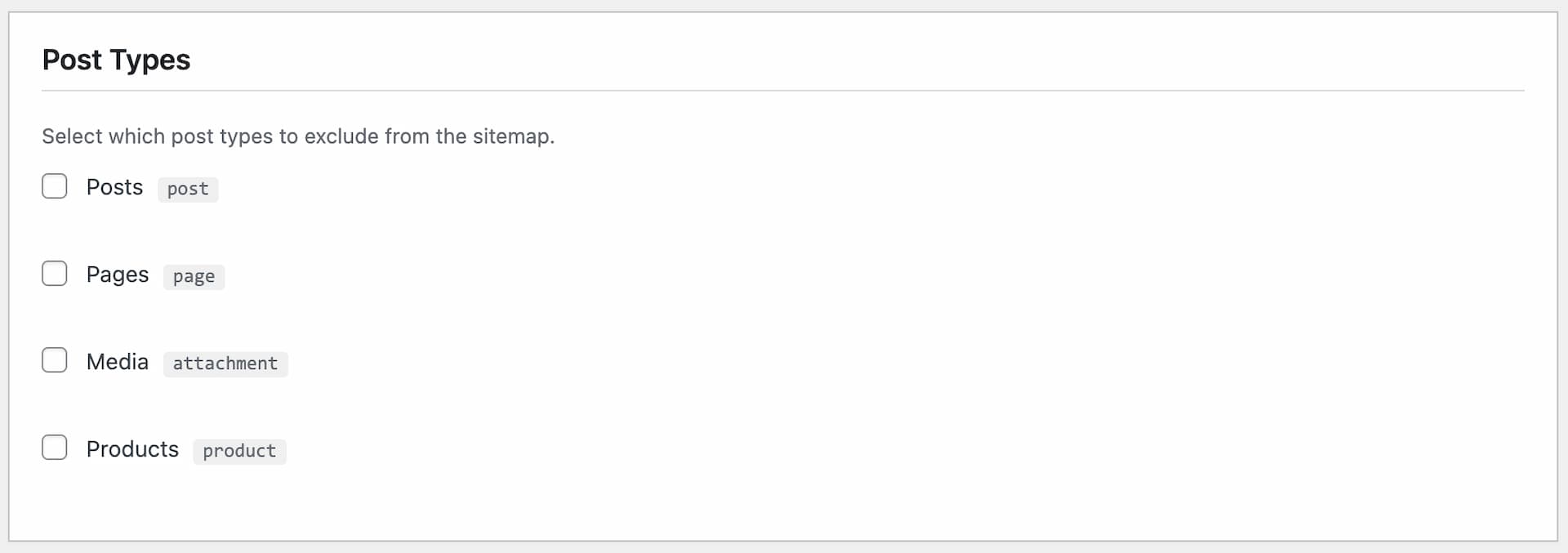
- Exclude Post Types: Remove any custom post type from the sitemap
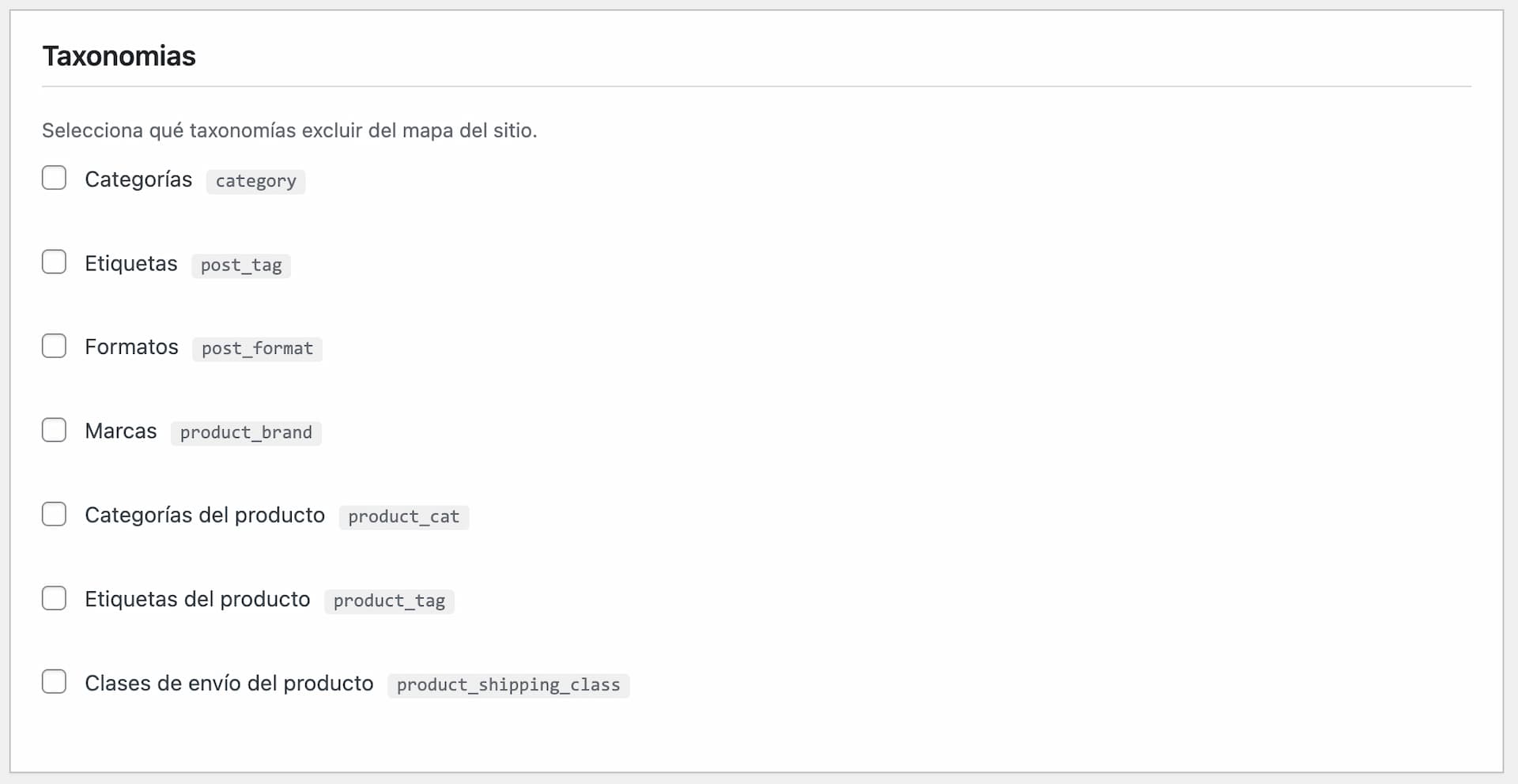
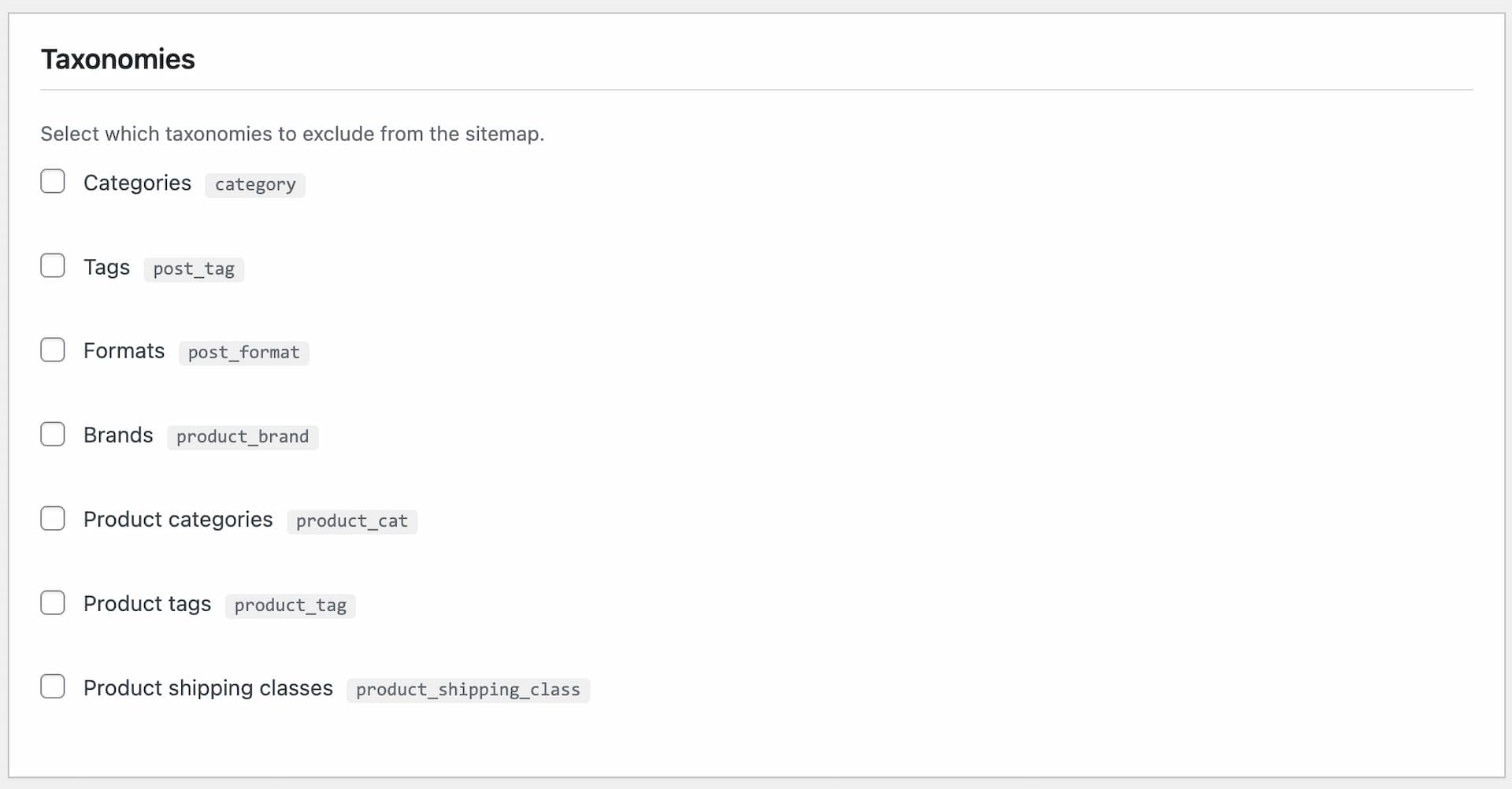
- Exclude Taxonomies: Control which taxonomies appear in the sitemap
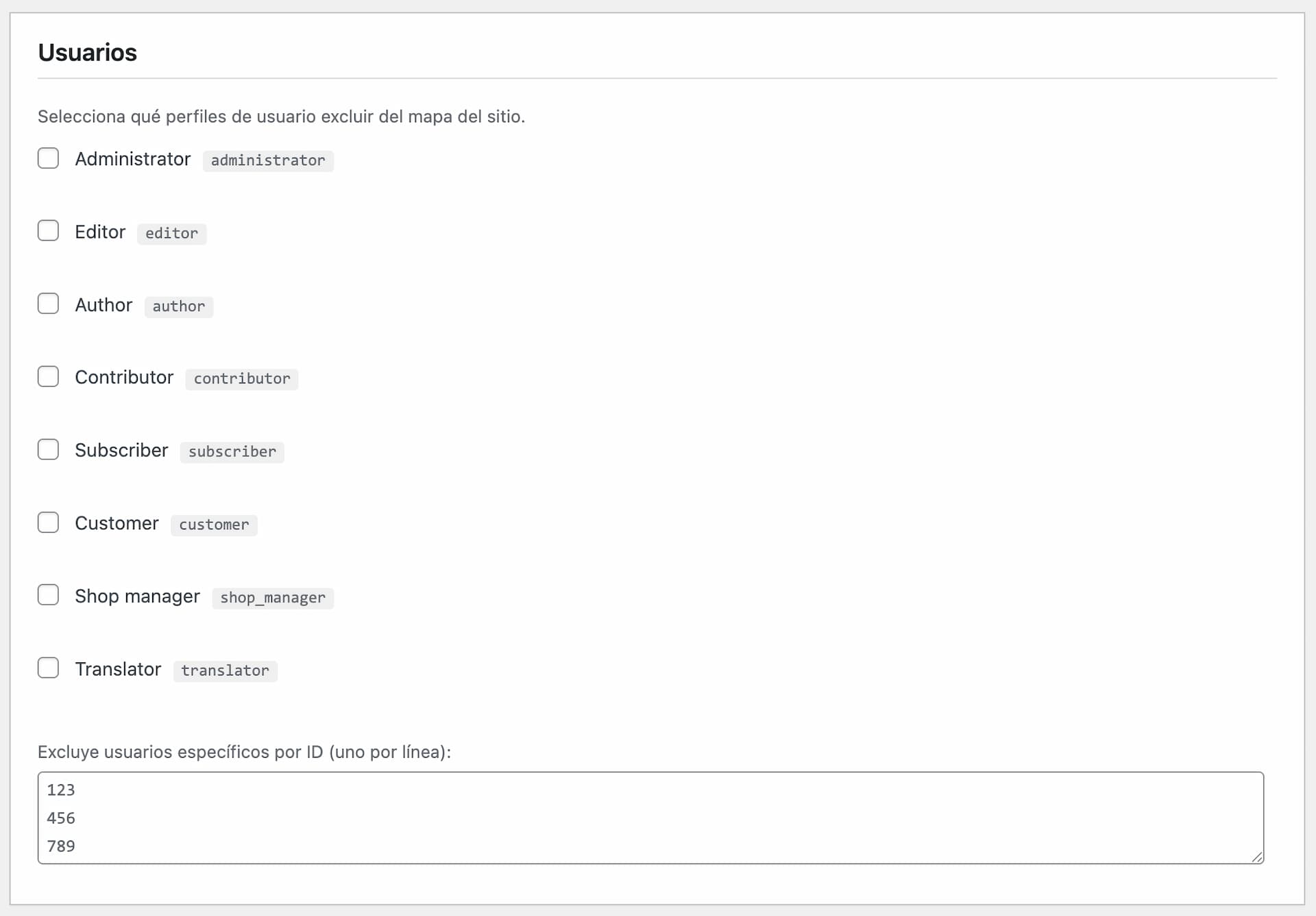
- User Control: Exclude specific user roles, individual users, or disable the entire users sitemap for single-author sites
- Flexible Exclusions: Exclude posts/pages by ID or by slug patterns
- SEO Plugin Integration: Auto-exclude noindex content from Yoast, Rank Math, AIOSEO, SEOPress, The SEO Framework, NoIndexer, Slim SEO, SureRank
- Smart Redirects: Automatically redirect old sitemap URLs from SEO and sitemap plugins (Yoast, Rank Math, AIOSEO, SEOPress, Google XML Sitemaps, XML Sitemap & Google News, Dynamic XML Sitemaps Generator for Google, Sitemap by BestWebSoft, Jetpack) to the native WordPress sitemap (301)
- Static Sitemap Detector: Spot leftover
sitemap.xml,sitemap_index.xml,news-sitemap.xmland similar files in your WordPress root that silently override the native sitemap, and remove them with one click - Performance: Customize the maximum number of URLs per sitemap (1-50,000)
- Conflict Detection: Warns you if SEO plugins are active or indexing is disabled
- Clean Interface: Two-column layout for easy navigation and configuration
- Clean Uninstall: All plugin data is removed from the database when the plugin is deleted
- Sites that don't need a full SEO plugin
- Developers who want full control over every sitemap detail
- Anyone looking to optimize their WordPress native sitemap
- Sites using headless WordPress or custom SEO solutions
- WordPress 5.5 or higher (when native sitemaps were introduced)
- PHP 7.4 or higher
- If you have an SEO plugin active (Yoast, Rank Math, etc.), you should disable their sitemap functionality to avoid conflicts
- The plugin will warn you if search engine indexing is disabled in WordPress Reading Settings
- Changes take effect immediately - your sitemap is dynamically generated
- Native SEO Meta Tags — automatic title, meta description, Open Graph, Twitter Card and JSON-LD schema.
- Native SEO NoIndexer — noindex and nofollow control per post, taxonomy, archive and feed.
- VigIA — AI visibility, crawler analytics, Site Identity JSON-LD.
- AI Share & Summarize — social and AI sharing buttons.
- SEO Read More Buttons — customized read-more links.
安装:
- Upload the plugin files to
/wp-content/plugins/native-sitemap-customizer/or install through WordPress plugins screen - Activate the plugin through the 'Plugins' screen in WordPress
- Go to Settings > Sitemap to configure your sitemap options
- Submit your sitemap to Google Search Console and Bing Webmaster Tools
屏幕截图:
常见问题:
Does this plugin create its own sitemap?
No. This plugin manages the native WordPress sitemap (wp-sitemap.xml) that WordPress generates automatically since version 5.5.
What are lastmod dates and why do they matter?
Lastmod dates tell search engines when a URL was last modified. Google has explicitly stated this is the only optional sitemap field they actively use to prioritize crawling. WordPress core supports this field but doesn't populate it by default - our plugin fills that gap.
Will this conflict with my SEO plugin?
Old sitemap URLs from SEO plugins (like sitemap.xml, sitemap_index.xml, post-sitemap.xml, etc.) are automatically redirected to the native WordPress sitemap using 301 permanent redirects. This ensures search engines update their indexes and you don't lose any SEO value during the migration. However, we strongly recommend disabling the sitemap functionality in your SEO plugin to avoid unnecessary code execution, database queries, and potential redirect loops if the SEO plugin tries to redirect the native sitemap to its own.
What about content marked as noindex in my SEO plugin?
The plugin can automatically detect and exclude posts and taxonomy terms marked as noindex by popular SEO plugins (Yoast SEO, Rank Math, All in One SEO, SEOPress, The SEO Framework, Slim SEO, SureRank) and by NoIndexer. This feature is enabled by default in Advanced Settings and ensures your sitemap only includes content you actually want indexed by search engines.
Where is my sitemap located?
Your sitemap is available at: https://yourdomain.com/wp-sitemap.xml
Can I change the sitemap URL?
No, WordPress uses a fixed URL structure for its native sitemap. This is intentional to maintain compatibility and standards.
How do I submit my sitemap to search engines?
Submit your sitemap manually to Google Search Console (https://search.google.com/search-console) and Bing Webmaster Tools (https://www.bing.com/webmasters). Automatic ping services are no longer supported by major search engines as of 2023.
Why are my changes not appearing?
WordPress may cache the sitemap. Try clearing your cache plugin (if any) and test in an incognito browser window. Changes take effect immediately in the WordPress core.
Can I exclude specific posts?
Yes! You can exclude posts by ID (enter one ID per line) or by slug patterns (any post containing that text in its slug will be excluded).
Can I exclude specific taxonomy terms?
Yes! You can exclude taxonomy terms by ID (enter one ID per line) or by slug patterns (any taxonomy term containing that text in its slug will be excluded).
What's the recommended maximum URLs setting?
The default of 1,000 URLs per sitemap is recommended for most sites. Lower values can improve performance on large sites. The maximum allowed by the sitemap protocol is 50,000.
What happens when I delete the plugin?
All plugin settings and data are completely removed from your database. Your WordPress native sitemap will continue to work with default settings.
更新日志:
- Fix: cross-promo banner styling at the bottom of the settings page. The CSS rules were chained to a wrapper class and heading level that the markup never used (since 1.8.0), so the "Install" buttons stretched to full column width with WordPress's default 40px-tall sizing instead of the compact inline layout the rest of the AyudaWP plugins use.
- New: static sitemap file detector — warns when a physical
sitemap.xml,sitemap_index.xml,news-sitemap.xml, etc. exists in the WordPress root. These files are served by the web server before reaching PHP, silently bypassing the native dynamic sitemap and all configuration in this plugin. Includes a one-click "Delete file" button per detected file, with nonce + capability checks and a whitelist of accepted filenames. - Improved: cross-promo banner catalog refreshed with three newly published AyudaWP plugins (DietPress, EU Withdrawal Compliance, Terms & Conditions Consent Log).
- Fix: removed the orphan
NSM_Promo_Bannerclass file. It was superseded by the sharedNSEO_Core_Promo_Bannerin 1.8.0 but the old file kept shipping unused inside the plugin .zip. - Fix: Native SEO Meta Tags now appears again in the cross-promo banner rotation. Since 1.8.0 a duplicate array key was silently overriding its entry, so the slot was effectively unreachable. For older changelog entries, please check the changelog.txt file