
Nebula Forge Addons for Elementor
| 开发者 | shoaibzain |
|---|---|
| 更新时间 | 2026年3月3日 17:35 |
| PHP版本: | 7.4 及以上 |
| WordPress版本: | 6.9.1 |
| 版权: | GPLv2 or later |
| 版权网址: | 版权信息 |
详情介绍:
- Built specifically for the free Elementor plugin. No Elementor Pro required.
- 22 professional widgets for hero sections, feature grids, services showcases, spotlight cards, stats counters, pricing tables, testimonials, FAQs, logo displays, process layouts, teams, CTAs, tabs, comparisons, countdowns, menus, and forms.
- 4 pro extensions: Display Conditions, Custom Fonts, Widget Tooltips, and Wrapper Links.
- Detailed controls for typography, spacing, colors, borders, and hover states.
- Lightweight assets that only load when the widgets are used.
- Admin settings with tabs, tooltips, and inline guidance for faster setup.
- Built with capability checks, nonces, and sanitized settings.
- Flexible layout options, including grid and slider modes where supported.
- Form submission storage with admin list view, filters, and single-entry details.
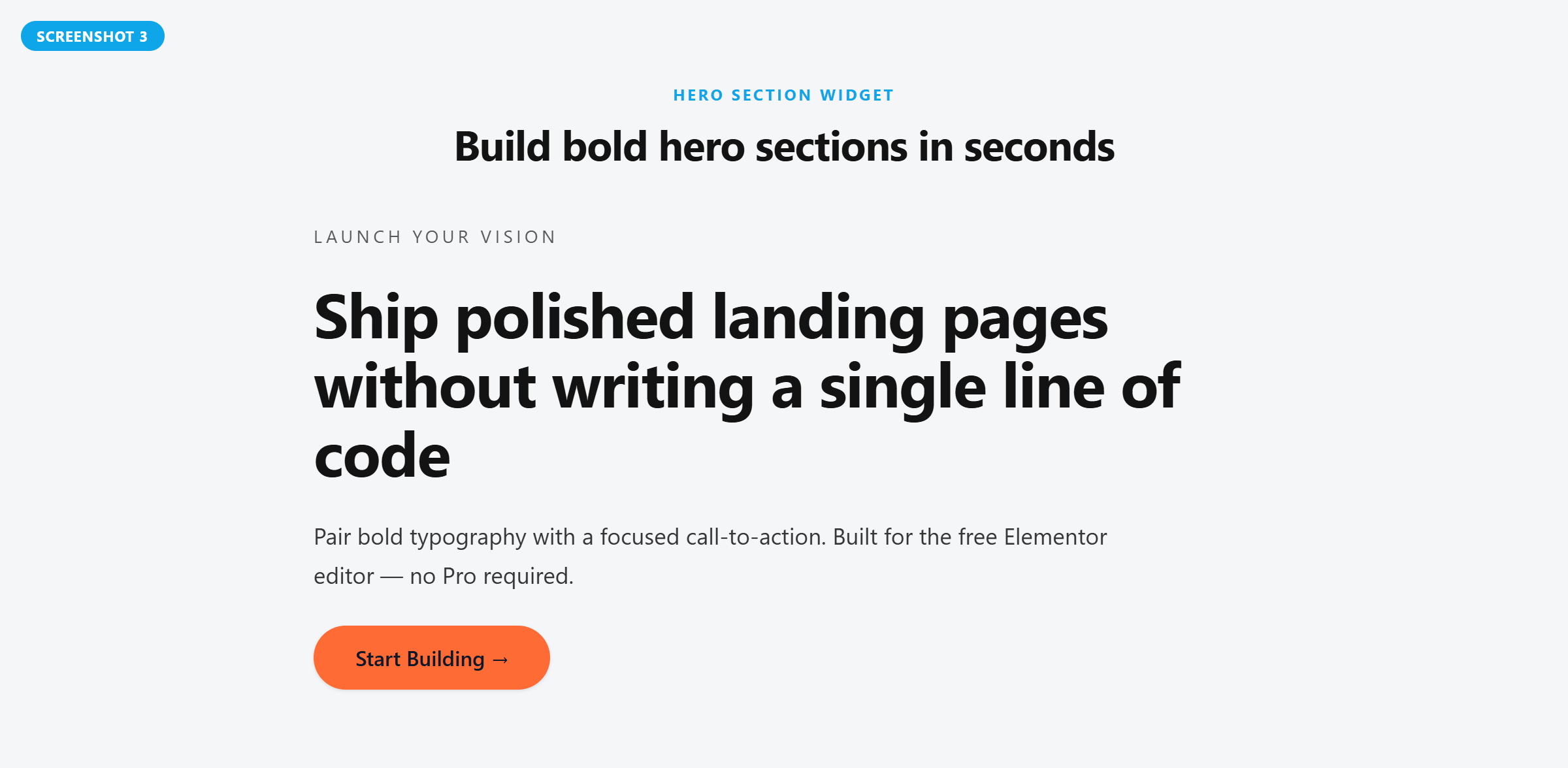
- Hero Section — full-width hero banner with kicker text, headline, sub-copy, and a powerful CTA button.
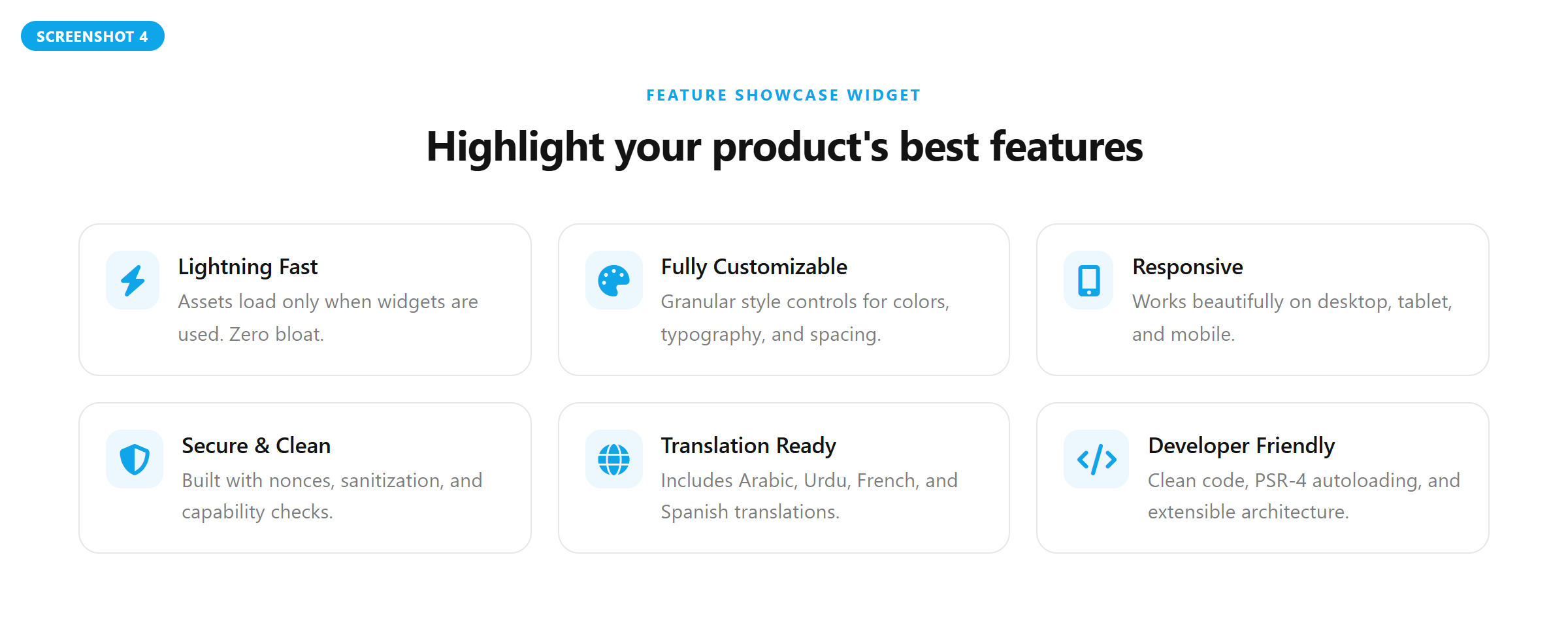
- Feature Showcase — responsive grid of feature items with icons, titles, and descriptions.
- Services Showcase — split-layout service section with hover-activated image switching and interactive content cards.
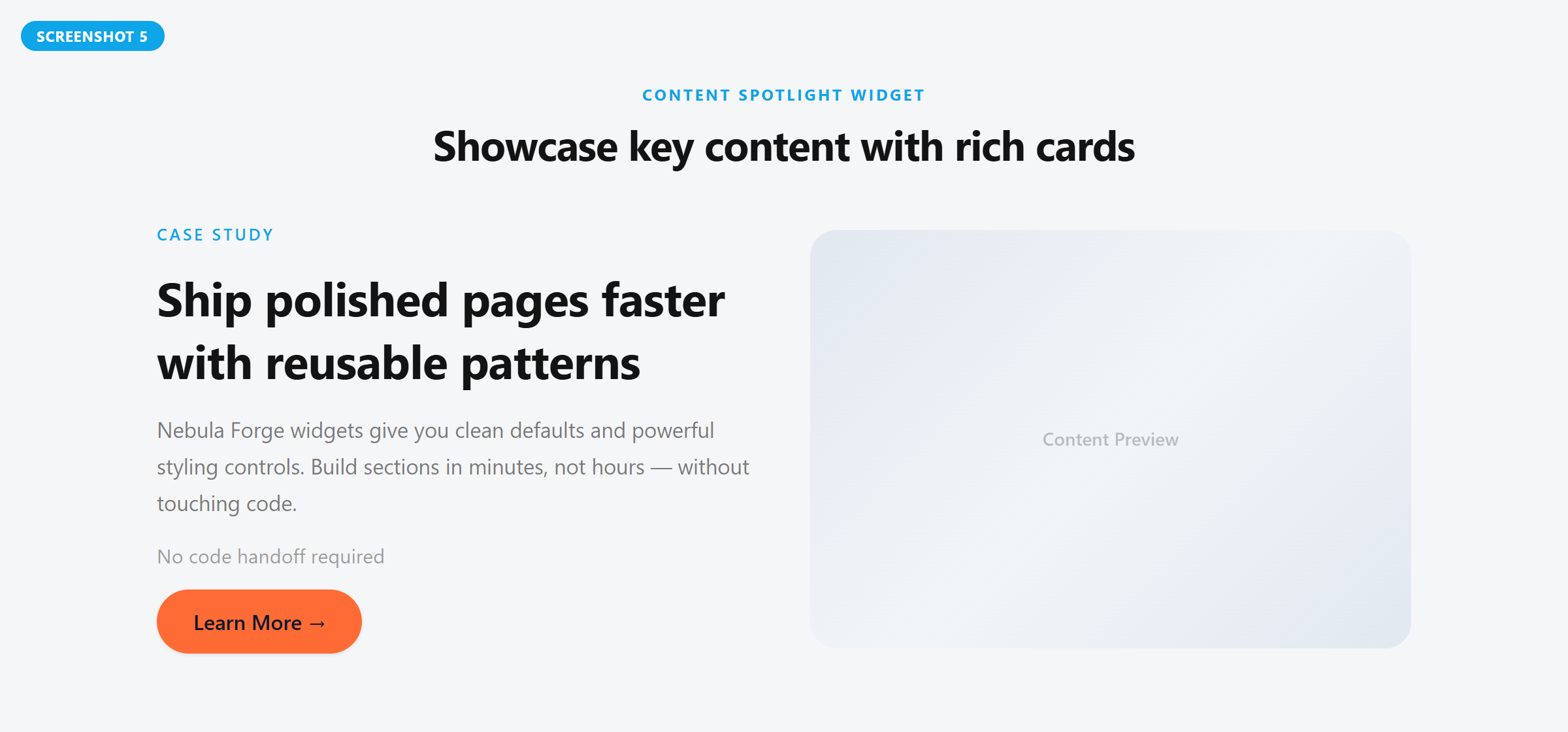
- Content Spotlight — rich content card with eyebrow, title, body text, featured image, and CTA button.
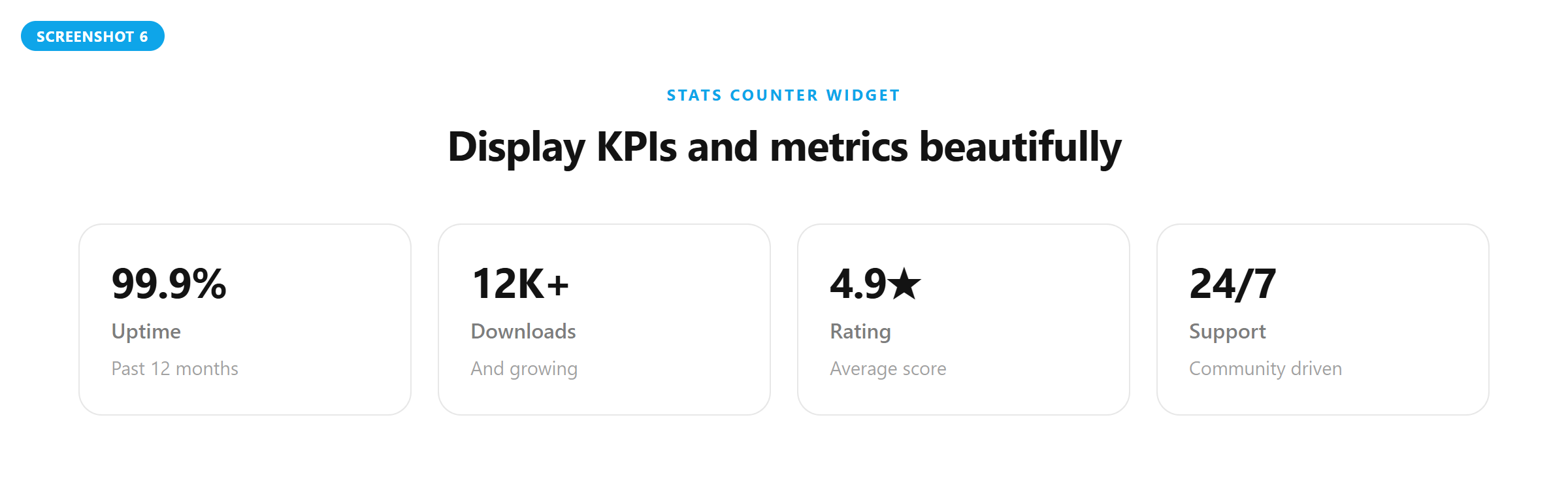
- Stats Counter — eye-catching number grid to showcase KPIs, metrics, and achievements.
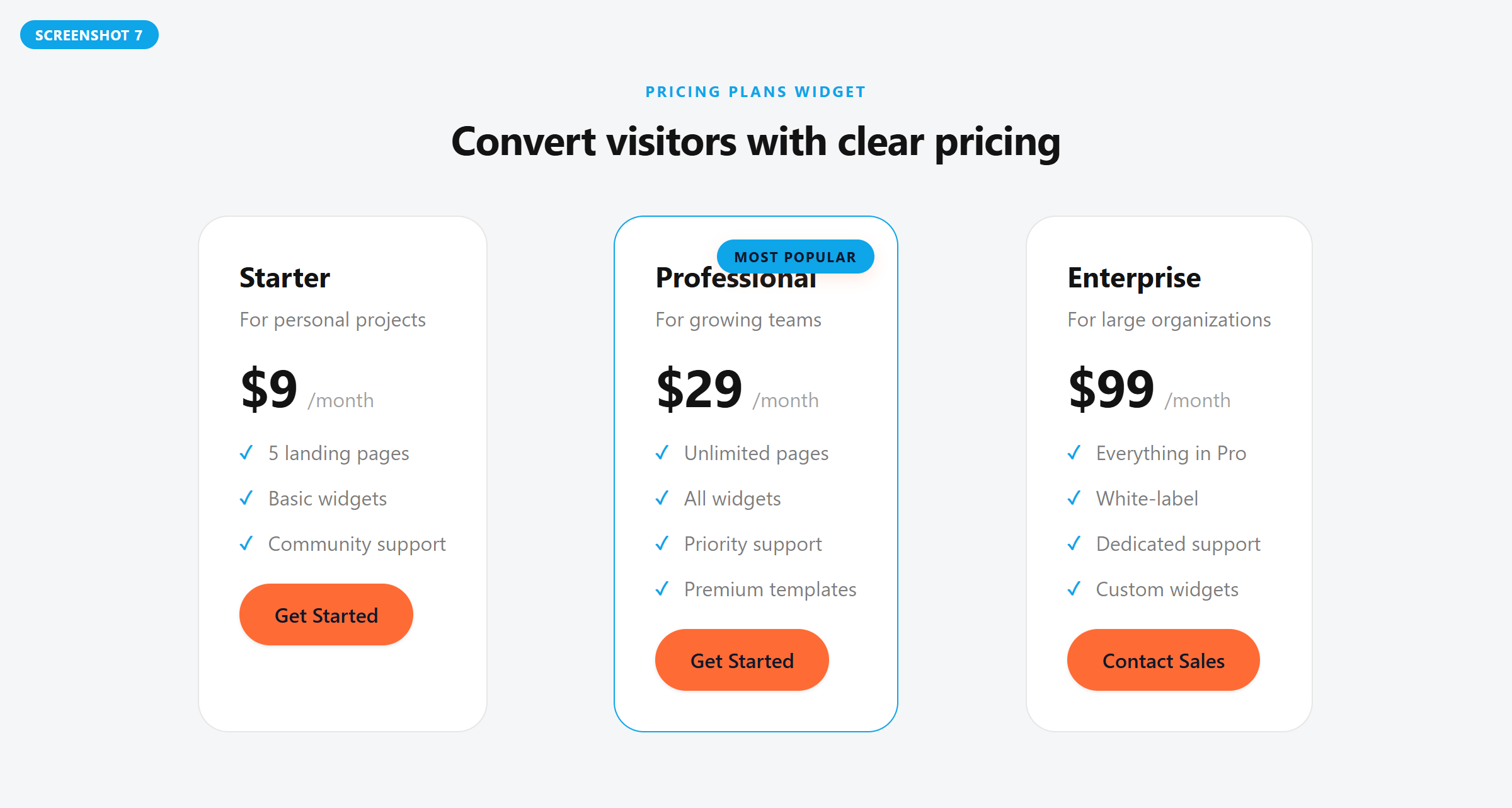
- Pricing Plans — professional pricing card with plan name, price, features checklist, and CTA button.
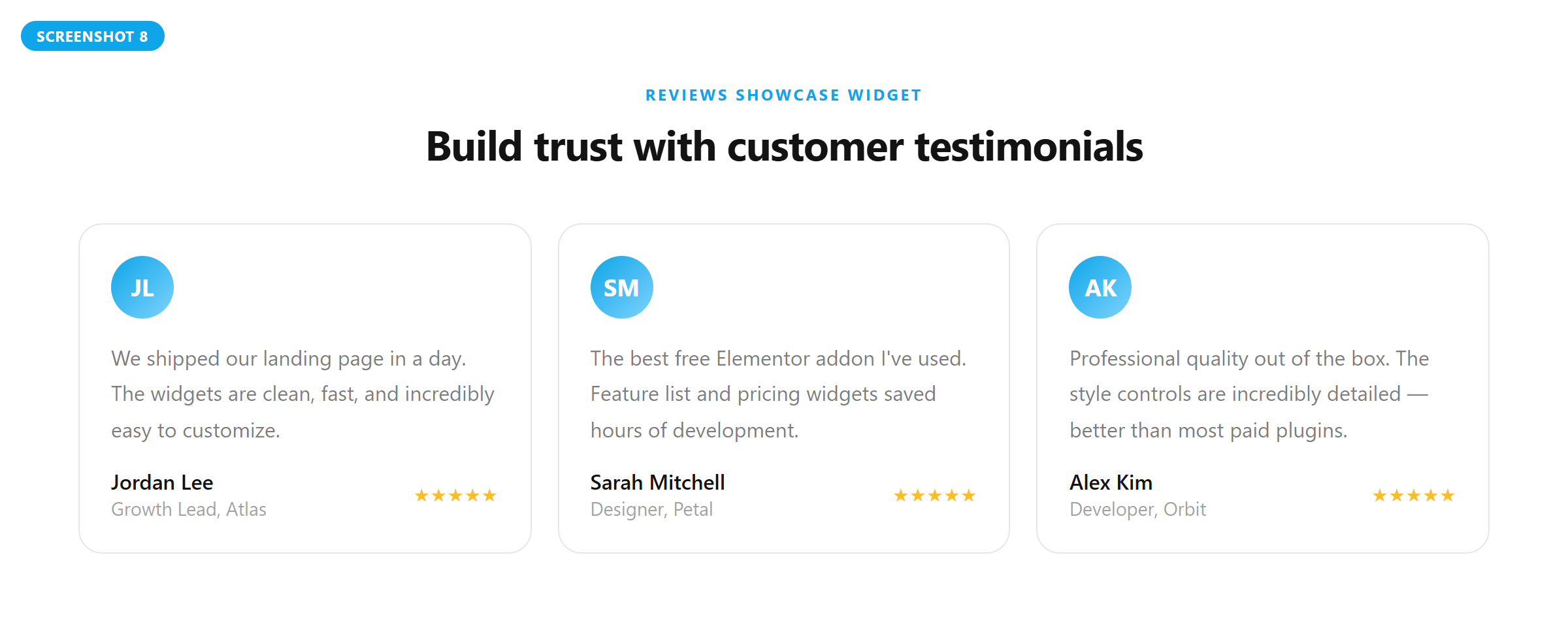
- Reviews Showcase — social-proof grid or slider with quotes, avatars, roles, and star ratings.
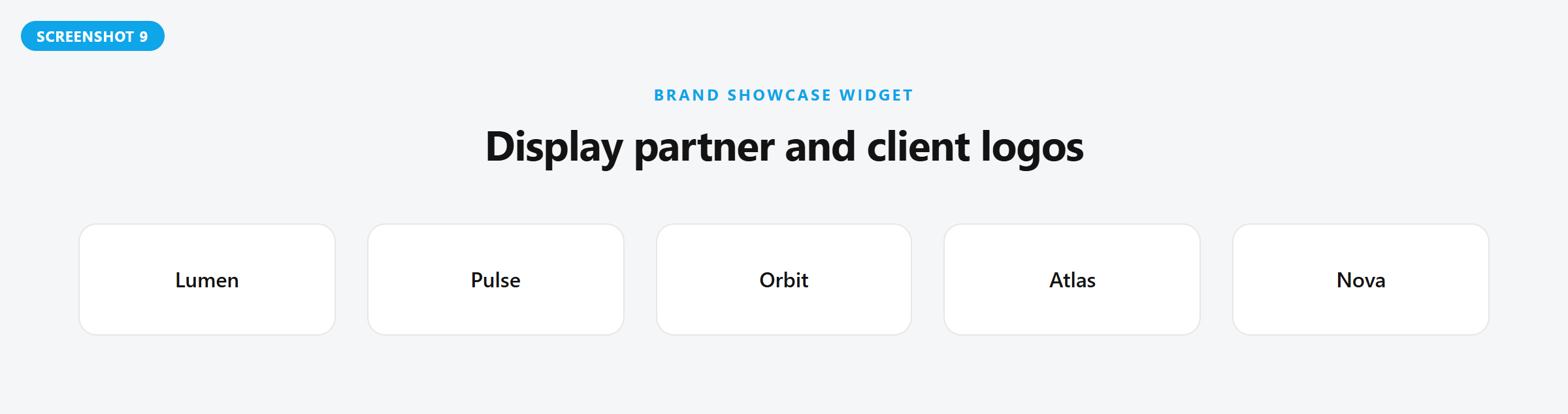
- Brand Showcase — clean, responsive grid or carousel of partner, client, or sponsor logos.
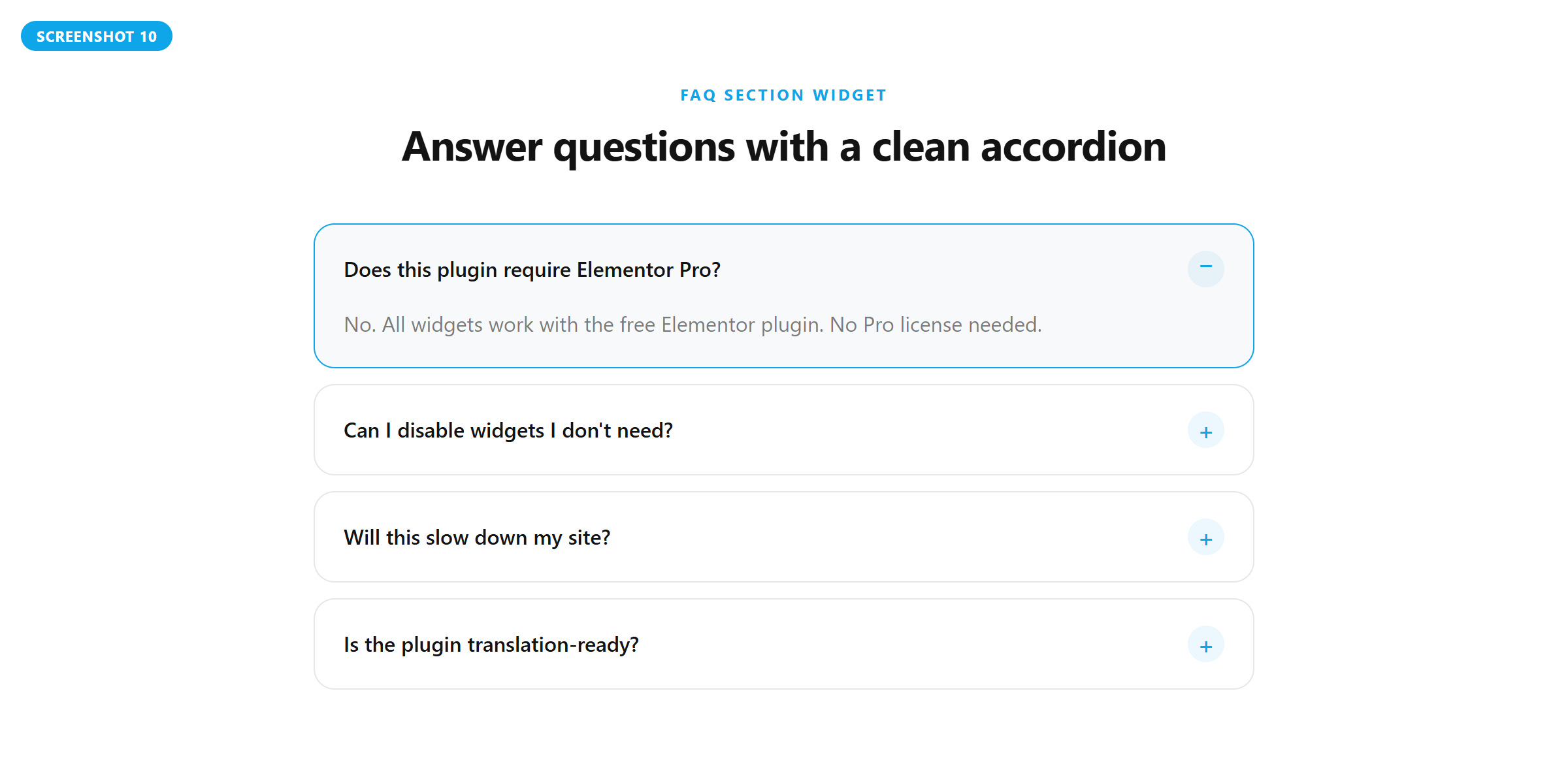
- FAQ Section — collapsible accordion for frequently asked questions, support docs, or knowledge base.
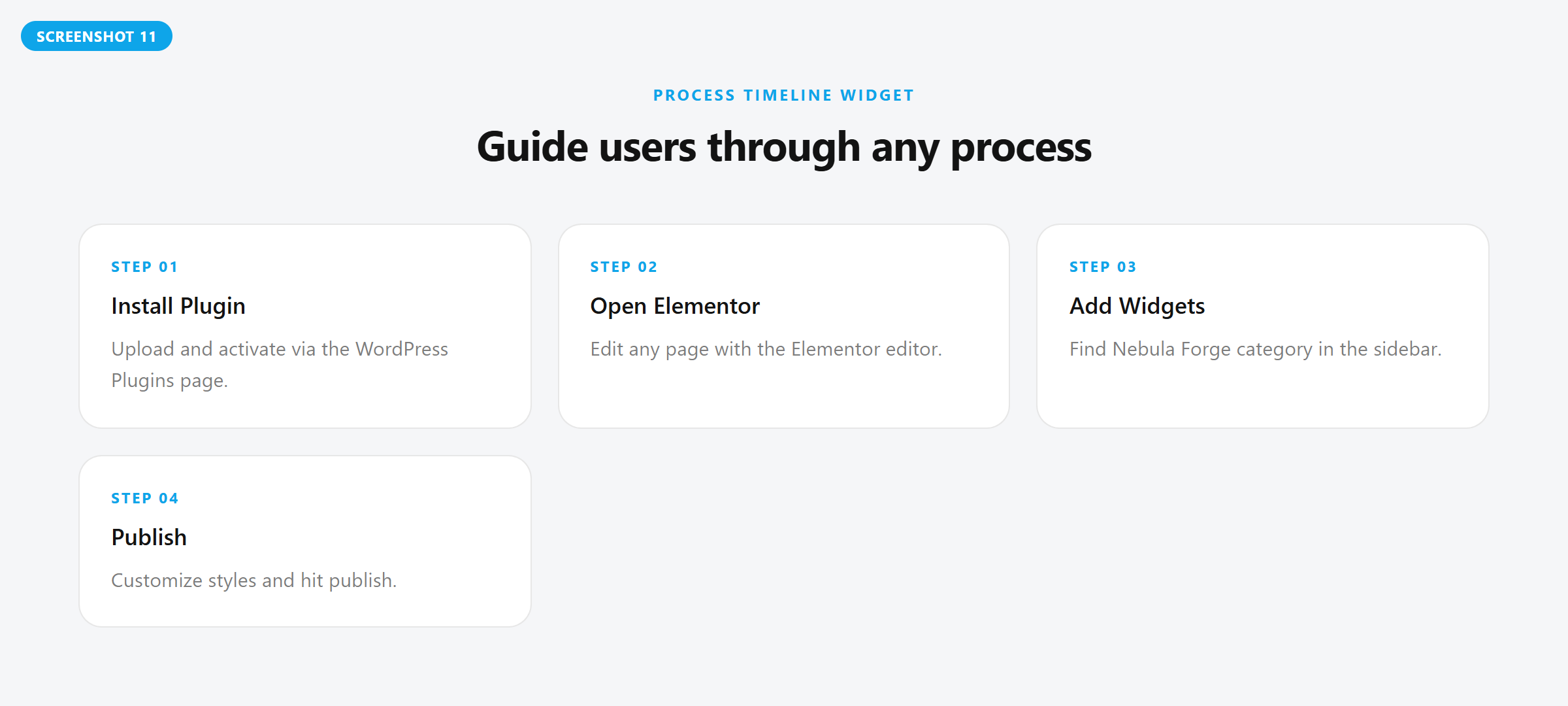
- Process Timeline — visual step-by-step timeline for workflows, onboarding, or project phases.
- Journey Map — end-to-end journey section with numbered phases, descriptions, and full style controls.
- Showcase Carousel — image card carousel with badges, titles, descriptions, tags, and full navigation controls.
- Areas Grid — responsive image-card grid with badges, titles, and a featured first-card overlay.
- Team Member — professional team/staff profile cards with photo, name, role, bio, and social media links.
- CTA Banner — conversion-focused call-to-action banner with gradient backgrounds, icon, dual buttons, and three layouts.
- Content Tabs — tabbed content sections with horizontal or vertical orientation, icon support, and rich WYSIWYG panels.
- Image Comparison — interactive before/after image comparison slider with draggable handle, labels, and hover options.
- Countdown Timer — countdown to a target date with blocks, inline, or circle styles, labels, and expiry actions.
- Hamburger Menu — off-canvas mobile navigation with slide panel from left, right, or top, WP menus or custom items, submenu support, and three icon styles.
- Advanced Form — drag-and-drop form builder with 12 field types, AJAX submission, email notifications, database storage, and redirect actions.
- Numbered Cards — flexible numbered content cards with grid, steps, and carousel presentation modes.
- Video Testimonials — video-based testimonial cards with grid or carousel layouts, lightbox/inline playback, and rating support.
- Display Conditions — show or hide any Elementor element based on login status, user role, date range, day of week, page type, browser, or operating system.
- Custom Fonts — upload custom font files (WOFF2, WOFF, TTF) with multiple variants and use them in Elementor typography controls.
- Widget Tooltip — add fully styled hover or click tooltips to any widget with position, arrow, animation, and color controls.
- Wrapper Link — make any widget, column, section, or container fully clickable with external and nofollow link options.
- Landing pages and product launches
- Blog posts and article layouts
- Portfolio and case study pages
- WooCommerce store pages
- Marketing call-to-action sections
- Feature and benefit highlights
- KPI and social-proof blocks
- Pricing and plan comparisons
- Customer testimonials and trust signals
- FAQ and onboarding sections
安装:
- Upload the
nebula-forge-addons-for-elementorfolder to the/wp-content/plugins/directory, or install the ZIP via the WordPress Plugins page. - Activate the plugin through the "Plugins" menu in WordPress.
- Ensure Elementor is active. Open the Elementor editor and look for the Nebula Forge category to find the widgets.
屏幕截图:
常见问题:
Does this require Elementor Pro?
No. These widgets work with the free Elementor plugin.
Where do the widgets appear?
In the Elementor editor sidebar under the Nebula Forge category.
Can I change colors and typography?
Yes. Each widget exposes granular style controls for backgrounds, typography, spacing, borders, and hover states.
What are the minimum requirements?
WordPress 6.2+, PHP 7.4+, and Elementor 3.20+.
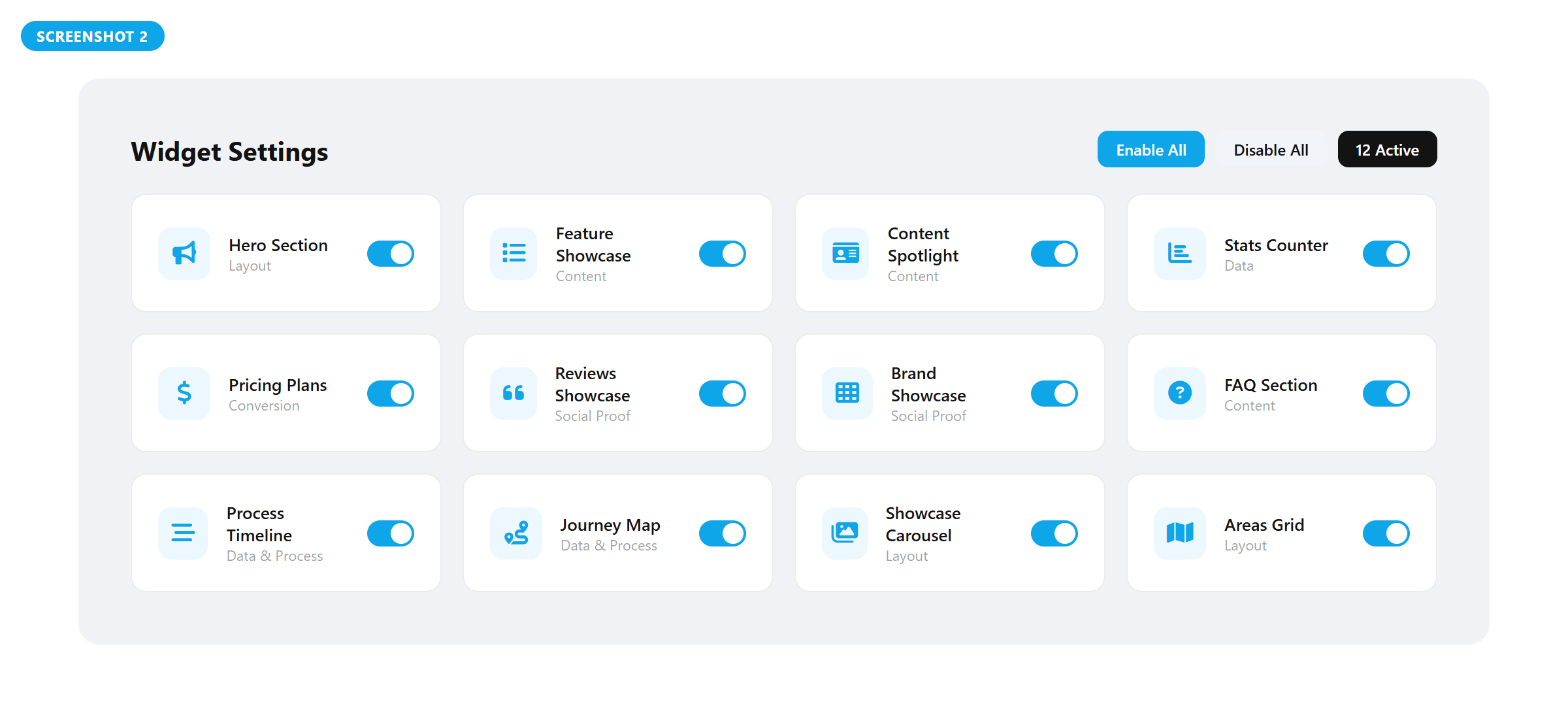
How do I disable widgets I do not need?
Go to Nebula Forge > Settings in wp-admin and toggle off unused widgets.
How do I upload custom fonts?
Go to Nebula Forge > Custom Fonts in wp-admin, enter a font family name, add variants with weight/style, and upload your WOFF2/WOFF/TTF files. They will automatically appear in Elementor's font picker.
How do I use Display Conditions?
Edit any Elementor element, go to the Advanced tab, and expand the Display Conditions section. Enable conditions and configure the rules.
How do I view form submissions?
Go to Nebula Forge > Submissions in wp-admin. You can filter by form name, view submission details, and bulk-delete entries.
Will this slow down my site?
The plugin only registers assets for its widgets and loads them when those widgets are used.
Is it translation-ready?
Yes. All user-facing strings are translatable. Includes Arabic, Urdu, French, and Spanish translations.
How can I support the plugin?
Leaving a review on WordPress.org helps more users find the plugin.
Does it include demo pages?
Use the Welcome screen checklist to build a quick demo page in Elementor. Start with a Hero CTA, add a Feature List, then layer in Testimonials, a Pricing Table, and an FAQ.
更新日志:
- Fixed frontend asset loading to use the current non-minified CSS and JS files, ensuring the latest styles and scripts are applied reliably after updates.
- Added the 0.9.5 release summary to the plugin welcome screen inside wp-admin.
- Added the new Services Showcase widget with hover-driven image swapping, flexible linking modes, and top icon options.
- Added expanded style controls for Services Showcase, including box padding, content offsets, top icon positioning, arrow sizing, and custom image icons.
- Improved Services Showcase title rendering to allow intentional line breaks with
<br>. - Updated default placeholder content across multiple widgets to use cleaner lorem ipsum demo copy.
- Improved frontend asset cache-busting by versioning CSS and JS with file modification times.
- Refreshed plugin readme copy and widget list to reflect the current feature set.
- Security: removed email addresses from frontend form data attribute to prevent exposure.
- Security: fixed IP spoofing in form handler — only trusts REMOTE_ADDR now.
- Security: added rel="noopener noreferrer" to external links in Hamburger Menu widget.
- Security: hardened Custom Fonts POST input with is_array check and wp_unslash.
- Improvement: Display Conditions now removes hidden elements from DOM entirely instead of CSS display:none.
- Improvement: removed Google Fonts CDN dependency from admin — uses system font stack.
- Improvement: removed broken File Upload field type from Advanced Form widget.
- Fix: corrected widget count from 19 to 21 in readme and description.
- Fix: reordered changelog entries (0.6.0 and 0.5.0 now in correct position).
- Added uninstall.php for clean plugin deletion.
- Removed hardcoded font-size, font-weight, font-style, and line-height from
.nfa-ncards__step-titleto allow Elementor typography controls to take effect.
- Removed
.nfa-vtestimonials__reel-videoCSS positioning block from frontend styles. - Removed related reel video hover transform/transition rule from minified frontend CSS.
- Added Video Testimonials widget with Grid and Carousel layout modes.
- Video thumbnail cards with play button overlay, duration badge, star rating, quote, avatar, name, and role.
- Three video click actions: Lightbox, Inline Play, and Open in New Tab.
- Carousel: slides per view (responsive), gap, arrows, dots, mouse/touch drag, infinite loop, transition speed, autoplay.
- Arrow position: bottom-right/left/center, top-right/left/center, sides overlay.
- Full hover effects: card lift (configurable amount), thumbnail zoom on hover, overlay darken, play button scale.
- Dedicated Hover Effects style section with shadow, background, and border controls.
- Play Button style section with size, colors, hover scale, and box shadow.
- Thumbnail style section with height, border radius, overlay color, and duration badge styling.
- Content style section with typography/color for quote, name, role, rating, and avatar sizing.
- Navigation style section with arrow size, colors, hover states, dot size, and dot colors.
- Lightbox with keyboard (ESC) and backdrop close, smooth open/close animations.
- Bumped total widget count from 20 to 21.
- Added Numbered Cards widget with 3 layout modes: Grid, Steps, and Carousel.
- Grid layout: configurable columns, gap, card background, padding, border radius, border, and box shadow.
- Steps layout: icon badge circle, step label prefix, bold italic title, divider, accent border on hover (left/top/right/bottom/none), full typography and color controls.
- Carousel layout: slides per view (responsive), gap, arrows, dots, mouse/touch drag, infinite loop, transition speed, autoplay with pause on hover.
- Carousel arrow position: bottom-right/left/center, top-right/left/center, sides overlay.
- Redesigned admin UI with premium glassmorphism styling, animated background orbs, Inter font, and elevated cards.
- Changed FAQ widget answer field from textarea to WYSIWYG rich-text editor.
- Updated frontend CSS and JS with numbered cards styles, carousel logic, and drag support.
- Bumped total widget count from 19 to 20.
- Added Hamburger Menu widget — off-canvas mobile navigation with slide panel (left/right/top), WP nav menu or custom items, submenu accordion, three icon styles, overlay, close on link/ESC, and full style controls.
- Added Advanced Form widget — drag-and-drop form builder with 12 field types (text, email, tel, URL, number, textarea, select, radio, checkbox, date, file, hidden), per-field width, validation, AJAX submission, email notifications, database storage, and redirect actions.
- Added Form submission handler with rate limiting, nonce verification, and custom post type storage.
- Added Submissions admin page with list view, form name filter, pagination, bulk delete, single entry detail, and auto-read status marking.
- Added Submissions tab to admin navigation.
- Updated frontend CSS with hamburger menu panel animations, form field grid, validation states, and responsive breakpoints.
- Updated frontend JS with hamburger toggle/submenu accordion and form AJAX validation/submission handlers.
- Bumped total widget count from 17 to 19.
- Added Display Conditions extension — show/hide any Elementor element by login status, user role, date range, day of week, page type, browser, or OS.
- Added Custom Fonts extension — upload WOFF2/WOFF/TTF fonts with multiple variants and register them in Elementor's font picker.
- Added Widget Tooltip extension — configurable tooltips (hover/click) with position, arrow, animation, background, and typography controls.
- Added Wrapper Link extension — make any widget, column, section, or container fully clickable with external/nofollow support.
- Added Custom Fonts admin page with font uploader, variant management, and font preview.
- Added Pro Extensions toggle section to Settings page for enabling/disabling each extension.
- Added Custom Fonts tab to admin navigation.
- Updated frontend CSS with tooltip positioning, arrow styles, and wrapper link focus states.
- Updated frontend JS with tooltip DOM creation, positioning, and wrapper link click/keyboard handlers.
- Added 5 new professional widgets: Team Member, CTA Banner, Content Tabs, Image Comparison, and Countdown Timer.
- Team Member widget with photo, name, role, bio, and 4 social media links in grid layout.
- CTA Banner widget with gradient backgrounds, icon, kicker, dual buttons, and 3 layout options.
- Content Tabs widget with horizontal/vertical tabs, per-tab icons, and rich WYSIWYG content panels.
- Image Comparison widget with before/after slider, draggable handle, labels, and hover controls.
- Countdown Timer widget with blocks, inline, and circle display styles, plus expiry message/redirect actions.
- Updated frontend CSS with styles for all 5 new widgets, hover effects, and responsive breakpoints.
- Updated frontend JS with tab switching, image comparison drag logic, and countdown timer with circle progress.
- Registered all 5 new widgets in Widget Registry with metadata, badges, and categories.
- Bumped total widget count from 12 to 17.
- Switched frontend styles from dark theme (CSS custom properties) to light-mode defaults for broader compatibility.
- Added mobile-responsive rules for Areas Grid featured card layout.
- Added Card style controls (background, padding, border radius, border, box shadow) to Spotlight Card, Pricing Table, Logo Grid, and Showcase Carousel widgets.
- Added Item Card and Text style sections to Logo Grid widget.
- Added toggle icon, open-state background, and open-state border color controls to FAQ Accordion widget.
- Added badge typography and border radius controls to Showcase Carousel widget.
- Added tag typography and border radius controls to Showcase Carousel widget.
- Updated default widget colors from dark-theme palette to neutral light-mode values across all widgets.
- Fixed slider arrow color default to white for better contrast.
- Redesigned admin Welcome page with widget stats, categorised showcase grid, and system status panel.
- Redesigned Settings page with Enable All / Disable All toolbar and real-time active counter.
- Redesigned Changelog page with vertical timeline and colour-coded change types.
- Updated plugin description to reflect support for blogs, portfolios, WooCommerce, and all page types.
- Renamed widgets for clarity: Hero Section, Feature Showcase, Content Spotlight, Stats Counter, Pricing Plans, Reviews Showcase, Brand Showcase, FAQ Section, Process Timeline, Journey Map.
- Updated all widget icons to a consistent Elementor icon set.
- Added category grouping (Layout, Content, Data & Process, Conversion, Social Proof) to widget registry.
- Rewrote admin CSS with modern design token system, glassmorphism header, and pro-level cards.
- Added onboarding 3-step flow to Welcome page.
- Added Pro Tip sidebar card with link to Settings.
- Fixed broken selectors_dictionary in Hero CTA and Pricing Table widgets.
- Replaced href="#" with role="button" tabindex="0" for accessibility.
- Removed Hero CTA JS dependency — hover effect now pure CSS.
- Conditional JS loading for Logo Grid and Testimonial Grid slider mode.
- Added responsive grid column defaults (tablet_default, mobile_default) to all grid widgets.
- Added HTML heading tag selector (H1-H6, div, p) to all 10 widgets.
- Refactored Testimonial Grid card template into reusable render method.
- Upgraded frontend CSS with design tokens, gradient backgrounds, and hover effects.
- Cleaned up frontend JS — removed wiggle handler, added debounced resize.
- Fixed fatal error when a widget class is missing by skipping registration.
- Fixed admin page fatal when Ui_Helper is unavailable.
- Documentation cleanup in readme.
- Added grid/slider layout option for Testimonials and Logo widgets.
- Added new widgets: Pricing Table, Testimonials Grid, Logo Grid, FAQ Accordion, Steps Timeline.
- Added widget badges and improved admin guidance for faster discovery.
- Expanded translations and refreshed listing metadata.
- Improved admin UI with tabs, tooltips, and inline guidance.
- Optimized asset loading to enqueue styles/scripts only when widgets are used.
- Refreshed readme content for clarity and discoverability.
- Bumped plugin version to
0.1.2. - Added translators comment for version placeholder in the admin Welcome page.
- Removed legacy
load_plugin_textdomain()call. - Fixed PHP parse error in
Admin_Manager.phpand improved request method checks. - Added nonce verification and sanitization for settings save.
- Fix activation requirements check and harden security defaults.
- Initial release with four widgets: Hero CTA, Feature List, Spotlight Card, Stats Grid.