Linux 软件免费装
Banner图

Social Media Icon Widget

开发者 awordpresslife
razipathhan
hanif0991
muhammadshahid
fkfaisalkhan007
sharikkhan007
zishlife
FARAZFRANK
更新时间 2025年12月30日 20:09
捐献地址: 去捐款
PHP版本: 7.0 及以上
WordPress版本: 6.9
版权: GPLv2 or later
版权网址: 版权信息

标签

social icons social media icon sidebar widget icon widget profile links

下载

0.0.11 0.0.13 0.0.3 0.0.4 0.0.5 0.0.6 0.0.7 0.0.8 0.1.0 0.1.2 0.1.3 0.1.4 0.1.5 0.1.6 0.1.7 0.1.8 0.2.0 0.2.1 0.2.11 0.2.12 0.2.13 0.2.14 0.2.15 0.2.16 0.2.17 0.2.18 0.2.2 0.2.4 0.2.5 0.2.6 0.2.7 0.2.8 0.2.9 0.3.0 0.3.1 0.3.2 0.3.3 1.0.6 1.0.8 1.0.9 1.1.0 1.1.2 1.1.4 1.1.5 1.1.6 1.1.7 1.1.8 1.1.13 1.1.16 1.1.17 1.0.5 1.2.9 1.0.2 0.0.12 1.0.1 1.1.11 1.0.11 1.0.12 1.1.15 1.1.19 0.0.9 1.1.9 1.1.10 0.0.2 0.3.4 1.1.1 1.1.12 1.1.14 1.2.2 0.1.1 0.2.10 0.2.19 0.3.5 1.0.10 1.0.3 1.0.7 1.1.20 1.1.21 1.1.3 1.2.0 1.2.1 1.2.3 1.2.4 1.2.5 0.1.9 0.0.1 0.0.10 0.2.3 1.0.0 1.0.4 1.1.18 1.1.22 1.2.6 1.2.7 1.2.8 1.3.0

详情介绍:

Need a simple way to display social media icon links on your site? This lightweight widget makes it easy to add profile icons for all your favorite platforms right in your sidebar, footer, or any widget area. View Premium Demo: Social Media Icon Widget Premium More About Pro: Social Media Icon Widget Premium Features Where To Buy: Buy Social Media Icon Widget Premium Video Tutorial https://www.youtube.com/watch?v=CRjl-SU6mTw Whether you run a blog, business site, or portfolio, having visible social media icon links helps visitors connect with you across platforms. This widget gives you full control over icon styles, colors, spacing, and animations without touching any code. Why Use This Social Media Icon Widget? Setting up social icons shouldn't be complicated. With this widget, you simply drag it to your widget area, add your profile URLs, pick your colors, and you're done. Each social media icon looks sharp on any screen size and blends naturally with your theme. Supported Platforms Connect your audience to these popular networks: What Makes This Social Media Icon Widget Different Unlike bloated social sharing toolbars, this widget focuses on one thing: displaying your social media icon links beautifully. It loads fast, works with any theme, and gives you creative freedom through customization options. You can adjust each social media icon color to match your brand, add hover effects for visual feedback, and even apply rotation transforms for a unique touch. The spacing controls help you create the exact layout you want. Free Features Premium Features Upgrade to unlock additional capabilities: Recommended Plugins Enhance your website with these powerful addons: Portfolio Filter Gallery\ Create stunning portfolio galleries in minutes with this versatile filter gallery plugin. Get Premium Version – Unlock advanced features for more customization. Media Slider\ Build responsive media and video slider galleries effortlessly with this slider plugin. Unlock Premium Version – Add more layouts and controls. Weather Effect Plugin\ Add engaging weather effects to your site with this easy-to-use WordPress plugin. Check Premium Version – Access multiple effects and settings. Grid Gallery Plugin\ Display images in a customizable grid gallery widget for pages, posts, or sidebars. Upgrade Premium Version – Enhanced styling options. Image Gallery Plugin\ Showcase images with a lightbox slider using this fast and simple image gallery plugin. Get Premium Version – More gallery layouts and effects. Photo Gallery Plugin\ Create photo, video, link, and map galleries in seconds with this WordPress gallery plugin. Check Premium Version – Advanced gallery features. Responsive Slider Gallery\ Add fully responsive sliders to pages, posts, or widgets with this WordPress slider plugin. Try Premium Version – More slider customization. Contact Form Widget\ Embed a simple contact form in your WordPress site using this shortcode plugin. Upgrade To Premium Version – Advanced form options. Social Media Widget\ Display social media icons in your sidebar or widget areas with this WordPress plugin. Get Premium Version – Enhanced social features. Slider Responsive Slideshow\ Create lightweight, responsive slideshows with this powerful WordPress slider plugin. Upgrade Premium Version – More slideshow effects. Video Gallery Plugin\ Build responsive video galleries quickly with this WordPress video gallery plugin. Try Premium Version – Additional video features. Facebook Like Share Follow Button\ Add Facebook Like, Share, and Follow buttons to your WordPress pages, posts, or widgets. Facebook Likebox Widget\ Embed a Facebook lightbox widget in your WordPress site for enhanced social engagement.

安装:

  1. Upload the plugin files to /wp-content/plugins/new-social-media-widget/ directory, or install through the Plugins screen.
  2. Activate the plugin through the Plugins menu.
  3. Go to Appearance > Widgets in your dashboard.
  4. Drag the Social Media Icon Widget to your preferred widget area.
  5. Add your social profile URLs and customize the appearance.
  6. Save and check your site.

屏幕截图:

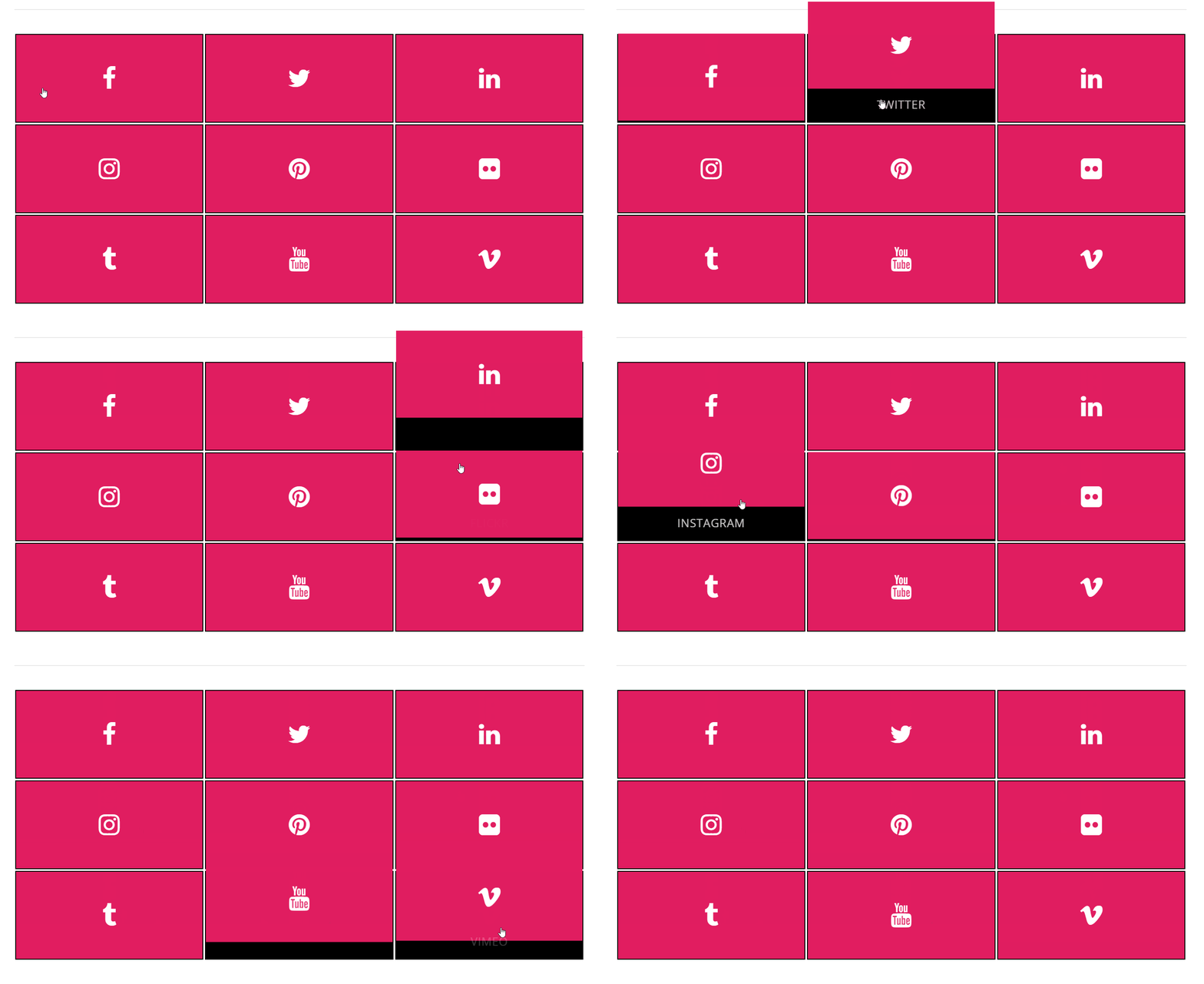
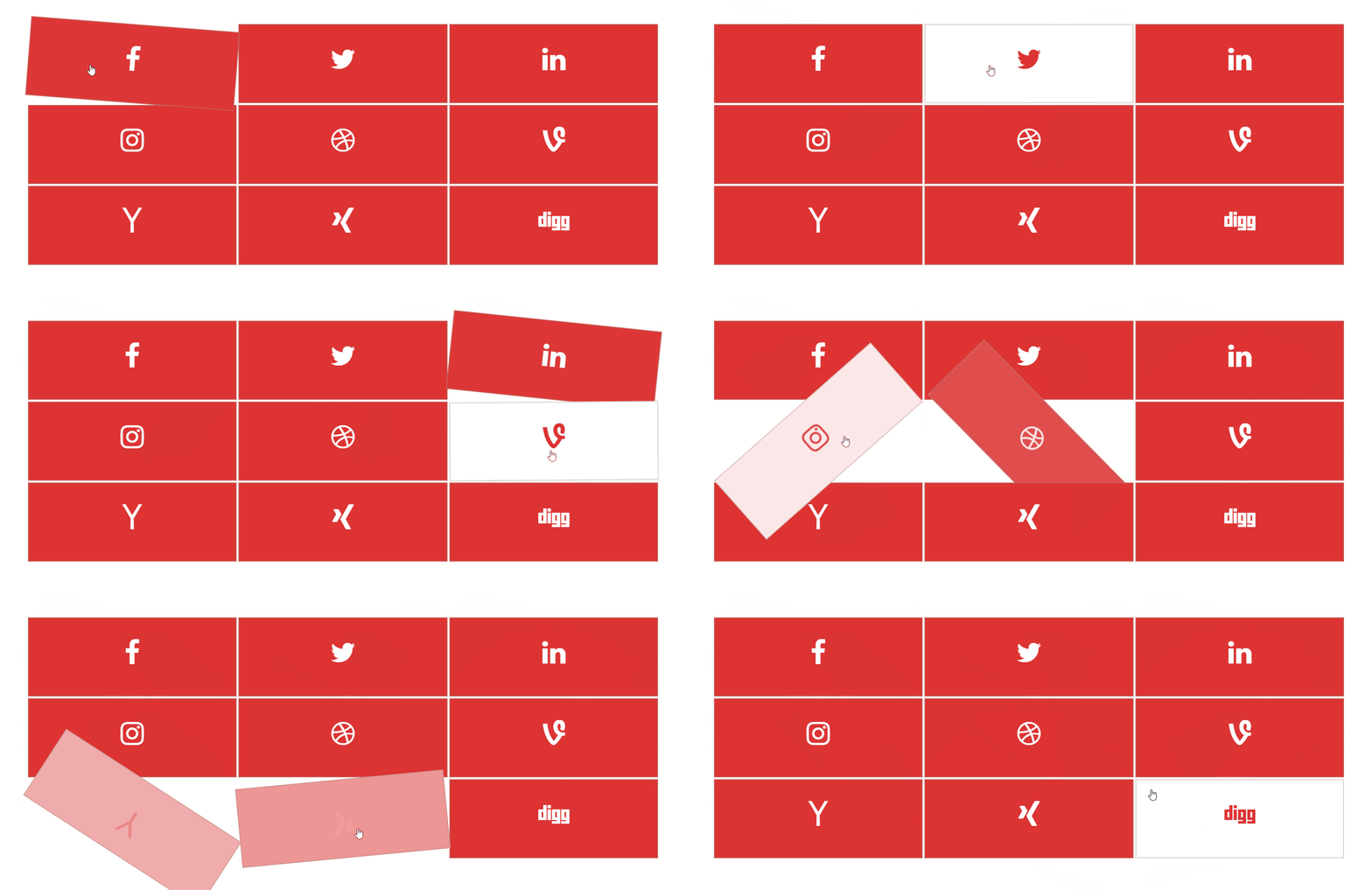
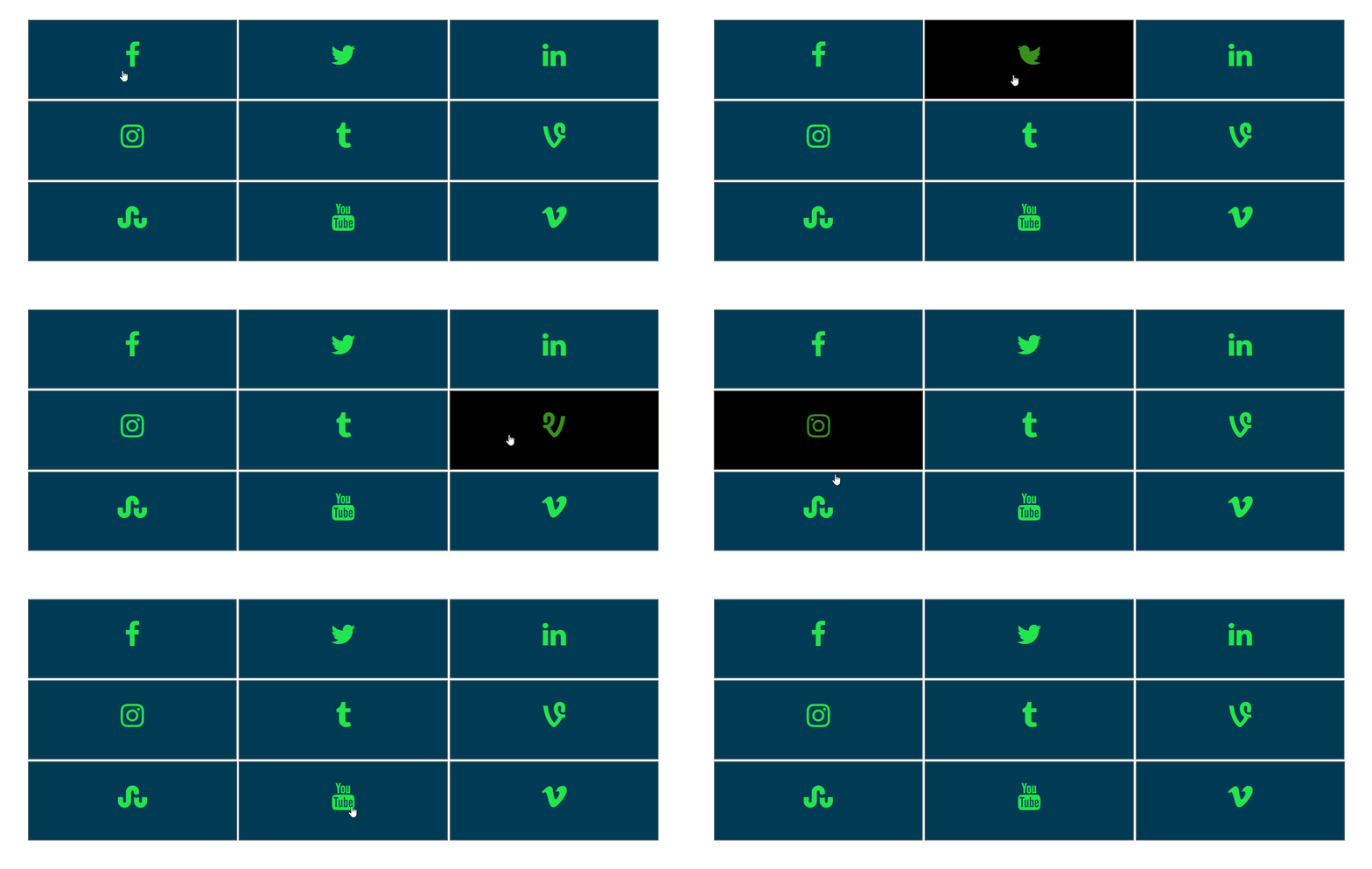
  • Hover Effect Animation 2 (in pro)
  • Hover Effect Animation 3 (in pro)
  • Hover Effect Animation 4 (in pro)
  • Social Settings Panel
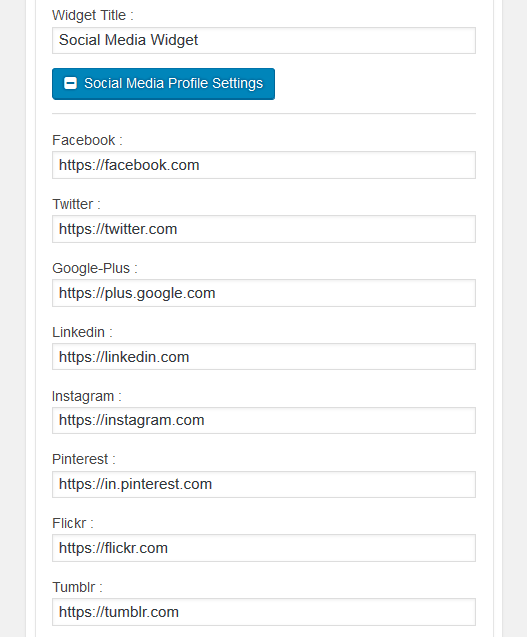
  • Social Profile Configuration
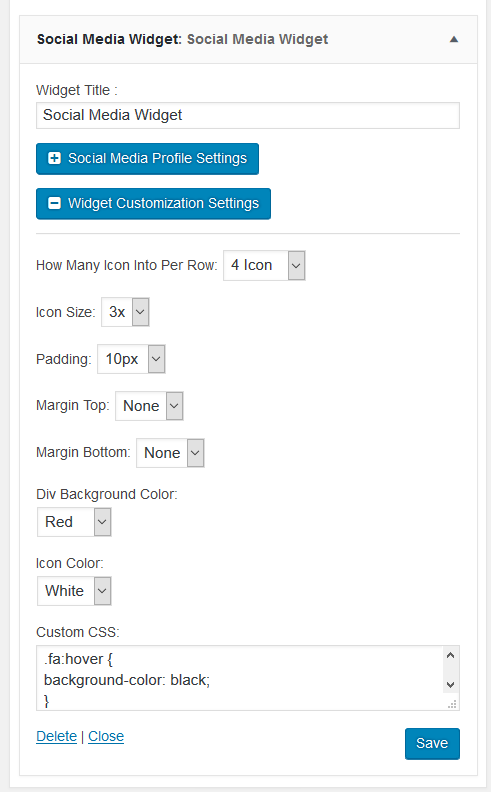
  • Widget Design & Effect Options

升级注意事项:

1.3.0 Tested with latest version. Update recommended for compatibility.

常见问题:

How do I add the widget to my sidebar?

Navigate to Appearance > Widgets in your dashboard. Find "Social Media Icon Widget" in the available widgets list and drag it to your sidebar or any widget area. Then add your profile links and save.

Can I change the icon colors?

Yes, the widget includes a color picker that lets you set custom colors for icons, backgrounds, and hover states. You can match the icons to your site's color scheme.

Which social platforms are supported?

The free version includes 12 popular platforms like Facebook, X (Twitter), Instagram, YouTube, Pinterest, LinkedIn, and more. The premium version supports 30+ platforms including TikTok, Discord, Telegram, and others.

Do the links open in a new tab?

Yes, all social profile links open in a new browser tab by default, keeping visitors on your site.

Can I add custom CSS styles?

Absolutely. The widget includes a custom CSS field where you can add your own styling rules for complete control over the appearance.

Is the widget mobile responsive?

Yes, the icons automatically adjust to look great on phones, tablets, and desktop screens.

How do I add hover effects?

In the widget settings, you'll find hover effect options. The free version includes basic hover color changes, while the premium version offers 60+ animation effects.

What's the difference between free and premium?

The free version covers essential needs with 12 icons and basic customization. Premium adds 30+ platforms, 60+ hover effects, 10+ transform effects, and advanced styling options.

Can I use multiple widgets on one page?

Yes, you can add the widget to multiple areas like sidebar, footer, and header simultaneously. Each instance can have different settings.

Does this work with page builders?

The widget works with any theme that supports standard widget areas. It's compatible with Elementor, Beaver Builder, and other page builders.

How do I get support?

For questions or issues, post on the plugin support forum and our team will assist you.

更新日志:

1.3.0 1.2.9 1.2.8 1.2.7 1.2.6