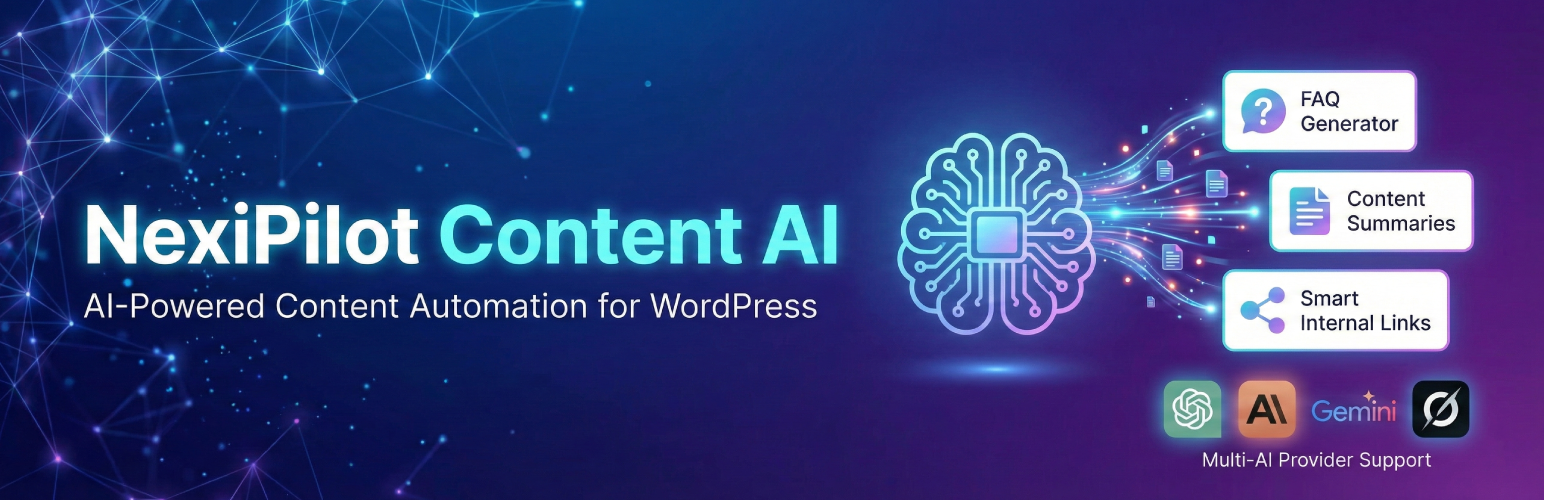
NexiPilot Content AI – AI-Powered FAQ, Summary & Internal Link Generator
| 开发者 |
nexibyllc
atiqbd4ever |
|---|---|
| 更新时间 | 2026年8月23日 00:56 |
| PHP版本: | 7.4 及以上 |
| WordPress版本: | 7.1 |
| 版权: | GPLv2 or later |
| 版权网址: | 版权信息 |
详情介绍:
NexiPilot Content AI enhances your WordPress content with AI-generated features, helping you create more engaging and SEO-friendly posts automatically.
Features
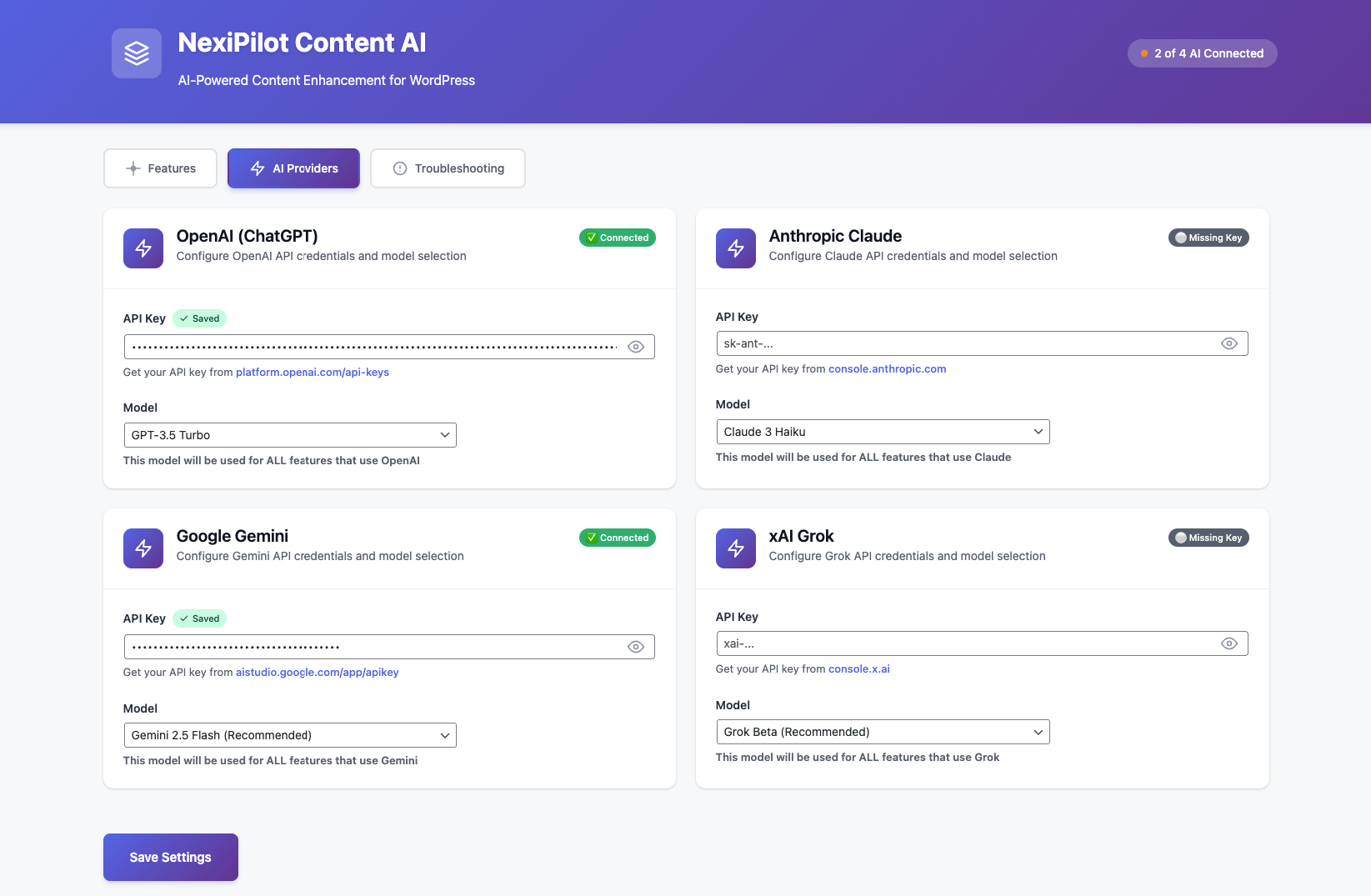
- 🤖 Multiple AI Provider Support: Choose from OpenAI (GPT-3.5, GPT-4), Anthropic (Claude 3), Google (Gemini), or xAI (Grok).
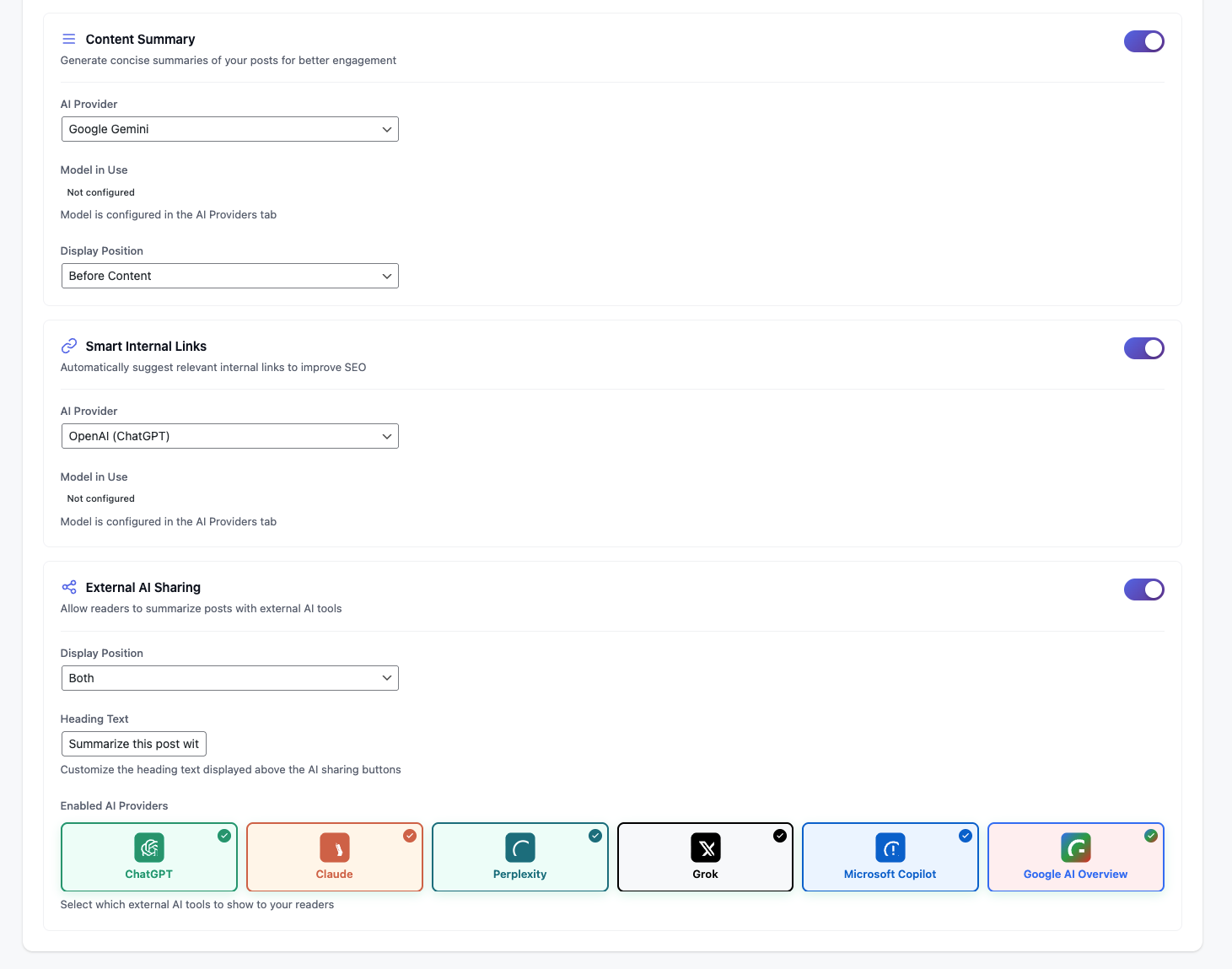
- 🔗 External AI Sharing: Add buttons to let your readers instantly summarize your content using Microsoft Copilot or Google AI Overview.
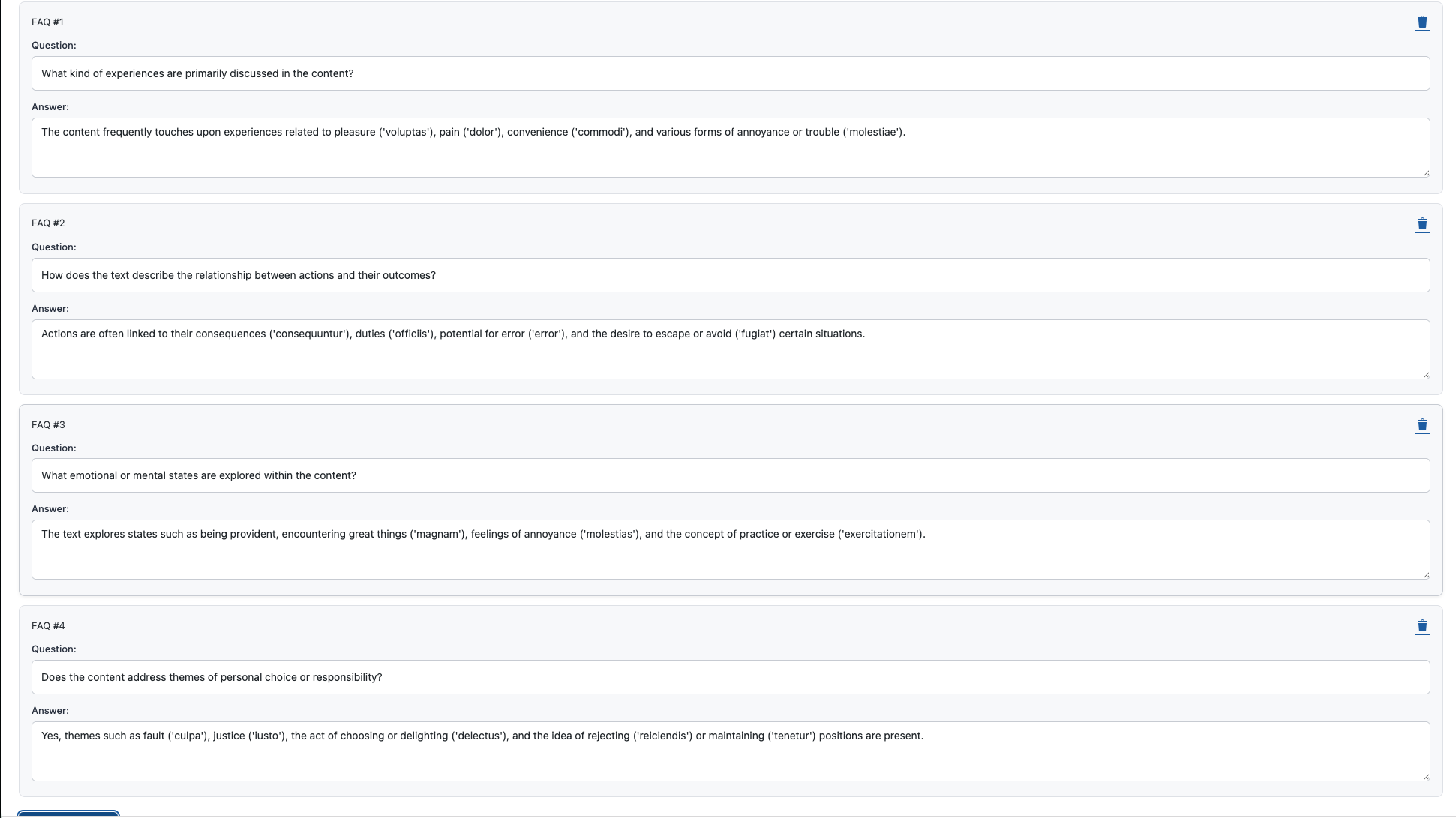
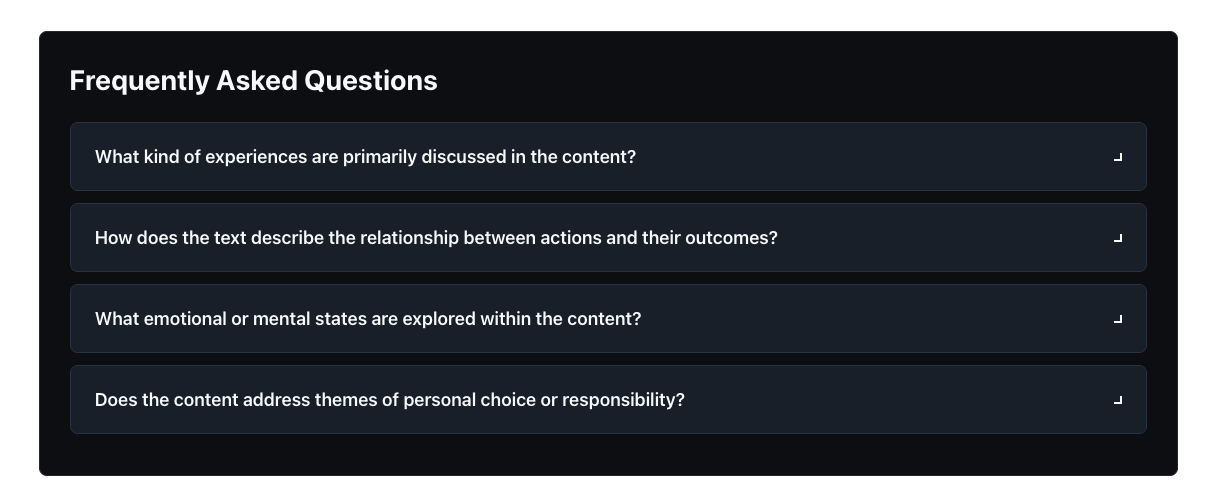
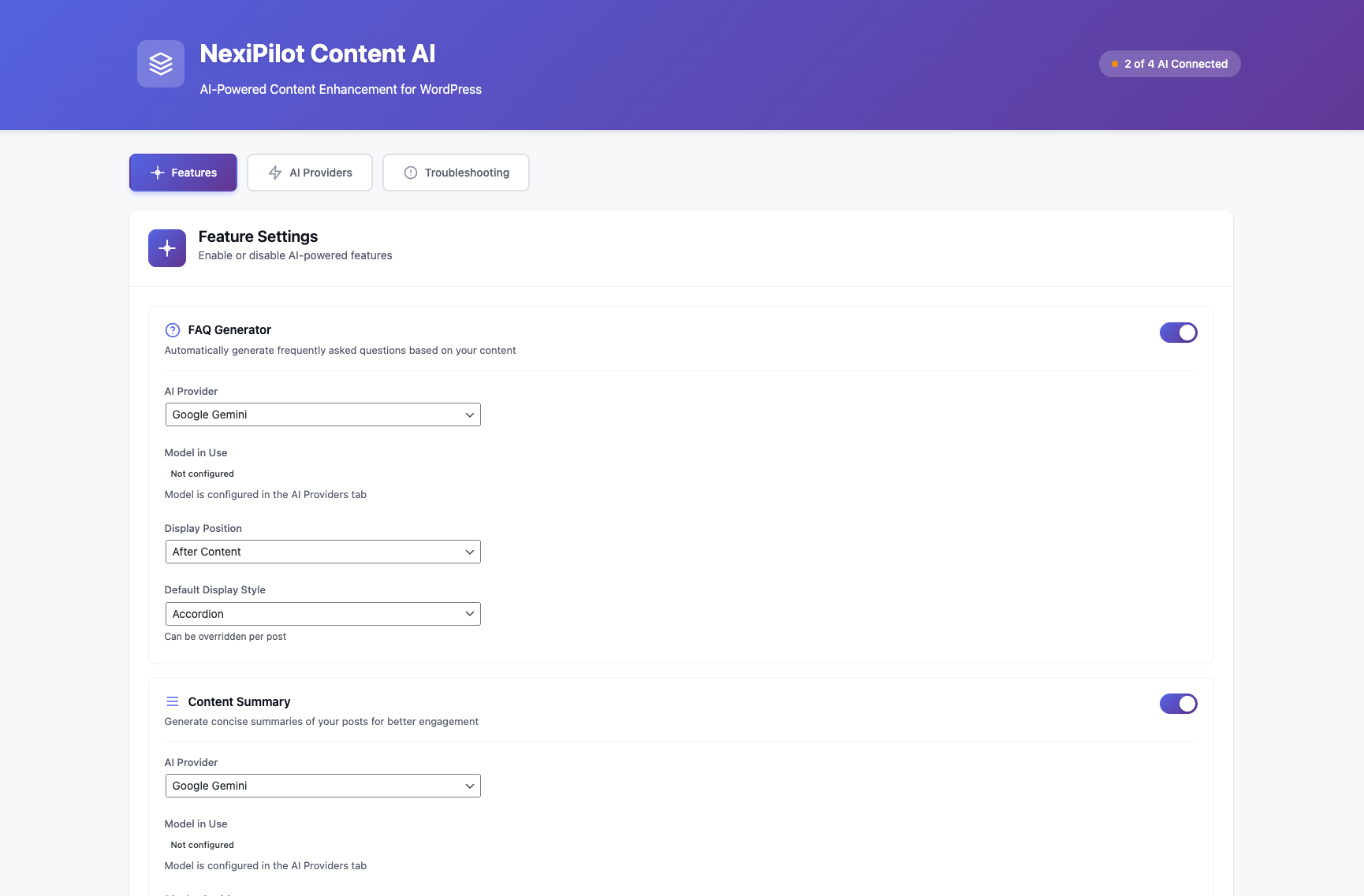
- ❓ FAQ Generator: Automatically creates relevant frequently asked questions with answers based on your post content.
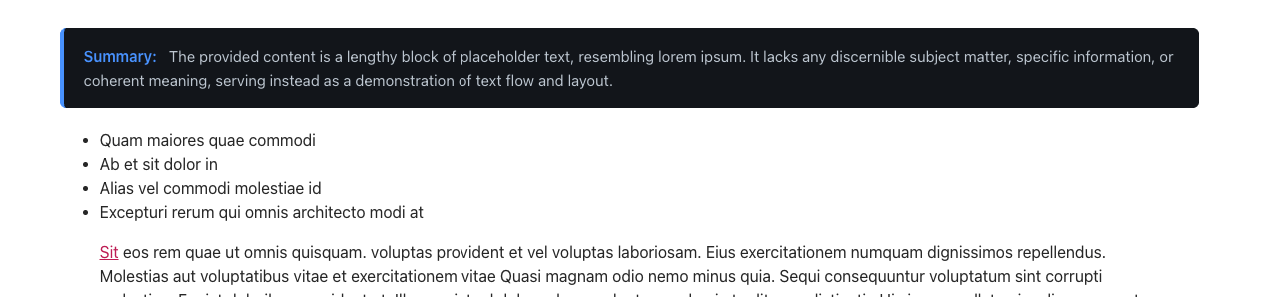
- 📝 Content Summary: Generates concise, engaging summaries of your posts to hook readers.
- 🔗 Smart Internal Links: Intelligently suggests and adds internal links to related content within your site to improve SEO and user navigation.
- 🎨 Modern UI: Clean, responsive design that integrates seamlessly with your theme.
- ⚡ Performance: Built-in caching system ensures optimal performance and minimizes API usage.
- 🔒 Secure: Secure API key storage and handling.
- Generate Post's via AI
安装:
- Upload the
nexipilot-content-aifolder to the/wp-content/plugins/directory. - Activate the plugin through the 'Plugins' menu in WordPress.
- Go to NexiPilot Content AI in the admin menu.
- Configure your AI provider (OpenAI, Claude, Gemini, or Grok) and enter your API key.
- Enable the features you want to use (FAQ, Summary, Internal Links, External Sharing).
屏幕截图:

常见问题:
Do I need an API key?
Yes, you need an API key from one of the supported providers: OpenAI, Anthropic (Claude), Google (Gemini), or xAI (Grok).
Which AI models are supported?
- OpenAI: GPT-4o, GPT-4 Turbo, GPT-3.5 Turbo
- Anthropic: Claude 3 Opus, Claude 3 Sonnet, Claude 3 Haiku
- Google: Gemini 1.5 Pro, Gemini 1.5 Flash
- xAI: Grok-2, Grok-2 mini, Grok Beta
Does it slow down my site?
No. NexiPilot Content AI processes content asynchronously and caches the results for 24 hours. The generated content is served from the cache, so there is no delay for your visitors.
Can I customize the output?
Yes! NexiPilot Content AI provides hooks and filters that allow developers to customize the generated HTML output for FAQs, summaries, and internal links.
更新日志:
1.0.1
- Important
- Initial release.
- Support for OpenAI, Claude, Gemini, and Grok providers.
- External AI Sharing (Microsoft Copilot, Google AI Overview).
- FAQ Generator, Content Summary, and Smart Internal Links features.
- Built-in caching system.
- Modern, responsive admin interface.