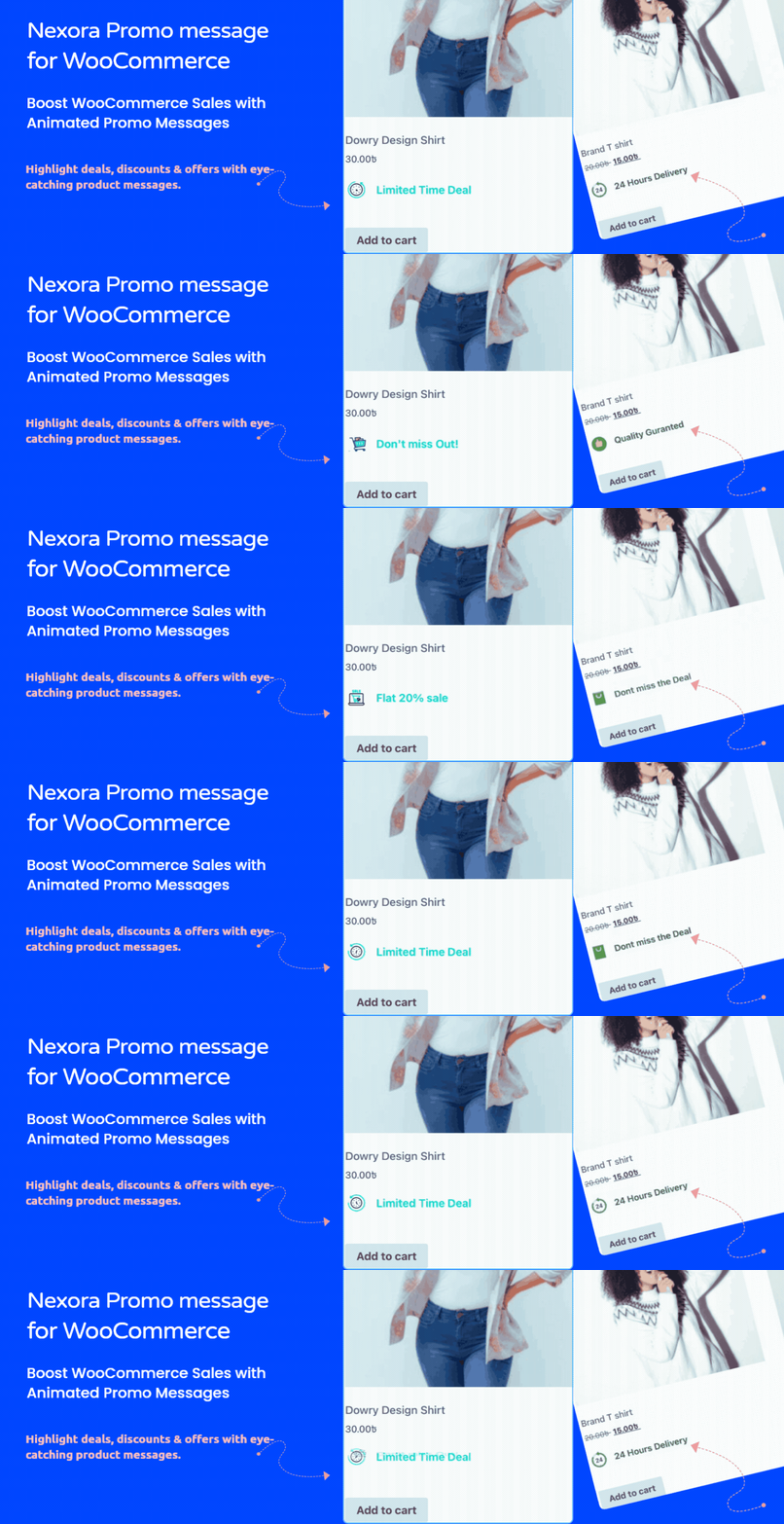
Nexora Animated Promo Messages for WooCommerce
| 开发者 | amin7 |
|---|---|
| 更新时间 | 2026年4月28日 00:07 |
| PHP版本: | 7.4 及以上 |
| WordPress版本: | 6.9 |
| 版权: | GPLv2 or later |
| 版权网址: | 版权信息 |
详情介绍:
- Promote campaigns with flash sale messages
- Boost AOV with free shipping thresholds
- Increase conversions with limited stock alerts
- Highlight trust signals like best seller / popular product
- Guide buyers with key product benefits
- Run seasonal offers without editing product pages
- Create a message set from admin panel
- Add unlimited promotional messages
- Customize style, icons, and animations
- Assign to specific products or apply globally
- Publish — and start converting
- Create unlimited promotional messages per set
- Assign message sets per product or globally
- Display on product pages and shop/archive pages
- Smooth animations (fade, slide, rotate)
- Add custom icons for better visibility
- Flexible styling (color, size, alignment)
- Lightweight & fast (no heavy libraries)
- Loads only where needed (performance optimized)
- SEO-friendly & accessible markup
- Works with any WooCommerce-compatible theme
- Increase conversions without redesigning your store
- Highlight offers more effectively
- Create urgency without extra plugins
- Control marketing directly from WordPress
安装:
- Go to Plugins → Add New
- Search for “Nexora Promo Messages for WooCommerce”
- Click Install and Activate
- Upload plugin files to
/wp-content/plugins/nexora-promo-messages-for-woocommerce - Activate the plugin from the WordPress Plugins screen
- Go to Promo Messages → Message Sets
- Click Add New
- Create your promotional messages
- Assign to products or apply globally
- Publish
屏幕截图:
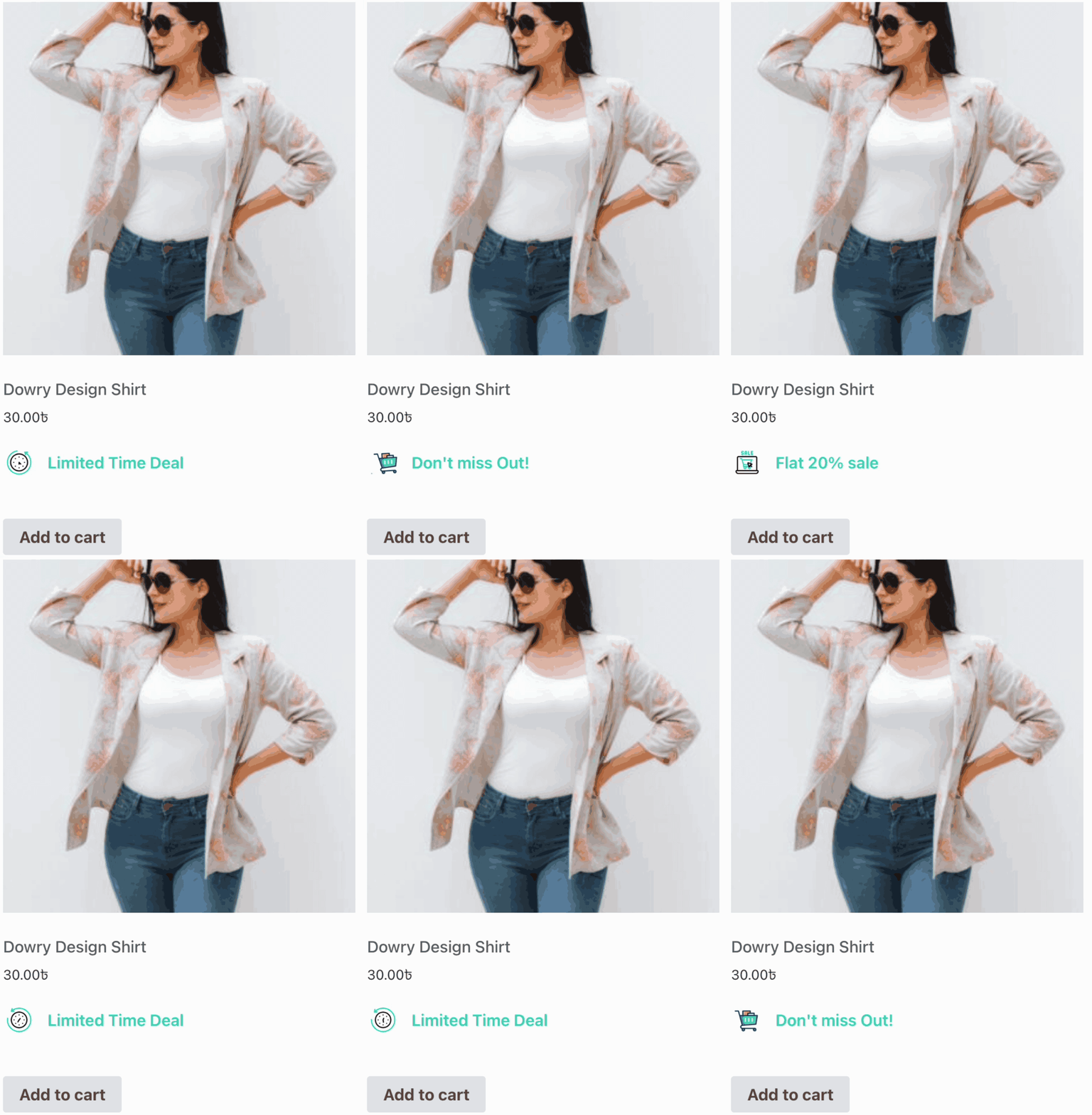
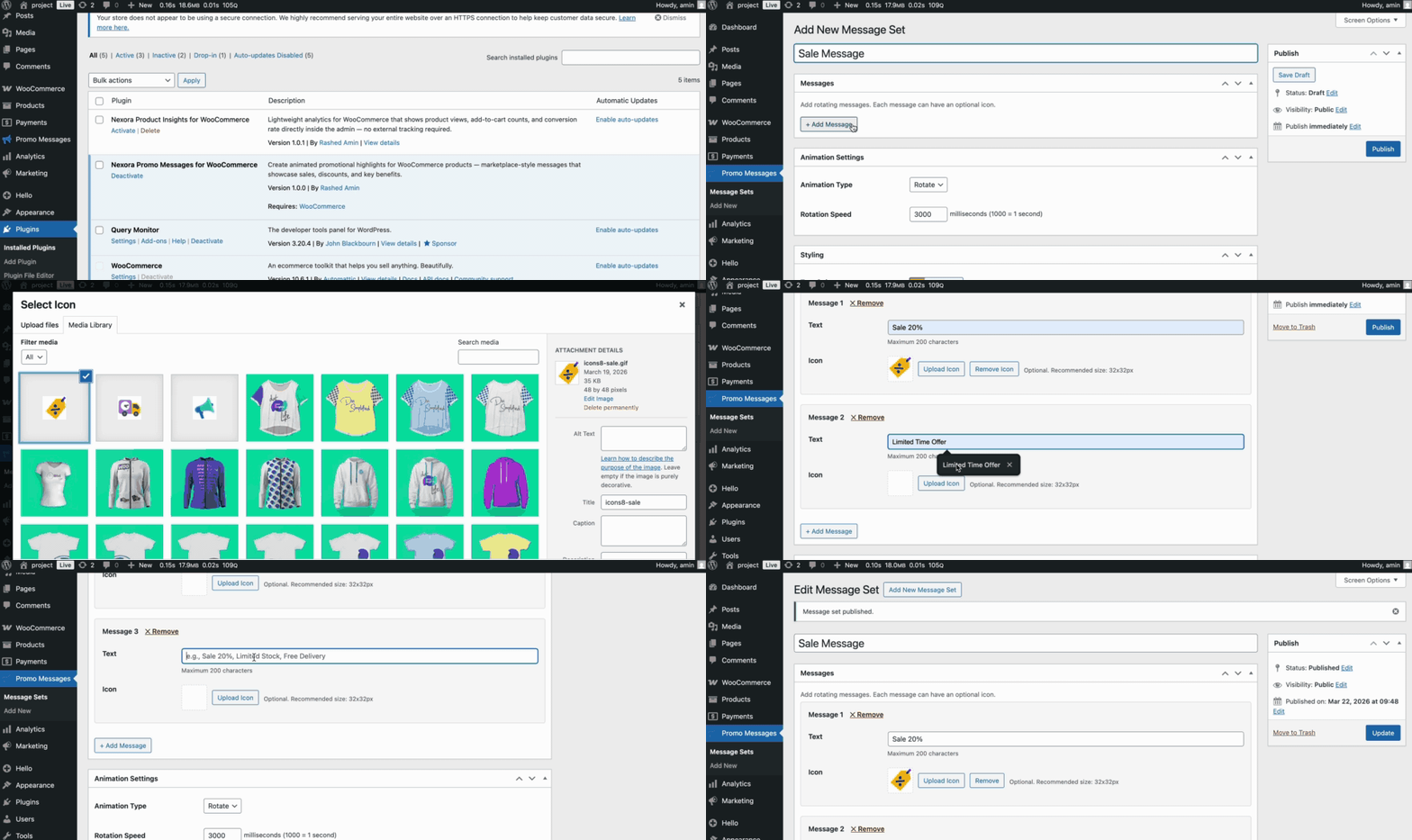
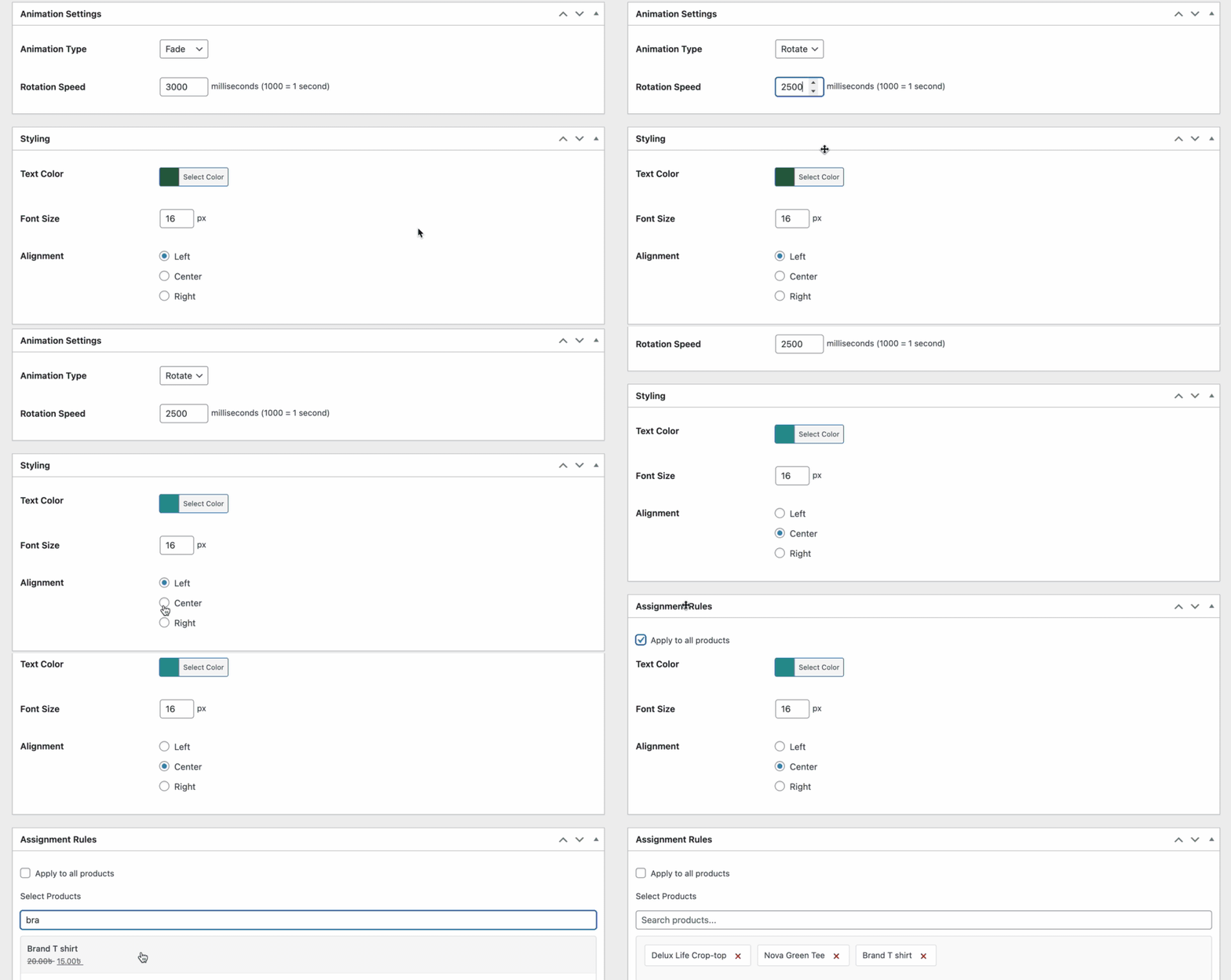
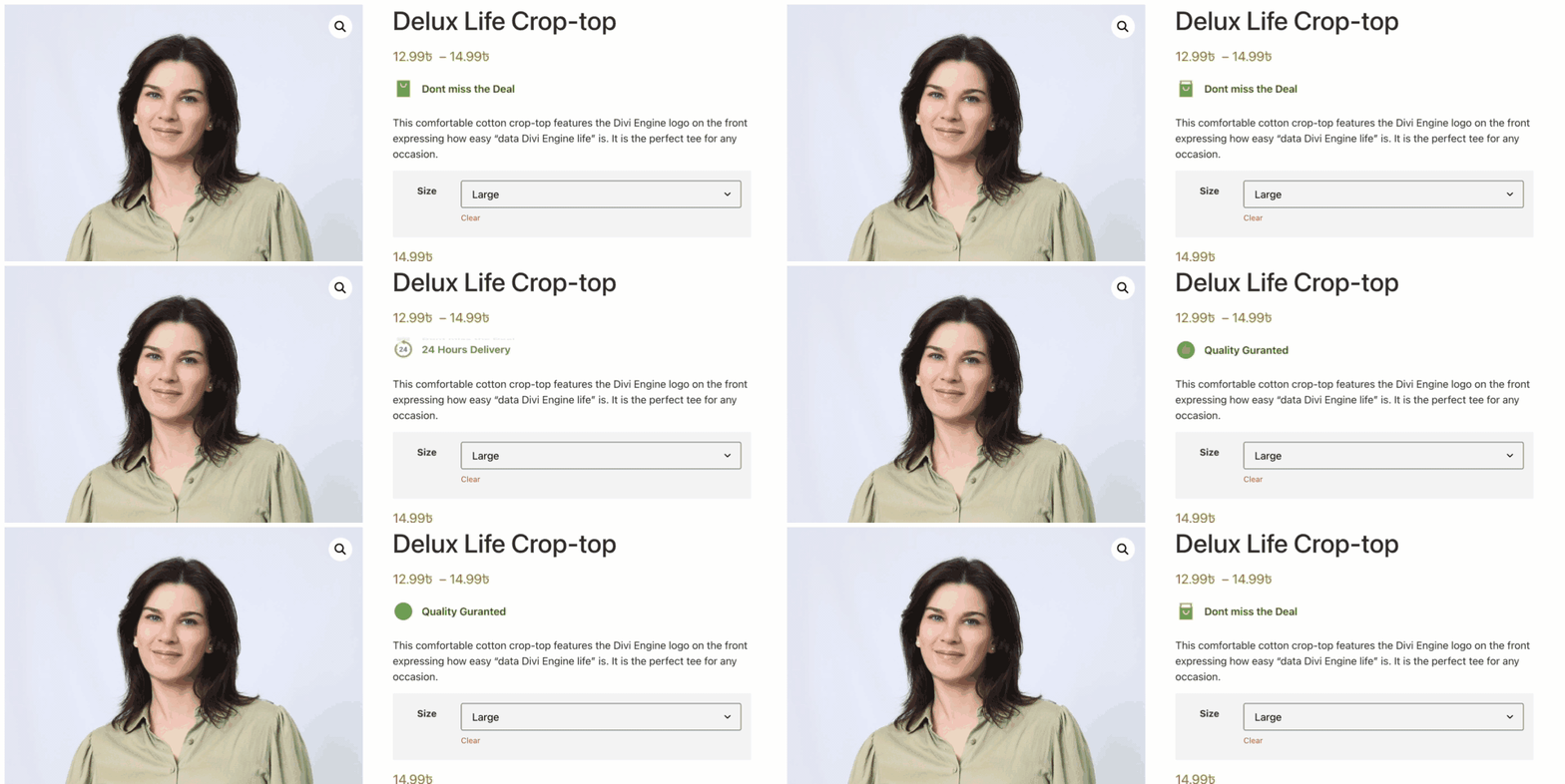
常见问题:
Will this plugin slow down my WooCommerce store?
= How do I show a promotional message on a WooCommerce product page? = Install the plugin, create a message set from the admin panel, and assign it to a specific product or globally. Messages appear automatically with smooth animations. = Can I show different promo messages on different products? = Yes. You can create unique message sets for individual products or apply one set across all products globally. = How do I add urgency to my WooCommerce product page? = Create messages like "Only 3 left in stock" or "Sale ends today" and assign them to your products. The plugin displays them with attention-grabbing animations. = Does it work on WooCommerce shop and archive pages? = Yes. The plugin supports both single product pages and shop or category archive pages. No. The plugin loads only on pages where messages are assigned and uses no heavy external libraries. = Can I show animated text promotions instead of image badges? = Yes. Unlike most badge plugins that use images, this plugin uses animated rotating text messages which are fully customizable and lightweight.
更新日志:
- Improved plugin listing with better documentation
- Updated FAQ with common setup questions
- Added live preview of promo messages in admin
- Improved admin UI for better usability
- Enhanced admin interface design
- Updated plugin banner
- Minor performance and styling improvements
- Improved plugin description
- Updated plugin tags for better discoverability
- Initial release
- Unlimited promo messages per set
- Message set management system
- Per-product targeting
- Global display option across all products
- Archive and shop page support
- Smooth animations — fade, slide, rotate
- Custom icons support
- Performance optimized — loads only where needed