NHR Core Contributions
| 开发者 | nhrrob |
|---|---|
| 更新时间 | 2026年10月10日 21:58 |
| PHP版本: | 7.4 及以上 |
| WordPress版本: | 7.1 |
| 版权: | GPLv2 or later |
| 版权网址: | 版权信息 |
详情介绍:
- 🚀 GitHub Repository: Found a bug or have a feature request? Let us know!
- 💬 Slack Community: Got questions or just want to chat? Come hang out with us on Slack! You contribute to WordPress. NHR Core Contributions puts that record on your own website: enter a WordPress.org username and add the blocks you want. Everything is fetched for you and kept up to date.
<?php echo 'Shine a Light on Your WordPress Core Work!'; ?>
✨ Blocks
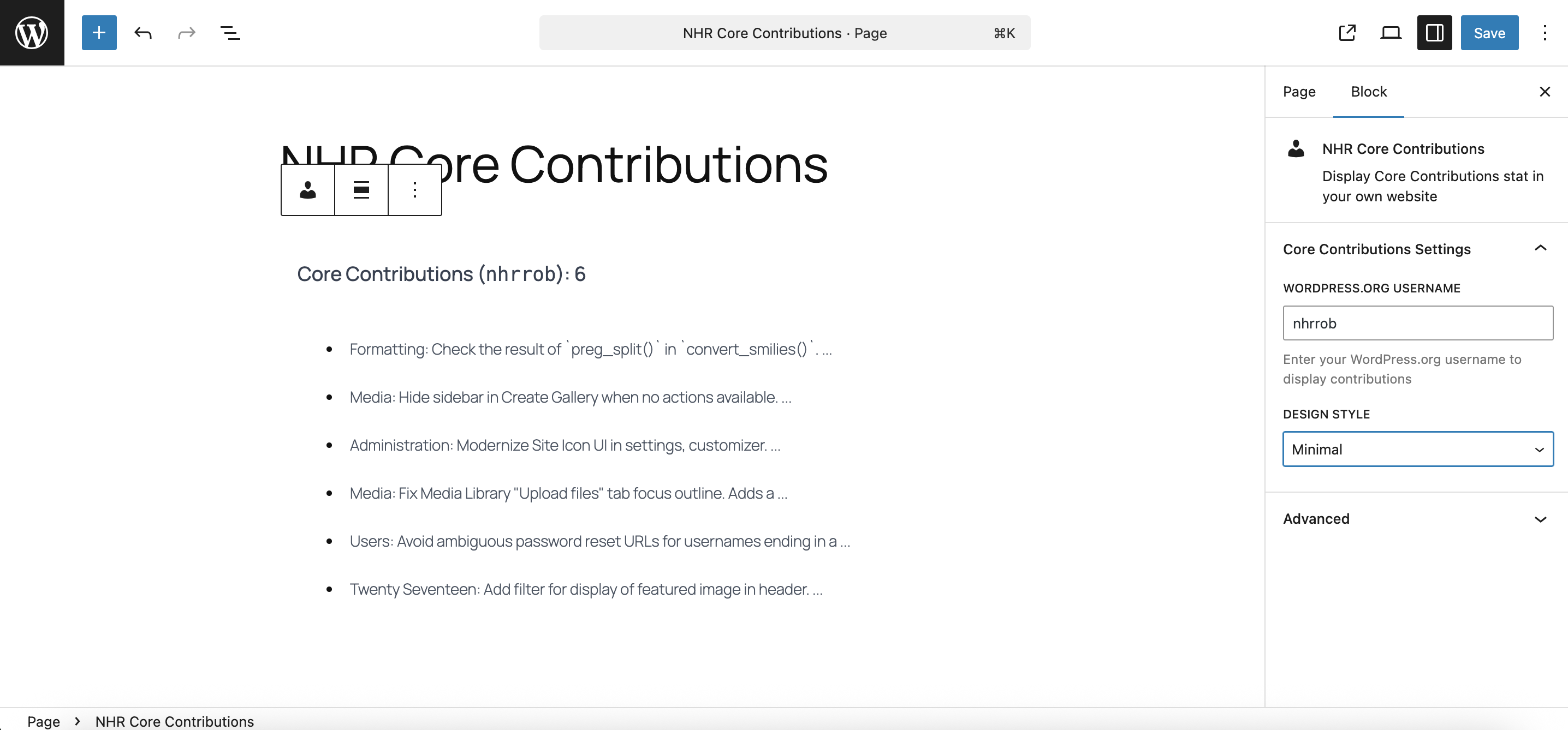
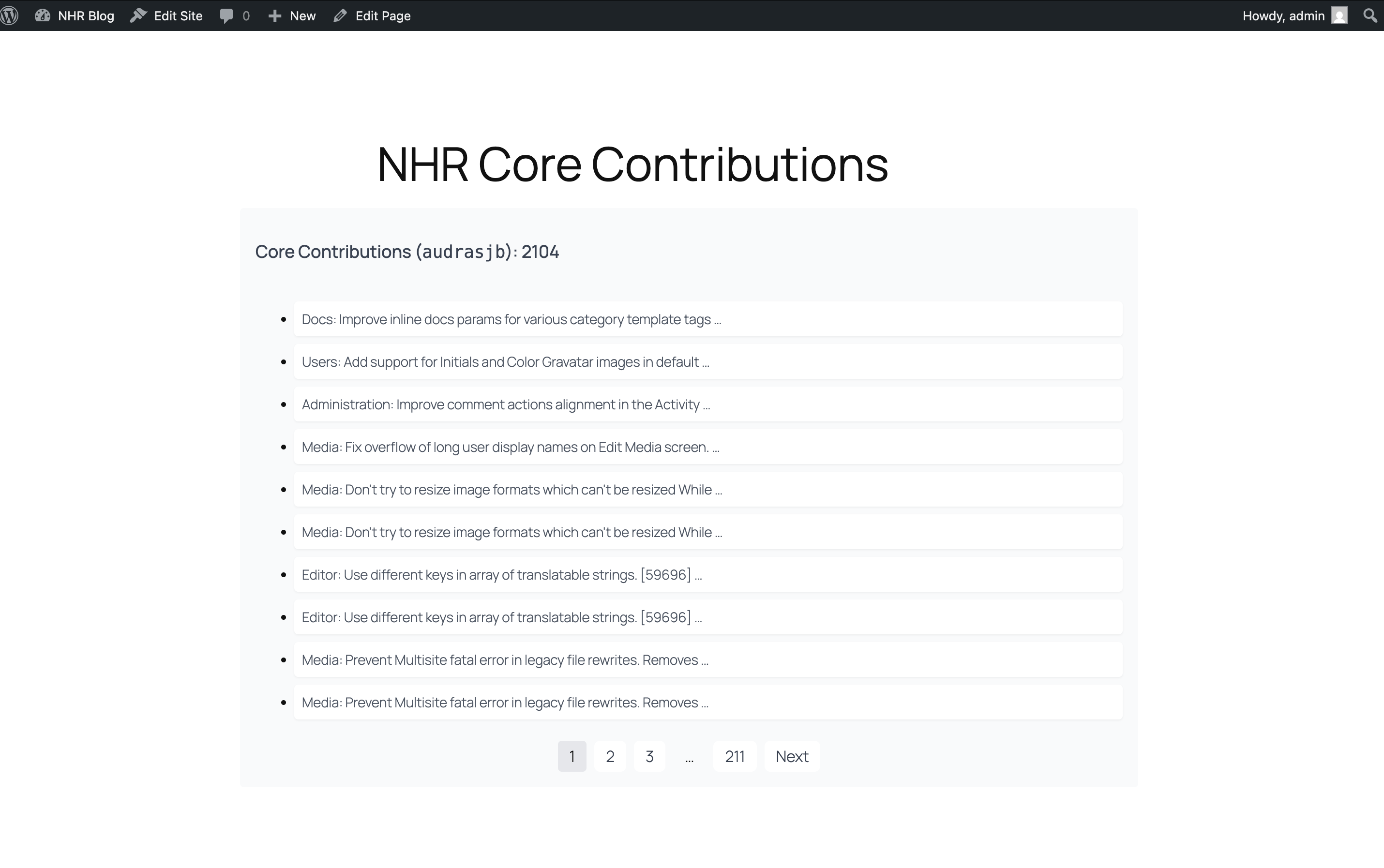
- NHR Core Contributions: a paginated list of every core changeset that gives you props, with component, ticket, changeset and date. Switch it to Gutenberg to list the Gutenberg commits that credit you. Three styles: Default, Minimal and Timeline.
- Contributor Card: your name and avatar, headline numbers, first and latest contribution and your top core components.
- Contribution Stats: the headline numbers on their own.
- Contribution Activity: your core contributions per year as a bar chart.
- Release Badges: every WordPress release whose credits include you.
- WordPress.org Badges: your profile badges, such as Core, Documentation, Polyglots (translation), Meta, Accessibility and WordCamp speaker or organizer.
- Plugins and Themes: the plugins or themes you have published on WordPress.org, with installs and rating.
- Blocks follow your theme's colors and typography and work in light and dark designs. Pick one accent color per block if you want.
- No JavaScript and one small stylesheet on the front end.
- A default username in Tools → Core Contributions, or a different username per block.
- Data is cached. Per-year totals, top components and release credits are gathered in the background, never while a visitor waits.
- AI Agent & MCP Ready: on WordPress 6.9 and later, AI agents and MCP clients (through the WordPress MCP Adapter) can read the same data through five read-only abilities.
- Open a post or page in the block editor.
- Add any of the blocks above. They are grouped under "NHR Core Contributions" in the block inserter, and searching for "nhr" or "contributor" finds all of them.
- Enter a WordPress.org username in the block settings, or leave it empty to use the default one.
- Publish.
- Terms of Service
- Privacy Policy WordPress.org (https://api.wordpress.org/ and https://profiles.wordpress.org/): release credits, the plugins and themes published by the username, and the public profile page (display name, member-since date and badges). Plugin icons and theme screenshots are shown from WordPress.org servers (ps.w.org, ts.w.org), so a visitor's browser requests them.
- Privacy Policy Gravatar (https://secure.gravatar.com/): the contributor's profile picture is shown from Gravatar, so a visitor's browser requests it.
- Terms of Service
- Privacy Policy
安装:
- Upload the plugin files to the /wp-content/plugins/nhrrob-core-contributions directory, or install the plugin through the WordPress plugins screen directly.
- Activate the plugin through the 'Plugins' screen in WordPress.
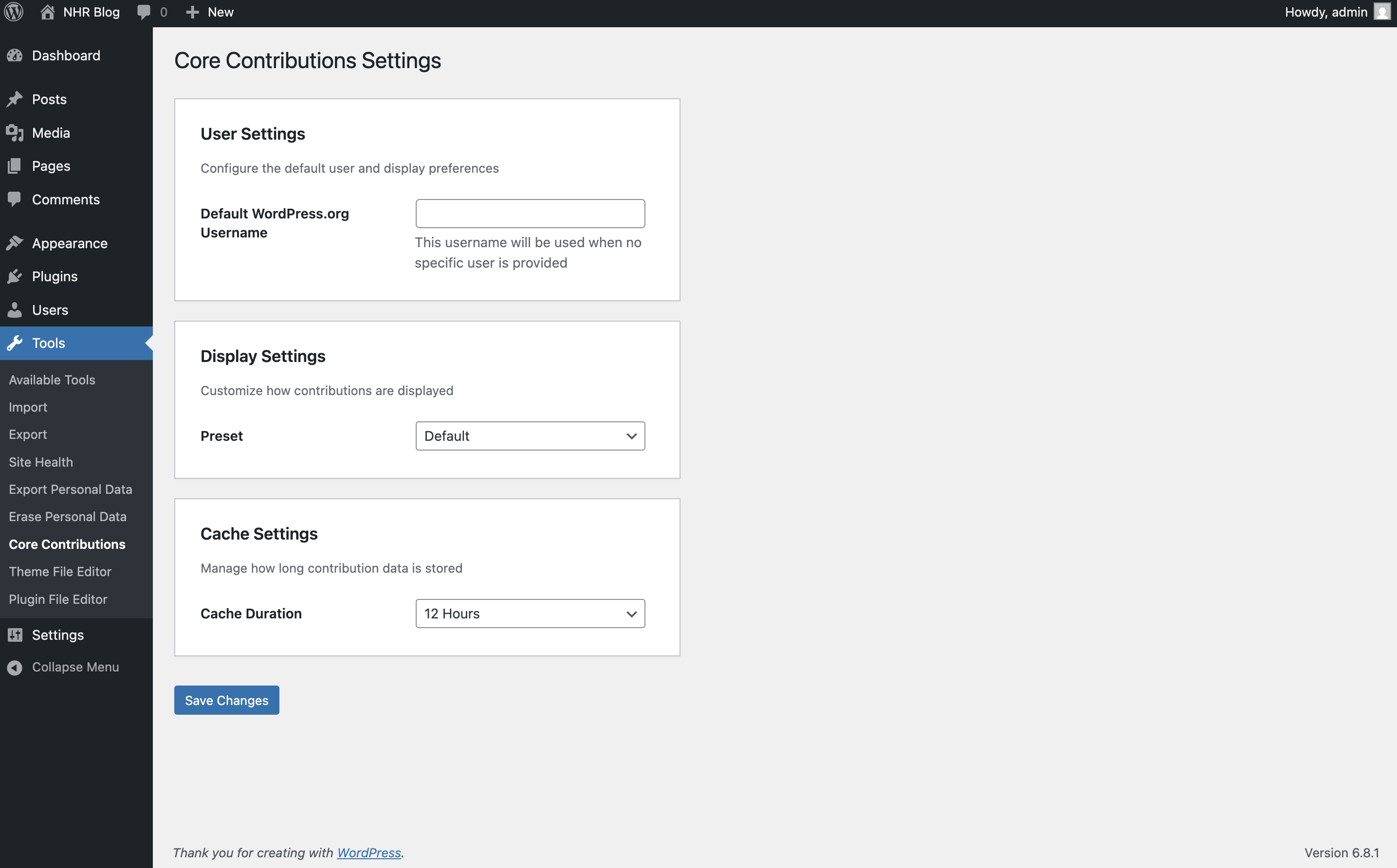
- Go to Tools → Core Contributions and save your WordPress.org username.
- Add the blocks to any post or page.
屏幕截图:

常见问题:
How do I find my WordPress.org username?
It is the last part of your profile address. For https://profiles.wordpress.org/nhrrob/ the username is nhrrob.
Does it show all of my contributions?
The total is always complete. The list pages through your latest 1,000 contributions, which is the most GitHub's search returns. The Contribution Activity chart covers every year.
Why are some blocks empty right after I add them?
Contribution Activity, Release Badges and some numbers on the card need your full history. It is gathered in the background and usually arrives within a few minutes. Visitors see nothing until it is ready; you see a short note. The background work uses WP-Cron, so a site with WP-Cron disabled needs a real cron job calling wp-cron.php.
Do I need a GitHub token?
No. Without one GitHub allows a few requests a minute, which is enough because results are cached. If you show many usernames, add a token under Tools → Core Contributions → Data. A token with no scopes is enough.
Is there a shortcode?
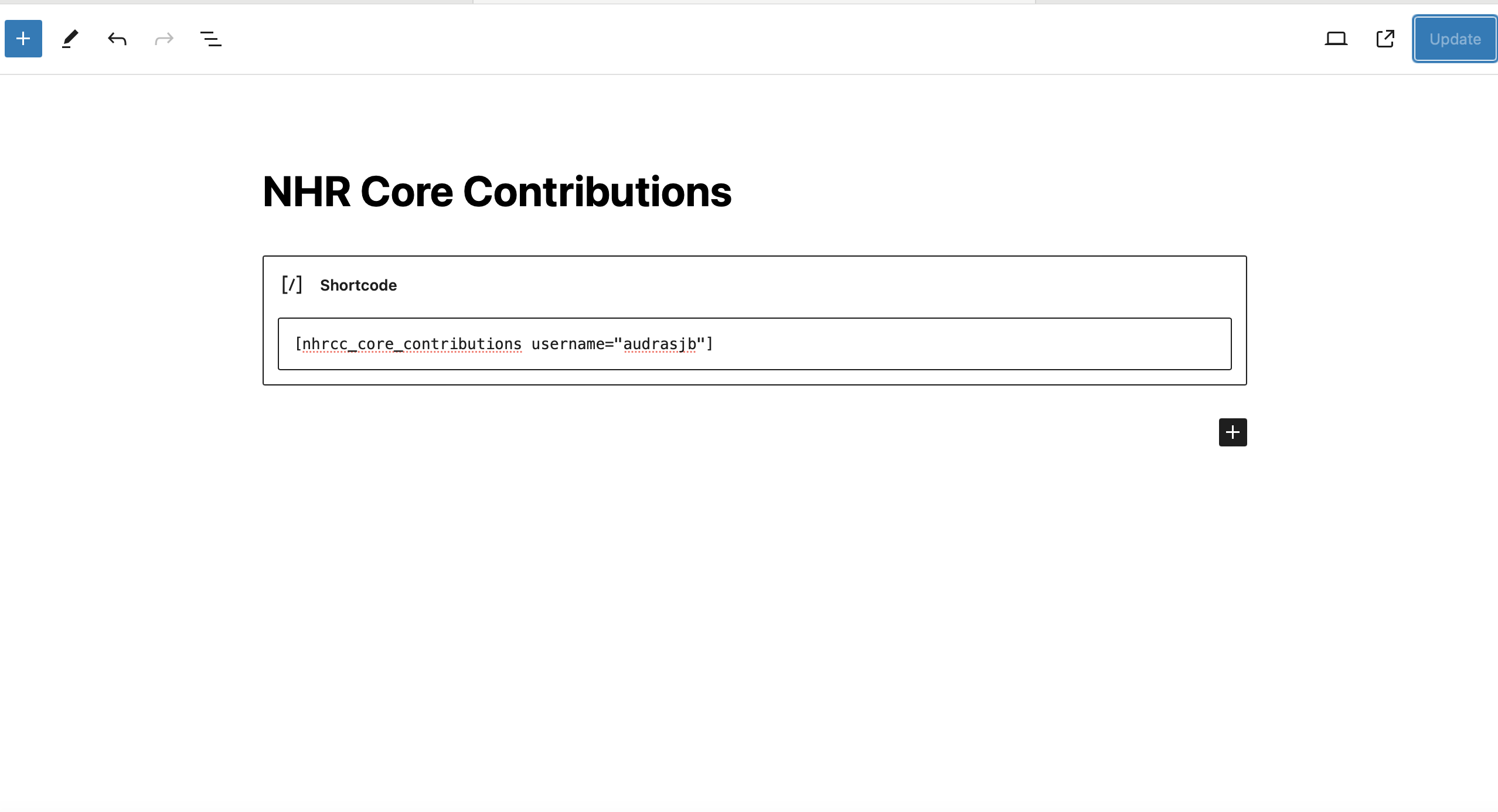
No. The plugin is block-only.
I used the Modern or Card preset. What happened to it?
The five presets became three block styles. Minimal and Timeline carry over automatically; Default, Modern and Card now use the new Default style. Use the block's color, typography and border settings and the accent color to adjust it.
Can an AI agent or MCP client use this plugin?
Yes, on WordPress 6.9 or later. The plugin registers five read-only abilities with the WordPress Abilities API: nhrcc/get-core-contributions, nhrcc/get-gutenberg-contributions, nhrcc/get-contribution-summary, nhrcc/get-profile and nhrcc/get-plugins-and-themes. Each takes a WordPress.org username, needs a signed-in user who can edit posts, and contacts the same services as the blocks. To use them over MCP, install the WordPress MCP Adapter plugin.
Which PHP versions are supported?
PHP 7.4 and every later version. Each change is tested on PHP 7.4 through 8.5, and on the upcoming 8.6.
How does the plugin handle my data?
It sends only the WordPress.org username you enter to the services listed under External Services, and stores the public data it gets back on your site. Deleting the plugin removes its settings and everything it stored.
更新日志:
- New: Contributor Card, Contribution Stats, Contribution Activity, Release Badges, WordPress.org Badges and Plugins and Themes blocks.
- New: The NHR Core Contributions block can list Gutenberg contributions.
- New: Redesigned list with contributor header, component, ticket and changeset. It follows the theme's colors and typography.
- New: Optional GitHub token, a "Refresh all data" button and a live preview on the settings screen.
- New: Four more read-only AI abilities (Gutenberg contributions, summary, profile, plugins and themes).
- Changed: Presets are now block styles (Default, Minimal, Timeline). Modern and Card use the new Default style. The separate title, meta and pagination color settings are replaced by one accent color and the block's own color settings.
- Changed: The
nhrcc/get-core-contributionsability returns ISO 8601 dates and the component separately from the description. - Fixed: Pagination failing beyond page 100 for contributors with more than 1,000 contributions.
- Fixed: Pagination is now shown in the editor instead of a "hidden" notice.
- Fixed: The contributions-per-page setting is now applied.
- Fixed: A failed request to GitHub is no longer repeated on every page view.
- Improved: The front end loads no JavaScript and one small stylesheet. Tailwind CSS and the jQuery scripts are removed.
- Improved: The settings screen is translatable. Deleting the plugin removes its data.
- Changed: Requires WordPress 6.6 or later.
- Developer: coding standards (WPCS), unit tests, Plugin Check and a security review run on every pull request.
- Fixed: Contributions showing as 0 for every username. WordPress Core Trac now blocks automated requests, so the data is fetched from the official WordPress core mirror on GitHub instead.
- Fixed: The AI ability returning an error when the contribution count was served from cache.
- New: AI agent and MCP support. On WordPress 6.9+ the read-only
nhrcc/get-core-contributionsability returns a username's core contributions. - Compatibility: verified on PHP 7.4 through 8.5 and on PHP 8.6 release candidates.
- Developer: every pull request now runs the PHPCompatibilityWP ruleset, a syntax check and a runtime smoke test on each supported PHP version.
- WordPress tested up to version is updated to 7.1
- WordPress tested up to version is updated to 7.0
- Few minor bug fixes & improvements
- Fixed: Fatal error on plugin activation
- Added: Two new presets (Card & Timeline) added
- Added: Show Time toggle added
- Few minor bug fixing & improvements
- Added: New preset "Modern" added
- Added: Style controls added for the presets
- Few minor bug fixing & improvements
- Assets updated
- Few minor bug fixing & improvements
- WordPress tested up to version is updated to 6.8
- Few minor bug fixing & improvements
- Fixed: Undefined constant name causes fatal error
- Few minor bug fixing & improvements
- Added: React powered Settings page added
- Few minor bug fixing & improvements
- Added: Two new presets (default & minimal) added. Props @faguni22
- Few minor bug fixing & improvements
- Fixed: Cant select block or delete block. Props @faisalahammad.
- Fixed: Page heading style got changed due to conflict. Props @faisalahammad
- Updated: Plugin shortcode UI updated to display username along with total contribution count. Props @faisalahammad
- Few minor bug fixing & improvements
- Added: Core Contributions Block
- Few minor bug fixing & improvements
- Happy New Year 2025!
- WordPress tested up to version is updated to 6.7
- Few minor bug fixing & improvements
- Updated: Unused tags are removed
- Few minor bug fixing & improvements
- Fixed: Core contributions count related error
- Added: Related tags are added
- Few minor bug fixing & improvements
- Added: 3rd party services in plugin readme
- Improved: Nonce verification mechanism
- Updated: WordPress tested up to version bumped
- Few minor bug fixing & improvements
- Few minor bug fixing & improvements
- Textdomain issue fixed
- Initial beta release. Cheers!