NHR Secure – Security, Firewall, 2FA, Login Protection & Activity Log
| 开发者 | nhrrob |
|---|---|
| 更新时间 | 2026年10月16日 20:27 |
| PHP版本: | 7.4 及以上 |
| WordPress版本: | 7.1 |
| 版权: | GPLv2 or later |
| 版权网址: | 版权信息 |
详情介绍:
wp-config.php or one WP-CLI command (see the FAQ).
Key Features
Dashboard
- A security score out of 100, built from checks of your site as it is today: known vulnerabilities, pending updates, plugins that look abandoned, administrators without two-factor, an
adminusername, open registration, HTTPS, debug output, secret keys, PHP version, file permissions, exposed files and more. - A "To fix" list ordered by seriousness, where each item takes you to the right setting.
- Recommended setup in one step. The safe settings that are still off are listed with a tick box each; switch them on together, and undo it if something stops working.
- Printable report of the score, what to fix, what passed and the recent warnings, for your records or a client.
- The same result appears in Tools → Site Health.
- A medium or low finding you leave on purpose, such as the default
wp_table prefix, can be acknowledged with a note: it stops counting in the score and in Site Health, stays listed with who acknowledged it and when, and counts again as soon as the finding changes.
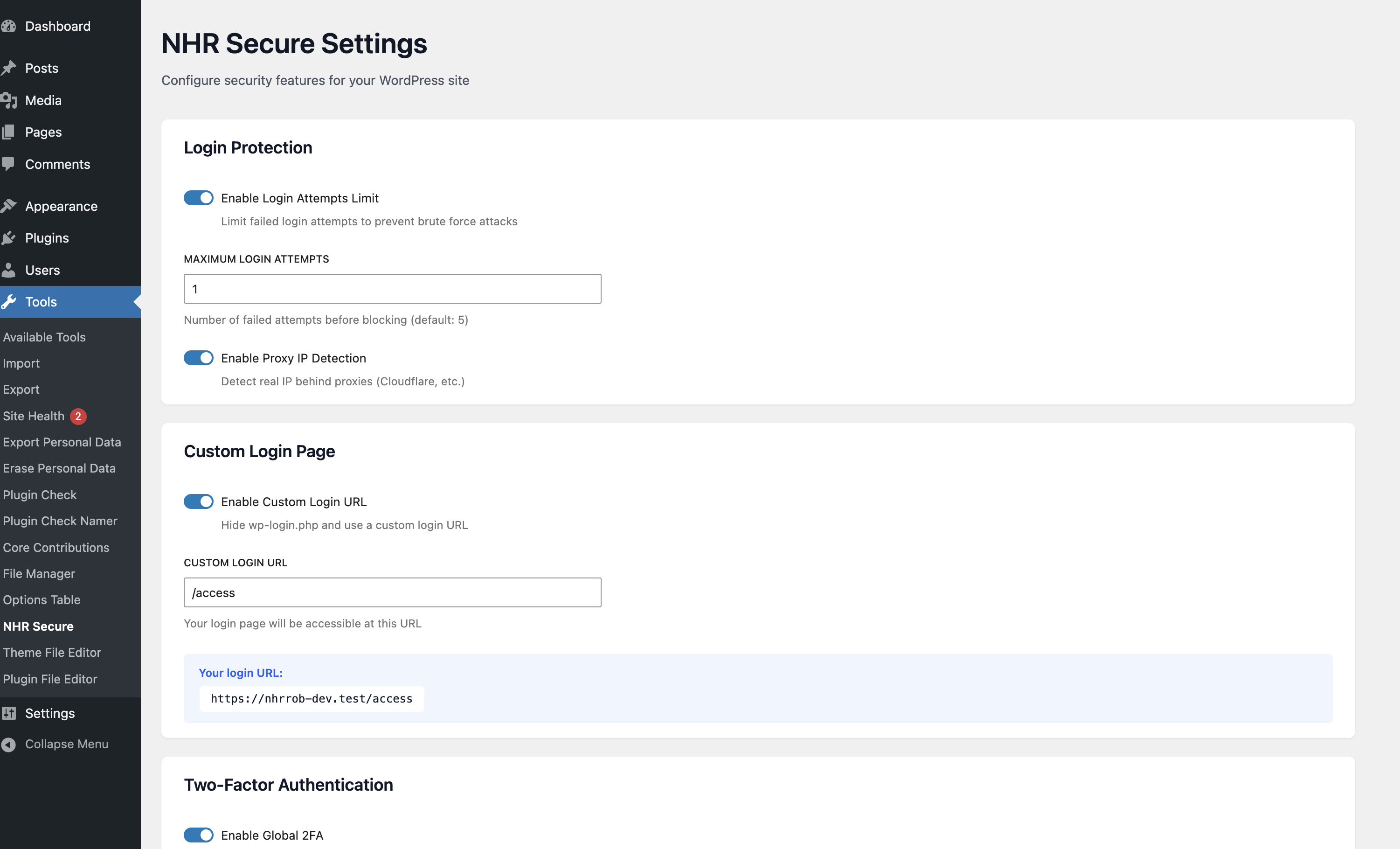
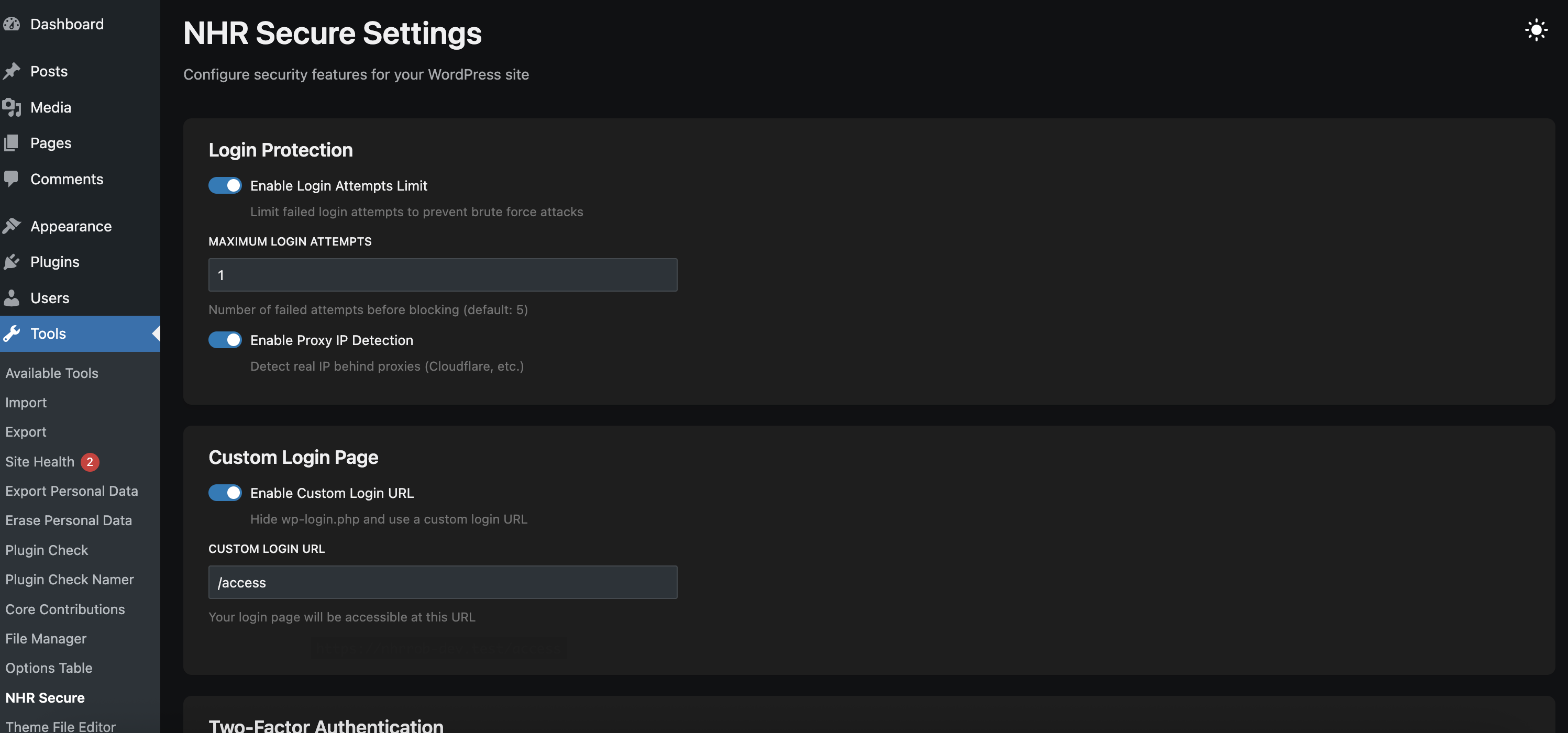
- Limit login attempts. An address is locked out after repeated failures, with lockouts that get longer for repeat offenders. IPv6 visitors are counted per network, and a burst of parallel guesses is counted in full. See who is locked out and unlock them with one click.
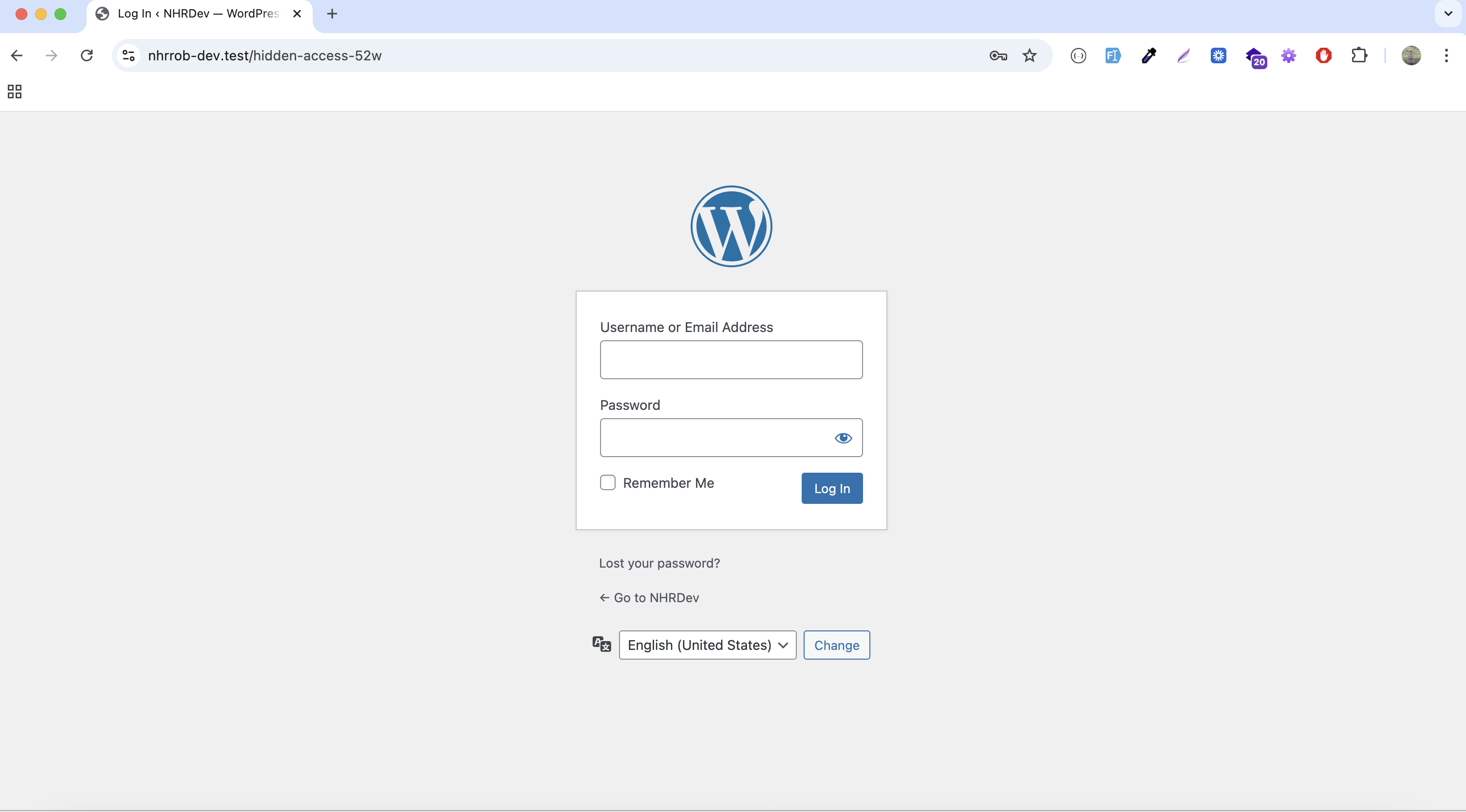
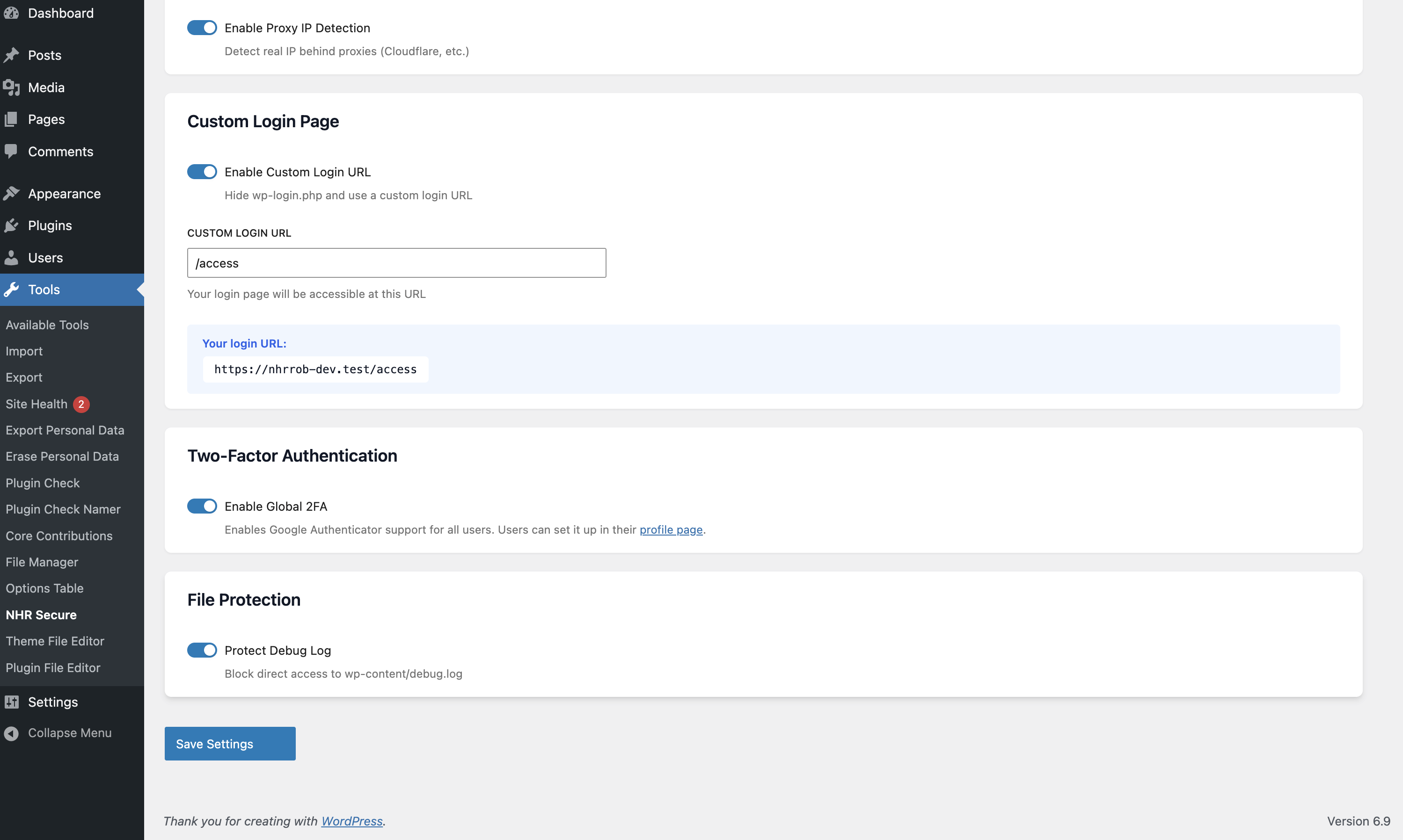
- Move the sign-in page. Choose your own login address;
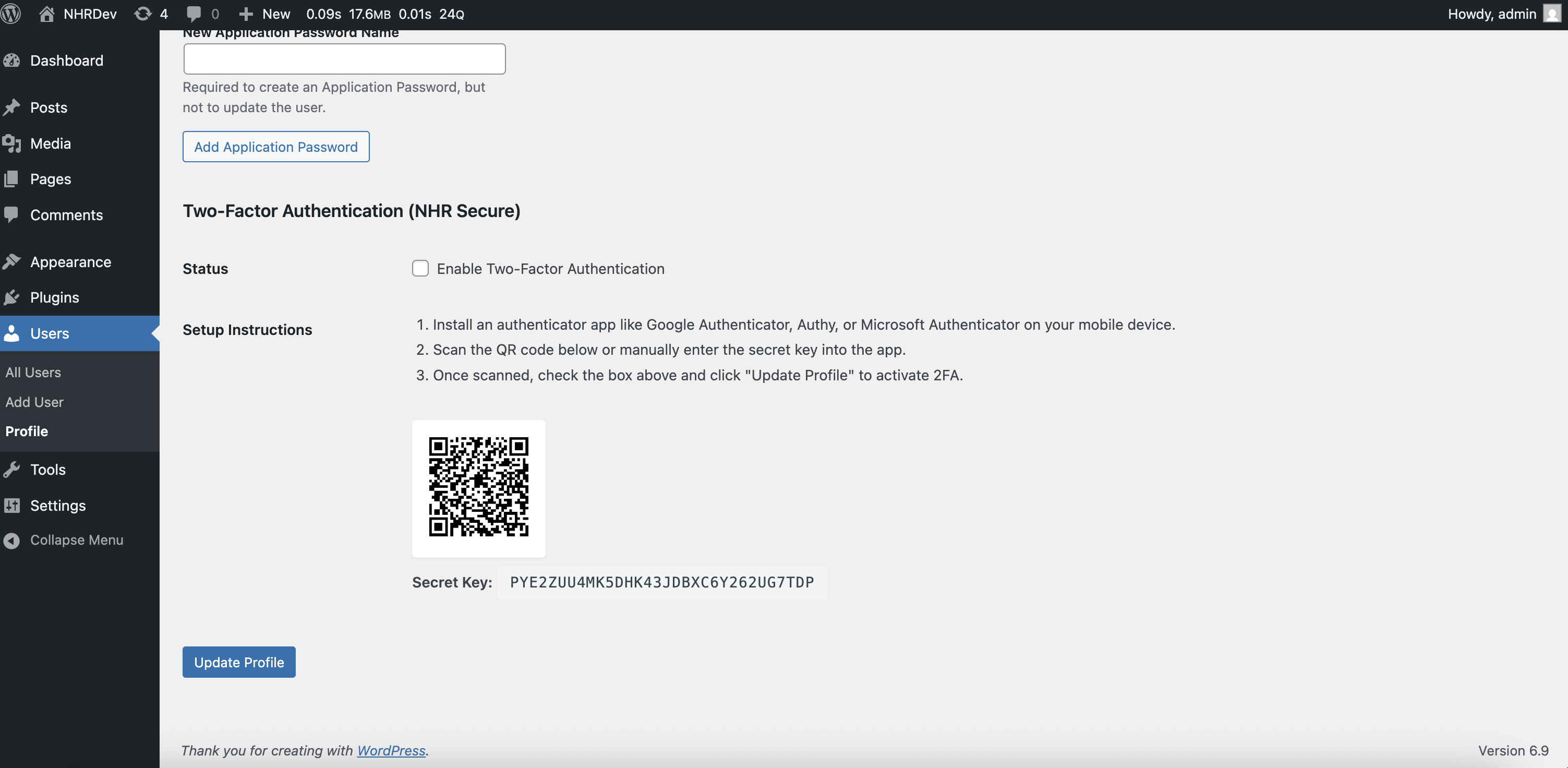
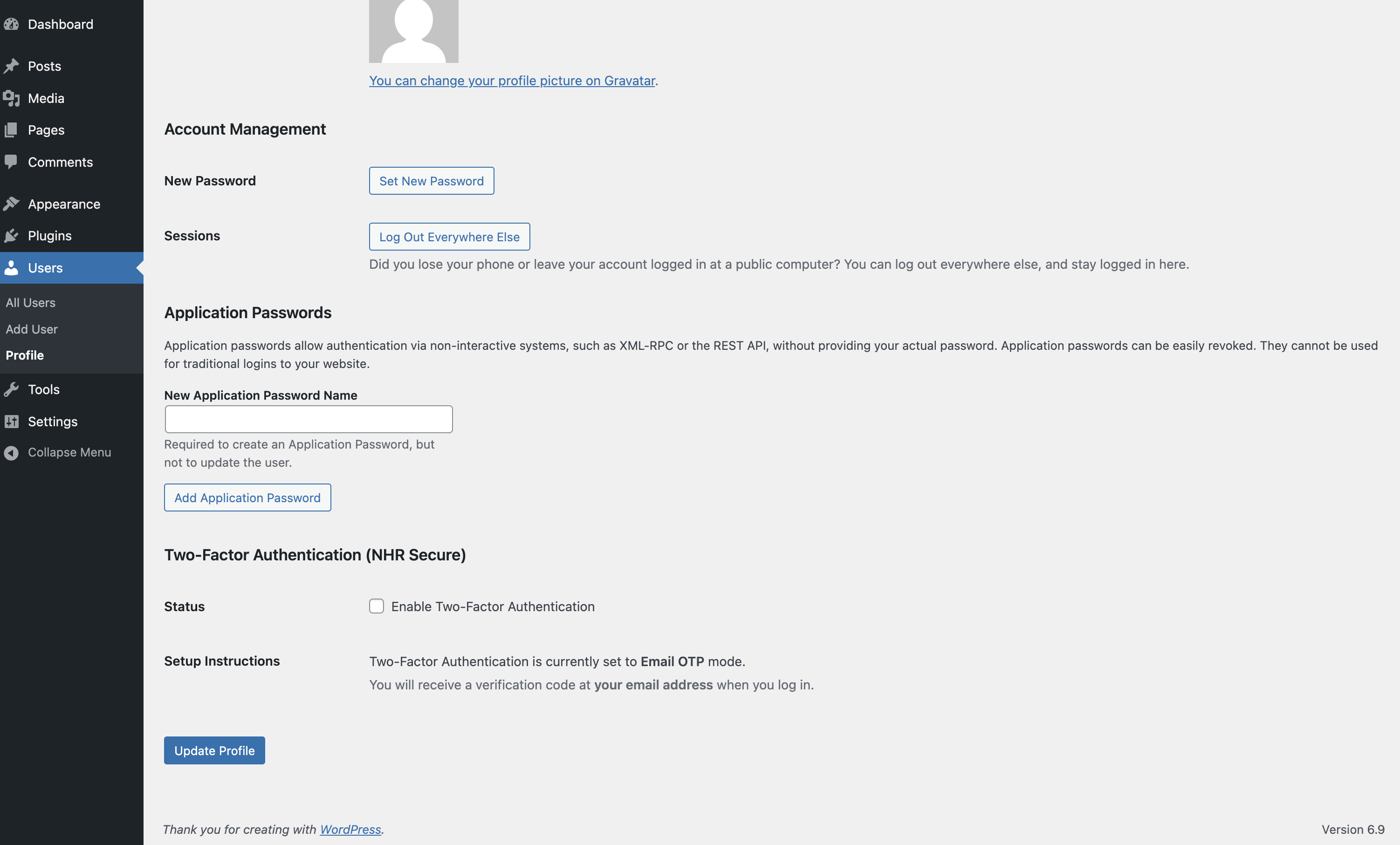
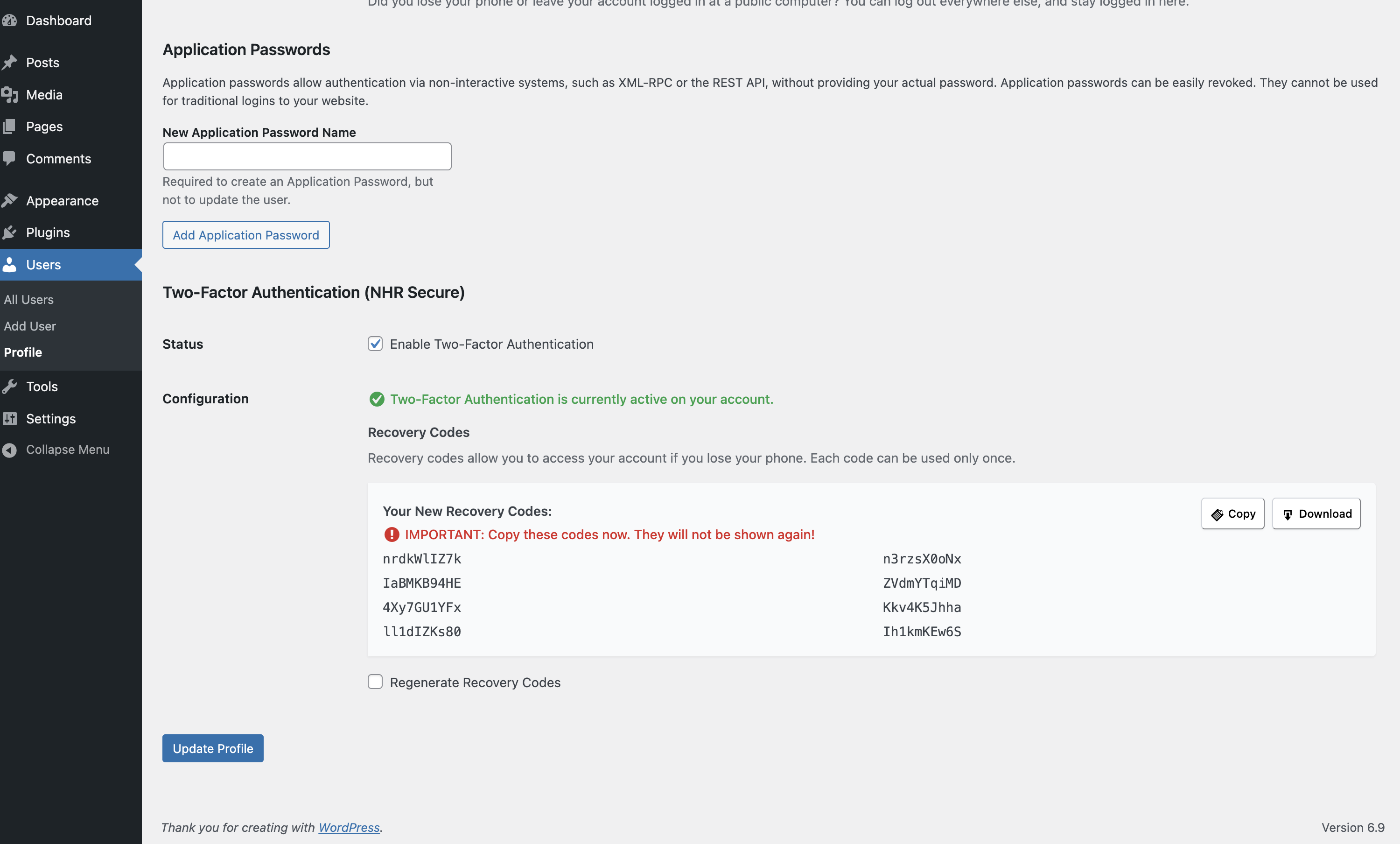
wp-login.phpandwp-adminthen answer "Not found" to anyone who is not signed in. The new address is tested and emailed to you before it takes effect. - Two-factor authentication. Authenticator app (Google Authenticator, Authy, 1Password and others), passkeys, or emailed codes, with recovery codes. Users set it up on their profile and must prove it works before it switches on. Wrong codes are counted per account, so a code cannot be guessed by starting over, and the account's owner is emailed when someone has their password. Require it for the roles you choose, with a grace period.
- Trusted browsers. Optionally let users skip the second step on a browser for 7, 30 or 90 days.
- Two-factor outside wp-admin. The
[nhrrob_secure_2fa]shortcode and WooCommerce's "Account details" page let customers and members enrol. - Generic sign-in errors, so the form does not confirm that a username exists.
- Bot check with Cloudflare Turnstile, Google reCAPTCHA (v2 or v3) or hCaptcha on the sign-in, register and lost-password forms and, if you want, on the comment form (optional, with your own keys).
- Bot trap. A hidden field on the registration and comment forms that people never see and form-filling bots fill in. No outside service.
- Sign-in notifications. A user who can edit the site gets an email when their account signs in on a browser it has not used before.
- Every user with their role, two-factor status, last sign-in and active sessions.
- Sign out one user or everyone else, reset a user's two-factor, and automatically sign out idle users who can work in the dashboard (customers and subscribers are left alone).
- Password expiry for administrators and editors, and "require a new password" for one user, a role or everyone.
- Session limit. At most the number of sessions you choose per user; the oldest one is ended, so a lost device cannot keep its owner out.
- Temporary access. Give an account an end date, for support staff or a contractor. After it the account cannot sign in and its sessions end; nothing is deleted.
- Address rules for IPv4 and IPv6, single addresses or ranges. Allowed addresses skip every rule and are never locked out. Paste a whole list at once, or copy your rules as a list.
- Request filter for probing requests: path traversal, hunts for config and backup files, and SQL or script fragments in the address. It starts in log-only mode so you can see what it would refuse, and any match can be allowed with one click. It checks the address of visitors who are not signed in; checking submitted forms is optional and limited to rules that normal writing cannot trigger.
- Probe lockout. An address that keeps asking for files that do not exist (
.php,.env, backups) is locked out of the public site; the sign-in form stays reachable. Broken links, missing images and requests triggered from other websites do not count. - Rate limiting for the sign-in page, XML-RPC, the REST API, search and the comment form, per address and minute, for visitors who are not signed in. It needs a persistent object cache (Redis or Memcached), because counting every request in the database would add the load it is meant to remove.
- Country rule for the sign-in page or the whole site (when your site is behind Cloudflare) and user-agent rules.
- Turn off XML-RPC, the theme and plugin file editor, application passwords and RSS/Atom feeds; hide usernames from visitors, the WordPress and PHP versions and the discovery links in the page head; send security headers; limit the REST API to signed-in users with a list of routes left public.
- Require strong passwords for administrators and editors, and optionally refuse passwords found in known breaches.
- Every switch says what could stop working, so you can decide.
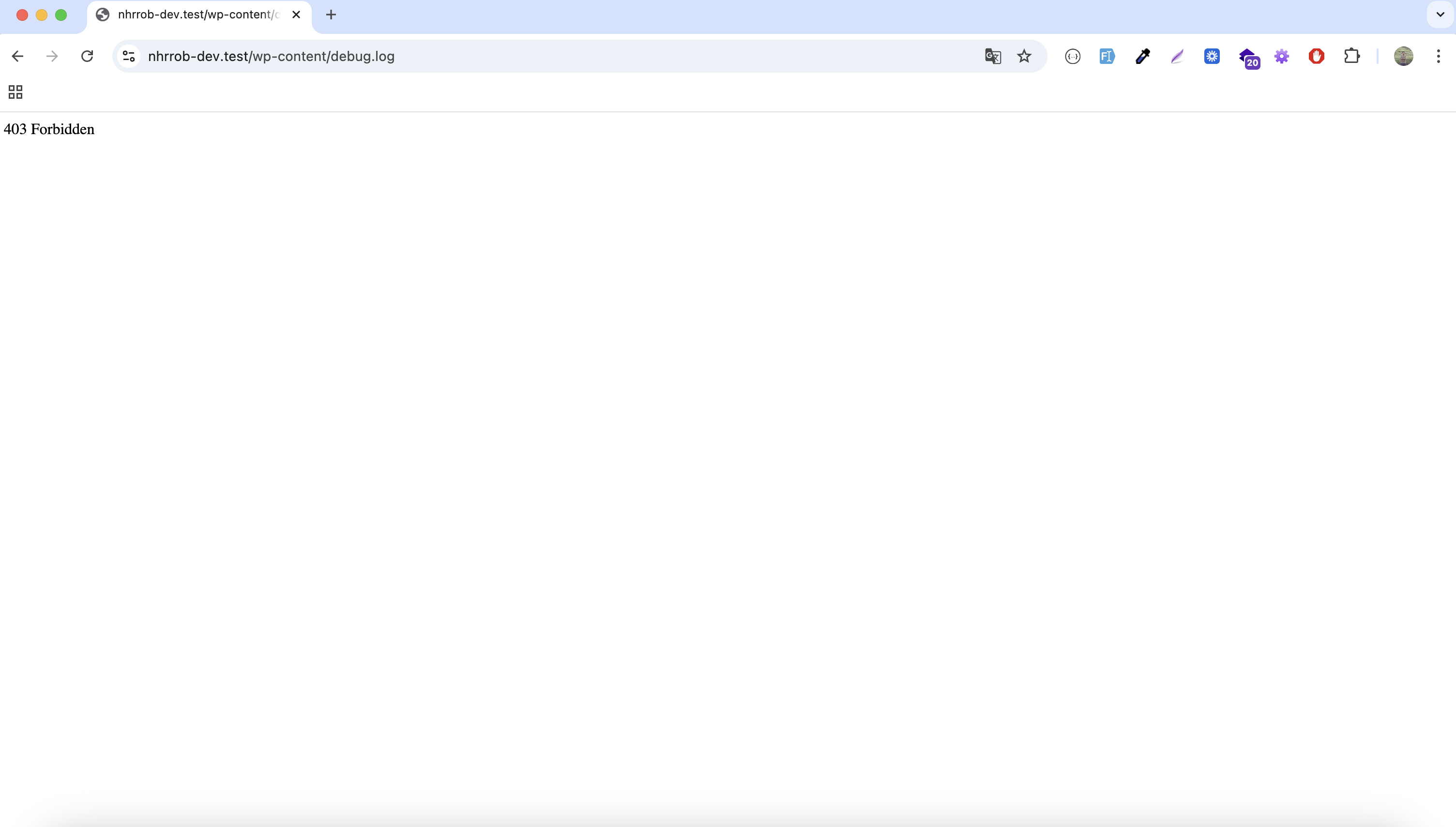
- File protection that is verified. The plugin requests
debug.log, readme files (WordPress's ownreadme.htmlandlicense.txtincluded) and the uploads folder from your own site and shows what came back. On Apache and LiteSpeed it can add the rules for you; on nginx it shows the lines to add. - File permissions. The key files and folders with their permissions; anything every account on the server may write to is flagged and fixed with one click.
- Replace the secret keys in
wp-config.phpafter a suspected break-in, which signs everyone out. The new file is checked before it replaces the old one, and the old one is put back if the site does not answer.
- Known vulnerabilities in WordPress, plugins and themes, checked daily, with one alert per new finding.
- WordPress files compared with the official release: changed, missing, and files that do not belong.
.htaccess,.user.iniandwp-config.phpare checked for injected rules and code, and must-use plugins and drop-ins are listed. - Plugin and theme files compared with their WordPress.org releases; a changed file can be put back from the official copy.
- Code changes outside updates. A fingerprint of every plugin and theme, including the ones WordPress.org cannot verify; a change without a new version is reported.
- Database content checked for invisible iframes and obfuscated JavaScript in posts and settings.
- Suspicious code review of every PHP file in
wp-content. Findings can be viewed and quarantined (renamed so they cannot run) and restored. Nothing is deleted. - Scheduled scans, daily or weekly, in the background, with an email when something new turns up.
- Sign-ins of users who can edit the site, lockouts, user and role changes, plugin and theme changes, changes to critical site settings, and what the firewall refused. Optionally also content changes: posts and pages, media, menus, widgets, comment moderation and WooCommerce order status and settings. Routine entries make room first, so a busy shop or an attack cannot push the important ones out.
- Search, filter by type and importance, export to CSV. Bursts are folded into one entry.
- Email alerts for a new administrator, a new vulnerability, a new scan finding or a burst of lockouts, and an optional weekly summary. The same alerts can be posted to Slack or any webhook address.
- No database tables. Everything is stored in a handful of capped options.
- No visitor is looked up with an outside service.
- Settings can be exported and imported. WP-CLI commands are included (
wp nhrrob-secure status --format=jsonfor scripts). - AI agent and MCP ready: on WordPress 6.9 and later, AI agents and MCP clients (through the WordPress MCP Adapter) can read the security score, the checks and the known vulnerabilities, and fix a few failed checks by switching on the setting behind them. Administrators only. Nothing an agent can do switches protection off.
安装:
- Upload the
nhrrob-securefolder to/wp-content/plugins/, or install it from Plugins → Add New. - Activate the plugin.
- Open Tools → Secure. The Dashboard shows what to fix first.
屏幕截图:

常见问题:
I'm locked out. How do I get back in?
Add this line to wp-config.php, above the line that says "That's all, stop editing":
define( 'NHRROB_SECURE_SAFE_MODE', true );
Safe mode pauses the moved login address, lockouts, the request filter, address and country rules and the two-factor step, and leaves your settings as they are. Sign in at wp-login.php, fix the setting, then remove the line.
With WP-CLI you can also run wp nhrrob-secure safe-mode on, wp nhrrob-secure unlock --all, wp nhrrob-secure login-url reset or wp nhrrob-secure reset-2fa <user>.
Where are the settings?
Under Tools → Secure.
Is anything switched on when I activate the plugin?
Limiting login attempts and generic sign-in errors are on. Everything that could lock you out or block a visitor (the moved login address, two-factor, the request filter, address and country rules, hardening switches) is off until you turn it on.
I am updating from 1.x. What changes?
Your settings are kept, including a moved login address and your users' two-factor setup. Two things change on purpose: the old "advanced firewall" is replaced by a smaller request filter that starts in log-only mode, and country rules now apply to the sign-in page unless you choose the whole site. The audit table from 1.x is copied into the new activity log and removed. The settings screen moved to Tools → Secure.
Does two-factor work with any authenticator app?
Yes. It uses the standard time-based codes (TOTP) that Google Authenticator, Microsoft Authenticator, Authy, 1Password, Bitwarden and others support. The QR code is drawn in your browser; the secret is never sent to an outside service.
A user lost their phone. What now?
They can sign in with one of their recovery codes. Otherwise an administrator can reset their two-factor under Tools → Secure → Users & Sessions, or with wp nhrrob-secure reset-2fa <user>.
Why does file protection say my debug log is readable?
A file that exists is handed out by the web server before WordPress loads, so a plugin cannot guard it from PHP. On Apache and LiteSpeed, switch on "Protect these files". On nginx, add the lines shown on the Hardening screen to your server configuration, or send them to your host.
Will the request filter block my visitors?
It is off by default and starts in log-only mode. It looks at the address of a request, and only for visitors who are not signed in. Checking submitted forms is a separate switch that uses only the rules normal writing cannot trigger. Check the list of matches for about a week, allow anything that is yours, then switch it to Block.
Does it work on multisite?
Yes. Each site has its own settings, and Network Admin → Settings → Secure shows every site's score in one table and can copy one site's settings to all the others. Actions that change files or end everyone's sessions need a network administrator.
Do passkeys replace the password?
No. A passkey is the second step after the password, like a code from an authenticator app. It needs HTTPS. Recovery codes work when the passkey is not at hand.
How do customers set up two-factor without wp-admin?
Put the [nhrrob_secure_2fa] shortcode on any page. With WooCommerce it also appears under My account → Account details.
Can an AI agent or MCP client use this plugin?
Yes, on WordPress 6.9 or later. The plugin registers three abilities with the WordPress Abilities API: nhrrob-secure/get-security-status (score, checks, counts), nhrrob-secure/list-vulnerabilities (the last vulnerability check) and nhrrob-secure/apply-fix, which fixes one failed check by switching on the setting behind it: XML-RPC off, usernames hidden, file editor off, login attempts limited, or file protection rules written to .htaccess. All need an administrator. An agent can only switch these protections on, never off, and cannot unlock an address, run a scan or choose a file; it is never given the login address, your address rules, usernames, visitor addresses or the activity log. To use the abilities over MCP, install the WordPress MCP Adapter plugin; this plugin does not bundle it.
Which PHP versions are supported?
PHP 7.4 and every later version. Each change is tested on PHP 7.4 through 8.5, and on the upcoming 8.6.
Does the plugin create database tables?
No. Version 1.x created one table; 2.0 moves its contents into the activity log and removes it.
更新日志:
- New: acknowledge a medium or low security check you leave on purpose, such as the default
wp_table prefix, with an optional note. It stops counting in the score and in Site Health, stays listed with who acknowledged it and when, can be undone, is recorded in the activity log, and counts again as soon as the finding changes. - New:
nhrrob-secure/apply-fixability for AI agents and MCP clients. It fixes one failed check by switching on the setting behind it (XML-RPC off, usernames hidden, file editor off, login attempts limited, file protection). It can only switch protection on, never off. - New: file protection also blocks WordPress's own
readme.htmlandlicense.txt, which give its version away. Sites with file protection on get the new rule on the first admin visit after updating. - Fixed: the uploads check reported "PHP files can run" on hosts whose firewall answers 406 instead of 403.
- Fixed: reloading the custom sign-in page after a failed sign-in no longer asks to resubmit the form.
- Fixed: a passing server error while the
.htaccessrules are rewritten no longer removes rules that were already working. - Changed: the Site Health row names the Secure plugin, and is marked critical only when a serious check failed.
- Changed: the authenticator app entry names the site's address, for example "Site name (example.com/blog)".
- Changed: the recovery code buttons sit in their own row under the codes.
- New: read-only AI agent and MCP support. On WordPress 6.9+ the plugin registers two abilities with the WordPress Abilities API: the security status (score, checks, counts) and the known vulnerabilities. Administrators only; nothing can be changed through them.
- New:
wp nhrrob-secure status --format=json. - Compatibility: verified on PHP 7.4 through 8.5 and on PHP 8.6 release candidates.
- Developer: every pull request now runs the PHPCompatibilityWP ruleset plus a syntax check, the unit tests and a runtime smoke test on each supported PHP version. The security probe also covers abilities.
- New: recommended setup in one step on the Dashboard, with undo.
- New: printable security report.
- New: rate limiting for the sign-in page, XML-RPC, the REST API, search and comments (needs a persistent object cache).
- New: reCAPTCHA v3, the bot check on the comment form, and a bot trap field on the registration and comment forms.
- New: paste a list of addresses into the address rules, copy the rules as a list, and block an address from a request-filter match.
- New: replace a changed plugin file with its WordPress.org copy; theme files compared with their WordPress.org release, with the same repair.
- New:
.htaccess,.user.iniandwp-config.phpare checked for injected rules and code; must-use plugins and drop-ins are listed. - New: checks for abandoned plugins and for files and folders every account on the server may write to, with a one-click fix.
- New: replace the secret keys in
wp-config.php, with a check of the new file and an automatic restore. - New: switches for RSS/Atom feeds and the discovery links in the page head; "Hide the WordPress version" also removes PHP's X-Powered-By header.
- New: session limit per user, temporary access with an end date, and sign-in notifications for new browsers.
- New: optional logging of content changes (posts, media, menus, widgets, comments, WooCommerce orders and settings).
- New: alerts to Slack or any webhook address, and a test alert button.
- New: Network Admin can copy one site's settings to every site.
- Changed: the failing HTTPS check links to Site Health, where WordPress can switch the site to HTTPS.
- New: a rebuilt admin screen under Tools → Secure with eight sections, light and dark themes, and settings that save as you change them.
- New: security score out of 100 from checks of the site itself, also shown in Site Health.
- New: lockouts by address with a list you can unlock from, longer lockouts for repeat offenders, and optional emails. Wrong two-factor codes are counted per account and per address.
- New: two-factor setup that requires a working code, an attempt limit on the code form, per-user choice of app or email, encrypted secrets, and a grace period for required roles.
- New: passkeys as a second step, trusted browsers, and two-factor setup outside wp-admin (shortcode and WooCommerce account page).
- New: password expiry and "require a new password" for a user, a role or everyone.
- New: scheduled scans, file-change monitoring for every plugin and theme, and a database content check.
- New: probe lockout, optional checking of submitted forms, REST API for signed-in users only, and reCAPTCHA and hCaptcha next to Turnstile.
- New: weekly summary email and a Network Admin overview for multisite.
- New: Users & Sessions screen for all users.
- New: IPv6 and ranges in address rules; a request filter with a log-only mode; a country rule for the sign-in page or the whole site.
- New: more hardening switches, security headers, password rules and an optional breached-password check.
- New: file protection that is tested against your own site, with rules for Apache/LiteSpeed and lines to copy for nginx.
- New: plugin file comparison, a resumable suspicious-code review with quarantine, and vulnerability alerts sent once per finding.
- New: activity search, filters and CSV export; email alerts; settings import and export.
- New: safe mode (
NHRROB_SECURE_SAFE_MODE) and WP-CLI commands (wp nhrrob-secure). - New: multisite support.
- Changed: the moved login address is off for new installs and must be chosen by you. Existing installs keep theirs.
- Changed: the "advanced firewall" is replaced by the request filter, which starts in log-only mode after the update.
- Changed: country rules use the country reported by Cloudflare and apply to the sign-in page unless you choose the whole site.
- Changed: the plugin no longer creates a database table; the audit table is migrated and removed.
- Fixed: a fatal error on PHP older than 8.2. The plugin has no bundled PHP library any more and runs on PHP 7.4 and later.
- Fixed: one failed sign-in was counted twice.
- Fixed: the firewall refused ordinary requests such as searches containing "mini" or addresses with a double hyphen.
- Fixed: the address recorded in the log could be faked with a request header.
- Fixed: file repair and delete accepted paths outside their folder.
- Fixed: the code scan flagged normal code and stopped after 2,000 files.
- Fixed: the core file check reported removed bundled themes and plugins as missing.
- Fixed: the idle timeout did not sign out a user with an open tab.
- Fixed: uninstall left options and user data behind.
- Removed: the QR code and visitor country lookups through outside services.
- Developers: the
nhrrob-secure/menu/capabilityfilter is nownhrrob_secure_menu_capability.
- WordPress tested up to version is updated to 7.1
- WordPress tested up to version is updated to 7.0
- Few minor bug fixes & improvements
- Fixed: Forced logout issue for 2FA users
- Added: Security Health Check with scoring system (A+ to F grade)
- Added: One-Click Secure feature to apply recommended settings instantly
- Added: Advanced Firewall (IPS) with real-time protection against SQL Injection, XSS, and LFI attacks
- Added: IP Management with Whitelist and Blacklist (CIDR support)
- Added: Country Blocking for 90+ countries using GeoIP lookup with caching
- Improved: Dark mode styling for all components
- Improved: Overall security dashboard UI/UX
- Added: User Session Management (View active sessions, remote logout, idle timeout)
- Added: Hardening & Firewall (Disable XML-RPC, File Editor, Version Hiding, User Enumeration)
- Added: User-Agent Blocking
- Added: Audit Logs for security events
- Fixed: Dark mode improvements
- Improved: UI enhancements
- Added: Vulnerability Checker
- Added: File Scanner to check file integrity
- Improved: UI for scan results
- Few minor bug fixing & improvements
- Fixed: Fatal error due to missing vendor files
- Added: Email OTP feature
- Added: Recovery codes for 2FA
- Added: Enforce 2FA for specific roles
- Added: Dark mode support
- Few minor bug fixing & improvements
- Added: Modern React-powered settings page under Tools → NHR Secure
- Added: Enable/disable all features from admin interface
- Added: Configurable login attempts limit (1-20)
- Added: Customizable login page URL from settings
- Added: Two-factor authentication (2FA) feature
- Added: Custom login page.
- Added: Hide debug log.
- Initial release. Cheers!!
- Added plugin assets (icons, banners & screenshot).
- Fixed fatal error related to function name.
- Few minor bug fixing & improvements
- Initial beta release. Cheers!