
Niftee Redirection
| 开发者 | niftee |
|---|---|
| 更新时间 | 2026年10月9日 17:31 |
| PHP版本: | 8.0 及以上 |
| WordPress版本: | 7.1 |
| 版权: | GPLv2 or later |
| 版权网址: | 版权信息 |
详情介绍:
安装:
- Upload the
niftee-redirectionfolder to/wp-content/plugins/, or install from Plugins > Add New. - Activate Niftee Redirection through the Plugins screen.
- Go to Tools > Niftee Redirection to manage rules and settings.
屏幕截图:
常见问题:
Does this plugin run redirects in wp-admin?
No. Redirect matching is scoped to normal front-end requests and skips admin, REST, AJAX, cron, and CLI contexts.
Which redirect and response codes are supported?
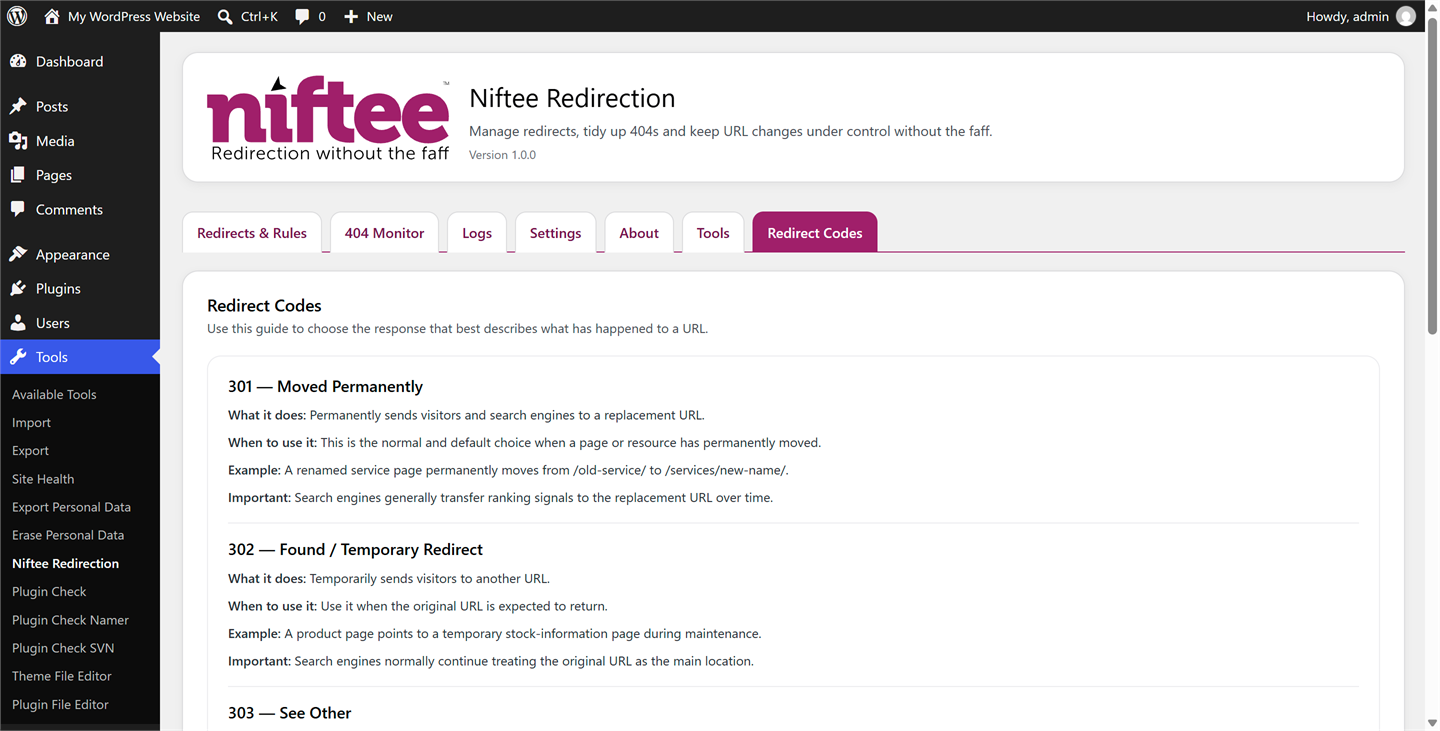
Niftee Redirection supports 301, 302, 303, 307 and 308 redirects, plus direct 410 and 451 status responses. The Redirect Codes tab explains what each response does and when it may be appropriate.
Can I return 410 or 451 without a target URL?
Yes. Status rules for 410 and 451 are supported and do not require a target URL.
Can I migrate redirects from another plugin?
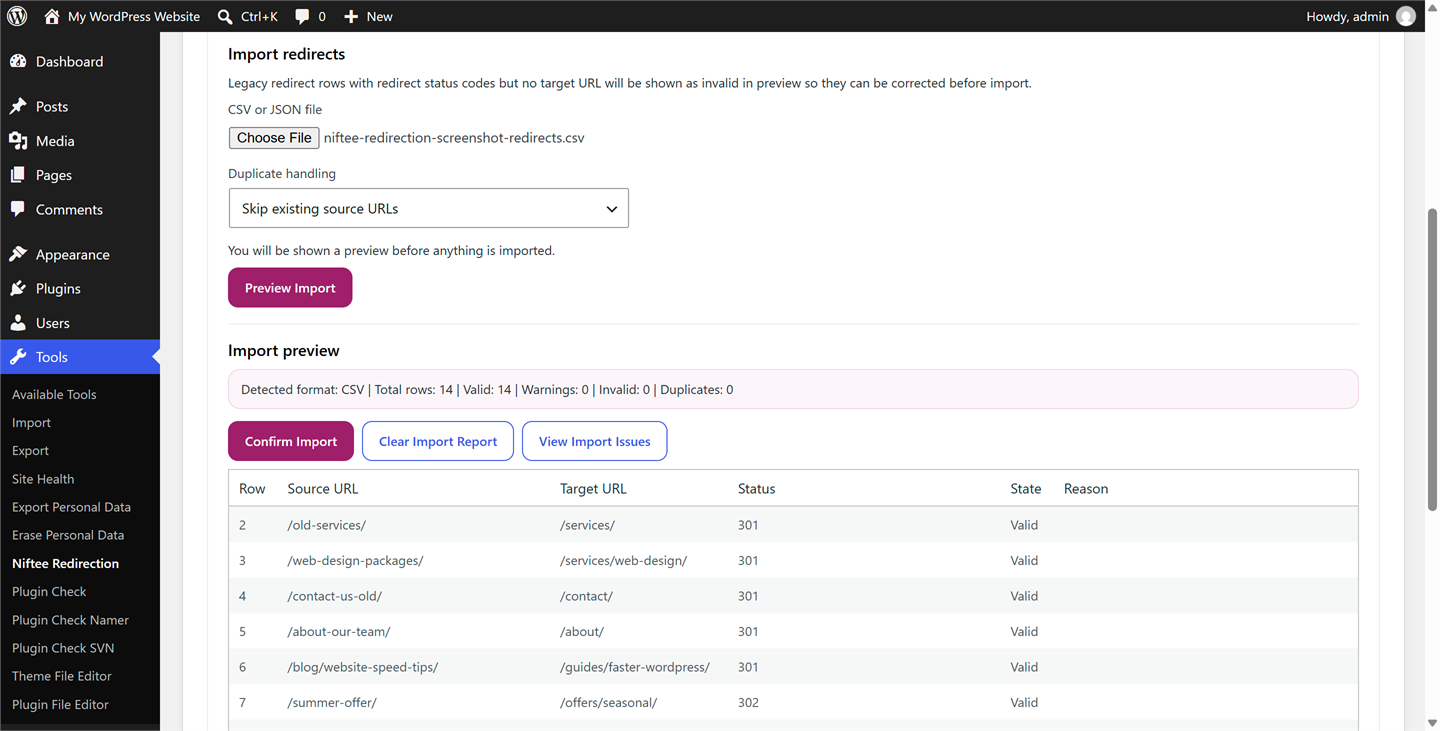
Yes. The Tools tab supports Niftee CSV/JSON and Redirection CSV/JSON. Review all preview warnings before confirming. Redirection conditional matches, regex rules, dynamic targets, non-WordPress modules and unsupported actions are rejected. URL redirects and 410/451 error responses are supported. Niftee uses case-sensitive matching, normalised trailing slashes and literal exact queries. Differences from Redirection are reported in preview. CSV omits query flags, conditions and group/module state: use it only for unconditional rules, or prefer full JSON for a more complete compatibility check. Missing query flags use conservative exact matching. Disabled rule state is retained, including disabled groups when full JSON supplies them.
Does Niftee Redirection send data to an external service?
No. Redirect rules, 404 records, logs and settings remain in your WordPress database and are not sent to Niftee or another external service.
Can I control monitoring and data retention?
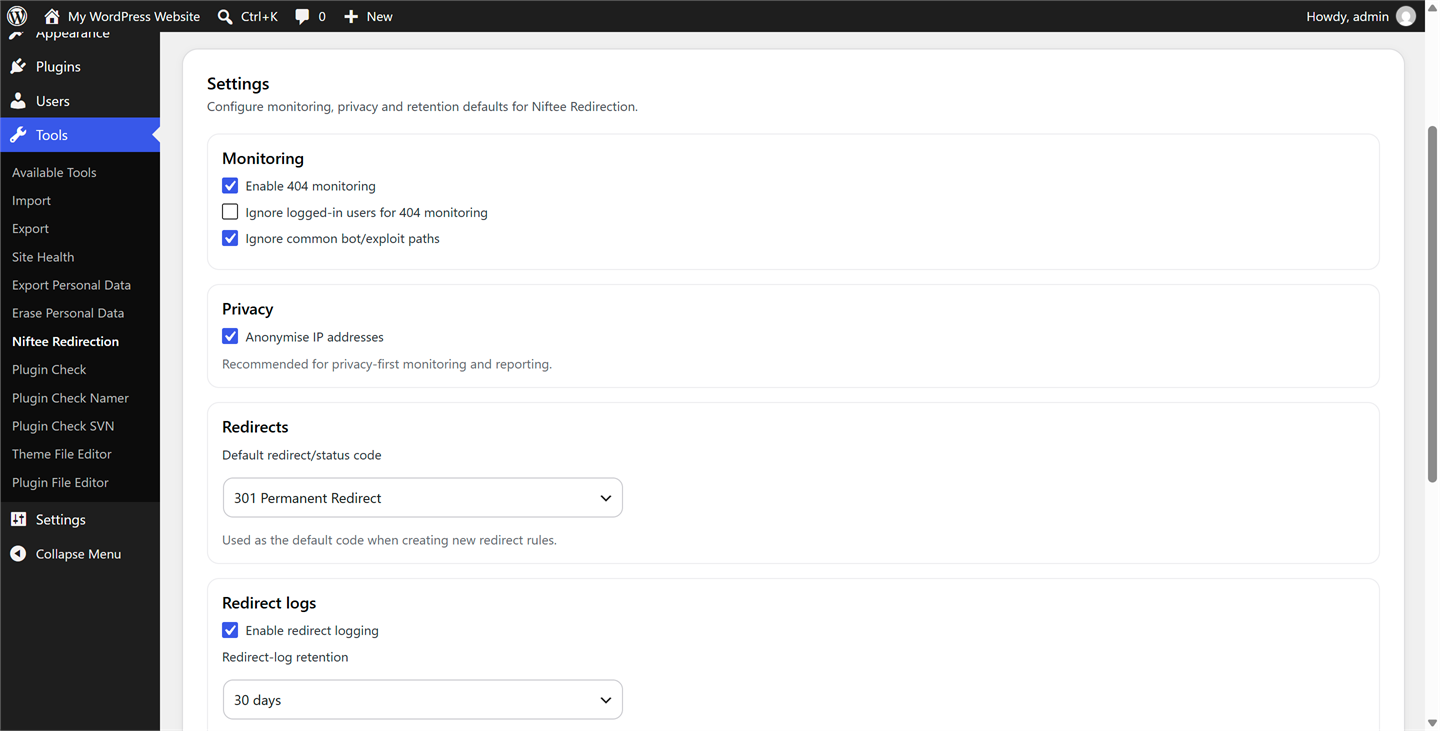
Yes. You can independently enable or disable 404 monitoring and redirect logging, choose separate retention periods and keep IP anonymisation enabled or disabled.
Will uninstalling the plugin remove its data?
Only if you explicitly enable data deletion in Settings before uninstalling. Otherwise, your Niftee Redirection data is retained.
Where is the plugin admin page?
The plugin page is available under Tools > Niftee Redirection.
更新日志:
- Fixed an issue where redirects to other websites could send visitors to the wrong destination.
- Improved bulk actions so they report correctly when a redirect or 404 record is already in the selected state.
- Fixed an issue where some 404 updates appeared successful even when they hadn't been saved.
- Fixed the confirmation message shown when editing an existing redirect.
- Improved support for translating the plugin into other languages.
- Support Redirection redirects-only and full JSON exports with explicit CSV mapping.
- Preserve supported codes, enabled state, notes and query modes; reject unsupported conditions, actions and regex migrations and report lossy semantics.
- Prevent all-invalid import confirmation and distinguish success, partial success, failure and skipped-only outcomes.
- Show accurate status, enabled state, query mode and normalised source paths in previews.
- Fix PHP 8.4 CSV deprecations and preserve CSV quote/backslash round trips.
- Keep passed query strings before destination URL fragments.
- Official V1.0 release of Niftee Redirection.
- Redirect rules with 301, 302, 303, 307, 308, 410 and 451 support.
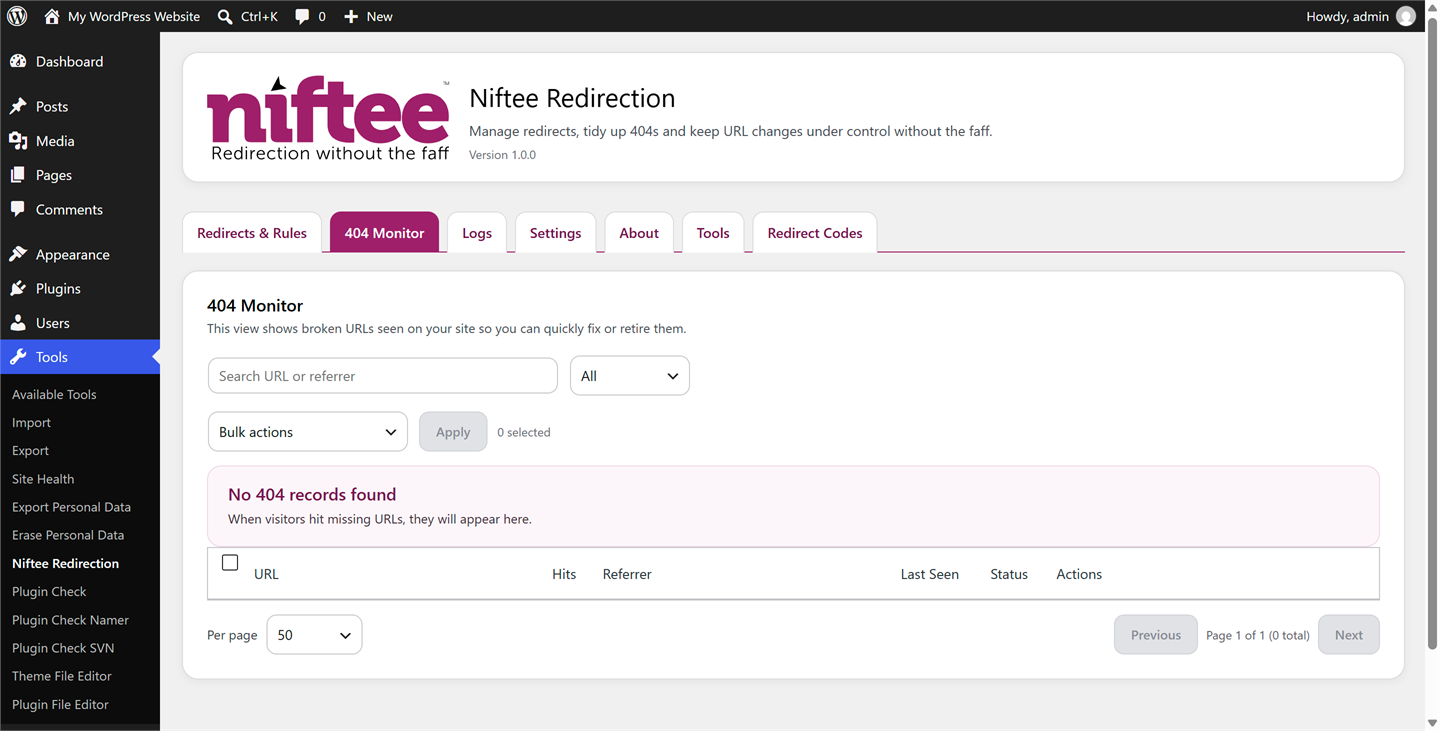
- 404 monitoring.
- Redirect logs.
- Settings and retention controls.
- Bulk actions.
- Pagination.
- CSV and JSON import/export.
- Redirection JSON import support.
- Tools page.
- About page.
- Third-party admin notice guard.
- Separate retention controls for redirect logs and 404 monitor records.
- Redirect Codes information tab.
- WordPress Privacy Policy Guide integration.