
Nobash Backup
| 开发者 | shofiqul |
|---|---|
| 更新时间 | 2026年10月11日 14:54 |
| PHP版本: | 7.4 及以上 |
| WordPress版本: | 7.1 |
| 版权: | GPLv2 or later |
| 版权网址: | 版权信息 |
详情介绍:
.nbh archive.
The plugin is designed to feel simple for beginners while still giving freelancers, agencies, developers, business owners, and WooCommerce users the control they need for everyday backup and recovery.
Why Choose Nobash Backup?
- Complete Website Backups – Back up your WordPress database, uploads, plugins, themes, and supported site files
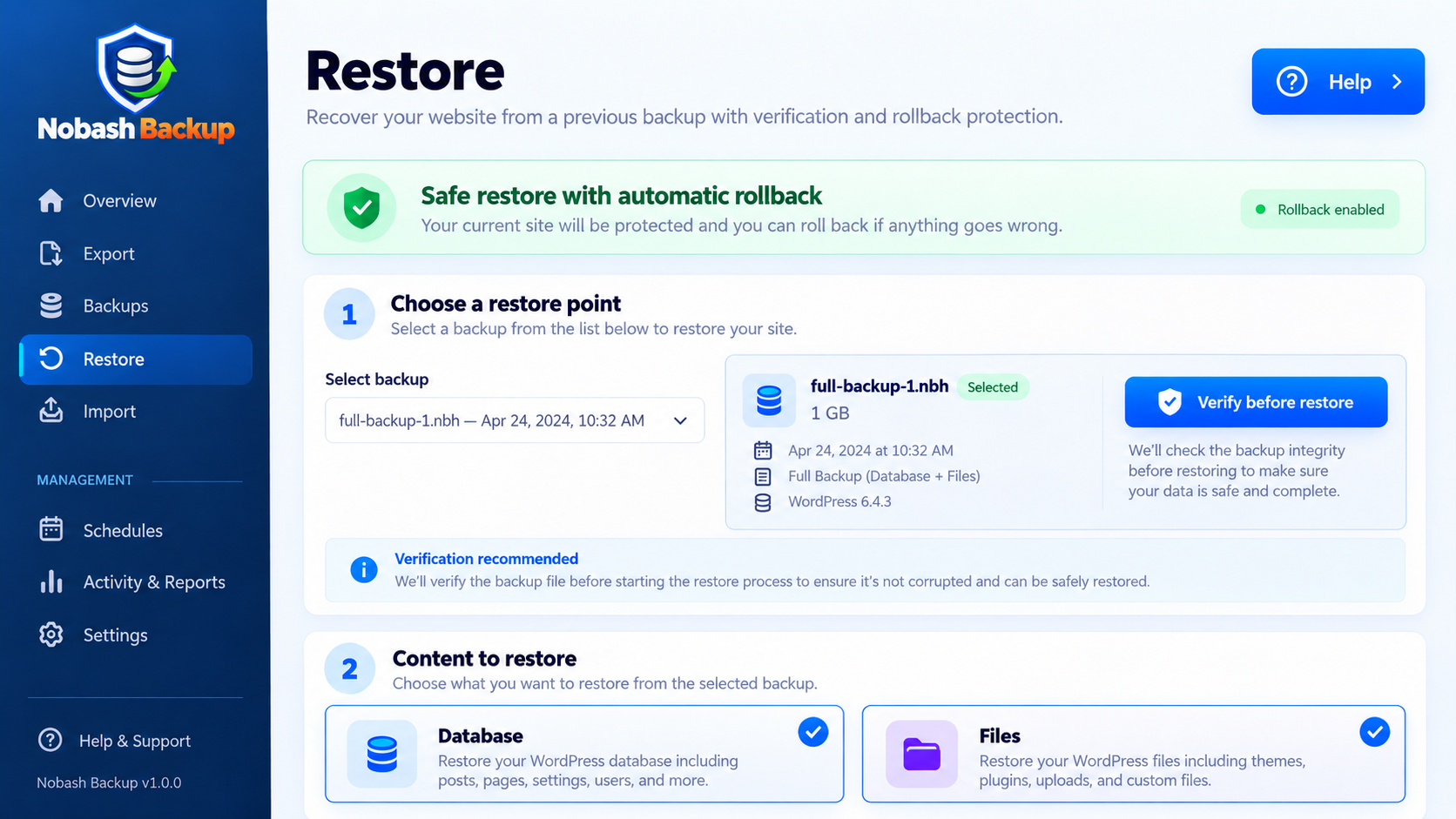
- Easy Restore – Recover your website from a saved backup when an update, plugin, theme, or manual change causes problems
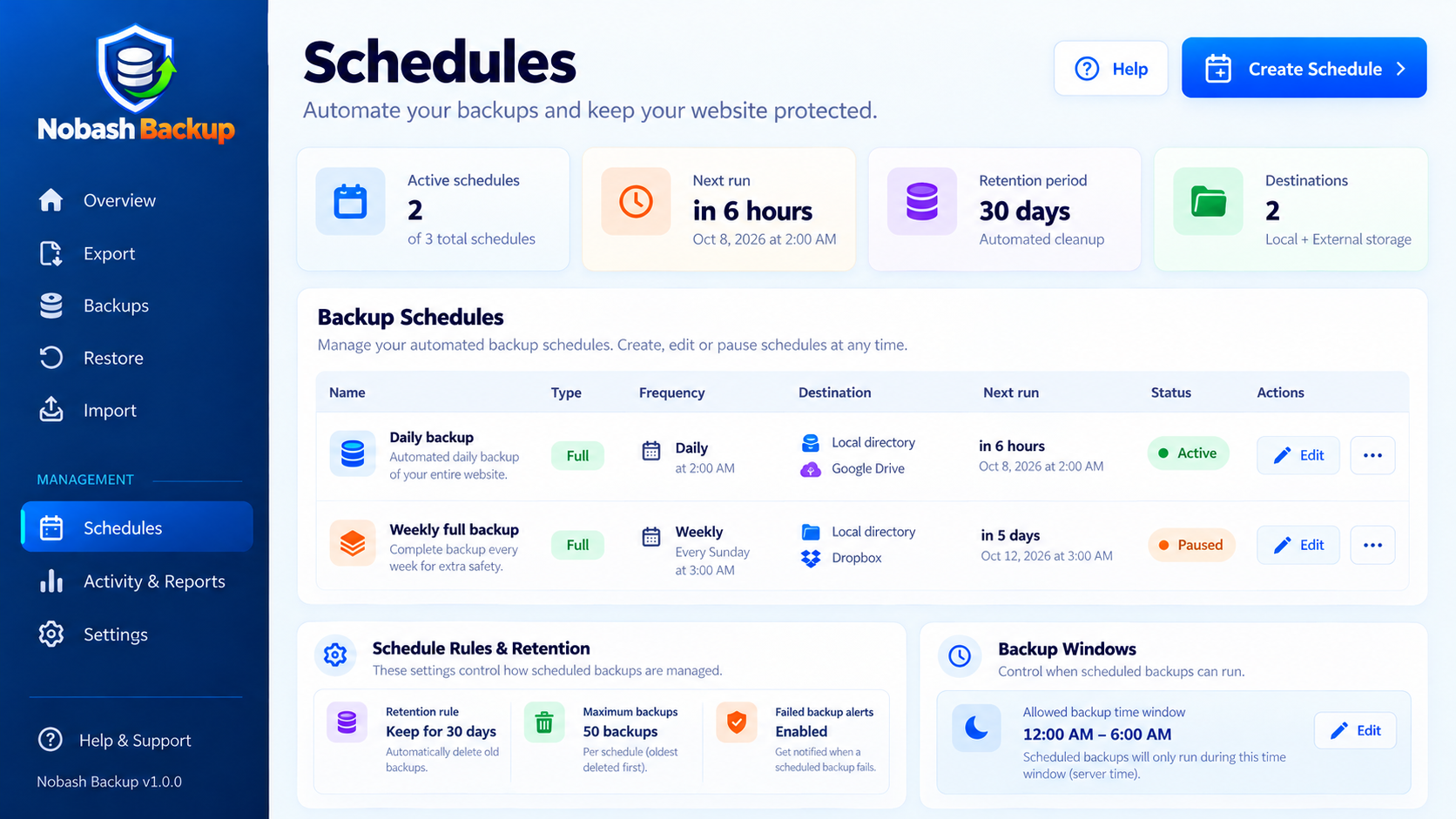
- Scheduled Backups – Create automatic backup schedules so recovery points are generated regularly
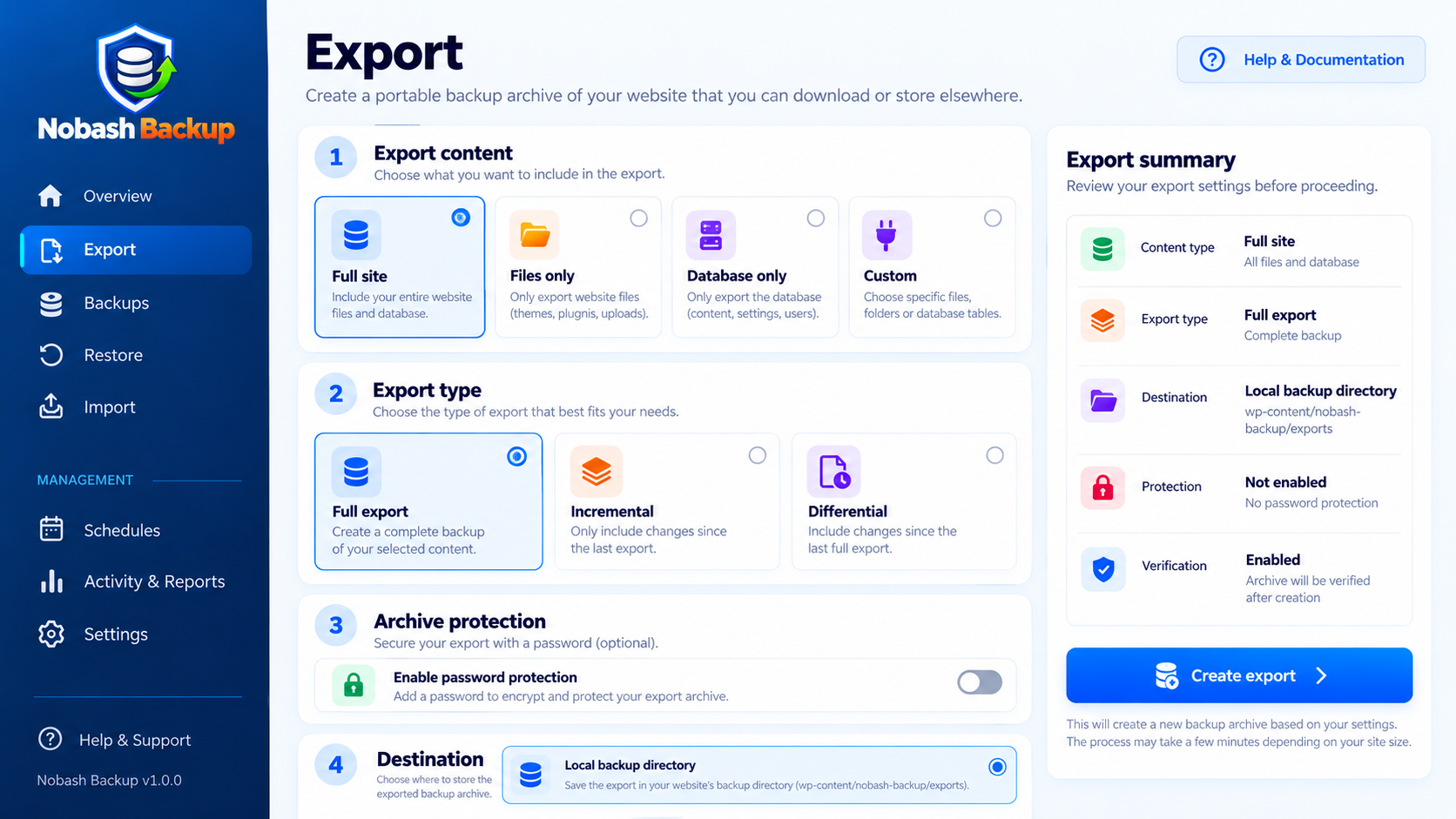
- Full, Incremental & Differential Modes – Choose the backup method that best fits your site and workflow
- Resumable Processing – Long-running jobs are processed in smaller steps to work more reliably on normal hosting environments
- Backup Verification – Check backup archives before relying on them for recovery
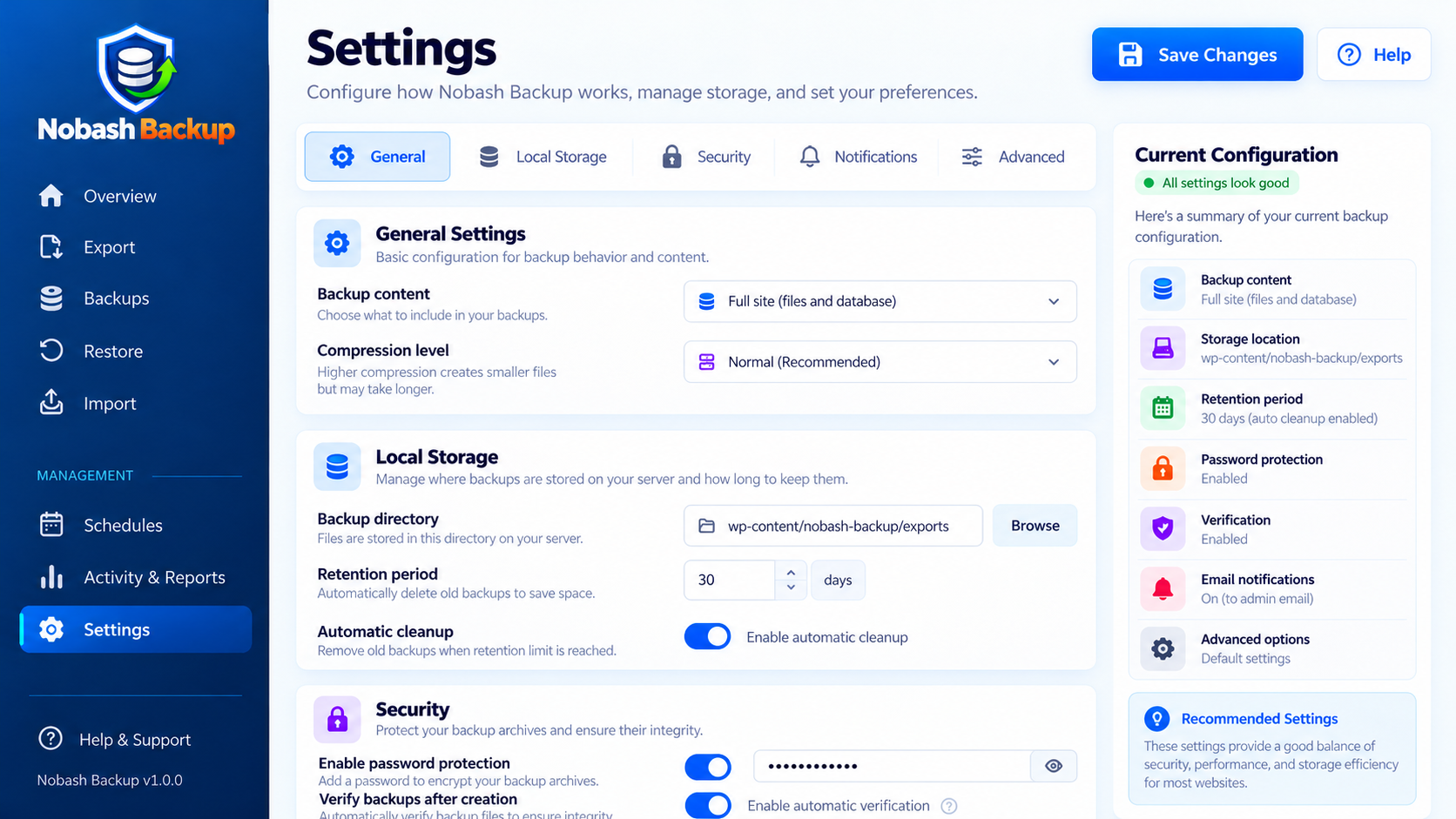
- Password Protection – Protect supported backup archives with a password
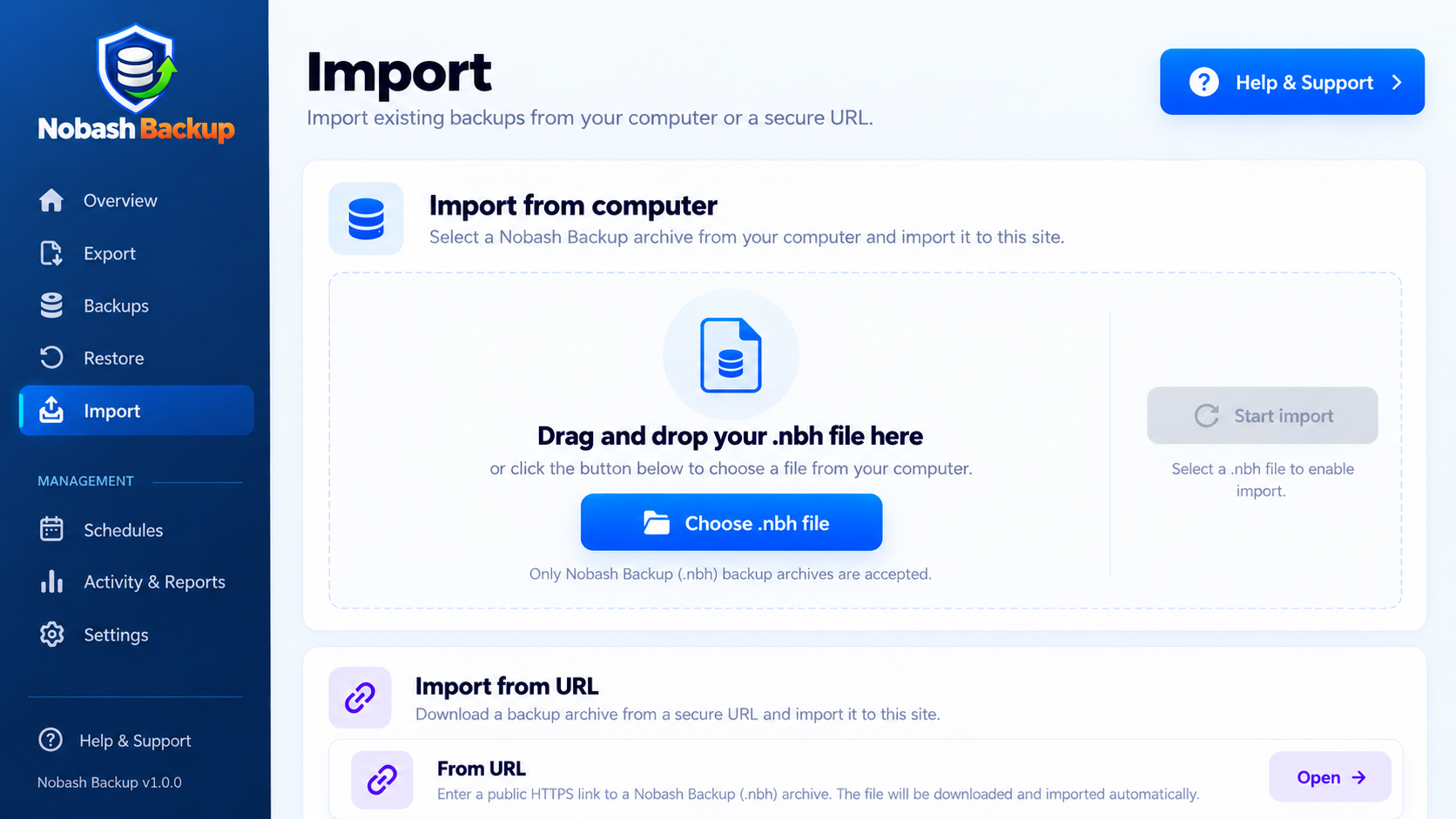
- Simple Import – Import native
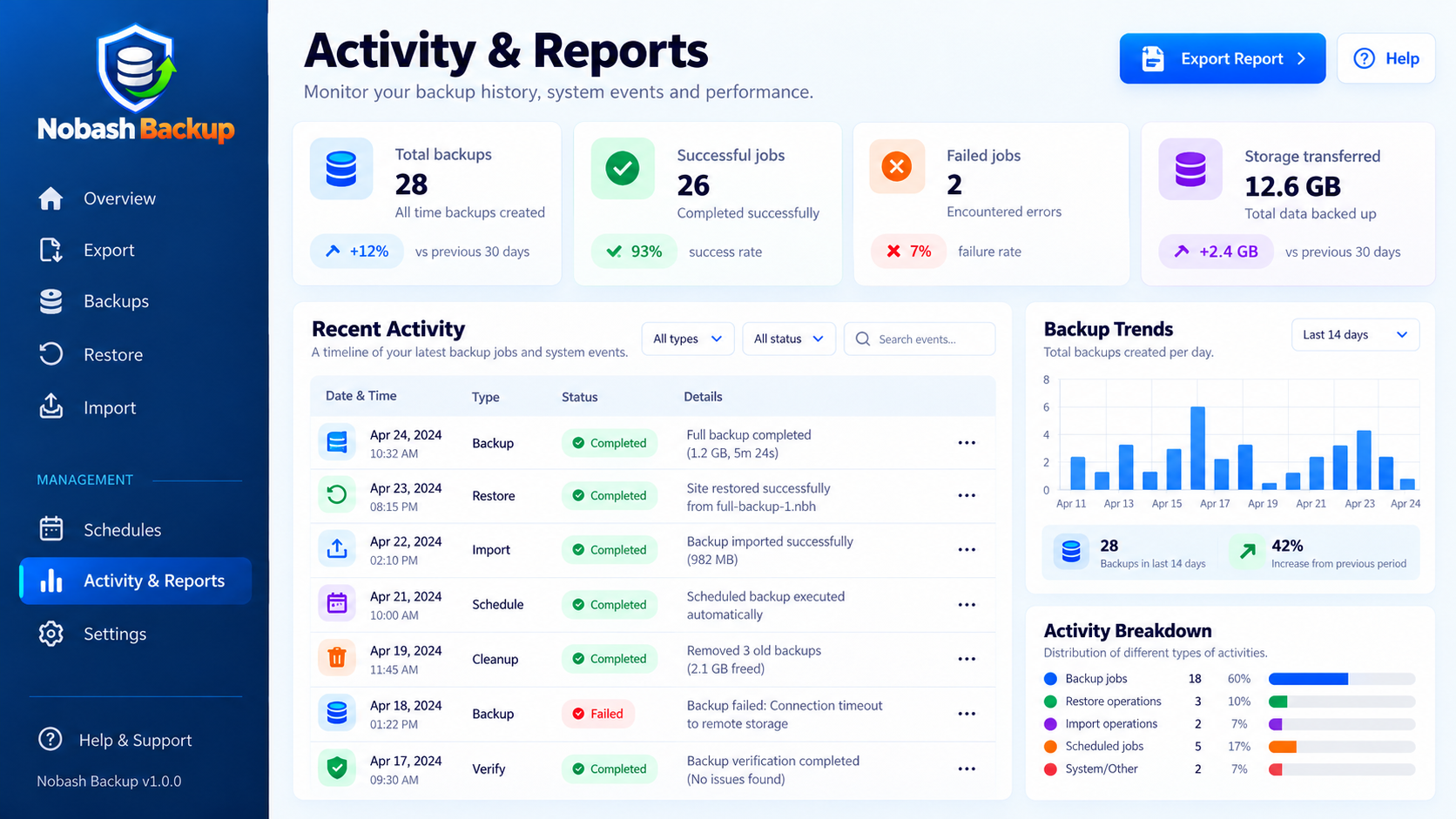
.nbhbackup files from your computer or a secure HTTPS URL - Activity & Reports – Review backup activity, job status, and recent operations from the WordPress dashboard
- Full website backups
- Database-only backups
- Files-only backups
- Full backups
- Incremental backups
- Differential backups
- Business websites
- Blogs and content sites
- WooCommerce stores
- Membership websites
- Client websites
- Sites that change frequently
.nbh archive format.
You can import a compatible .nbh backup from your computer or provide a secure HTTPS URL to retrieve the archive.
This can be useful when recovering a website or moving a compatible Nobash Backup archive to another WordPress installation.
Built for WordPress Users of All Levels
Nobash Backup is suitable for:
- Beginners who want a simple backup and restore workflow
- Website owners who want recovery points before making changes
- Freelancers managing WordPress websites
- Agencies maintaining client sites
- Developers who want more control over backup jobs
- WooCommerce site owners who need a dependable recovery plan
安装:
- Install Nobash Backup from the WordPress Plugin Directory.
- Activate the plugin.
- Open Nobash Backup from the WordPress admin menu.
- Create your first backup or configure an automatic schedule.
屏幕截图:
常见问题:
Is Nobash Backup free?
Yes. The WordPress.org version includes the backup, restore, import, scheduling, and recovery features included in this plugin package.
Do I need a Nobash account?
No. The main local backup and restore features work without a Nobash account.
What does Nobash Backup back up?
A backup can include your WordPress database, uploads, plugins, themes, WordPress files, and supported site settings.
Can I schedule automatic backups?
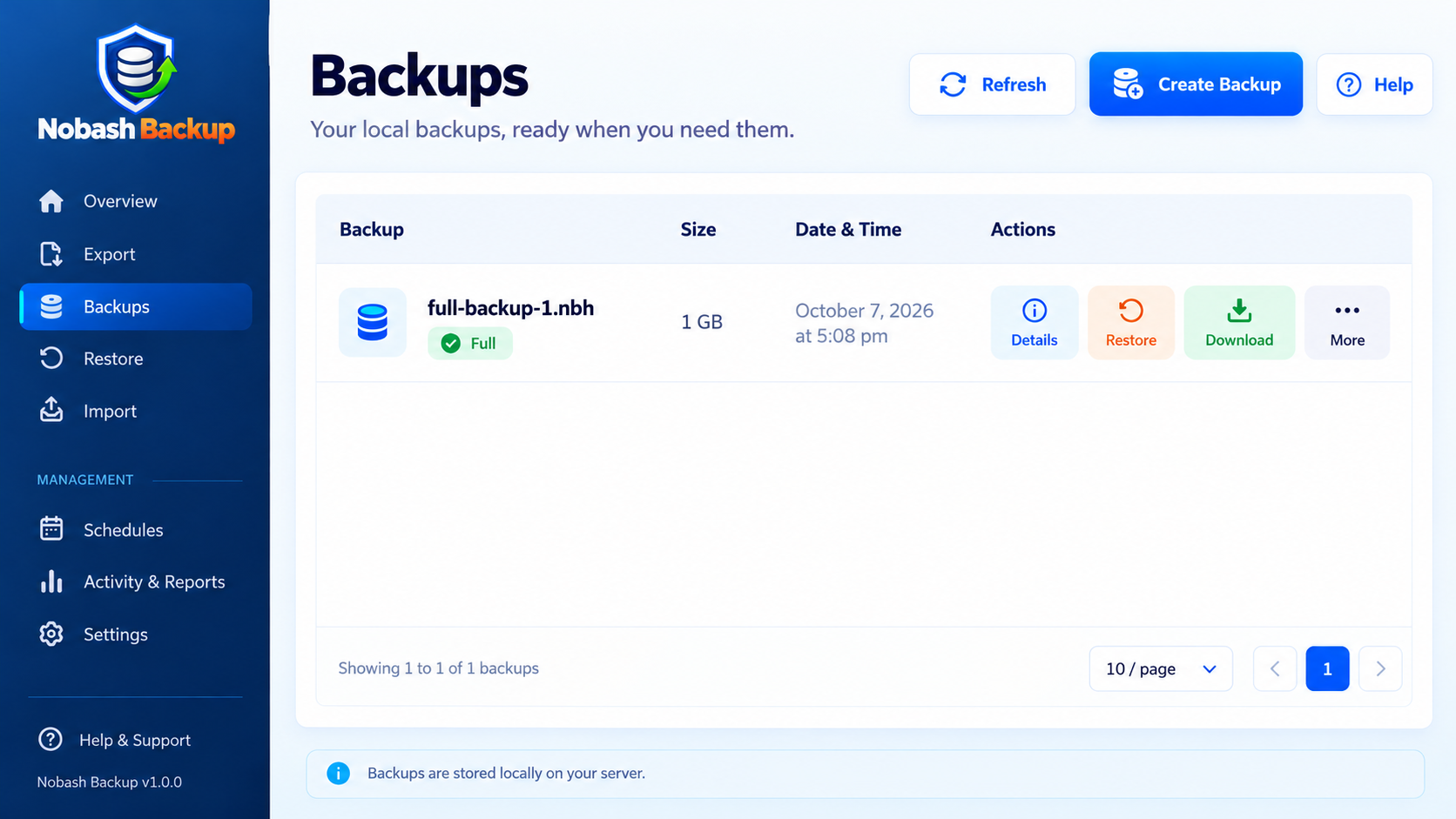
Yes. Backup schedules can be created and managed from the Schedules screen.
What is an .nbh file?
.nbh is the native backup archive format used by Nobash Backup.
Can I restore only files or only the database?
Yes, when those components are available in the selected backup.
Does Nobash Backup work with WooCommerce?
Yes. Nobash Backup can back up and restore WordPress websites that use WooCommerce. For busy stores, use an appropriate maintenance or low-activity window before a full restore so new orders or changes are not missed during recovery.
Is Nobash Backup suitable for larger websites?
Nobash Backup is designed to process supported long-running jobs in smaller resumable steps. Practical limits depend on your hosting environment, available disk space, database performance, and server resources.
Can I import backups created by other backup plugins?
No. Import currently supports native Nobash Backup .nbh archives.
Where can I get help?
Visit: https://backup.nobash.com/
更新日志:
- Refreshed the WordPress admin interface.
- Improved Export, Backups, Restore, Import, Schedules, and Activity & Reports screens.
- Fixed schedule form submission and editing behavior.
- Improved backup filtering, sorting, and selection controls.
- Improved Import from File and Import from URL workflows.
- Improved restore summaries and reporting controls.
- Reorganized settings for a simpler administration experience.
- Updated release documentation and packaging.
- Initial public release.
- Added full website, database, and file backups.
- Added full, incremental, and differential backup modes.
- Added restore and recovery tools.
- Added native
.nbhbackup import. - Added secure HTTPS URL import.
- Added automatic backup schedules.
- Added archive verification and password protection.
- Added local backup management and resumable processing.