
Nuoria – Service Booking & Appointments
| 开发者 | punsisi |
|---|---|
| 更新时间 | 2026年9月5日 22:45 |
| 捐献地址: | 去捐款 |
| PHP版本: | 7.3 及以上 |
| WordPress版本: | 7.1 |
| 版权: | GPLv2 or later |
| 版权网址: | 版权信息 |
详情介绍:
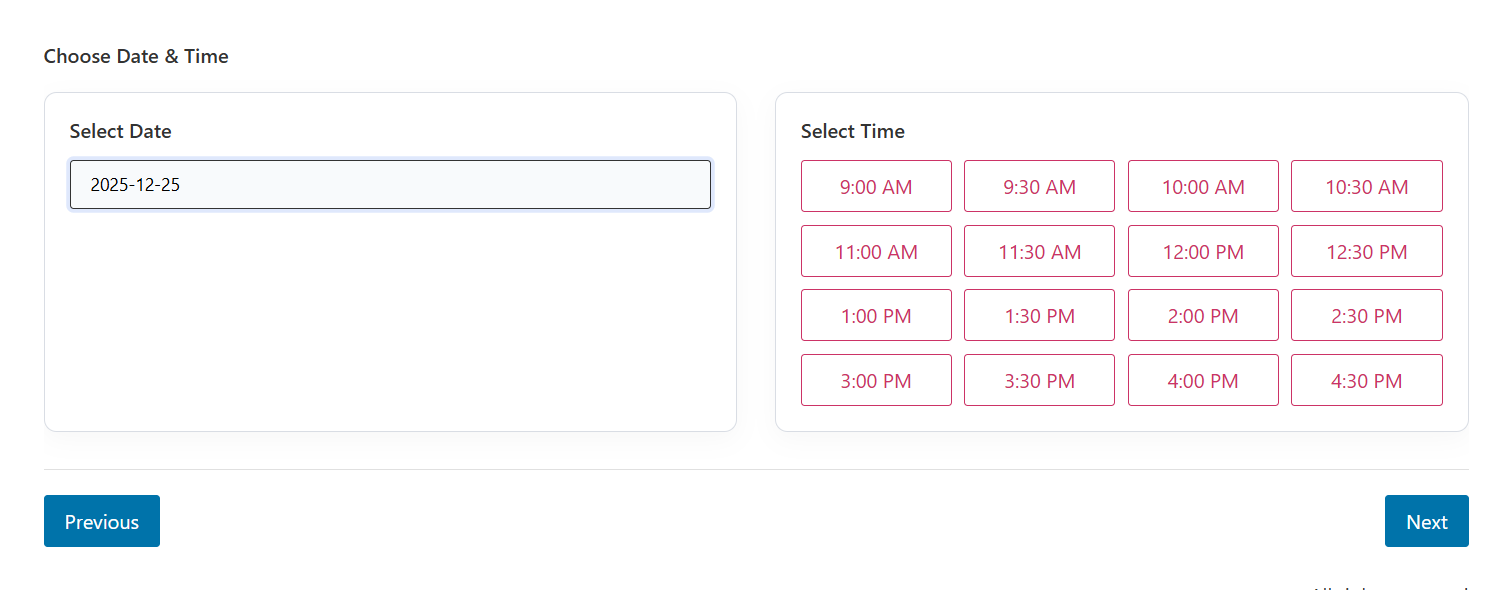
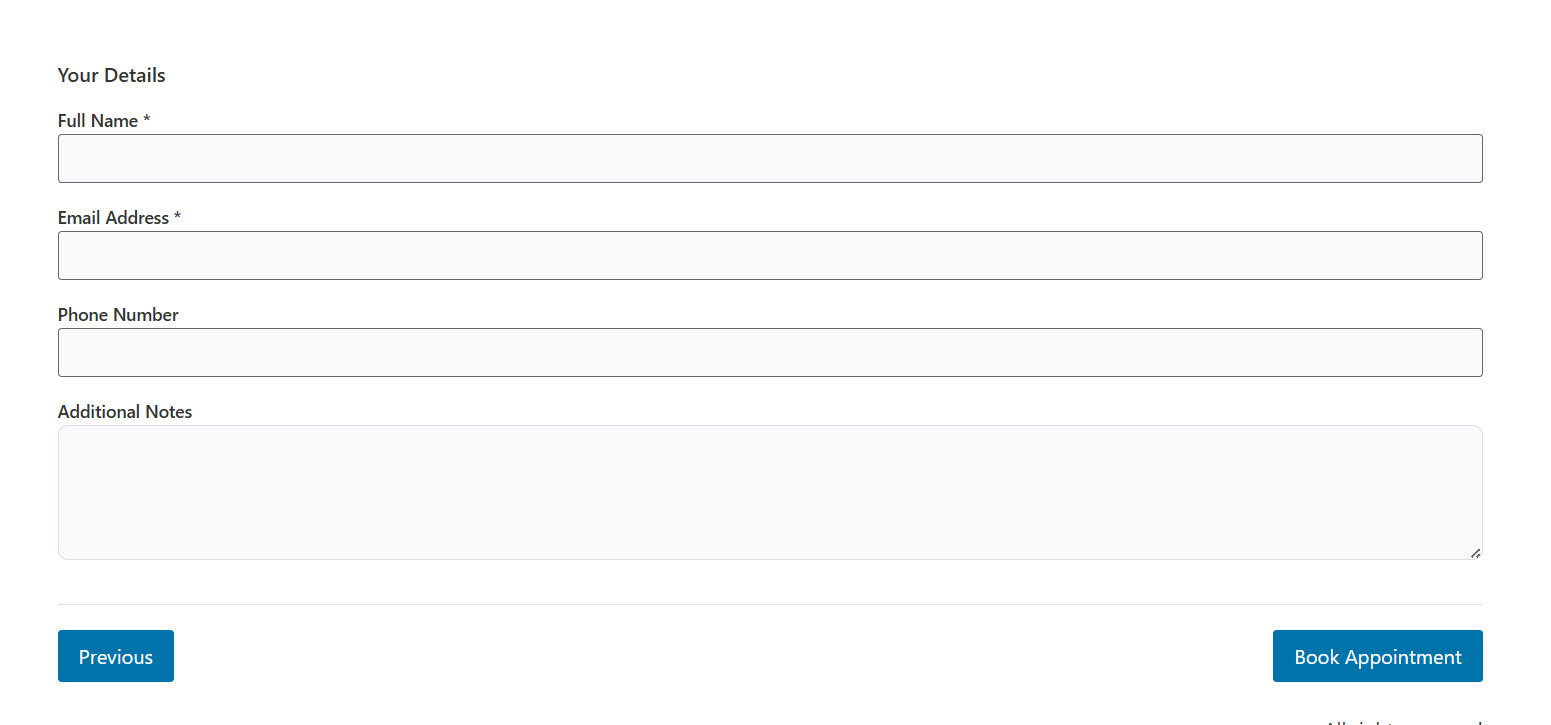
- Multi-Step Booking Form: A user-friendly, step-by-step wizard for clients to book appointments.
- Responsive Design: Fully optimized for mobile, tablet, and desktop devices.
- Real-Time Availability: AJAX-powered system prevents double bookings and shows up-to-date slots.
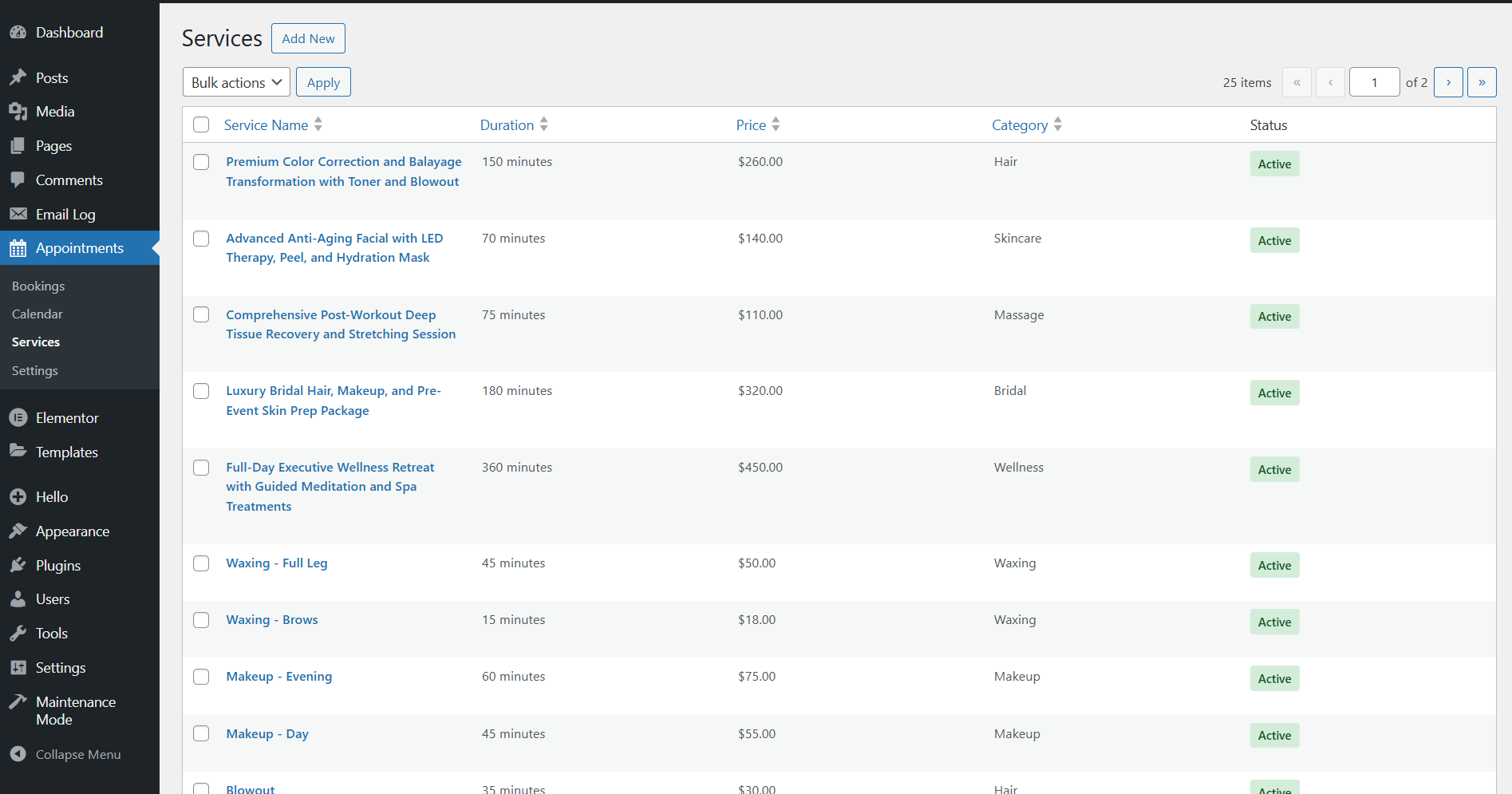
- Service Management: Create unlimited services with custom durations, prices, and descriptions.
- Flexible Schedule: Define your business hours, holidays, and break times.
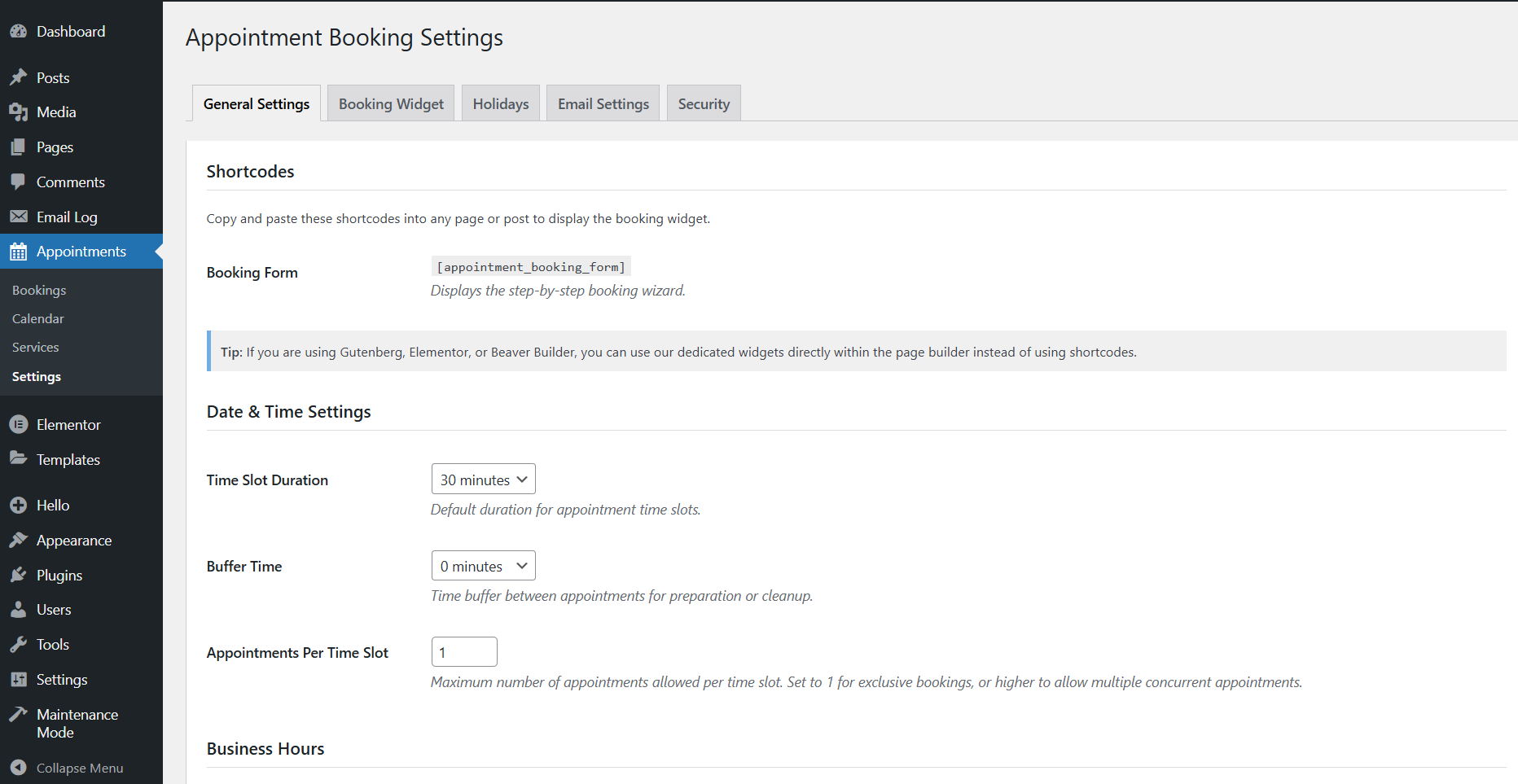
- Time Slot Control: Customize slot duration, buffer times between appointments, and advance booking limits.
- Holidays Management: Set specific dates as holidays to prevent bookings on those days.
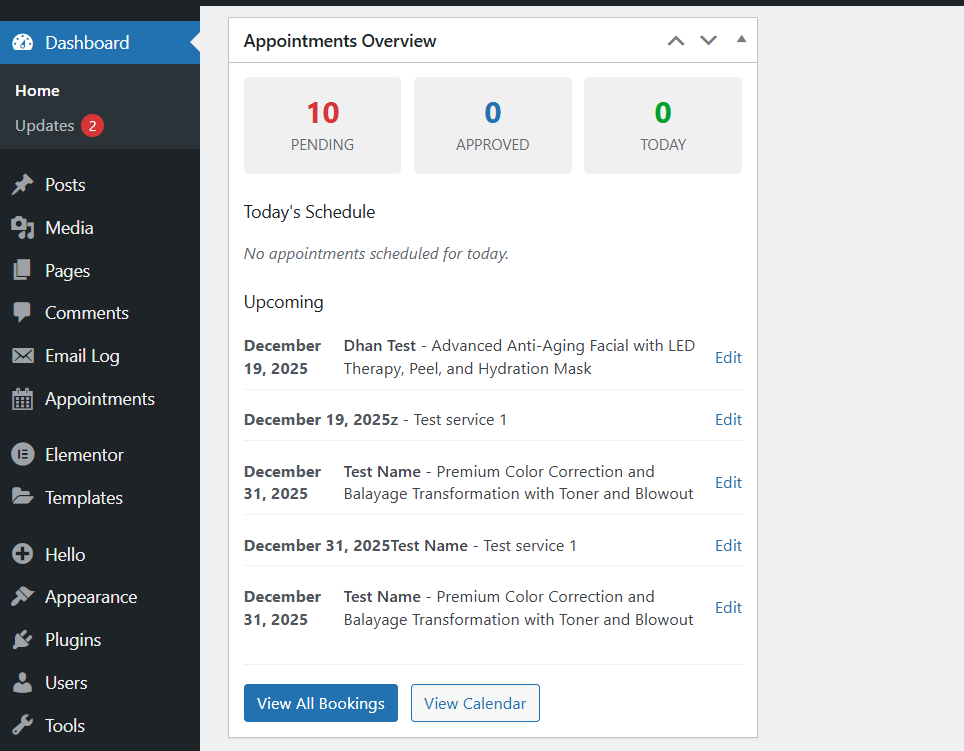
- Dashboard Widget: Quick overview of today's appointments and upcoming bookings right on your WordPress dashboard.
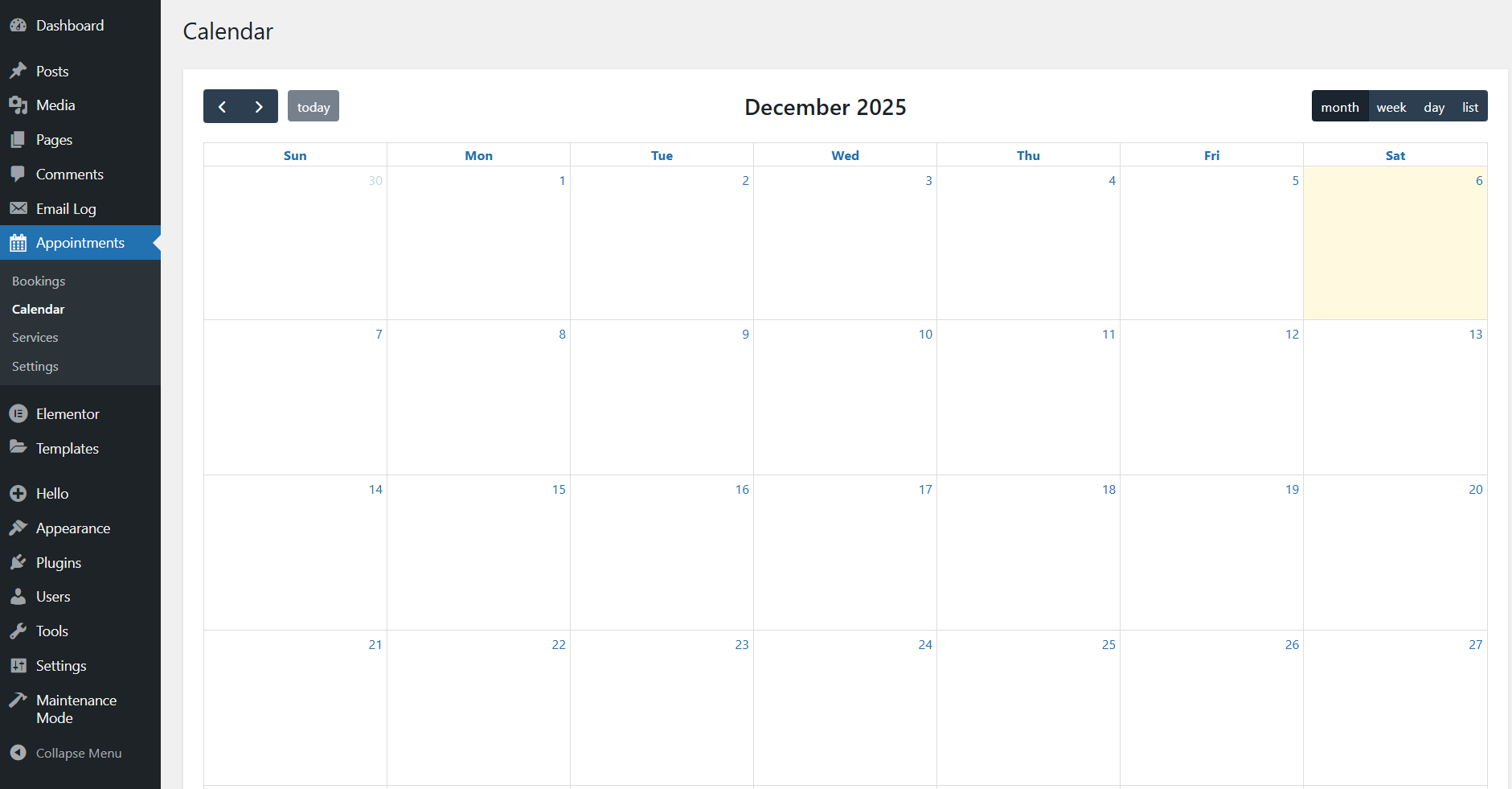
- Admin Calendar View: Visual calendar powered by FullCalendar to manage all your appointments at a glance.
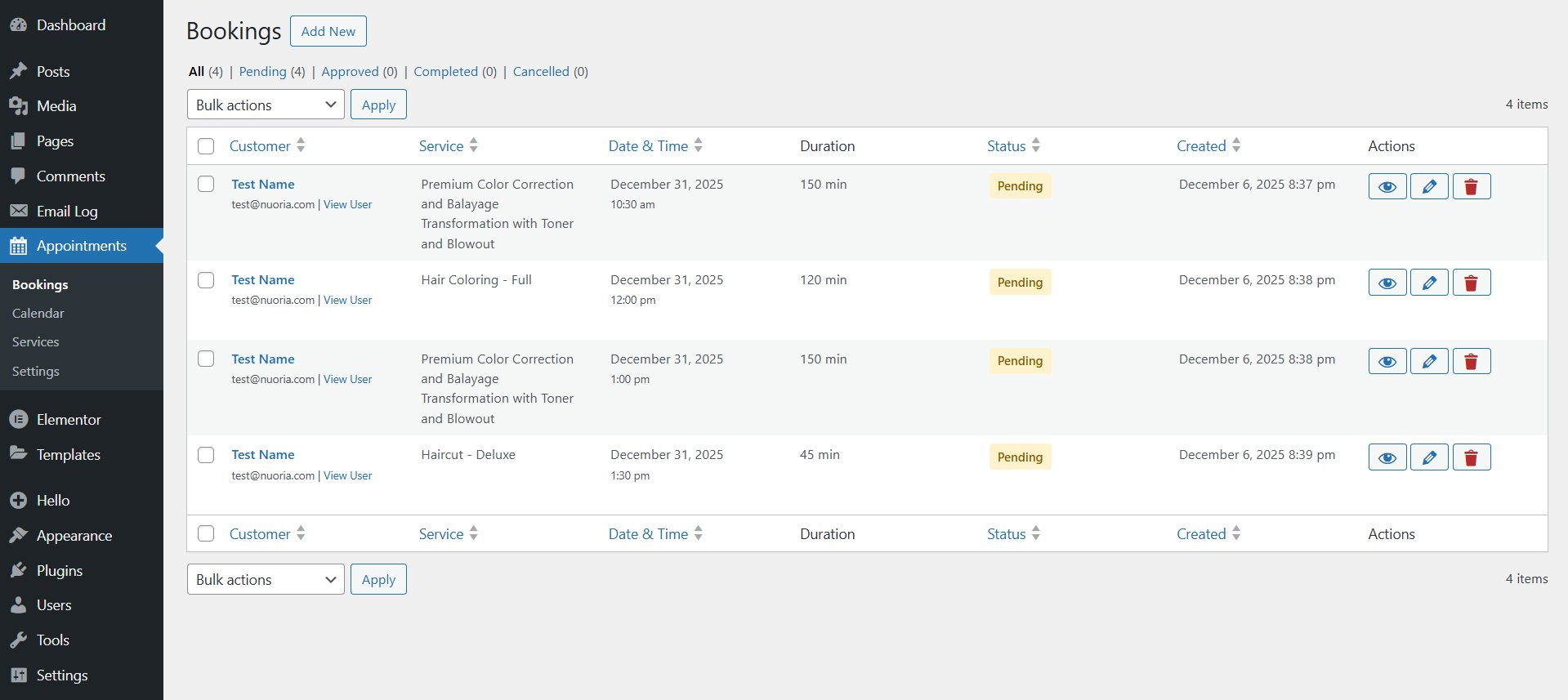
- Booking Management: View, edit, approve, or cancel bookings with a comprehensive admin interface.
- Customer Management: Dedicated 'Customer' user role with booking history tracking.
- Service Management: Easy-to-use interface for adding and managing your services.
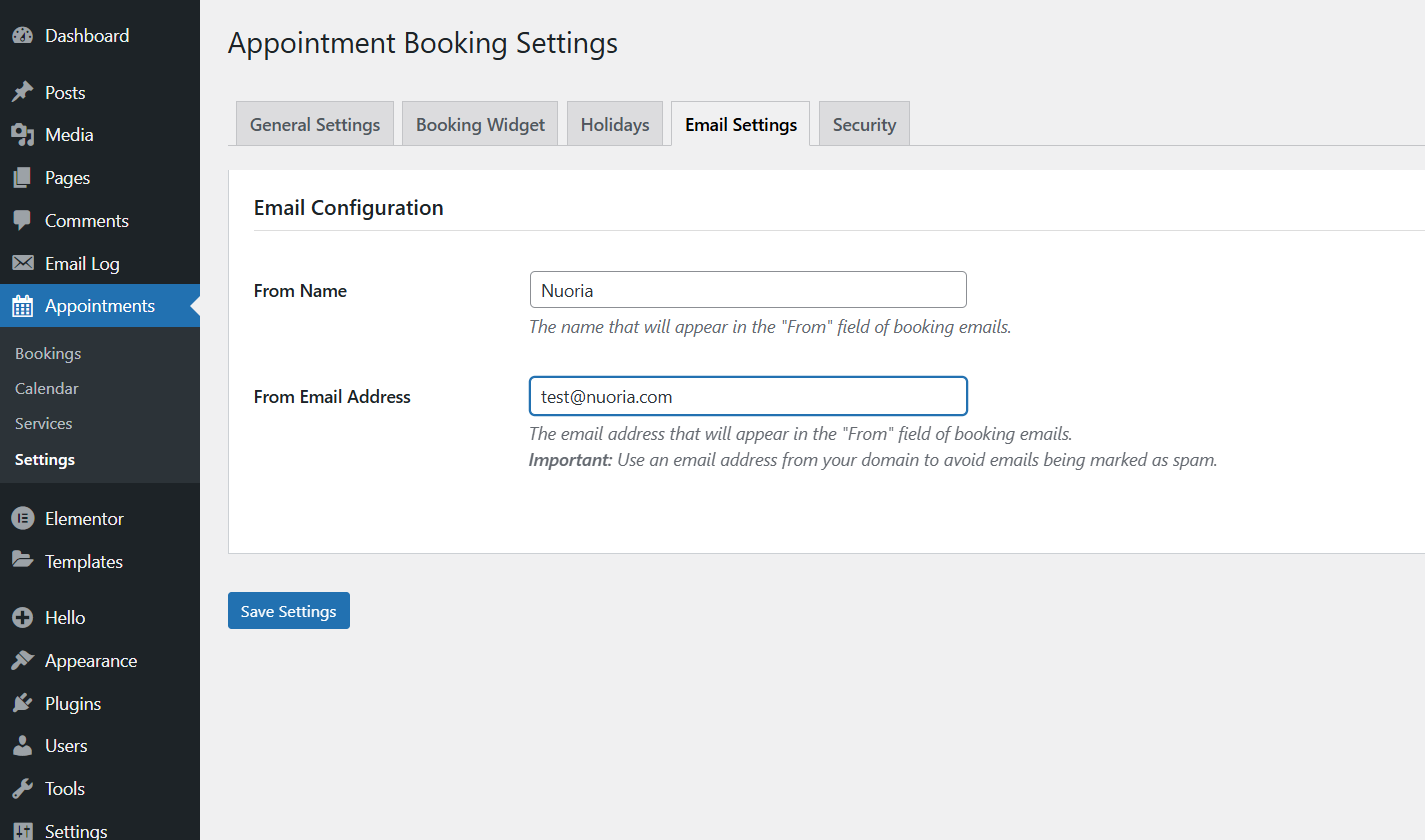
- Email Notifications: Automated email confirmations for both admins and customers.
- Status Change Notifications: Automatic emails when booking status changes (approved, cancelled, completed).
- Customizable Email Templates: Personalize email subject lines and message content.
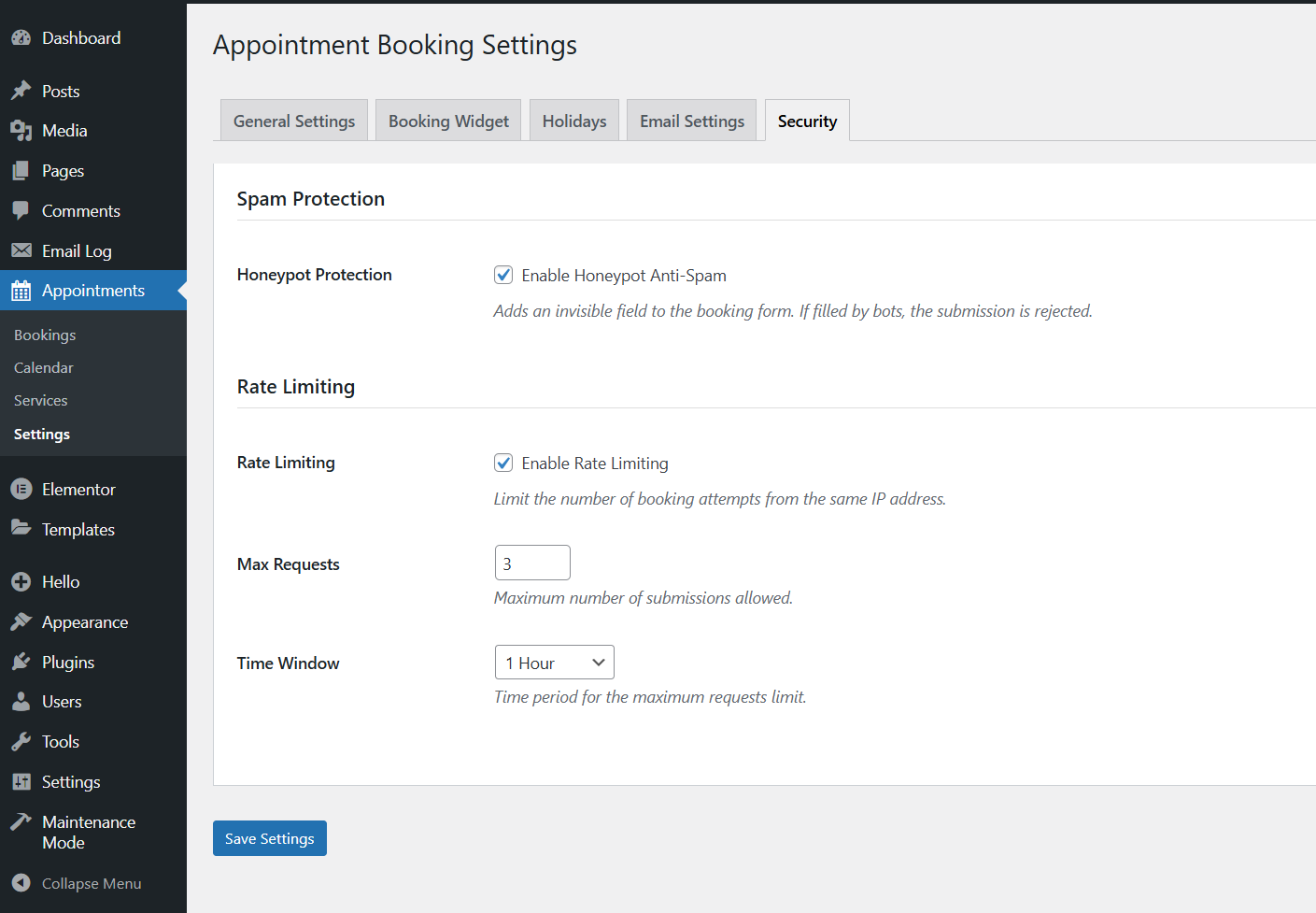
- Honeypot Anti-Spam: Invisible field protection to block bot submissions.
- Rate Limiting: Prevent abuse by limiting booking attempts from the same IP address.
- Configurable Rate Limits: Set maximum requests and time windows (1 minute to 24 hours).
- Color Customization: Match your brand with built-in color pickers for buttons, backgrounds, and text.
- Step Indicator Colors: Customize active, inactive, and completed step colors.
- Typography Settings: Adjust base font size and heading sizes.
- Widget Display Options: Toggle step progress indicators and other visual elements.
- Gutenberg Block: Native WordPress block with live preview in the editor.
- Elementor Widget: Drag-and-drop widget for Elementor users.
- Divi Module: Native module integration for Divi Builder.
- WPBakery Page Builder: Custom element for WPBakery.
- Beaver Builder: Custom module for Beaver Builder.
- Shortcode Support: Use
[nuoria_service_booking_appointments_form]anywhere on your site.
- Lightweight: Minimal assets loaded only when needed.
- Fast: Optimized database queries and AJAX handling.
- Clean Code: Built following strict WordPress coding standards.
- Database Migrations: Automatic schema updates when upgrading versions.
安装:
- Upload the
nuoria-service-booking-appointmentsfolder to the/wp-content/plugins/directory. - Activate the plugin through the 'Plugins' menu in WordPress.
- Go to Appointments > Settings to configure your business hours and general settings.
- Go to Appointments > Services to add your services.
- Add the booking form to any page using your preferred page builder or the
[nuoria_service_booking_appointments_form]shortcode.
屏幕截图:
常见问题:
How do I add the booking form to a page?
You can use the dedicated block/widget for Gutenberg, Elementor, Divi, WPBakery, or Beaver Builder. Alternatively, use the shortcode [nuoria_service_booking_appointments_form].
Can I customize the email notifications?
Yes! Go to Appointments > Settings > Email Settings to customize the subject and message body for admin and customer notifications.
Does it support multiple services?
Absolutely. You can add as many services as you need, each with its own duration and price.
Is it mobile friendly?
Yes, the booking form is fully responsive and works perfectly on mobile devices.
Can I set buffer times between appointments?
Yes, you can set a global buffer time in the settings to ensure you have breaks between appointments.
How do I set holidays or days off?
Go to Appointments > Settings > Holidays to add specific dates when you're closed. The booking form will automatically prevent bookings on those days.
Does the plugin have spam protection?
Yes! The plugin includes two security features:
- Honeypot Protection: An invisible field that blocks bot submissions
- Rate Limiting: Limits the number of booking attempts from the same IP address within a configurable time window
Can I see today's appointments on my WordPress dashboard?
Yes! The plugin adds a dashboard widget that shows you today's schedule, upcoming appointments, and quick statistics (pending, approved, and today's count).
Is there a calendar view for managing appointments?
Yes! Go to Appointments > Calendar to see all your bookings in a visual calendar powered by FullCalendar. You can view appointments by month, week, or day.
Can I customize the colors of the booking form?
Absolutely! Go to Appointments > Settings > Booking Widget to customize:
- Button colors and text colors
- Step indicator colors (active, inactive, completed)
- Background and text colors
- Typography (font sizes for base text and headings)
What happens when I approve or cancel a booking?
When you change a booking's status, the customer automatically receives an email notification about the status change.
Can customers see their booking history?
The plugin creates a 'Customer' user role. Logged-in customers can view their bookings through the admin interface (if given appropriate permissions).
Does the plugin work with page builders?
Yes! The plugin has native integration with:
- Gutenberg (WordPress Block Editor)
- Elementor
- Divi Builder
- WPBakery Page Builder
- Beaver Builder
更新日志:
- Tested compatibility with WordPress 7.1.
- Tested compatibility with WordPress 7.0.
- Author name update
- All shortcodes are now properly prefixed in line with WordPress plugin development best practices.
- Fix for elements not using common prefixes
- Fixed: Proper URL Escaping in Admin Redirects
- Issue: Used
esc_url_raw()instead ofesc_url()when outputting URLs in JavaScript inline scripts. - Resolution: Replaced
esc_url_raw()withesc_url()in all places. esc_url_raw()is a sanitization function intended for database storage or redirects, not output escaping. When echoing URLs in HTML/JavaScript context,esc_url()is the appropriate function as it escapes the URL for safe output, preventing potential XSS vulnerabilities.- This fix implements the "escape late" principle - sanitizing data when it's stored, but escaping it when it's output to ensure the rendered content is safe for display.
- Asset Management: Now correctly including all JavaScript and CSS using standard
wp_enqueue_script(),wp_enqueue_style(), andwp_add_inline_script()functions. - Data Security: Implemented comprehensive Sanitization, Validation, and Escaping (following the "Sanitize Early, Escape Late" principle) for all input and output data.
- Strict Escaping: Ensured all variables, options, and generated data are properly escaped when echoed to prevent security vulnerabilities.
- Unique Prefixing: Refactored all functions, classes, constants, and options to use unique, distinct names to prevent conflicts with other plugins or WordPress core.
- Removed Generic Names: Updated generic class and function names with plugin-specific prefixes for better namespace safety.
- Plugin name update
- Plugin text domain update
- Plugin slug update
- Plugin file name update
- Plugin folder name update
- Plugin header update
- Plugin name update
- Initial release.
- Booking Features:
- Multi-step booking form with real-time availability checking
- Service management with custom durations and prices
- Flexible business hours configuration
- Time slot customization with buffer times
- Holidays management
- Admin Features:
- Dashboard widget with today's schedule and statistics
- Visual calendar view powered by FullCalendar
- Comprehensive booking management interface
- Service management interface
- Customer role and management
- Notifications:
- Email notifications for new bookings
- Status change notifications (approved, cancelled, completed)
- Customizable email templates
- Security:
- Honeypot anti-spam protection
- Rate limiting with configurable thresholds
- Customization:
- Color customization for buttons, backgrounds, and text
- Step indicator color customization
- Typography settings
- Widget display options
- Page Builder Integration:
- Gutenberg block
- Elementor widget
- Divi module
- WPBakery element
- Beaver Builder module
- Shortcode support