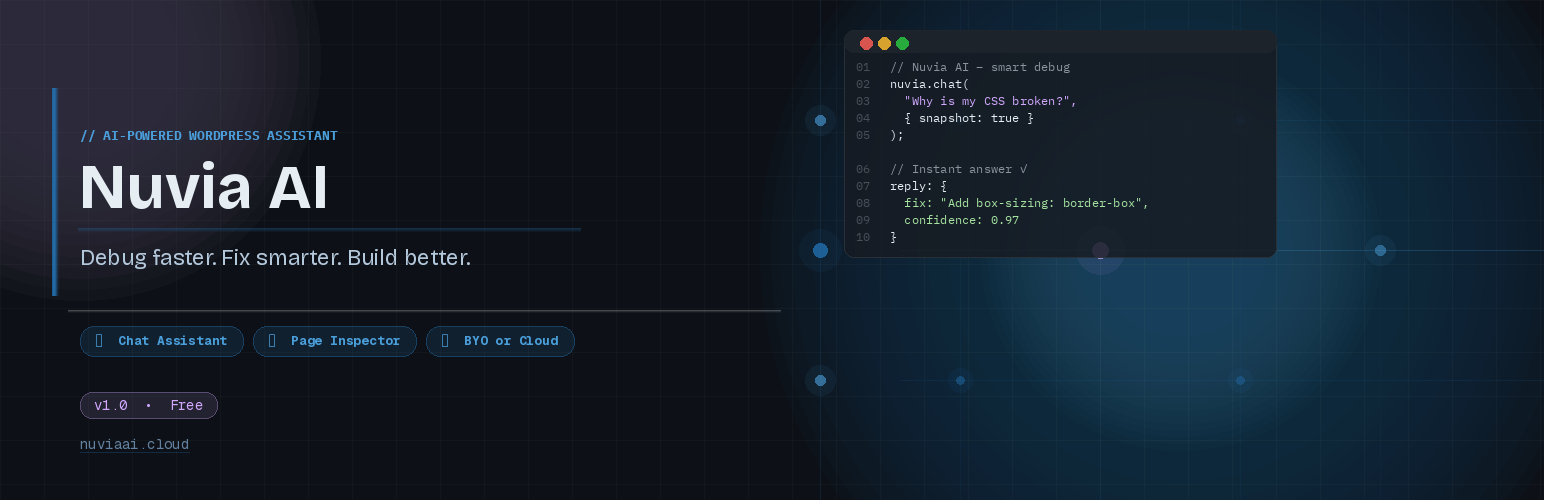
Nuvia AI – The Developer Copilot for WordPress
| 开发者 | zephyrwp |
|---|---|
| 更新时间 | 2026年3月6日 23:17 |
| PHP版本: | 7.4 及以上 |
| WordPress版本: | 6.9 |
| 版权: | GPLv2 or later |
| 版权网址: | 版权信息 |
详情介绍:
- AI Chat Assistant — Ask questions about your WordPress site, get help debugging PHP errors, fix CSS/layout problems, and receive step-by-step guidance.
- Page Inspector — Analyze any page on your site for performance, SEO, accessibility, and mobile responsiveness issues with a detailed health score.
- Page Builder Aware — Understands Elementor, Gutenberg, Bricks, Divi, Beaver Builder, and WPBakery. Gives builder-specific advice using the correct UI paths.
- Site Snapshot — Optionally includes your site configuration (WordPress version, PHP version, active theme, plugins) for context-aware answers.
- Core Web Vitals Estimates — Flags potential LCP, CLS, and layout shift risks based on page structure analysis.
- Code Highlighting — AI responses include syntax-highlighted code blocks with copy buttons for PHP, CSS, JavaScript, HTML, and SQL.
- Encrypted API Keys — All API keys and tokens are stored encrypted in the database using AES-256-CBC encryption.
- BYO (Bring Your Own Key) — Use your own OpenAI or Anthropic API key. You connect directly to the AI provider with full control over model selection.
- Cloud (Managed) — Connect to a managed Nuvia AI cloud endpoint for a simplified setup experience. New accounts receive 500 free credits, plus a monthly free credit top-up — no credit card required to get started.
- Install and activate the plugin.
- Navigate to the Nuvia AI menu in your WordPress admin sidebar.
- Configure your API settings (BYO key or Cloud endpoint) in the Settings tab.
- Start chatting or use the Page Inspector to analyze your pages.
- SEO checks (title tag, meta description, heading structure, image alt attributes)
- Performance estimates (LCP risk, CLS risk, image dimension checks)
- Mobile responsiveness risk assessment
- Heading hierarchy validation
- WooCommerce page detection
- DOM structure outline and CSS summary
- API keys are encrypted with AES-256-CBC before database storage and never displayed in full
- All AI requests are made server-side only — keys are never exposed to the browser
- Only administrators with
manage_optionscapability can access the plugin - All REST API endpoints require authentication and nonce verification
- No data is sent to any external service until you actively configure and use the plugin
安装:
- Log in to your WordPress admin panel
- Go to Plugins > Add New
- Search for "Nuvia AI"
- Click "Install Now" then "Activate"
- Go to Nuvia AI in the admin sidebar to configure
- Download the plugin ZIP file
- Go to Plugins > Add New > Upload Plugin
- Choose the ZIP file and click "Install Now"
- Activate the plugin
- Go to Nuvia AI in the admin sidebar to configure
- Go to Nuvia AI > Settings tab
- Select "BYO" mode
- Choose your provider (OpenAI or Anthropic)
- Enter your API key
- Click "Save BYO Settings"
- Start chatting!
- Go to Nuvia AI > Settings tab
- Select "Cloud" mode
- Enter your Cloud Endpoint URL
- Enter your Cloud Token
- Click "Save Cloud Settings"
- Start chatting!
常见问题:
How many free credits do I get?
New accounts receive 500 free credits upon sign-up — no credit card required. All accounts also receive a monthly free credit top-up, so you can continue using Nuvia AI every month without paying anything. Additional credits can be purchased from your Nuvia AI dashboard if needed.
What AI providers are supported?
Nuvia AI supports OpenAI and Anthropic in BYO mode. You can use models like GPT-4o, GPT-4o-mini, Claude Sonnet, and others. In Cloud mode, both providers are also available through the managed endpoint.
Is my data sent to third parties?
In BYO mode, your questions and site context are sent directly to the AI provider you configure (OpenAI or Anthropic). In Cloud mode, data is sent to the Nuvia AI cloud endpoint. No data is sent anywhere until you configure your API settings and actively use the chat or inspector features. See the External Services section for full details.
Are my API keys stored securely?
Yes. All API keys and tokens are encrypted using AES-256-CBC before being stored in the WordPress database. Keys are never displayed in full in the admin interface.
What permissions are required?
Only users with the manage_options capability (typically administrators) can access Nuvia AI. All REST API endpoints require authentication and proper nonce verification.
Does it work with page builders?
Yes. Nuvia AI detects Elementor, Gutenberg (block editor), Bricks, Divi, Beaver Builder, and WPBakery. It provides builder-specific advice with correct UI paths for each builder.
Does the Page Inspector modify my site?
No. The Page Inspector only reads and analyzes your page content. It never modifies any posts, pages, settings, or files.
Who can access Nuvia AI?
Only WordPress administrators. The plugin is entirely within the admin dashboard and all endpoints are protected with capability checks and nonce verification.
What data is cleaned up on uninstall?
When you delete the plugin through WordPress, all plugin settings and cached transients are removed from the database. No residual data is left behind.
更新日志:
- Added 500 free credits for new sign-ups (Cloud mode).
- Added monthly free credit top-up for all accounts.
- Initial release.
- AI chat assistant with site context awareness.
- Page Inspector with health scoring and analysis.
- Support for OpenAI and Anthropic providers.
- BYO and Cloud operation modes.
- Encrypted API key storage.
- Syntax-highlighted code blocks with copy functionality.
- Page builder detection (Elementor, Gutenberg, Bricks, Divi, Beaver Builder, WPBakery).
- Rate limiting for API requests.
- Full uninstall cleanup.