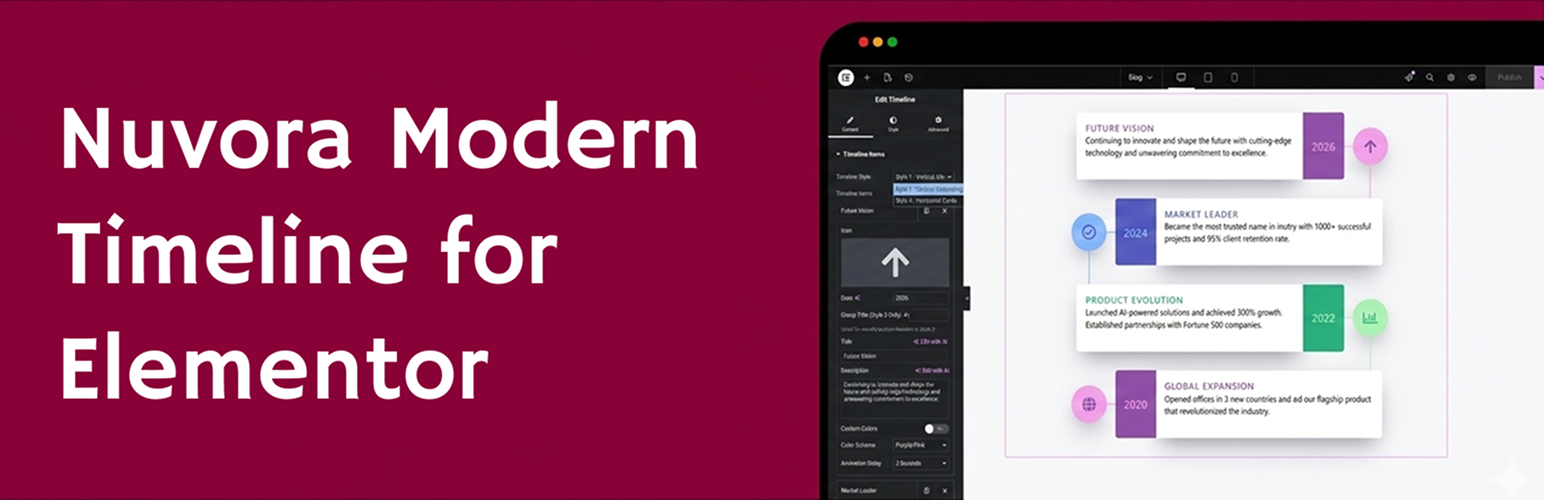
Nuvora Timeline for Elementor
| 开发者 | meerab123 |
|---|---|
| 更新时间 | 2026年3月6日 12:20 |
| PHP版本: | 8.0 及以上 |
| WordPress版本: | 6.9 |
| 版权: | GPLv2 or later |
| 版权网址: | 版权信息 |
详情介绍:
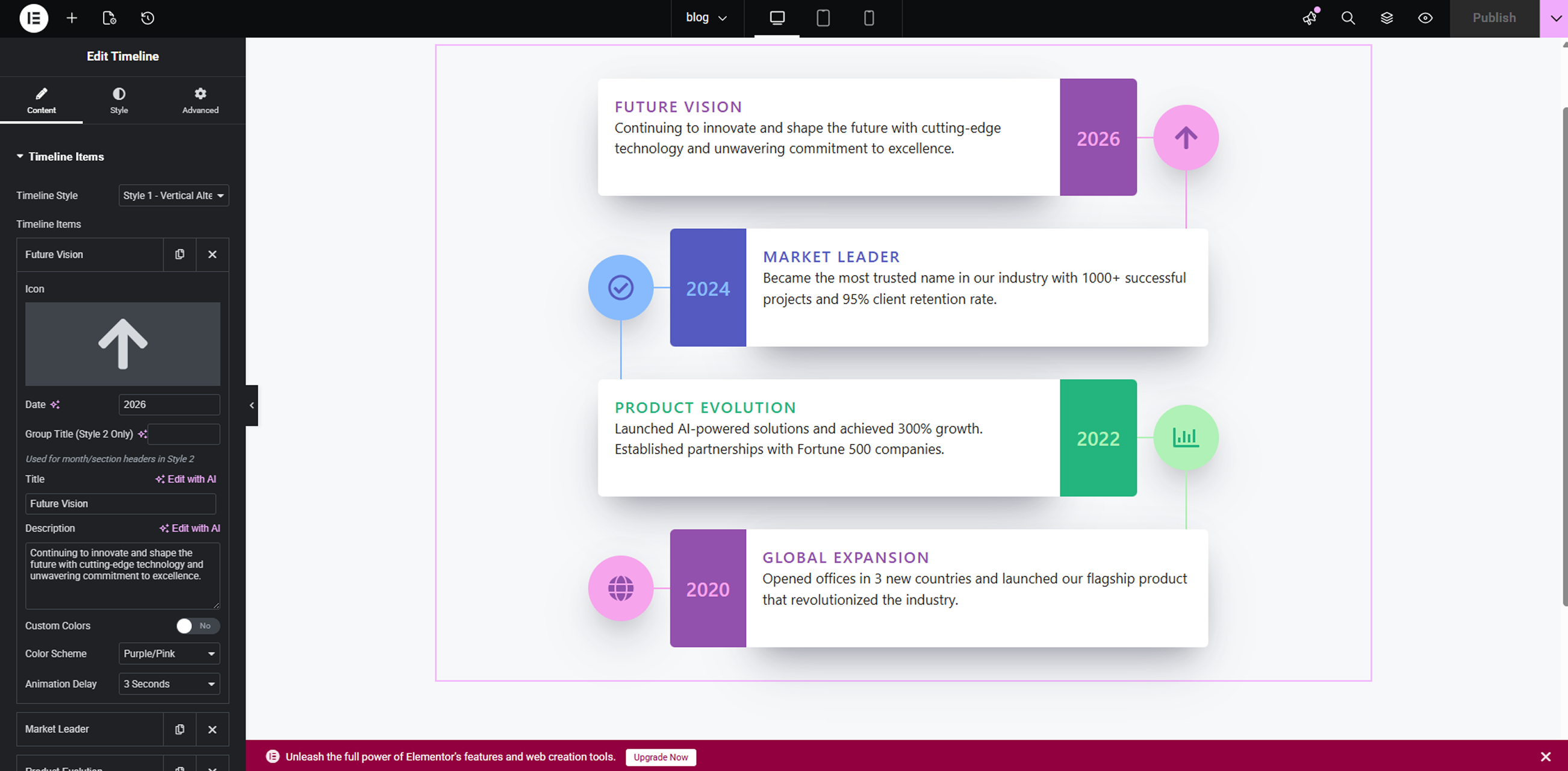
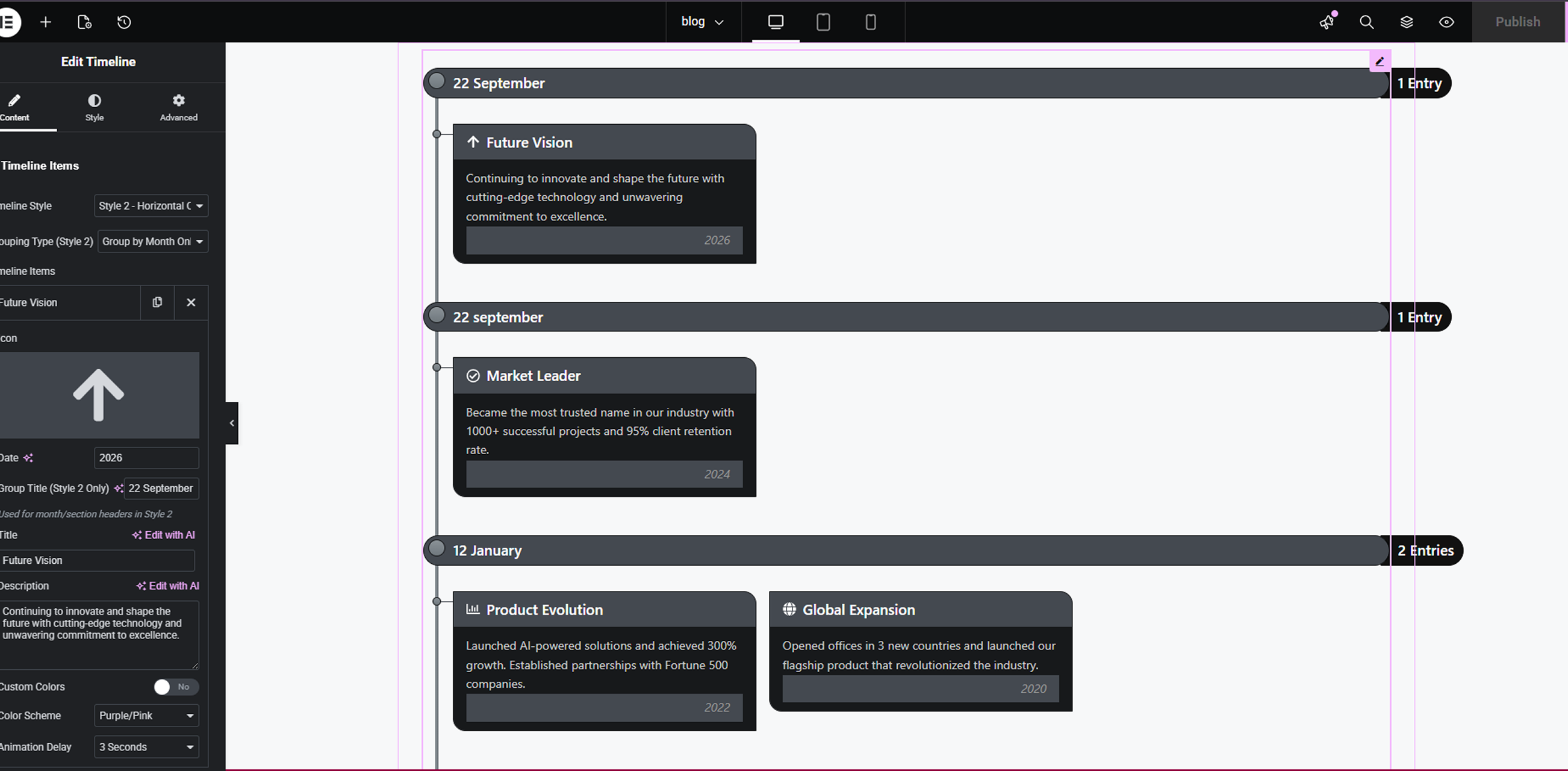
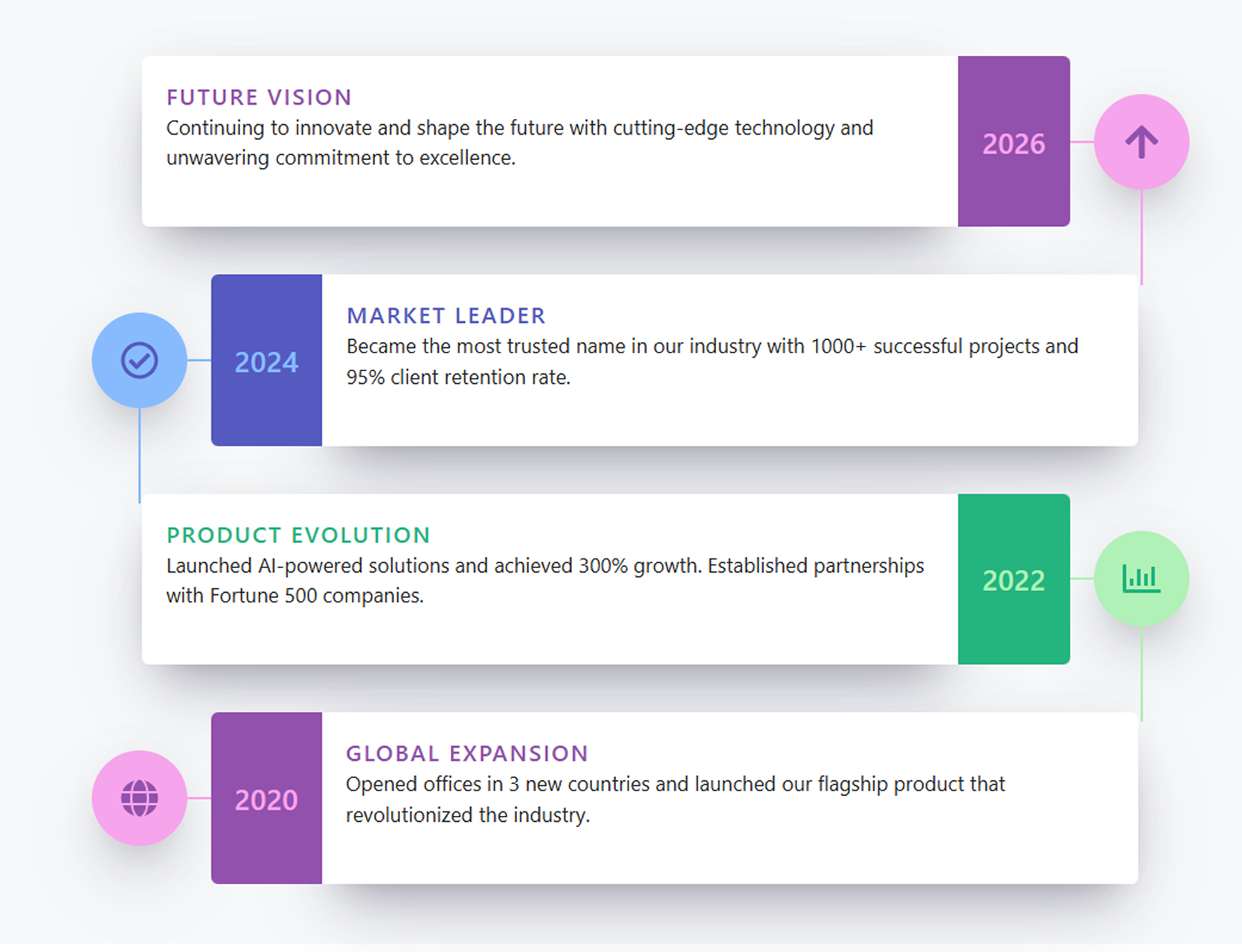
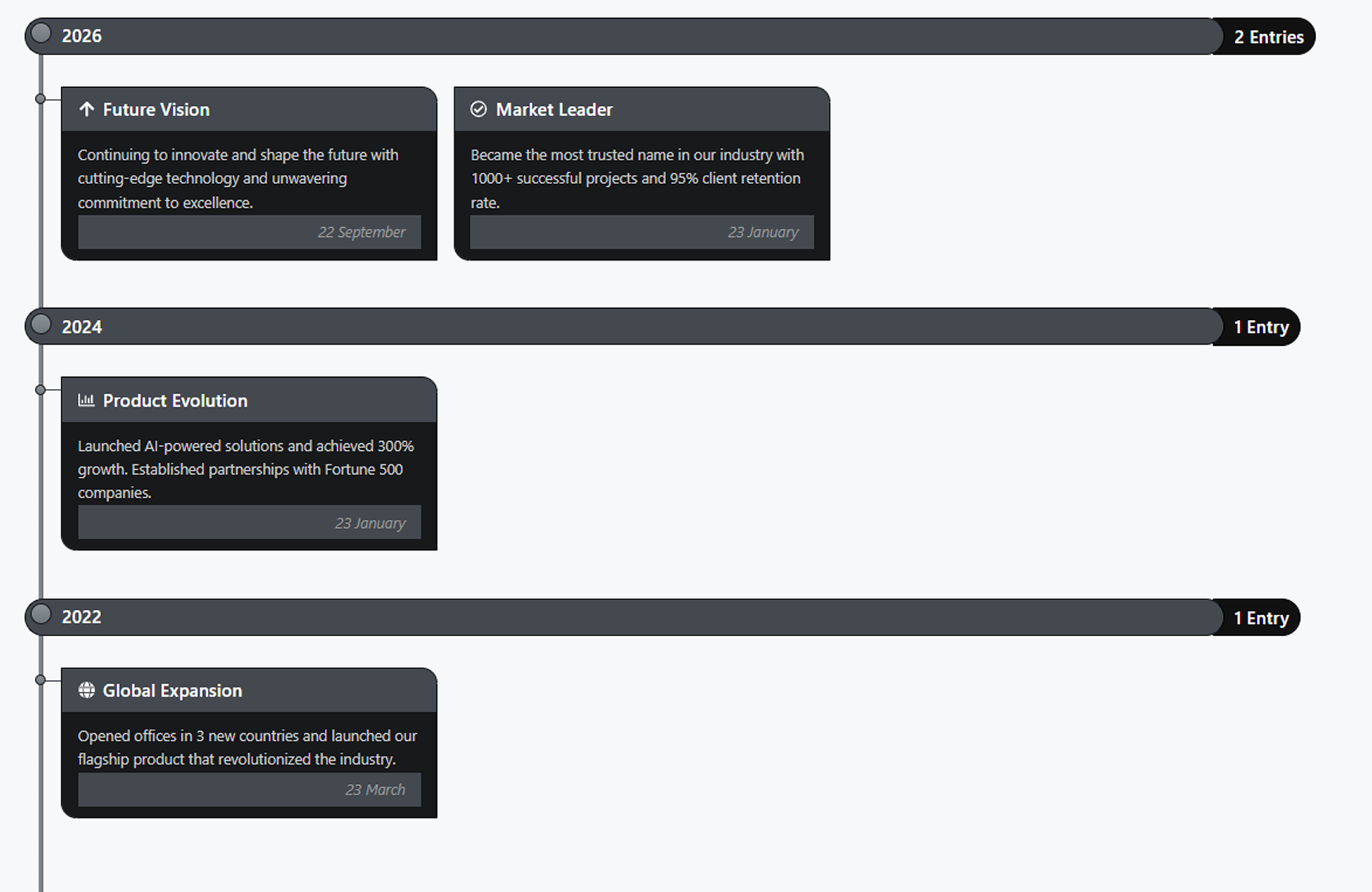
Nuvora Timeline Elementor adds a fully customizable, animated timeline widget to Elementor. Display events, milestones, or history in a visually stunning way with support for multiple color schemes, animation delays, and icons.
Features:
- 3 Color Schemes: Purple/Pink, Blue, and Green
- Smooth fadeInUp animations with customizable delays
- Fully responsive — looks great on all devices
- Simple drag-and-drop interface in Elementor
- Control animation, width, and individual item settings
- Icon support via LineIcons library
- Unlimited timeline items
安装:
- Upload the
nuvora-timeline-for-elementorfolder to the/wp-content/plugins/directory, or install via Plugins > Add New > Upload Plugin. - Activate the plugin through the Plugins menu in WordPress.
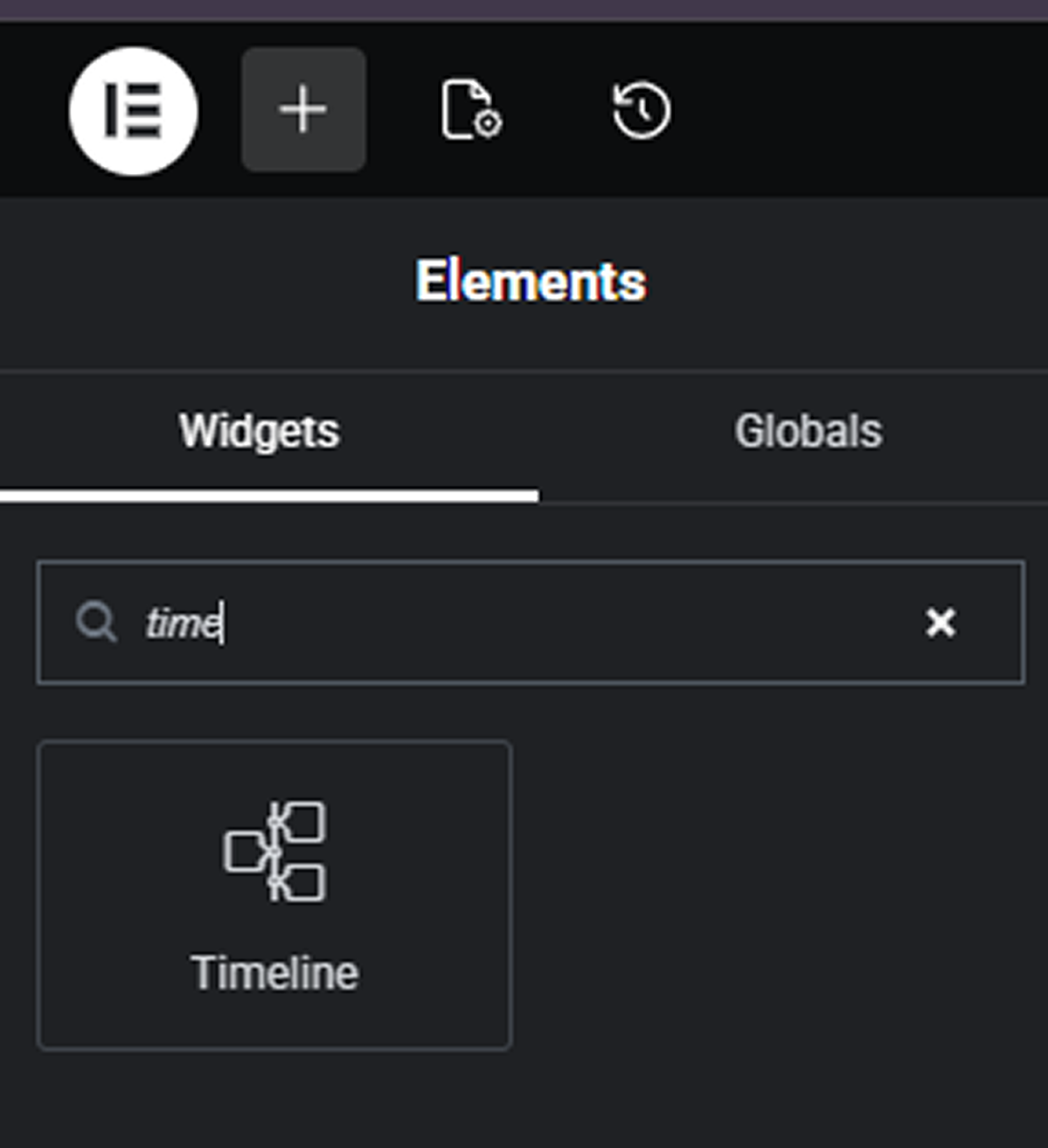
- Open any page or post in Elementor, search for Timeline in the widget panel, and drag it onto your page.
屏幕截图:
常见问题:
Does this require Elementor?
Yes. Elementor 3.0.0 or higher must be installed and activated.
Can I add unlimited timeline items?
Yes, the repeater field allows you to add as many timeline events as needed.
How do I change the colors?
Each timeline item has a Color Scheme selector (Purple/Pink, Blue, Green). You can also enable custom colors per item.
更新日志:
1.0.0
- Initial release.
- 3 color schemes.
- Animated timeline.
- Fully responsive.
- Elementor integration.