
NVT AI Chatbot - RAG & Live Chat
| 开发者 | nguyenvanthu |
|---|---|
| 更新时间 | 2026年3月14日 12:56 |
| PHP版本: | 7.4 及以上 |
| WordPress版本: | 6.9 |
| 版权: | GPLv2 or later |
| 版权网址: | 版权信息 |
详情介绍:
- Ingest Your Content: Automatically crawl your website's sitemap or upload files (PDF, Docx, TXT) to create a custom knowledge base.
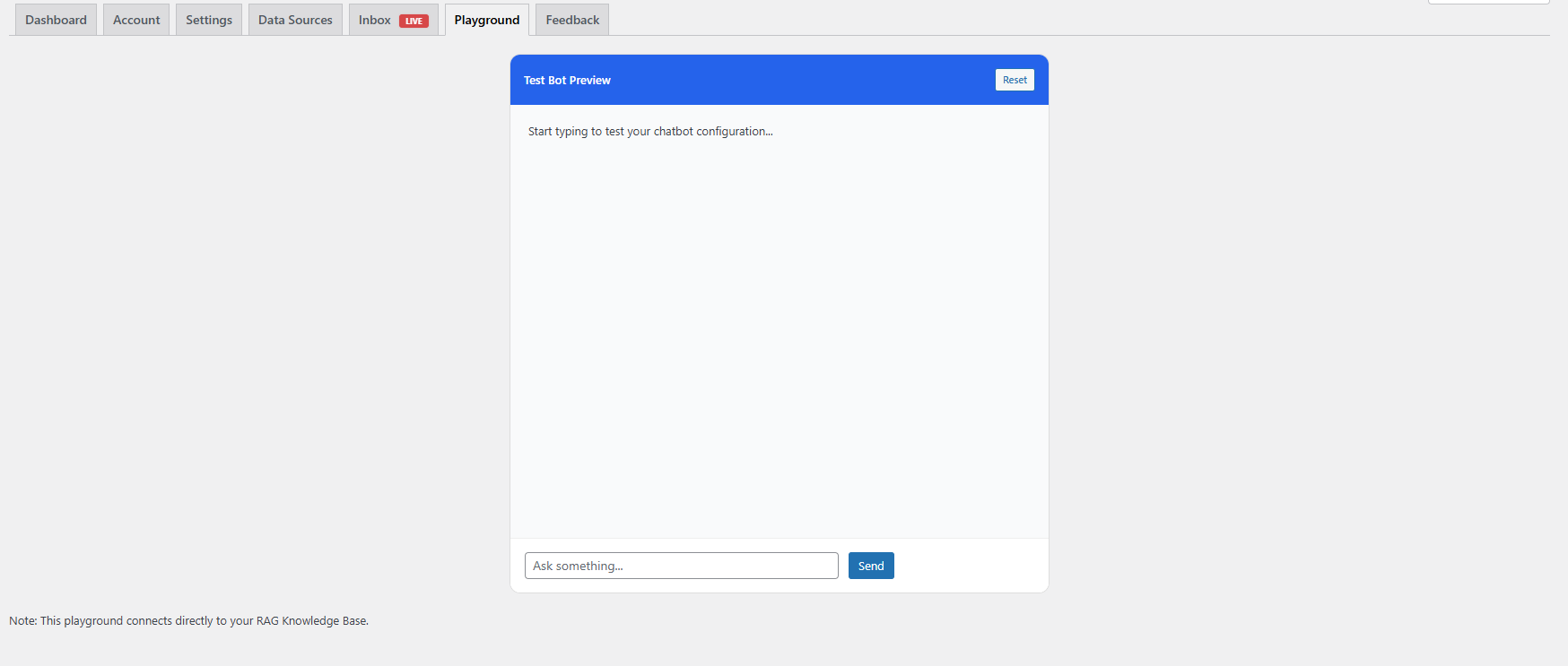
- Provide AI Chat (RAG): Offer a 24/7 AI chatbot that answers visitor questions based specifically on your indexed content.
- Personalized Experience: Automatically identifies logged-in users (Name, Email, Phone) to provide tailored responses without asking for introductions.
- WooCommerce Integration:
- Product Search: AI can search and recommend products from your store.
- Order Tracking: Logged-in users can ask "Where is my order?" to check their latest order status.
- Cart Actions: AI can add products to the cart directly within the chat.
- Cart Snapshot: Support agents can view what is currently in the customer's cart.
- User Journey Tracking: Tracks user activity (pages viewed, products viewed) so support agents understand the customer's context.
- Enable Live Chat: Switch between AI Bot and Live Chat based on a schedule or manual override.
- Smart Inbox: A built-in chat management interface in WP Admin to view history, chat live, and Export Leads/Sessions to CSV.
- Admin Notifications: Get real-time bubble notifications in the WP Admin Bar when users need help.
安装:
- Upload the plugin files to the
/wp-content/plugins/nvt-ai-chatbotdirectory. - Activate the plugin through the 'Plugins' screen in WordPress.
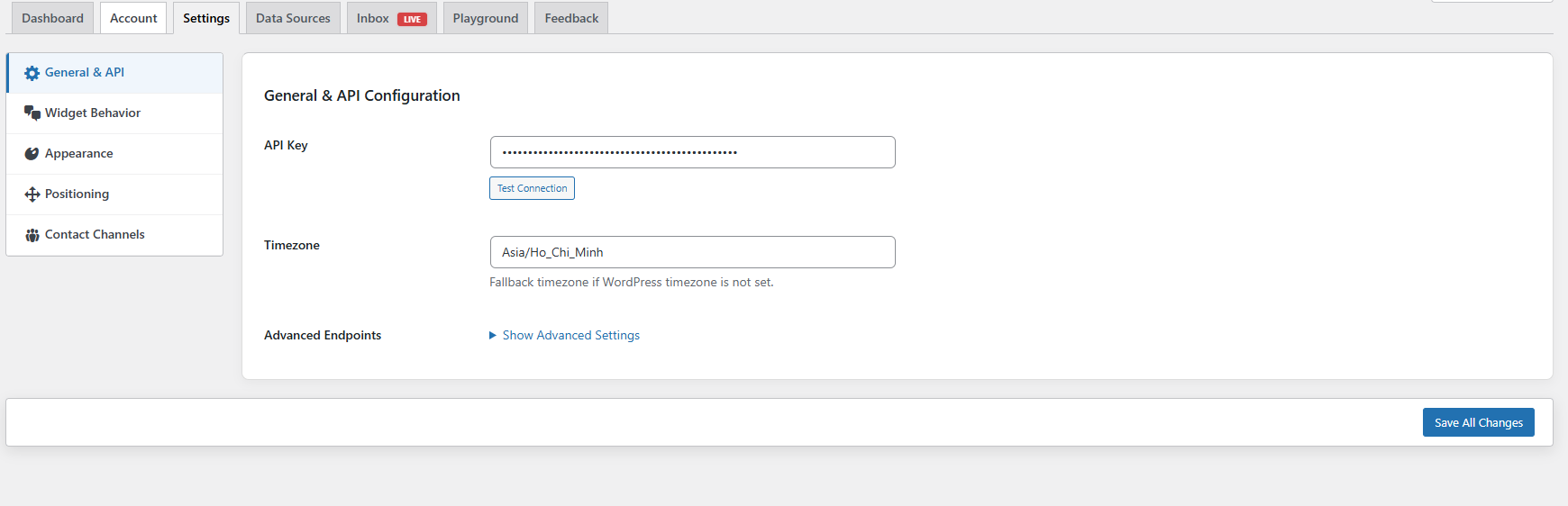
- Go to RAG Chatbot -> Account to register or connect your API Key.
- Configure the widget in the Settings tab.
- (Optional) If you have WooCommerce, the bot will automatically detect it.
屏幕截图:
常见问题:
Does this work with WooCommerce?
Yes! If WooCommerce is installed, the bot automatically gains the ability to search products, check order status for logged-in customers, and help users add items to their cart.
How does the bot know who the user is?
If a visitor is logged into your WordPress site, the plugin securely passes their Name, Email, and User ID to the chat context. If they are a guest, they can manually provide their name/phone in the chat widget.
Can I export chat data?
Yes. Go to RAG Chatbot -> Inbox, where you can filter conversations and export them to CSV for your CRM or analysis.
What do I do if the "Test Connection" fails?
First, check if your API Key is correct. Second, ensure your WordPress host allows outgoing connections to api.nguyenvanthu.com.
Is my data safe?
Yes. We only index the public content you choose. Personal user data (orders, cart) is processed in real-time for the chat session and is not used for third-party advertising.
更新日志:
- New: WooCommerce Integration: AI can now search products and check order status.
- New: Cart Integration: Users can add items to cart via chat; Agents can view customer cart snapshots.
- New: Personalization: Automatically detects logged-in users (Name, Phone, Email) for context-aware support.
- New: Event Tracking: Tracks user page views and product interest in real-time.
- New: Export: Added CSV export for Leads and Chat History in the Inbox tab.
- New: Admin Bar: Added unread message counter bubble for admins.
- Improvement: Optimized REST API connection (cURL) to prevent timeouts.
- Improvement: Added Rate Limiting to prevent API abuse.
- Fix: Resolved issues with WebSocket reconnection.
- Initial release with RAG and Live Chat core features.