NXT Cloud Chat - Business Inbox, Login & Contact Management
| 开发者 | nxtwebsite |
|---|---|
| 更新时间 | 2026年6月5日 09:03 |
| PHP版本: | 7.4 及以上 |
| WordPress版本: | 7.0 |
| 版权: | GPL-2.0-or-later |
| 版权网址: | 版权信息 |
详情介绍:
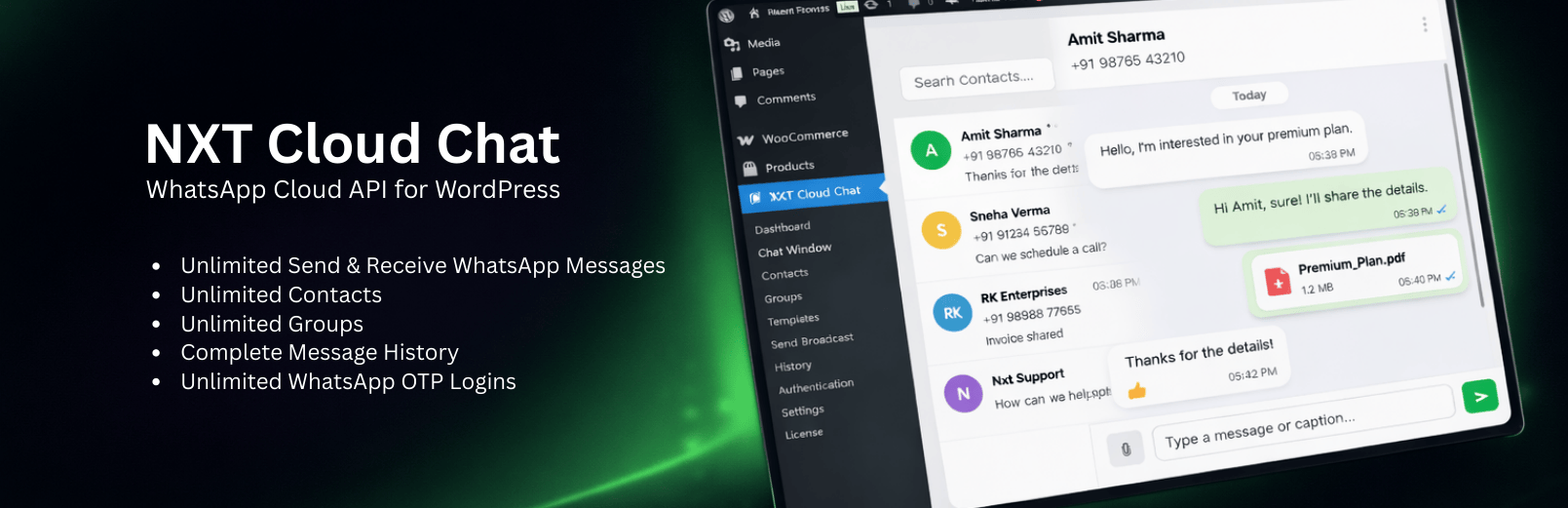
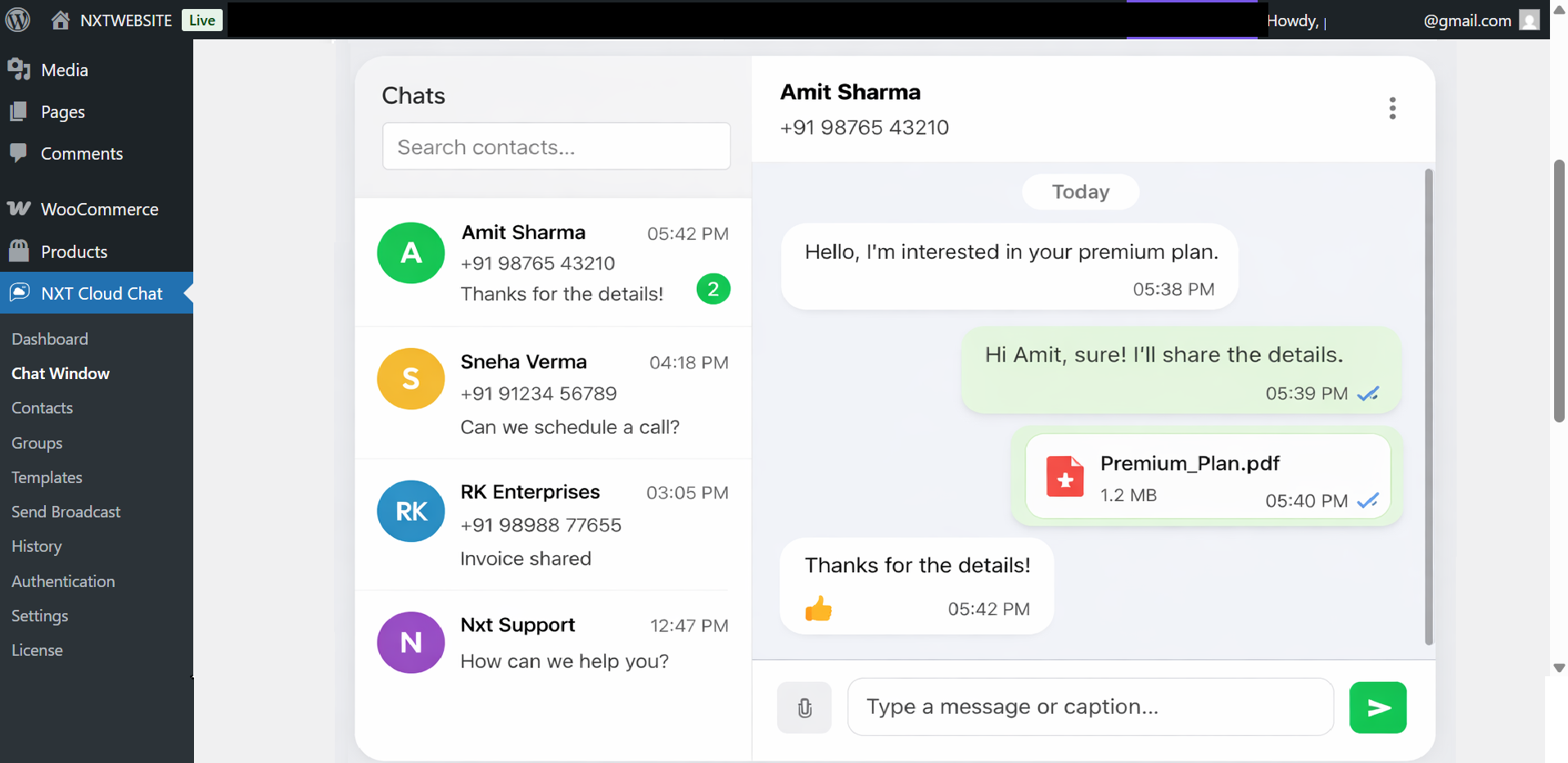
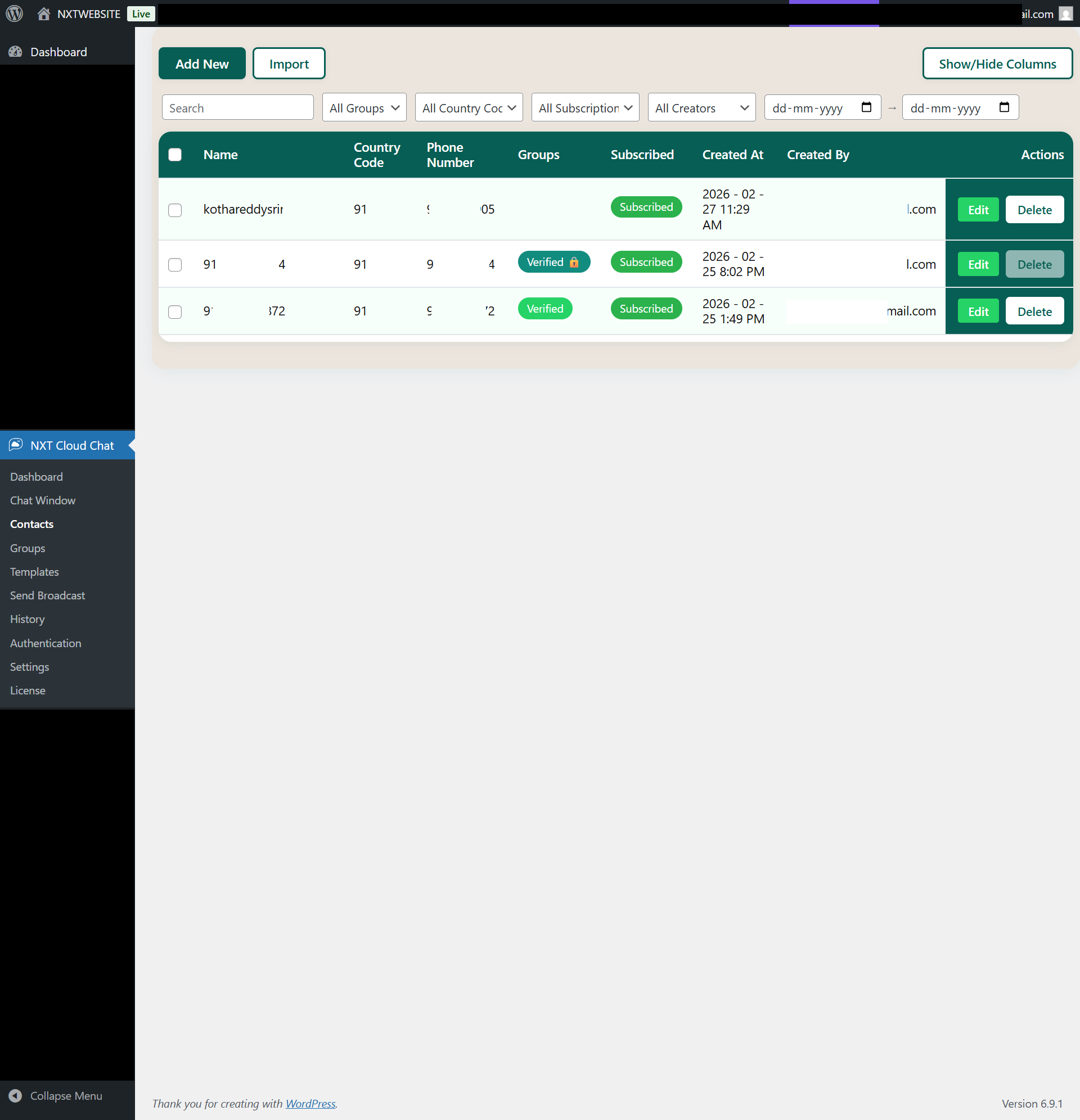
NXT Cloud Chat is a WhatsApp Cloud API plugin for WordPress that helps you run WhatsApp communication from your WordPress admin. Connect your site to the official WhatsApp Business Platform to manage 1-to-1 chat, organize contacts and groups, review message history, and handle WhatsApp-based customer communication from one place.
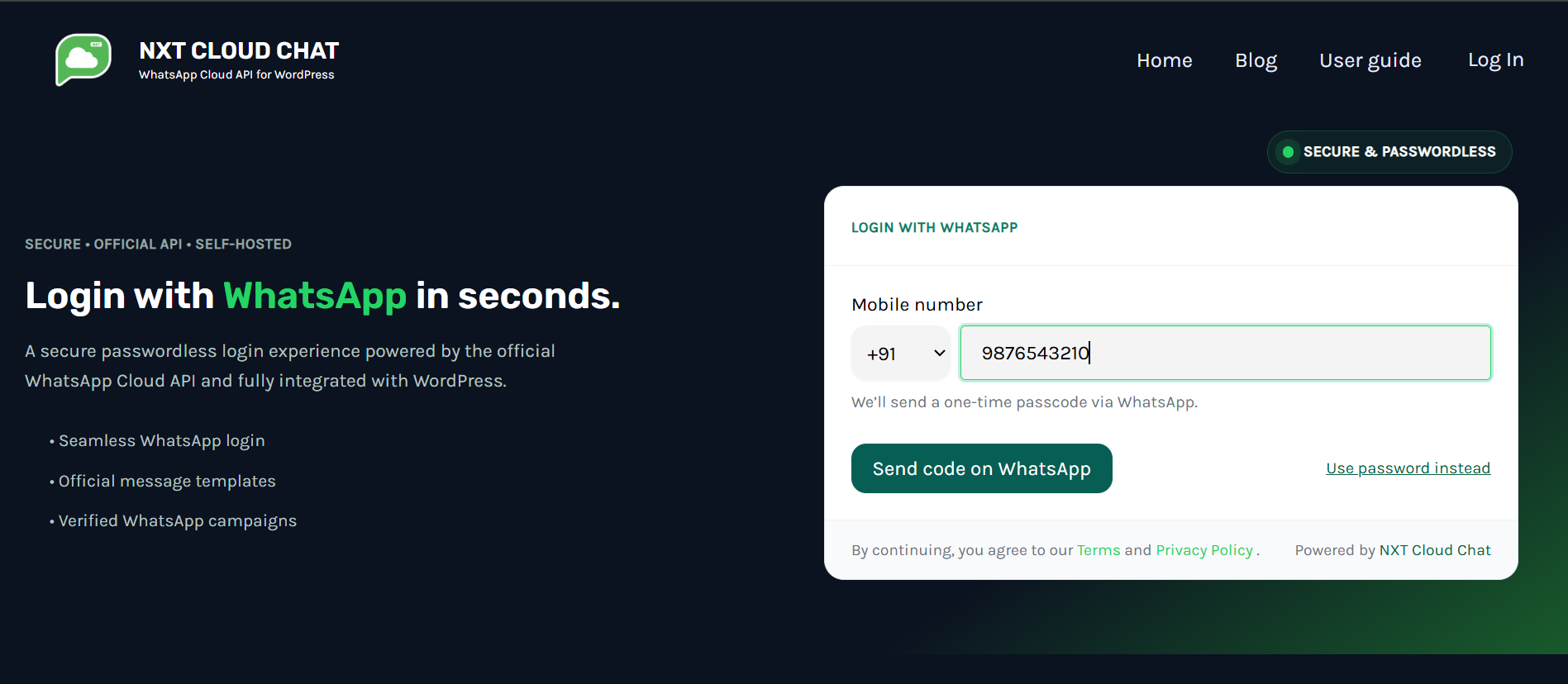
The plugin also includes a WhatsApp login and authentication widget for WordPress users. Visitors can sign in with their phone number and a one-time password delivered through WhatsApp while continuing to use standard WordPress user accounts.
If you need a WordPress WhatsApp plugin that combines WhatsApp Cloud API messaging, a WhatsApp inbox, contact management, and WhatsApp OTP login, NXT Cloud Chat is built for that workflow.
NXT Cloud Chat also includes team access controls so a tenant owner can assign user roles and permissions for selected WordPress users who need access to WhatsApp chat, contacts, groups, history, settings, or authentication features.
For stores and growing businesses, the optional Pro add-on extends NXT Cloud Chat with WooCommerce automations, abandoned cart recovery, workflow-based messaging, bulk WhatsApp campaigns, advanced template messaging, CTA buttons, and customer engagement flows.
Free customer support is available for both Free plugin users and Pro users who need help with WhatsApp API setup, plugin configuration, troubleshooting, and general technical support for NXT Cloud Chat.
Key goals:
- Keep your WhatsApp configuration and authentication data self-hosted in your WordPress database and under your site's control.
- Make WhatsApp Cloud API usage more WordPress-like through familiar admin screens.
- Provide WhatsApp chat, contact management, and template-based notifications in one plugin.
- Provide a WhatsApp login/authentication flow alongside the existing WordPress login system and WooCommerce login experience.
- Offer a clean foundation that can be extended by developers or by an optional add-on.
安装:
- Upload the
nxt-cloud-chatfolder to the/wp-content/plugins/directory, or install via the WordPress "Plugins -> Add New" screen. - Activate the plugin through the "Plugins" menu in WordPress.
- Go to NXT Cloud Chat -> Settings in the WordPress admin.
- Enter:
- App ID
- App Secret
- Access Token
- Phone Number ID
- Business Account ID
- (Optional) Display phone number for reference
- Webhook (for incoming messages)
- Click Save Settings.
屏幕截图:



更新日志:
1.0.9
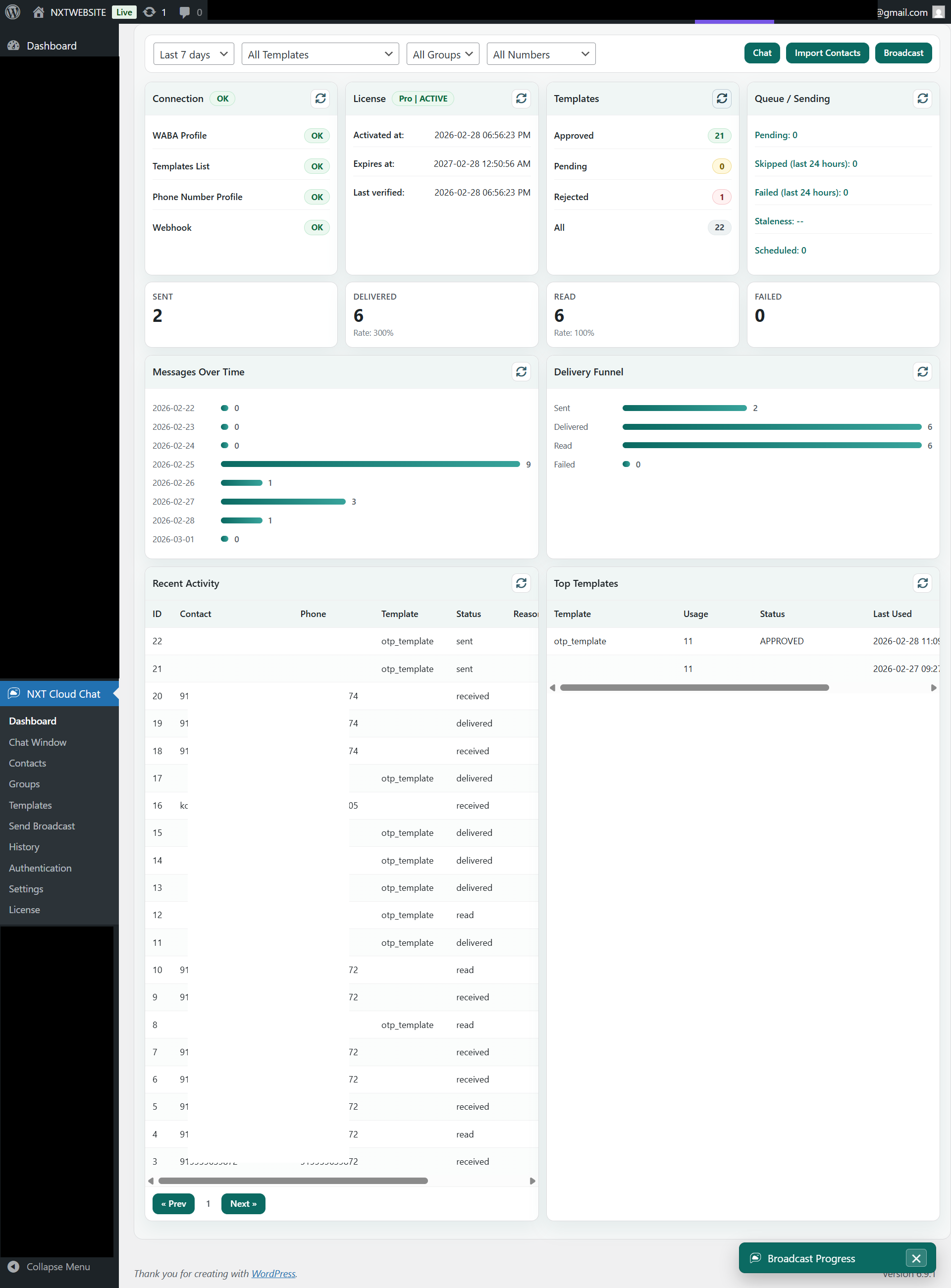
- Redesigned the Free dashboard with compact Pro-style cards for Connection, Messaging and Calling Health Status, and setup help links.
- Added dashboard setup-help links from the existing support badge helper.
- Improved the Messaging and Calling Health Status UI by hiding internal Meta node IDs while preserving the backend health payload.
- Cleaned unused dashboard response fields and UI code after the dashboard redesign.
- Added a shared contact upsert runtime wrapper for compatible integrations and add-ons.
- Added the contact integration writer capability to the Free runtime contract.
- Added Pro feature menu entries with compact Pro badges that open the existing upgrade page when Pro is not installed or the Pro license is inactive.
- Updated Free plugin documentation for Pro abandoned cart recovery, workflow subscription-status checks, and Pro upgrade entry points.
- Added a shared runtime wrapper so compatible add-ons can update contact subscription status safely.
- Routed contact bulk subscribe and unsubscribe actions through the shared tenant-scoped subscription runtime.
- Officially tested and validated compatibility with WordPress 7.0.
- Added a floating Support Portal badge across eligible NXT Cloud Chat admin pages in Free and Pro contexts.
- Improved the support badge UX with expandable and icon-only collapsed states.
- Improved WordPress 6.7+ compatibility by refining translation-loading timing and cleanup catalog text handling.
- Cleaned up i18n and PCP-related warnings in the Free plugin codebase for a more release-ready build.
- Updated the dashboard upgrade call-to-action to point directly to the NXT Cloud Chat product page.
- Added Team Access management for tenant-owner controlled staff permissions inside the plugin.
- Redesigned the Connection settings tab with a more compact branded layout while keeping the existing functionality intact.
- Added cleanup and retention controls for operational data from the plugin.
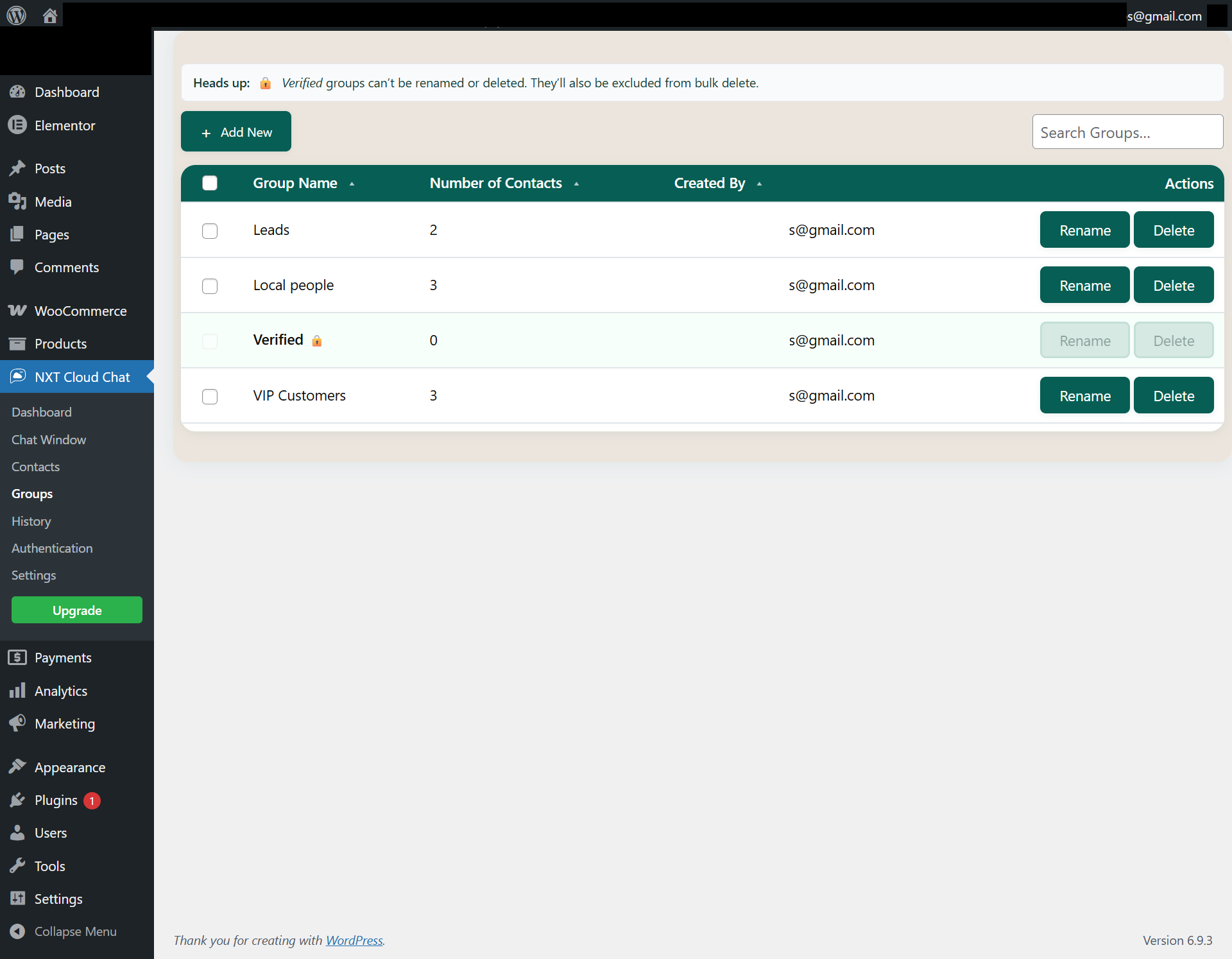
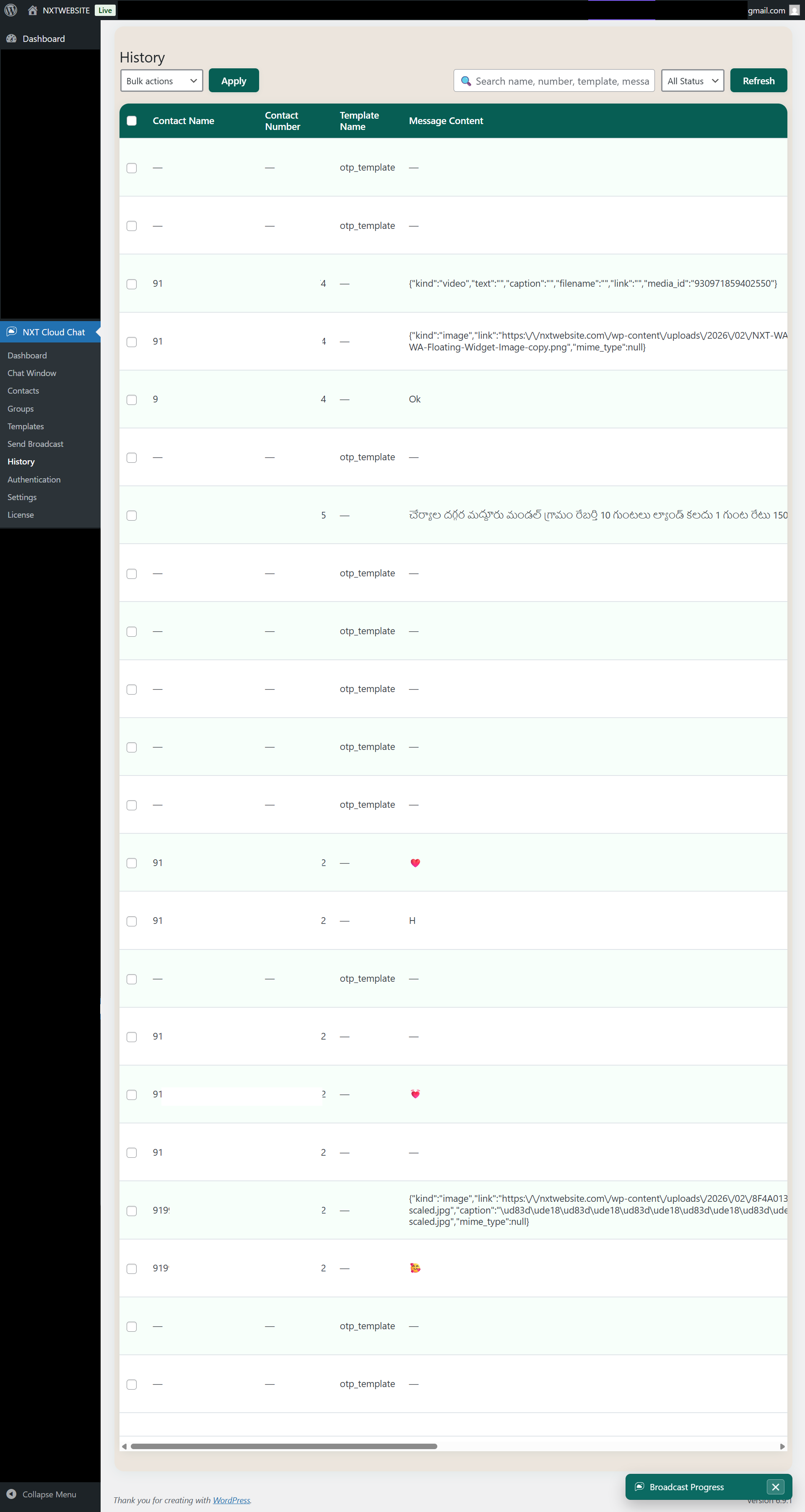
- Refined Contacts, Groups, History, and Chat Window behavior, including verified-group protections and improved live chat handling.
- Removed development-only debug traces from Contacts admin scripts for a cleaner production build.
- Added the stable runtime compatibility contract and bridge wrappers used by the Pro workflow engine.
- Added additive inbound-message, message-status, and authentication lifecycle hooks for internal integrations.
- Improved release compatibility for the Pro add-on workflow runtime.
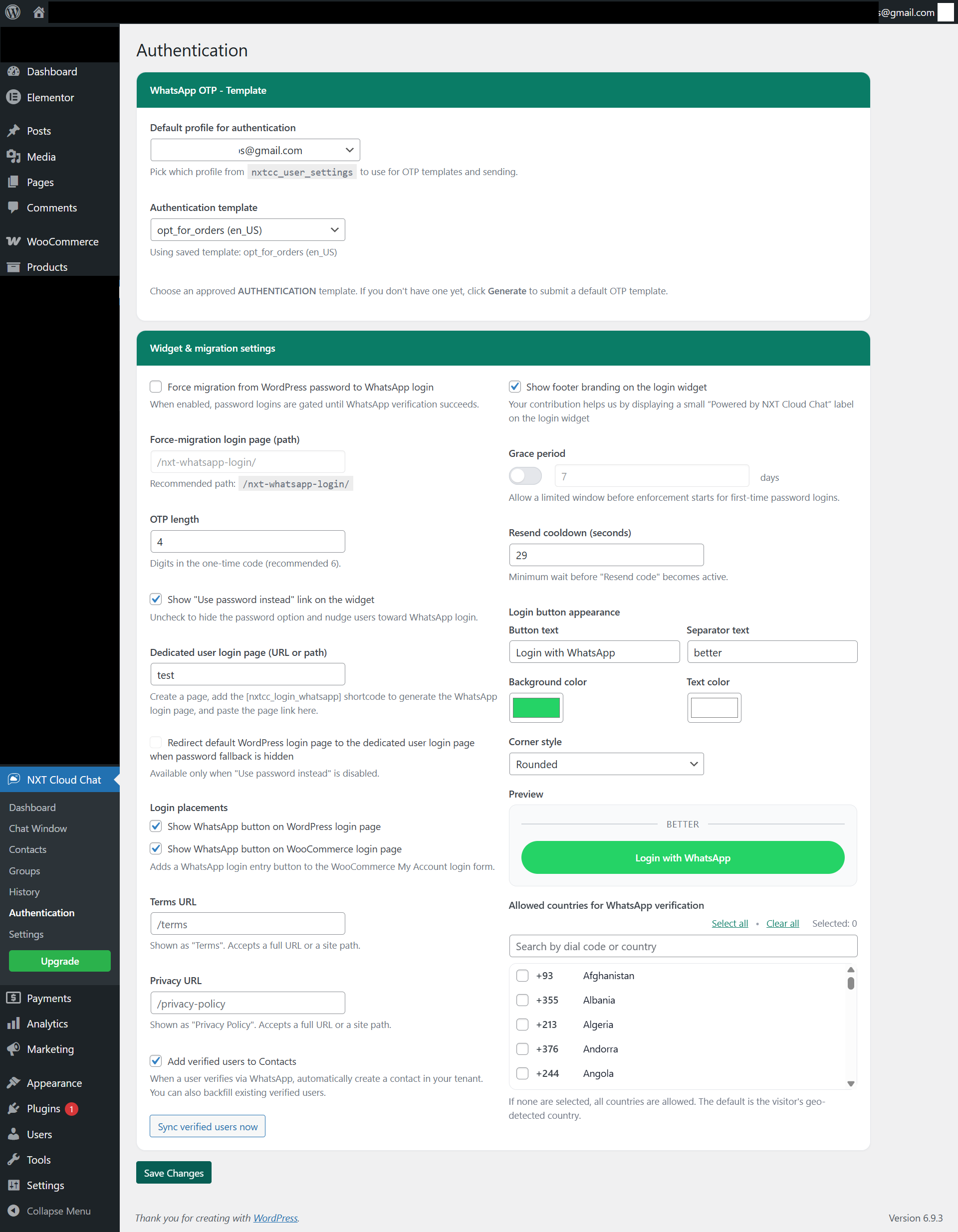
- Added WhatsApp login button support for the default WordPress login page and WooCommerce login page.
- Added customizable login button appearance controls.
- Improved dedicated login page and login widget behavior.
- Refined readme content and listing metadata.
- Initial public release of NXT Cloud Chat.
- Core WhatsApp Cloud API integration.
- Chat Window, Contacts, Groups, Message History, and Dashboard.
- Webhook handling with verify-token helper.
- WhatsApp-based login/authentication widget for WordPress users.