
Obydullah Restaurant POS Lite
| 开发者 | obydullah |
|---|---|
| 更新时间 | 2026年10月10日 07:58 |
| 捐献地址: | 去捐款 |
| PHP版本: | 8.0 及以上 |
| WordPress版本: | 7.1 |
| 版权: | GPLv2 or later |
| 版权网址: | 版权信息 |
详情介绍:
安装:
- WordPress 6.0 or higher
- PHP 8.0 or higher
- MySQL 5.6 or higher
- Navigate to Plugins → Add New in your WordPress admin
- Search for "Obydullah Restaurant POS Lite"
- Click Install Now
- Click Activate
- Download the plugin ZIP file
- Go to Plugins → Add New in your WordPress admin
- Click Upload Plugin and select the ZIP file
- Click Install Now and then Activate
- After activation, go to OBY Restaurant POS in your WordPress admin menu
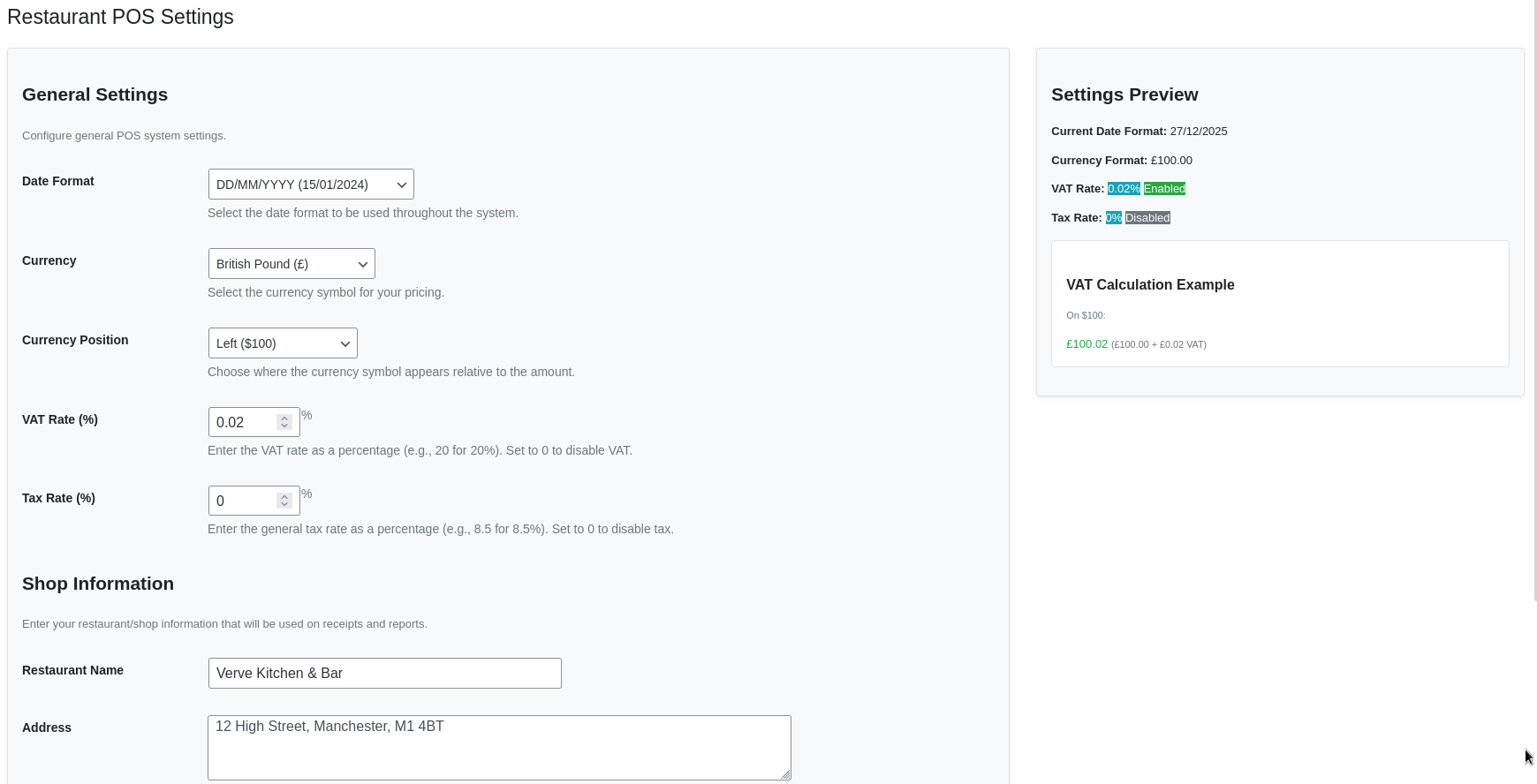
- Start by configuring your shop settings in OBY Restaurant POS → Settings
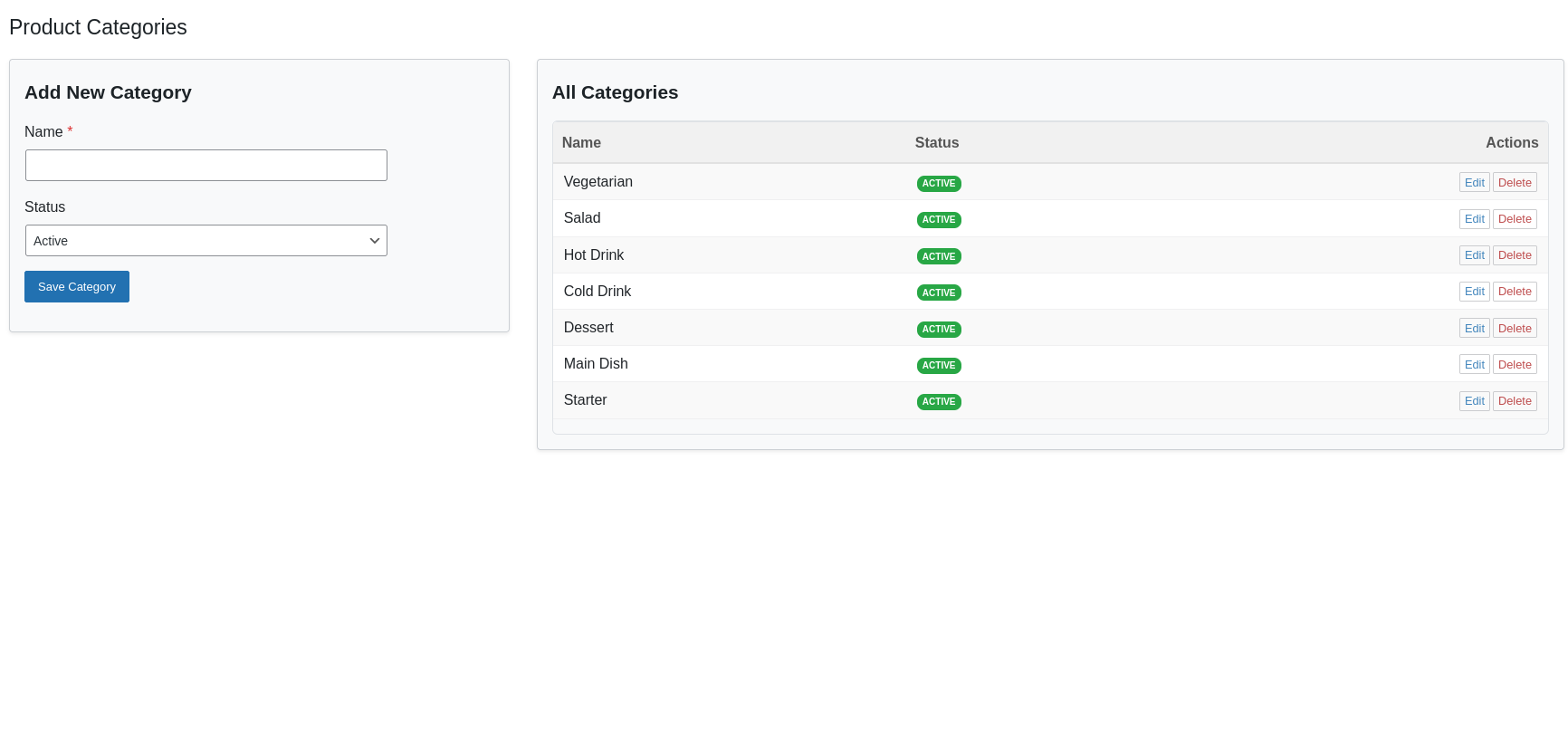
- Add your product categories in OBY Restaurant POS → Categories
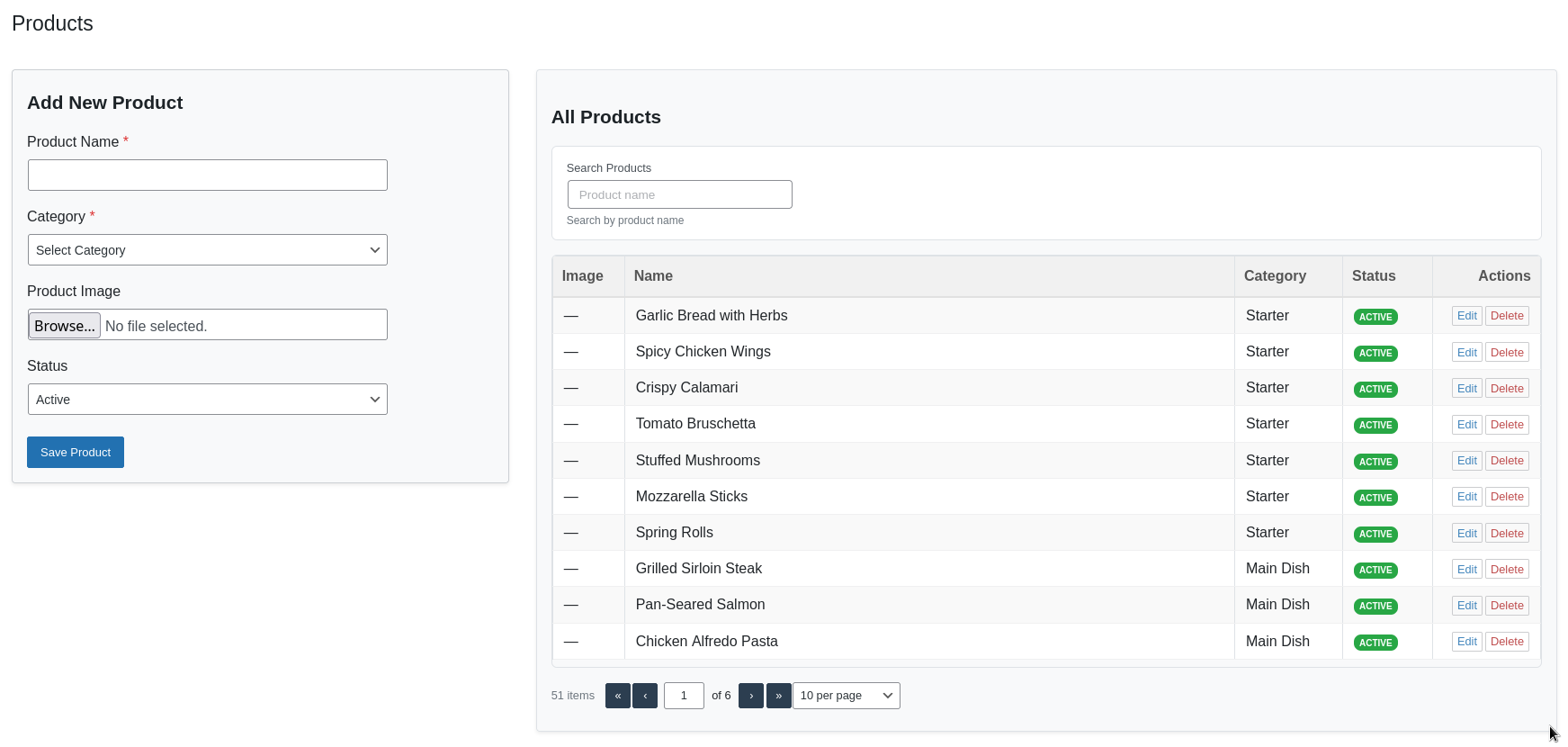
- Add your menu items in OBY Restaurant POS → Products
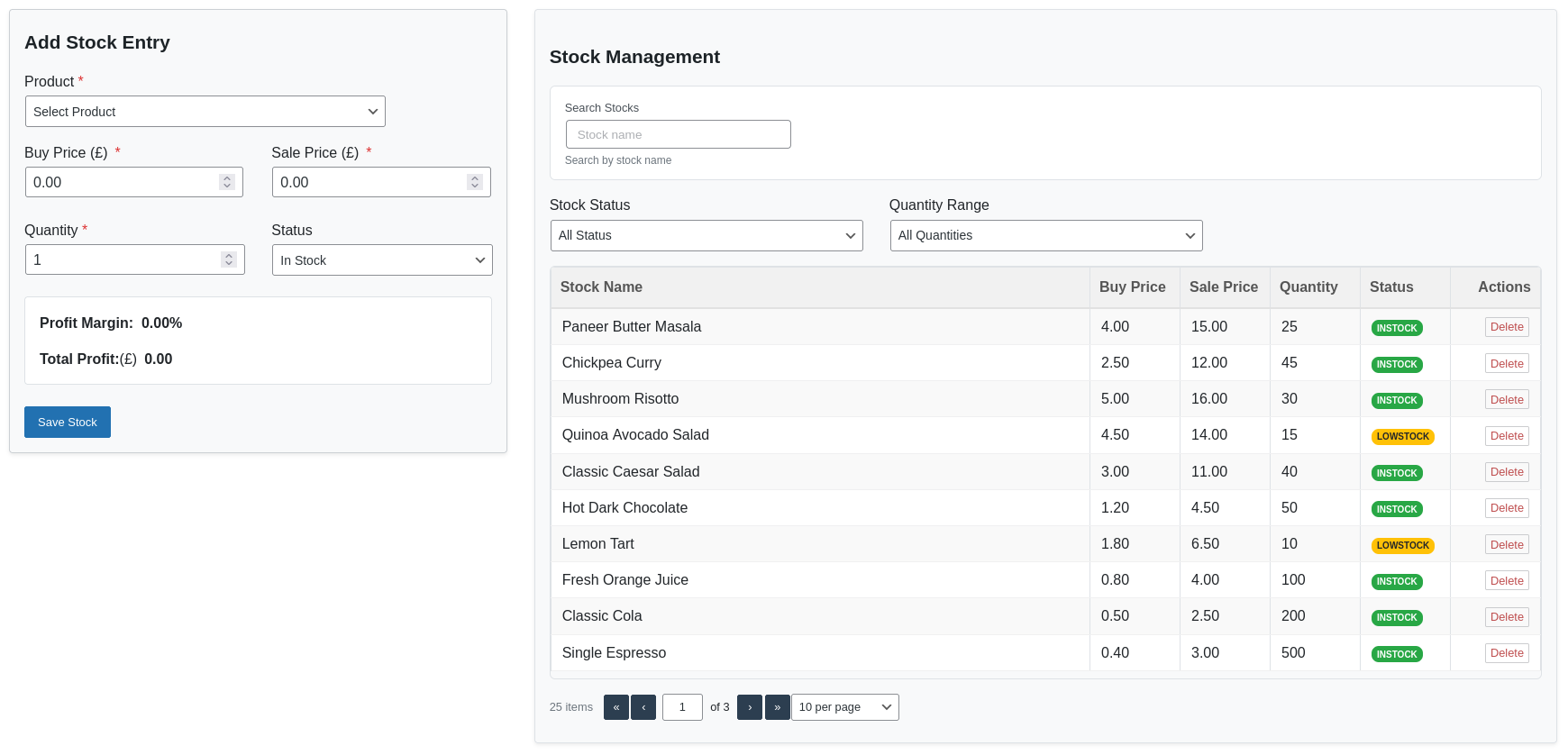
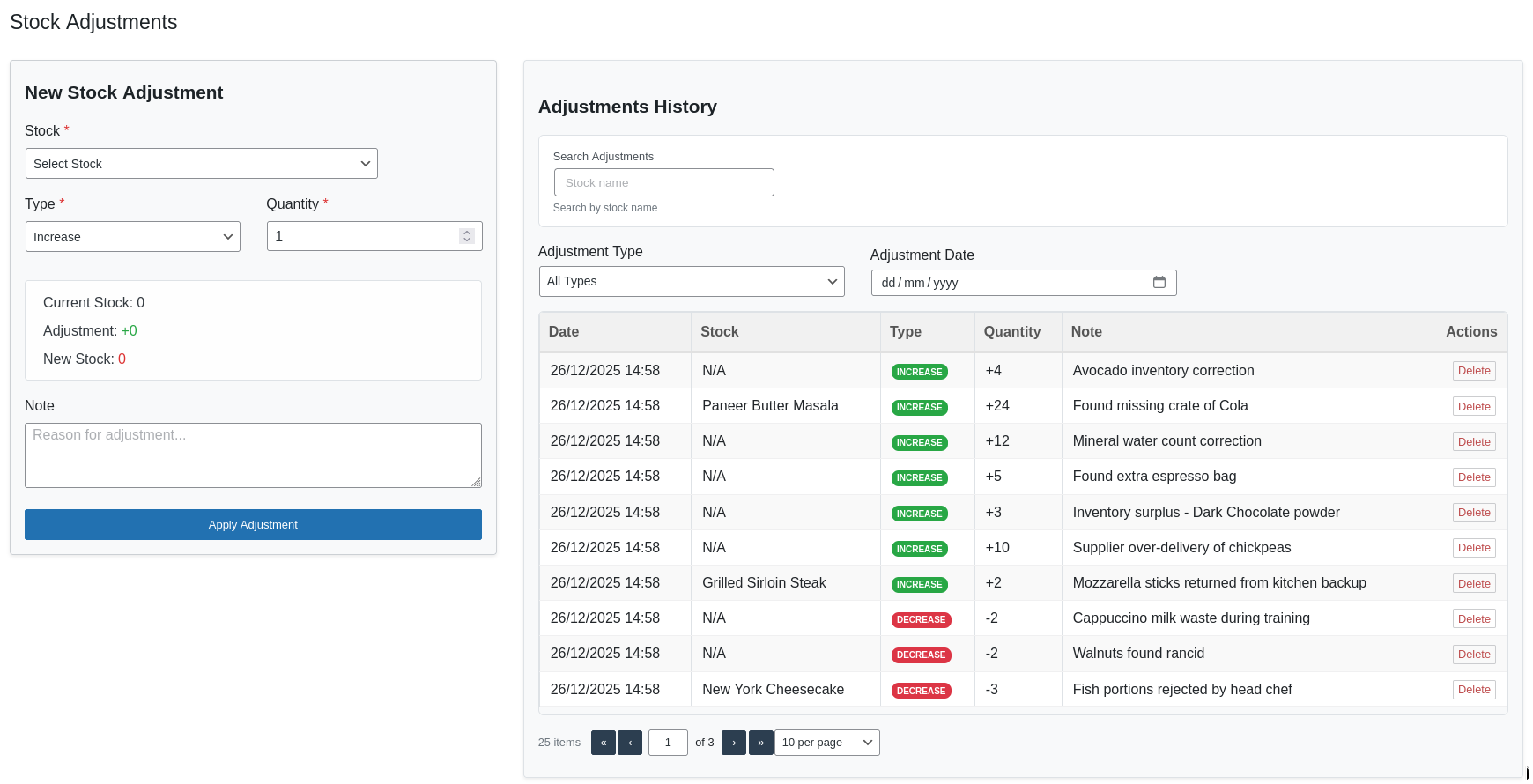
- Set up your initial stock in OBY Restaurant POS → Stocks
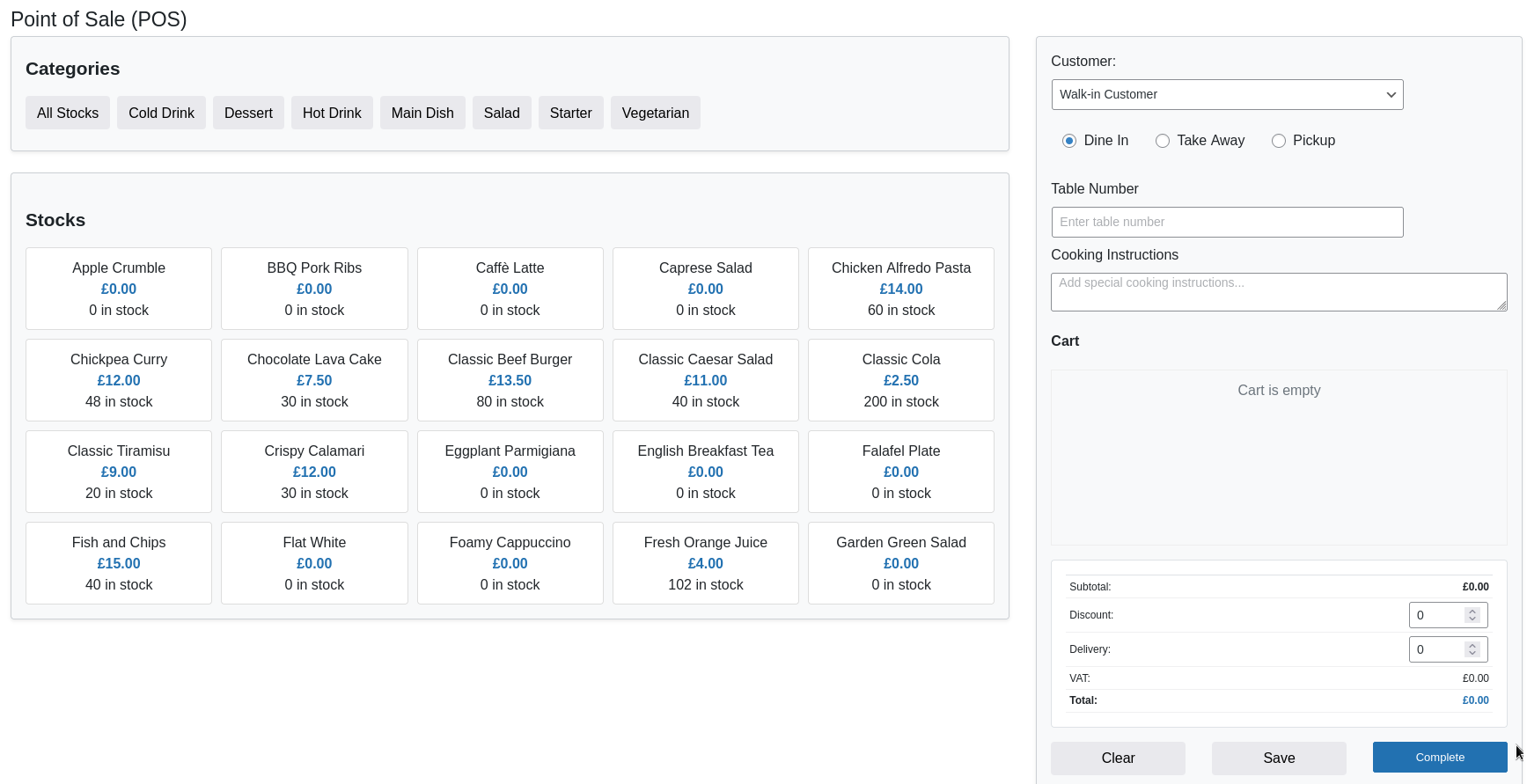
- You're ready to start taking orders in OBY Restaurant POS → POS
屏幕截图:
常见问题:
How do I add menu items?
Go to OBY Restaurant POS → Products in your WordPress admin to add menu items and organize them by categories.
Can I track inventory?
Yes! The plugin includes complete inventory management with stock tracking and automatic low stock alerts. It automatically updates stock levels when sales are completed.
Does it support different order types?
Yes, it supports dine-in, takeaway, and pickup orders with specific options for each type (table numbers for dine-in, addresses for takeaway, etc.).
Can I print receipts/invoices?
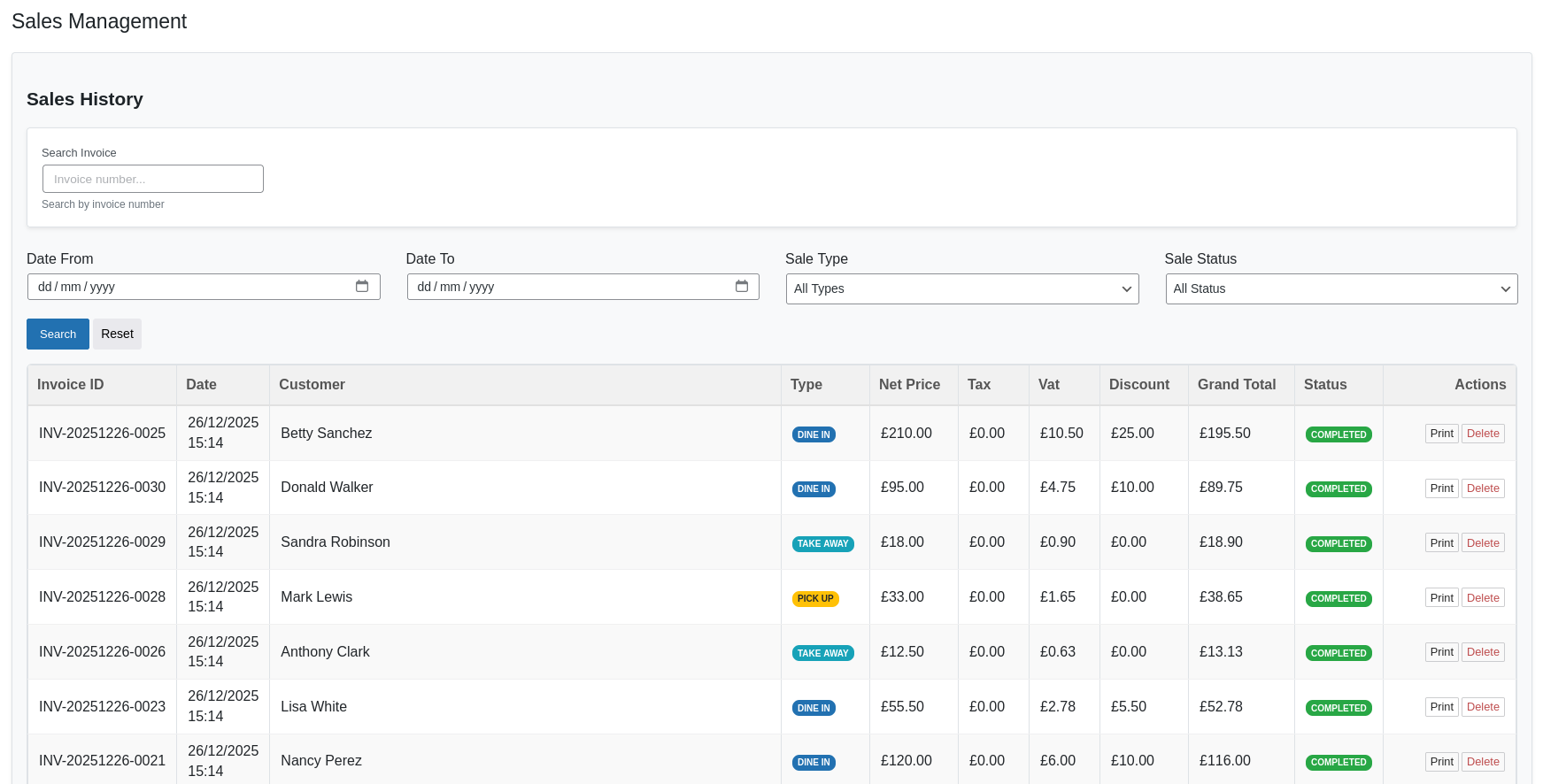
Yes, the plugin includes professional receipt and invoice printing for completed orders with customizable shop information. You can print directly from the browser.
Is customer data stored?
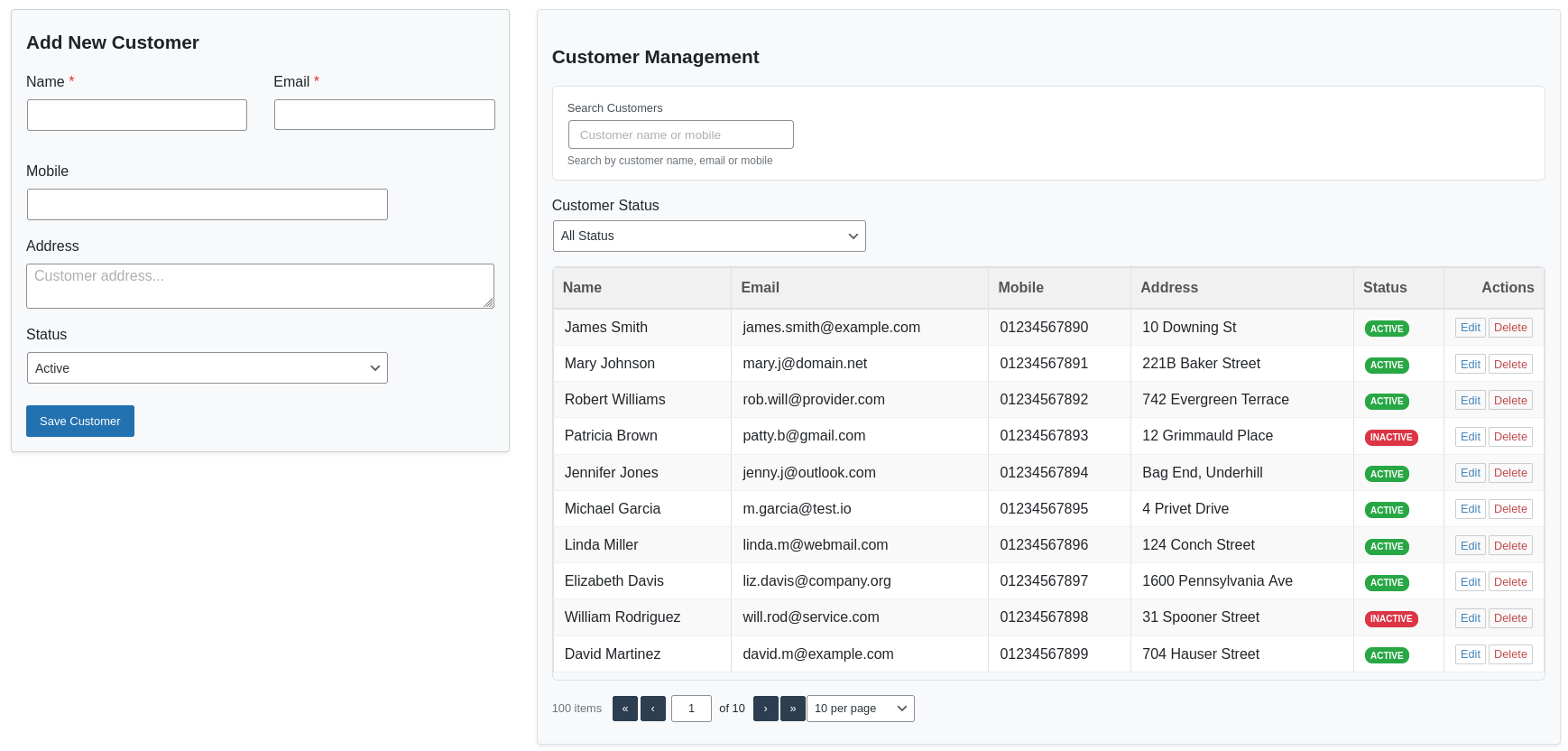
Yes, customer information can be stored in the Customer Management section for repeat orders and better service. Customer emails must be unique to avoid duplicates.
How do I set up taxes and VAT?
Go to OBY Restaurant POS → Settings to configure tax rates, VAT rates, currency, and other shop settings. You can enable/disable these features as needed.
Can I save orders for later completion?
Yes, you can save orders in the POS and complete them later. Saved orders appear in the "Saved Sales" section and can be loaded, edited, or deleted.
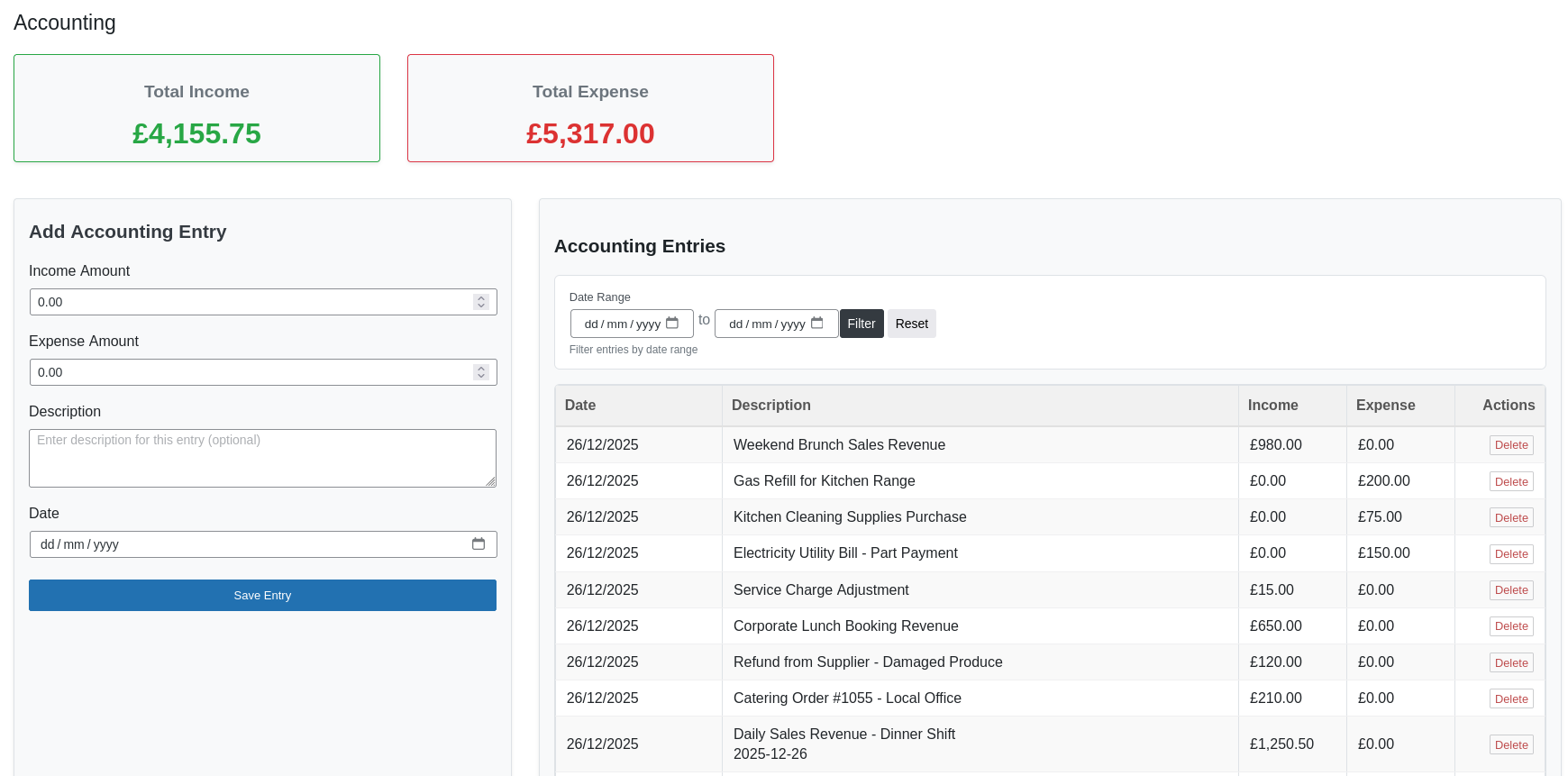
Is there accounting/financial tracking?
Yes, the plugin automatically tracks sales income and creates accounting entries. You can also manually add income/expense entries for other transactions.
How do I view sales reports?
Go to OBY Restaurant POS → Dashboard for an overview of today's and monthly sales, income, expenses, and profits. The Sales section provides detailed transaction history.
Can multiple users access the POS?
Yes, any WordPress user with the manage_options capability (typically Administrators) can access and use the POS system.
Is the plugin translation-ready?
Yes, the plugin is fully translation-ready and includes .pot file for translators. Text domain: obydullah-restaurant-pos-lite.
更新日志:
- Added Requires PHP header to readme.
- Enhanced pagination UI for a smoother user experience.
- Simplified the dashboard top-selling products display.
- Refined net income calculation from sales.
- Items with zero quantity are now hidden in the POS.
- Improved and simplified the accounting workflow.
- Updated admin menu name for improved clarity
- Improved Stock In functionality to only increase stock quantity
- Fixed accounting table description display issue
- Dashboard UI improvements
- Simplified accounting workflow
- Performance improvements
- No database changes
- Fixed: UI layout improvements for better responsiveness
- Fixed: Improved form validation and error messages
- Fixed: Enhanced pagination and table display
- Fixed: Minor bug fixes and performance optimizations
- Fixed: Better mobile compatibility for POS interface
- Fixed: Improved caching mechanisms for better performance
- Initial release with complete POS system
- Menu and category management
- Inventory tracking with stock alerts
- Customer management system
- Sales processing and reporting
- Accounting and financial tracking
- Receipt and invoice printing
- Shop configuration and settings