
Ohmywishes Button
| 开发者 | Ohmywishes |
|---|---|
| 更新时间 | 2026年8月17日 16:05 |
| PHP版本: | 7.2 及以上 |
| WordPress版本: | 7.1 |
| 版权: | GPL-2.0+ |
| 版权网址: | 版权信息 |
详情介绍:
The Ohmywishes Button plugin is the fastest way to get to your customers' wishlists. Retain customers who are not ready to purchase right away, and attract new ones.
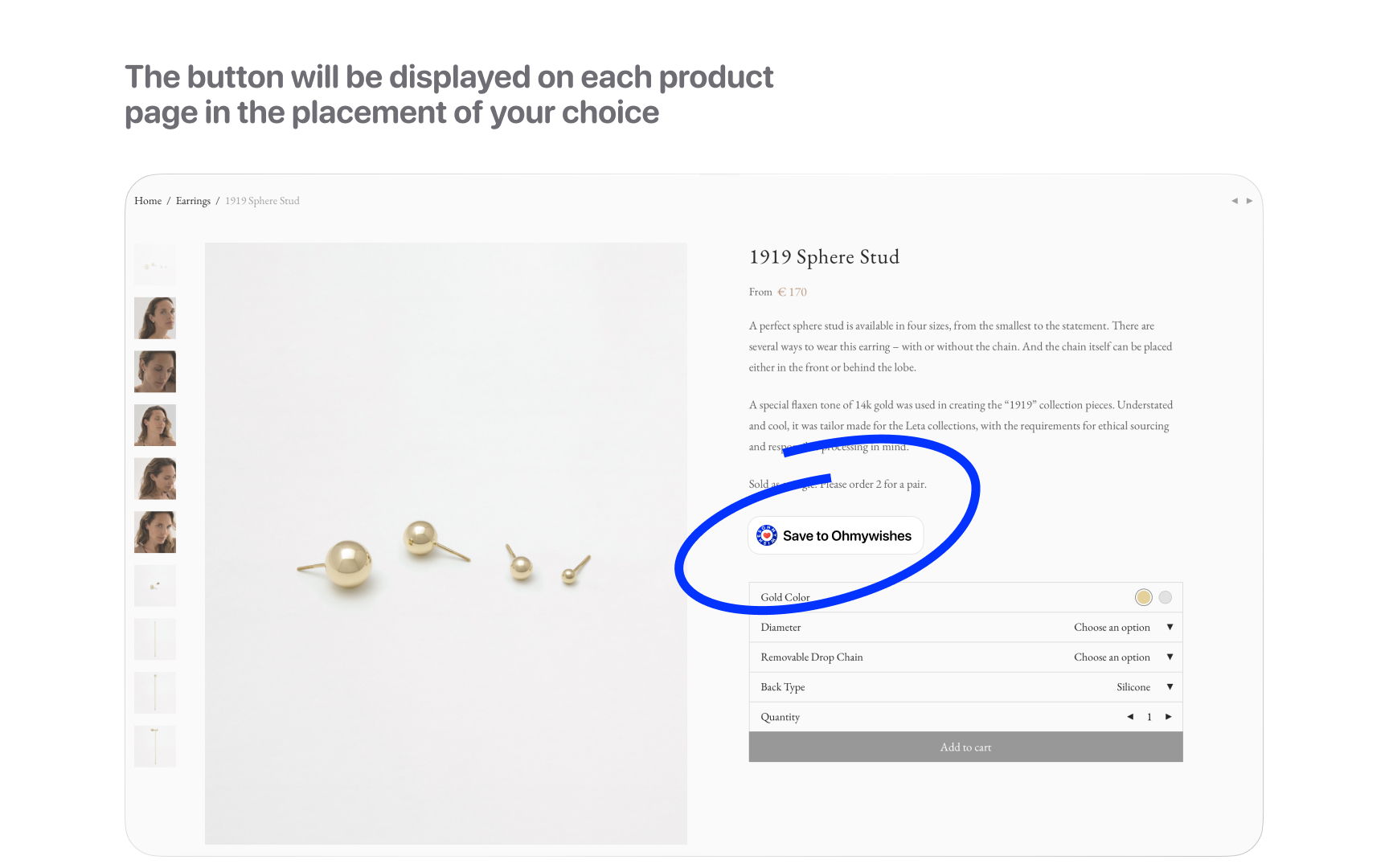
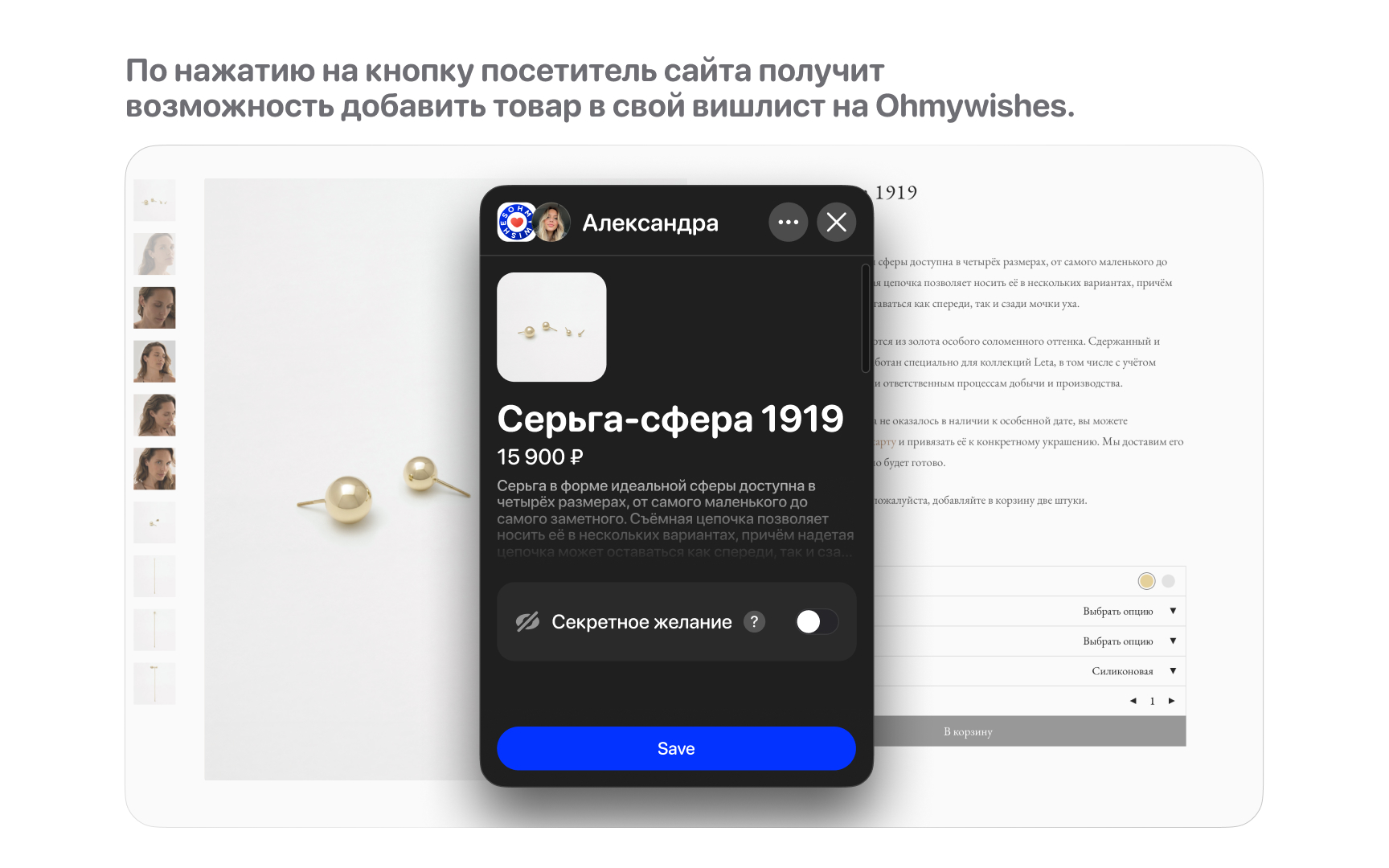
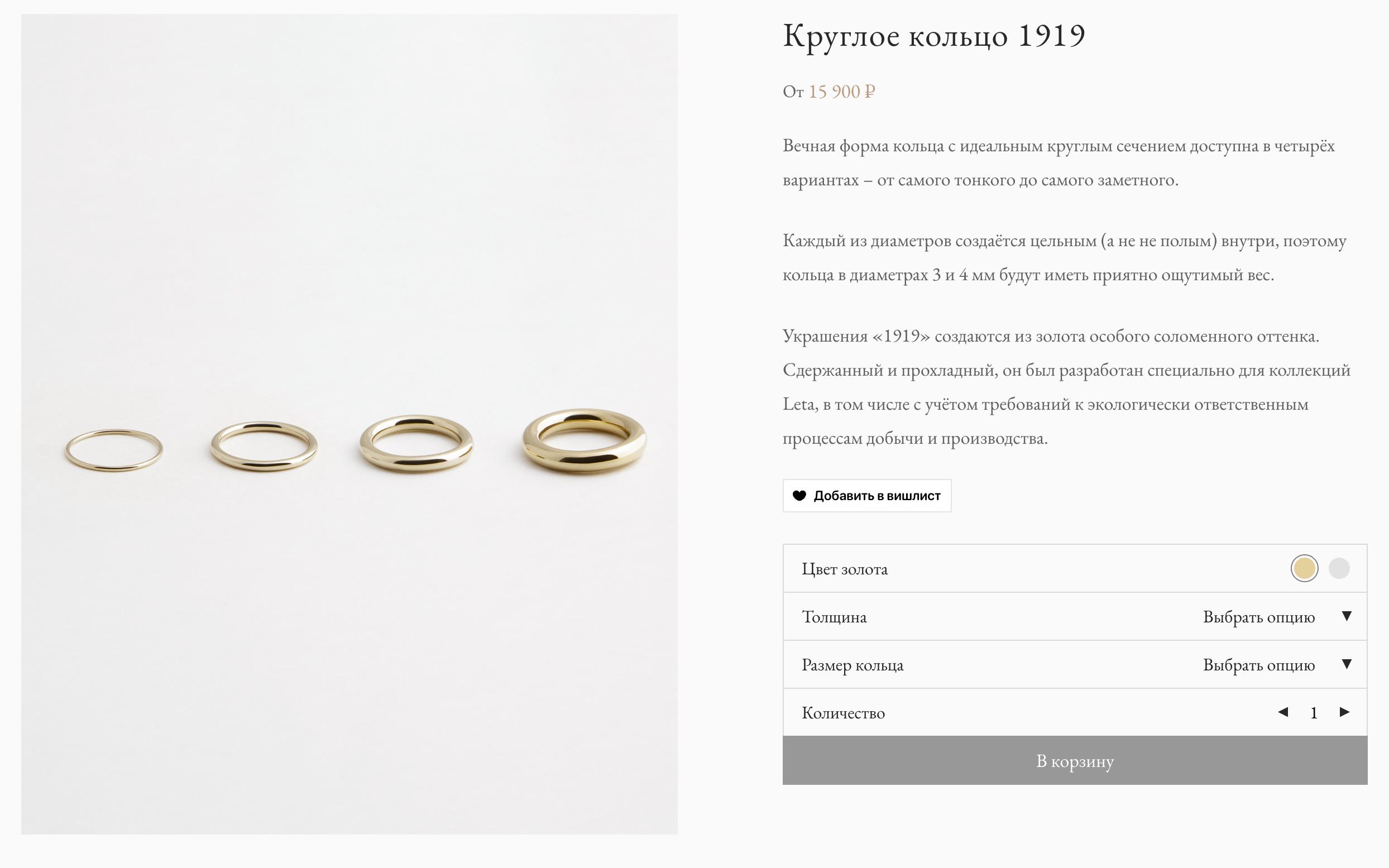
The button will appear on each product page in the location you choose. By clicking on the button, a visitor to your website will be able to add the product they are viewing to their wishlist on Ohmywishes.
Basic features
- compatible with WooCommerce
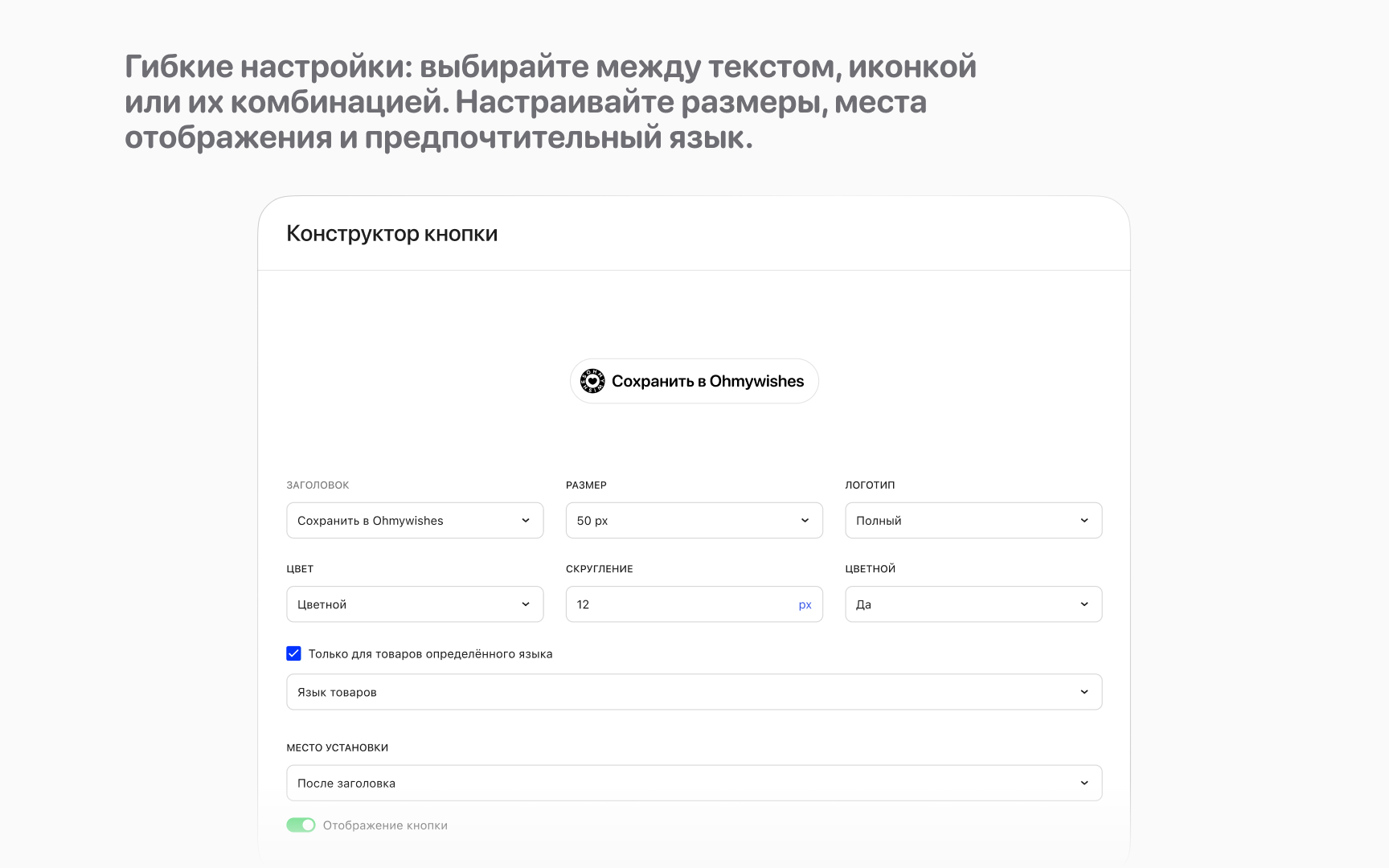
- visual button editor with live preview
- choose between text, an icon, or a combination
- configure dimensions and colors
- add additional styles
- place buttons in various places in the template for your online store
- display buttons on products only in the relevant language, if you use WPML.
安装:
Install via the WordPress dashboard:
- Log in to the WordPress admin panel.
- Go to “Plugins” → “Add New”.
- In the search field, type “Ohmywishes Button” and click “Install”.
- After installation, click “Activate”.
- Download the plugin ZIP file from the WordPress website.
- In the WordPress admin panel, go to “Plugins” → “Add New” → “Upload Plugin”.
- Select the downloaded ZIP file and click “Install”.
- After installation, click “Activate”.
屏幕截图:
常见问题:
Why doesn't the button display on the site?
This could be related to caching. Try the following:
- clear your browser's cache
- clear the cache of WordPress cache plugins
- clear the cache at the level of your hosting provider (e.g. Cloudflare)
- temporarily disable the site's caching for testing purposes.
The button is right next to other elements.
Make sure you added top and bottom offsets in the advanced settings.
Is it possible to use multiple sets of buttons?
Only one button design can be installed on the same site.
Is the plugin compatible with a multi-site installation of WordPress?
Yes, but we recommend activating the plugin on each site separately rather than the entire network.
Does the plugin make a site run slower?
No. The plugin is lightweight and optimized for high performance.
更新日志:
1.2
- First plugin release.
- Bug fixes, security improvements, and general code optimization to meet WordPress requirements.
- Adding localization and the ability to select the button interface language.
- Localization update, short description added
- Minor code optimizations and compatibility with WordPress 7.0
- Compatibility with WordPress 7.1