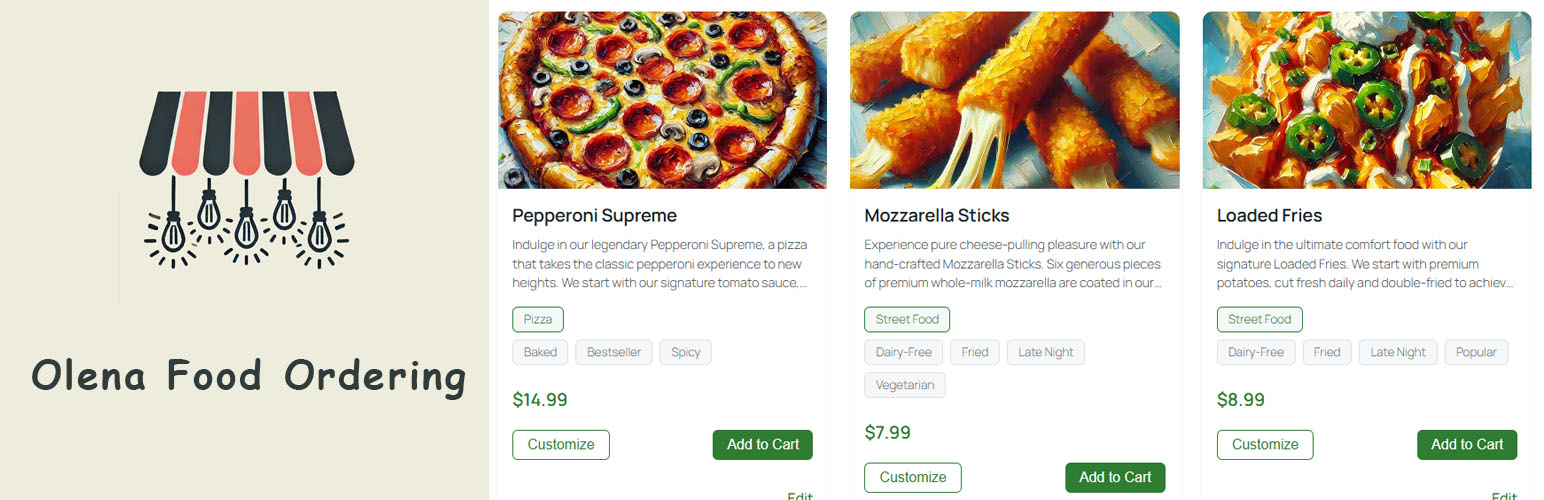
Olena Food – Online Ordering for Food Trucks & Restaurants
| 开发者 | markomaksym |
|---|---|
| 更新时间 | 2026年10月15日 21:04 |
| PHP版本: | 7.4 及以上 |
| WordPress版本: | 7.1 |
| 版权: | GPLv2 or later |
| 版权网址: | 版权信息 |
详情介绍:
Olena Food is a WordPress food ordering plugin built for small restaurants, food trucks, cafés, bakeries, and other food businesses.
Create an online menu, let customers customize dishes with add-ons, accept orders through a mobile-friendly checkout, receive online payments with Stripe, and manage orders directly from WordPress.
The plugin provides the essential tools for online food ordering without requiring WooCommerce.
How does it work?
Watch the video guide to see Olena Food in action:
https://www.youtube.com/watch?v=Lg8e8-1983c
Menu Management
Create your menu with names, descriptions, photos, and prices. Organize items by categories and tags so customers can filter the menu. Choose a grid or list layout and your currency symbol.
Store Search and Navigation
Help customers find dishes with a search box and category or tag filters above the menu. Search checks item names and descriptions. Choose which navigation options to show in the Designs settings.
Complex Add-ons
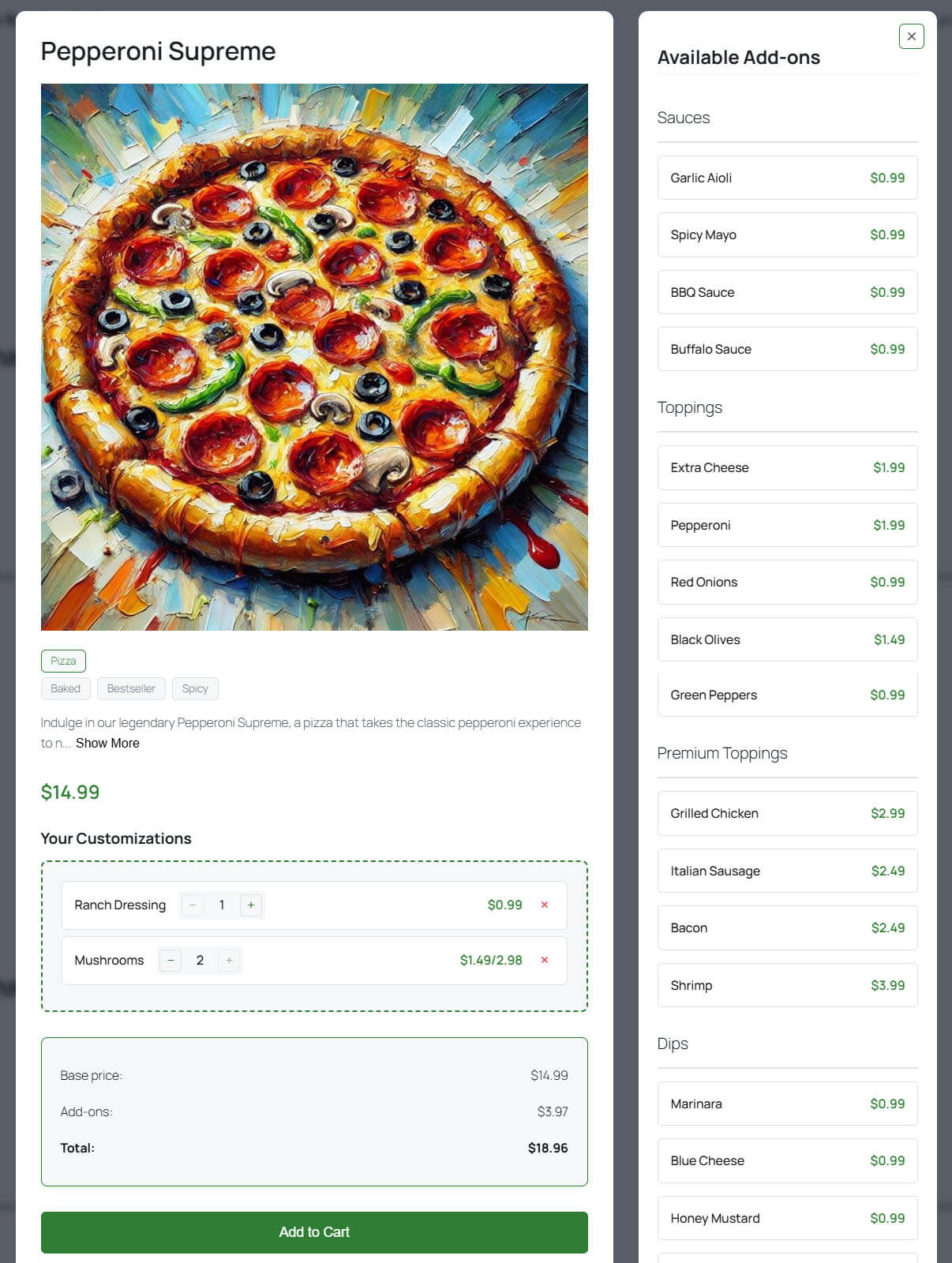
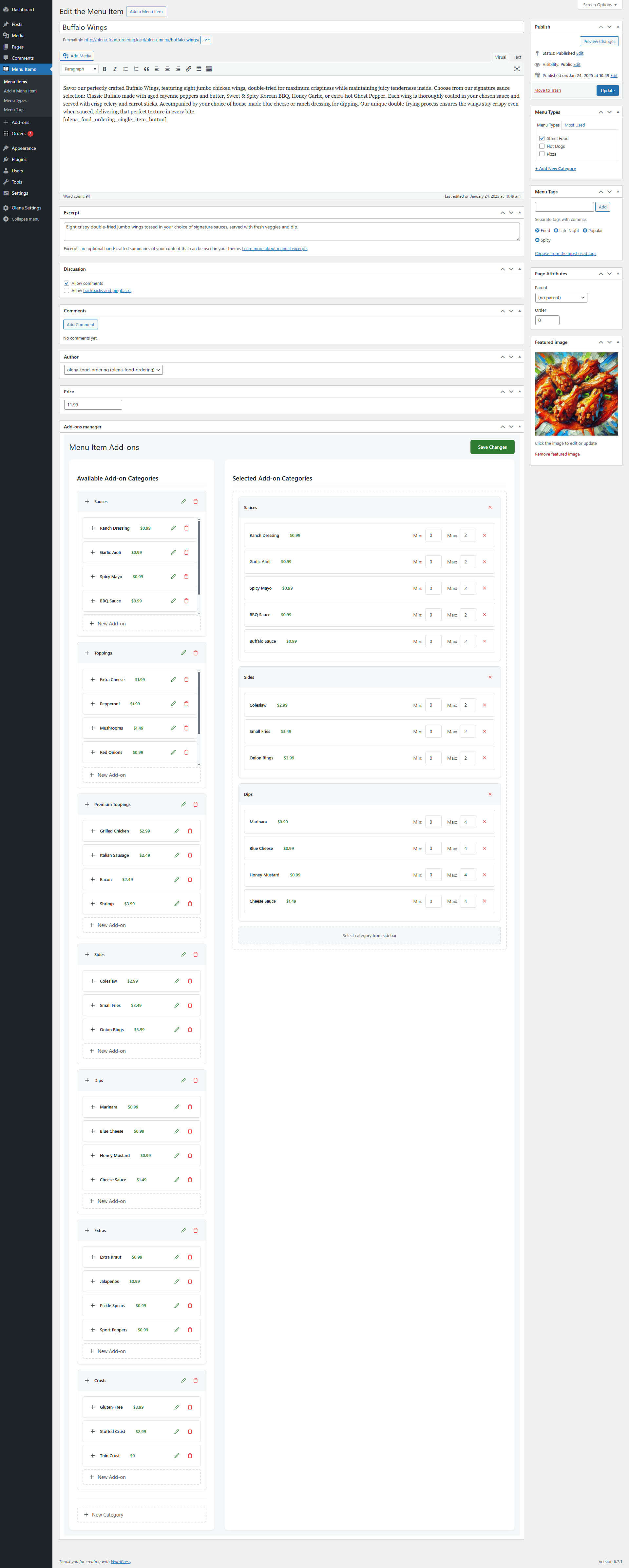
Let customers customize dishes with toppings, extras, sauces, and sides. Group options, set prices and quantities, and reuse add-ons across dishes. Make selected add-ons required. Prices update as customers make their choices.
Menu Item Sizes
Offer a dish in multiple sizes, each with its own price. Every item has a Normal price plus optional sizes (e.g. Small, Large). Customers pick a size and the price updates instantly; each size is a separate cart line shown through checkout, receipt, and management. Unpriced sizes stay hidden.
Order Creation and Management
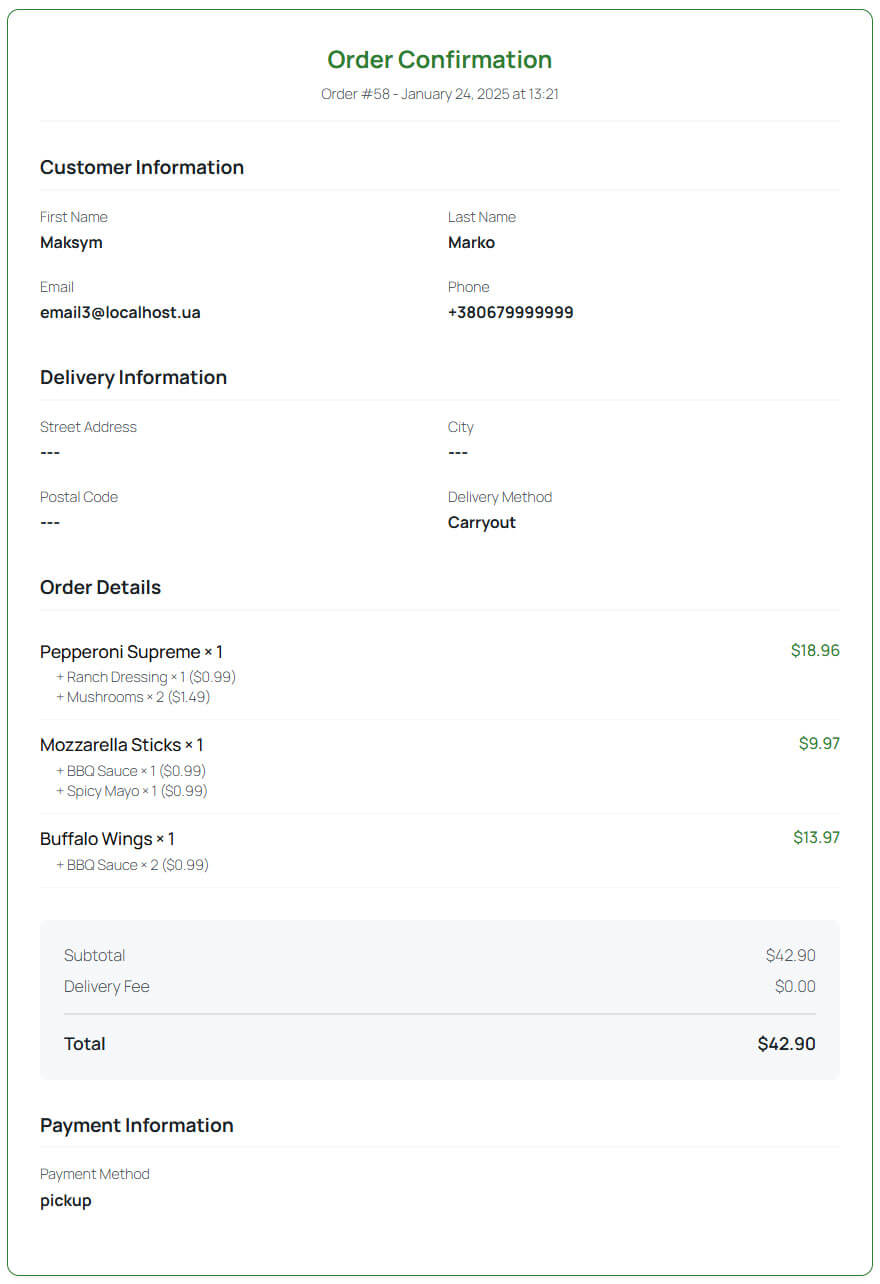
Customers create orders on your site by selecting items, configuring add-ons, adding to the cart, reviewing, and checking out. Each order is created in WordPress, where administrators can manage all submitted orders from the admin area.
Cart and Checkout
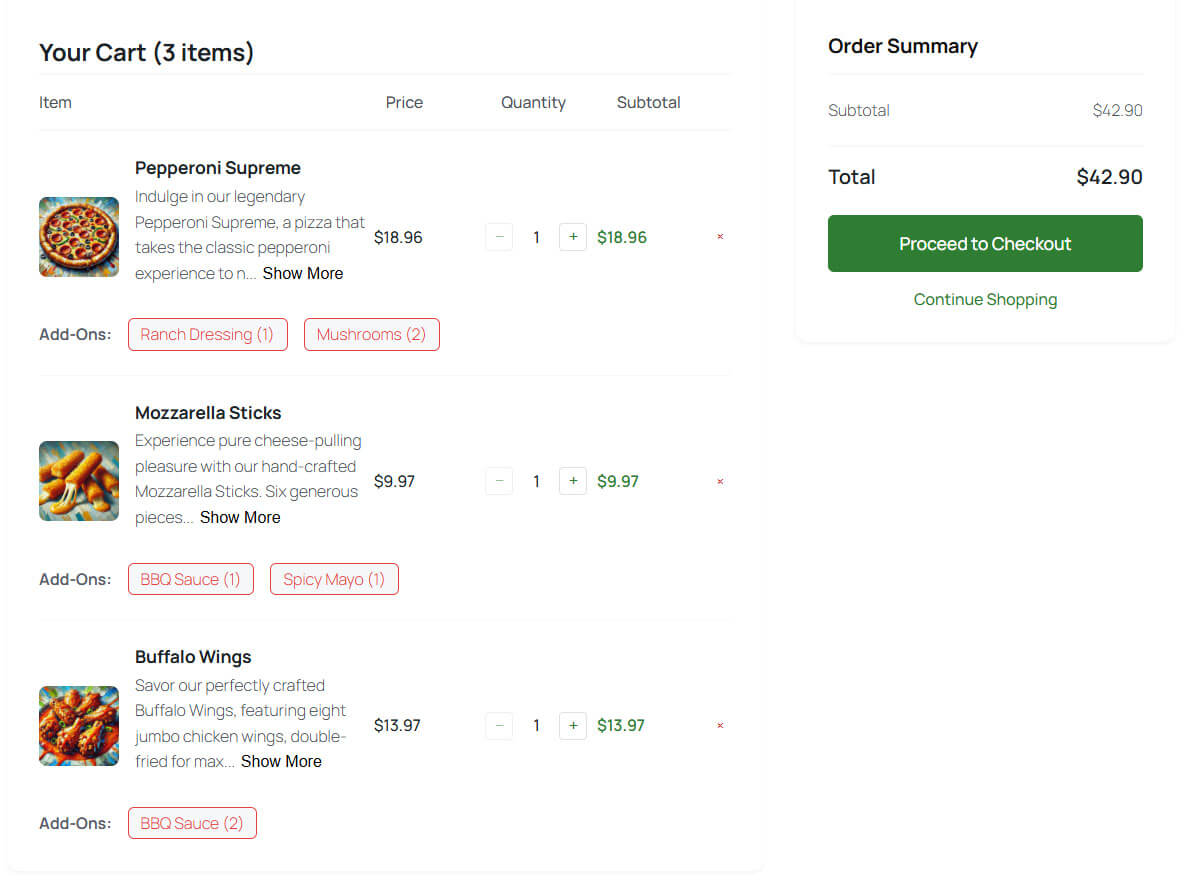
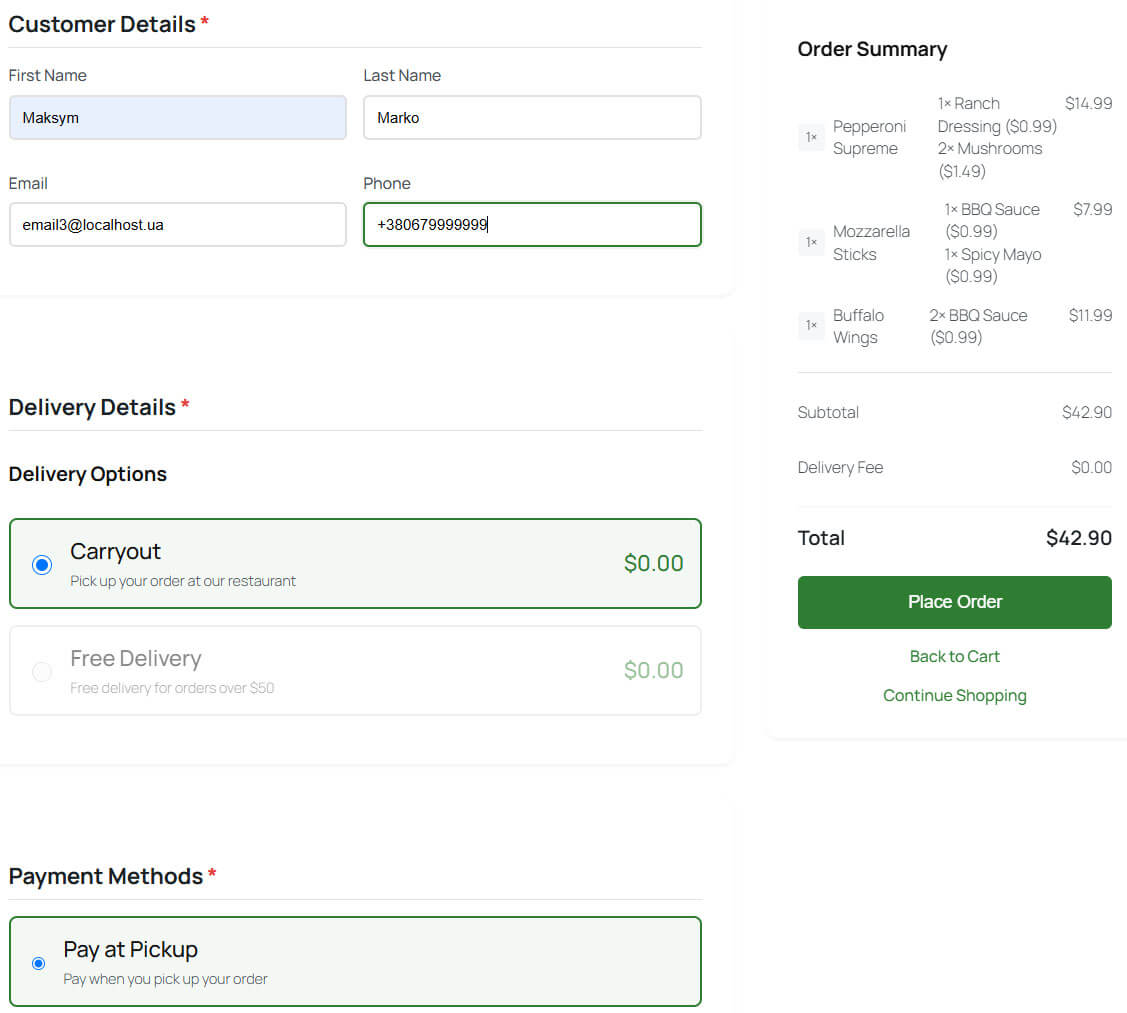
Olena Food includes its own cart and checkout. Customers review their selected products and add-ons before submitting an order, with a mobile-friendly interface suited to ordering directly from a phone.
Duplicate Order and Abuse Protection
Prevents duplicate orders and basic abuse automatically, with no setup. A secure private session per visitor means double-clicks, retries, and simultaneous submissions can't duplicate an order, while genuine new orders still go through. Order rate is limited and shared networks aren't blocked.
Stripe Payment Gateway
Accept online card payments with Stripe. Customers securely pay while placing an order, and Stripe works alongside other available payment methods so you can offer online payment when required.
Email Notifications
Send automatic emails on key order events, with separate messages for admins and customers: order confirmation, successful payment, and cancellation (when a customer cancels a pending order). Configure subjects and templates per recipient; cancellation emails toggle independently.
Tips
Let customers add a tip at checkout. Enable tipping and pick a percentage (5, 10, 15, 20, or 25%); they choose it or No Tip and the total updates instantly. The tip covers items and add-ons only (not tax or fees), is added to the gateway amount, saved with the order, and shown via {tips} in emails.
Working Hours
Set the days and hours when your business accepts orders. Define your regular weekly schedule and add custom rules for specific dates that need different opening hours.
Order Timing
Control how close to a working period's end each item can be ordered. Set a global minimum preparation time (overridable per dish) plus a buffer to stop earlier. Items turn unavailable when too little time remains, and timing is re-checked on the server. Supports multiple daily periods.
Pickup & Delivery Time
Let customers choose when they want their order at checkout — ASAP or a specific 10-minute slot today. Available times are computed on the server from preparation time, delivery estimate, and working hours, then frozen onto the order and shown in receipts and emails.
Pause / Open Orders
Temporarily pause online ordering and reopen it with one click, controlled from a settings tab, a floating admin button, or the admin bar — all synced in real time. While paused, show a customizable storefront notice, keep or hide the menu, and block new orders securely on the server.
Menu Item Availability
Mark items available or unavailable without unpublishing, so you can pull a sold-out dish instantly. Unavailable items show a label, lose the Add to Cart button, are flagged in the cart, and are blocked on the server. In admin, a colored Availability column and highlighted editor show status.
Add-on Availability
Mark an add-on available or unavailable to pull a sold-out extra from every dish that uses it at once — assignments stay intact. Unavailable add-ons are hidden on the storefront, flagged if already selected, and blocked on the server. Manage status from the add-on editor and list table.
Inventory
Optionally track stock for menu items and add-ons so sold-out dishes and extras leave the storefront; off by default. Each size keeps its own stock, and add-on stock is shared across dishes. Stock is reduced once per order, enforced on the server, and never restocked automatically.
Live Orders
Keep a real-time view of incoming orders so you never miss one. The Live Orders monitor shows new, unopened orders without refreshing and plays a sound alert. Click an order to open and mark it viewed everywhere. Choose from four sounds, adjust or mute the volume, plus a live admin-bar counter.
Store Designs
Change the look of your store and the Olena admin by picking a design on the Designs page — no code needed. Choose Default (no extra styles), Basic (soft, rounded, coral) or Minimal (clean, squared, terracotta). It loads only when selected, so Default stays lightweight and remembers your choice.
Setup Wizard
Get running quickly with a guided first-run wizard instead of hunting through settings. Set the essentials — currency, store page, time zone, working hours, payments, tips, and emails — or import demo content. It saves through the plugin's normal settings and appears only on a fresh install.
Demo Import
Get started quickly by importing demo content. The importer creates example menu items and add-ons so you can see how the plugin works and use them as a starting point for your own menu.
Mobile-Friendly Ordering
Olena Food is built with mobile ordering in mind. Customers can browse the menu, customize items, manage their cart, and complete orders from smartphones, tablets, and desktop computers.
No WooCommerce Required
Olena Food provides its own food ordering workflow and doesn't require WooCommerce, making it ideal for small food businesses that want a focused ordering system without a full eCommerce platform.
安装:
From your WordPress dashboard
- Go to
Plugins > Add New. - Search for
Olena Food. - Install and activate the plugin.
- Configure the plugin settings.
- Optionally import the demo menu items and add-ons.
- Add your own menu items and start accepting orders.
- Download Olena Food.
- Upload the plugin directory to
/wp-content/plugins/. - Activate Olena Food from the
Pluginspage in WordPress. - Configure the plugin settings.
- Optionally import the demo menu items and add-ons.
屏幕截图:






更新日志:
2.3.1
- Translation issue fixed.
- Pickup & Delivery Time: customers choose an ASAP or scheduled pickup/delivery time at checkout.
- Inventory tracking for menu items and add-ons.
- Order Timing with minimum preparation time and automatic ordering cutoffs.
- Fixed JavaScript translations for frontend and admin.
- Uninstall issue fixed.
- Add-on Availability, Required Add-ons, cart add-on removal, and selection animation.
- Order Canceled email notifications and Live Orders cancellation alerts.
- Storefront search, category/tag navigation, and duplicate-order protection.
- New Minimal store design.
- First-run Setup Wizard.
- Tips support at checkout.
- Menu Item Sizes with per-size pricing.
- Live Orders real-time monitor with sound alerts.
- Menu Item Availability.
- Pause / Open Orders.
- Customer and admin additional notes.
- Payment integration improved.
- Stripe payments, email notifications, and working hours.
- Tested with WordPress 7.1.
- Menu item filtering by categories and tags.
- Compatibility and required improvements.
- Initial release of Olena Food.