One Click SEO Optimizer
| 开发者 |
loopus
freemius |
|---|---|
| 更新时间 | 2026年5月26日 00:54 |
| 捐献地址: | 去捐款 |
| PHP版本: | 7.4 及以上 |
| WordPress版本: | 6.9.1 |
| 版权: | GPLv3 |
| 版权网址: | 版权信息 |
详情介绍:
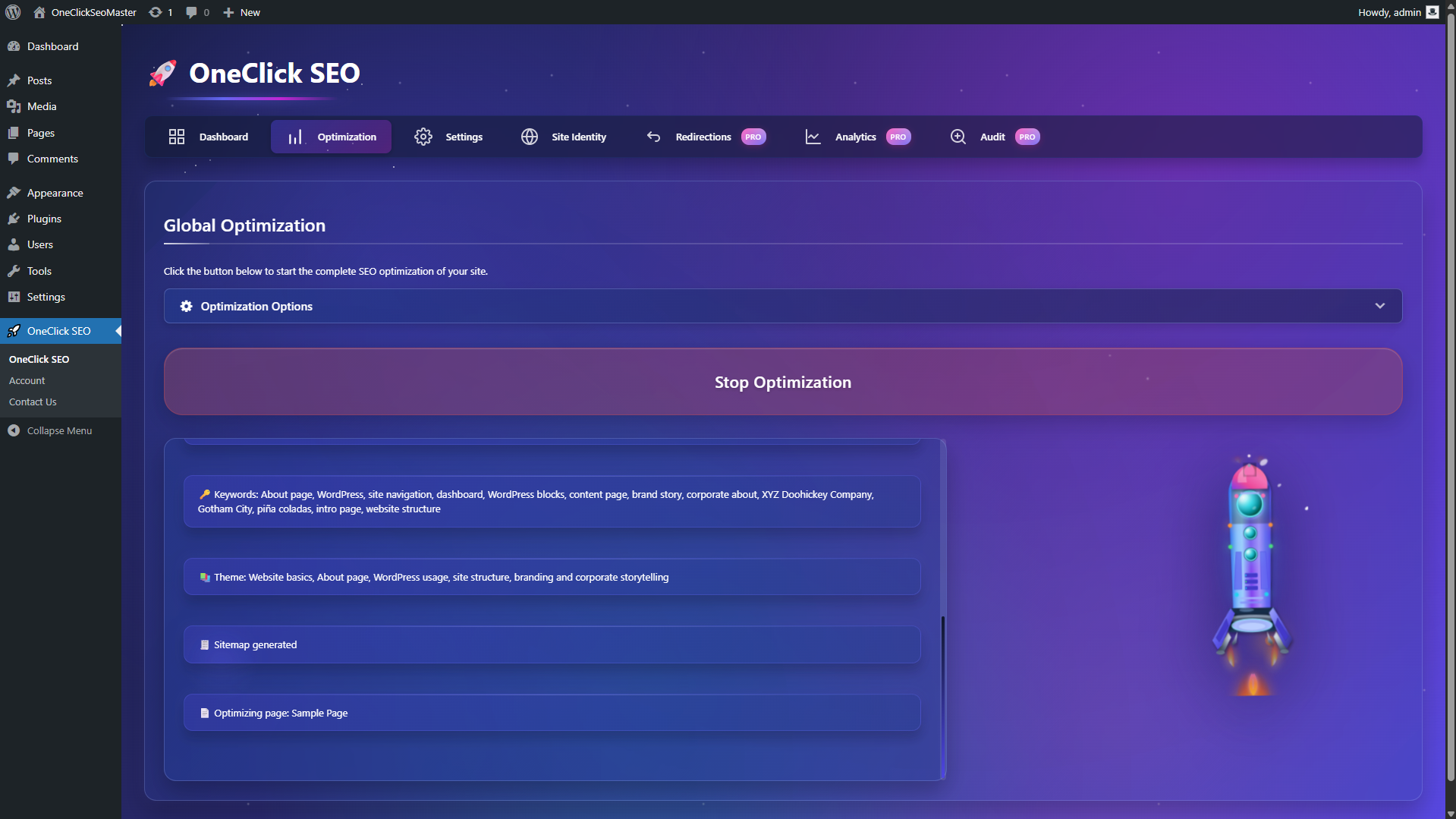
- One-click optimization for posts, pages, and supported custom post types
- SEO Health Score dashboard with quick wins and recent activity
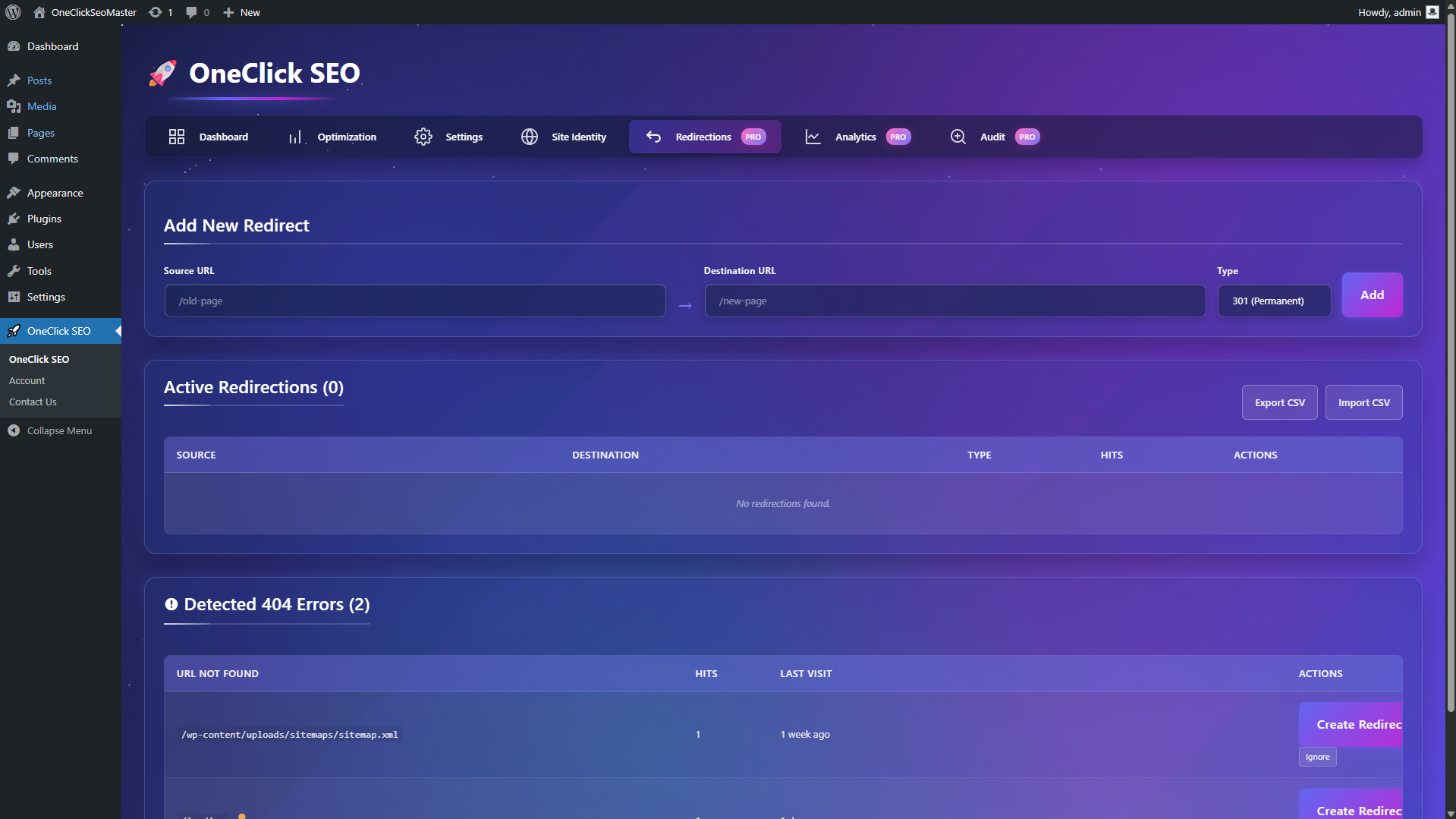
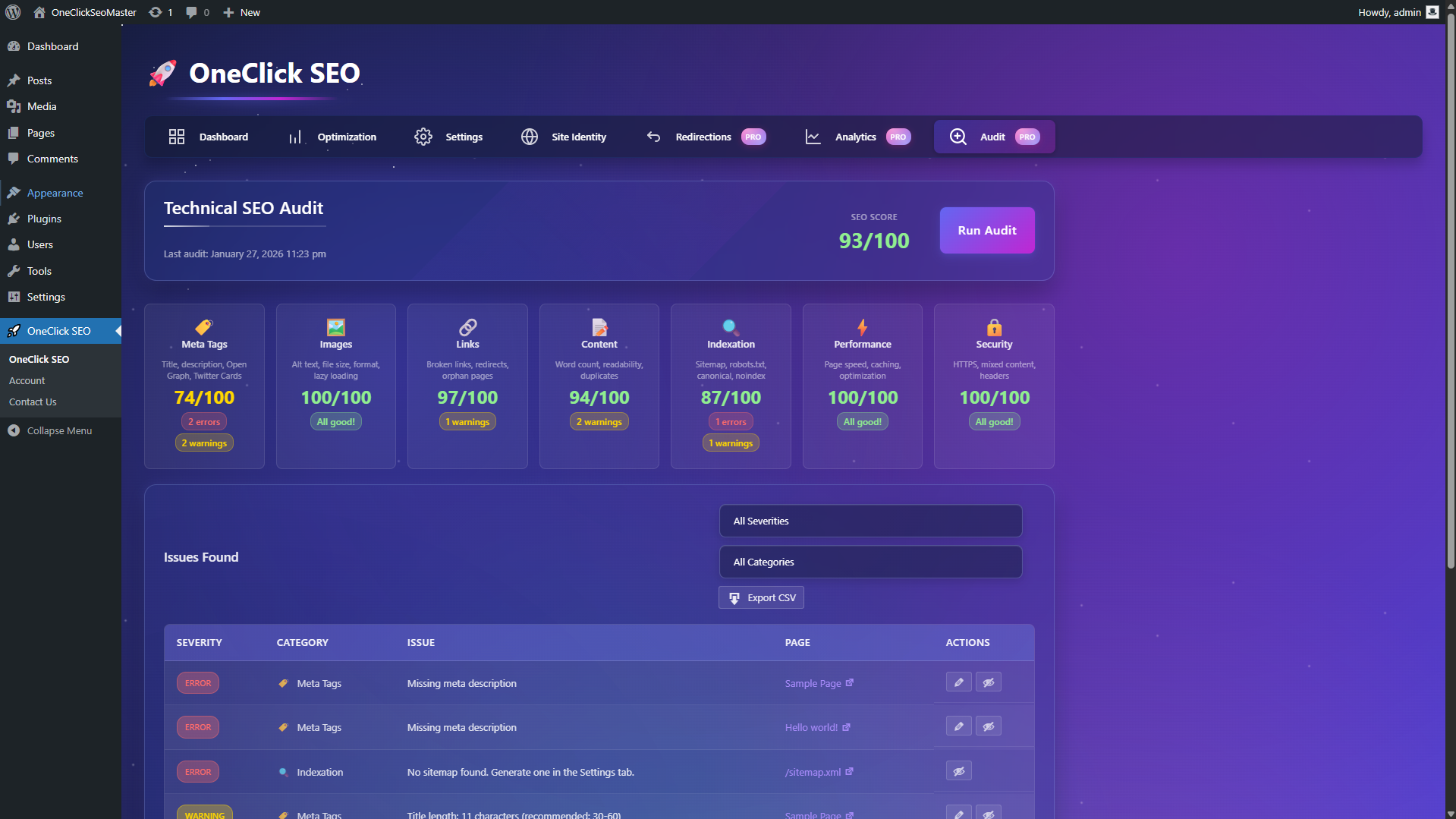
- Built-in technical SEO tools: sitemap, schema, 404 monitoring, redirects, and audits
- Editor integrations for Elementor, Gutenberg, and Classic Editor
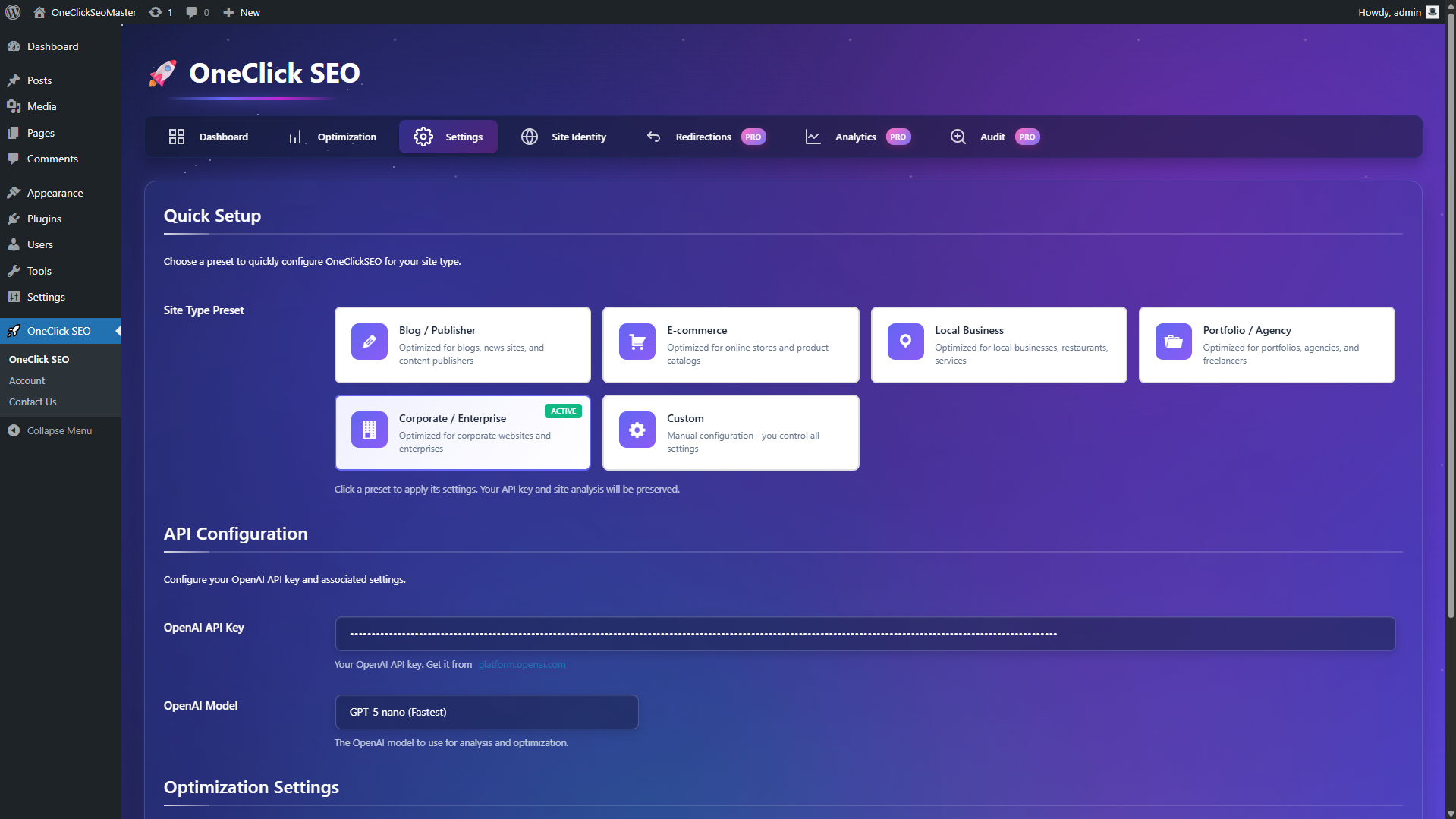
- Guided onboarding with site presets for common business types
- Multilingual and WooCommerce support for more advanced sites
安装:
- Upload the plugin through the WordPress Plugins screen, or place the plugin folder in
/wp-content/plugins/. - Activate the plugin.
- Open
OneClick SEOin the WordPress admin area. - Enter your OpenAI API key.
- Choose your model, language, and content types.
- Run the onboarding wizard and start optimizing your content.
屏幕截图:
常见问题:
Do I need an OpenAI API key?
Yes. The plugin uses your own OpenAI API key for AI-powered optimization and analysis.
Which editors are supported?
The plugin supports Elementor, Gutenberg, and Classic Editor workflows.
What does the SEO Health Score measure?
The score is based on four main factors:
- Optimization coverage
- Technical health
- 404 errors
- Configuration status
What can the AI generate?
Depending on the workflow, the plugin can generate or suggest:
- SEO title
- Meta description
- H1
- Keywords
- Page objective
- Target audience
- Content suggestions
- Internal linking suggestions
- Structured data recommendations
Does the plugin support multilingual sites?
Yes. Pro includes WPML and Polylang support, hreflang handling, multilingual sitemap support, and per-page language detection for AI generation.
Does it support WooCommerce?
Yes. Pro includes WooCommerce-focused SEO features such as product schema, product metadata support, and bulk product optimization.
Can I audit only a few pages instead of the whole site?
Yes. Pro includes selective audit, so you can audit one page, multiple pages, or the full site.
What does the technical audit check?
The audit covers meta tags, images, links, content quality, indexation, performance, and security signals.
What PHP version is required?
PHP 7.4 or higher.
Where can I get help?
Visit https://oneclickseo.loopus.tech/ or use the WordPress support area. Pro users receive priority support.
更新日志:
- Improved: readme, version alignment, and product messaging
- Improved: audit-related UX and admin refinements
- Fixed: general documentation clarity
- New: selective page audit with searchable page selection
- New: incremental audit that preserves unrelated results
- New: scope filter to focus on the last audited pages
- Improved: audit UI and filtering flow
- Maintenance release
- New: SEO content language setting with auto-detection and manual override
- New: WPML and Polylang per-page language detection for multilingual sites
- Improved: stronger AI language instructions for multilingual output
- Fixed: Elementor integration issues affecting title fields and analysis flow
- Improved: Elementor content extraction and site analysis fallbacks
- Fixed: 404 badge display clarity
- Improved: backend admin UI
- Fixed: onboarding wizard improvements
- Fixed: UI and CSS issues in the wizard
- Updated: screenshots
- Improved: documentation
- Fixed: dashboard cache invalidation on settings change
- Fixed: schema auto-detection for recipe content
- Improved: 404 monitoring bot filtering
- Improved: audit batch processing stability
- Improved: overall performance and memory usage
- Fixed: WooCommerce product schema for variable products
- Fixed: multilingual hreflang handling for subdomain setups
- Fixed: onboarding API key validation
- Improved: dashboard loading performance
- Improved: schema accuracy
- New: SEO Health Score dashboard
- New: quick wins suggestions and recent activity
- New: site presets and AI model selection
- New: review schema type
- New: built-in cache system
- New: enhanced onboarding wizard
- New: WooCommerce integration
- New: WPML and Polylang integrations
- Improved: audit coverage, batch processing, schema detection, and admin UX
- New: user engagement tracking
- New: smart review prompts
- New: contextual upsell notifications
- Improved: uninstall cleanup and code organization
- New: complete uninstall functionality
- New: database cleanup on deletion
- Improved: options and transient management
- New: technical SEO audit
- New: scoring system and issues table
- Improved: admin interface
- New: Google Search Console integration
- New: analytics dashboard with KPIs and reports
- Improved: admin refinements
- New: redirections manager
- New: automatic 404 detection
- New: smart redirect suggestions
- New: CSV import and export
- Changed:
My Websiterenamed toSite Identity
- Initial release