One Time Email Access Guard
| 开发者 | marcogargano |
|---|---|
| 更新时间 | 2026年7月24日 00:01 |
| PHP版本: | 7.2 及以上 |
| WordPress版本: | 6.9 |
| 版权: | GPLv2 or later |
| 版权网址: | 版权信息 |
详情介绍:
安装:
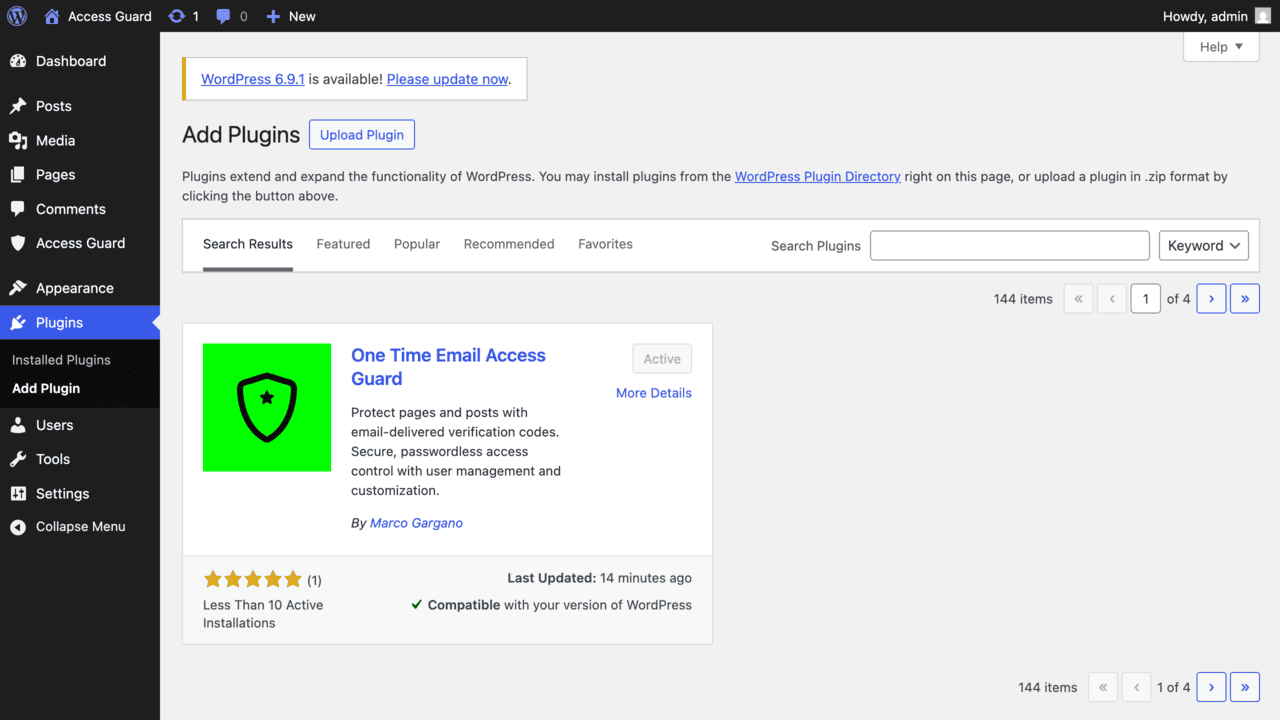
- Search for "One Time Email Access Guard" in the Plugins page and install it.
Alternatively, manually upload the
one-time-email-access-guardfolder to/wp-content/plugins/ - Activate the plugin through the "Plugins" menu in WordPress
- Go to "Access Guard" in the admin menu
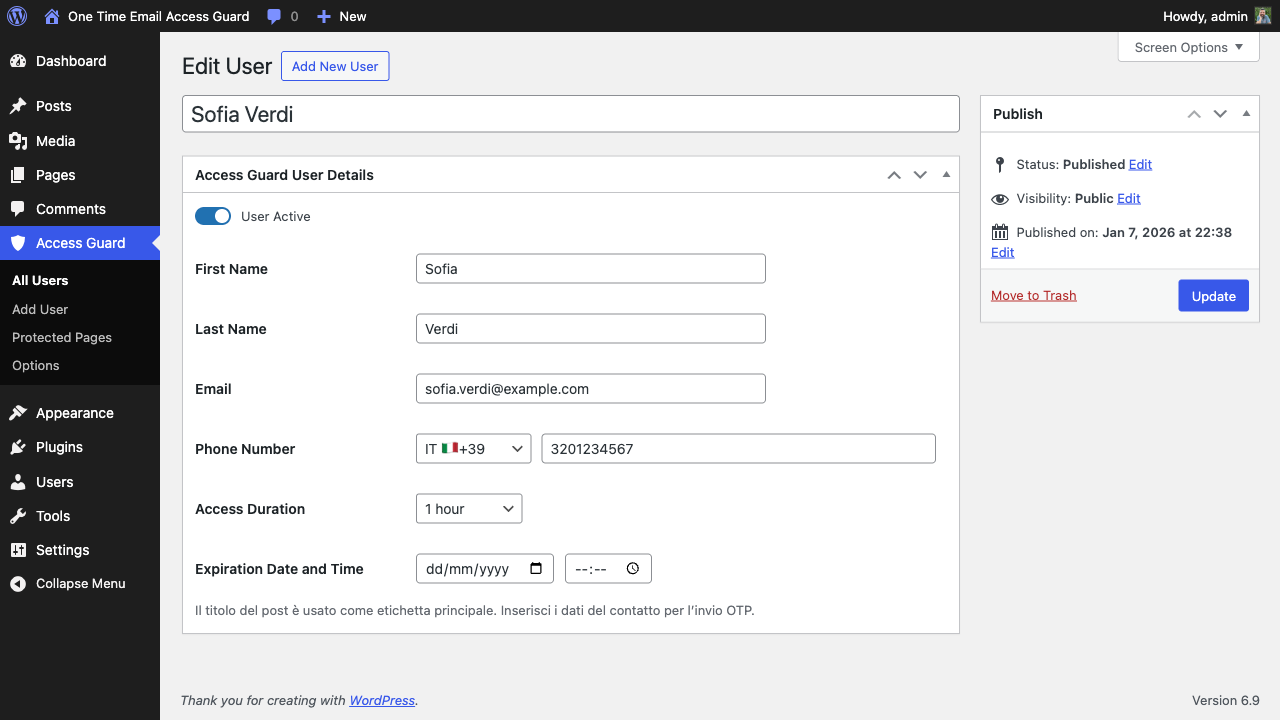
- Create users with their contact details
- Enable protection on any page or post and assign authorized users
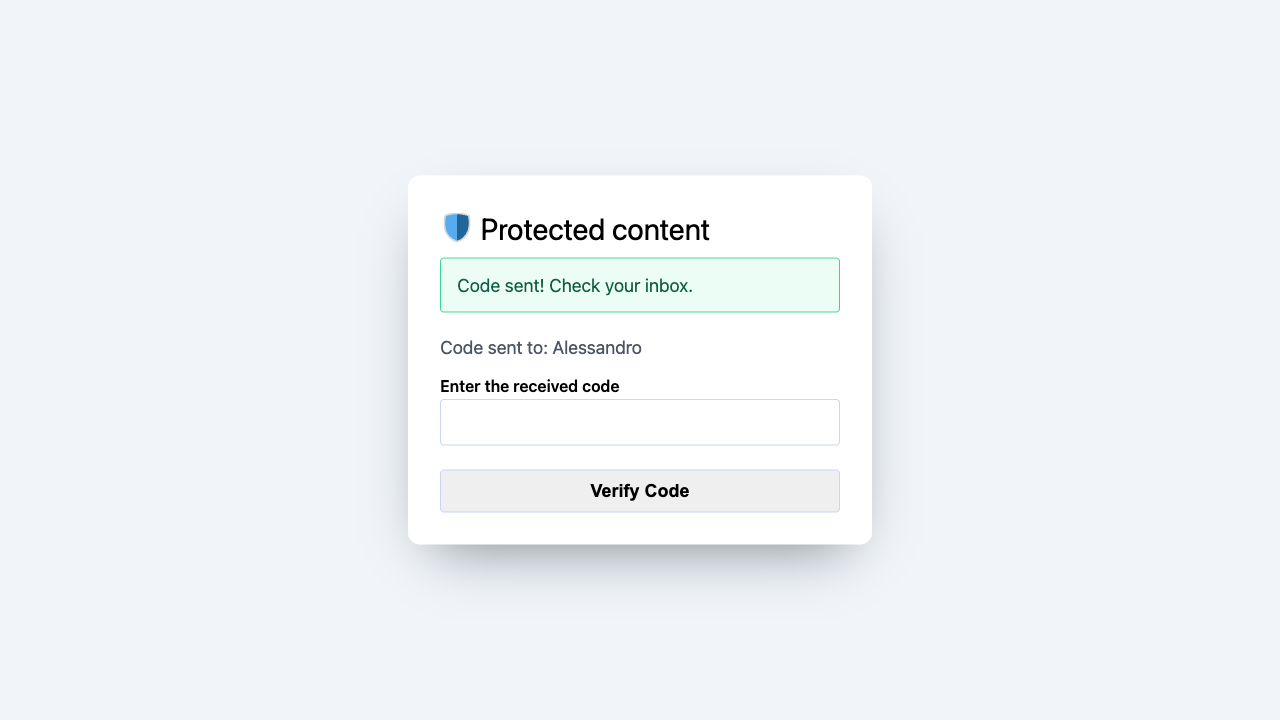
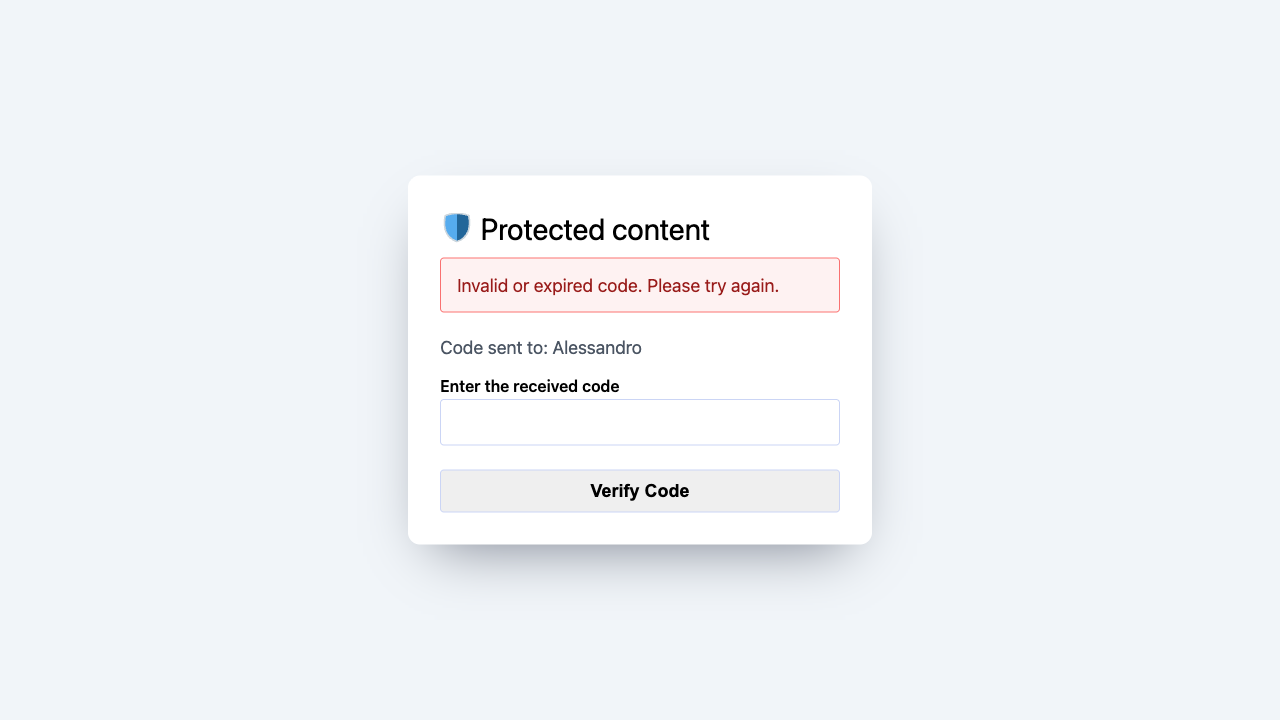
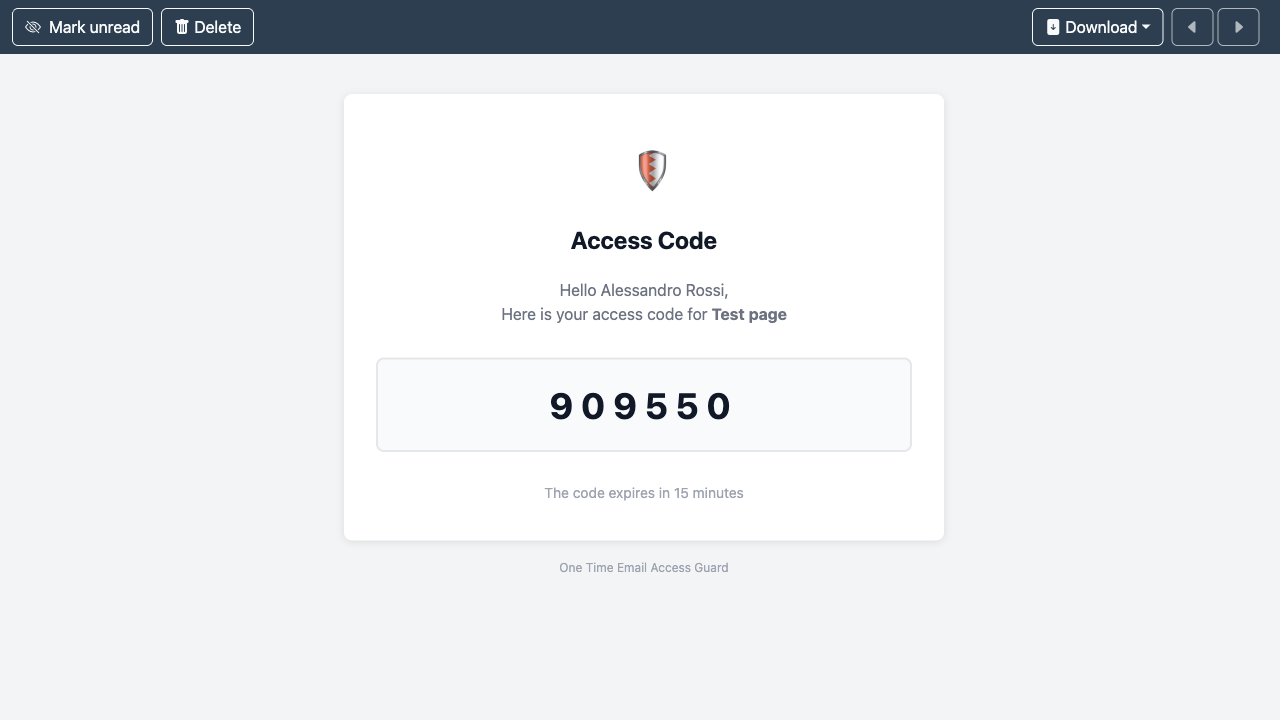
屏幕截图:


常见问题:
Does the plugin require SMTP?
No, but SMTP is recommended for reliable email delivery.\ If you decide not to use it, remember to check your spam folder.
Can I protect only specific pages?
Yes, protection is applied per page/post from the sidebar meta box.\ You can individually select each user from the list of entered users.
How long does the verification code last?
Default verification codes expire after 1 hour.\ You can select the duration, from 15 minutes up to 2 days, or disable expiration entirely.
Can I import/export users?
Yes, use the CSV import/export feature in the Options page.
How do I set bulk expiry dates?
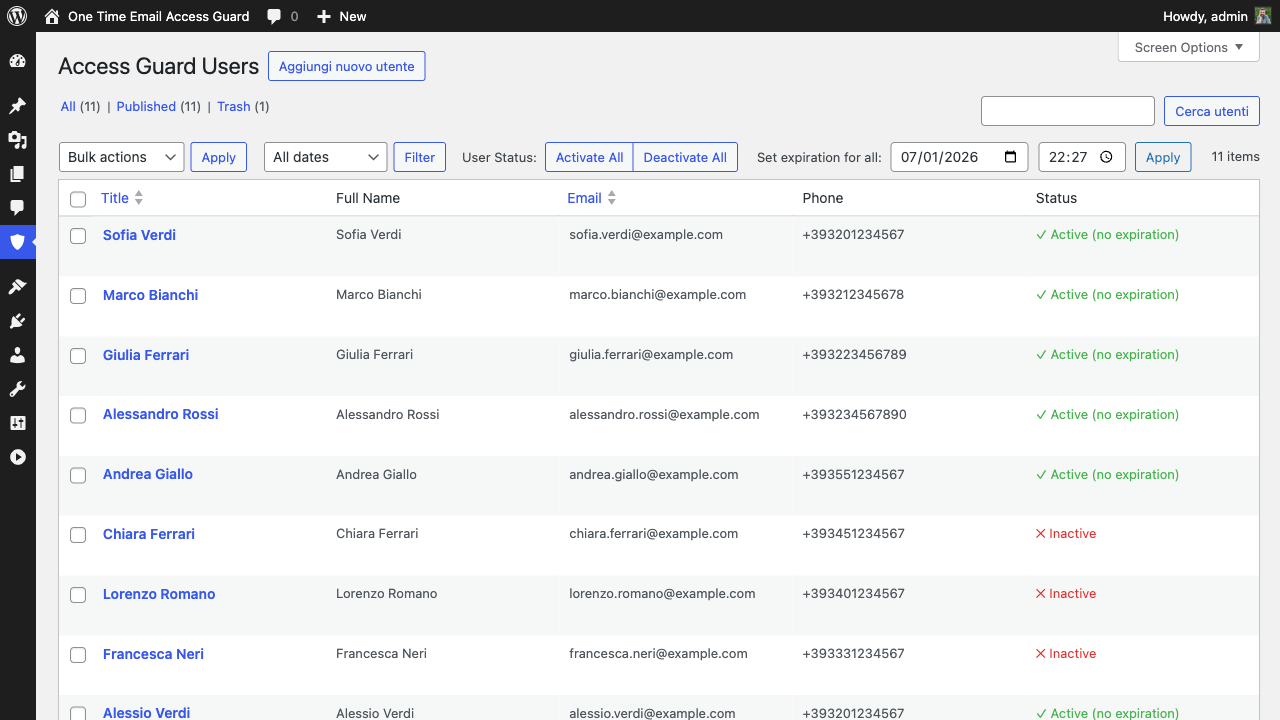
Go to the users list and use the bulk expiry date tools at the top.
Does it support international phone numbers?
Yes, the plugin supports 195+ country codes with flag emojis.
Can I use the WordPress user list?
No, the plugin's user list is dedicated.\ You'll need to enter the users in the appropriate section, providing the desired details.
更新日志:
1.1.0
- Plugin rebranded to "One Time Email Access Guard" for WordPress.org compliance
- Updated plugin slug to "one-time-email-access-guard"
- Updated text domain and all translation files
- Author changed to Marco Gargano (https://www.marcogargano.com)
- Added bulk user operations (activate/deactivate all)
- Added bulk expiry date setting
- Added CSV import/export functionality
- Added international phone support (195+ countries)
- Improved user interface with toggle switches
- Enhanced security with proper nonce validation
- Code quality improvements and WordPress standards compliance
- Initial release