
Job Board Manager - Recruit & Hire
| 开发者 |
FARAZFRANK
razipathhan hanif0991 muhammadshahid fkfaisalkhan007 sharikkhan007 zishlife salmankhan4028 awordpresslife |
|---|---|
| 更新时间 | 2026年8月20日 18:56 |
| 捐献地址: | 去捐款 |
| PHP版本: | 7.4 及以上 |
| WordPress版本: | 7.0.3 |
| 版权: | GPLv2 or later |
| 版权网址: | 版权信息 |
详情介绍:
Job Board Manager is a straightforward tool designed to help you list job openings on your website with ease. Whether you are running a company career page, a local community board, or a niche job portal, this plugin provides the essential foundation you need without the bloat.
We built this plugin to be human-friendly. You don't need to be a developer to get it running. Simply install, add your job details, and use a shortcode to display the board anywhere on your site. It is designed to be clean, fast, and SEO-friendly, helping your job postings get indexed by search engines.
Upgrade To Pro - Job Board Pro
Pro Live Demo Job Board Pro Demo
Check Free Version Demo
安装:
- Upload the plugin files to the
/wp-content/plugins/online-job-boarddirectory, or install the plugin through the WordPress plugins screen directly. - Activate the plugin through the 'Plugins' screen in WordPress.
- Go to the "Job Board" menu to add your first job.
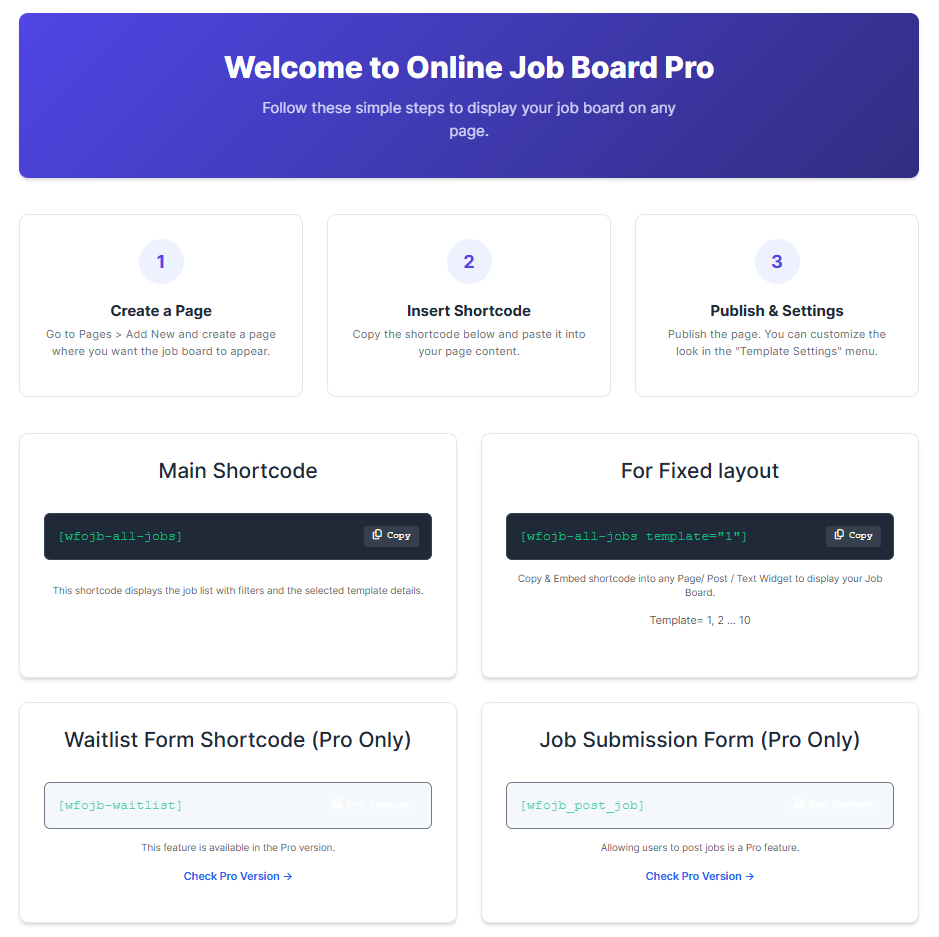
- Create a new page (e.g., "Careers") and add the shortcode
[wfojb_job_board]to display the list.
屏幕截图:
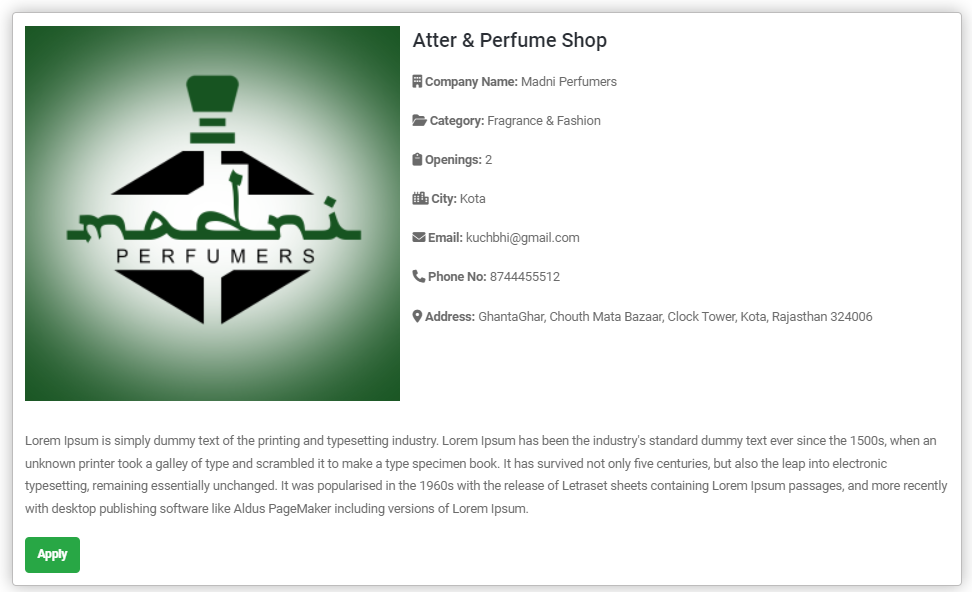
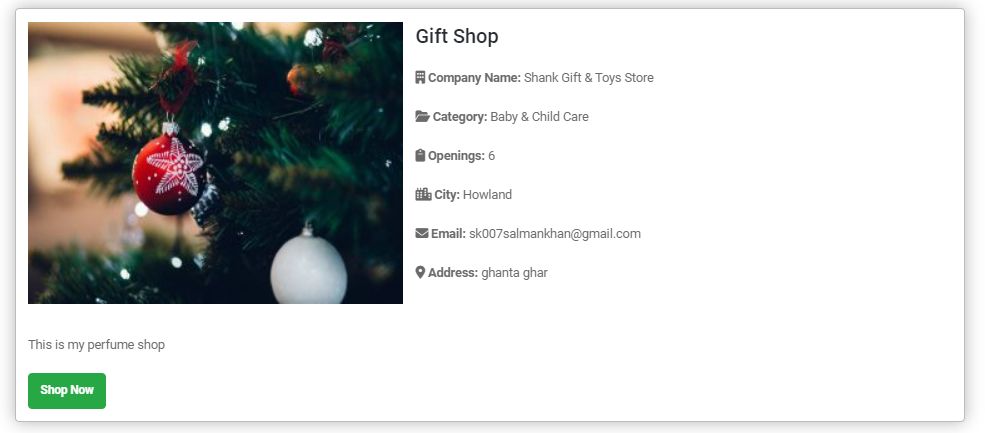
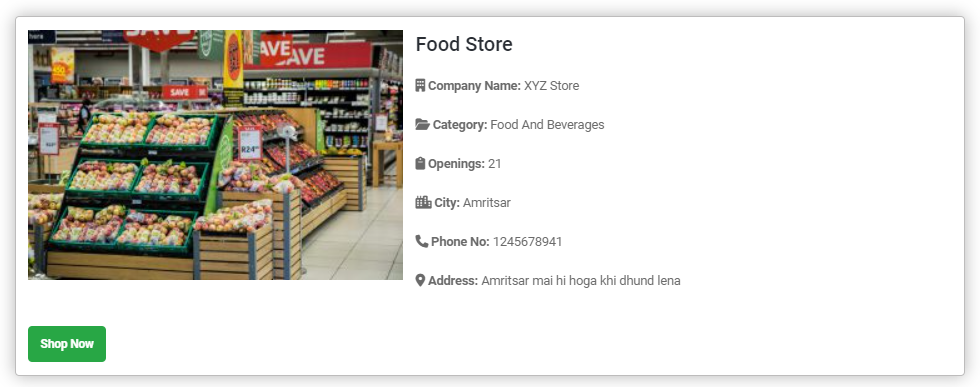

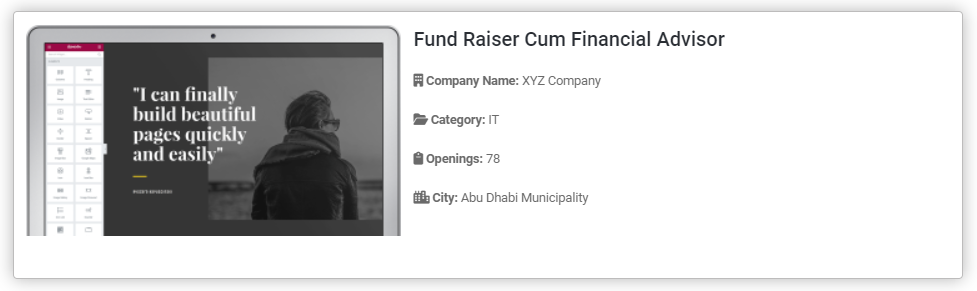
常见问题:
How do I display the job board on my site?
After adding some jobs, simply create a new page or post and insert the shortcode [wfojb_job_board]. The job list will appear automatically.
Can I change the "Apply" button link?
Yes, in the Free version, you can set a "Button URL" for each job. This can link to an external application form, a Google Form, or a mailto: email address.
Does it work with my theme?
Yes, Job Board Manager is designed to inherit styles from your active WordPress theme, ensuring it blends in perfectly.
Where can I see the applications?
In the Free version, applications are handled externally (via the link you provide). If you need to accept CVs and manage applications within WordPress, check out the Pro version.
How do I get the Pro version?
You can upgrade to the Pro version to unlock internal applications, analytics, and premium templates. Visit our website for more details.
更新日志:
1.2.4
- Security: Implemented "late escaping" across the entire plugin using
esc_html,esc_attr, andesc_url. - Security: Switched to
wp_json_encodefor secure LD+JSON schema output. - Security: Added
current_user_canandwp_verify_nonceprotection to all AJAX handlers. - Compliance: Removed all "trialware" triggers, including the AJAX handler for restricted features.
- Compliance: Deleted
frontend-submission.phpand removed the[wfojb_post_job]shortcode. - Compliance: Removed all restricted features (Internal Application, Pro Layouts) from the backend UI.
- Security: Properly enqueued all assets; removed Bootstrap dependency and all inline styles/scripts.
- UI/UX: Consolidated all plugin settings into a modern, AJAX-powered management interface.
- UI/UX: Redesigned the "Go Pro" informational page with a clean, guideline-compliant comparison table.
- Code Quality: Updated DataTables to v2.3.7 for better security and stability.
- Cleanup: Purged over 500 lines of unused legacy code and misleading Pro-version teasers.
- Compatibility: Formally tested and updated compatibility for WordPress 6.4.
- Security: Implemented late escaping for all outputs for enhanced security.
- Security: Switched to
wp_json_encodefor LD+JSON schema. - Compliance: Removed Pro-only menus and backend logic (Analytics, Applicants, Import / Export, Waitlist) to comply with WordPress Plugin Guidelines.
- Code Quality: Refactored enqueuing system; removed all inline styles and scripts.
- Performance: Centralized admin asset management.
- Bug Fix: Resolved duplicate menu registration issue.
- Compatibility: Formally tested up to WordPress 6.9.
- Added a dedicated "Go Pro" informational page
- Fixed PHPCS Warning
- Improved compatibility with WordPress 6.9.
- Fixed duplicate menu registrations.
- Updated "Tested up to" version.
- Reworked on whole plugin added new features and fixed bugs
- Improved compatibility with WordPress 6.9.1.
- Initial stable release.