
oOMF! Access
| 开发者 | oomf |
|---|---|
| 更新时间 | 2026年8月19日 09:46 |
| PHP版本: | 8.1 及以上 |
| WordPress版本: | 7.1 |
| 版权: | GPLv2 or later |
| 版权网址: | 版权信息 |
详情介绍:
- A login page worth sharing - replace the default WordPress screen with a branded page powered by
[oomf_access_form], theme-aware styling, logo controls, custom copy, gradients, and live admin previews. - One flow for every access moment - keep login, registration, lost password, password reset, logged-in states, and magic-link requests inside the same consistent interface.
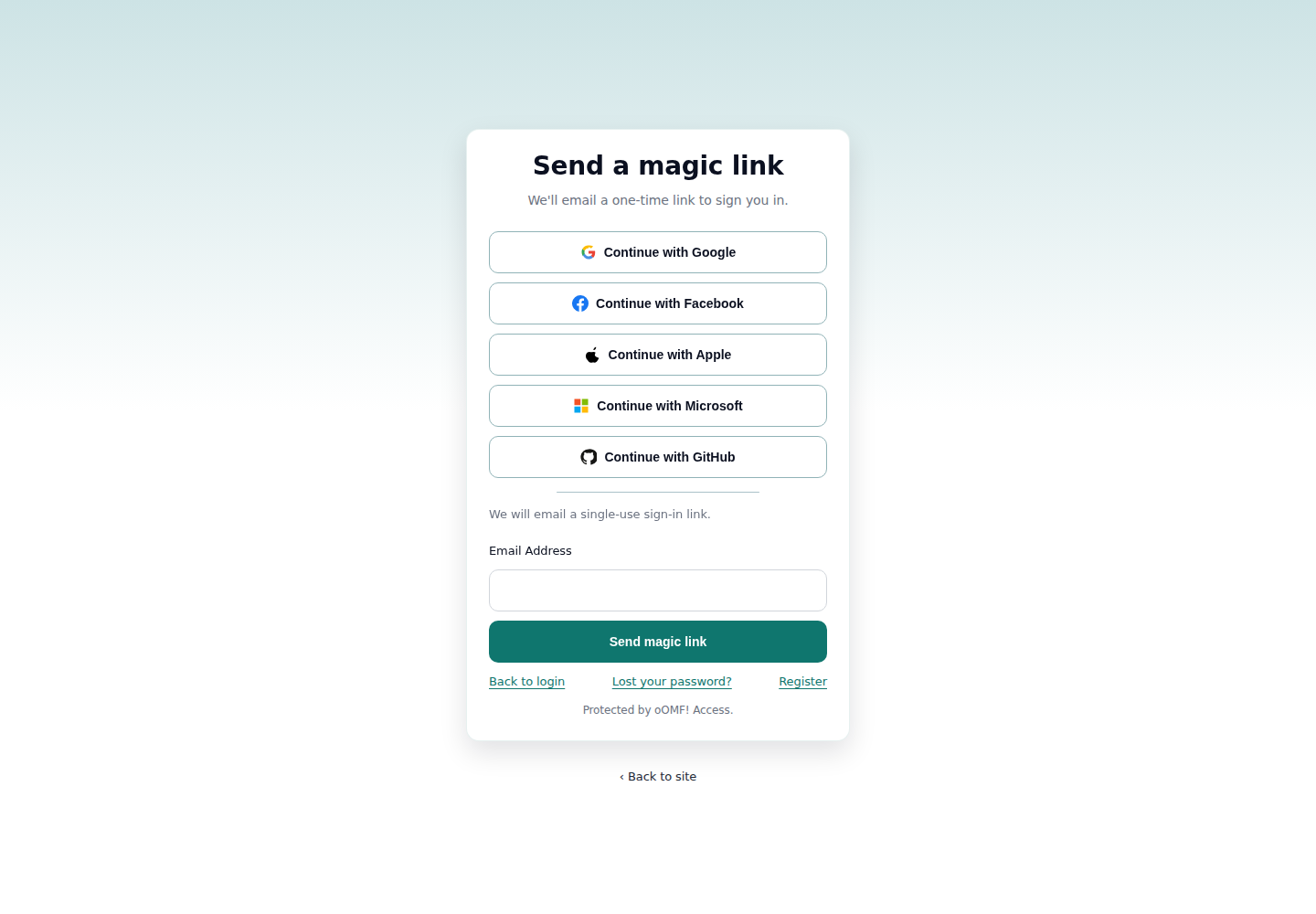
- Passwordless and social sign-in - offer email magic links plus Google, Apple, GitHub, Microsoft, and Facebook providers with provider-specific setup hints.
- Redirects you can trust - send people to the right page after login/logout while validating
redirect_tovalues and exposing filters for approved external hosts. - Layered anti-abuse controls - enable reCAPTCHA, hCaptcha, honeypots, soft throttling, lockouts, secret login paths, and emergency bypass flows from wp-admin.
- Developer-friendly internals - focused hooks and filters let you customize destinations, CAPTCHA behavior, provider handling, inline CSS, and allowed redirect hosts.
filemtime().
安装:
- Upload the plugin folder to
/wp-content/plugins/or install the ZIP from Plugins → Add New. - Activate oOMF! Access. Activation creates a public "Login" page and stores its ID in
oomf_access_page_id. - Open Settings → oOMF! Access to configure branding, text, redirects, magic links, social providers, CAPTCHA, and hide-admin options.
- Share the generated login URL, usually
/oomf-access/.
屏幕截图:




常见问题:
Where is the login page?
Activation creates a WordPress page containing [oomf_access_form]. You can edit or move that page. If it is deleted, /oomf-access/ still renders the bundled login template so people are not stranded.
Does it replace my theme template?
The shortcode inherits your theme when embedded anywhere. The generated login page uses the bundled minimal template at templates/oomf-access-page-template.php so the dedicated access page stays consistent.
What can I customize?
You can adjust logos, appearance mode, accent color, spacing, headings, helper text, form labels, button text, magic-link copy, redirect destinations, social providers, CAPTCHA settings, hide-admin behavior, honeypot and throttle settings, and lockout thresholds.
How do redirects work?
If a safe redirect_to value is supplied, it wins. Otherwise oOMF! Access uses the configured post-login destination, then falls back to the WordPress admin. Developers can use oomf-access/allowed_redirect_hosts and oomf_access_redirect_destination for custom routing.
What CAPTCHA providers are supported?
oOMF! Access supports reCAPTCHA v2 checkbox, reCAPTCHA v2 invisible, reCAPTCHA v3, and hCaptcha. Scripts load only on access pages and verification happens server-side.
How does Hide Admin work?
When enabled, direct access to /wp-login.php and /wp-admin can be obscured for anonymous visitors while a secret login slug remains available. Emergency bypasses are retained for break-glass access.
Which social providers are supported?
Google, Apple, GitHub, Microsoft, and Facebook can be configured from Settings → oOMF! Access → Social. Each provider shows the callback URL and setup notes you need for its OAuth app.
更新日志:
- Fixed: Hide Admin login submissions now use the canonical WordPress installation login endpoint, including subdirectory installations.
- Fixed: Authenticated WordPress login actions, including post-login admin email confirmation, are no longer incorrectly obscured as a 404.
- Fixed: Plugin form assets no longer distort native WordPress screens such as administration email verification.
- Improved: Authenticated visits to the secret login URL now go directly to the WordPress dashboard.
- Fixed: Anonymous Hide Admin redirects now send no-cache headers so an earlier redirect cannot be replayed after authentication.
- Compatibility: Tested with WordPress 7.1 RC3 and updated the
Tested up tometadata to 7.1.
- Maintenance: Published a new immutable package so installed sites converge on the canonical WordPress.org source.
- Updated: Reconciled the complete screenshot set, listing artwork, plugin icons, and the WordPress Playground blueprint with the public repository.
- Compatibility: No settings migration is required and the WordPress.org update channel remains unchanged.
- Fixed: Magic link nonce verification now derives the nonce action from validated token data.
- Fixed: Settings AJAX handler now reads serialized form data with a sanitizing filter up front.
- Added: CAPTCHA provider integrations for reCAPTCHA v2/v3 and hCaptcha.
- Added: Hide Admin with configurable secret login slug and emergency bypass flows.
- Improved: Social login setup, including Sign in with Apple and provider previews.
- Improved: Asset loading and versioning via
filemtime(). - Developer: New filters and clearer extension points for redirects and CAPTCHA.