OOPVulns - Vulnerability Scanner
| 开发者 | oopspam |
|---|---|
| 更新时间 | 2026年4月16日 15:22 |
| PHP版本: | 7.4 及以上 |
| WordPress版本: | 6.9 |
| 版权: | GPLv3 or later |
| 版权网址: | 版权信息 |
详情介绍:
- Comprehensive Scanning - Scans WordPress core, all plugins, and all themes for known vulnerabilities
- Explicit Opt-In - Vulnerability scanning is disabled by default and only runs after admin consent
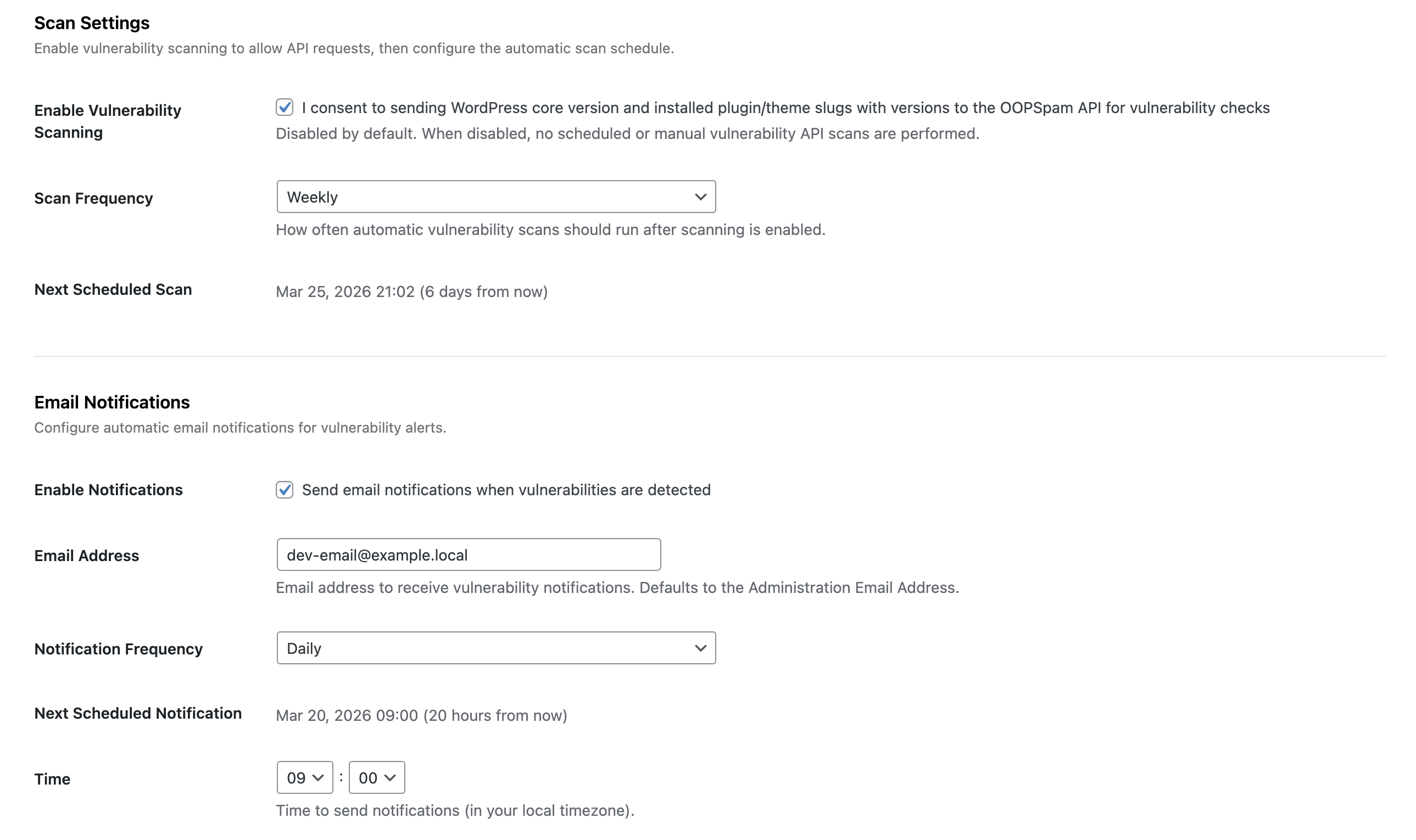
- Automatic Scans - Configurable daily or weekly automatic scanning
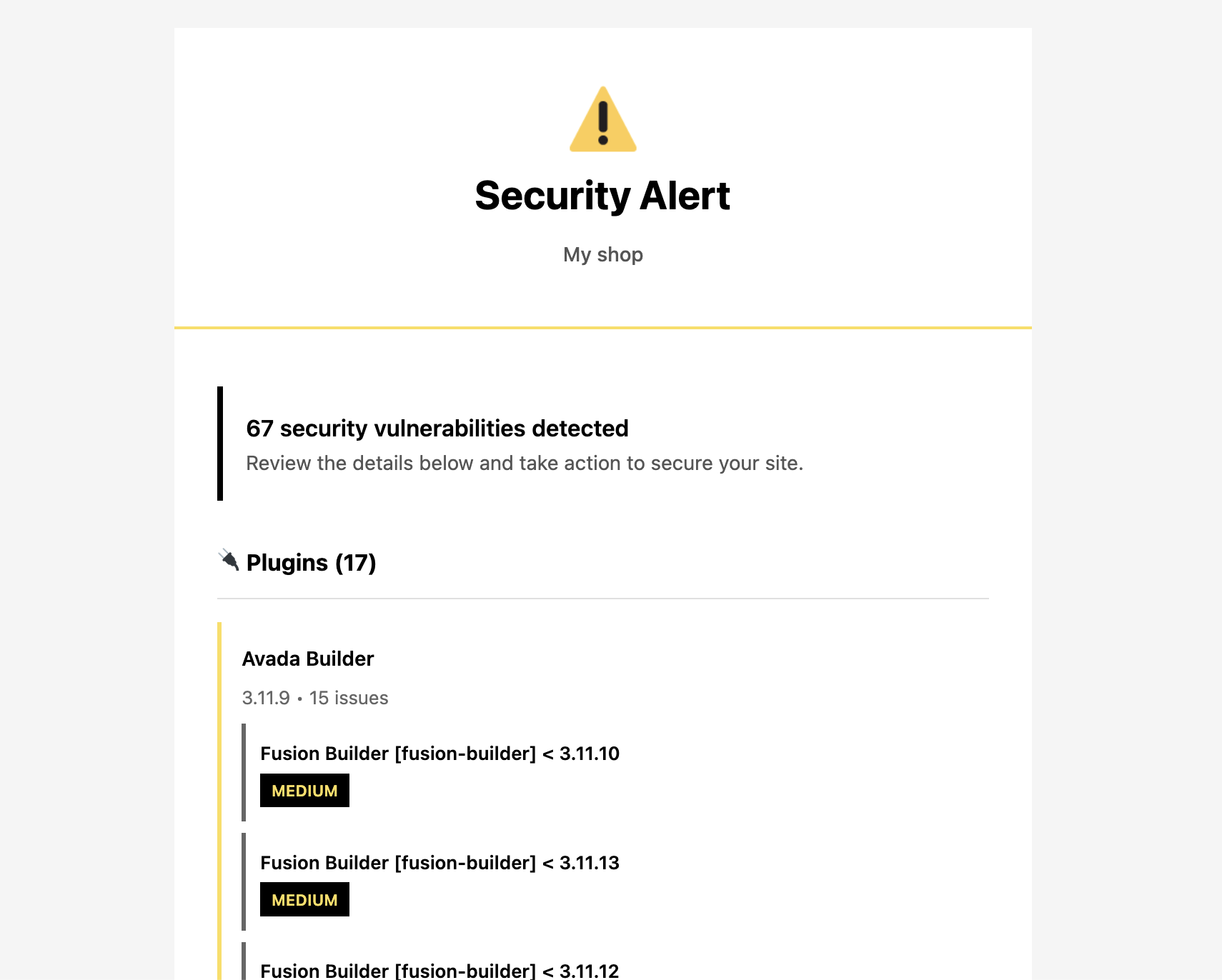
- Email Notifications - Get notified when vulnerabilities are detected
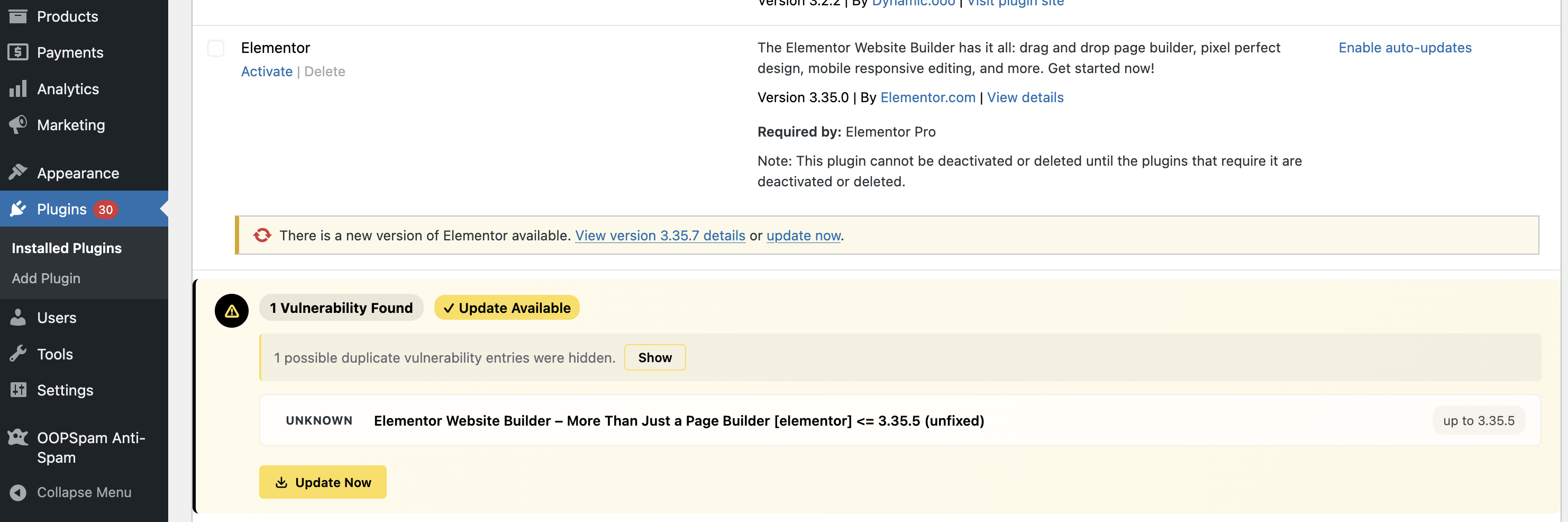
- Modern Dashboard - Clean, accessible admin interface with detailed vulnerability information
- Severity Indicators - Color-coded severity levels (Critical, High, Medium, Low)
- Update Guidance - See which vulnerabilities have fixes available
- WordPress core version
- Plugin slugs and versions
- Theme slugs and versions
安装:
- Upload the
oop-vulnsfolder to the/wp-content/plugins/directory - Activate the plugin through the 'Plugins' menu in WordPress
- Navigate to Tools → Vulnerability Scanner to configure the plugin
- Enter your OOPSpam API key (required for vulnerability checks)
- Enable "Vulnerability Scanning" (disabled by default)
- Click "Run Scan Now" to perform your first vulnerability scan
屏幕截图:
常见问题:
Do I need an API key?
Yes, an API key is required to check for vulnerabilities. Each API key includes 40 vulnerability checks per month. Each plugin or theme check counts as one API call. If you're using the OOPSpam Anti-Spam plugin, the API key is shared automatically.
How are API calls counted?
Each vulnerability check for a plugin or theme counts as one API call. For example, if you have 20 plugins and 5 themes, a full scan uses 25 API calls (plus 1 for WordPress core).
How often does the plugin scan?
Scanning is disabled by default. After you explicitly enable scanning, you can configure scans to run daily or weekly and run manual scans from the dashboard.
What data is sent to the external API?
Only plugin/theme slugs and version numbers are sent. No personal data, content, or sensitive information is transmitted.
Does this plugin slow down my site?
No. Scans run in the background via WordPress cron and results are cached. The plugin does not affect frontend performance.
Can I use my own API key?
Yes. You can enter your API key in the plugin settings, or define OOPSPAM_API_KEY in your wp-config.php file.
更新日志:
- Scan for plugins no longer available on WordPress.org
- Initial release
- WordPress core vulnerability scanning
- Plugin vulnerability scanning
- Theme vulnerability scanning
- Email notifications (daily/weekly)
- Configurable scan frequency
- Modern, accessible admin interface