Optimand
| 开发者 | optimand |
|---|---|
| 更新时间 | 2026年4月20日 15:43 |
| PHP版本: | 8.1 及以上 |
| WordPress版本: | 6.9 |
| 版权: | GPLv2 or later |
| 版权网址: | 版权信息 |
详情介绍:
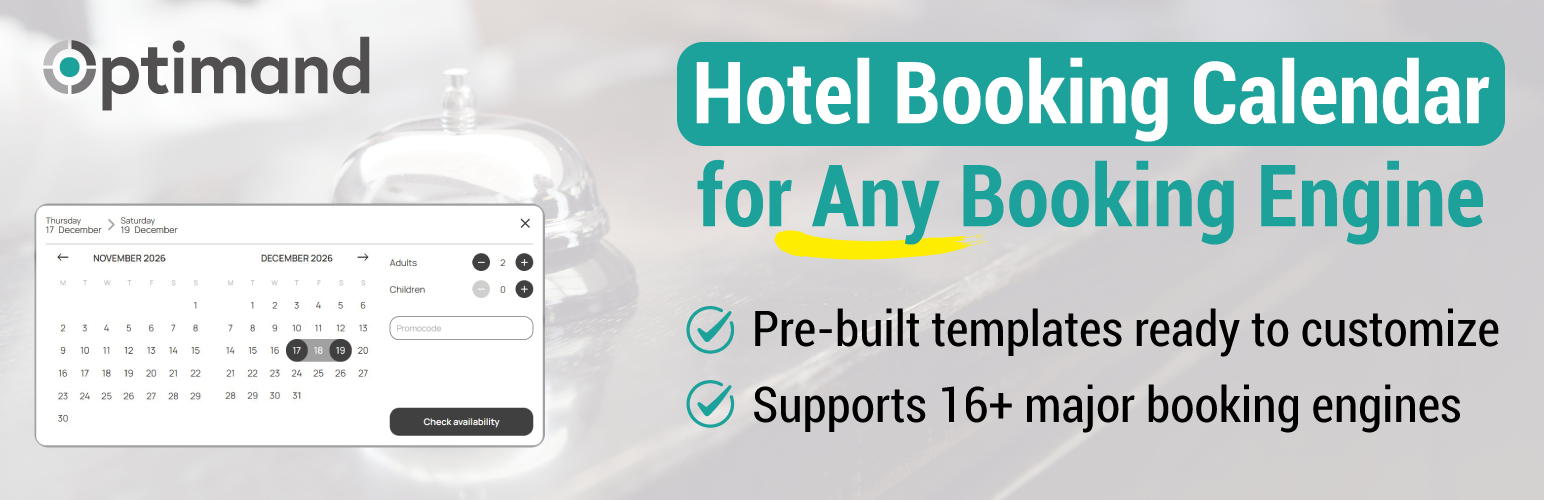
The Optimand plugin is a dedicated booking interface designed specifically for the hospitality industry. It provides a powerful, local tool to streamline the room reservation process directly from your WordPress site.
The core feature is the Smart Calendar: a high-performance availability and rate search tool. This plugin is fully functional and includes all layout templates, custom translations, and granular design options. It allows guests to select dates and room requirements on your site before being redirected to your Booking Engine (BE) URL to complete the reservation.
The plugin supports automatic configuration for 16 major booking engines (Bedzzle, Blastness, Bookassist, Bookingexpert, D-Edge, Ennismore, Ericsoft, Ermes, Guestline, Little Hotelier, Mirai, Sabre Synxis, Simple Booking, Travelclick, Verticalbooking, Web Hotelier) and allows manual configuration for any custom booking URL.
Key Features:
- Fully Local & Functional: All styling, templates, and settings work directly within WordPress.
- Smart Redirect: Acts as a bridge, sending guests to your Booking Engine with pre-selected dates and guest information.
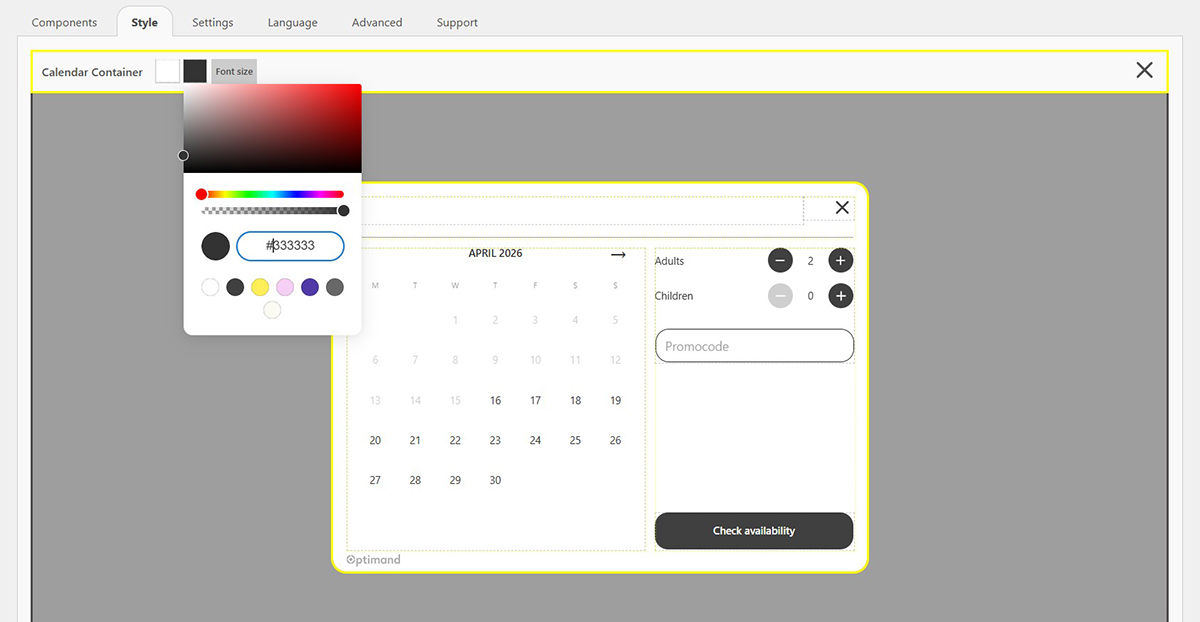
- Visual Configurator: Match the calendar design to your theme by adjusting colors and layouts without touching any code.
- Multi-language & Currency: Built-in management for international guests with customizable text strings.
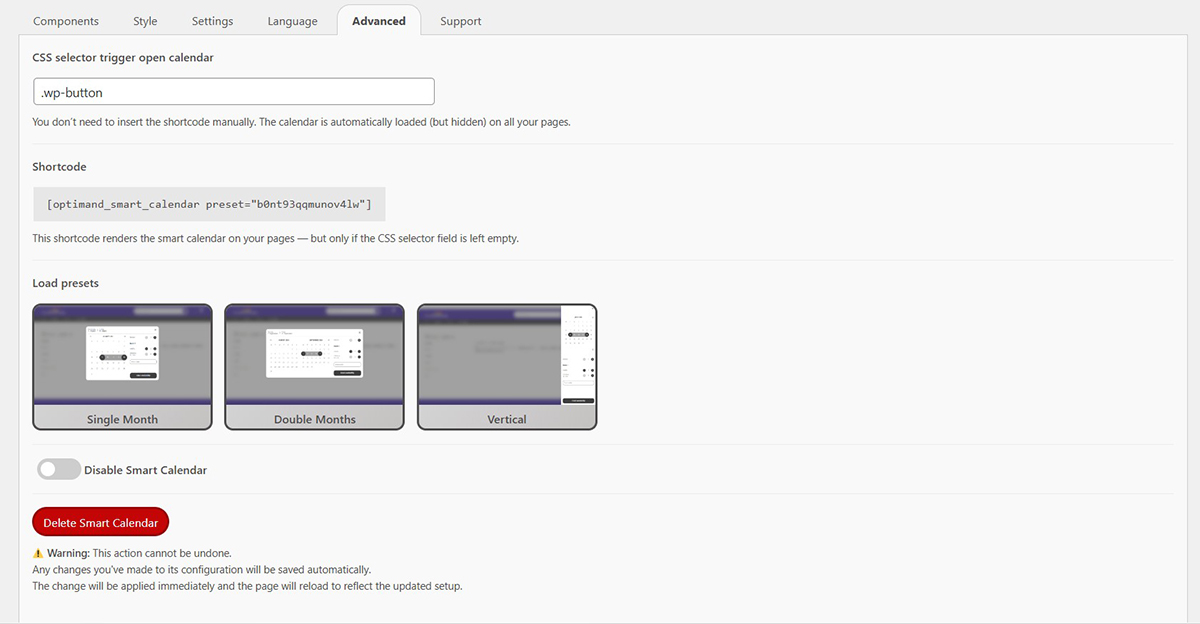
- Dual Integration: Use the provided shortcode or trigger the calendar from any existing button via CSS selectors.
- Multiple Presets: Create and manage up to 2 different calendar configurations for your site.
安装:
- Upload the
optimandfolder to the/wp-content/plugins/directory. - Activate the plugin through the 'Plugins' menu in WordPress.
- Click on the Optimand menu in your dashboard and select "Add New Smart Calendar".
- Enter a name for your calendar and choose an initial template (you can fully customize the design later).
- In the configuration panel, enter the full URL of your Booking Engine.
- Display your calendar: * Copy and paste the provided shortcode onto any page or post.
- OR go to the "Advanced" tab and specify a CSS Selector (e.g.,
.my-booking-button). Once saved, clicking any element on your site with that class or ID will launch the Smart Calendar modal.
屏幕截图:
常见问题:
Does this plugin require an external account?
No. The plugin is self-contained. All configurations, styling, and calendar logic are handled locally on your WordPress installation.
Is the plugin sending data to external servers?
No. The plugin does not connect to any external API. The only external interaction is the client-side redirect to your chosen Booking Engine URL when a guest searches for dates.
Can I customize the calendar colors?
Yes. The built-in visual editor allows you to customize every aspect of the calendar design to fit your brand.
更新日志:
1.0.0
- Initial release.
- Full Smart Calendar features included.
- 16+ Booking Engine presets.
- Visual configurator with full styling options.