
Orbitwrite
| 开发者 | orbitwrite |
|---|---|
| 更新时间 | 2026年10月28日 05:38 |
| PHP版本: | 7.4 及以上 |
| WordPress版本: | 7.1 |
| 版权: | GPLv2 or later |
| 版权网址: | 版权信息 |
详情介绍:
安装:
- In WordPress, go to Plugins → Add New Plugin and search for "Orbitwrite".
- Click Install Now, then Activate.
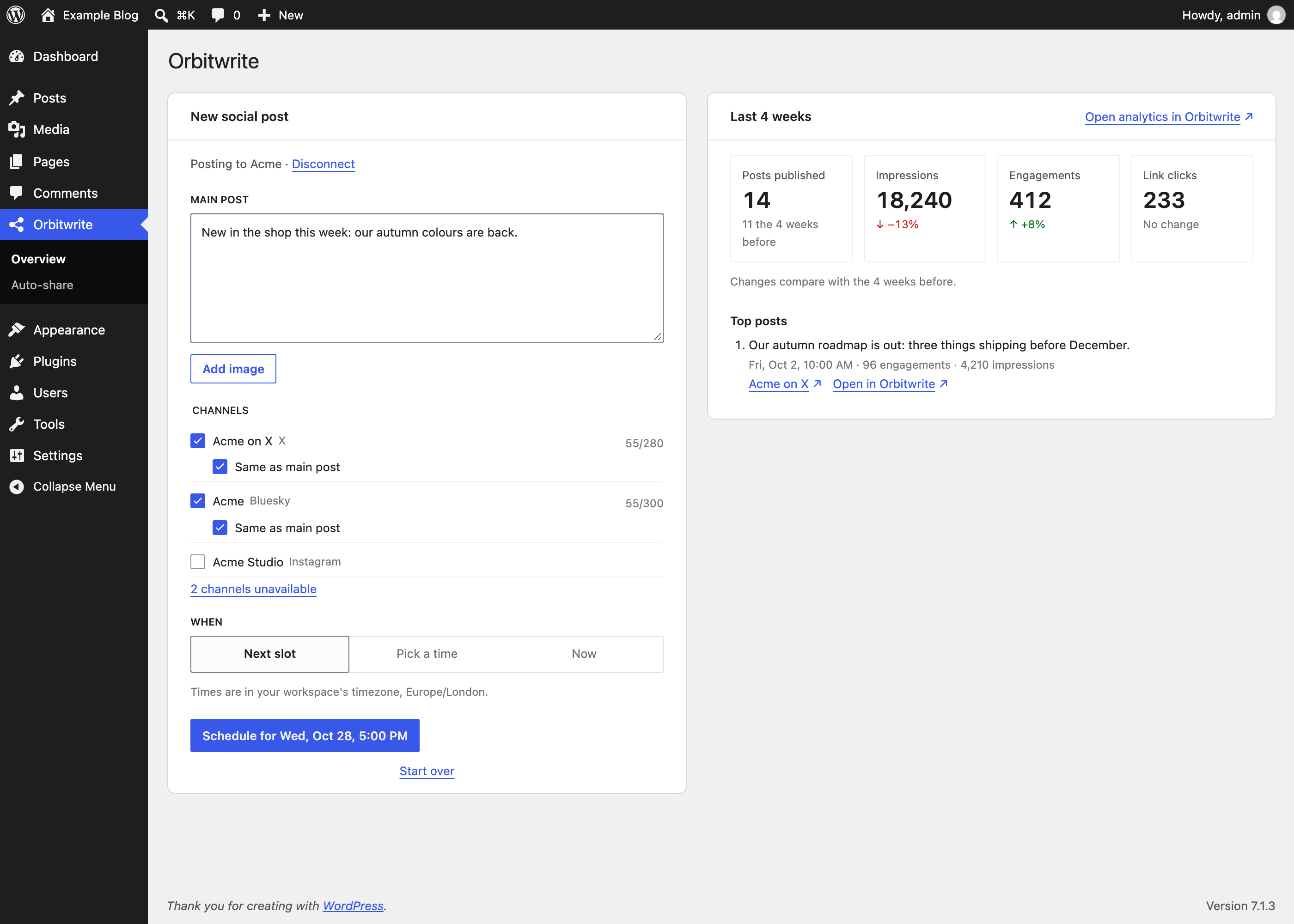
- Open Orbitwrite in the admin menu and click Connect Orbitwrite.
- Sign in on orbitwrite.com. You're brought back to WordPress, connected.
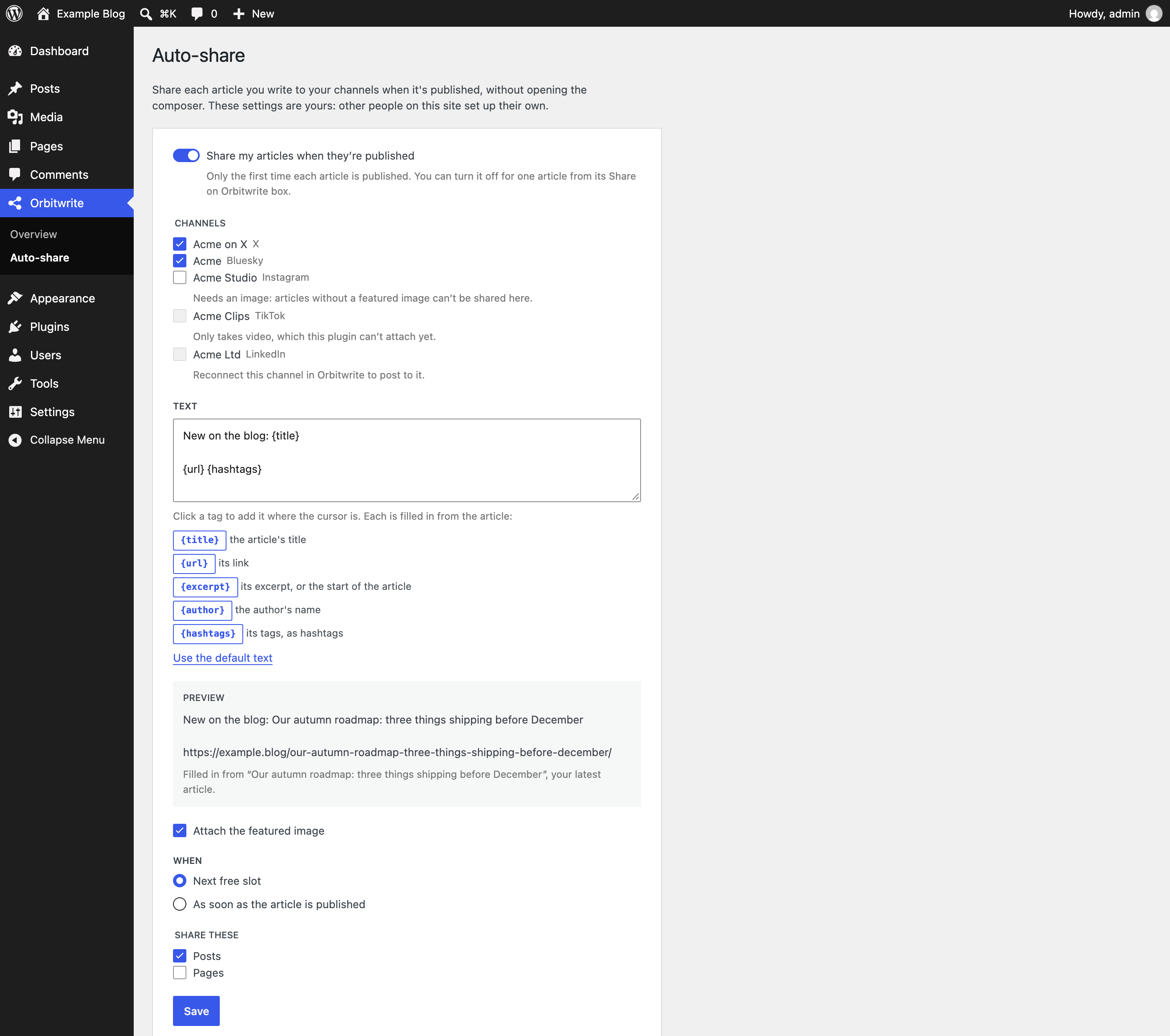
- To share new articles automatically, set up auto-share under Orbitwrite → Auto-share.
屏幕截图:
常见问题:
Why can't I connect?
Orbitwrite has to be able to reach your site over HTTPS to recognise it, so connecting needs a public address, HTTPS, and pretty permalinks (any setting other than "Plain" under Settings → Permalinks). The plugin tells you which one is missing. Local and private staging sites can't connect.
Which timezone are times in?
Your Orbitwrite workspace's, so 9:00 means the 9:00 on your Orbitwrite calendar. The composer labels every time with it.
Whose channels does auto-share post to?
The article author's. Each person sets up auto-share for their own articles under Orbitwrite → Auto-share, so an editor publishing someone else's article shares it to the author's channels, not their own.
Will auto-share post an article twice?
No. It shares an article only the first time it's published, and not at all if someone already shared it from its Share on Orbitwrite box.
How do I remove the plugin's access?
Click Disconnect in the composer, or remove it in Orbitwrite under Settings → MCP → Connected apps.
更新日志:
- First release.