Order Picking App | Order Picking, Barcode Scanning & Fulfillment for WooCommerce
| 开发者 |
Arture B.V.
arture |
|---|---|
| 更新时间 | 2026年10月19日 19:58 |
| PHP版本: | 8.0 及以上 |
| WordPress版本: | 7.1 |
| 版权: | GPLv2 or later |
| 版权网址: | 版权信息 |
详情介绍:
安装:
- Install the plugin via Plugins -> Add New in WordPress.
- Activate the plugin through the 'Plugins' menu in WordPress.
- Create your Order Picking App account at orderpickingapp.com — a free 30-day trial is available.
- Download the Orderpicking App on your iOS or Android device.
- Scan the API barcode or enter the API key manually to connect your store.
- Configure the settings to match your picking workflow and preferences.
- Start picking WooCommerce orders using your mobile devices.
屏幕截图:
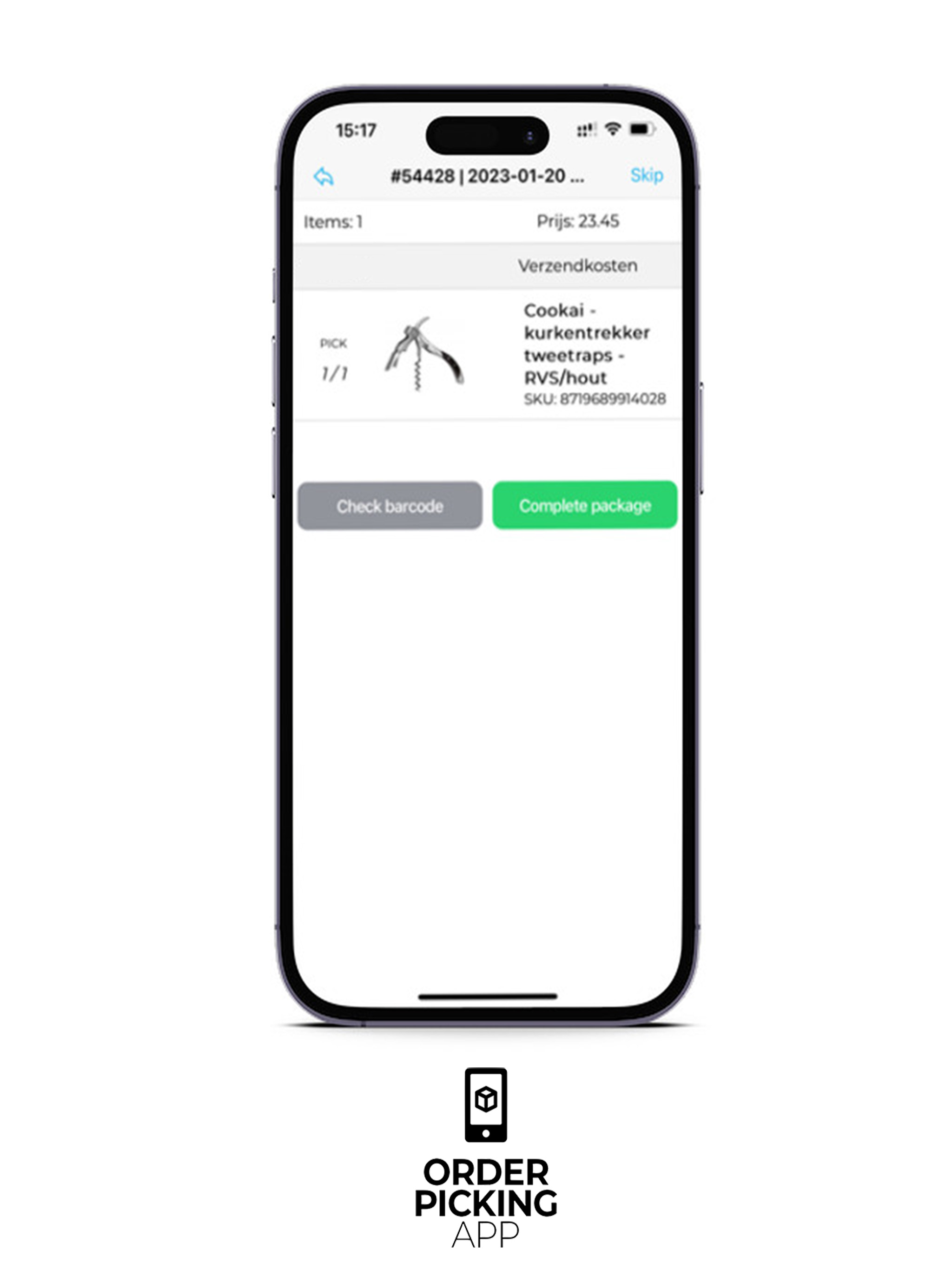
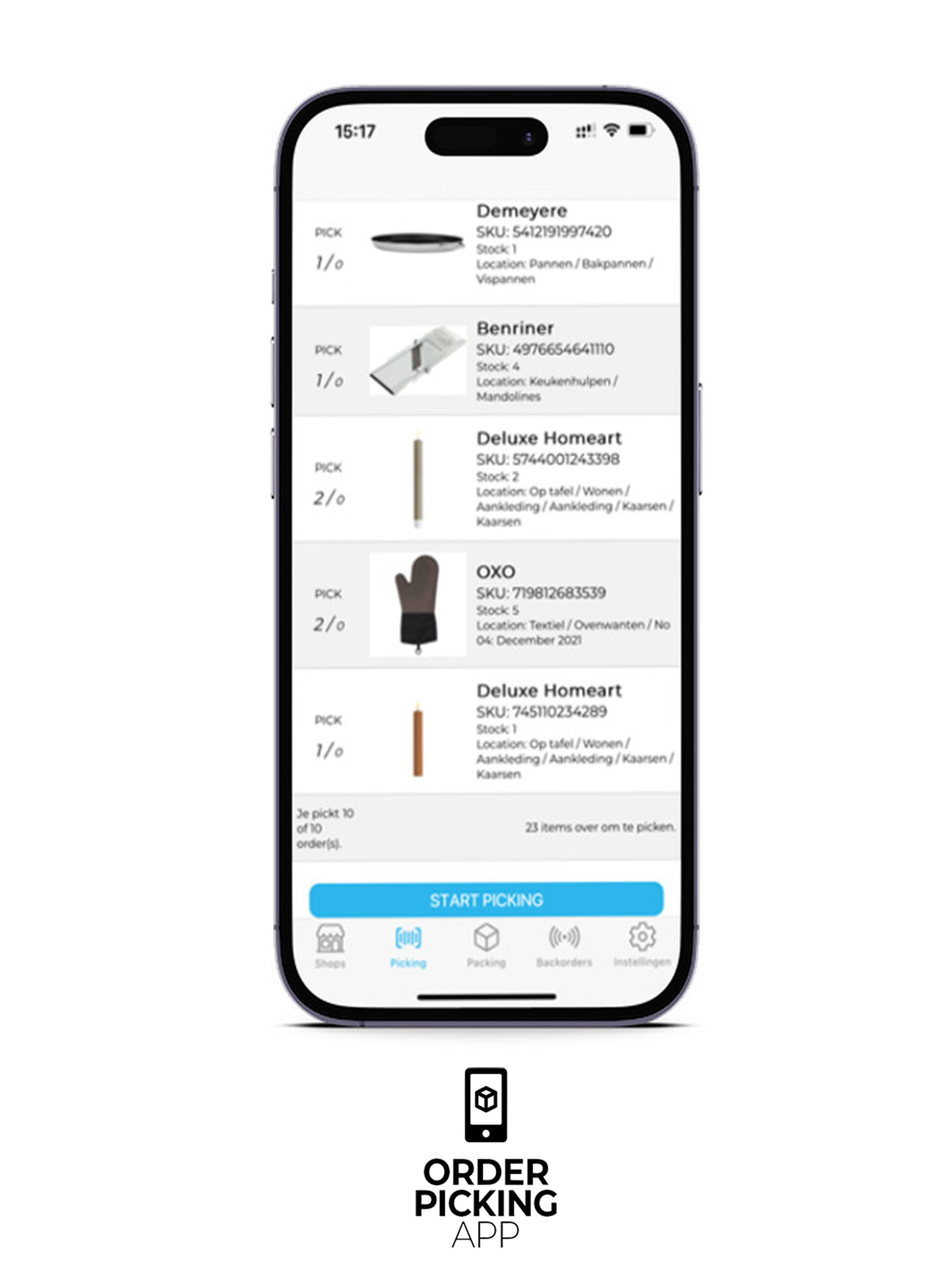
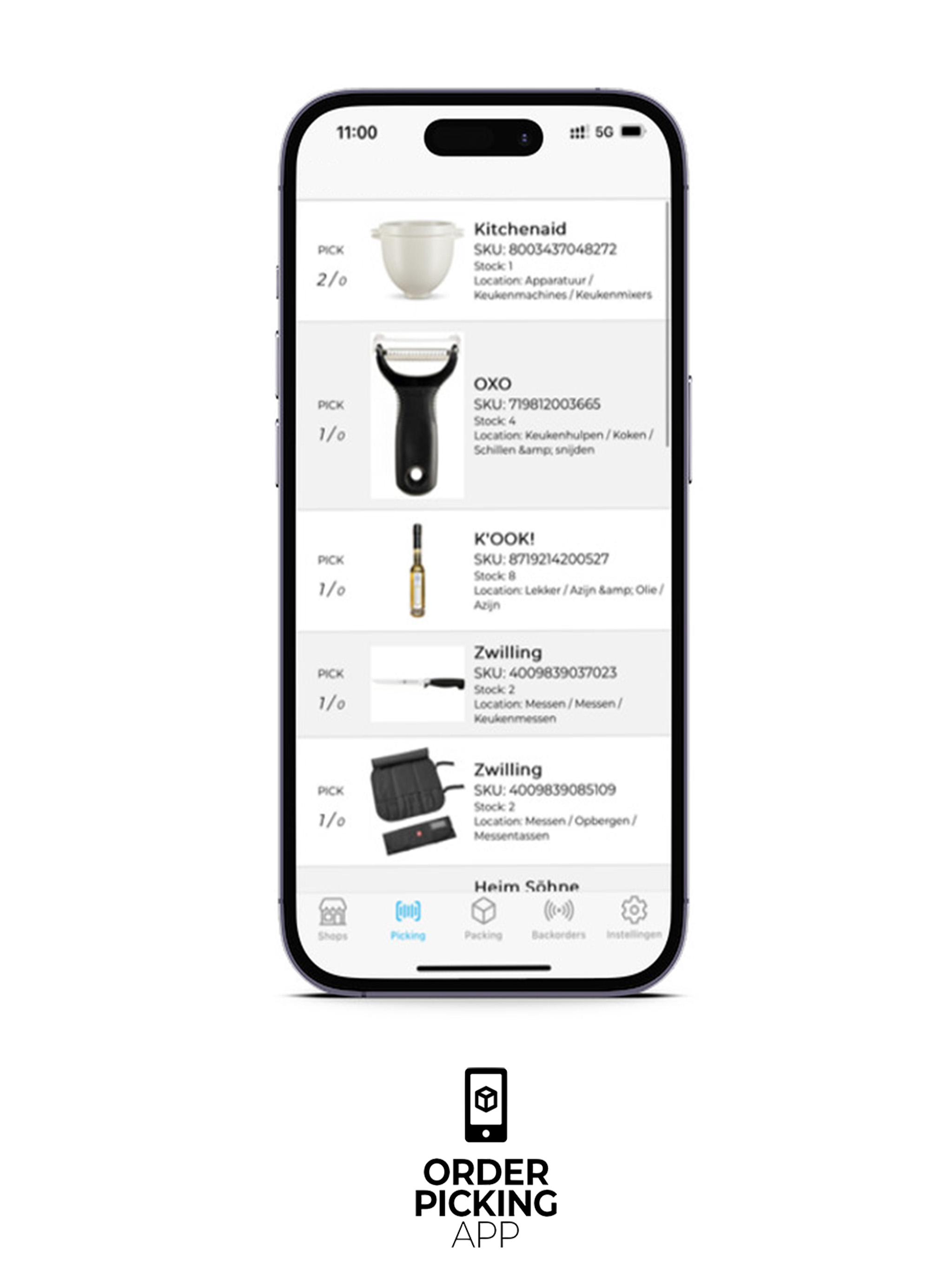
常见问题:
How do I connect the Order Picking App to my WooCommerce store?
Install and activate the Order Picking App plugin from the WordPress plugin directory. This plugin connects your WooCommerce store to the Order Picking App service — an account at orderpickingapp.com is required. After creating your account, copy your API key from the dashboard and paste it into the plugin settings in your WordPress admin. Your orders will sync automatically.
Can I try the Order Picking App before I pay?
Yes — after installing the plugin, you can create a free account at orderpickingapp.com and start a 30-day trial with no commitments required.
Which devices work with the Orderpicking App?
Orderpicking App supports iOS and Android devices. You can use smartphones, tablets, or (Bluetooth) PDA scanners for mobile picking.
Do orders sync automatically from WooCommerce?
Yes — once connected, orders in WooCommerce are pulled into the Orderpicking App automatically, with no manual export required.
How do I switch between single and batch picking?
You can configure picking type (single or batch) in the plugin or portal settings. Batch picking allows grouping multiple orders in one run to reduce walking time.
What WooCommerce order status does the app use?
The plugin default imports orders when they enter the "Processing" status in WooCommerce. Custom statuses can also be configured.
更新日志:
- Bugfix with picking status and manual order assigning
- Updated order admin notice with the correct amount of picking orders and products
- New setting to hide postcode on the Order PDF label
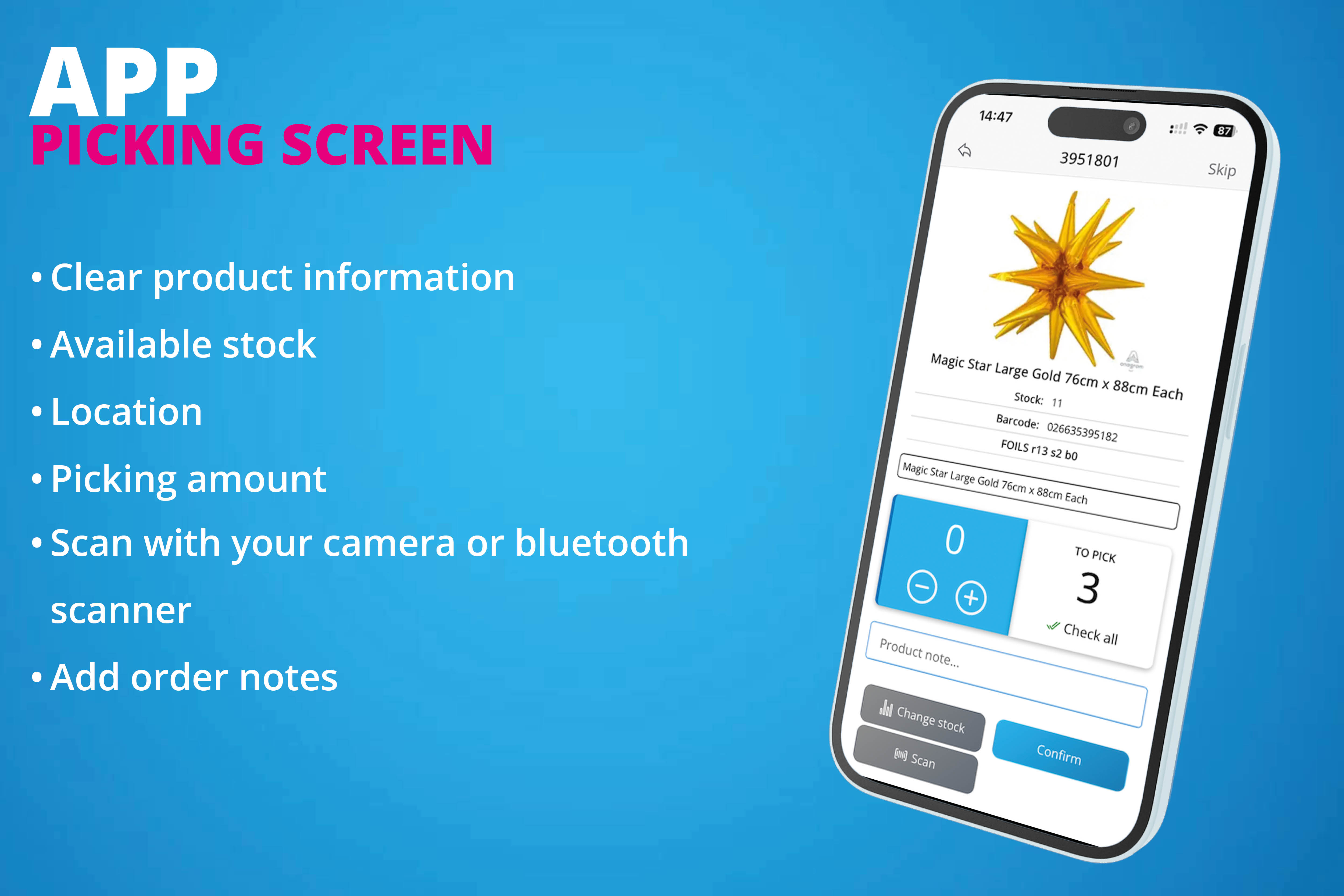
- Possibility to add notes to order products/items
- Find product fix with 12 EAN
- Upgraded picking route functions
- Improved POS functions
- Renewed order claim action
- Small bugfixes
- NEW fields for Box barcode and quantity
- Added color when PDF label has been created
- PDF label improved with order total
- Desktop packing is now available with a custom url
- Old version of desktop packing inside the plugin has been removed
- Updated styling and layout
- NEW order label action with bulk
- Improved desktop packing flow
- Order label print from order list and with bulk selection
- NEW POS functions for our improved POS add-on. Please ask us for more information!
- POS order item notes
- Bugfix with product update ith barcode
- NEW Barcode add fucntion for products
- Added values to determine pickup and delivery orders
- NEW setting to enable fast picking. This will add a button to check all products inside the list view of the order without scanning
- Updated version to apply to the latest Wordpress escaping rules and PHP versions
- NEW Delivery options
- NEW Force scan setting for pickers
- Bugfix with save action for picking route
- Bugfix with user/pickers update and custom settings
- NEW Bulk action to assign multiple products to selected location
- NEW Product location sidebar block
- Bugfix with location select options for one location
- Compatibility with our NEW "Weight Products for WooCommerce" plugin to measure weight products within our app.
- NEW improved Woocommerce product location fields and logic
- Updated description, screenshots and FAQ
- NEW! Enable push notifications when new orders are available for picking
- NEW! Picklist tab with PDF downloads
- Small bugfix with order scanning and not found order response
- Compatibility for loading order with WC status "completed" but without any picking status
- NEW compatibility with "WooCommerce Shipment Tracking" and order search by tracking number.
- Changed batch number logic
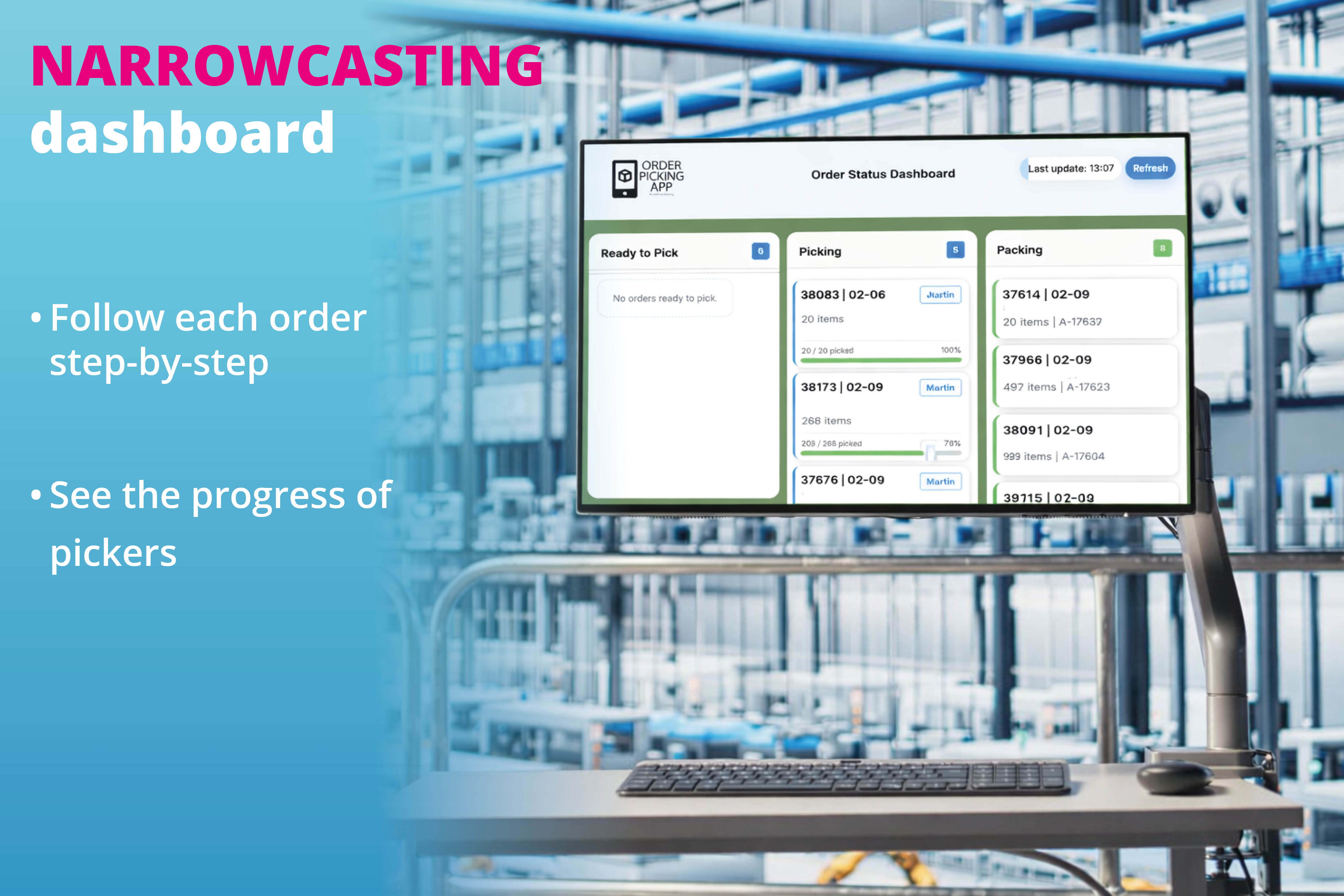
- NEW! Added Narrowcasting tab
- New filter on packing order data
- Added styling on Order Picking App order notes
- Updated function for product finder with variable products
- Styling update for picker/user tab
- Bugfix with apply_filters on product_data
- Added customer fields for billing and shipping to POS order create
- Added user connection with picker
- Bugfix for product finder action and picking location
- Bugfix for product finder action and picking location
- New feature to download or print barcodes from your products in one click!
- Fallback check on find_ product on custom order number/name
- Add picking locations to the GetProduct action
- Fallback on product search by SKU on parent product with one variation
- Allocated quantity field added
- Updated features list and app description
- New function to unclaim the current picker from the order
- Bugfix with takeover action of an order
- New filter hook for custom product_data change
- New setting for custom order select inside batch picking
- Bugfix with add new picker save action
- Woocommerce settings for picker start en end time
- New settings for custom Woocommerce status change for Picking, Packing and Completed
- Pickup settings and flow
- Bugfix with multiple subscriptions and desktop packing
- Compatibility for old orders admin columns
- Dashboard widget with backorder PDF export
- Dashboard widget with picking summary CSV export
- Dashboard widget with picking list downloads
- Dashboard widget basic
- Bugfix with pickinglist PDF
- Bugfix with packing and product bundles
- Bugfix with pickers select list and renewing pickers transient
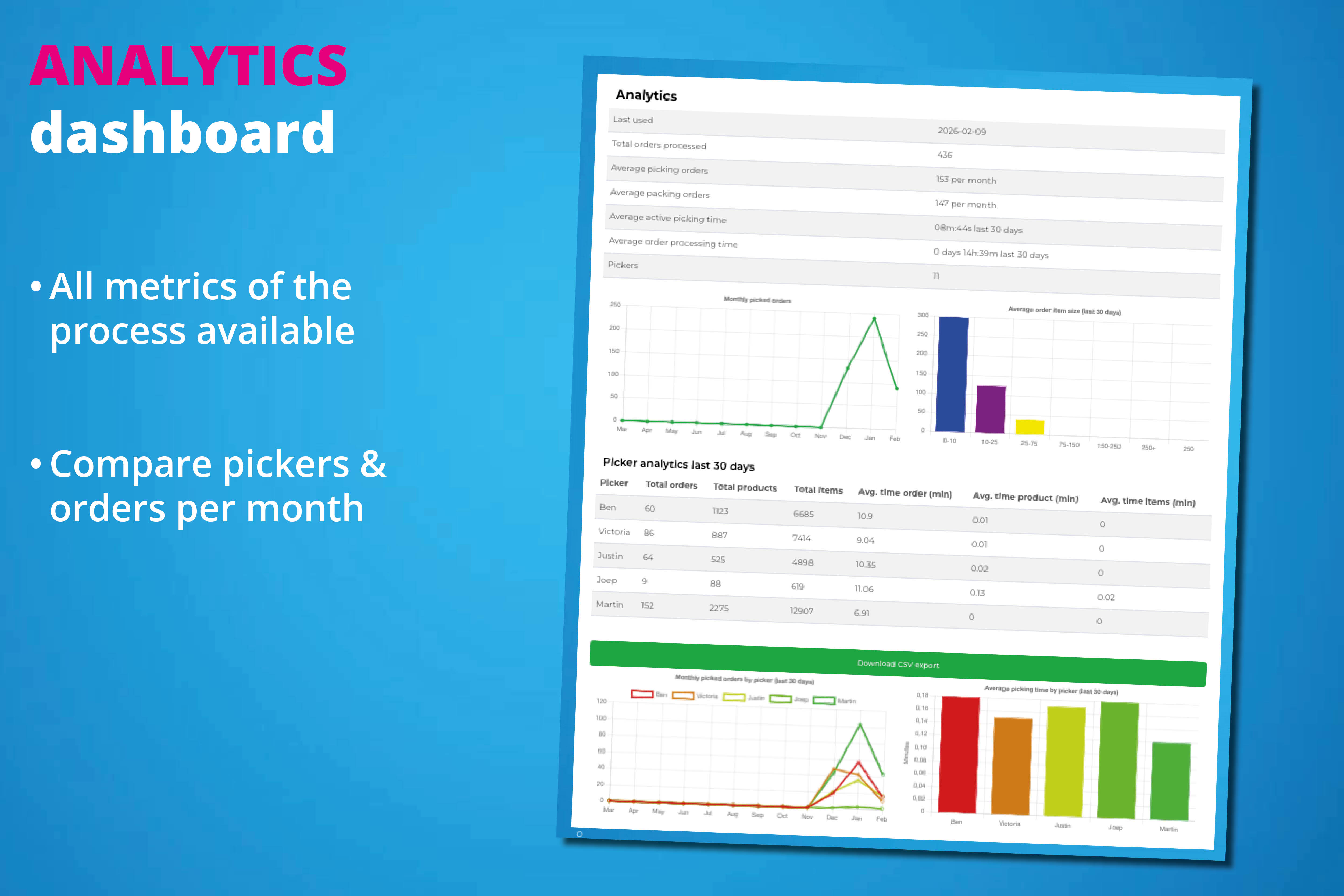
- NEW CSV export with analytics data
- NEW analytics tab with picker and picking Charts
- Added support for delivery date and order sort
- Added CSV export for stock mutations
- Update on stock mutations block inside product view
- Added error feedback for empty stock mutations/archive
- Bugfix for picking location inside product finder
- New setting for hiding order list inside App
- Bugfix for price calculation with zero quantity
- New feature for showing product stock mutations
- Added packer to order data
- Find product action with picking location fallback
- Feature for changing order line item quantity based on picked items