
Orders Date Time Slot Picker By SolCoders
| 开发者 | solcoders |
|---|---|
| 更新时间 | 2026年4月17日 00:57 |
| PHP版本: | 7.4 及以上 |
| WordPress版本: | 6.9 |
| 版权: | GPLv2 or later |
| 版权网址: | 版权信息 |
详情介绍:
Orders Date Time Slot Picker By SolCoders gives your WooCommerce store a professional delivery scheduling system. Customers can choose their preferred delivery date and time slot directly on the Cart page, Checkout page, or both.
Key Features
- Flexible Display — Show the picker on Cart, Checkout, or both pages.
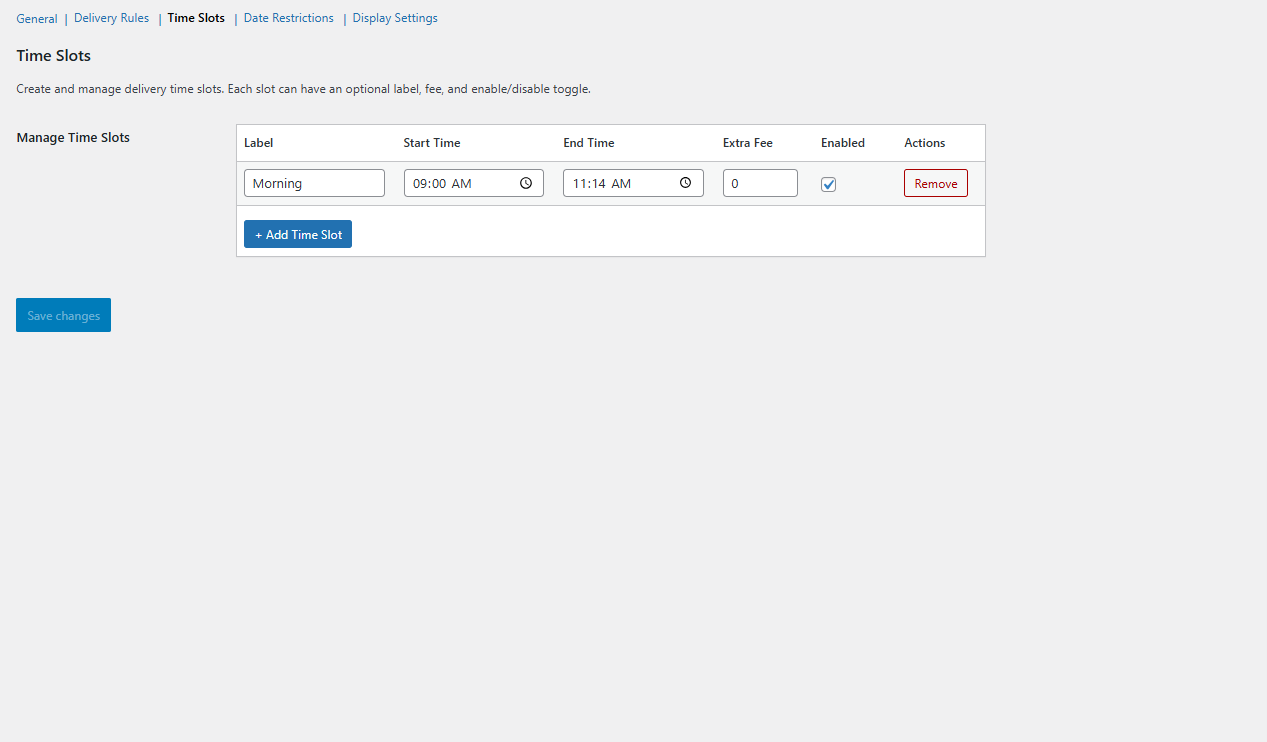
- Time Slot Management — Create unlimited time slots with optional labels and extra fees.
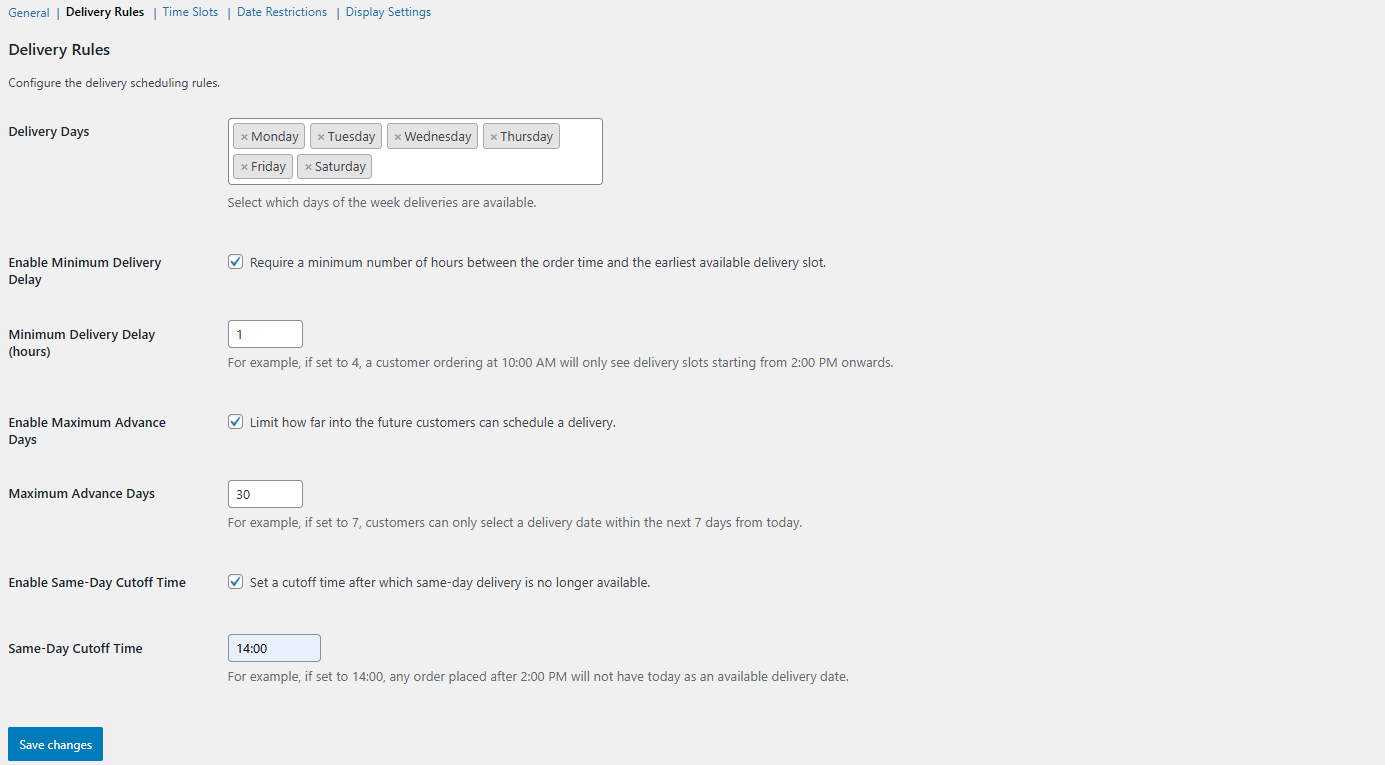
- Delivery Rules — Set minimum delay, maximum advance days, same-day cutoff, and allowed delivery days.
- Date Restrictions — Block specific dates (holidays, blackout periods).
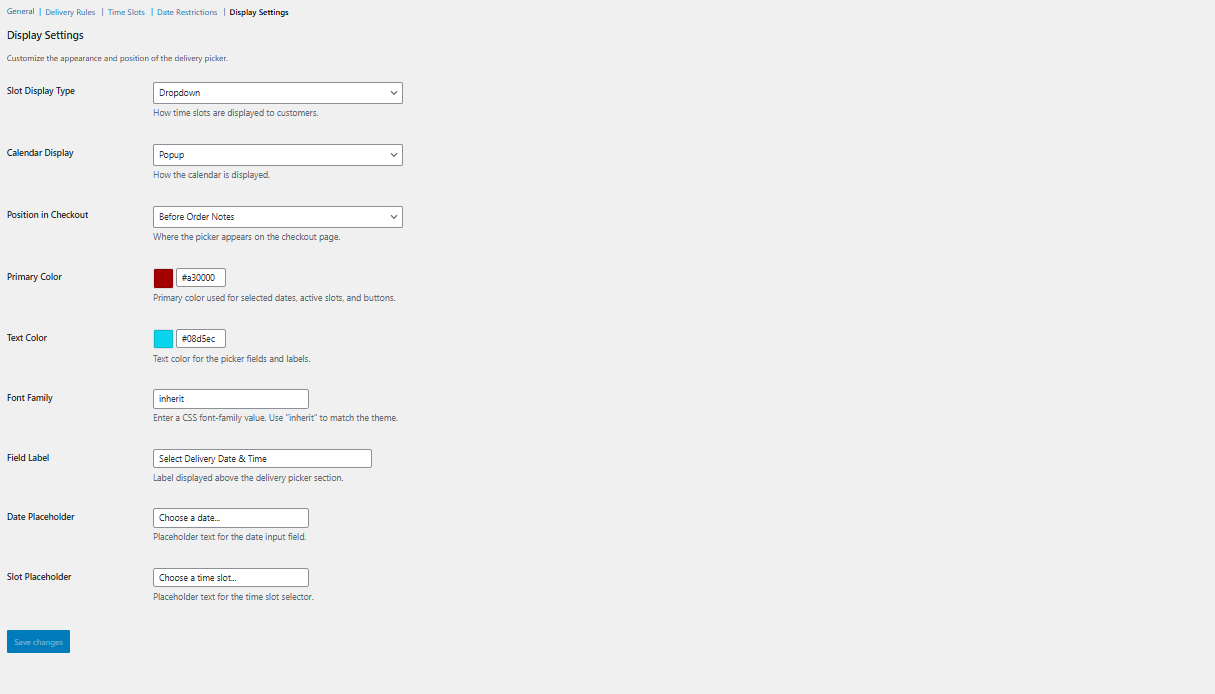
- Display Customization — Choose dropdown or button-style slots, inline or popup calendar, custom colors, fonts, and text.
- Classic & Blocks Support — Works with both WooCommerce shortcode checkout and the new Blocks-based checkout.
- Order Integration — Delivery details appear on admin order pages, customer emails, and the Thank You page.
- Session Persistence — Selections carry from Cart to Checkout seamlessly.
- Translation Ready — Fully internationalized with i18n support.
- Configure delivery days, time slots, and rules in WooCommerce → Settings → Delivery Slots.
- Customers see a date picker (powered by Flatpickr) on the Cart or Checkout page.
- After selecting a date, available time slots load dynamically via AJAX.
- The selection is validated, saved to the order, and displayed everywhere it matters.
- WordPress 5.8 or higher
- WooCommerce 6.0 or higher
- PHP 7.4 or higher
安装:
- Upload the
sc-orders-date-time-slot-picker-by-solcodersfolder to the/wp-content/plugins/directory. - Activate the plugin through the 'Plugins' menu in WordPress.
- Go to WooCommerce → Settings → Delivery Slots to configure.
- Create your time slots under the "Time Slots" section.
- Configure delivery rules, date restrictions, and display settings.
屏幕截图:
常见问题:
Does this work with WooCommerce Blocks Checkout?
Yes! The plugin fully supports both the classic shortcode-based checkout and the newer WooCommerce Blocks checkout editor.
Can I restrict deliveries to certain days?
Yes. In the Delivery Rules section, select which days of the week deliveries are available. You can also blackout specific dates.
Does the selection persist from Cart to Checkout?
Yes. When the picker is enabled on both pages, the customer's selection on the Cart page carries over to the Checkout page and remains editable.
更新日志:
1.0.0
- Initial release.
- Admin settings panel with five configuration sections.
- Time slot management with labels, fees, and enable/disable toggles.
- Delivery rules: minimum delay, max advance days, same-day cutoff.
- Date restrictions with blackout dates.
- Display customization: colors, fonts, placeholders, layout options.
- Frontend picker with Flatpickr calendar and AJAX slot loading.
- WooCommerce Classic Checkout support via standard hooks.
- WooCommerce Blocks Checkout support via IntegrationInterface.
- Order meta storage and display on admin, emails, and Thank You page.
- Session-based selection persistence across pages.
- Full i18n / translation support.