
Orvanta Editorial Refresh Queue
| 开发者 | ushbakhan |
|---|---|
| 更新时间 | 2026年7月13日 23:58 |
| PHP版本: | 7.4 及以上 |
| WordPress版本: | 7.0 |
| 版权: | GPLv2 or later |
| 版权网址: | 版权信息 |
详情介绍:
Orvanta Editorial Refresh Queue helps site owners and editors find posts and pages that deserve an update.
Instead of guessing which articles to refresh, the plugin scans local WordPress content and scores each item using editorial signals such as last modified date, word count, title length, headings, links, images, and common SEO meta-description fields.
The result is a prioritized editorial queue with practical refresh notes for each piece of content.
Features
- Content decay scan for posts, pages, and other public content types.
- Priority score for stale or weak content.
- Local SEO refresh brief for each content item.
- Checks common SEO meta-description fields from popular SEO plugins.
- CSV export for editorial planning.
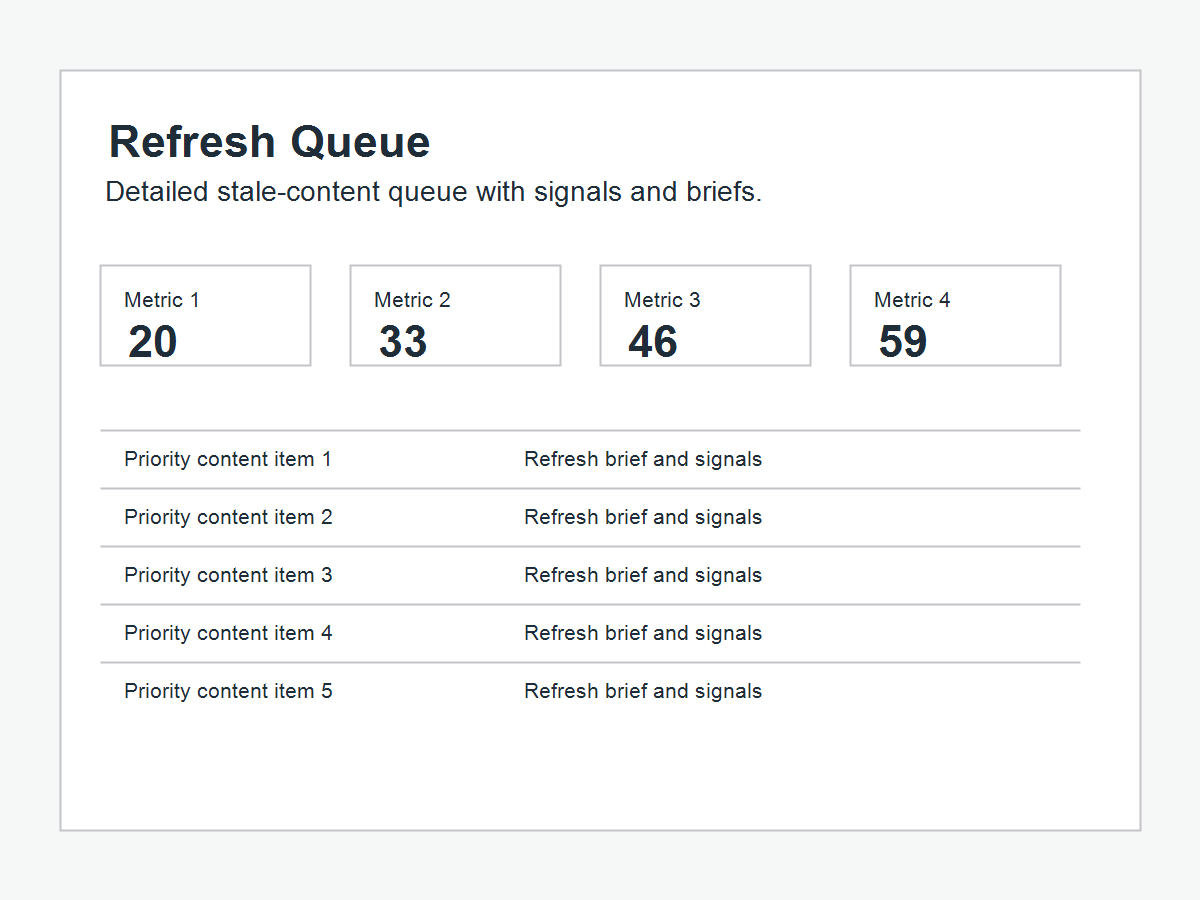
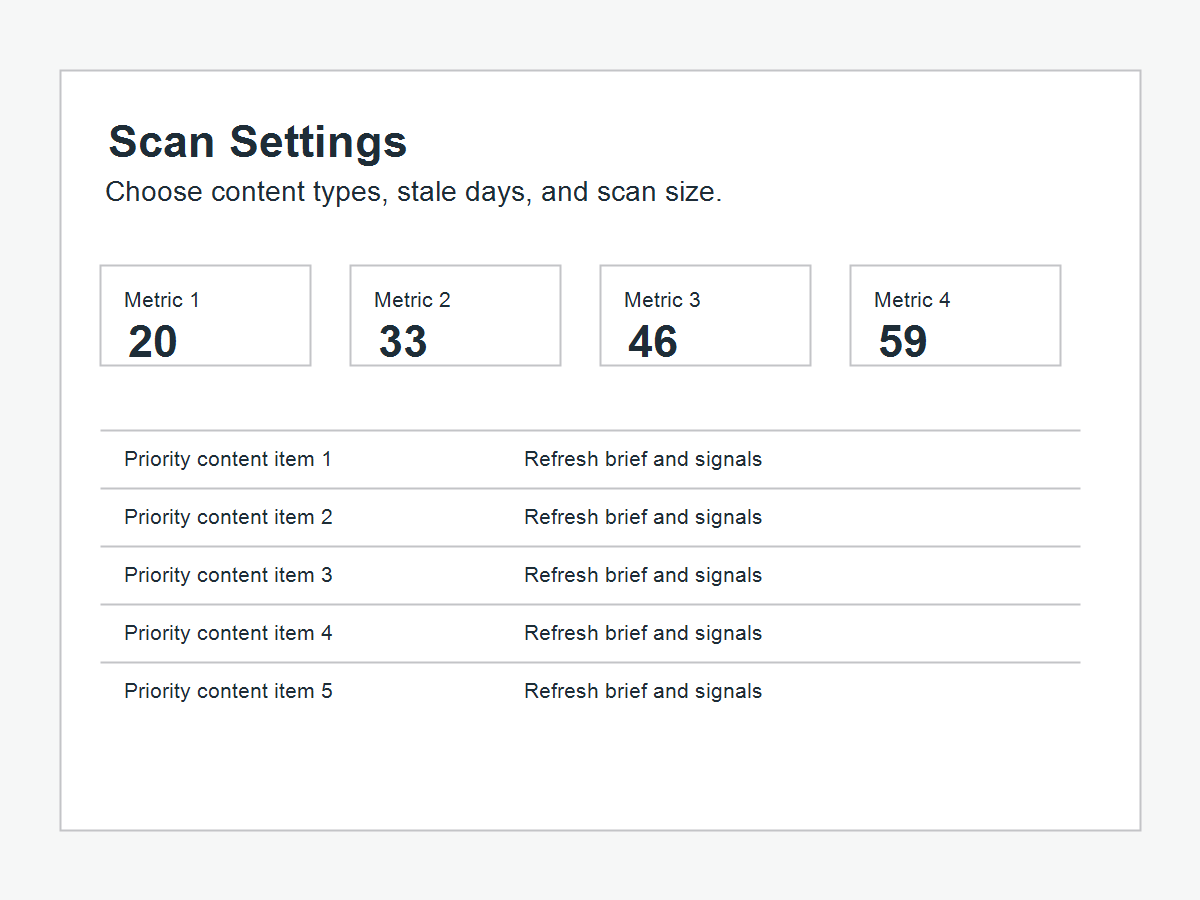
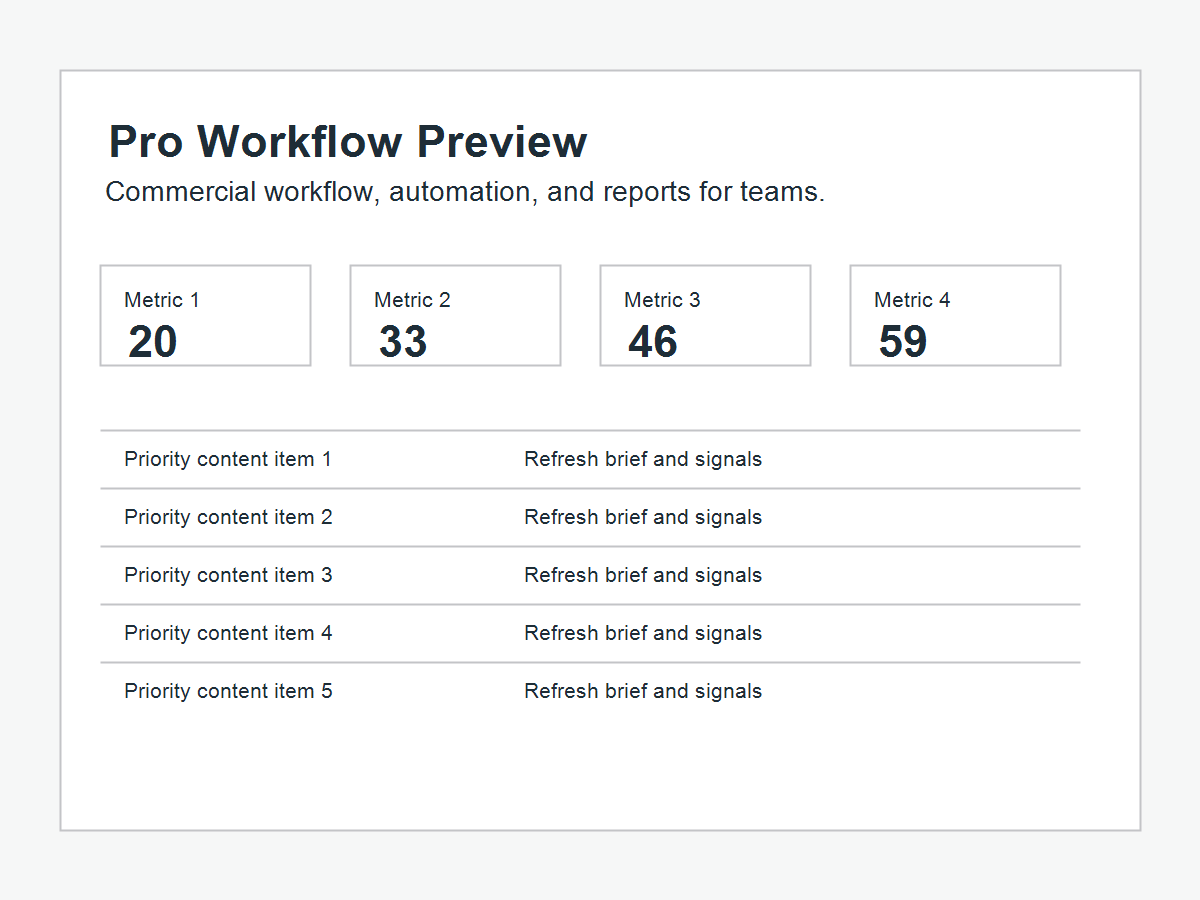
- Responsive dashboard, queue, settings, and Pro roadmap views.
- Adjustable stale-day and scan-size settings.
- Optional cleanup on uninstall.
- No external services, API keys, telemetry, or remote content generation.
安装:
- Upload the
orvanta-editorial-refresh-queuefolder to/wp-content/plugins/. - Activate the plugin through the Plugins screen.
- Open Tools > Orvanta Editorial Refresh.
- Review the refresh queue and export the CSV if needed.
屏幕截图:
常见问题:
Does this generate AI content?
No. The free version does not generate or rewrite content. It creates local refresh briefs and editorial recommendations from your own WordPress content data.
Does this call OpenAI or another AI service?
No. Version 0.2.0 does not call any external API or AI service.
Which SEO plugins does it support?
The scanner checks common meta-description fields used by Yoast SEO, Rank Math, All in One SEO, and SEOPress when those fields are present.
Will it change my posts?
No. The plugin only scans and reports. Editors choose what to update.
What happens on uninstall?
Settings and cached scan data are retained by default. If you enable cleanup in the plugin settings, uninstalling removes the plugin settings and cached scan data.
更新日志:
0.2.0
- Added a cleaner responsive admin dashboard with separate queue, settings, and roadmap views.
- Improved CSV export safety for spreadsheet tools.
- Added migration-safe version bookkeeping and extension hooks for compatible add-ons.
- Preserved the existing local scan, scoring, settings, export, and uninstall behavior.
- Initial public release.
- Added local content refresh scan.
- Added priority scoring, refresh briefs, settings, and CSV export.