
Osom Login Page Customizer
| 开发者 |
osompress
esther_sola nahuai davidperalvarez |
|---|---|
| 更新时间 | 2026年9月15日 01:13 |
| 捐献地址: | 去捐款 |
| PHP版本: | 5.6 及以上 |
| WordPress版本: | 7.0 |
| 版权: | GPLv2 or later |
| 版权网址: | 版权信息 |
详情介绍:
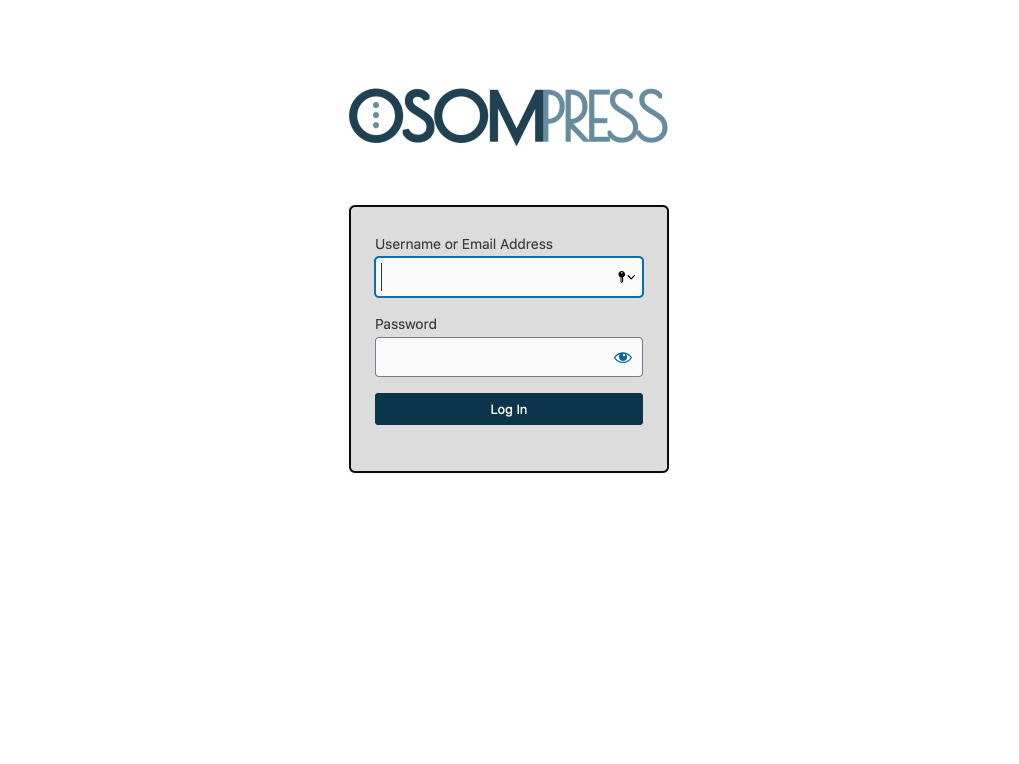
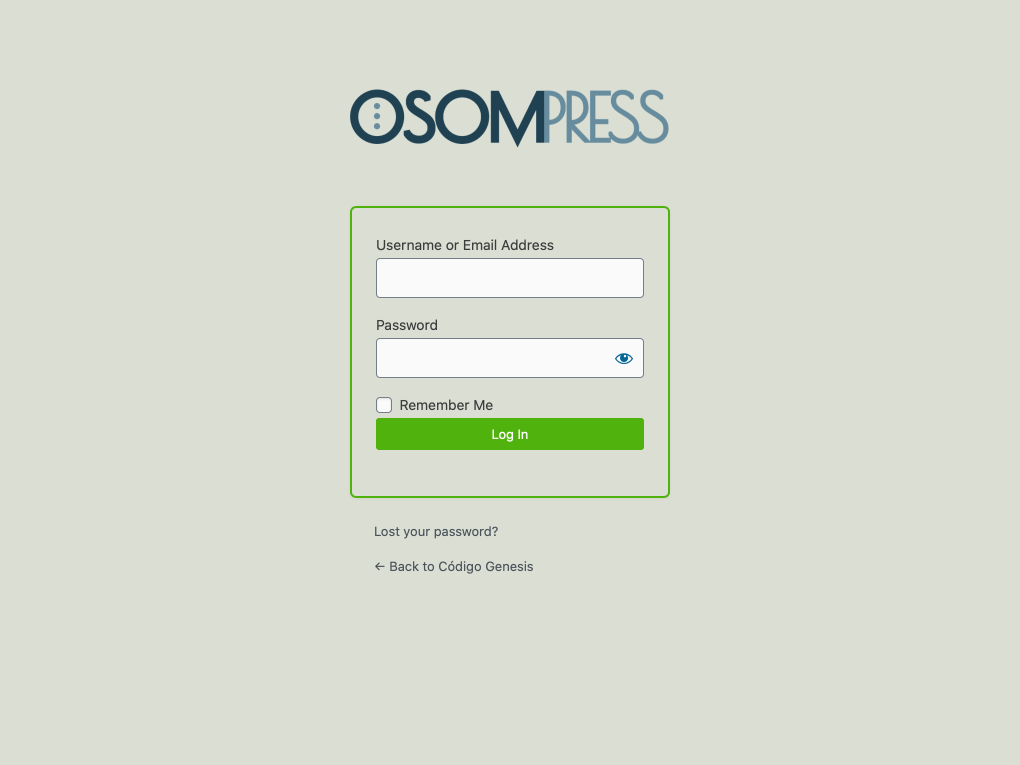
Osom Login Page Customizer lets you to easily customize the layout of the WordPress login page.
Plugin features
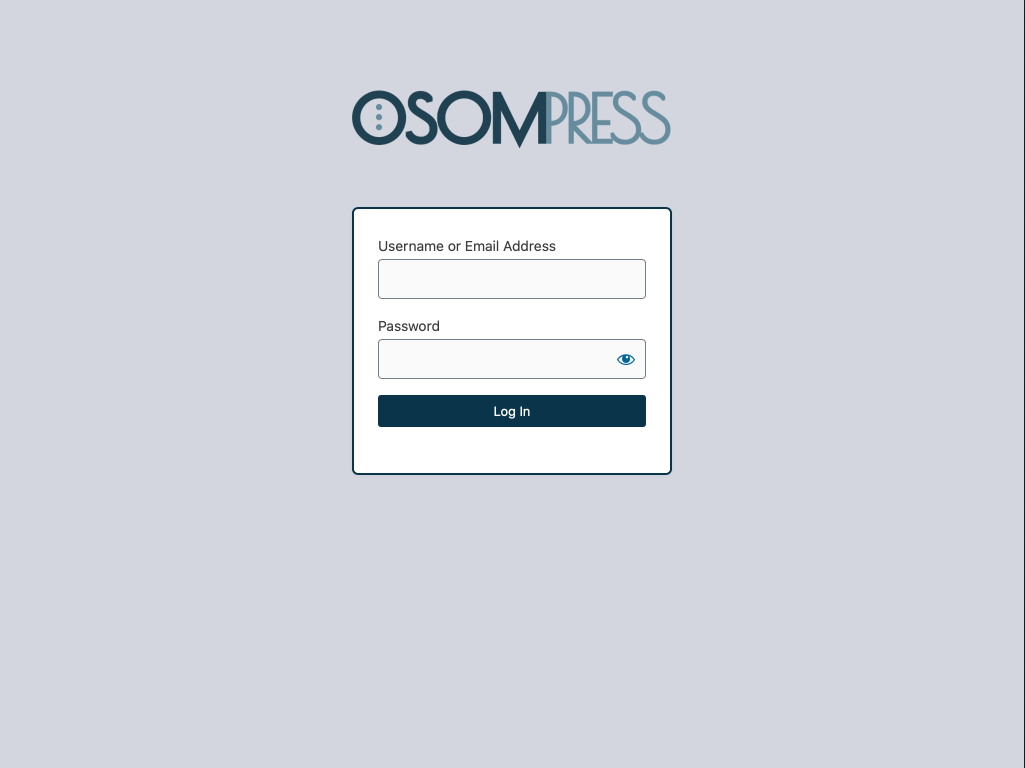
You can modify the look and feel of the WordPress login page to match your brand palette color. Also you can remove unnecessary elements to simplify it.
The plugin automatically displays the website logo instead of the WordPress logo. And also replace the WordPress.org URL for the site home.
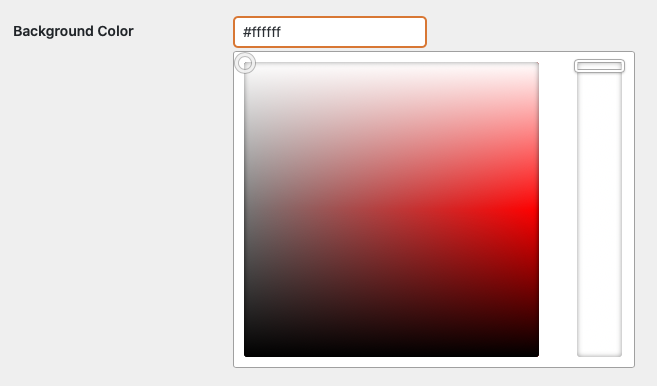
Also you can easily set the color to the different elements of the page using a the built in color picker or adding the hexadecimal code.
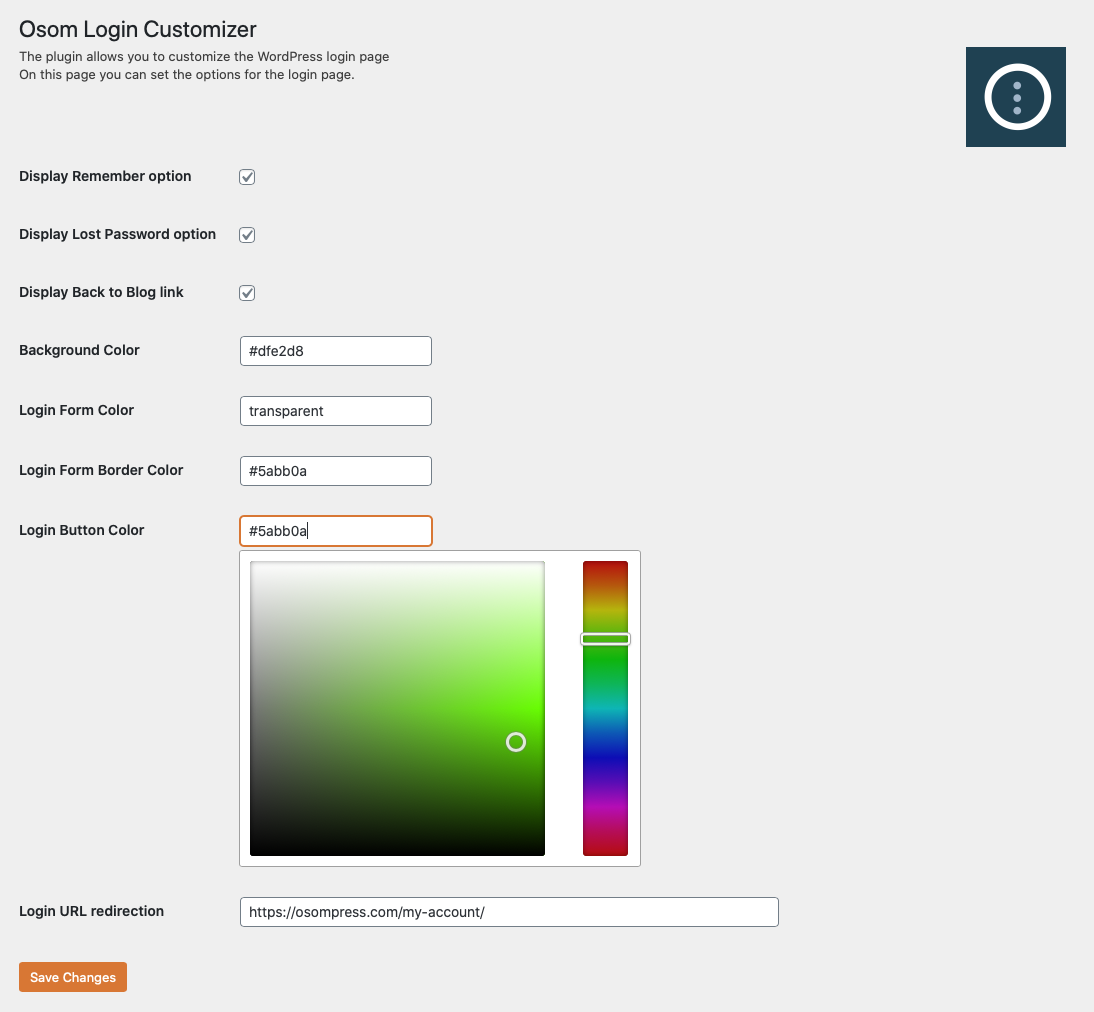
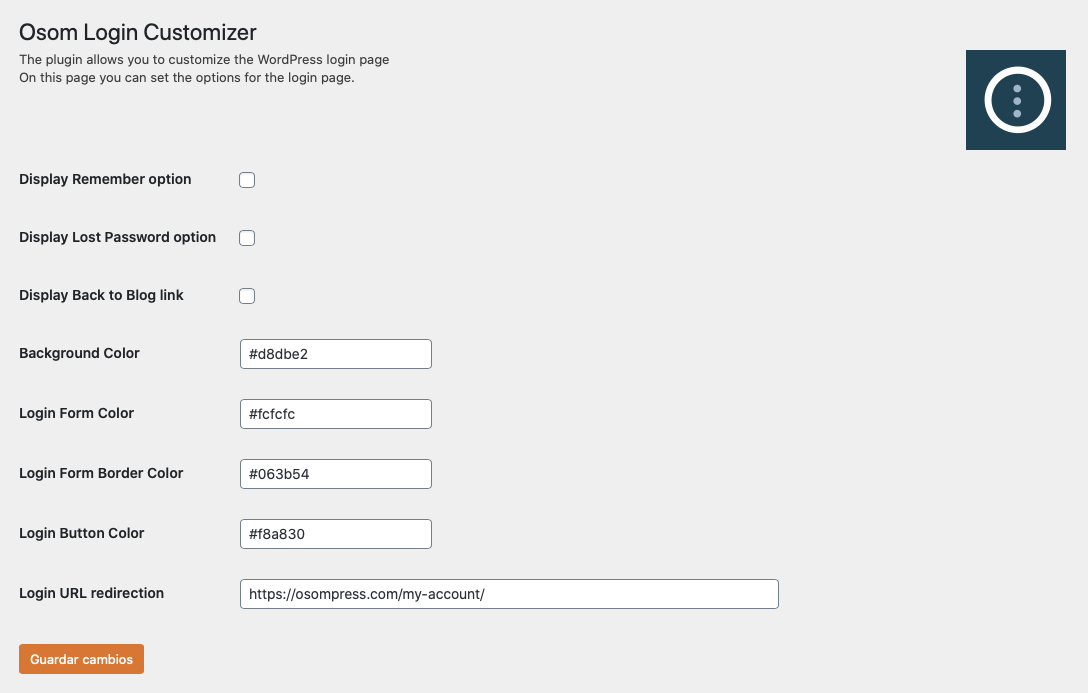
You can customize several elements from the plugin options page:
- Set page background color
- Set login form color
- Set login form border color
- Set login form button color
- Set the login URL
- Display/hide "Remember me" checkbox.
- Display/hide "Did you forget your password" link.
- Display/hide "Back to blog" link.
- Display/hide language switcher (WordPress 5.9 or higher).
安装:
This plugin can be installed directly from your site.
- Log in and navigate to _Plugins → Add New.
- Type "Osom Login Page Customizer" into the Search and hit Enter.
- Locate the Osom Login Page Customizer plugin in the list of search results and click Install Now.
- Once installed, click the Activate link.
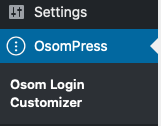
- Now you have a new menu item: OsomPress > Osom Login Page Customizer.
- Download the Osom Login Page Customizer plugin from WordPress.org.
- Unzip the package and move to your plugins directory.
- Log into WordPress and navigate to the Plugins screen.
- Locate Osom Login Page Customizer in the list and click the Activate link.
- Now you have a new menu item: OsomPress > Osom Login Page Customizer.
屏幕截图:
常见问题:
Can I use Osom Login Customizer with any theme?
Yes, you can use Osom Login Customizer with any theme.
Where can I modify Osom Login Customizer settings?
You can find the settings page on WordPress left sidebar under OsomPress > Osom Login Customizer.
Can I change the logo?
No, right now the plugin automatically displays the website logo. But we have plans to enable to add a custom logo option in an upcoming update.
更新日志:
1.1.6
- Fix PHP notice.
- Improve how handles the site logo.
- Improve URL redirection compatibility with Osom Modal Login. If Osom Modal Login plugin is active the redirection URL its setting will prevail.
- Fix PHP notice.
- Small fixes and improvements.
- Fix PHP warning when no image logo is set.
- Added option to hide language switcher (WordPress 5.9 or higher).
- Fix PHP notice.
- Tested on WordPress 6.0 RC3.
- Tested on WordPress 5.9.
- Fix PHP notices.
- Reverse changelog order (newer to older versions).
- Add redirection to the plugin settings page when activated.
- Tested on WordPress Multisite.
- Tested with WordPress Multilingual.
- Improvements on page redirections.
- Bug fixes.
- Use WordPress built-in Iris package.
- Add Plugin Settings link to plugin page.
- Tested on WordPress 5.6.
- Improvements in translation.
- Minor improvements.
- Initial release.