
Out of Stock Affiliate Redirect
| 开发者 | discgolfshopping |
|---|---|
| 更新时间 | 2025年12月7日 10:33 |
| PHP版本: | 7.2 及以上 |
| WordPress版本: | 6.9 |
| 版权: | GPLv2 or later |
| 版权网址: | 版权信息 |
详情介绍:
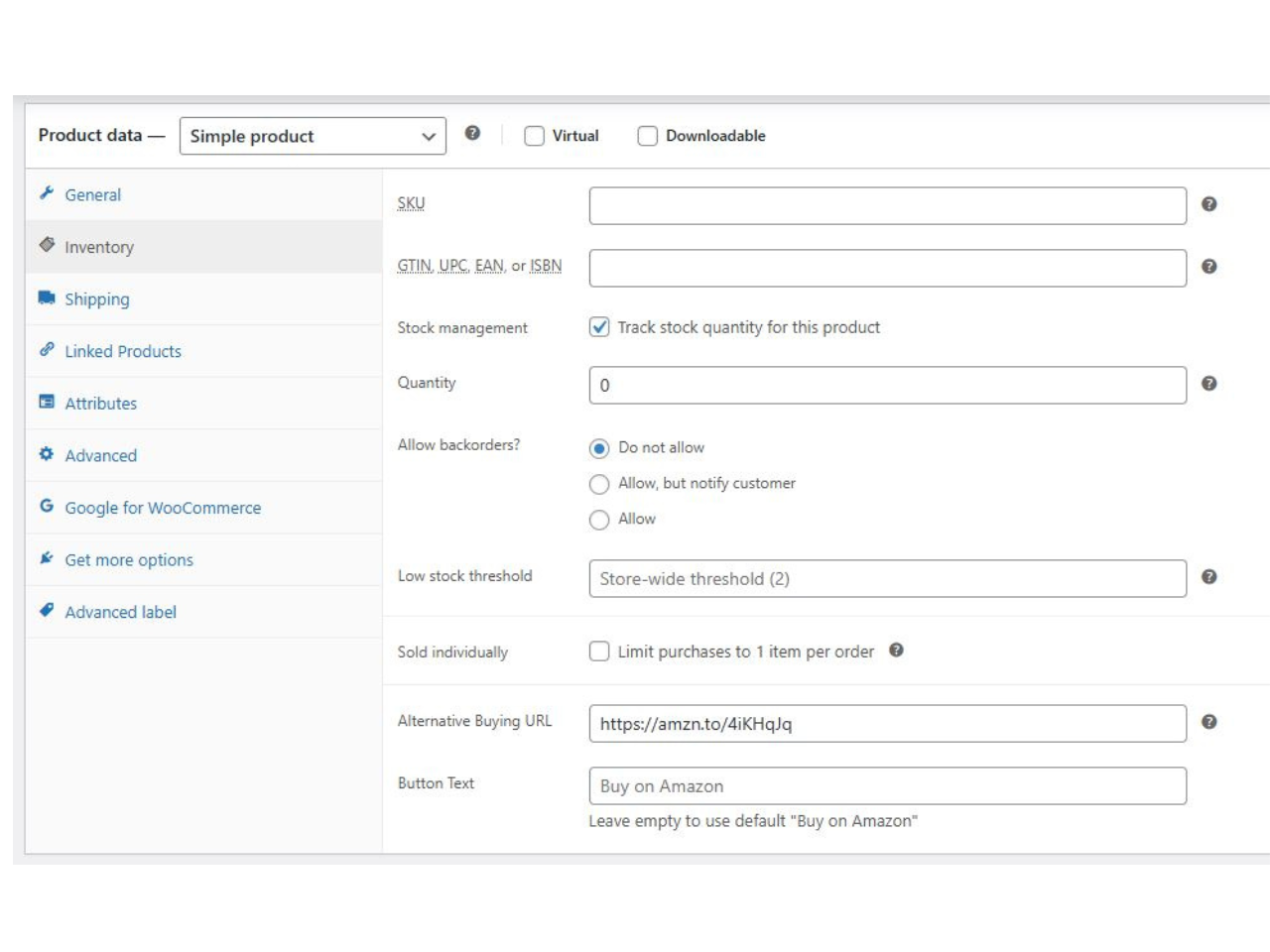
- Simple Setup: Adds a URL field directly to the WooCommerce Product Data "Inventory" tab.
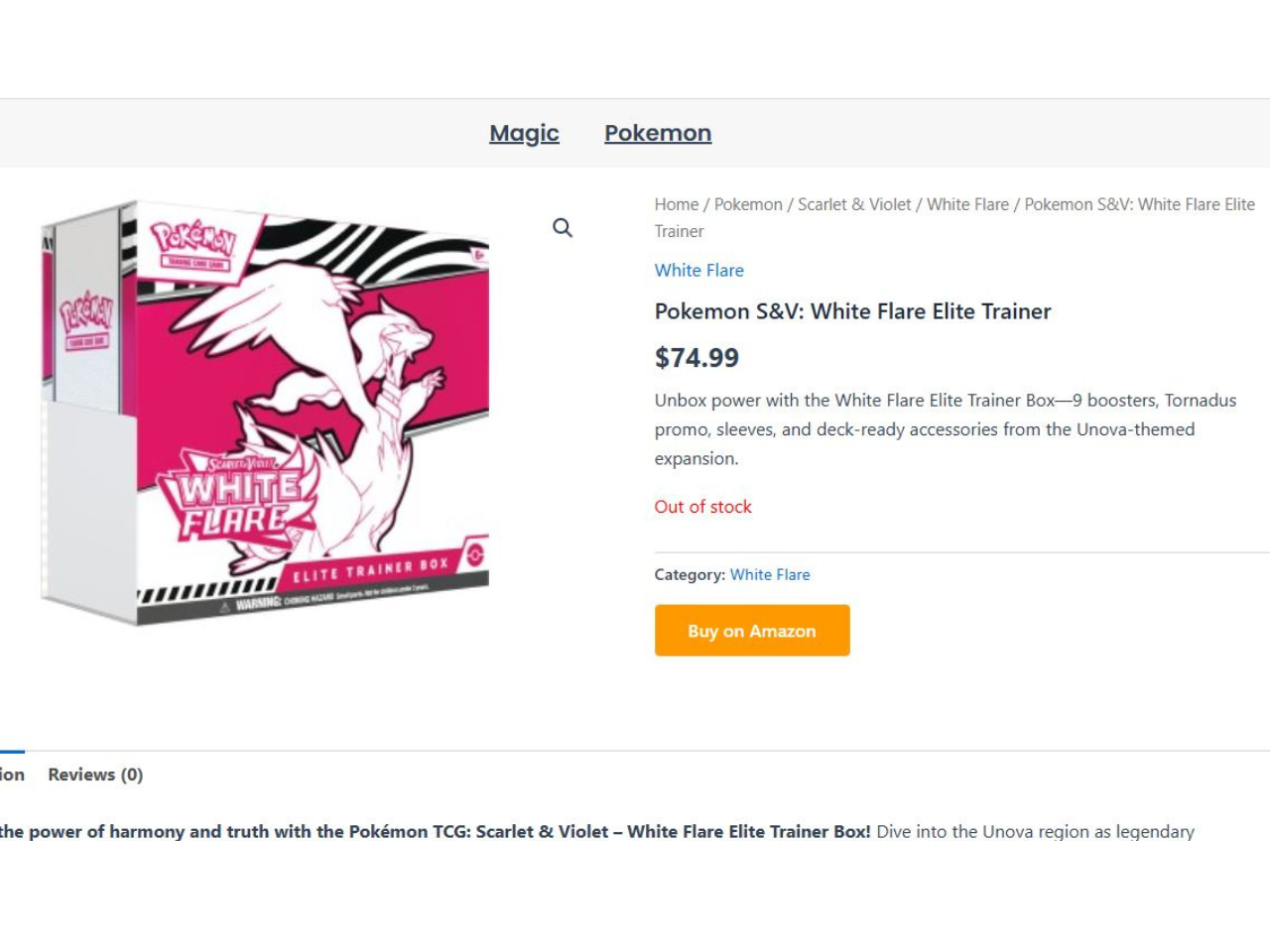
- Automatic Trigger: The button only appears when the product status is "Out of Stock."
- Custom Button Text: Change "Buy on Amazon" to "Buy on eBay," "Check Partner Stock," or anything else per product.
- Affiliate Friendly: Great for Amazon Associates or other affiliate programs to monetize out-of-stock traffic.
- Theme Compatible: Uses standard WooCommerce hooks (
woocommerce_single_product_summary) to display correctly on most themes.
- Edit a Product in WooCommerce.
- Click the Inventory tab.
- Enter a URL in the Alternative Buying URL field.
- (Optional) Enter custom text for the button (Default is "Buy on Amazon").
- When your stock hits 0, the button appears automatically!
安装:
- Upload the plugin files to the
/wp-content/plugins/out-of-stock-affiliate-redirectdirectory, or install the plugin through the WordPress plugins screen directly. - Activate the plugin through the 'Plugins' screen in WordPress.
- Go to any WooCommerce product, click the Inventory tab, and add your affiliate link.
屏幕截图:
常见问题:
Where do I find the settings?
You can find the instructions and upgrade options by clicking "Out of Stock Redirect" in your main WordPress admin sidebar. To use the plugin, go to Products > Edit Product, click the Inventory tab, and enter your URL in the "Alternative Buying URL" field.
Does this work for Variable Products?
Currently, this plugin is optimized for Simple Products. While the fields may appear on Variable products, the logic is designed to check the main product's stock status.
Can I style the button?
Yes! The button has the CSS class .oos-affiliate-btn. You can target this class in your theme's "Additional CSS" section to change colors, fonts, or padding.
What happens if I restock the item?
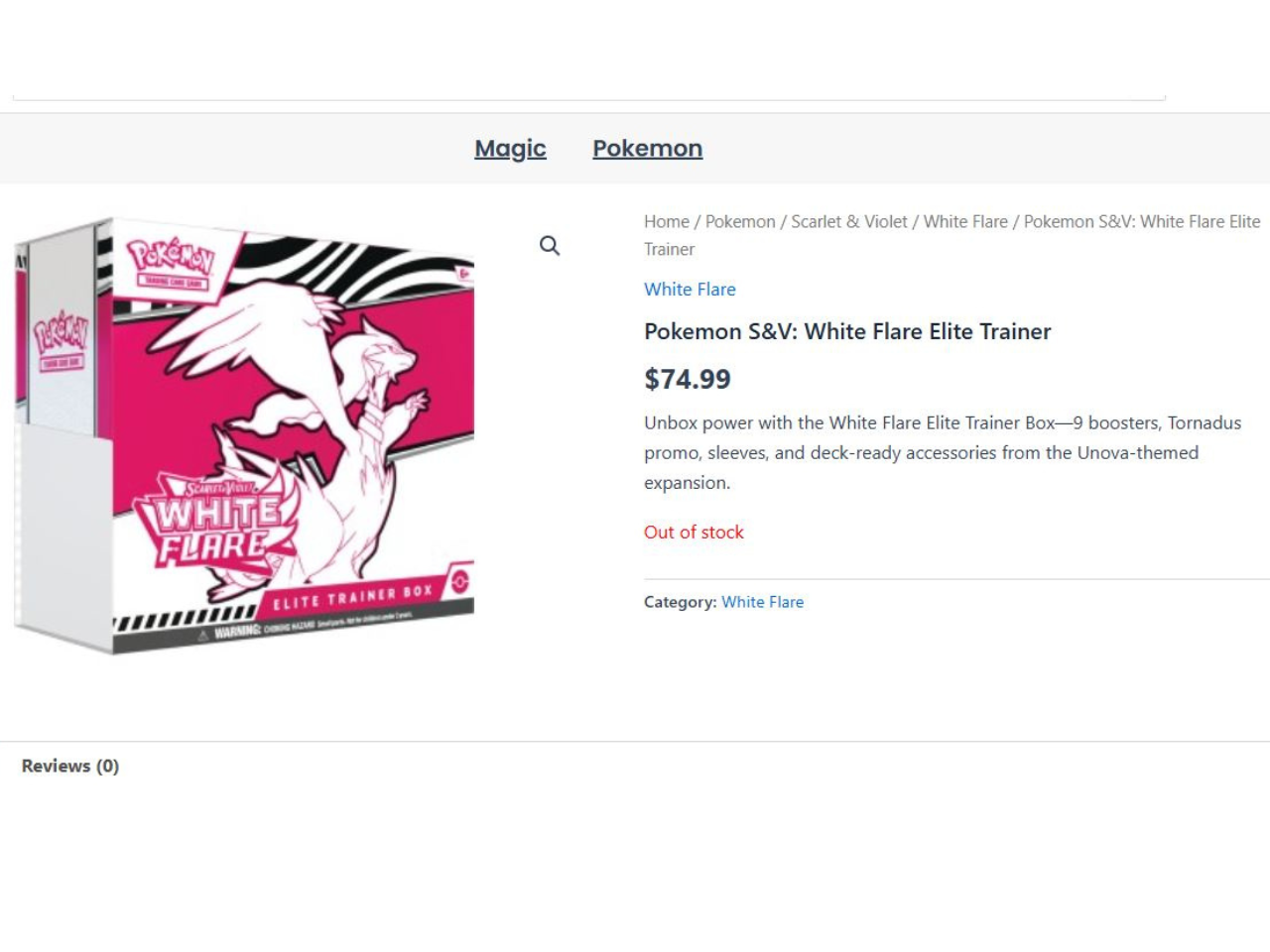
If you add stock (so the product is "In Stock" again), the Affiliate button automatically disappears, and the standard WooCommerce "Add to Cart" button returns. You do not need to delete the URL.
更新日志:
- Initial repository release.
- Added admin sidebar menu.
- Added support for custom button text.
- Added sanitization and escaping for better security.
- Beta release.