
Overseas Express Shipment
| 开发者 | itoverseas |
|---|---|
| 更新时间 | 2026年10月21日 21:48 |
| PHP版本: | 7.4 及以上 |
| WordPress版本: | 6.9 |
| 版权: | GPLv3 |
| 版权网址: | 版权信息 |
详情介绍:
This plugin integrates Overseas Express shipping services into WooCommerce, providing:
- Pickup Point map integration (Parcel Shops & Lockers)
- Home Delivery shipment calculation
- Real-time validation of delivery availability
- Automatic creation/update of shipments in Overseas Express system
- Printing of shipping labels
- Tracking link generation inside WooCommerce orders
- Bulk shipment creation and multi-label bulk printing from the Orders list
- Separate configuration for Pickup and Home Delivery shipping methods
安装:
- Upload the plugin files to
/wp-content/plugins/overseas-express-shipment/ - Activate the plugin through the Plugins menu in WordPress
- Go to Integration Shipment → Main Settings
- Enter your API Key and select your NESY Pickup Address (the addresses registered for your account in NESY)
- Configure shipping zones:
- WooCommerce → Settings → Shipping → Pickup Shipment
- WooCommerce → Settings → Shipping → Home Delivery Shipment
- Save settings
屏幕截图:
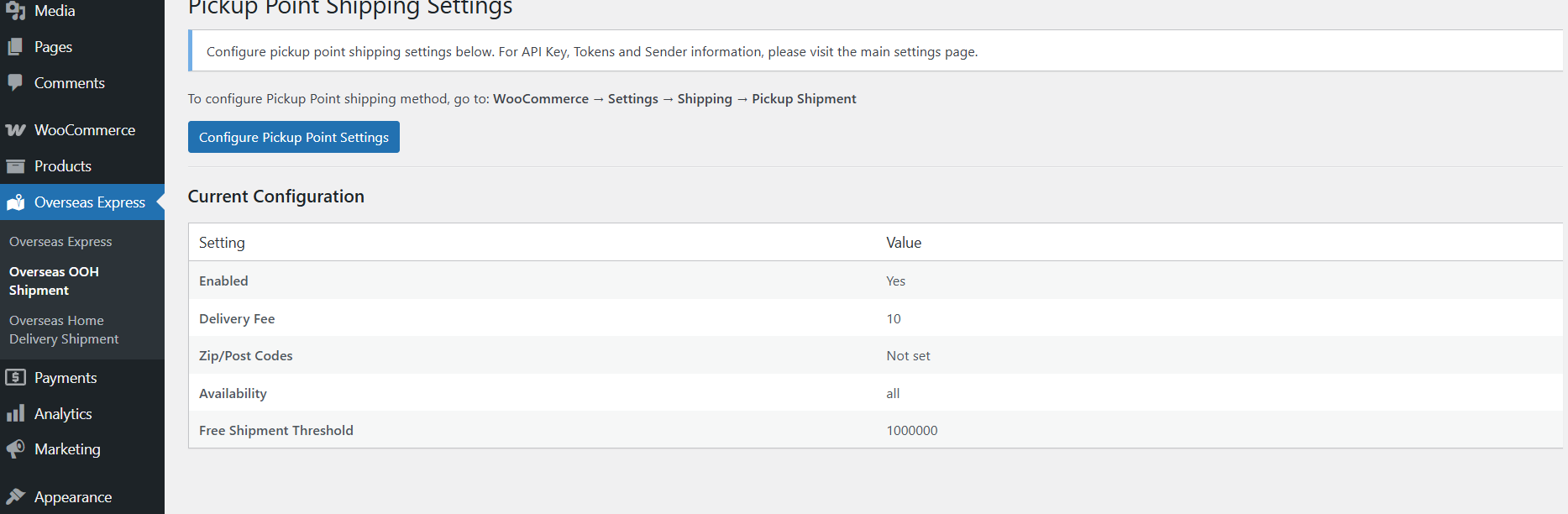
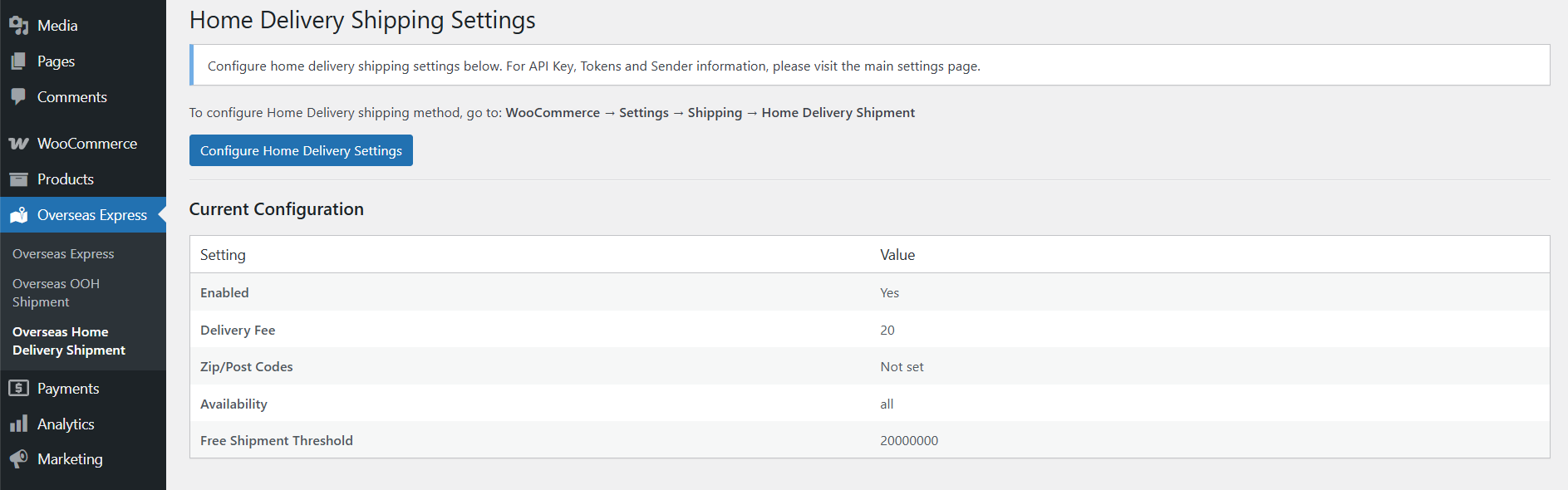
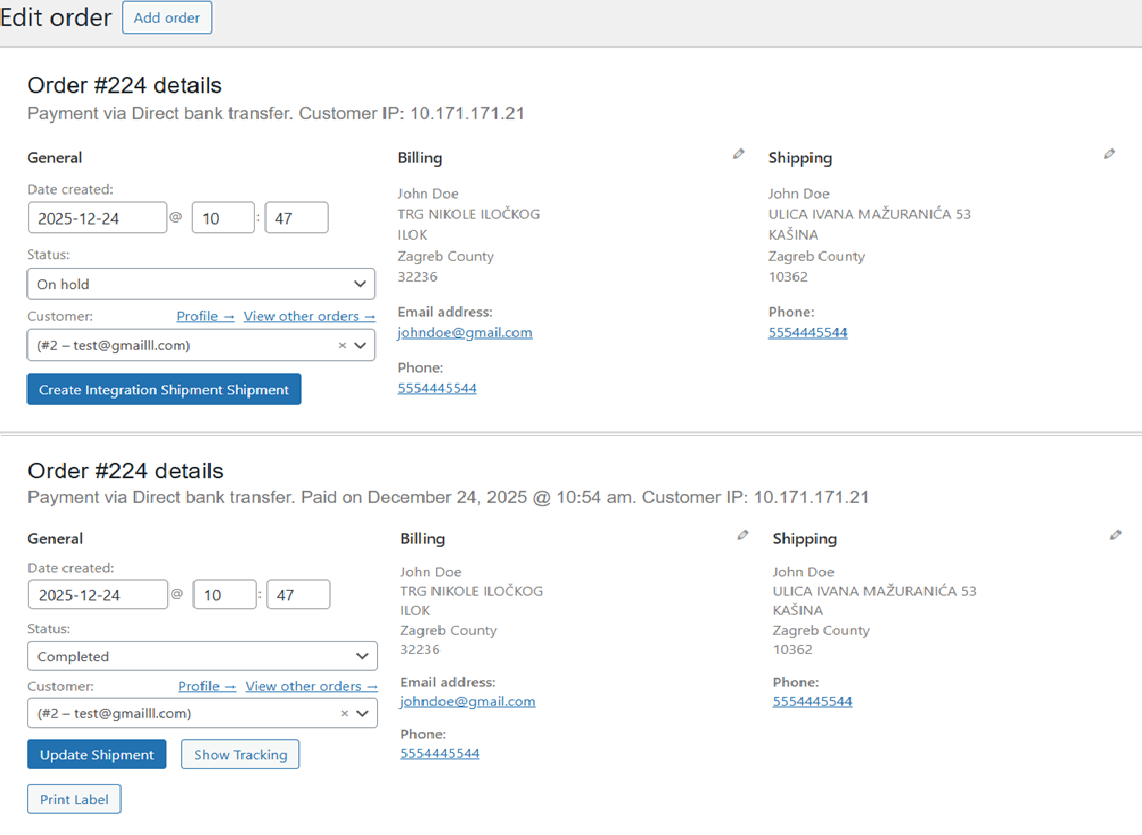
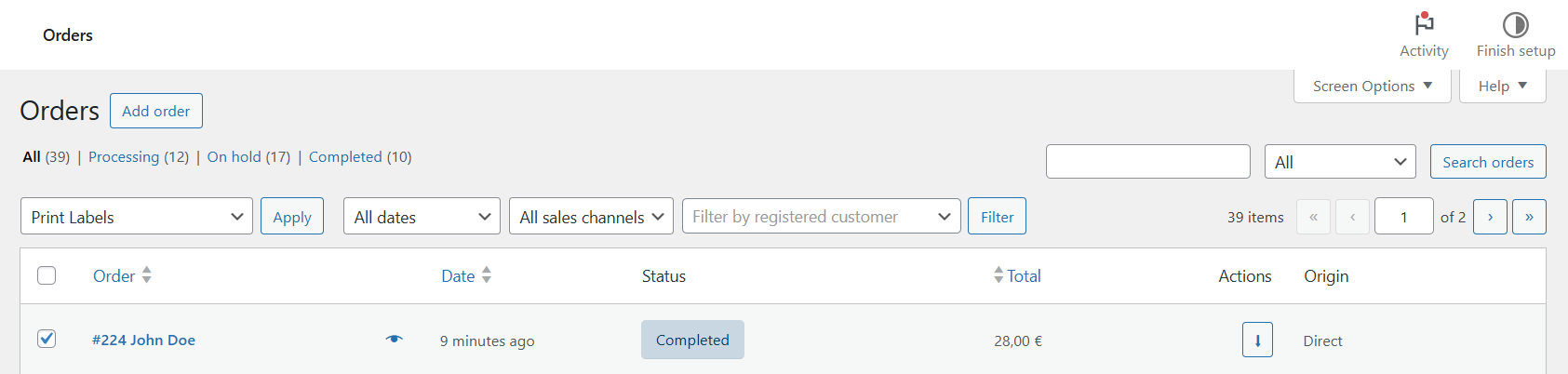
常见问题:
Do I need an Overseas Express API key?
Yes. You must obtain your API key from Overseas Express. Without it, the plugin cannot operate.
Does the plugin send customer data to Overseas Express?
Only when creating or updating a shipment, or validating a delivery address.\ This data is required to generate shipping labels and provide courier delivery.
Does the plugin work outside Croatia (HR)?
Home Delivery supports international shipping. For non-HR countries, the plugin checks country eligibility via the Overseas Express API at checkout and shows an error if the destination is not supported. Pickup points are currently available in supported regions only.
Does the plugin modify checkout fields?
The plugin fills in the chosen pickup point address automatically.
Are there any front-end scripts loaded globally?
No — Leaflet and map scripts load only on WooCommerce Checkout.
更新日志:
1.0.1
- Added Pickup Shipment method
- Added Home Delivery Shipment method
- Added checkout map integration
- Added shipment creation and label printing
- Added admin settings pages
- Added bulk label printing
- Fixed return document shipment issue
- Added - Approximate Location Check Added
- Fixed - Location Availability Removed in Parcel Shop Location Selection
- Added international shipping eligibility check for Home Delivery method
- Added WooCommerce Blocks checkout support for country eligibility validation
- Orders to non-HR countries are now validated against the Overseas Express API before checkout is allowed
- Added "Pickup Shipment (Weight-Based)" and "Home Delivery Shipment (Weight-Based)" shipping methods
- Added dynamic, admin-configurable price tiers by parcel weight (e.g. 0-3000g / 3000-6000g brackets, each with its own price)
- Added optional maximum parcel size (length + width + height) limit for the weight-based Pickup method
- The new methods reuse the existing pickup-point map and Home Delivery courier API eligibility checks
- Weight tiers on the weight-based methods are now grouped per destination country, with a "Default" group as the fallback for any country without an explicit override
- Weight-based methods and their original counterparts can no longer both be enabled at the same time
- Weight-based methods now hide themselves at checkout if cart items are missing Weight/Dimensions data, unless the cart already qualifies for free shipping
- Fixed bulk label printing on the Orders list silently doing nothing on some setups, and made all bulk label failures (missing shipment, API/label errors) show a clear on-screen message
- Changed the "cargo" flag to false when creating a new shipment
- Internal refactor only, no functional changes: the plugin's single large file was split into an includes/ directory (one file per shipping method, plus shared helpers/traits) for maintainability
- Fixed pickup point selection never reaching the order: the hidden checkout fields the map writes into were missing from the page, so every order using a Pickup method was rejected with "You must select a pickup point before completing your order", even after picking one on the map
- Fixed the selected parcel shop not being saved as the order's shipping address, which made shipments go to the customer's own address instead of the pickup point
- Added a "Select a pickup point" / "Change pickup point" button at checkout, so the map can be reopened after it is closed
- Block-based (Gutenberg) checkout now also requires a pickup point and stores the selected parcel shop on the order
- Fixed parcel shop names containing "&" being saved in escaped form
- Fixed the shipping price on classic checkout being shown without VAT when WooCommerce is set to display prices including tax (e.g. 3.28 shown instead of 4.00). The price now follows the WooCommerce tax display setting, the same as block-based checkout. Order totals are unchanged
- Shipments are now always picked up from a pickup address registered for your account in NESY. The manual "Sender Information" fields were replaced by a "NESY Pickup Address" dropdown under Main Settings; if nothing is selected, your account's default NESY pickup address is used
- Fixed classic checkout (e.g. with the WoodMart theme) still rejecting Pickup orders with "You must select a pickup point" even though a pickup point was selected and shown on the page
- Added "Create Integration Shipments" bulk action on the Orders list, so shipments can be created for many orders at once instead of opening each order
- Added "Create Shipments & Print Labels" bulk action that creates the missing shipments and downloads all labels as one PDF; orders that already have a shipment are not sent twice, and failed orders are listed with the error message
- Bulk actions are now also available on the legacy (non-HPOS) Orders screen
- Added Croatian translations for all new and previously untranslated strings, and made the pickup map texts on checkout translatable