Owlstack
| 开发者 | alihesari |
|---|---|
| 更新时间 | 2026年3月22日 05:42 |
| 捐献地址: | 去捐款 |
| PHP版本: | 8.1 及以上 |
| WordPress版本: | 6.9 |
| 版权: | GPLv2 or later |
| 版权网址: | 版权信息 |
详情介绍:
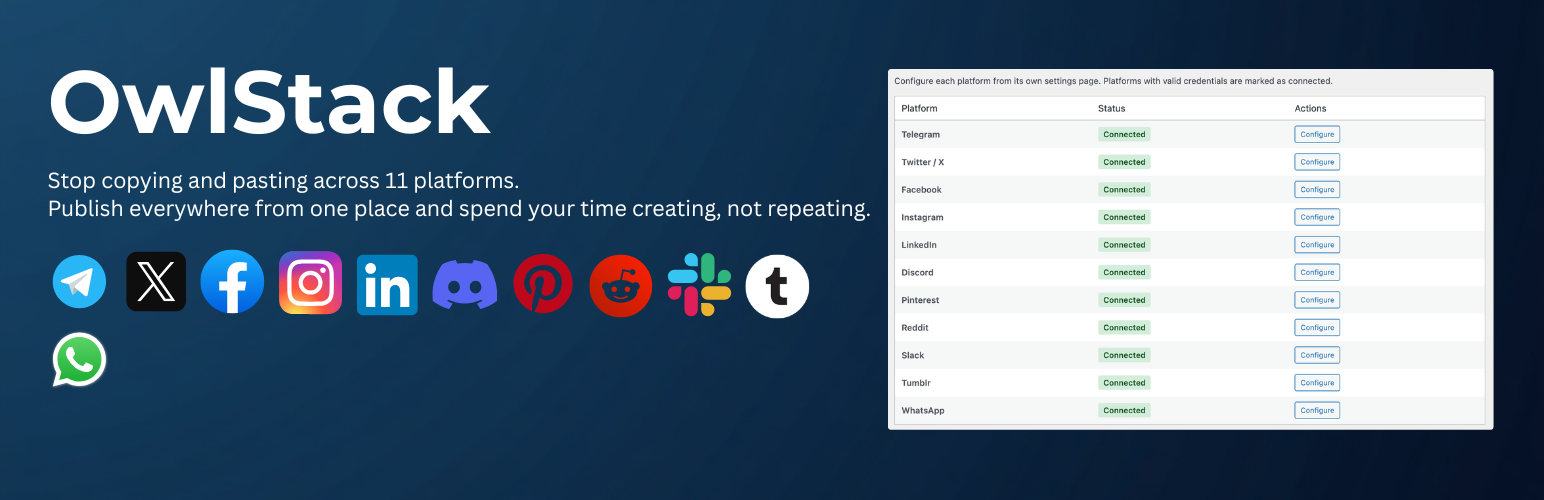
Owlstack lets you automatically share your WordPress posts to social media platforms with a single click or on publish. Powered by the Owlstack Core engine, it provides a seamless publishing experience.
Supported Platforms:
- Telegram — Send posts to channels and groups via Bot API
- X (Twitter) — Tweet your posts with media support
- Facebook — Share posts to Facebook Pages
- Instagram — Publish to Instagram via the Graph API
- LinkedIn — Share posts to LinkedIn profiles and company pages
- Discord — Send posts to Discord channels via webhooks
- Pinterest — Pin content to Pinterest boards
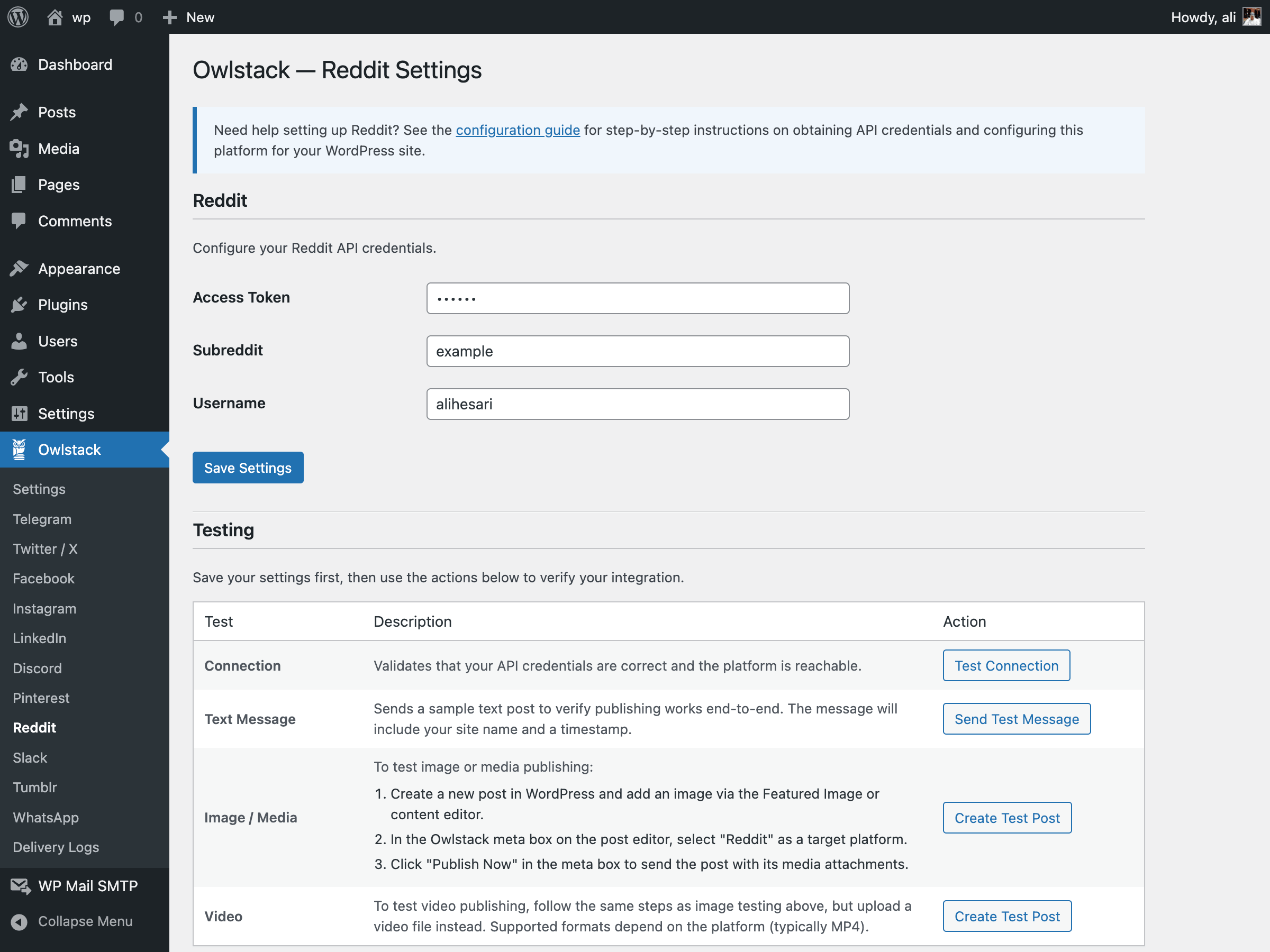
- Reddit — Submit posts to subreddits
- Slack — Post to Slack channels via webhooks
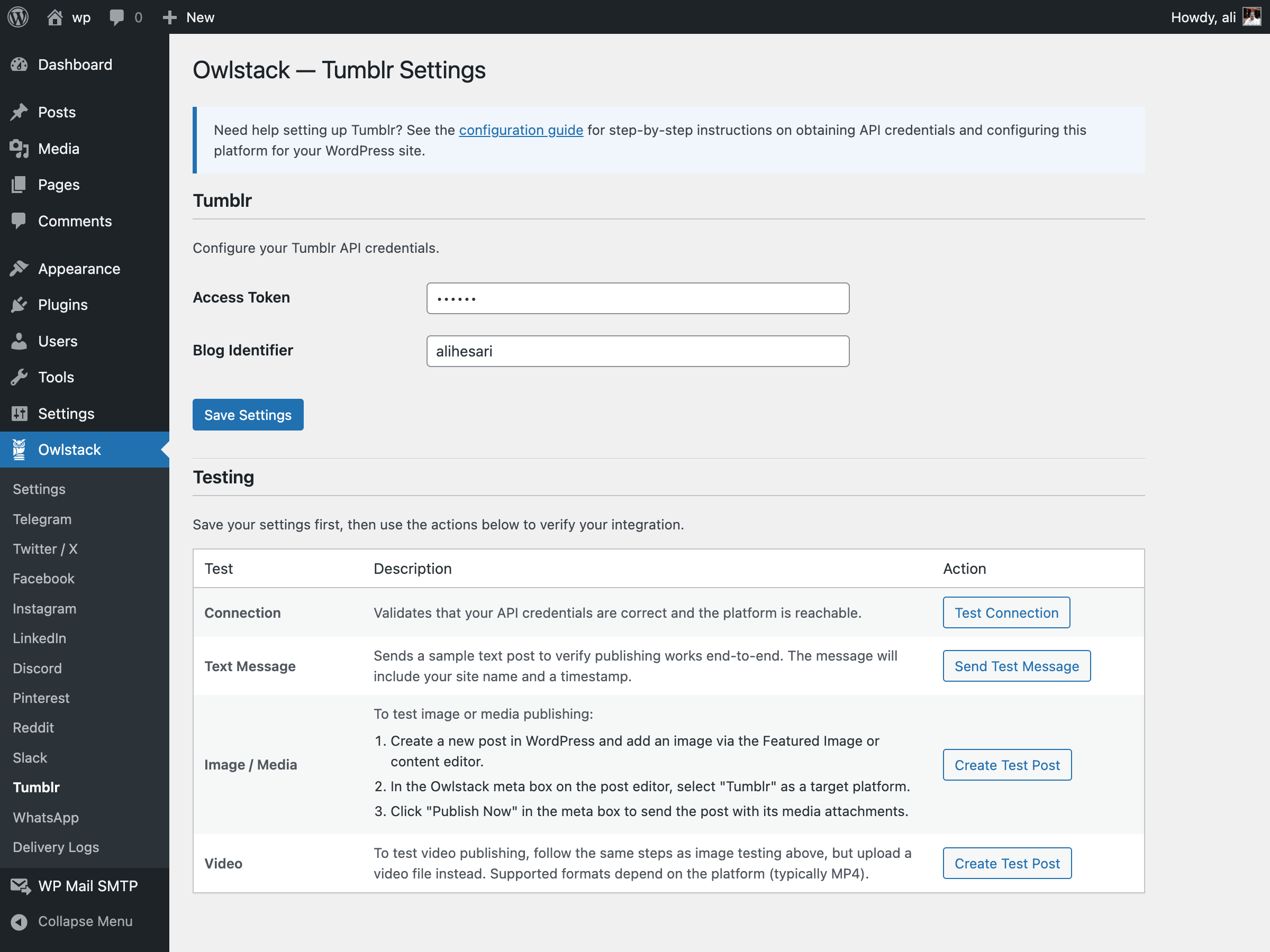
- Tumblr — Share posts to Tumblr blogs
- WhatsApp — Send messages via WhatsApp Business API
- Admin Settings Page — Configure platform credentials and proxy settings from a clean admin UI
- Publish Meta Box — Select platforms and publish directly from the post editor
- Auto-Publish — Automatically share posts when they're published
- Delivery Logs — Track all publishing activity with status, errors, and external links
- REST API — AJAX endpoints for connection testing, manual publishing, and log management
- WP HTTP API — Uses native WordPress HTTP functions instead of cURL
- WordPress Events — Full hook support with
owlstack_post_publishedandowlstack_post_failedactions - Token Storage — Encrypted OAuth token storage via
wp_options
安装:
- Upload the
owlstackfolder to the/wp-content/plugins/directory, or install directly through the WordPress plugins screen. - Activate the plugin through the 'Plugins' menu in WordPress.
- Go to Owlstack > Settings to configure your platform credentials.
屏幕截图:
常见问题:
What platforms are supported?
Telegram, X (Twitter), Facebook, Instagram, LinkedIn, Discord, Pinterest, Reddit, Slack, Tumblr, and WhatsApp are all supported.
Does this plugin require Composer?
No. All dependencies are bundled with the plugin. Simply install and activate it from your WordPress admin panel.
How do I get API credentials for each platform?
- Telegram: Create a bot via @BotFather and get your Bot API Token.
- Twitter/X: Create an app at developer.twitter.com and generate your API keys.
- Facebook: Create an app at developers.facebook.com, create a Page, and generate a Page Access Token.
- Instagram: Use the same Facebook app and connect your Instagram Business account.
- LinkedIn: Create an app at linkedin.com/developers and request the necessary permissions.
- Discord: Create a webhook in your Discord server's channel settings.
- Pinterest: Create an app at developers.pinterest.com.
- Reddit: Create an app at reddit.com/prefs/apps.
- Slack: Create an incoming webhook or Slack app at api.slack.com.
- Tumblr: Register an app at tumblr.com/oauth/apps.
- WhatsApp: Set up WhatsApp Business API via Meta for Developers.
Can I customize which post types are supported?
Yes. Use the owlstack_supported_post_types filter:
add_filter('owlstack_supported_post_types', function ($types) {
return ['post', 'page', 'product'];
});
Is there proxy support?
Yes. Configure proxy settings in Owlstack > Settings for servers that cannot access social media APIs directly.
Where are delivery logs stored?
Delivery logs are stored in a custom database table (wp_owlstack_delivery_logs). You can view them under Owlstack > Delivery Logs.
更新日志:
1.0.0
- Initial public release.
- Support for 11 platforms: Telegram, X (Twitter), Facebook, Instagram, LinkedIn, Discord, Pinterest, Reddit, Slack, Tumblr, and WhatsApp.
- Admin settings page with platform credential management.
- Post editor meta box for platform selection and auto-publish.
- Delivery logs page with filtering and pagination.
- REST API endpoints for connection testing, publishing, and log management.
- WordPress HTTP API integration.
- Encrypted OAuth token storage.
- Event system with WordPress action hooks.
- Full developer API via
owlstack()helper function.