Oxicat Password Form Styler
| 开发者 | ofredon |
|---|---|
| 更新时间 | 2026年7月26日 16:14 |
| PHP版本: | 7.4 及以上 |
| WordPress版本: | 6.9 |
| 版权: | GPLv2 or later |
| 版权网址: | 版权信息 |
详情介绍:
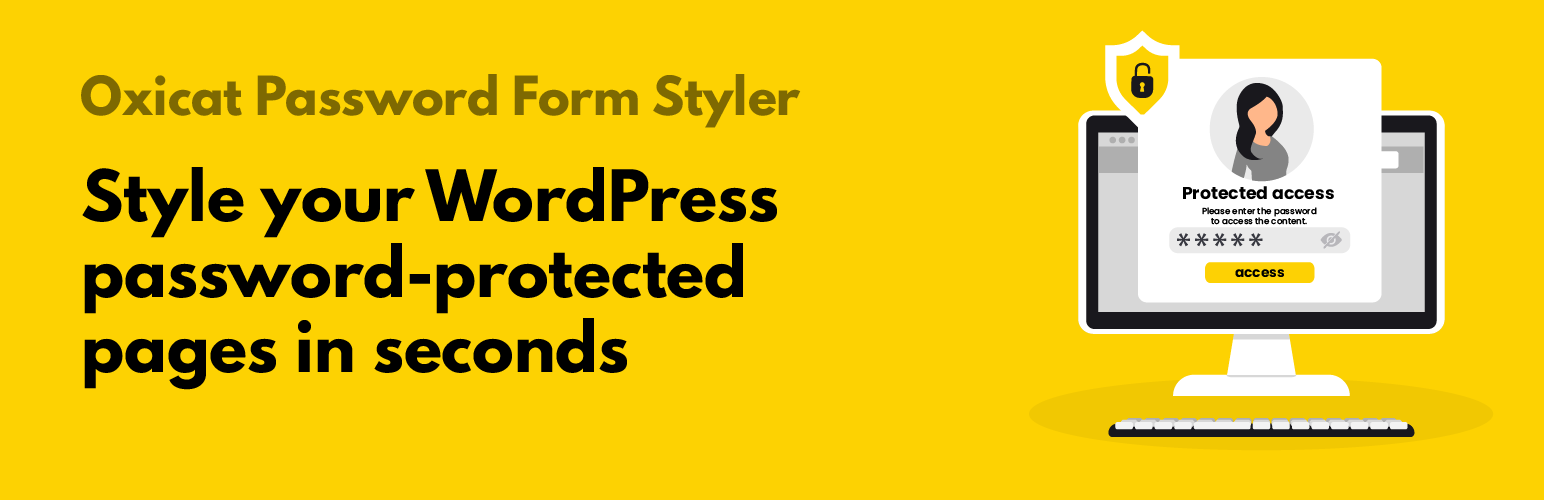
Password Form Styler lets you easily style and customize the default WordPress password form used on protected posts/pages (Password Protected).
It applies globally to all protected pages and provides an admin settings page with a live preview.
安装:
- Upload the plugin to /wp-content/plugins/
- Activate it from the Plugins menu
- Go to Settings > Password Form Styler
更新日志:
1.3.7
- Fixed an issue where password-protected pages could display a blank page on some mobile browsers after submitting the password.
- Improved compatibility with WordPress native password redirection.
- Fix: Use a unique 4+ character prefix for constants/options/functions to avoid conflicts.
- Fix: Escape late for the password form output in the minimal template (wp_kses with allowed tags).
- Fixed: force title color to override Elementor global heading styles
- Fix: Minimal template no longer filters the password form with wp_kses_post() (it removed the tag and broke layout/submission).
- Fix: Ensure front CSS/JS are loaded on archives/Elementor loops (assets were previously enqueued too late, after wp_head).
- Fix: Front styles/scripts now load even when the password form is displayed outside singular pages (archives, listings, widgets).
- New: Advanced styles section (title color, description color, input + toggle colors).
- Fix: Load plugin translations properly (load_plugin_textdomain).
- Fix: Localize strings used in JavaScript (media picker + password toggle).
- Fix: Use a literal text domain in translation functions (Plugin Check compliance).
- Fix: Escape output of get_the_password_form() using wp_kses_post().
- Fix: Settings link in the Plugins list now points to the correct admin page.
- Enhancement: Add a friendly support link (Buy Me a Coffee) in the plugin actions list.
- Fix: Admin assets (color picker + live preview) correctly load on the settings page.
- Maintenance: align plugin name and text domain with the requested WordPress.org slug.
- Improvements and i18n work.