Ozi Internal Link Booster — Smart Internal Linking for SEO
| 开发者 | simmisahani1508 |
|---|---|
| 更新时间 | 2026年4月29日 20:00 |
| PHP版本: | 5.8 及以上 |
| WordPress版本: | 6.9 |
| 版权: | GPLv2 or later |
| 版权网址: | 版权信息 |
详情介绍:
Ozi Internal Link Booster helps you build a clean, effective internal linking structure without manual effort or risky automation.
Instead of blindly inserting links, the plugin gives you controlled keyword-to-page mapping, SEO-safe limits, and visibility into pages that are missing internal links.
Everything runs locally on your WordPress site.
No external APIs. No tracking. No data collection.
Why internal linking matters:
Internal links help search engines understand content relationships, distribute ranking authority, and surface important pages faster.
Ozi Internal Link Booster makes this process simple, safe, and scalable.
What you get in Lite:
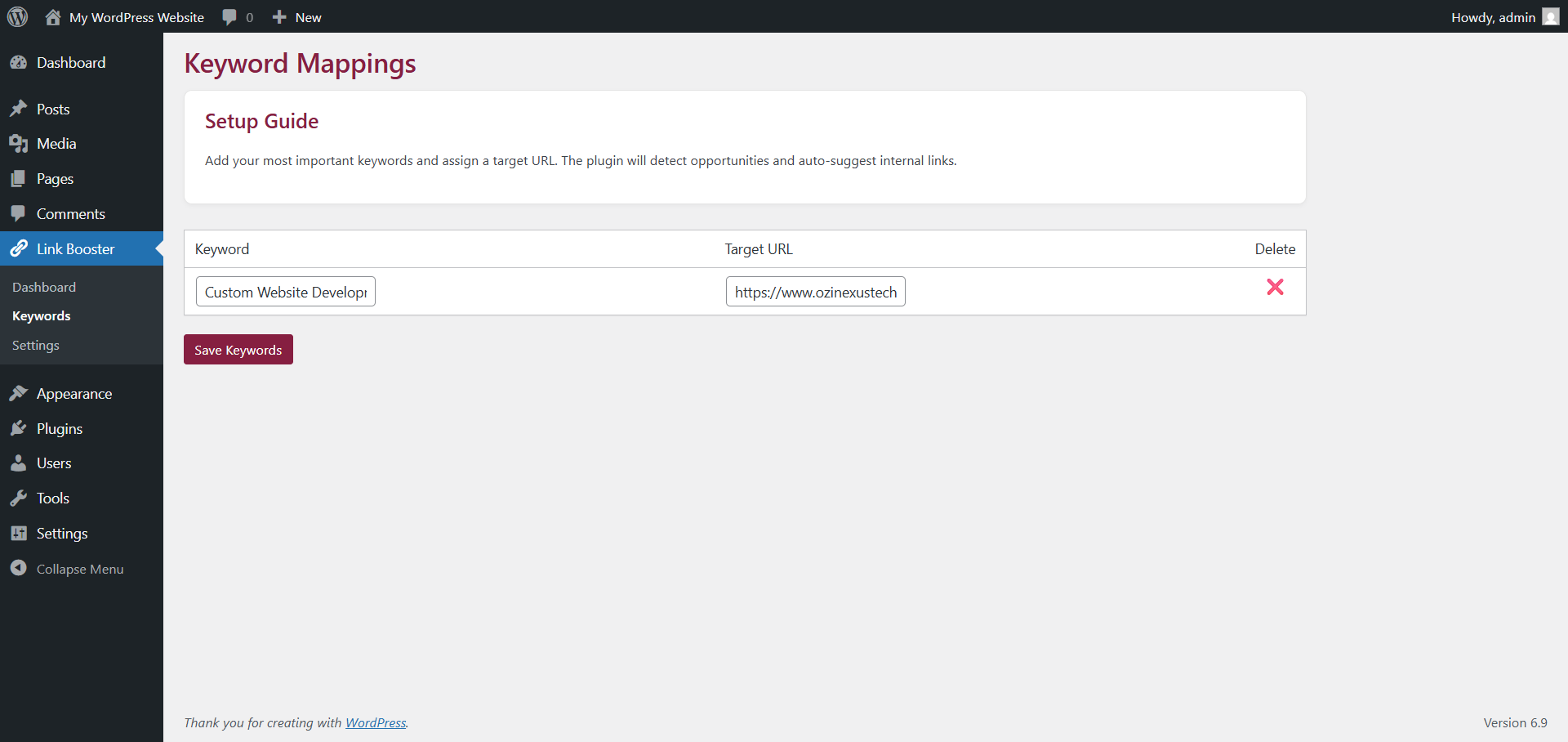
- Keyword → Page Mapping: Assign priority keywords to specific URLs
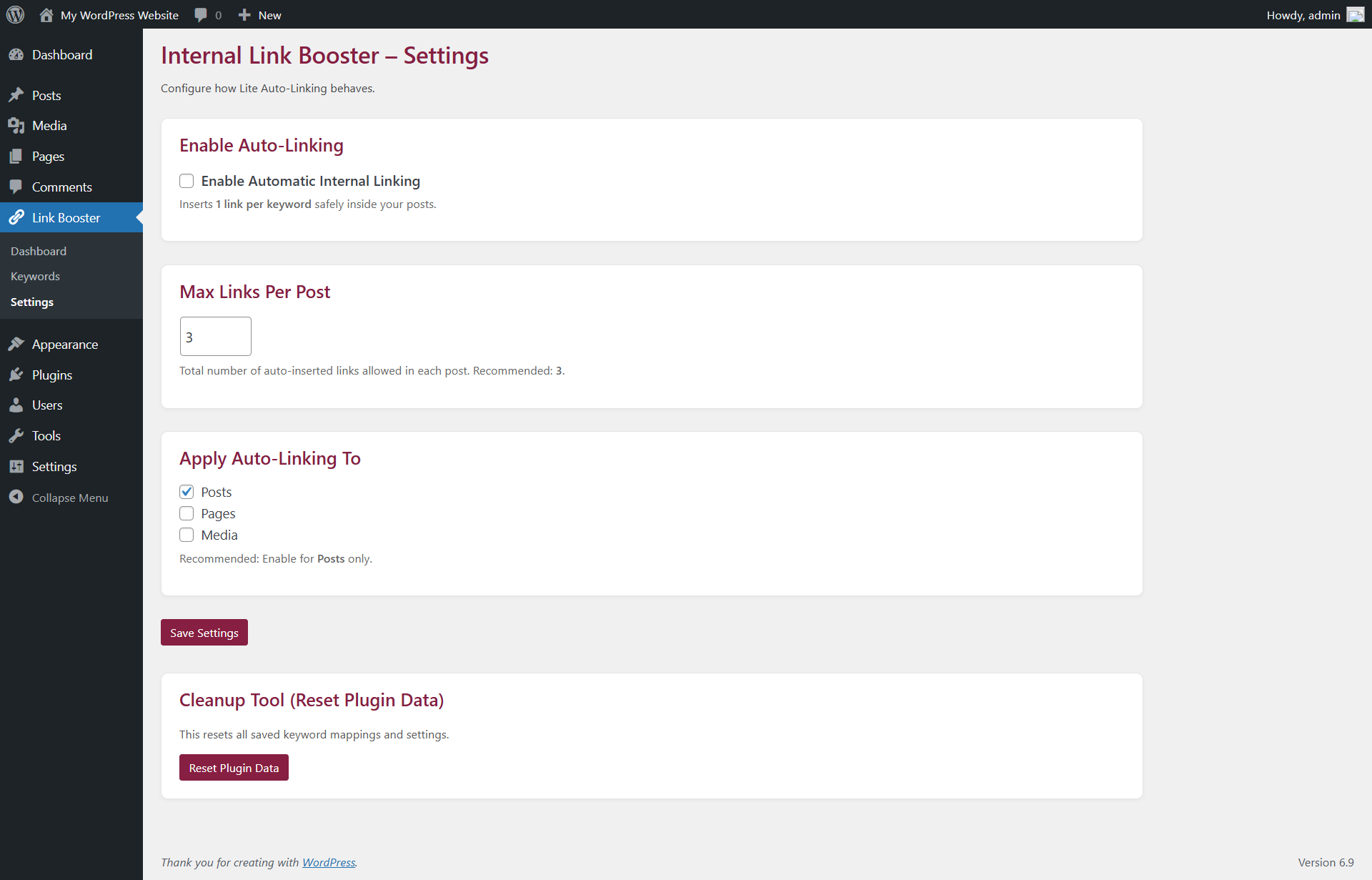
- Smart Auto-Linking (Optional): Insert internal links conservatively and safely
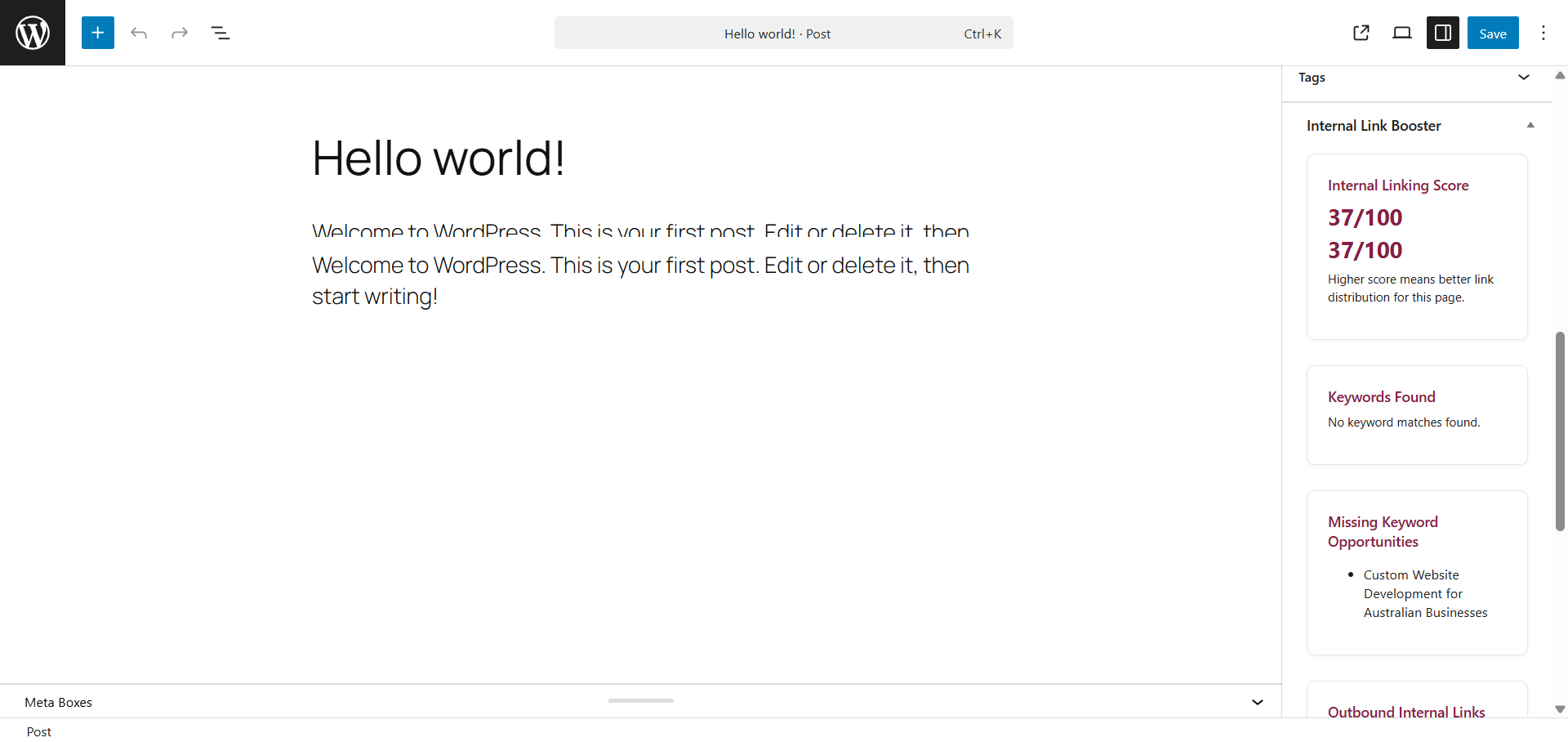
- Internal Link Health Score: A quick health indicator for internal linking
- Orphan Page Detection: Identify pages with zero incoming internal links
- SEO-Safe Engine: Skips headings (H1–H6), existing links, and protected content areas
Note: An optional Pro add-on may be offered in the future for advanced workflows. The Lite version remains fully usable on its own.
安装:
- Upload the plugin folder to
/wp-content/plugins/ - Activate the plugin from the Plugins menu
- Go to Ozi Link Booster → Dashboard
- Add keyword-to-page mappings
- Enable auto-linking if desired
屏幕截图:
常见问题:
Does this plugin use external APIs?
No. All logic runs locally inside WordPress.
Is the plugin free?
Yes. The Lite version is fully functional and free.
Is there a Pro version?
An optional Pro add-on may be offered in the future. The Lite version will remain stable and usable.
Will this over-optimize my content?
No. Strict limits and exclusions keep links natural and SEO-safe.
Can I use the dashboard without auto-linking?
Yes. You can use insights only and link manually.
更新日志:
1.3.0
- Dashboard polish (health-first layout)
- Premium rescan button and clearer health status
- Improved orphan page visibility in Lite
- Performance improvements for dashboard scan flow
- UI refinements
- Minor copy improvements
- Improved admin UI layout
- Fixed asset loading via WordPress enqueue APIs
- Improved internal link analysis accuracy
- Performance and stability improvements
- Initial release
- Keyword mapping and auto-linking engine
- Orphan page detection
- Per-post internal link insights