
OZY Forms
| 开发者 | idanishrangaiz |
|---|---|
| 更新时间 | 2026年9月24日 05:59 |
| PHP版本: | 7.4 及以上 |
| WordPress版本: | 7.1 |
| 版权: | GPLv2 or later |
| 版权网址: | 版权信息 |
详情介绍:
- Drag and drop builder with 48 field types, from plain text through to signatures, repeaters, calculations and product fields.
- Conditional logic with nested AND/OR groups, 15 operators and 10 actions. Evaluated in the browser for responsiveness and again on the server, which is what actually decides.
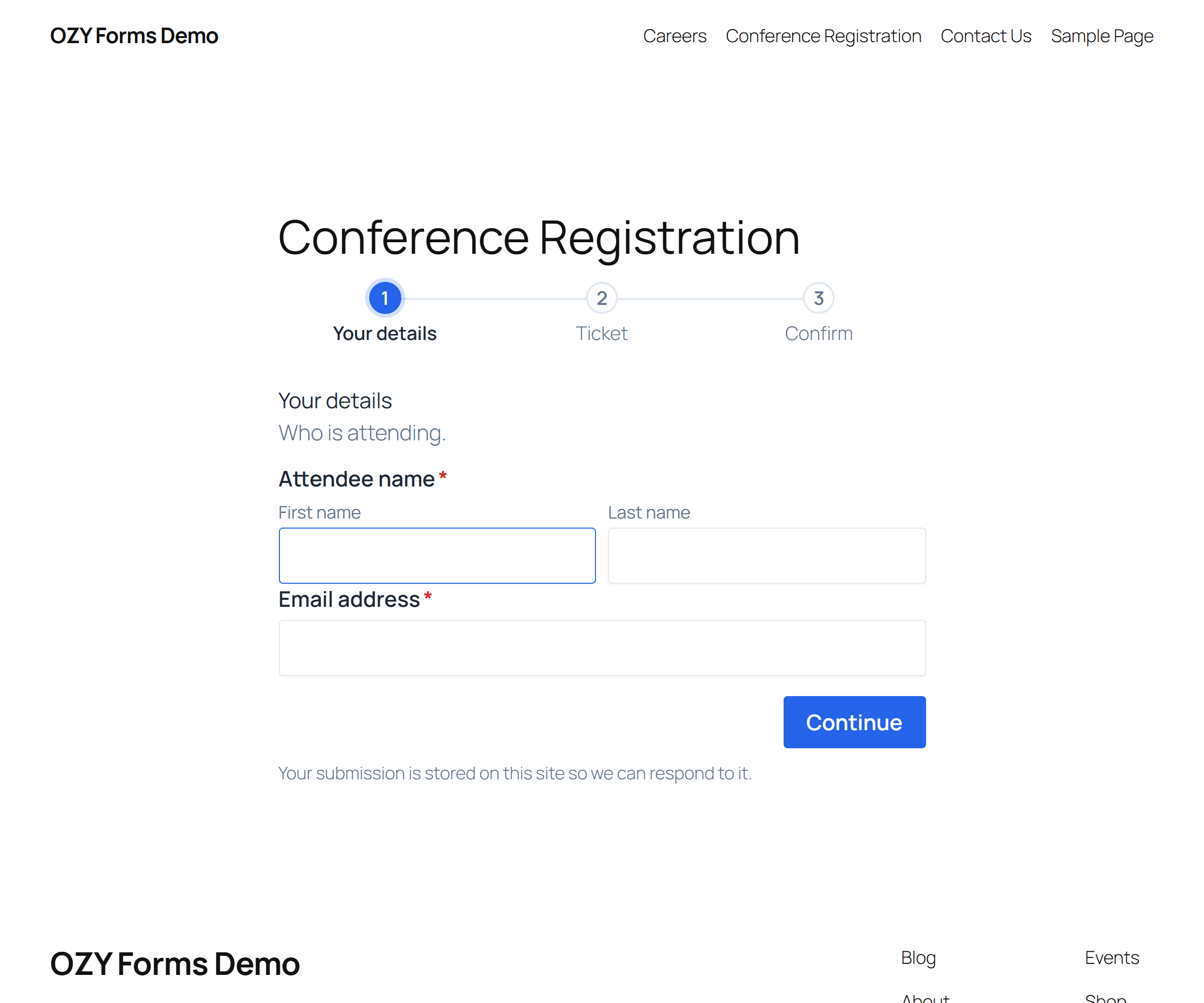
- Multi-step forms with 8 progress indicator designs, per-step server validation, and Save & Resume.
- Calculations using a spreadsheet-style formula language with 14 functions.
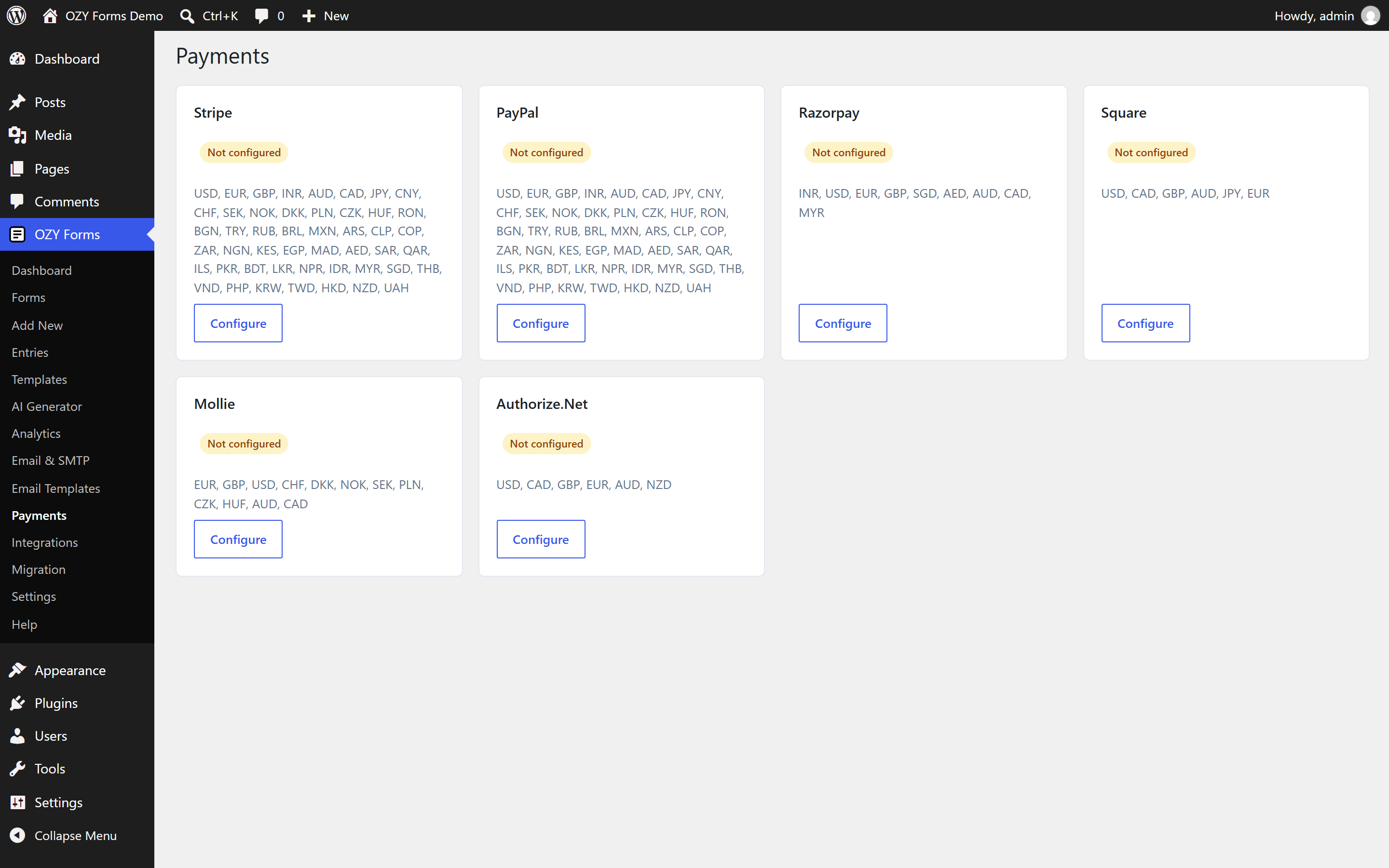
- Payments through Stripe, PayPal, Razorpay, Square, Mollie or Authorize.Net. Card details are entered into the provider's own iframe and never touch this site.
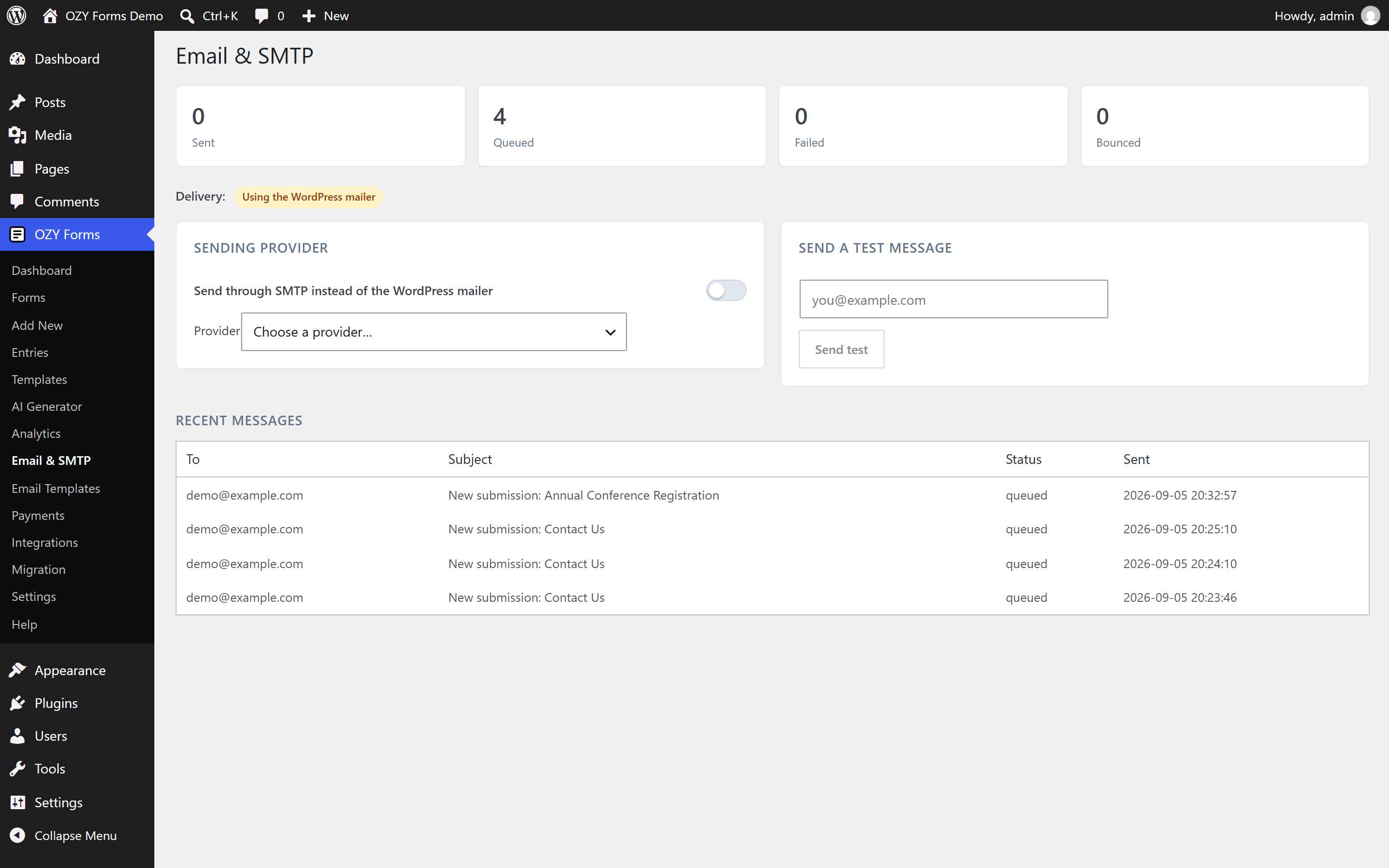
- Built-in SMTP for 11 providers, so a separate mail plugin is not required. Queued delivery, retries with backoff, and a delivery log.
- 20 email designs plus a template library, autoresponders and conditional routing.
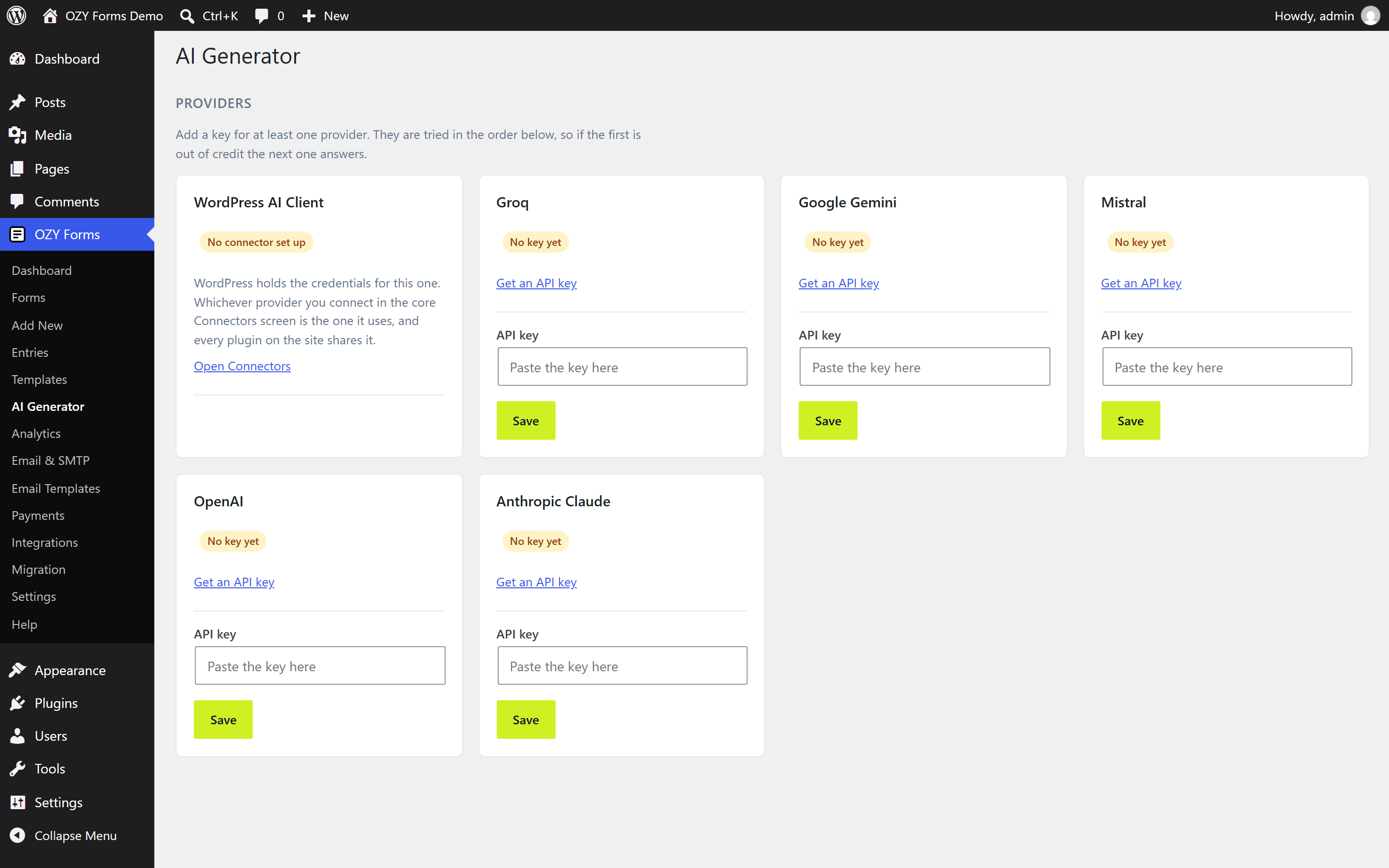
- AI features: generate a form from a description, summarise and tag submissions, find themes across responses, generate email templates. On WordPress 7.0 and later these run through the AI Client in core, so whichever provider you connect once under Settings → Connectors is the one they use. On older versions, or if no connector is set up, you can save your own key for OpenAI, Anthropic, Groq, Gemini or Mistral instead.
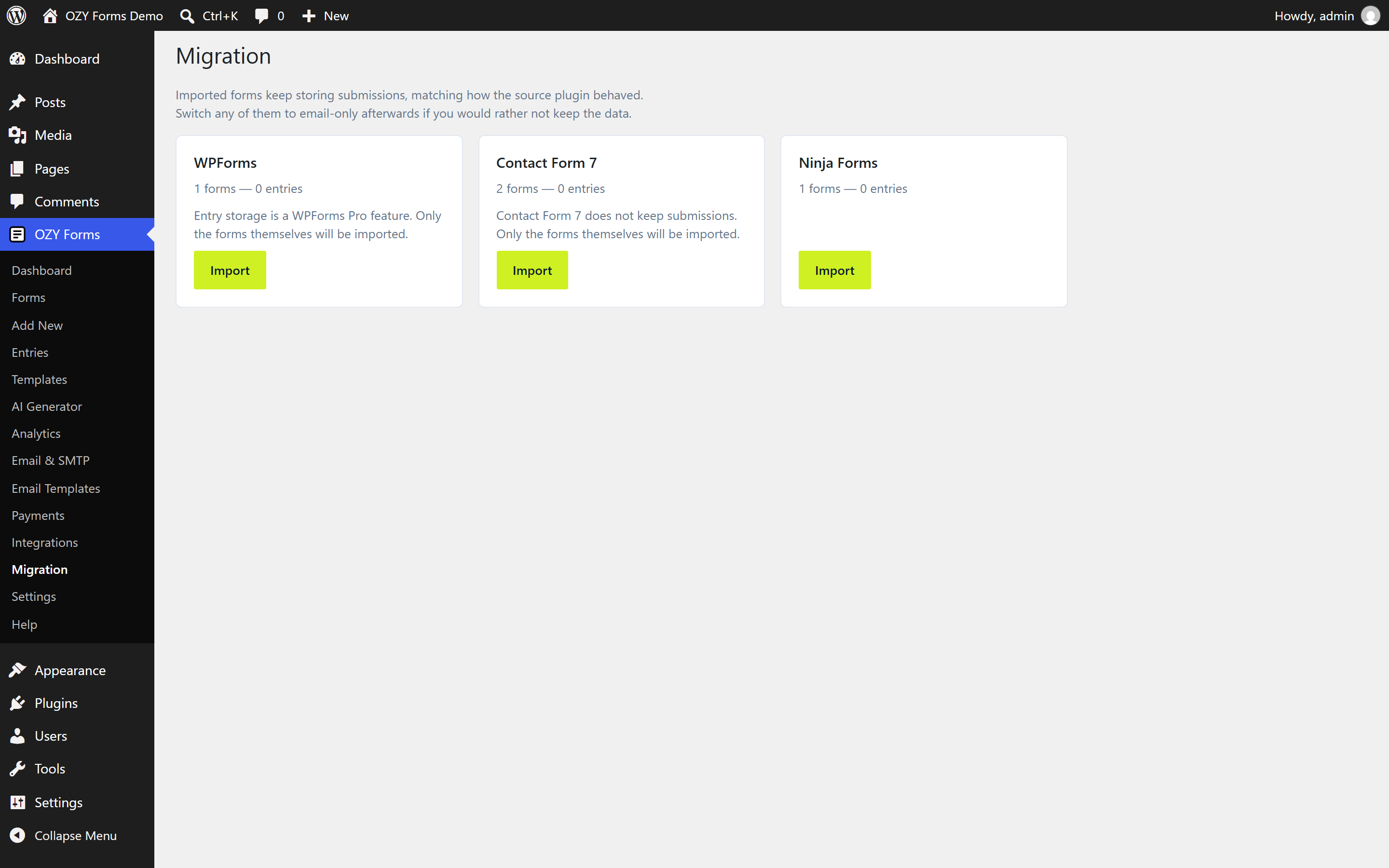
- Migration from Gravity Forms, WPForms, Fluent Forms, Formidable, Contact Form 7, Ninja Forms, Forminator and Everest Forms: read-only, with a preview and a full undo.
- 30 integrations including Zapier, Make, Mailchimp, HubSpot, Google Sheets, Airtable, Notion, Slack, Discord, Telegram, Twilio, Trello, Asana, ClickUp, monday.com, Salesforce, Zoho, Pipedrive and generic webhooks.
- Page builders: Gutenberg block, Elementor, Divi, WPBakery, Beaver Builder, Oxygen, Bricks, Avada, Brizy, plus a shortcode and a classic widget.
安装:
- Upload the plugin to
/wp-content/plugins/ozy-forms, or install it through Plugins → Add New. - Activate it.
- Go to OZY Forms → Add New, pick a template or start blank, and save.
- Place the form with the block, the
[ozy_form id="1"]shortcode, or your page builder's OZY Form element.
屏幕截图:
常见问题:
Do I need a separate SMTP plugin?
No. Email delivery for 11 providers is built in, under Email & SMTP. If you already run WP Mail SMTP or FluentSMTP, leave OZY Forms' SMTP switched off and your existing setup keeps working. The plugin will even warn you if it detects a competing mail plugin.
Are submissions saved to my database?
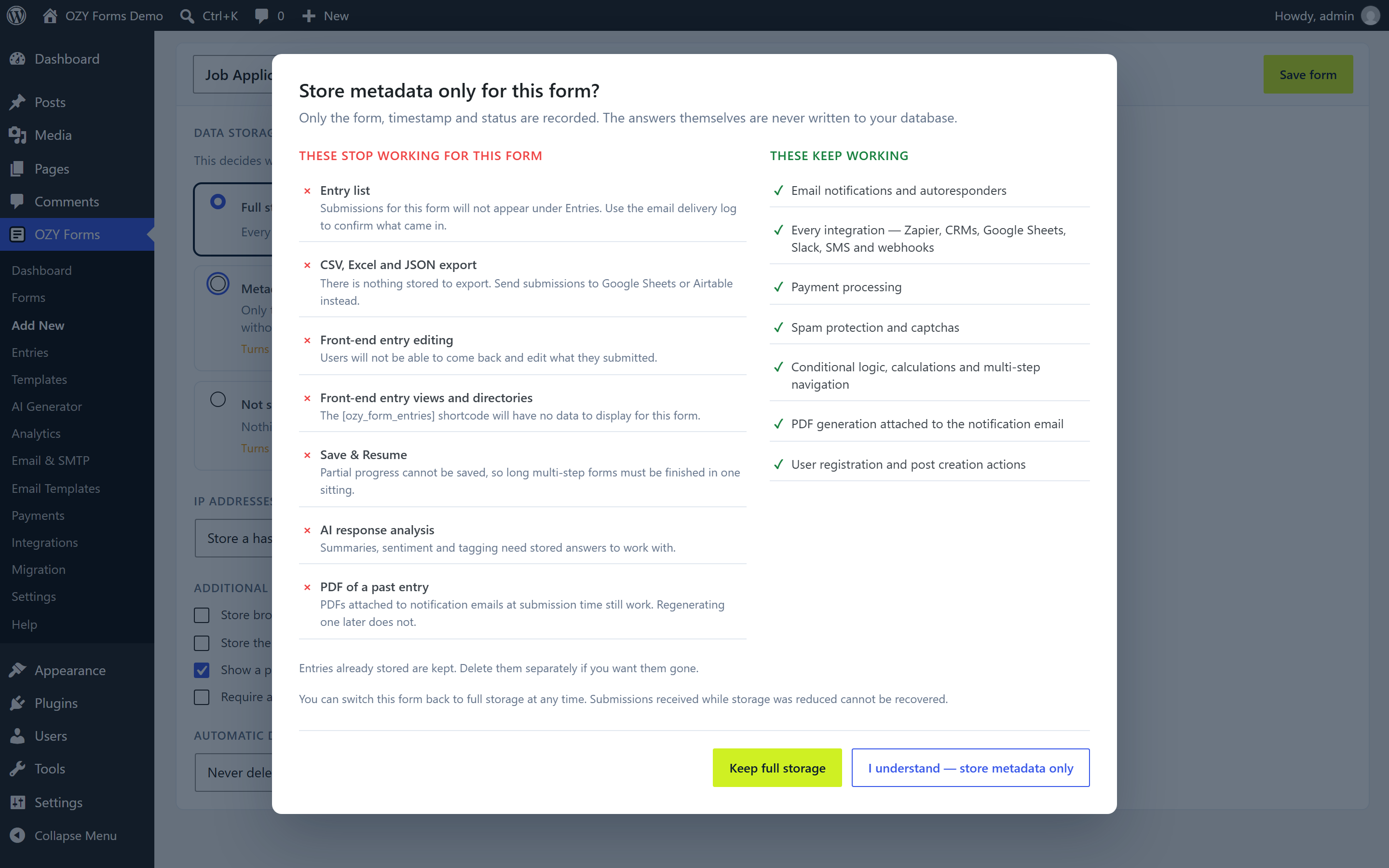
By default, yes, so the entry list, exports and analytics work straight away. Every form has a Data & Privacy tab where you can switch it to email-only or metadata-only. Before that takes effect you are shown exactly which features stop working.
Does anything get sent to your servers?
No. There is no telemetry and no phone-home. The only outbound requests are to services you configure yourself, listed above.
Can I move away later?
Yes. Tools → Export produces your forms as JSON, and a Contact Form 7 template for the fields that format supports.
Are card details stored on my site?
No. Card entry happens inside the payment provider's own iframe or SDK. This plugin only handles the resulting token and stores a transaction reference, amount, currency and status.
更新日志:
- The model picker on the AI screen is where you would look for it. It sits in a panel of its own under the key, says how many models that provider offers, and each card now reads out the model it will actually run on, so you can tell at a glance without opening anything.
- The Notifications tab shows the whole message at once, in named sections: who it goes to, who it comes from, what it says, when it goes. The CC, BCC, from name, from address and reply-to boxes used to sit behind a closed panel and the template picker behind the message box, which is why they read as missing.
- The email template picker sits beside a link that opens the template designer, so a template can be chosen and previewed without leaving the form.
- Notifications can be routed to a different address when the answers match a rule — send pricing questions to sales and everything else to the usual inbox. The engine has always done this; there was simply no way to write the rules down.
- A step number in the manual could print as a raw placeholder when the docs endpoint left it out.
- The submit button reacts to the pointer again. A button that was never given a colour of its own wears the form’s primary colour, but the default hover shade was only ever worked out from the button colour, so every form using a preset’s colours had a hover state identical to its resting one. The shade is now taken from whichever colour the button actually wears.
- The design studio gained the hover settings it was missing: a border colour for fields on hover, a border colour and thickness for the button, separate hover colours for the button’s background, text and border, and a movement for the button under the pointer, which can lift, press, grow, glow or stay still.
- A field border colour chosen in the studio now shows on every field style. The underline, material and filled styles each pinned the border back to their own colour on hover, which is why a chosen colour looked like it did nothing.
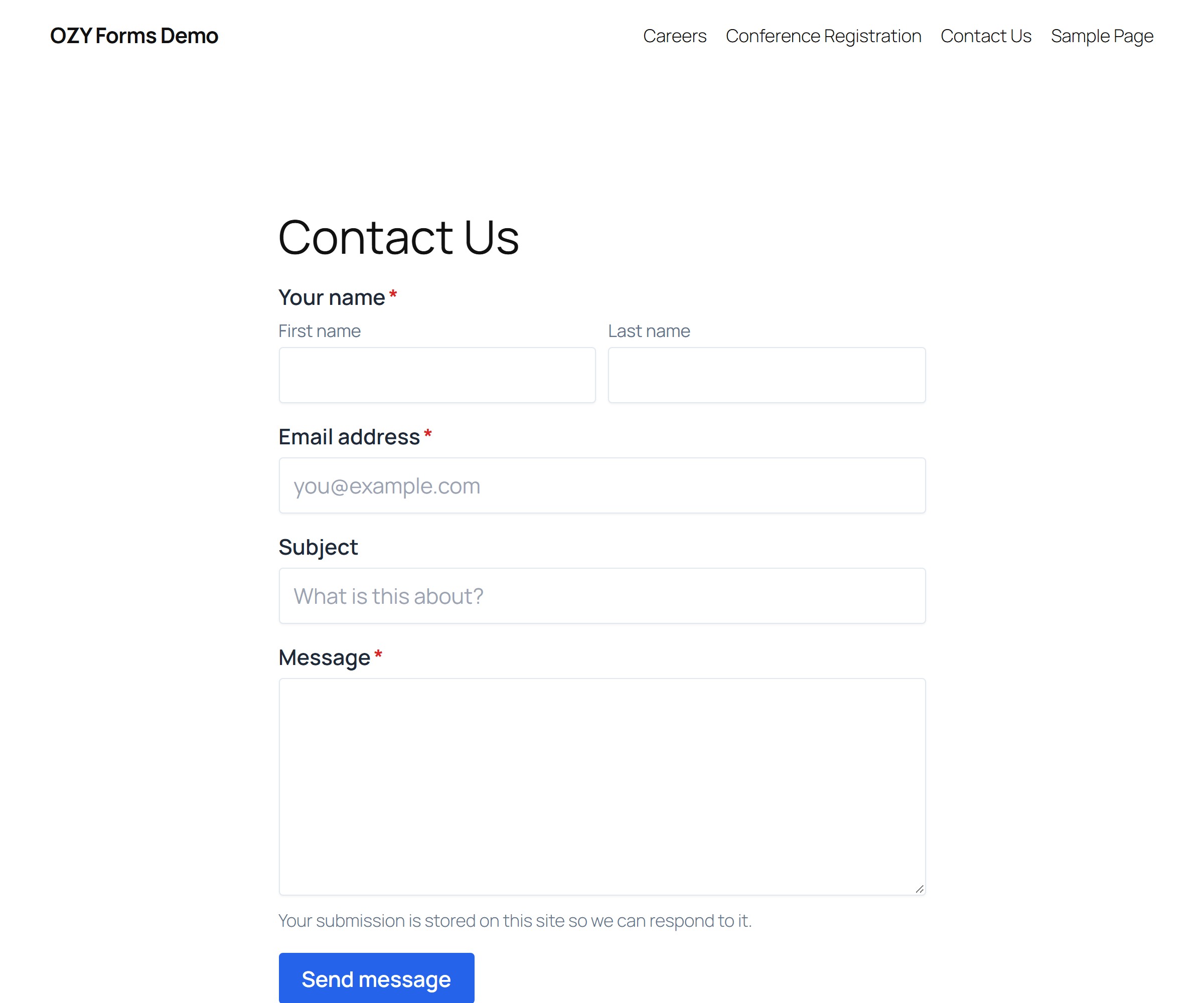
- Each part of a Name or Address field takes its own placeholder. The name field rendered its parts with placeholders switched off outright, so there was no way to put example wording in the boxes.
- The small labels on the parts of a Name or Address field now sit under their box rather than above it, which is what stopped a Name field lining up with the plain field sharing its row: the extra line pushed its boxes down while the neighbour’s stayed put. They can be put back above, or switched off altogether, from one setting. Switched off, each part falls back to its placeholder or to its own name, and the labels stay in the markup, out of sight, for screen readers and autofill.
- Every field that collects an answer can have its label hidden from the page without being deleted, from a switch beside the label itself.
- First and last name sit side by side again. The parts were laid out on a grid that needed 160px per column, so a name field set to half a row fell back to one part per line and stacked them.
- A Name field can say which of its parts have to be filled in, the way the Address field already could.
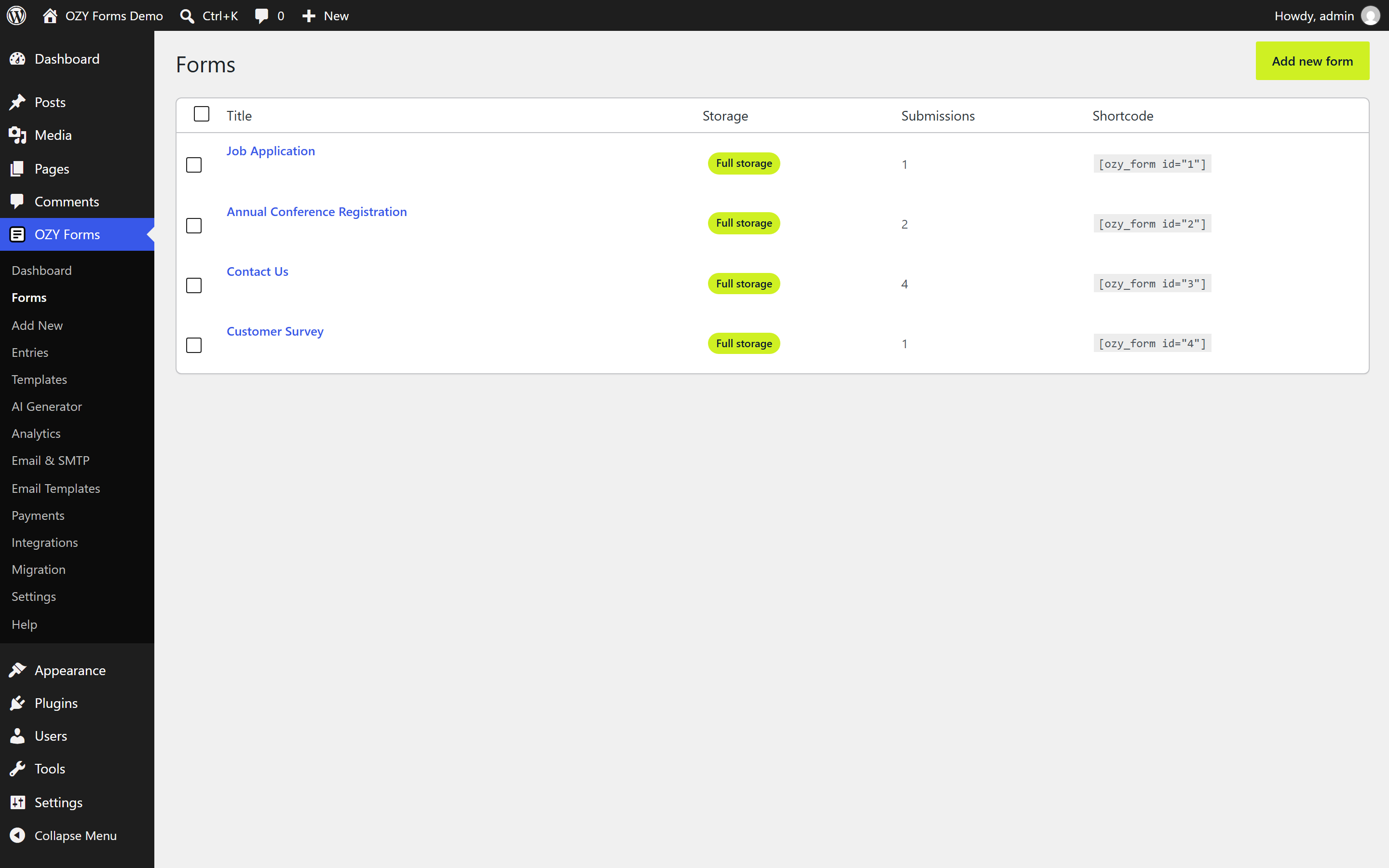
- Deleting or duplicating a form shows the result straight away. The admin reads its list back over REST the moment the action finishes, and a host cache, a proxy or the browser was answering that read with the copy it had taken a moment earlier, which is why a deleted form lingered until the site cache was cleared by hand. This plugin’s REST responses now say they are not to be stored, and each reload asks for a fresh address.
- Deleting a form from the list deletes it, along with its entries, which is what the confirmation dialog has always said it would do. It had only been hiding the form and leaving the entries behind with nowhere left to read them.
- The AI screen shows each provider’s models. They were sent to the browser as name and value pairs and read there as a plain list, so the model picker never appeared and every provider silently ran on its default model. Saving a model then compared it against the display names rather than the model names and threw away every real choice.
- A model name can be typed in by hand when it is not on the list, since providers add and retire models between releases.
- The provider cards were rebuilt: a status light, a reveal button for the key, the model picker, and the provider’s terms and privacy links in one place.
- Lighter borders, rounder corners and a quieter focus ring across the admin screens, and the same treatment for the tables, tiles and cards on the dashboard.
- Half, third and quarter width fields now really do share a line. The stylesheet had been given the rules in 1.1.0, but the sheet each form generates for itself restated the same width classes with a scoped selector that outranked them, and sized them against a container that stacks its children. The per-form sheet no longer touches widths; the stylesheet owns them.
- A field keeps the width it was given instead of stretching into the space beside it, so a lone half width field reads as half a row rather than a full one.
- The submit button keeps its padding, corner radius and border while the pointer is over it. Only the button's colours were restated at form scope, so a theme rule for
button:hoversat at the same weight, loaded later and won; the whole box is now pinned for the resting, hover, focus and pressed states. - A button with no hover colour chosen gets one of its own, a shade up or down from its resting colour, instead of appearing not to react at all.
- A hover background chosen without a hover text colour now picks readable text for itself, rather than keeping the colour worked out for the resting background and sometimes disappearing into it.
- A border colour chosen for the filled field style is honoured. The filled style paints its border transparent on purpose, so picking a colour looked like it did nothing.
- The two column and inline layouts work again. They positioned the element that used to hold the fields directly, which stopped being their parent when fields moved into a row container.
- The live preview in the design studio reacts to the pointer, so the hover colours can be judged while they are being chosen, and it shows the same default hover shade and border treatment the page will.
- The parts of a Name or Address field are now one list: tick the parts you want, type over any of them to change what the visitor is asked, and on an address mark which ones are required. Renaming a part previously meant a key and value table that expected you to know the part was called "first". The Address field had no way to rename its parts at all.
- Added tools/designcheck.php, which asserts that each choice in the design studio reaches the page.
- Email notifications can now be set up from inside the form. The builder gained a Notifications tab where you write the recipient, subject and message, pick who each message goes to, add CC and BCC addresses, set the from name and reply address, choose an email template, attach uploaded files and delay sending. One click adds a confirmation email addressed to whatever the visitor typed in the form's email field. All of this was already implemented on the server; there had simply been no screen for it, so every form fell back to a single plain message to the site administrator.
- Conditional logic has a panel at last. A field can be shown, hidden, required, made optional, enabled, disabled or given a value depending on what was answered elsewhere, matching all of the conditions or any one of them, and a notification can be told to send only when the answers match a rule. The rule engine and the front-end script that acts on it have shipped since the first release with nothing in the admin to write the rules.
- A new Confirmation tab holds what the visitor sees after submitting: the thank you message, or a redirect to another page, plus the wording shown when a field fails validation.
- The Settings tab now covers the whole of a form's submission rules rather than two boxes. Submit button text, position and sending text; whether the form posts without reloading; the spam trap; save and resume; partial entries; who is allowed to use the form and with which roles; password protection; a submission limit; one submission per person and the field that identifies them; an opening and closing date; and the step controls on multi-page forms.
- Fields placed side by side now actually sit side by side. Every field already carried a width setting and the markup already carried the class, but no stylesheet ever gave that class a width, so every form rendered one field per line whatever you chose. Fields are now laid out in a wrapping row and half, third, two-thirds and quarter widths are honoured, collapsing to full width on small screens.
- The width setting is no longer buried. It sits on the field card in the canvas as a small picker, and in an open Layout section of the field settings panel.
- Required fields can be given their own message in one field, instead of a key and value table that expected you to know the rule was called "required".
- The canvas shows the rows a visitor will see rather than one card per line, and a field can be dropped into any position in any row. Dragging upwards works, each gap highlights as you pass over it, and there are keyboard reachable move, duplicate and delete buttons on every card for anyone not using a mouse.
- The main menu item now opens a dashboard instead of the forms list: totals for forms, views, submissions and conversion, submissions in the last thirty days, unread entries, the busiest forms, what you created recently, and links to the screens most people go looking for next.
- The builder tabs, the design studio and the field settings panel were rebuilt as cards and collapsible sections, so related settings sit together instead of running down one long page.
- The design studio gained a Layout section, and the whole form layout and column settings it writes now have styles behind them.
- A notification's addresses, subject and sender are sanitised when the form is saved, and anything a visitor types that could open a new mail header is folded onto one line before the message is sent. Previously the notification block was written to the database exactly as it arrived.
- Fixed the Contest entry template, which set "one submission per person" without naming the field to check and so could not be saved at all. The Quick poll template had the same setting with no field that could identify anyone, and no longer sets it.
- Em dashes have been replaced with ordinary punctuation everywhere they appeared in text you can read.
- Added two development checks: one renders every admin screen against fixture data, the other takes a form from the builder through normalisation, rendering, validation and notification dispatch, and does the same for all thirty shipped templates.
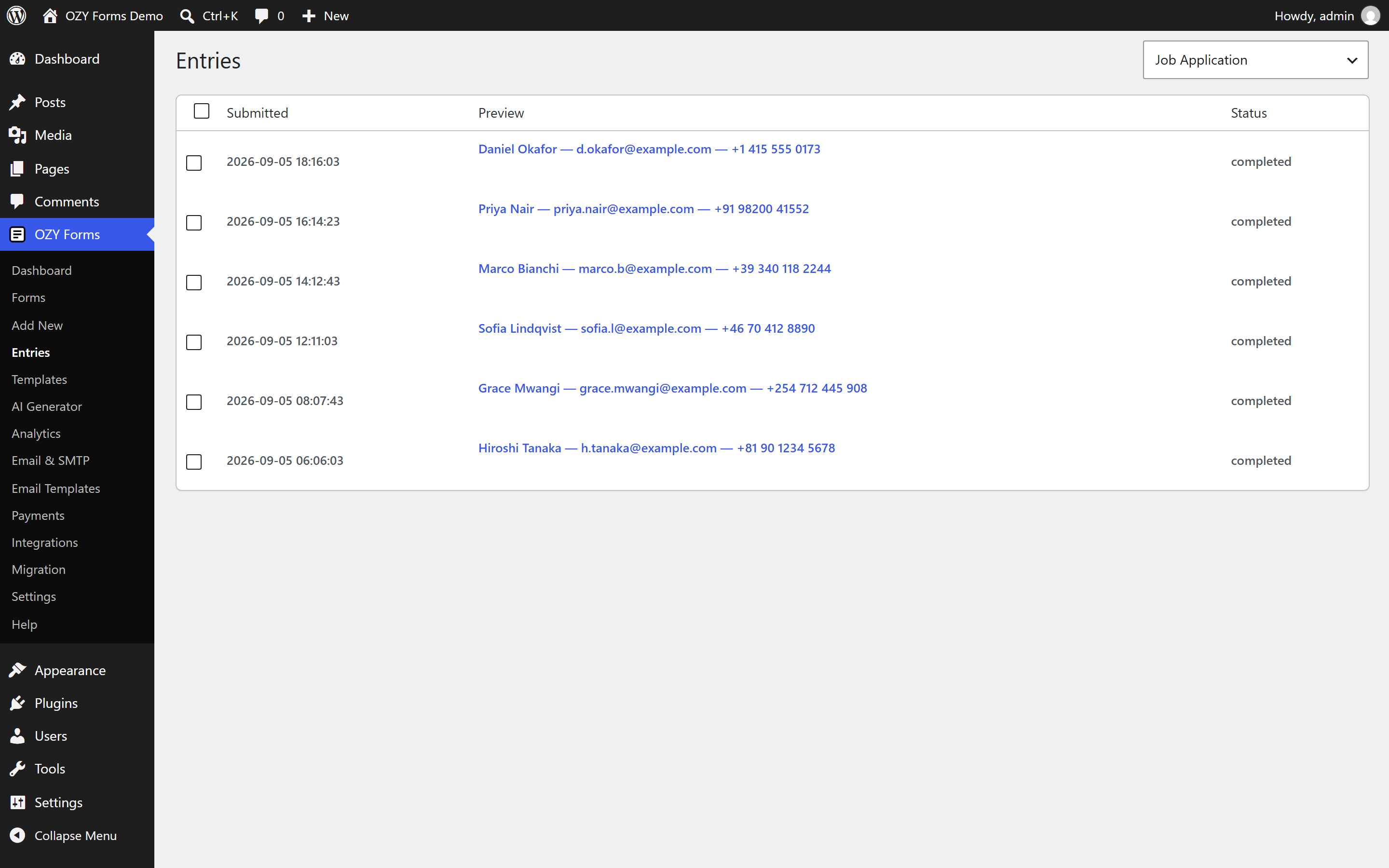
- Fixed a crash that blanked the Entries screen. The list rendered each entry's preview, which the search endpoint returns as a set of value rows, as if it were a string; React refused it and took the whole screen down. Any site with at least one stored submission hit this. The preview is now joined into a readable line.
- Email smart tags such as {field_3} resolve again. The field lookup they read was built with wp_list_pluck() and a null field, which returns a row of nulls rather than the fields themselves, so every tag fell through and was delivered as literal text. The same call broke CSV entry import, which skipped every mapped column.
- Front-end submissions no longer report failure when they have in fact succeeded. The lookup above also emitted PHP warnings, and on a site that displays errors those were printed ahead of the JSON response, so the browser could not parse the reply and showed the validation error instead.
- Choice, lookup and product fields no longer pass null to strlen(), deprecated since PHP 8.1. The same pattern was corrected in CSV import and in the conditional logic evaluator.
- The Analytics screen no longer requests form_id=0 before the form list has loaded, which answered 404 on every visit.
- Removed a stray
ariaprop on number settings that React warned about.
- Corrected four dead links in the External Services list. Constant Contact's terms moved to /legal/terms, GetResponse's terms are served from /legal, and Notion's terms and privacy policy are now linked at their current addresses. Every link in the readme was checked with a request, not by eye.
- The entries shortcode now passes each field value through wp_kses_post() before it is returned, so the value is escaped at the point of output rather than relying on the field type that produced it.
- CAPTCHA now works end to end. Site and secret keys have a place to be entered, under Settings → Spam protection keys; the provider's widget script is loaded on pages that render the field; and the token is verified with the provider before a submission is accepted. reCAPTCHA v2 and v3, hCaptcha and Cloudflare Turnstile are supported. Previously the field always fell back to the maths question because there was nowhere to save keys.
- The site-wide CAPTCHA choice now matches the values the field understands, so picking a provider on the settings screen has an effect.
- Akismet checking is implemented. The key is entered on the same screen and confirmed with Akismet before it is stored, and submissions are checked before they are stored, ahead of the AI classifier.
- The readme now names the scripts a page loads from a payment or CAPTCHA provider, separately from the endpoints this site calls itself.
- Added a Plugin URI to the plugin header.
- AI features now go through the AI Client in WordPress 7.0 when a connector is set up, so the provider and its credentials are chosen once at site level and shared by every plugin. Saving a key directly for OpenAI, Anthropic, Groq, Gemini or Mistral still works, and is what older WordPress versions use.
- Removed the per-form custom CSS box. WordPress has its own CSS editor in the Customizer and the Site Editor, and the directory no longer allows plugins to store arbitrary CSS.
- A form’s generated design CSS is now enqueued through wp_add_inline_style() instead of being printed as a style tag next to the form.
- The behaviour metadata a form passes to the front-end script moved from an inline JSON script tag to a data attribute.
- Analytics events now carry the form nonce and are rejected without it.
- Uploaded file names and MIME types are sanitised as they are read, before anything else looks at them.
- Every REST route names its permission callback inline, so what guards each endpoint is readable at the point of registration.
- The readme now lists the terms and privacy policy of every external service, one by one.
- The author URI points at ozysolutions.com.
- Tested against WordPress 7.1.
- The block preview now carries the form stylesheet. WordPress 7.1 always serves the post editor inside an iframe, which no longer inherits front-end styles, so the stylesheet is declared on the block itself.
- The AI Generator uses the full screen. On a wide display the composer and the provider keys sit side by side instead of stacking in a narrow column.
- The settings screen fills the width, laying the groups out in columns instead of one long strip.
- The Email & SMTP screen puts the sending provider and the test message next to each other.
- Rebuilt the field settings panel. It now renders the settings each field type declares, so the colour picker, image and icon choices, rating, slider, option scale, signature, repeater, field group, hidden, lookup, post, chained dropdowns, calculation, payment, total, product, HTML, heading, section and page break fields all have their own controls instead of the same four generic ones.
- Added an options editor that carries per option images, icons, prices and default selections, with the WordPress media library behind the image picker.
- Added nested field editing for the repeater and field group, level and dataset editing for chained dropdowns, and a data source picker for hidden fields.
- Fixed the white screen on the Email & SMTP screen. Choosing a provider tried to render its setup guidance, which is a structured object, as plain text and took React down with it.
- Fixed the choice list appearing on fields that have no choices, such as the option scale and the slider.
- Fixed analytics reporting zero views, starts, conversion, completion and abandonment. Views are now recorded when a form is rendered and the page reports starts, field activity, submissions and errors back.
- Added the front-end behaviour several fields were rendering markup for but never received: signature drawing, the slider readout, the rating readout, repeater rows, chained dropdown refills, searchable dropdowns, colour swatches, quantity steppers, the password reveal and strength meter, the character counter, input masks and upload drag and drop.
- Fixed the colour picker ignoring the required rule. A native colour input always reports a value, so an untouched field now stays genuinely empty.
- Added image and logo selection, alternative text, sizing and divider colour to the email template blocks.
- Fixed a page break at the end of a form producing an empty final step.
- Options, transients, tables and request keys moved from the
of_prefix toozyf_.of_is short enough to belong to something else on the same site. Stored data does not carry over, so deactivate and reactivate after updating. - Translations load through WordPress instead of load_plugin_textdomain(), which fired too early to be useful.
- Every directory carries an index.php, so a server with directory listing enabled cannot enumerate the plugin.
- The bundled translation template was several releases out of date and now covers every string.
- Fixed the fatal error that broke every page holding a form. Form_Renderer called a method that was never written, so the shortcode, the block, the widget and every page builder element crashed with "There has been a critical error on this website".
- Wired the shortcode's ajax attribute through to the renderer.
- Removed a byte order mark from readme.txt.
- Replaced the blue accent throughout the admin screens with the OZY Solutions palette.
- Added the "OZY Default" colour preset and made it the default for new forms.
- Front-end forms now start from the brand palette instead of the old blue.
- Rebuilt the settings screen as aligned rows with an explanation under every option, and replaced the checkboxes with toggles.
- Fixed the privacy, honeypot and credit-line defaults, which were shown on the settings screen but never applied to new forms.
- Removed the "Analyse entries automatically" option, which had no implementation behind it.
- Added a settings reference to the documentation.
- Added AI provider key management, so Groq, Gemini, Mistral, OpenAI and Anthropic keys can be entered, tested and removed from the AI Generator screen.
- Added an Email Templates screen exposing the twenty shipped templates with live previews.
- Added a block based builder for custom email templates.
- Built the entries, templates, AI generator, analytics, email, payments, integrations, migration, settings and help screens.
- Added settings, analytics, email, payment and integration REST routes, including credential entry for gateways, services and SMTP providers.
- Fixed admin requests losing the ozy-forms/v1 namespace, which made every screen load forever.
- Failed requests now report the reason instead of leaving a screen on "Loading".
- Scripts and styles are versioned by file modification time so updates are not served from cache.
- First release.